


In the face of ever-increasing computing demands, 8GB of RAM may be very limited for most computers, and Microsoft has set 16GB as the minimum standard for a high-quality Windows experience, but this is not applicable at all on Mac computers. If you are planning to buy a Mac computer, you may think that you need more than 16GB of RAM, but the standard 8GB of Mac makes you consider paying more for it, but in fact, most people do not need more than 8GB.
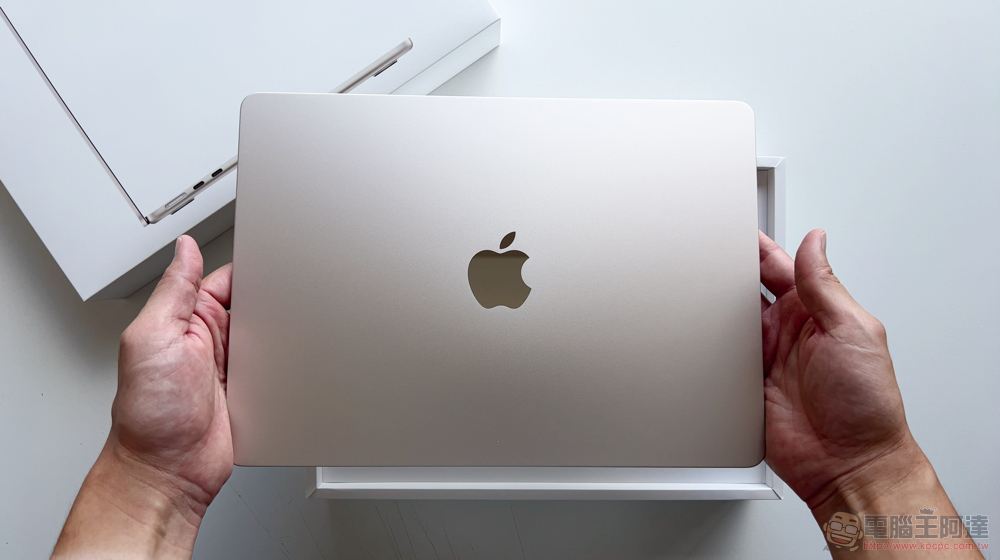
Why can Mac computers run smoothly with only 8GB of RAM?
The rise of modern web browsers, web-based desktop applications, and other sandboxed software means that nearly everything on your computer requires a large amount of RAM, which is why 16GB has been Microsoft’s preferred recommendation for several years, and some types of work or games may even require upwards of 32GB to run more smoothly. But this is not the case on Mac. Even if you buy only the standard 8GB version, it can still run smoothly. So why is this? Today we start from the beginning.
Introduction to memory management
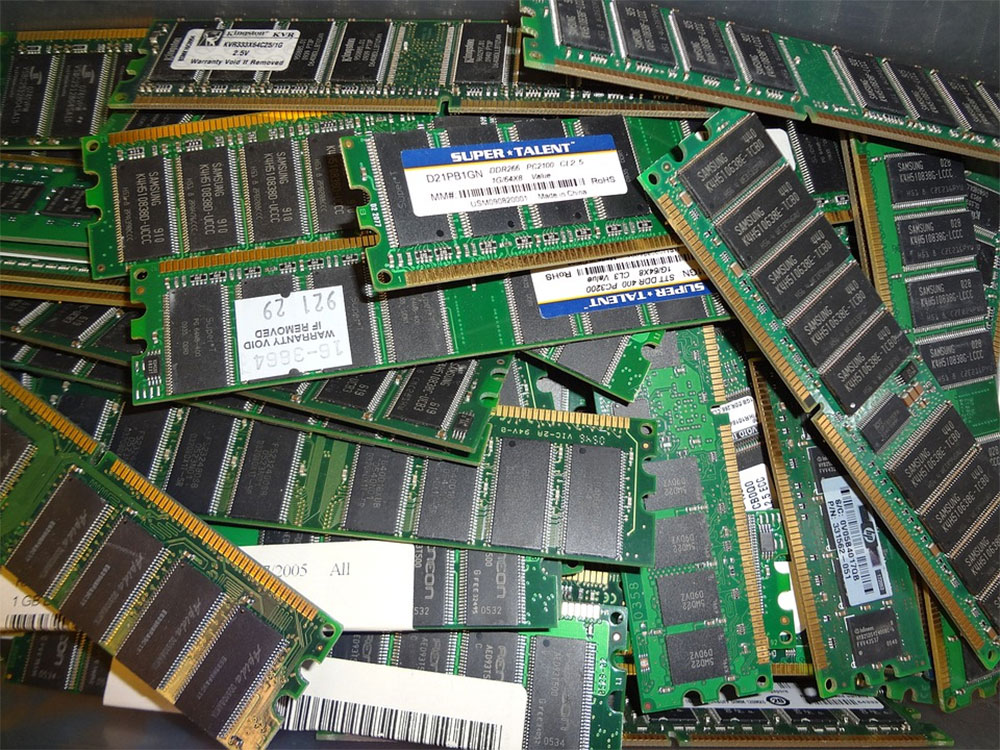
Let’s start with how computer memory works. Random access memory, or RAM, is the fast memory in your computer that is used to store applications while they are running. If the task you’re running is larger than the RAM your operating system can accommodate, some of the data will be moved to virtual memory on much slower storage (such as an SSD or HDD in your computer) until you need it again. On computers with many applications open, slowdowns are often caused by the constant swapping of data between RAM and slower storage.
Each computer operating system handles this process differently. Windows uses paging files on the primary hard drive as virtual memory, and since Windows 10, it can also use memory compression to reduce swapping. Linux varies a lot, with a few different options for virtual memory and memory compression, but most Linux distributions operate similarly to Windows. In the past, it was common on Linux to dedicate an entire hard drive partition to virtual memory, called a “swap area,” but now it is more common to use “swap space” on the main system.
Memory management in macOS covers most of the same bases. According to old Apple documentation, macOS uses a paging system as virtual memory, with data stored on the main boot partition, similar to Windows. However, the way it works with memory is very different. If you open Activity Monitor and switch to the Memory tab, the graph below shows memory pressure rather than pure physical memory space.
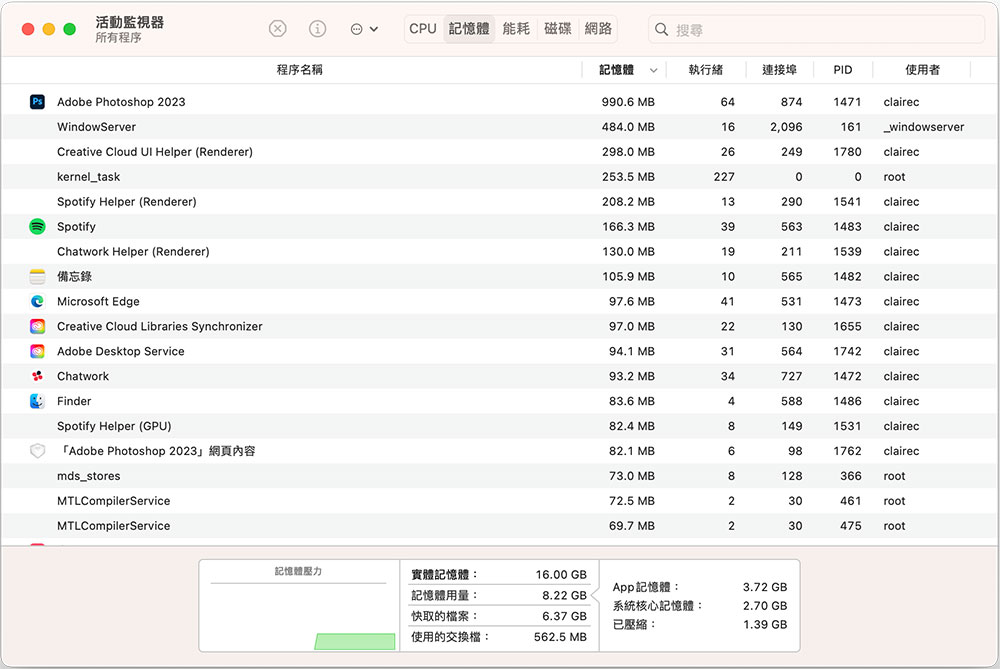
Apple describes memory pressure as a “graphical representation of how efficiently memory is meeting processing demands,” kind of like a general health bar in a computer. It takes into account available physical RAM, virtual (swap) memory in use, and other factors, and the bar graph rises and changes color as you have more resources available on your Mac. Green means you have enough memory, orange/amber means you are currently increasing usage, and red means your Mac is using a lot of swap memory. Even though the bar graph is the main metric, you can see the details of each category on the right, where “System Core Memory” is the part of physical RAM that you can’t remove, “App Memory” is the memory currently being used to run applications, and “Compressed” is inactive data that has not yet been swapped.
So what’s different about Macs?
If, as mentioned above, macOS handles RAM more or less the same as other computer operating systems, then why don’t you need as much RAM to accomplish the same tasks? The answer is “Apple Silicon”, and Apple will start moving its Mac lineup from Intel processors to its own Apple Silicon chips in 2020, such as M1 and M2. Apple Silicon uses a different design than traditional ones in that nearly all computer components are on a single chip, including the CPU, GPU, storage and RAM. It’s more like the SoC found in most modern smartphones than the CPU found in most other computers.

Apple uses Unified Memory Architecture, or UMA, in which physical memory is shared between the CPU, GPU, Neural Engine, and other components. On most computers, the GPU uses its own memory and data is constantly copied between the CPU’s memory and the GPU’s memory. Apple’s approach is to maximize system performance, which is part of the reason Macs with M1 and M2 are so fast and use so little power.
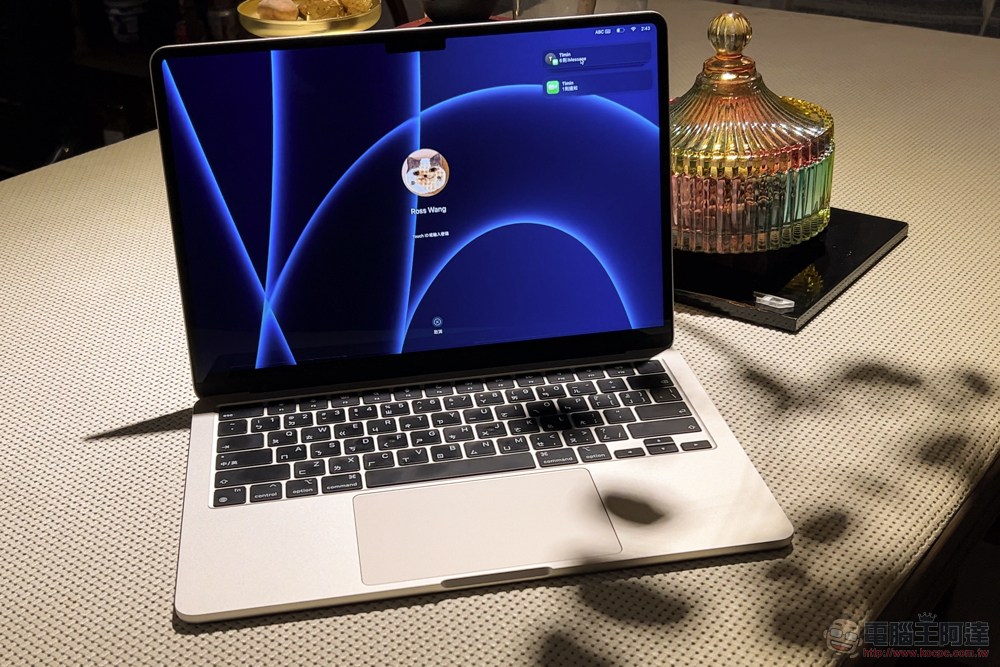
So, what does this mean for RAM usage? First, swap memory on modern Macs is much better than on most Windows computers, and since the storage is on the same die as the memory and has a high-speed bus connecting it to each other, it takes less time to move data between swap and physical memory. Between shared memory and faster storage, plus the other benefits of Apple Silicon, there’s no direct comparison between Macs and Windows computers that also sport 8GB of RAM.
It’s OK to generally use the basic model
For the vast majority of users, buying a basic 8GB RAM Mac is more than enough, and you’ll rarely see the memory pressure jump to orange even under multitasking. Especially in the past year or so, as most mainstream apps have been updated to run natively on Apple Silicon and not in Rosetta 2. macOS does seem to use RAM more efficiently than Windows, but most of the magic comes from faster data exchange and the unified memory used in Apple Silicon.
Source: KOCPC Chinese