


ChatGPT is very popular recently. In some ways, it is easier to use than Google. For example, you want to know the answer to a question, but you may find it a bit troublesome to open the ChatGPT website every time you want to ask. This article recommends the ChatGPT for Google extension. After installation, you can open ChatGPT directly in the upper right corner of the browser to chat with AI. Chrome and Firefox both support it.
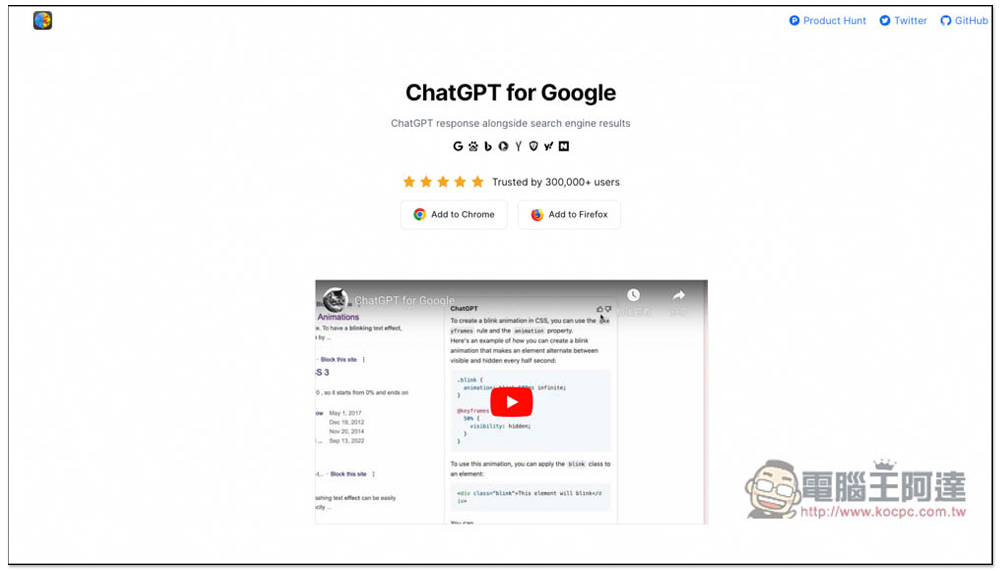
ChatGPT for Google extended function, you can chat with AI, ask questions, and write copy without opening a website
The ChatGPT for Google extension has Chrome and Firefox versions, and the Chrome version can also be installed on Microsoft Edge. I will use Edge as an example below, and the operations are the same.
After entering the Chrome store of the ChatGPT for Google extension, click Add to Chrome on the right:

Then a prompt will pop up, click “Add extension”:

When this message pops up on the upper right, it means the addition is successful. However, now Chrome and Microsoft Edge will automatically hide the extension after installing it and need to be opened manually. Click the puzzle icon on the right:
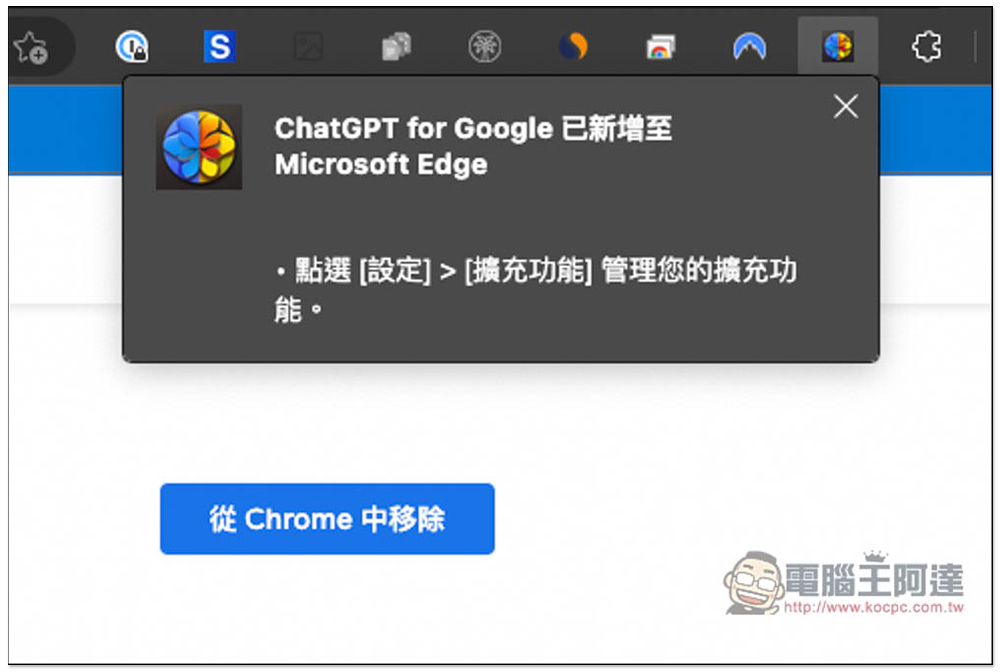
Find ChatGPT for Google and open the eye icon on the left so it appears in the upper right corner:
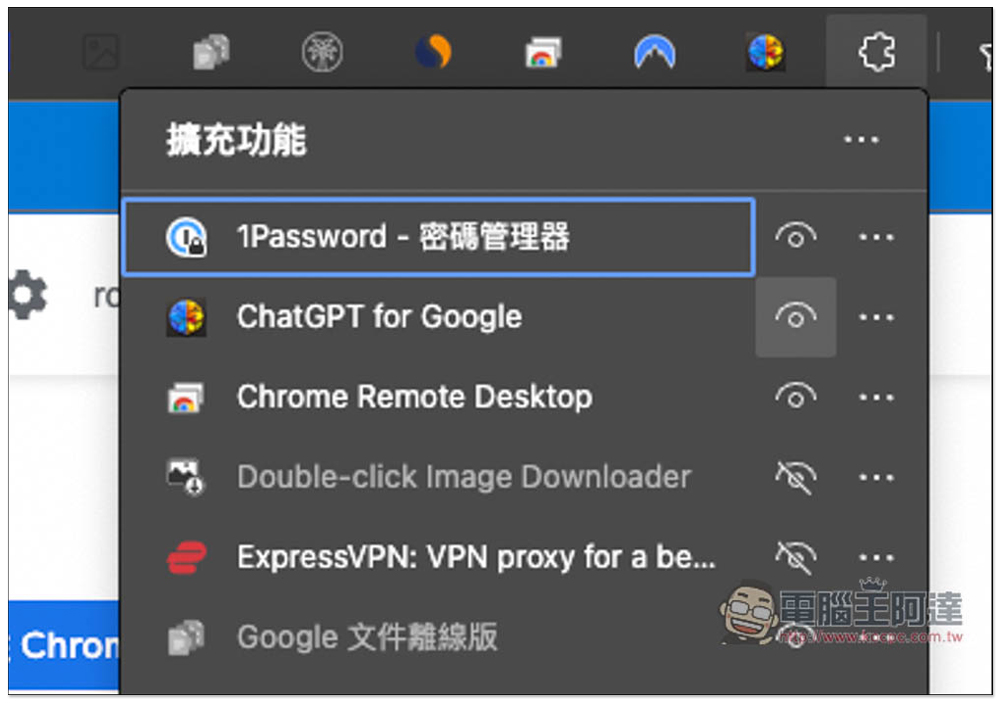
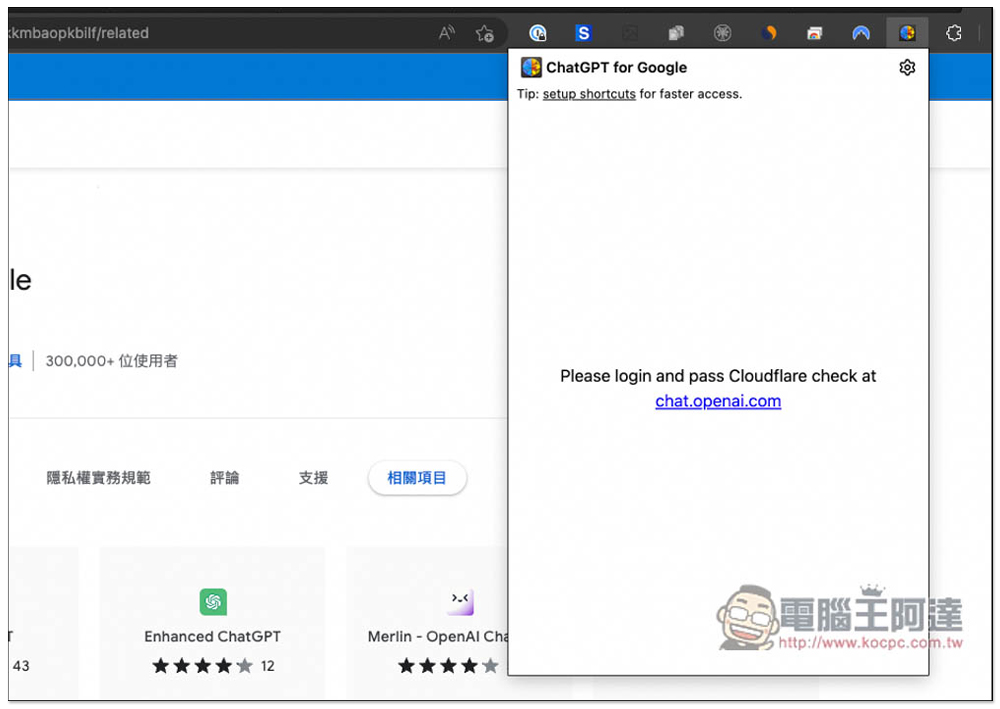
Before use, you still need to log in to your account and click “chat.openai.com”:
The ChatGPT page will open, log in to your account, and those who haven’t yet can press Sign up to register for free:
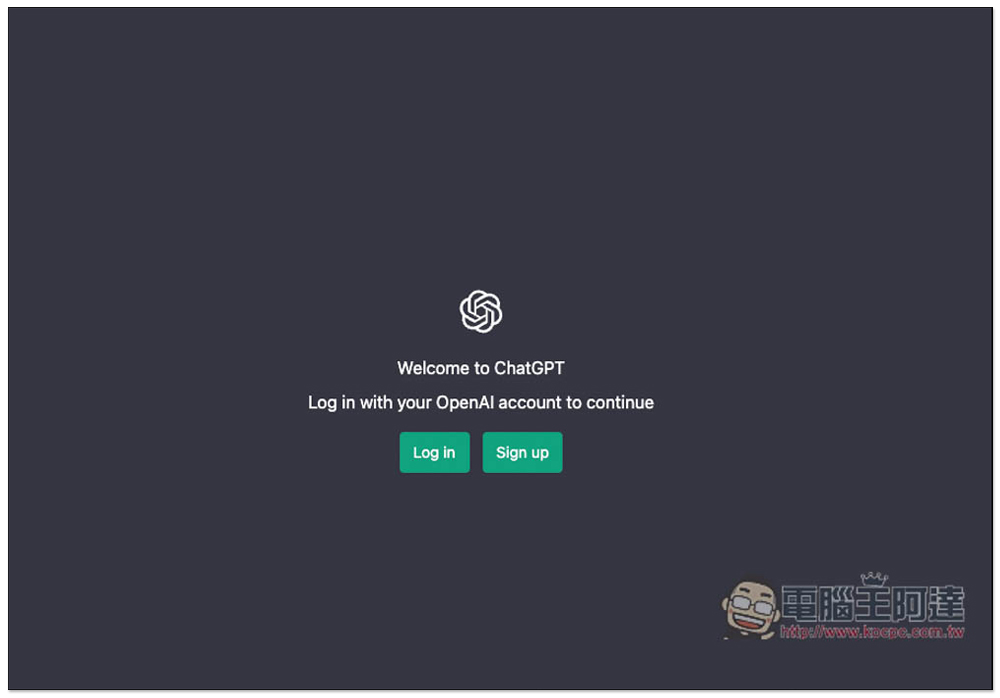
That’s it! To ask ChatGPT something in the future, just click the extension icon and enter your question:
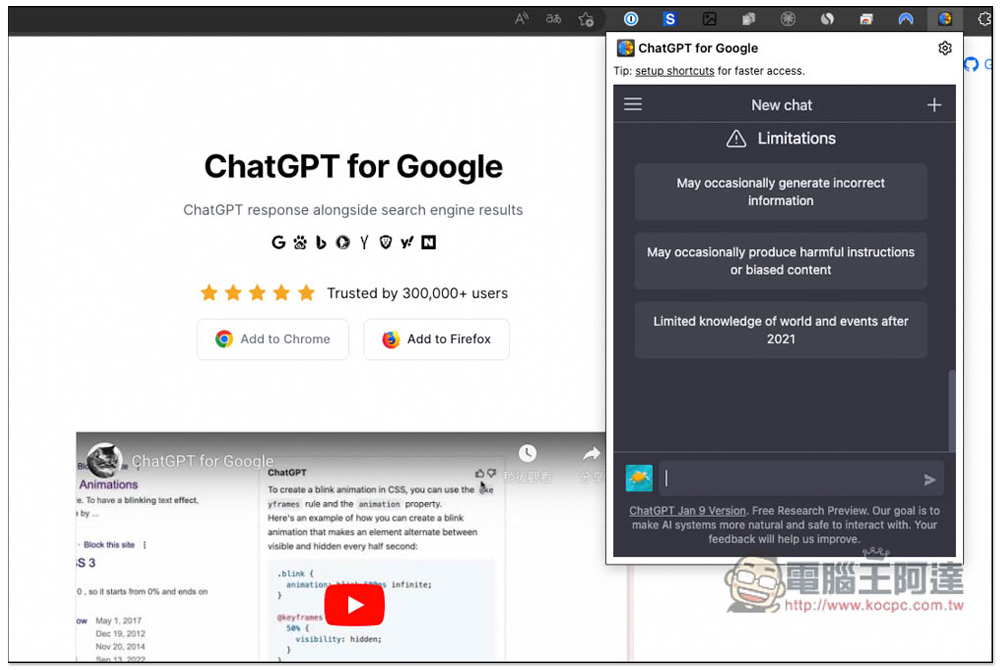
Then ChatGPT will answer you. A few things to note here are that when ChatGPT is answering, this window needs to be kept open at all times. If you close or open other tabs, ChatGPT’s answering will be paused, and then opened again and a new chat room will be opened, which means that your previous chat records are not in this chat room:
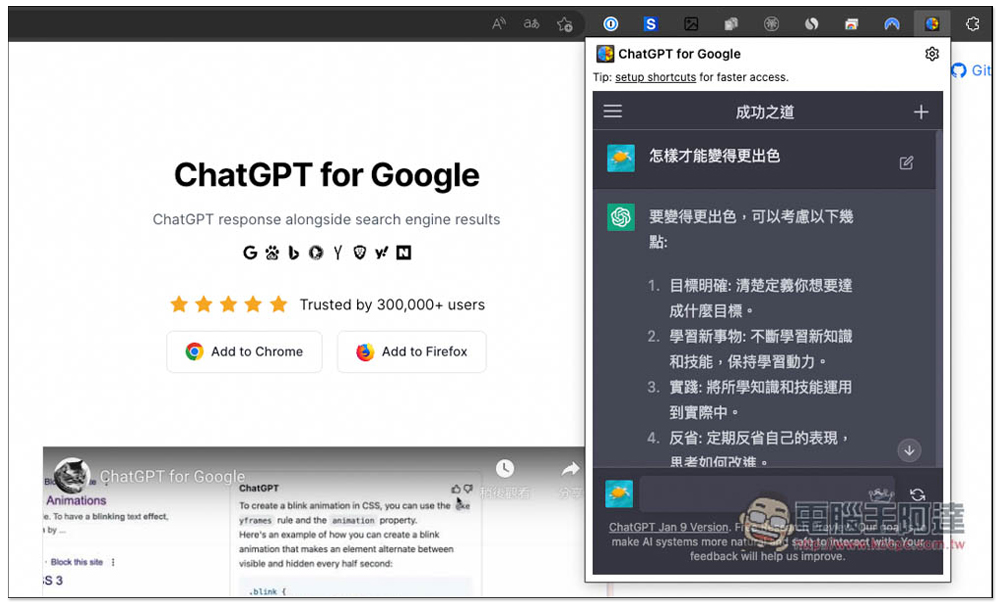
Open the three-line menu in the upper left corner to find all chat rooms. You can look through your old records to see which chat room you are in:

This is a little more troublesome. I hope I can directly continue the same chat room in the future. Otherwise, after a while, the chat room will be full and it will be difficult to find the previous records (unless you have named the chat room).
Regarding the use of ChatGPT, we have written an introductory tutorial before.People who want to know more can click me to read。
You can basically ask any questions, such as:
- Q: I want to increase my salary
- A: If you want to increase your salary, there are several possible ways. First, you could try for a promotion to a more senior position within your current job. This way, you can enjoy a higher salary.
Another approach is to acquire more specialized skills and knowledge. By getting training and education, you can add more value to your job and attract employers willing to pay you more.
Additionally, you may consider switching industries to one that offers a higher salary level. Or, you could look for new job opportunities and seek a higher salary while working for a new company.
In summary, to increase your salary, you need to be proactive, continually learn and develop new skills, and accept challenges. This way, you can add more value to your job and earn a higher salary.

Source: KOCPC Chinese