


Malware and other forms of digital viruses can, at best, cause ads to pop up, or at worst, have devastating consequences. Whether it comes from a security breach, a data leak, or just plain social media infiltration, dealing with unwanted software on your iPhone is an important but not-so-fun thing to do. In order to protect yourself and your data, you can follow us to check and strengthen your awareness of prevention.
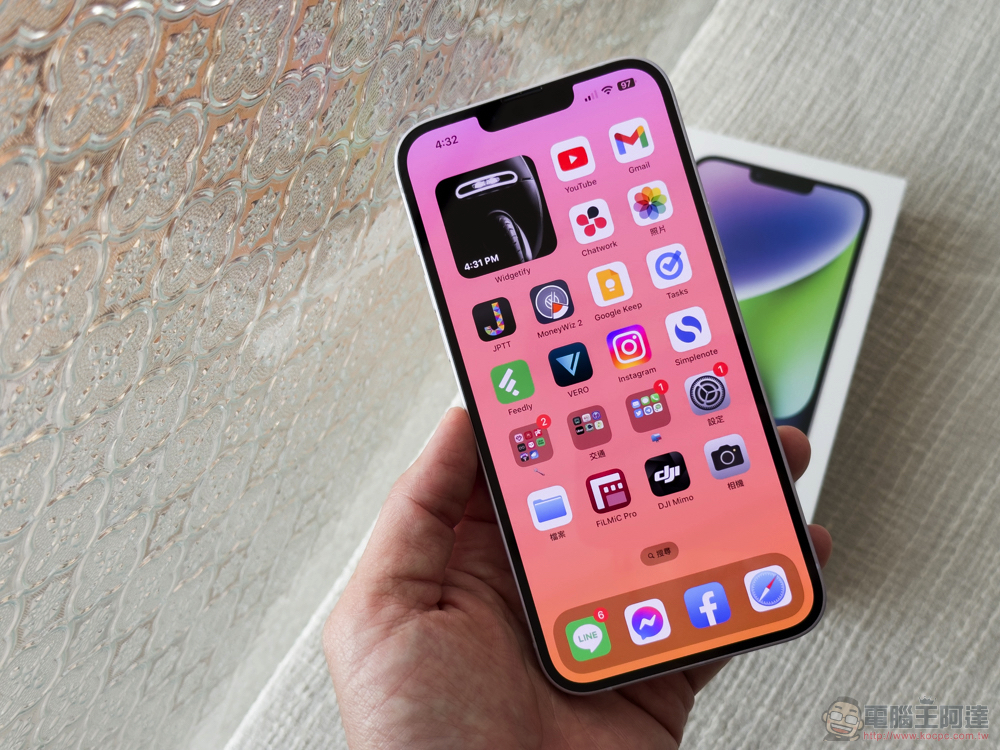
How to protect your iPhone from malware? How to check if malware is present?
These infections, which come from a variety of sources, can lead to unknowing or unauthorized use of the device, such as sending spam to others, further potential malware infections, flooding you with unwanted ads, or stealing sensitive or private information (including IDs and payment methods) and passing it on to third parties. In some cases, malicious actors can even control your iPhone and its various internal components, take photos and videos without your knowledge, monitor your activities, record your password inputs, etc.
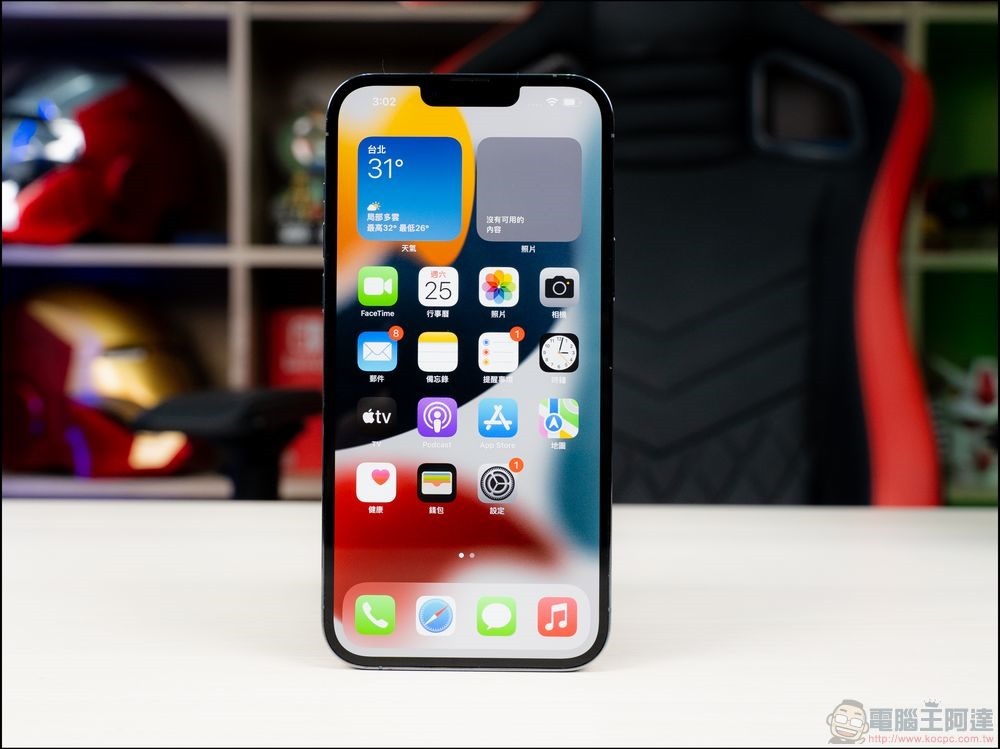
No matter how you look at it, malware is very bad and you don’t want to end up seeing it on your phone, so what can you do to see if it’s on your phone and how to prevent it from getting into your phone.
When you suspect you have malware on your iPhone…
Unfortunately, iOS does not support or even allow users to install antivirus software. This is because iOS itself has many built-in security measures to protect against malware and other forms of attacks, and the operating system can also directly prevent applications from scanning your phone. In other words, you can’t actually “scan” your iPhone for malware. but! What you can do is check your iPhone for any strange signs. Here are some key points you can pay attention to:
- Check for any apps that look unfamiliar. If you see something you don’t remember installing, it’s likely the culprit. While manually browsing through installed apps one by one is a bit time-consuming, it’s the most effective way to spot apps that shouldn’t be there.
- Watch out for ads popping up, especially if your phone is infected. It’s normal for some apps and games to intentionally display ads, but if you see ads more often than usual, especially if you see them on your home screen, it’s a common warning sign to start checking the app.
- Monitor your iPhone’s data usage, as unexplained spikes in activity could be the result of malware. Open “Settings >> Mobile Services” to check how much data has been used during the billing cycle.
- You can also check battery usage by opening “Settings >> Battery” and scrolling through the data. You can get an overview of how much space a specific app is using. This is also a good way to find apps that shouldn’t be on your iPhone.
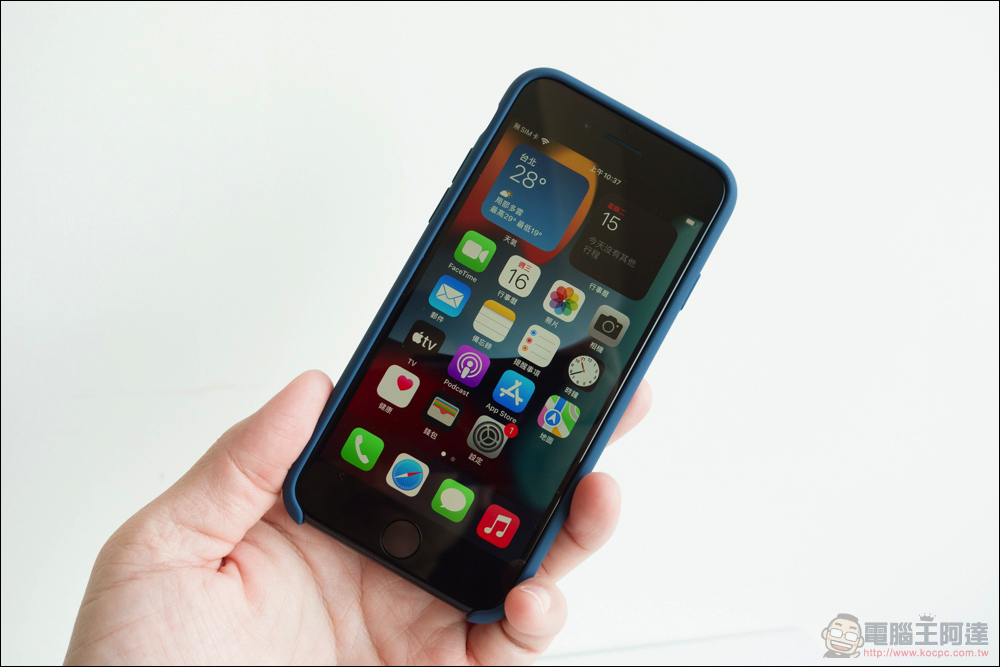
How to protect yourself better?
Of course, rather than dealing with malware afterwards, it is more important to prevent it. First, do not install malware. However, filtering out all suspicious applications and links is a very tricky problem. However, the core rules of the Internet apply not only to computers, but also to mobile phones.
- If a link that appears in an email, message, website, etc. doesn’t look normal, don’t click on it randomly. If you think it might be legitimate but you’re not sure, don’t click on it if you’re not sure at all.
- Due to Apple’s review mechanism, it is recommended that you only download and install applications from the official App Store. This can effectively reduce risks, but it is not completely risk-free. Even if you see an app in the App Store, if you think it’s a bit suspicious, please don’t download and install it.
- Backing up your iPhone regularly will allow you to restore your device to its pre-infection state.
- Update your iPhone to the latest version of the operating system whenever possible. It is recommended that you enable automatic updates to ensure that the security of your phone is kept as up-to-date as possible.
- Do not jailbreak your iPhone unless necessary. While jailbreaking is tempting and does provide more room to play, in order to open the door it also removes most of the built-in protections in your iPhone, leaving you more vulnerable to attack.
Source: KOCPC Chinese