


As AI technology develops rapidly, many people will surely want to try out voice cloning. This article recommends a great open-source tool, F5-TTS, which not only offers an online demo website but can also be deployed locally completely free. More importantly, the F5-TTSv1 base model released last month not only generates faster but also produces better results.
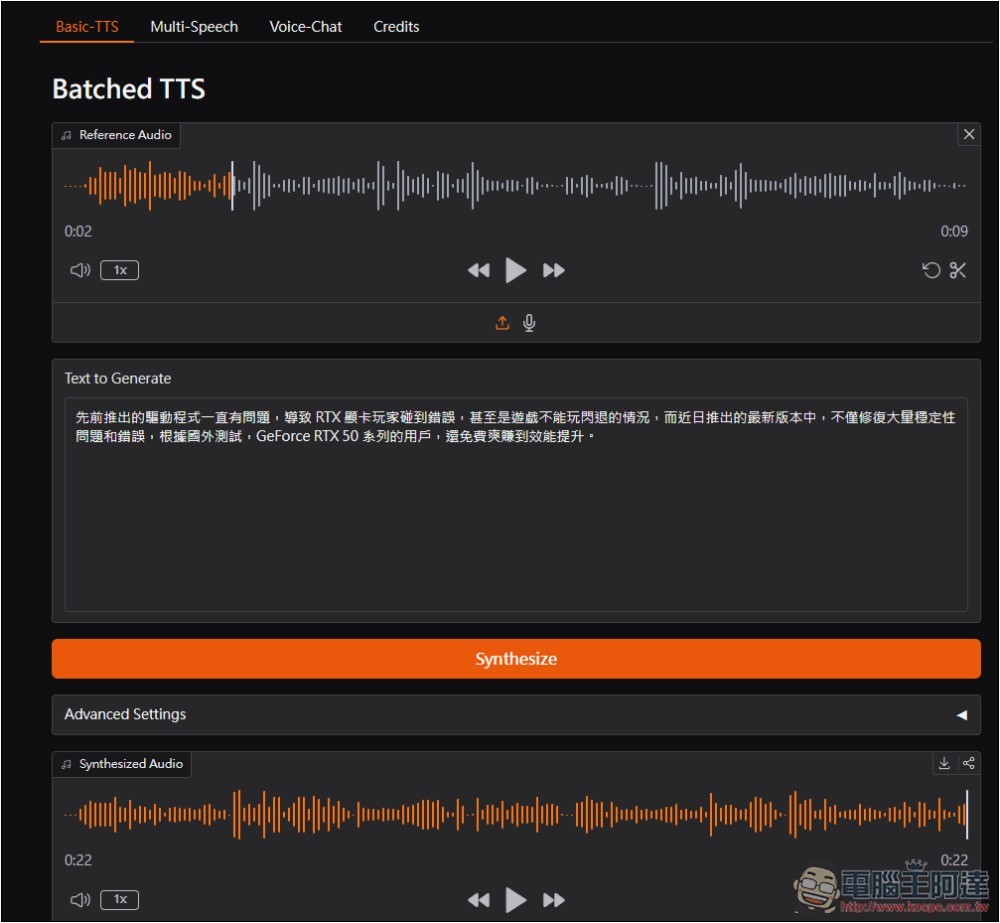
F5-TTS is a free, open-source tool that lets you clone any voice with a single click.
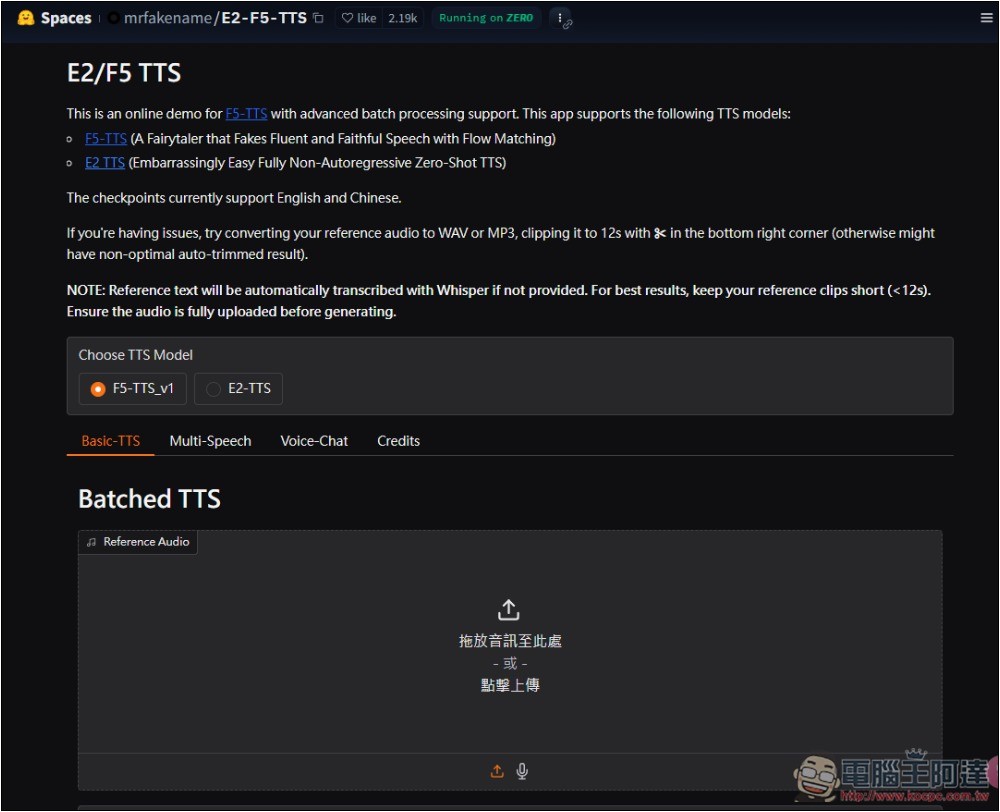
The online demo tool for F5-TTS is hosted on the Hugging Face platform, so there are usage limits. If you exceed the GPU usage, you won’t be able to continue using it for free. Without logging in, you get some quota, so it’s recommended to use that first, then log in to your Hugging Face account once it runs out. If you don’t have one, just register for free—after logging in, your GPU quota will be recalculated.
If you want to deploy locally, I’d recommend using CURSOR for deployment. Just give it the FT-TTS project URL and ask how to deploy it on your computer, and the AI will provide you with complete steps. Currently, CURSOR’s GPT-4.1 and o4-mini are completely free to use, so feel free to ask away:
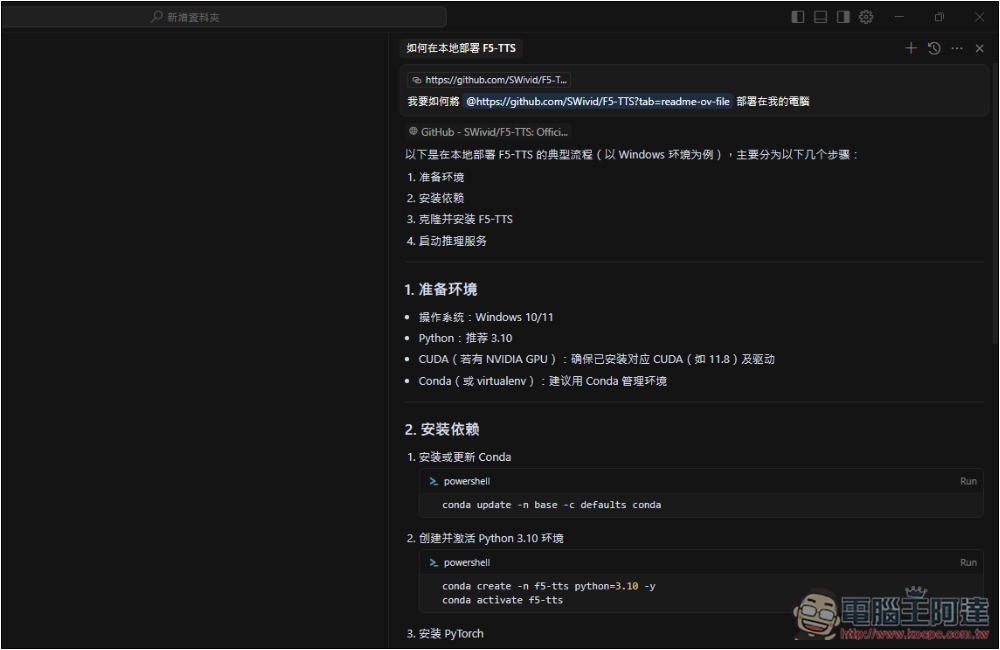
If you encounter any issues during deployment, it’s okay if you don’t understand them—just copy the entire problem and paste it to AI, and it will tell you the solution. I successfully deployed it on my computer using CURSOR. Since everyone’s computer environment is different, I won’t include my deployment process here:
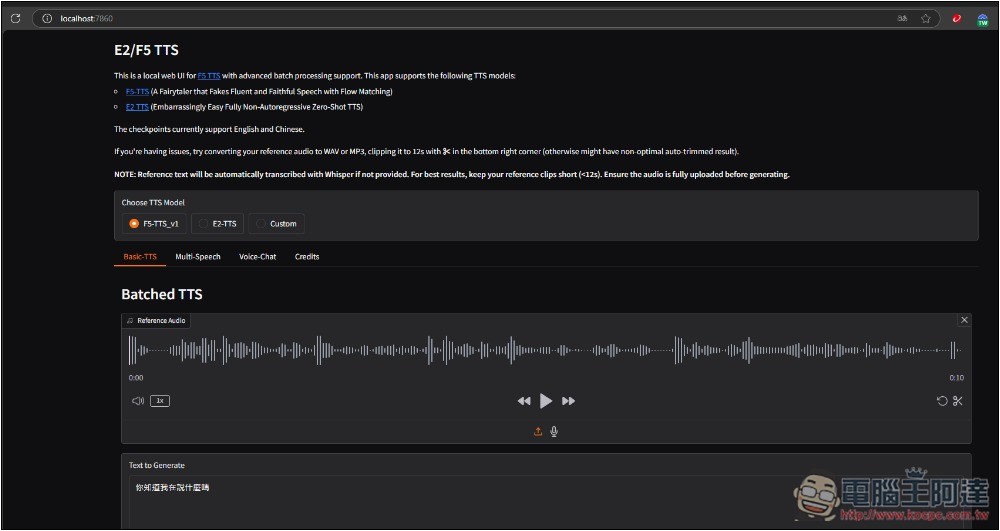
Before use, there are also a few precautions you need to be aware of to achieve the best cloning results.
- It is recommended to use a reference audio file shorter than 12 seconds, and leave appropriate silence at the end (e.g., 1 second); otherwise, words may be truncated, resulting in poor generation quality.
- Uppercase letters are read aloud letter by letter, so a format like K.F.C. is recommended, while lowercase letters are used for ordinary words.
- Insert some spaces (“ ”) or punctuation marks (e.g., “,” “.”) to clearly introduce pauses.
- If using English punctuation as a sentence ending, ensure there is a space after it, otherwise it won’t be recognized when segmenting.
- If you want numbers to be read aloud in Chinese, please convert the numbers to Chinese characters; otherwise, they will be read in English.
- Currently only Chinese and English are supported.
The operation process for the online experience is below; it’s very simple.
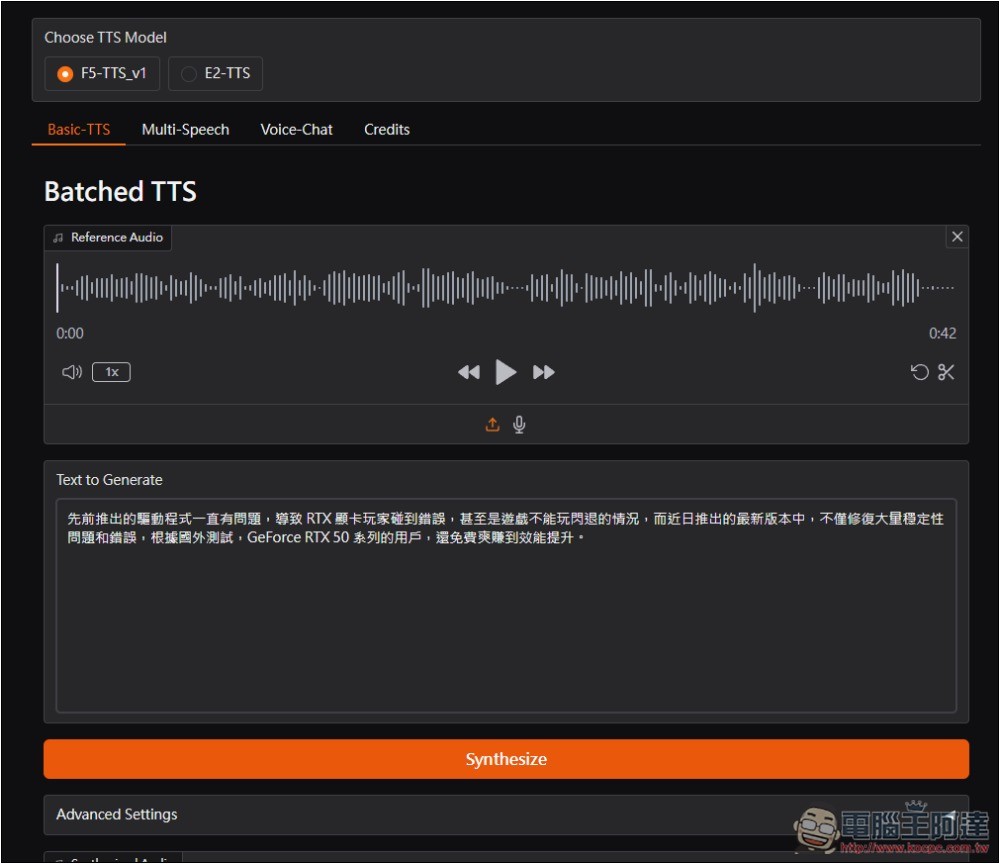
After entering the website, upload the voice file you want to clone, and it also provides a recording function:
Then you can try listening to it to see if it sounds right. Or, if you think the audio file is too long and you only want a specific section, there’s a clip icon in the bottom right corner—click it and you can trim the time segment you want to keep. For Choose TTS Model above, just use the default F5-TTS-v1, which is recommended as the best option. Enter the text content you need in the Text to Generate field below. Once everything looks good, click Synthesize and it will start generating.
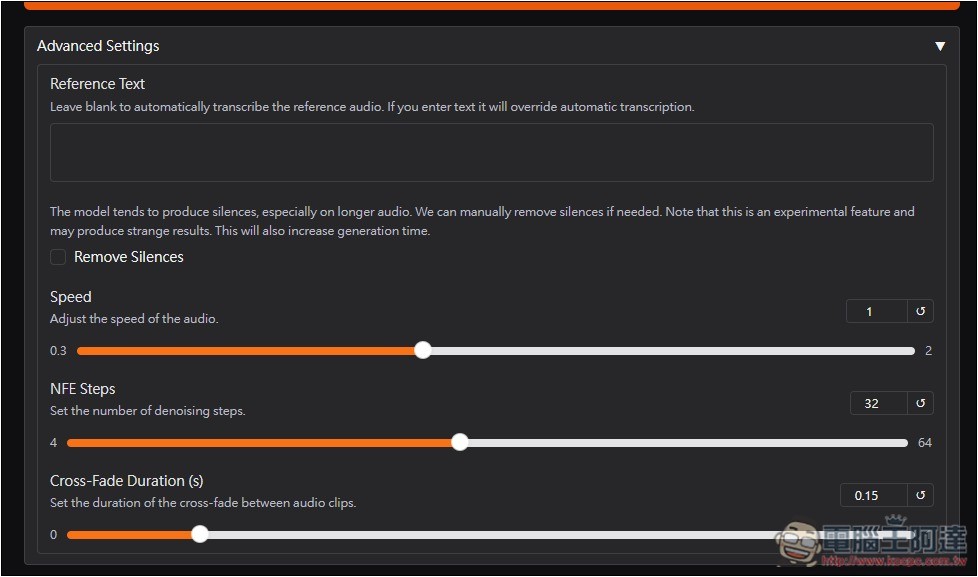
Advanced Settings: There are also some settings you can adjust.
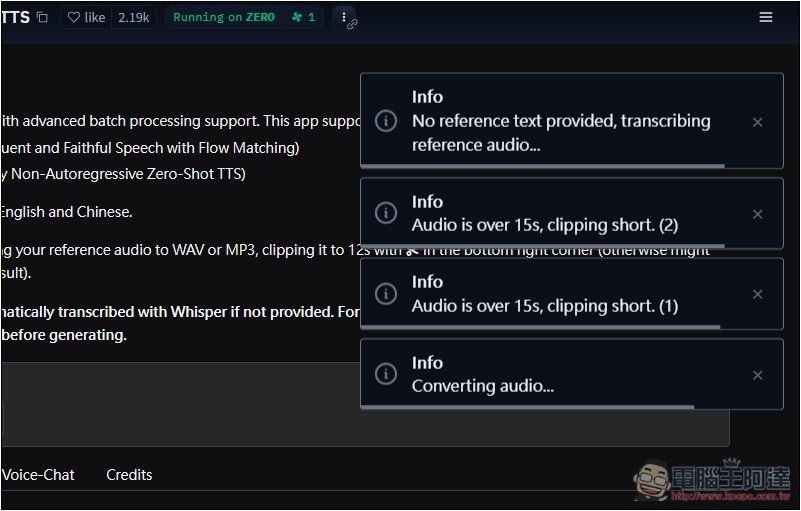
When generating, a current status message will appear in the upper right corner:
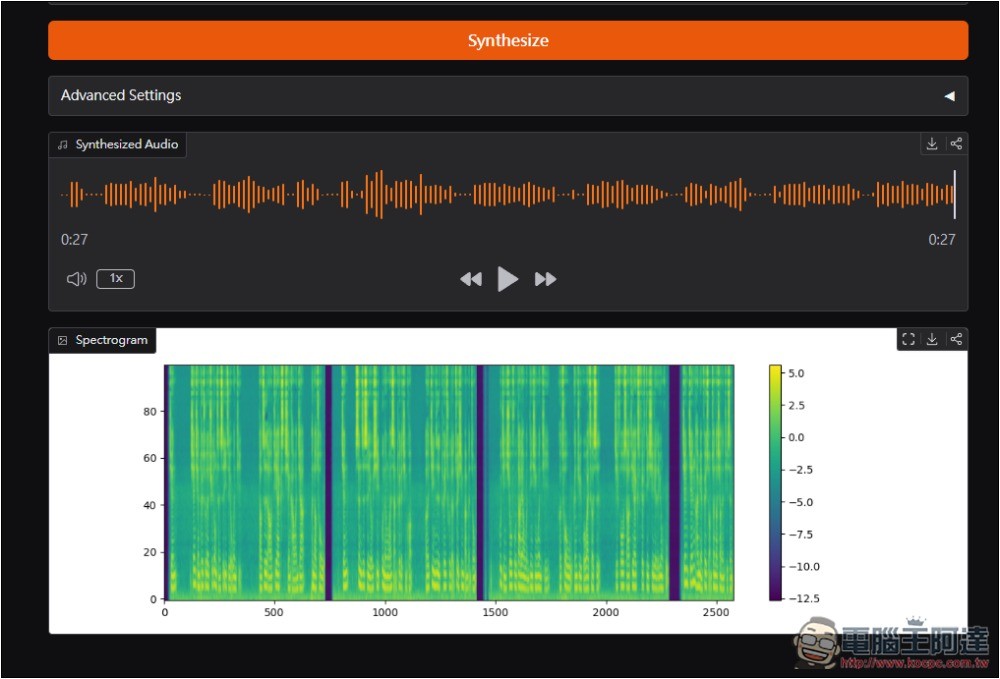
In just a few seconds, it’s done. Synthesized Audio is the generated sound, which you can preview online. If you’re satisfied, click the download button at the top right to download:
Although the cloned voice isn’t 100% identical, the vocal tone is at least pretty similar. But it’s not without drawbacks—the generated voice still spits out some text that I didn’t input.
However, it could also be that I extracted a few seconds of audio from one of Ada’s videos, and there was background music during the speech, not just the voice, which caused the cloning effect to not be very good.
The audio clip I captured:
The voice cloned with this tool. There’s more in here. Voice Cloning Cases Shared by F5-TTS Developers:
In addition to this mode, FT5-TTS also offers two modes: Multi-Speech and Voice-Chat. The former generates podcast-style conversational content, while the latter generates chat audio files.
Source: KOCPC Chinese