


Finally, the Spatial Audio support that Pixel users who are more particular about surround sound effects are looking forward to has officially arrived in many Pixel series phones after being dug out in advance by the Android 13 Beta version. The point is, if you buy Pixel Buds Pro, you can also get the magical positioning tracking effect of head tracking spatial audio! Continue reading Pixel’s January update officially brings spatial audio support. Does your phone support it? What content can be used for head tracking? This article tells you the content of the report.
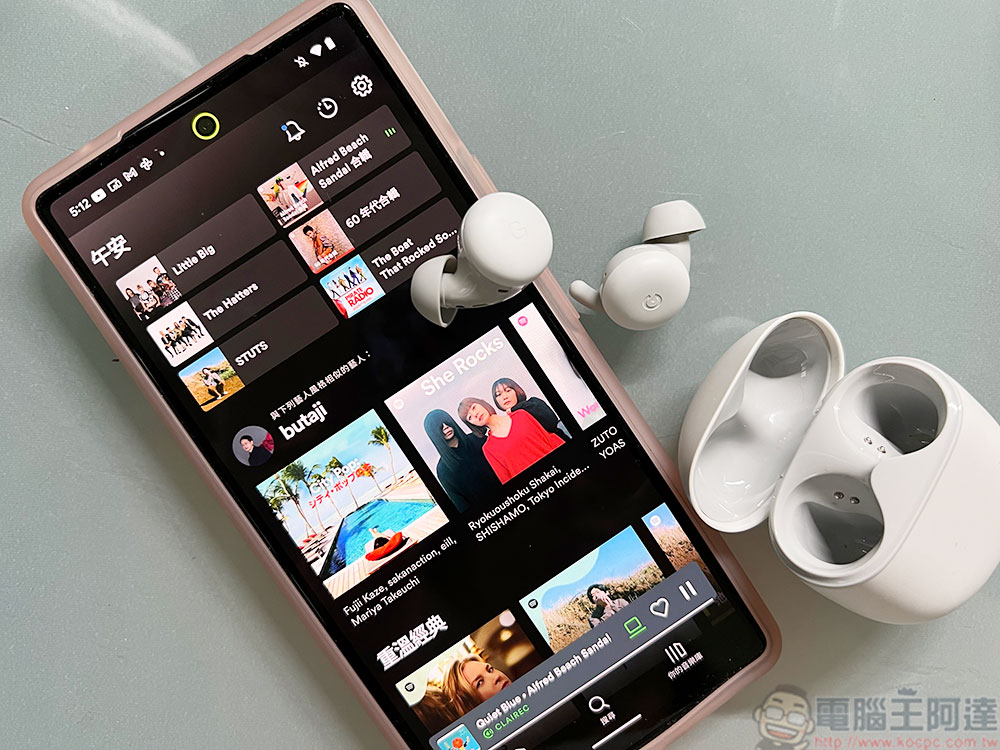
Pixel’s January update officially brings spatial audio support. Does your phone support it? This article tells you what content can be used for head tracking
With the arrival of the New Year, Google will launch the first wave of official system updates for Pixel series mobile phones in 2023. Although most of the projects are biased toward bug correction. But the big surprise, which is not a surprise, is that Google has officially brought support for more advanced surround sound spatial audio to the new generation of Pixel mobile phone series. If the video itself supports “5.1 or more channel surround sound effects” when watching a movie, you can activate such a sound effect experience. The list of phones that received this support through the January update is as follows:
● Pixel 6
● Pixel 6 Pro
● Pixel 7
● Pixel 7 Pro
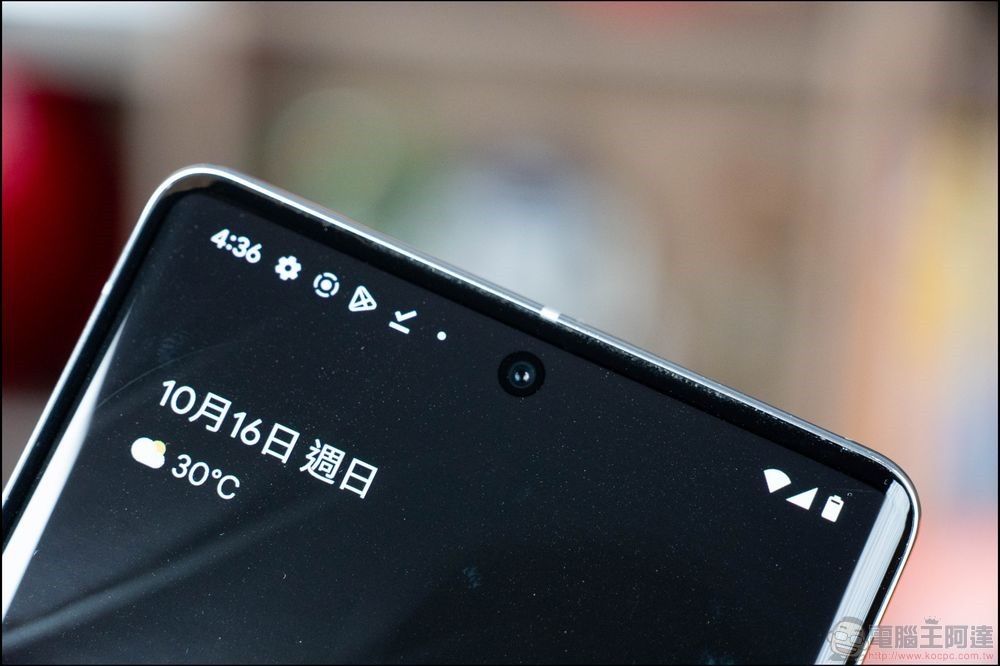
If you want to confirm whether the function is turned on or whether you have obtained this function, you can go to “Sound Effects and Vibration” in the Android system settings, find “Spatial Audio” and choose whether to turn on this function – after all, there should be some people who are more accustomed to ordinary stereo sound effects, so you can choose whether to change back to the original sound effect mode.
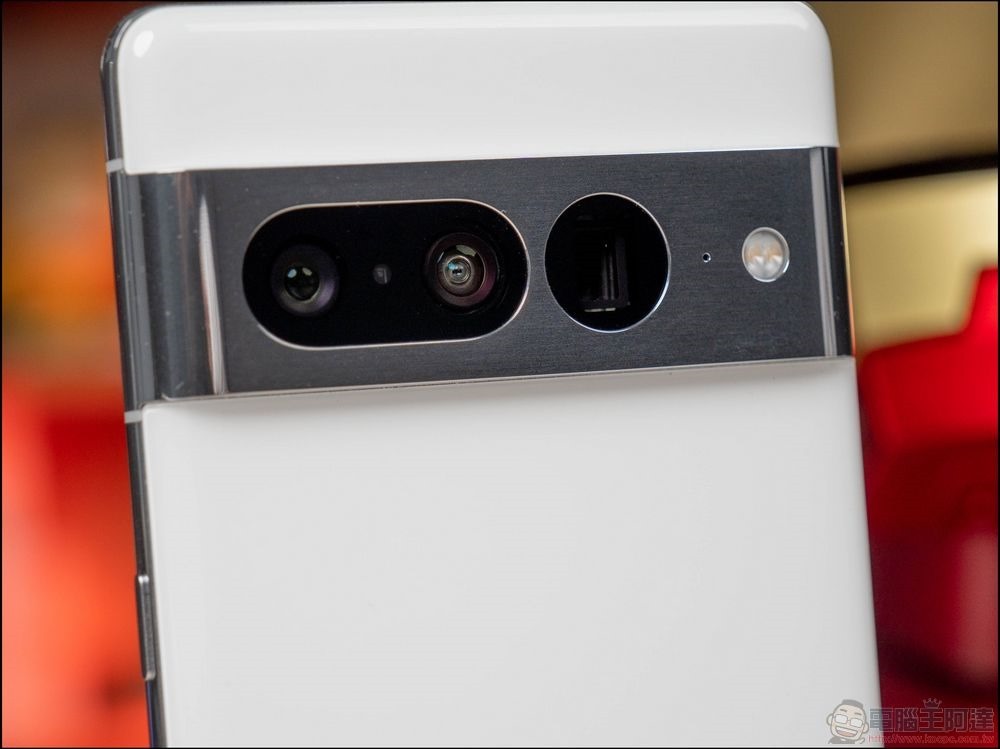
As for the head tracking function, only the Pixel Buds Pro earbuds in the Pixel device ecosystem currently support this feature. So to set it up, you need to go to “Connected Devices” in the settings, then select “Pixel Buds Pro” and then click the settings function icon of the gear to choose whether to turn on “Head Tracking”.
According to Google, when using the head-tracking spatial audio feature to watch videos, it is recommended to “hold the phone steady or place the phone on a stable surface or stand.” To put it simply, it is to avoid head tracking that makes it difficult to determine the orientation of the screen.
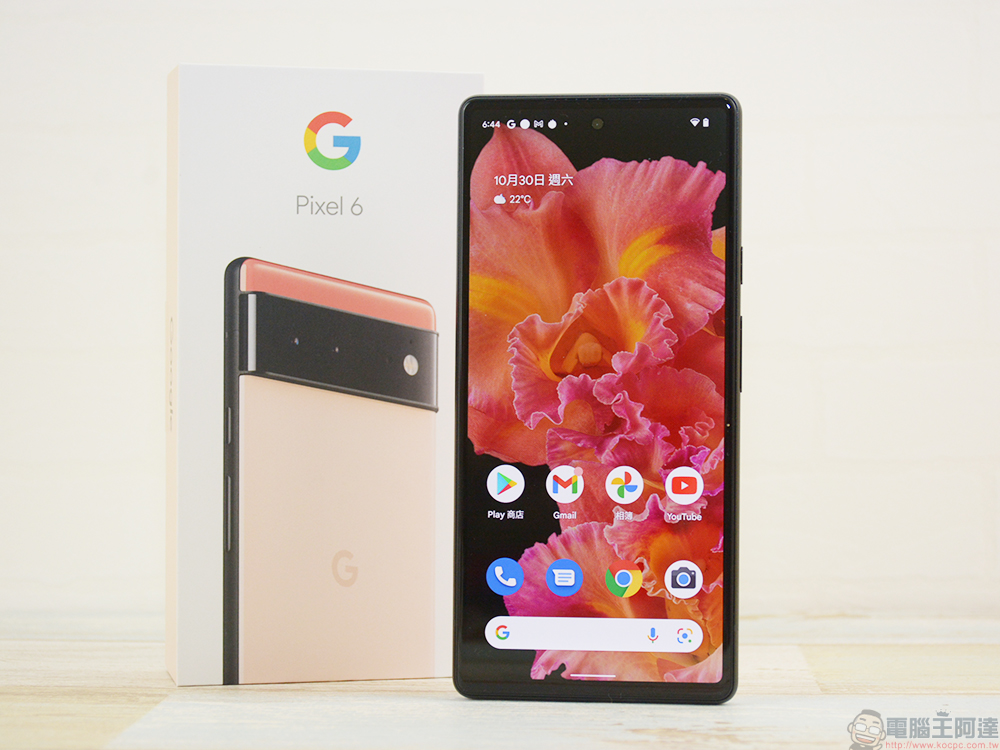
This update provides system version update TQ1A.230105.002 for Pixel 7 Pro, 6 and 6 Pro respectively. Pixel 7, 6a, 5, 5a, 4a and 4a 5G are TQ1A.230105.001 (the suffix will be slightly different). The modified function is to enhance the recognition response of fingerprint recognition in specific scenarios. Problems such as Bluetooth pairing, photo deformation when zooming in, and occasional inability to wake up the screen and UI display have all been corrected. For detailed explanations of modification projects and spatial information, please refer to the relevant links of the cited sources.
Further reading:
Source: KOCPC Chinese