


Luminar AI has always been my highly recommended AI photo retouching software. It has a rich set of built-in templates, suitable for photos in various situations, whether portraits or landscapes. Recently, the official website quietly released a limited-time free event. It is not sure when it will be, and whether there is a quantity limit on the limited-time free serial number. People who don’t have this set can take advantage of this time to get it. The original price is more than 100 US dollars. Both Windows and Mac versions are available.
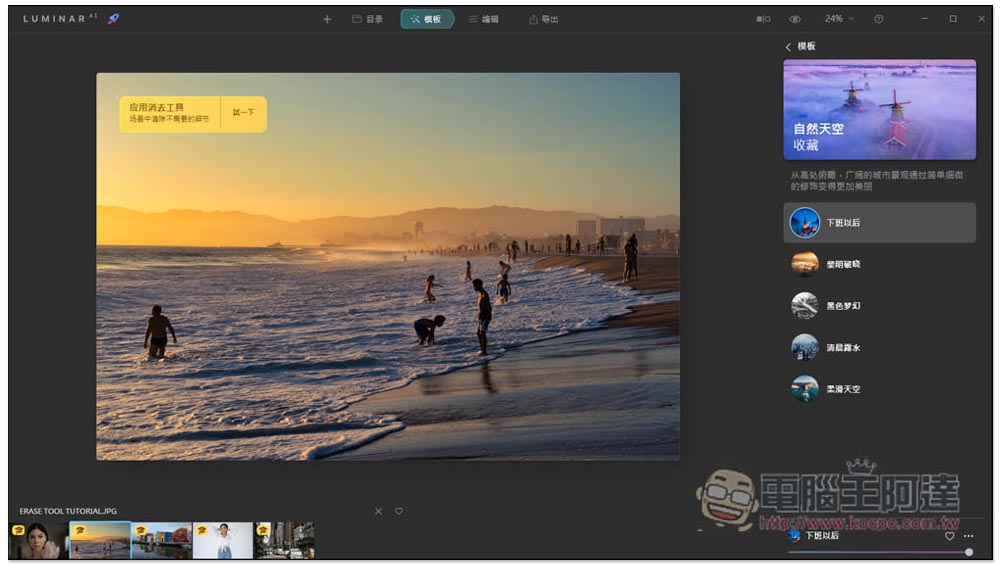
Luminar AI is a super easy-to-use one-click AI photo editing software. The lifetime version is limited to free and provides a lot of samples for you to use for free.
This limited free event of Luminar AI is quite special. There is no relevant event information. However, there is an event page to get a free serial number on the official website. Just enter your email and name and press SUBMIT. Then the registration serial number and software installation file download point will be sent to the email address you filled in:

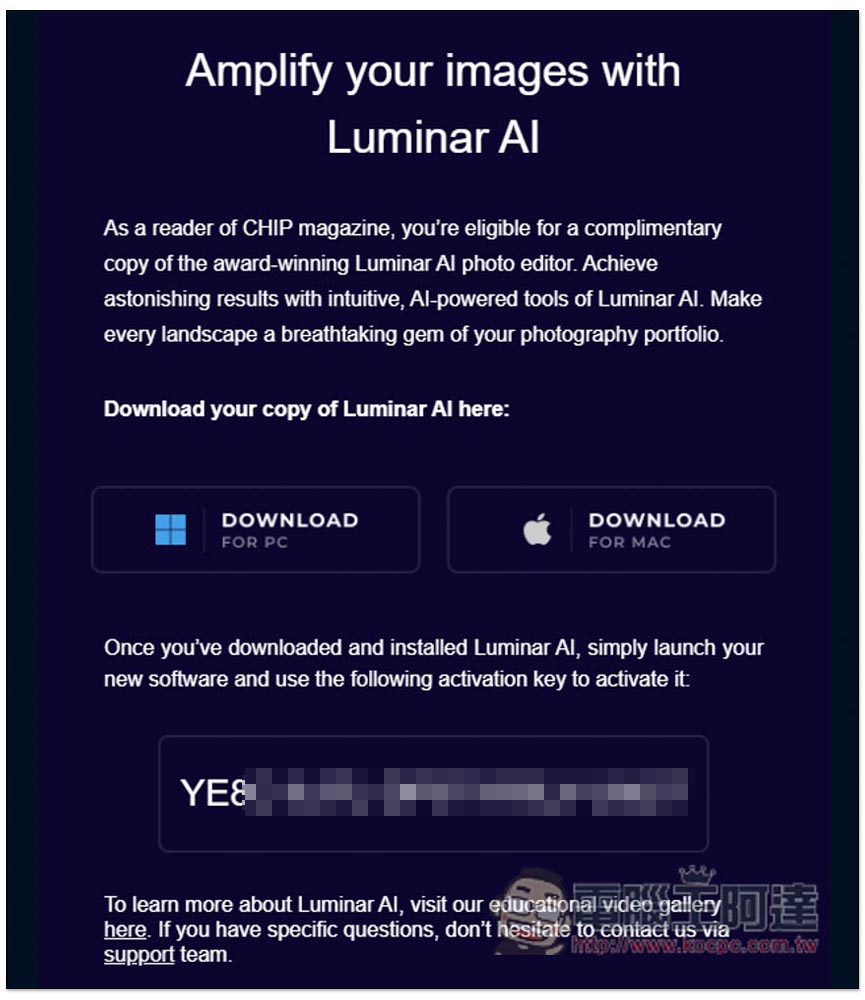
However, after I pressed SUBMIT, I did not receive it immediately. Instead, I received it after about 30 to 60 minutes. Therefore, if this happens to you, try to receive the email later. You will receive the following email, which contains the installation file download points for PC and Mac, as well as the registration serial number:
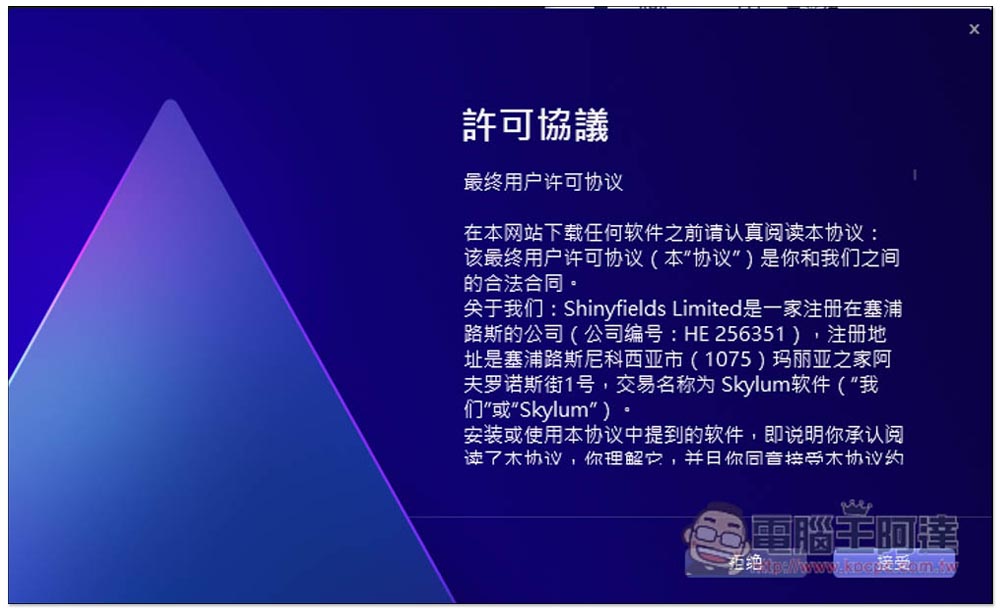
If there are no special requirements during the installation process, just keep pressing Next:
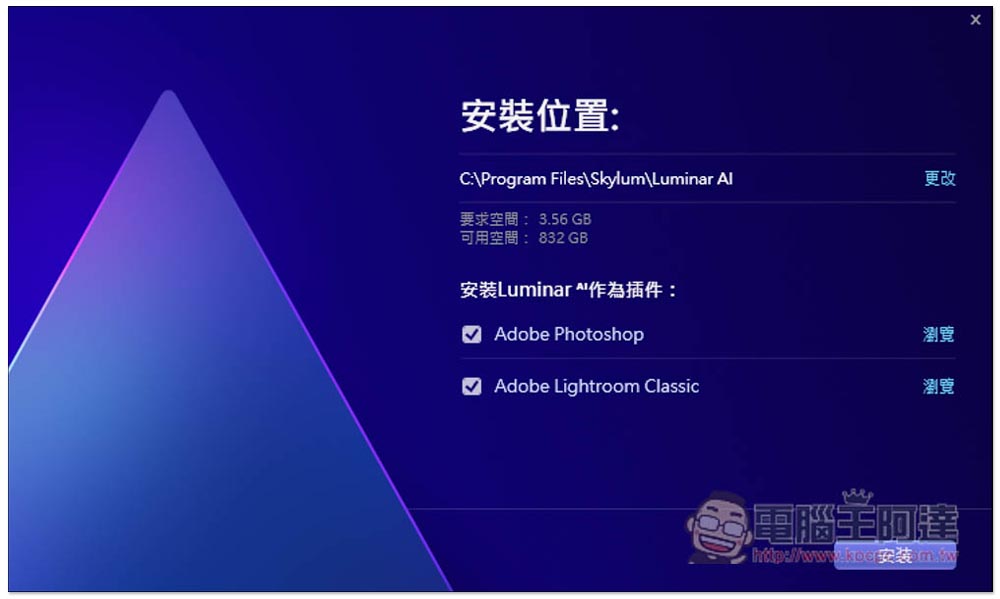
It also supports Photoshop and Lightroom Classic plug-ins. If they are installed on your computer, they will be checked by default. If you don’t want them, remember to cancel them:
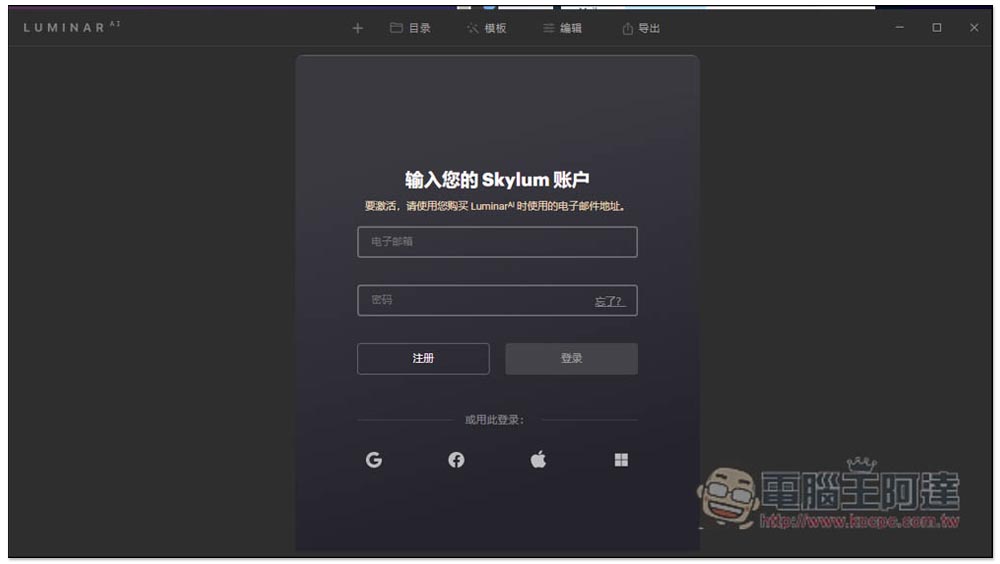
You need to log in to a Skylum account to use it. If you don’t have one, just click Register and register for free:
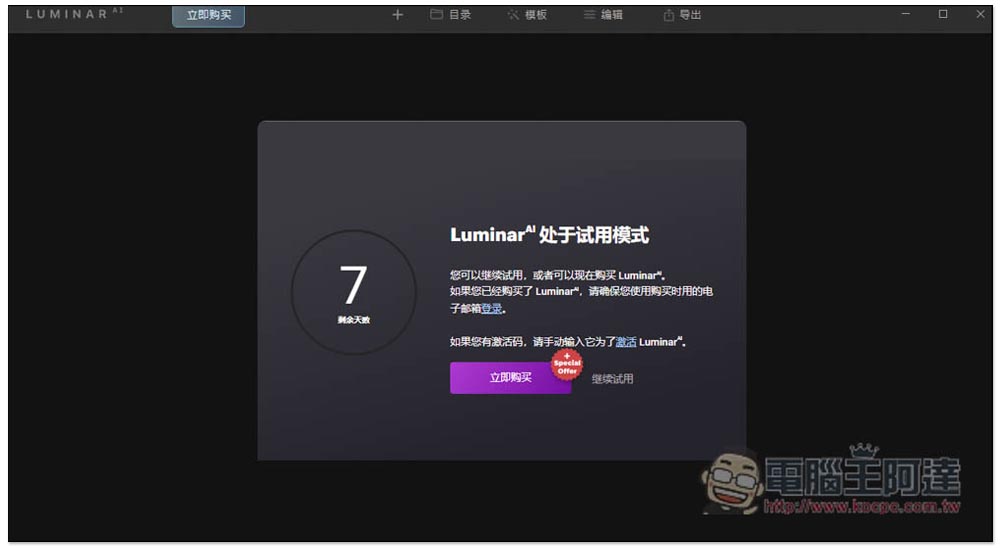
It will then show that you are currently in trial mode, click on the “Activate” text in the middle:
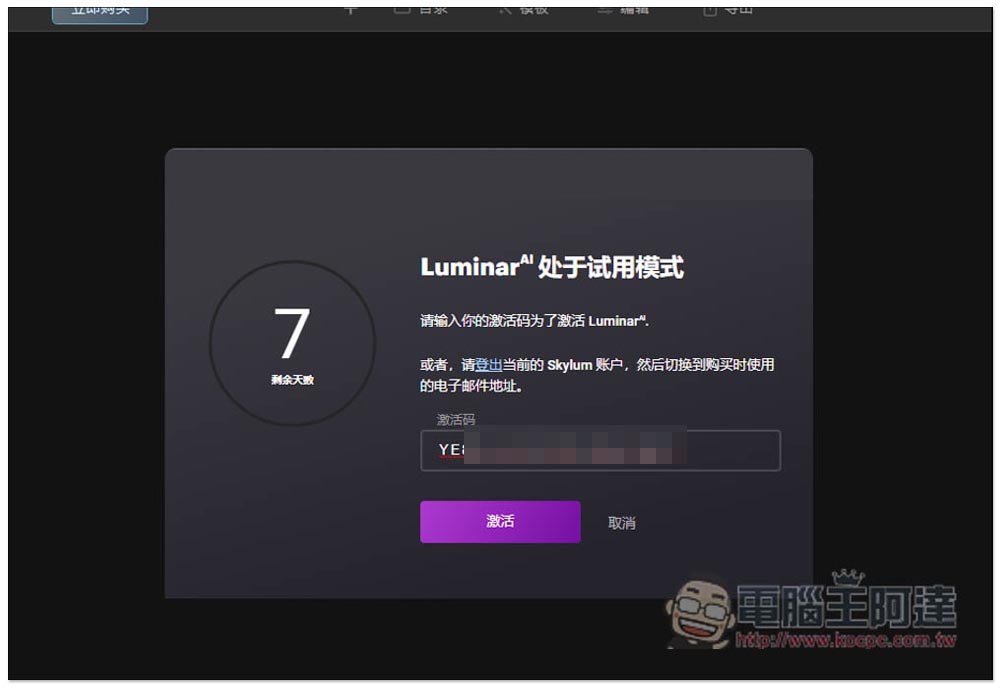
Paste the serial number you just obtained and press Activate:
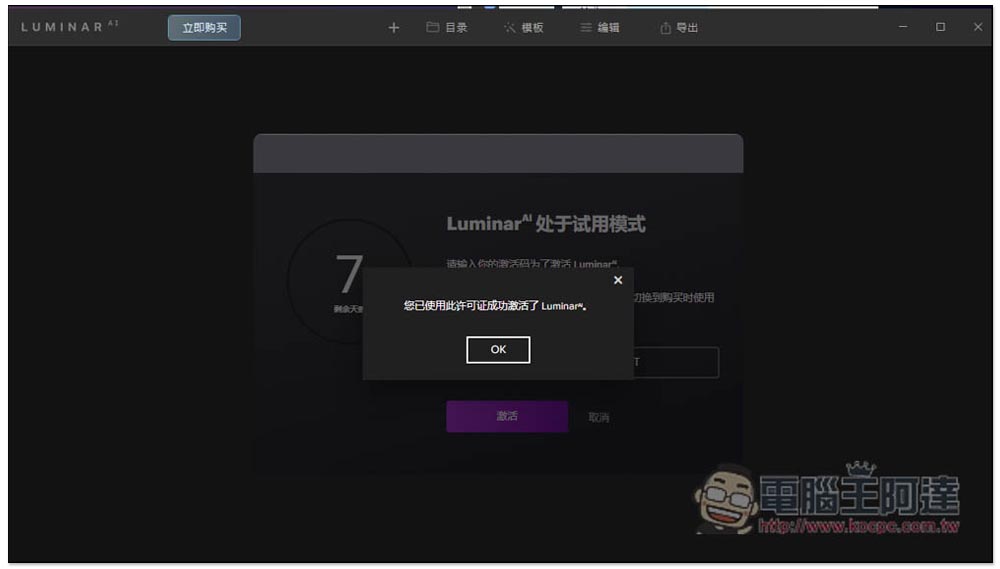
This will successfully register:
Then you can start using it and import the photos and images you want to edit. This set also provides five sample photos for you to try:
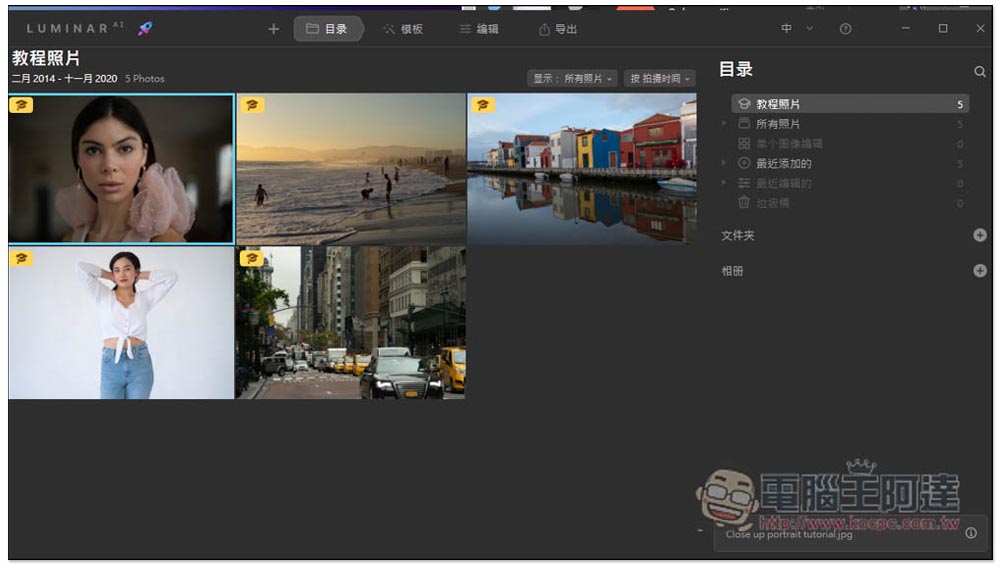
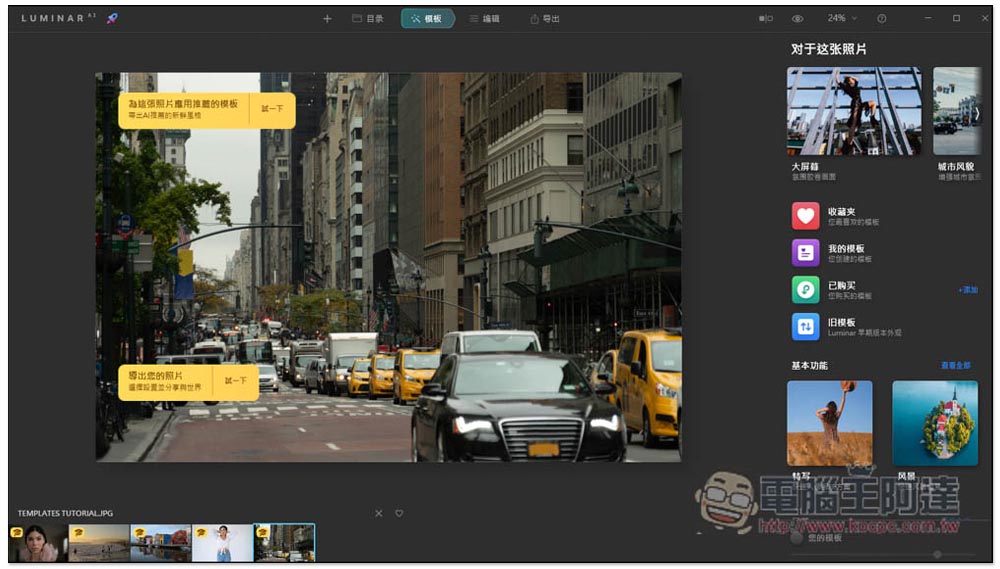
After the photo is read in, Luminar AI will automatically determine the template suitable for this photo, and a template will be provided in the upper right corner.
“For this photo”, you can first find it here:
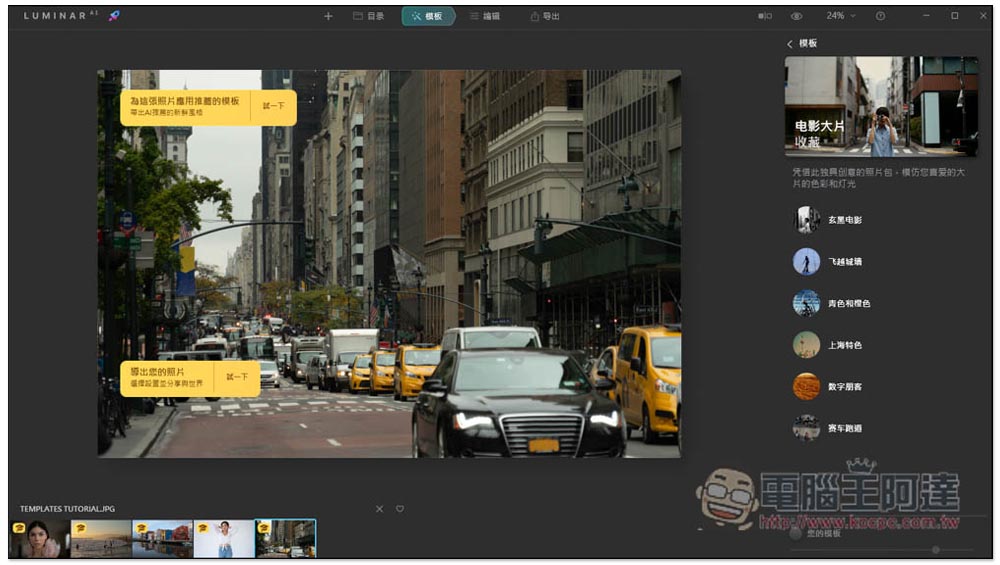
After selecting any category, there will be more sample options. For example, I chose movie blockbusters, which include Black Movie, Over the Wall, Cyan and Orange, Shanghai Characteristics, Digital Punk, etc.:
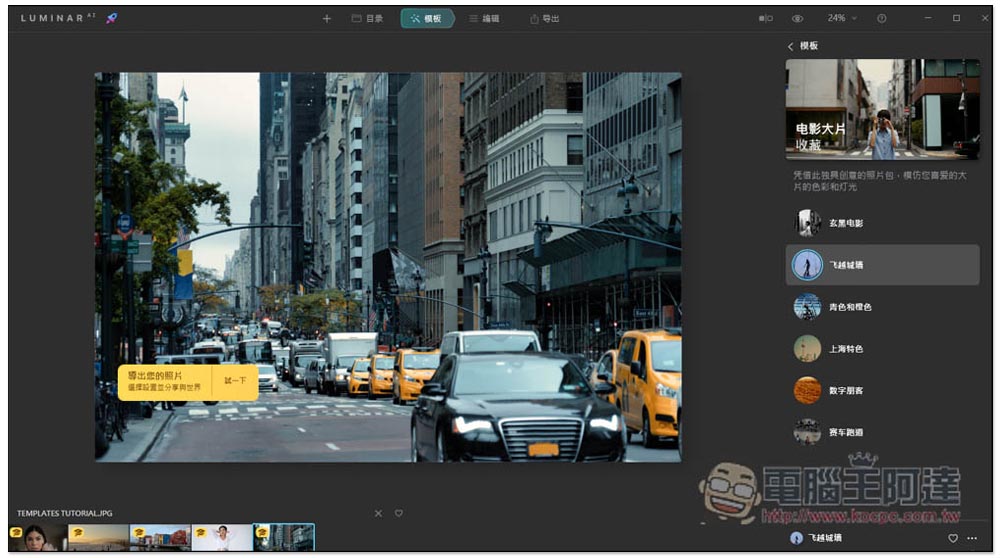
Clicking on any template will apply and display the effect. I chose to fly over the city wall, and the photo became cooler:
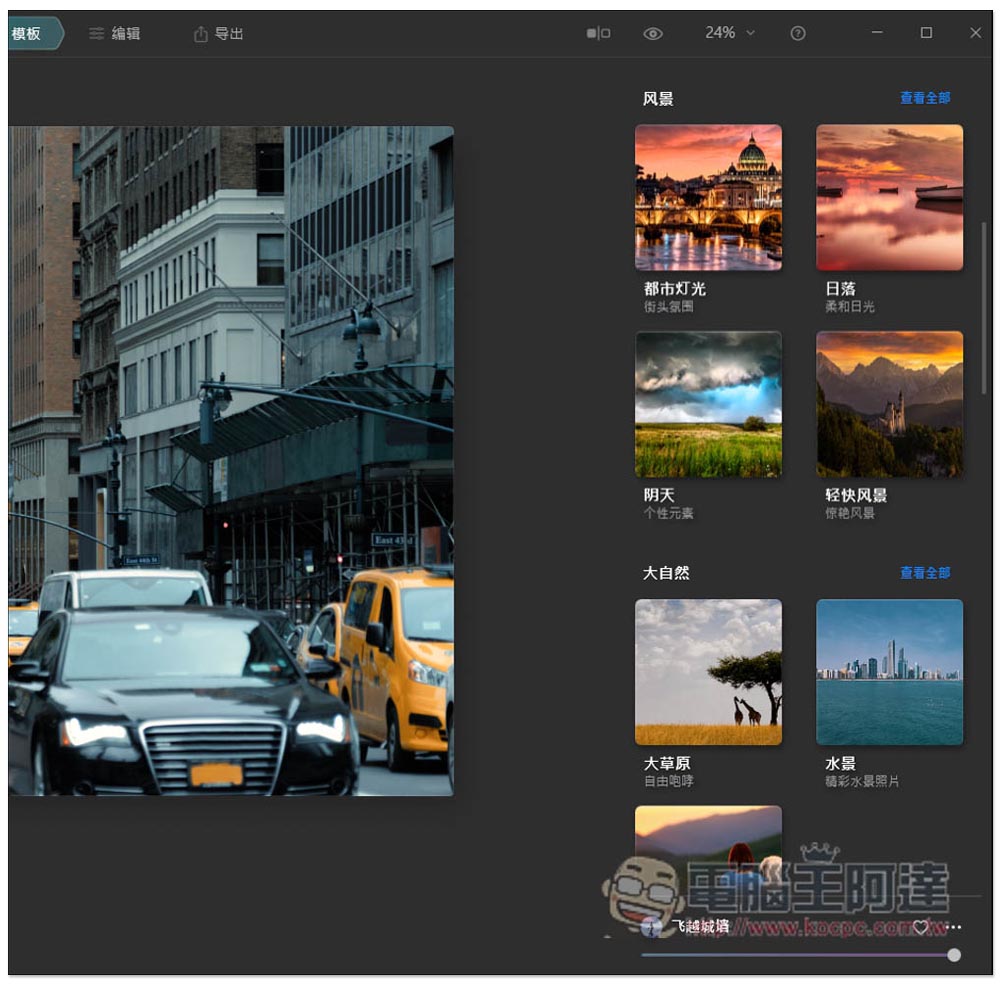
Scroll down on the right side of the main page to find more samples:
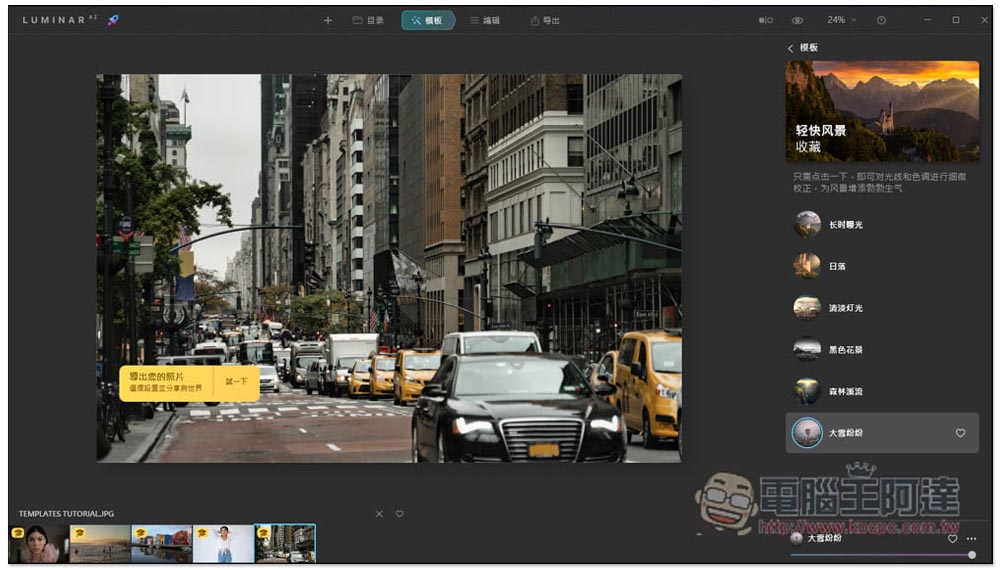
I changed it to a light landscape with heavy snowfall, and this photo looks like it was taken in winter:
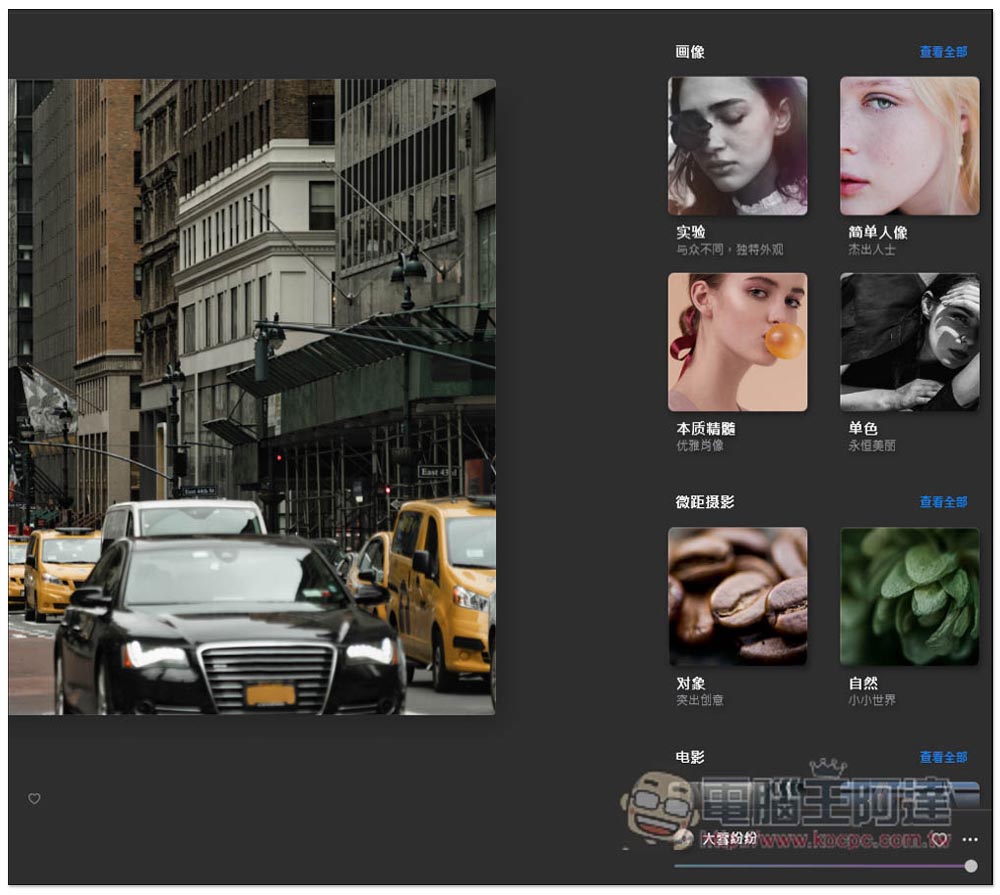
There are also “portrait” categories suitable for portraits, such as simple portraits, essence, monochrome, etc.:
Then I tried changing another photo:
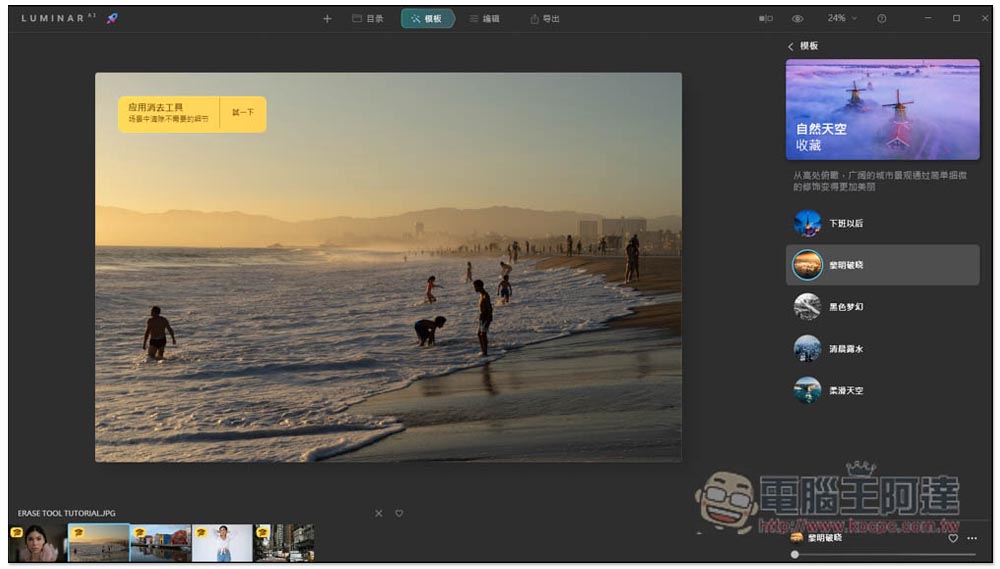
Applying the dawn break in the natural sky, the whole dusk feeling is stronger again, which is better than the original photo:
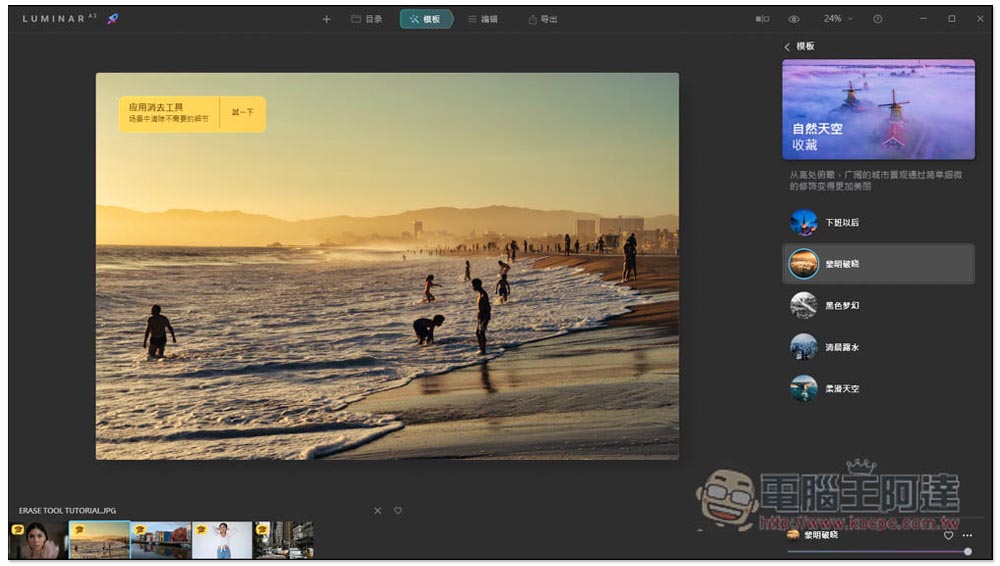
In addition to templates, manual editing tools are also provided:
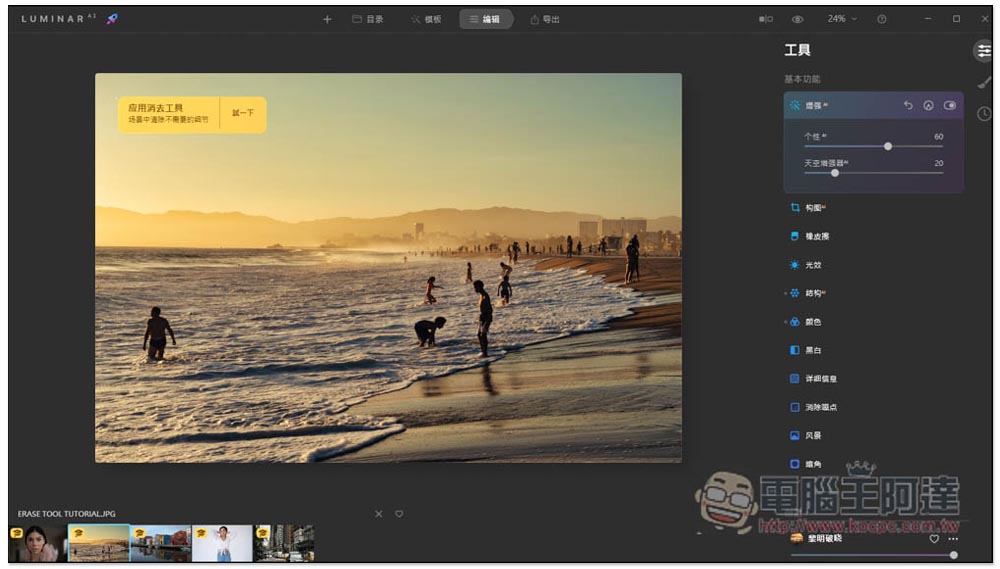
This set of Luminar AI provides many functions, not just the above. Readers can play with the rest by themselves.
In addition, for those who have the budget and think this set is good, the latest version of Luminar Neo’s official website also has discounts, and interested friends can also refer to it.
Source: KOCPC Chinese