


As the end of the year approaches, it can be said that more and more good software and games are launching limited-time free promotions. I discovered earlier that Allavsoft, which is easy to use and powerful, is also launching a limited-time free promotion, and it is a lifetime version. This software not only supports downloading videos and music from more than 1,000 websites, but also has a built-in conversion function, which means that if you need to convert files, you can also use this software to convert them. Please note that there is only less than one day left for free, so friends in need should hurry.
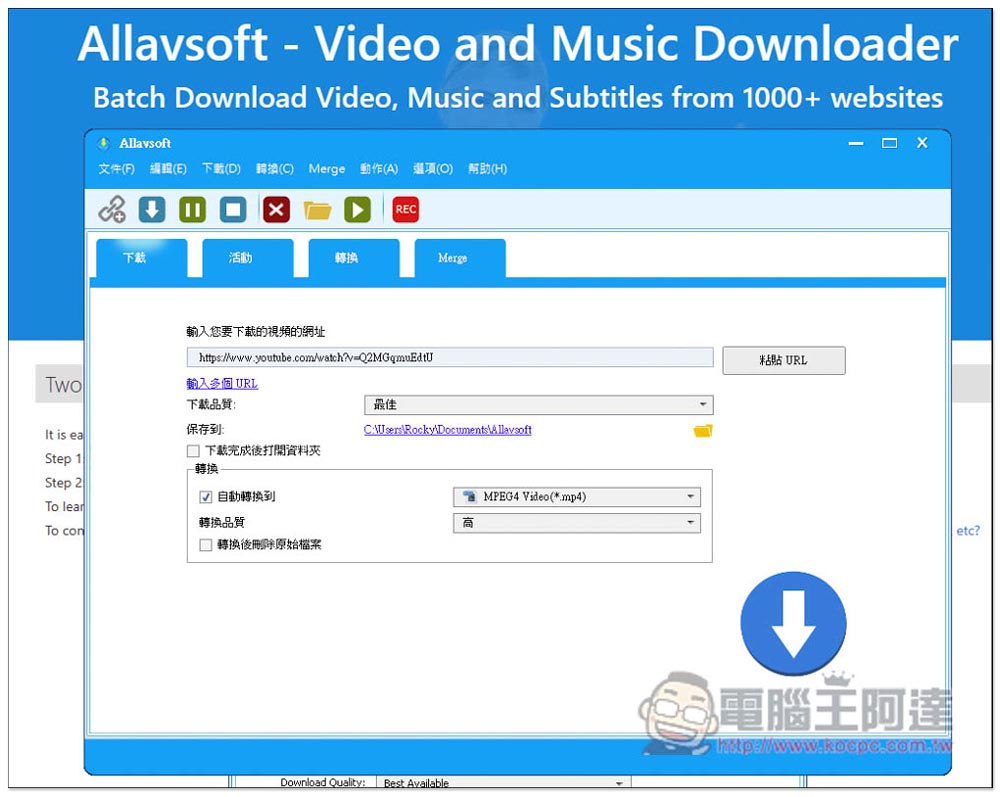
Allavsoft’s powerful video download and conversion software is free for life only! Supports over 1,000 websites with built-in conversion function
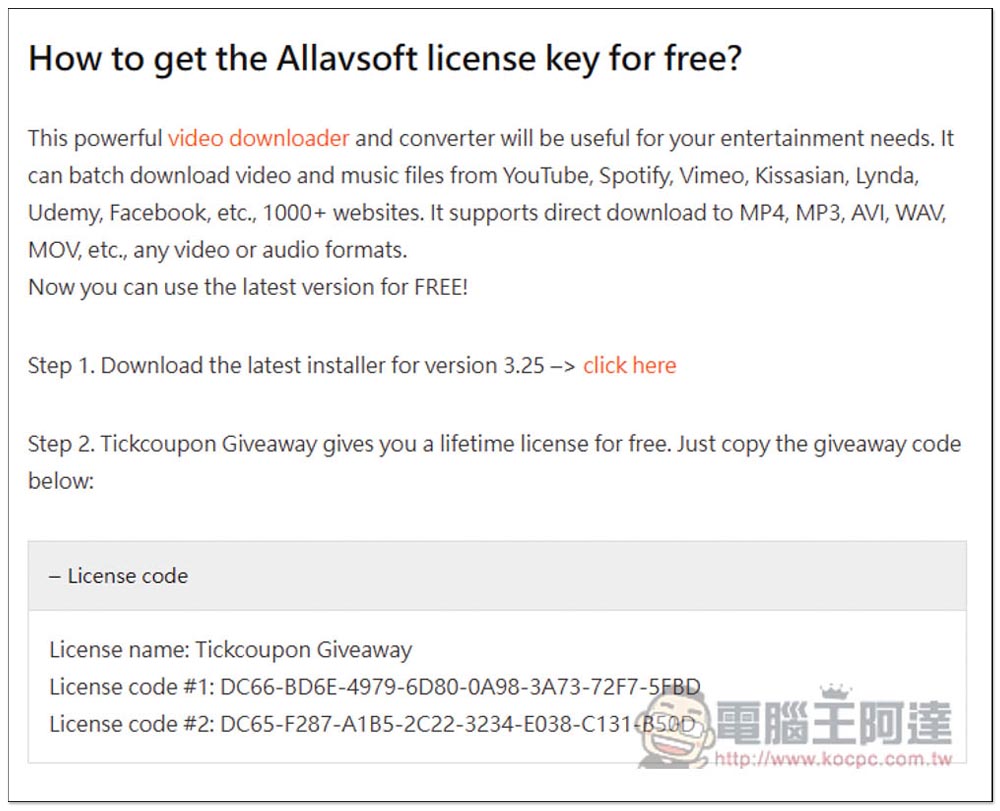
The Allavsoft Lifetime Edition limited free event is launched this time on the Tickcoupon Giveway website. There is no need to enter any information. They put the registration number directly on the page, so it is very simple to obtain it. In addition, although this page also provides a download point for installation files, I do not recommend downloading from here, so Windows will pop up an unsafe warning when opening it.I tested that the trial version installation file downloaded from the official website can still be enabled., so it is recommended to download it directly from the official website:
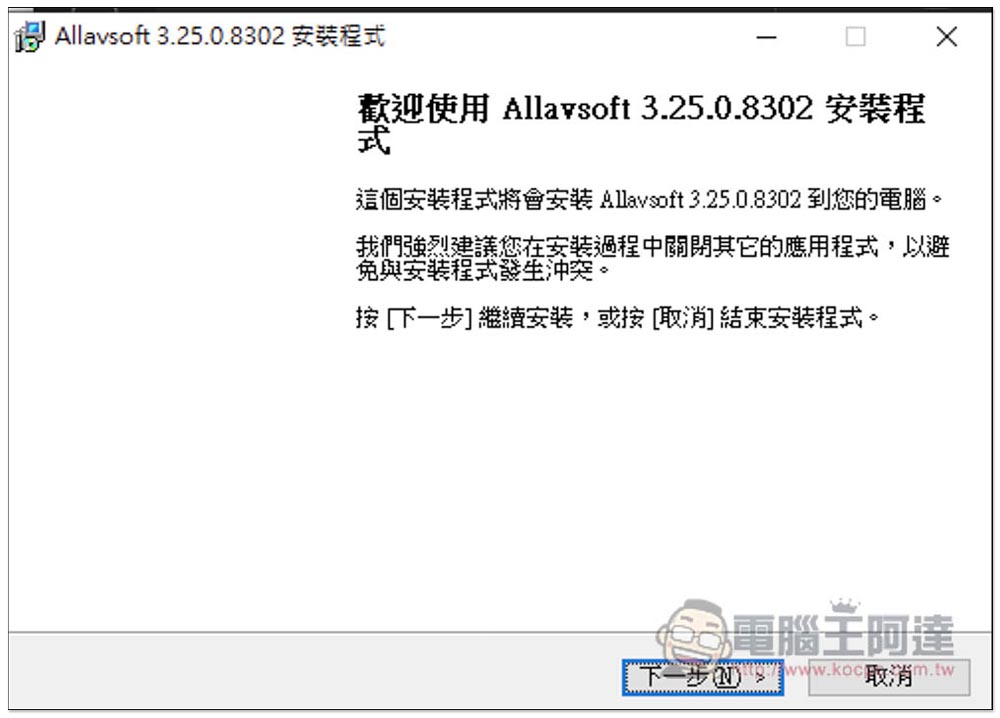
If there are no special requirements during the installation process, just keep pressing Next:
Enter the username and registration code attached to the Tickcoupon Giveway:
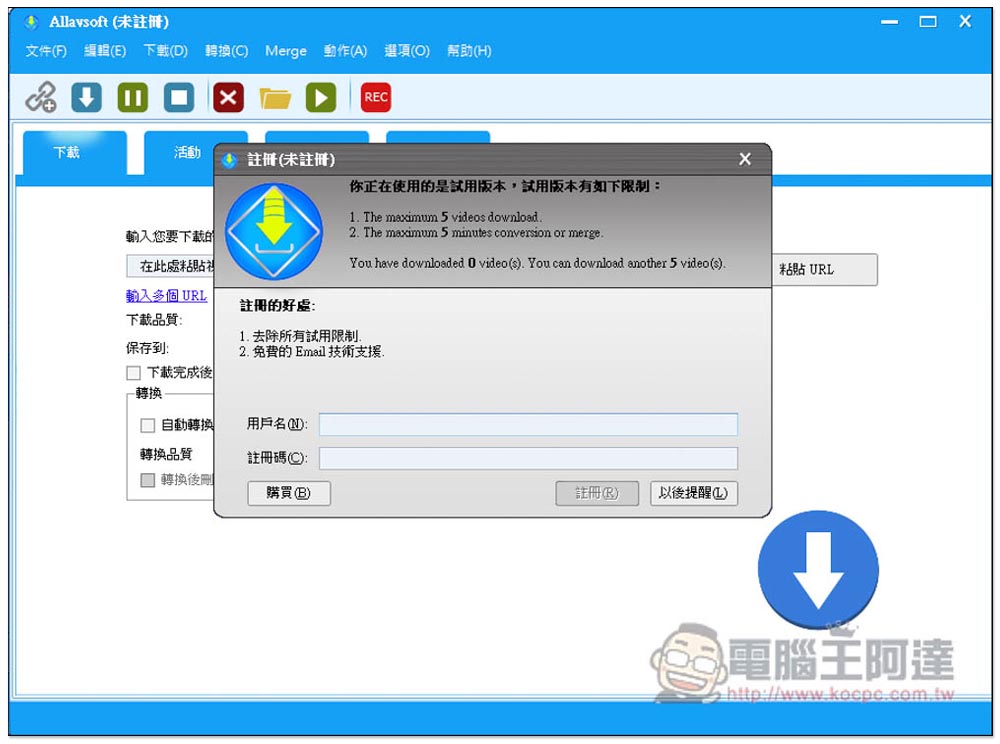
This will register the function:
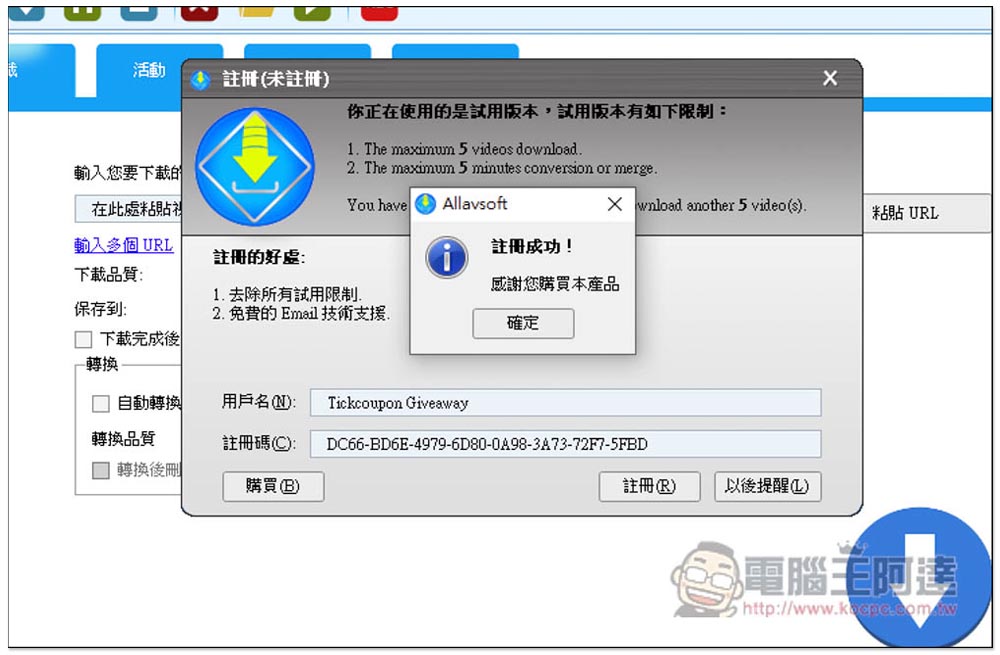
After registration, you will get the lifetime full version, which you can start using:
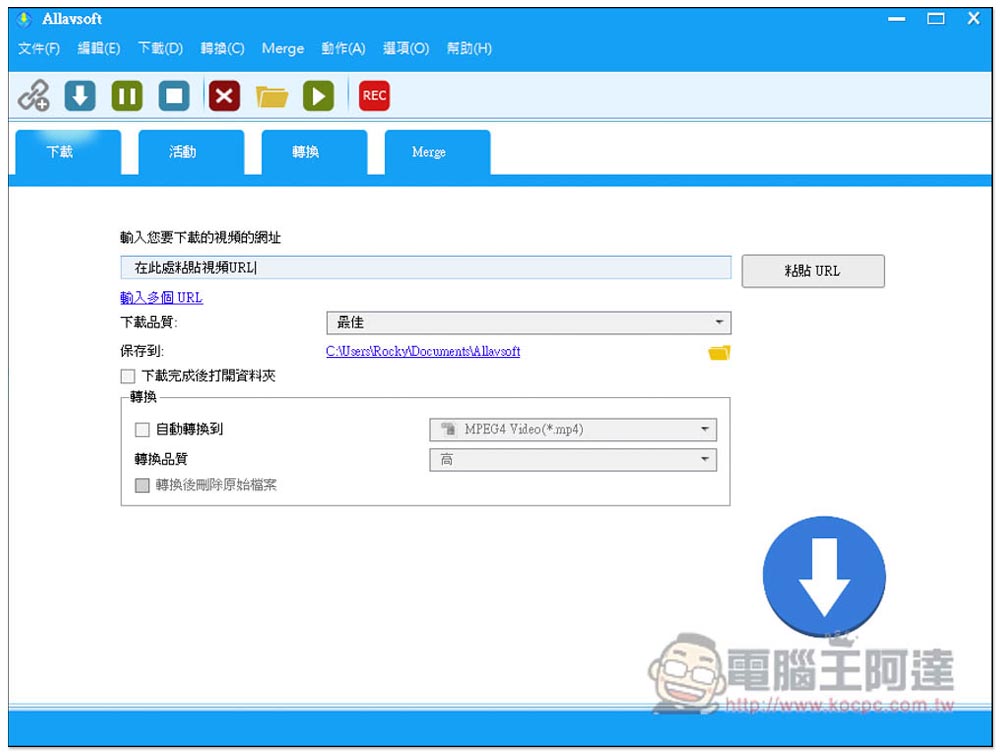
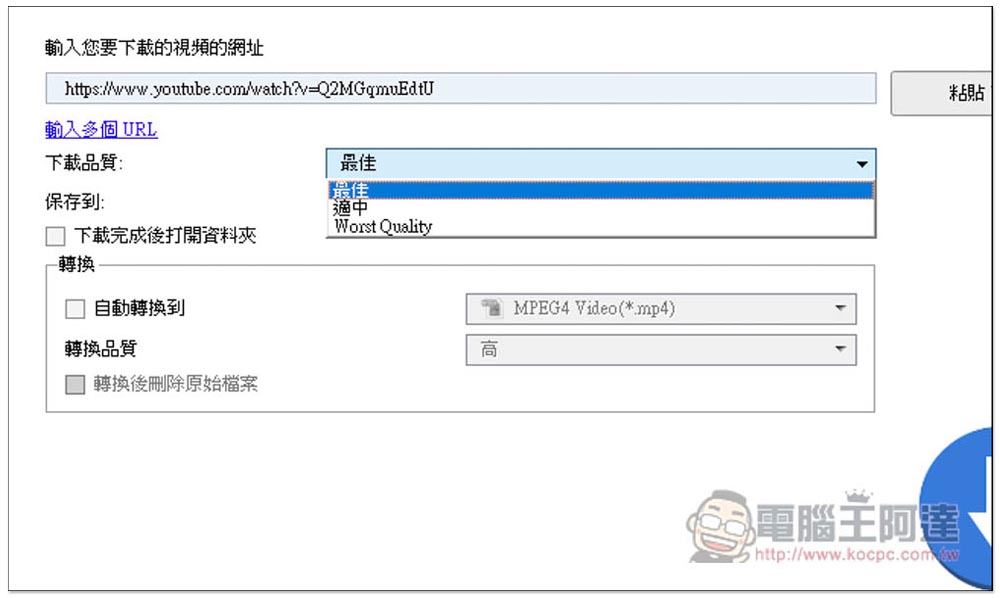
The download method is very simple. After copying the URL of the video you want to download, go back to this software. Logically speaking, it should be pasted directly. If not, just press the paste function key on the right. You can choose the best, moderate or lowest download quality. Generally, you choose the best:
If you want to convert to other formats, you can turn on automatic conversion and select the format you want. Videos and music are all supported. It also provides menus for iPhone, iPad, iPod, Apple TV, Android, Xbox and other devices. I think this is very good, so you don’t have to worry about converting to the wrong format. You can select directly from the device menu:
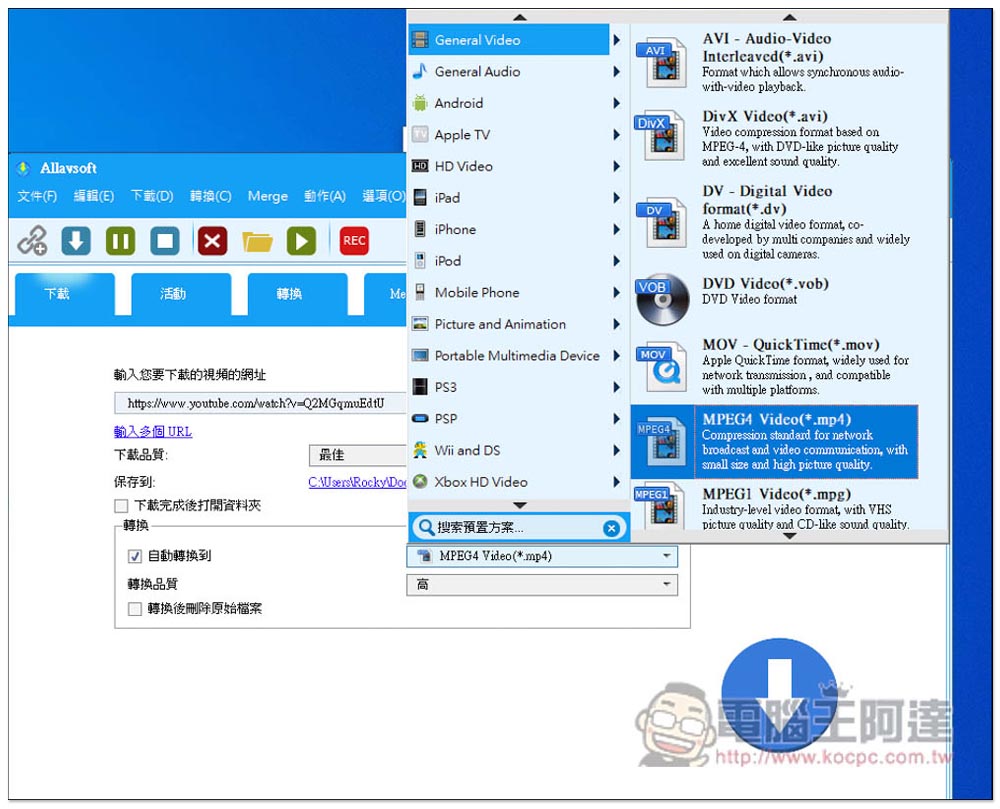
Conversion quality is the same as Best, Medium and Low:
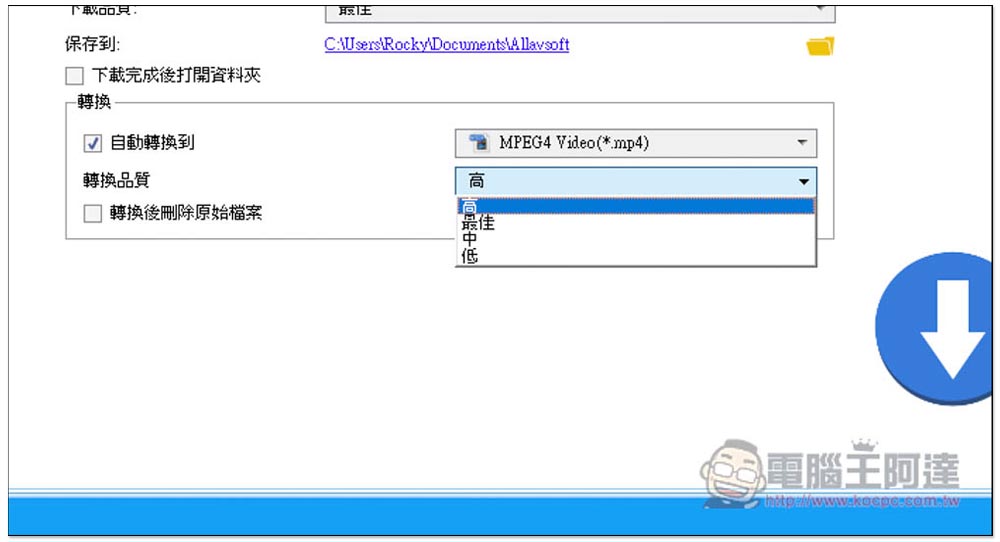
Press the download arrow and the download will start, which is pretty fast:
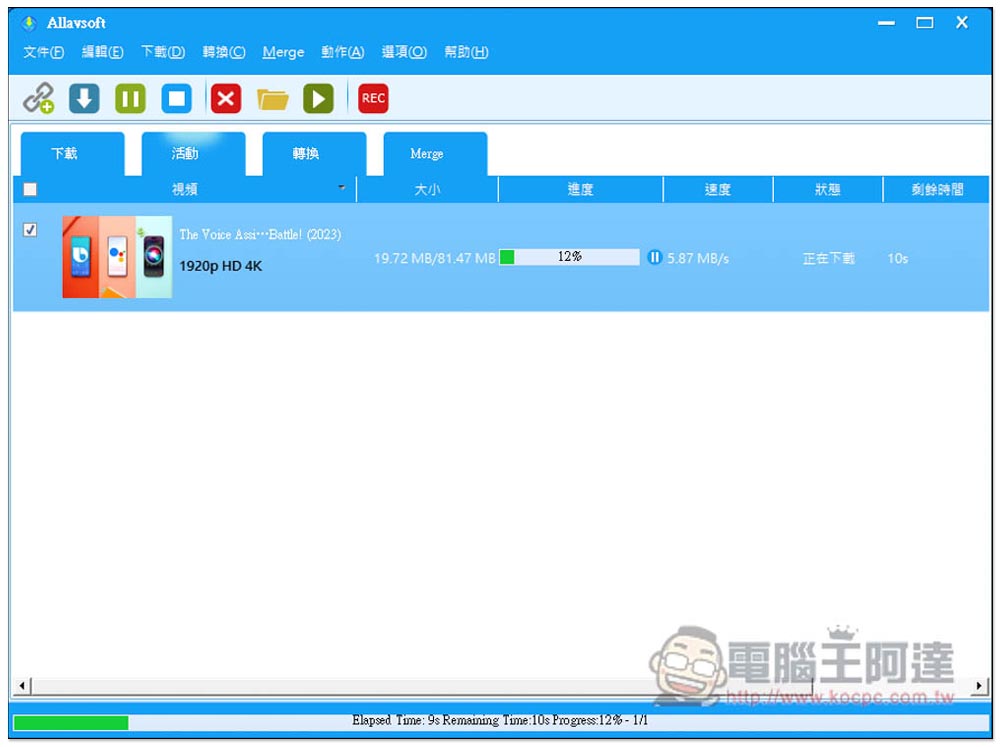
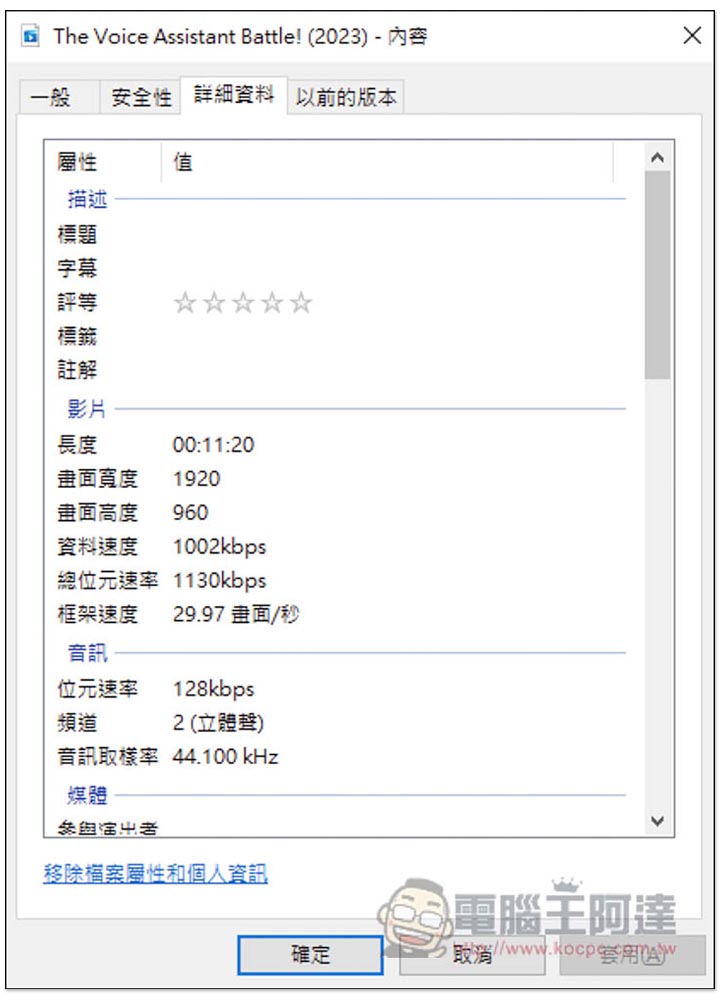
But for some reason, I chose the best quality. This video also provides 4K quality, but after downloading it is 1080p quality. When testing other videos, it was downloaded to 4K:
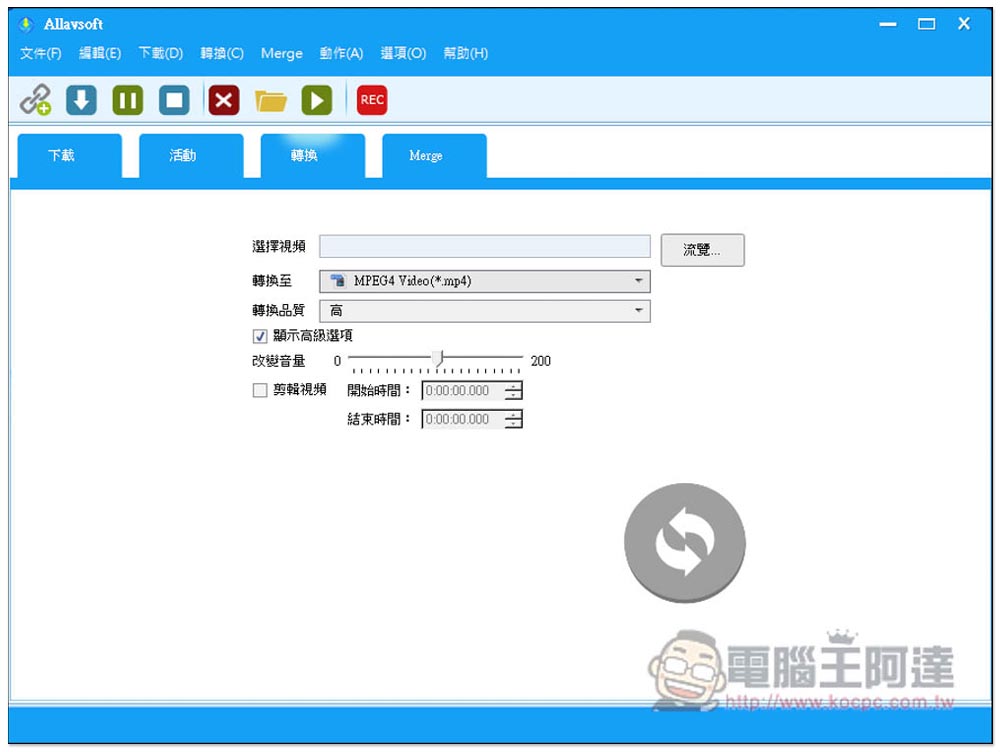
If you need the conversion function, just click “Convert” to convert the video file you want into other formats. The settings are similar, but it provides more functions such as volume and video editing:
According to the official website, the 1,000 supported websites are: YouTube, Spotify, Facebook, Vimeo, Twitter, eHow, Dailymotion, Viki, Break, Metacafe, BlipTV, Crunchyroll, Deezer, Soundcloud, SBS, Tenplay, Plus 7, ABC iView, Medici.tv, Lynda, Udemy, PBS, BBC, cbc.ca, Livestream, Kissasian, MegaVideo, Veoh, VideoBash, LiveLeak, MyVideo, FunnyOrDie, Nico Video, TV.com, Veevr, Adobe TV, I don’t know about the others, you can try them yourself.
Source: KOCPC Chinese