


In addition to being perfectly compatible with other Apple products, the appeal of AirPods to consumers is that its simple design appearance is also a selling point, but sometimes being too simple may confuse users. Since AirPods does not have a digital screen on either the earphones or the charging box, it must rely on various LED lights of different colors to tell you the current status. So what does each mean?
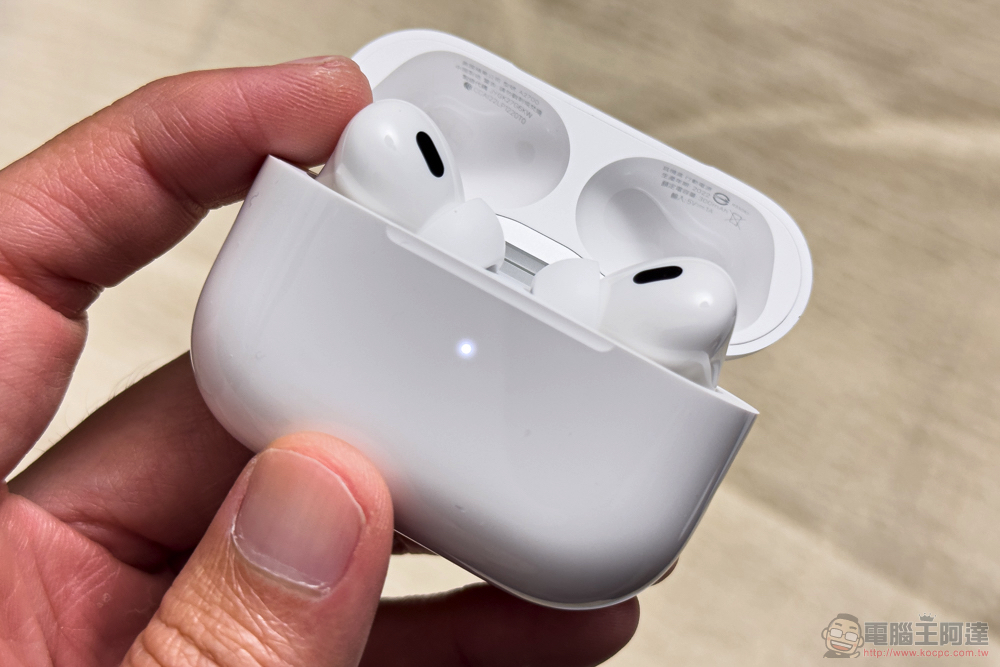
Do you know what the blinking light on the AirPods charging box means? Red, white and green make a big difference!
Everyone who has used AirPods should know that the most basic red light means that it is charging, the green light means that it is fully charged and completed, and when the light goes out, it means that there is no power. The same visual language is used to express the status on many other products, but sometimes you may encounter an uncertain light flash. Flashing lights usually indicate something is wrong, but this particular visual language is not universal. If you suddenly see your AirPods charging case flashing green, red (some call it orange), or white, what do these indicators mean? What can you do to fix any problems that may arise?
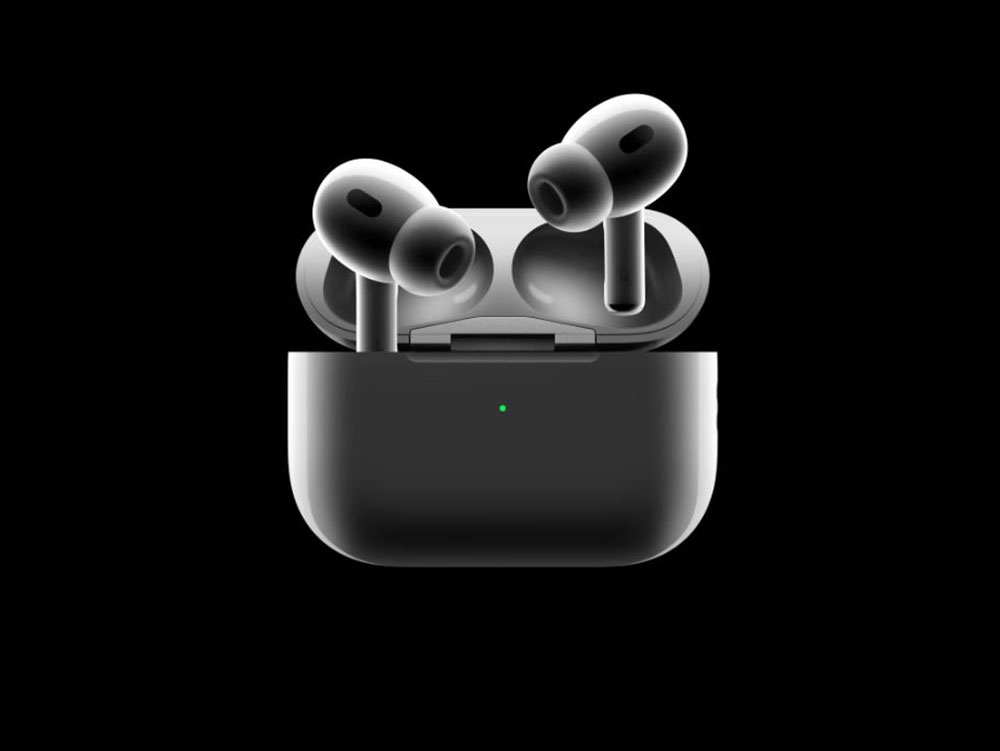
flashing red light
When the AirPods charging case starts to flash red, it usually means that the charging case itself is low on power. You can charge the charging case with a Lightning cable or on a Qi wireless charging pad as soon as possible. But if you are sure that both the charging box and the AirPods themselves have sufficient power, but the red light is still flashing, please try resetting the AirPods (see the bottom of this article for the method).
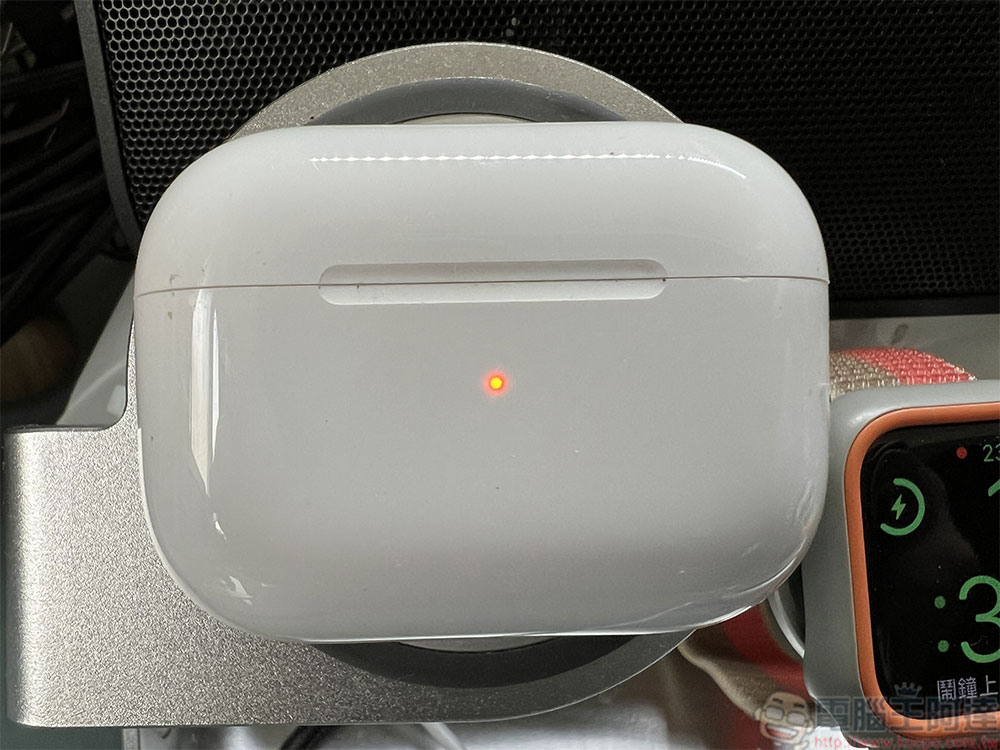
Green light flashes
A steady flashing green light may indicate some kind of connection issue. If the AirPods may not be able to connect to the paired device, you need to restart the AirPods. The method is very simple, which is to put the earphones back into the charging case, press and hold the pairing button on the back of the charging case, and then take out the AirPods to pair again. However, the flashing green light may also indicate a problem with charging and identifying the headphones. In this case, you still have to go through the reset path (found at the bottom of this article). Resetting should allow the AirPods to reconnect with the charging box.
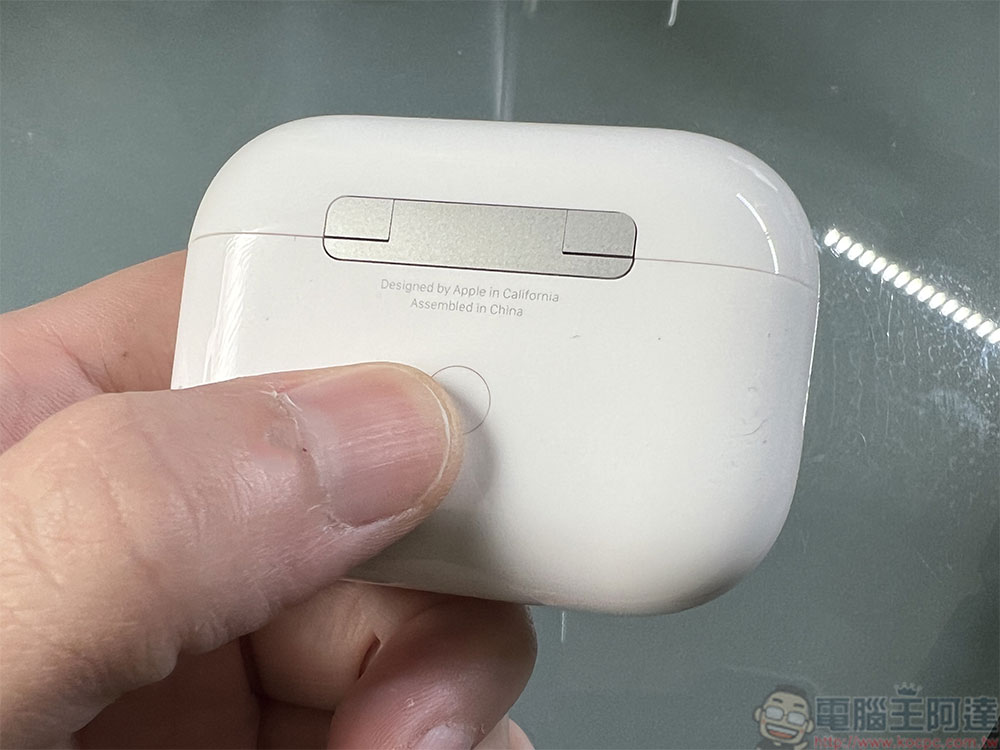
White light flashes
While white flashing lights are rare on electronic devices, they are actually the type of light with the fewest potential problems. For AirPods, flashing white means the earbuds or charging case are in pairing mode and searching for a connection. More specifically, for some reason your charging hub can’t find your AirPods. The fix for this method is simple and can be fixed with the same reset, but if the problem is coming from your earphones rather than the charging case, you can just try pairing again. You need to press and hold the button on the back of the charging box, then open the charging box and bring it close to the device you want to connect. It will automatically recognize the AirPods and try to pair them. You just need to follow the instructions on the device step by step.
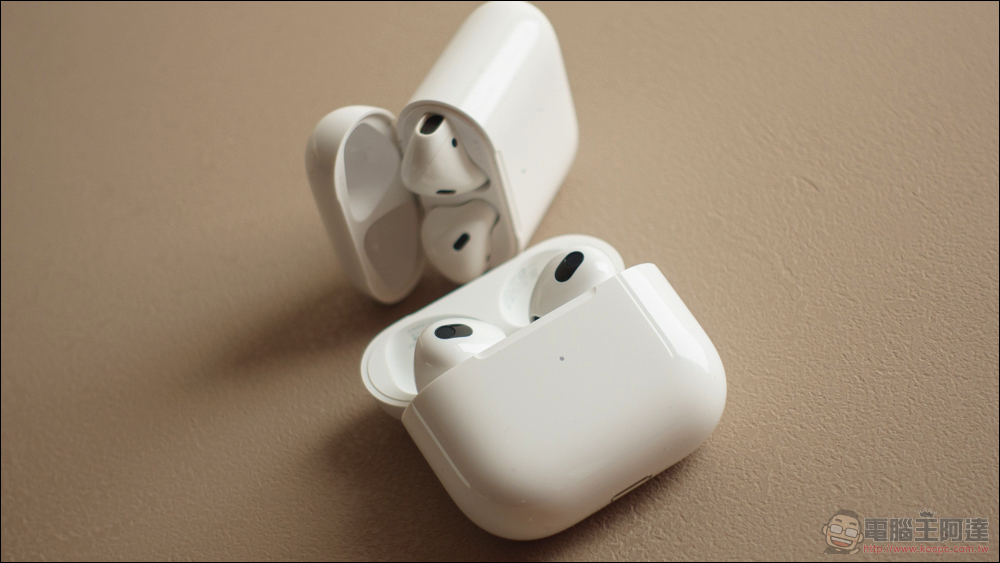
How to reset AirPods
- Before starting the reset steps, make sure you place your AirPods in the charging case and close the lid.
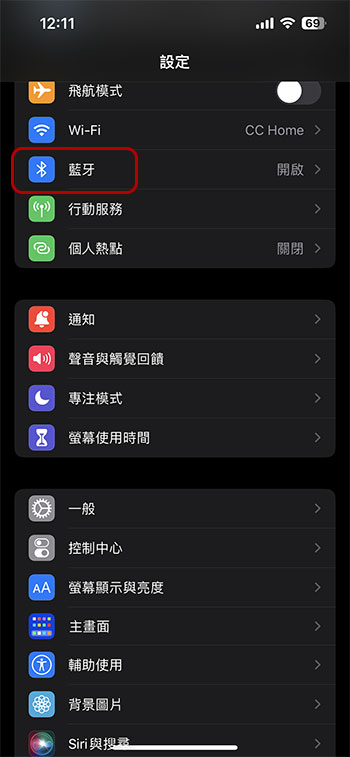
- After 30 seconds, open the lid of the charging box and connect AirPods to your iPhone or iPad. Open the “Settings” app on your mobile device and click to enter the “Bluetooth” item.
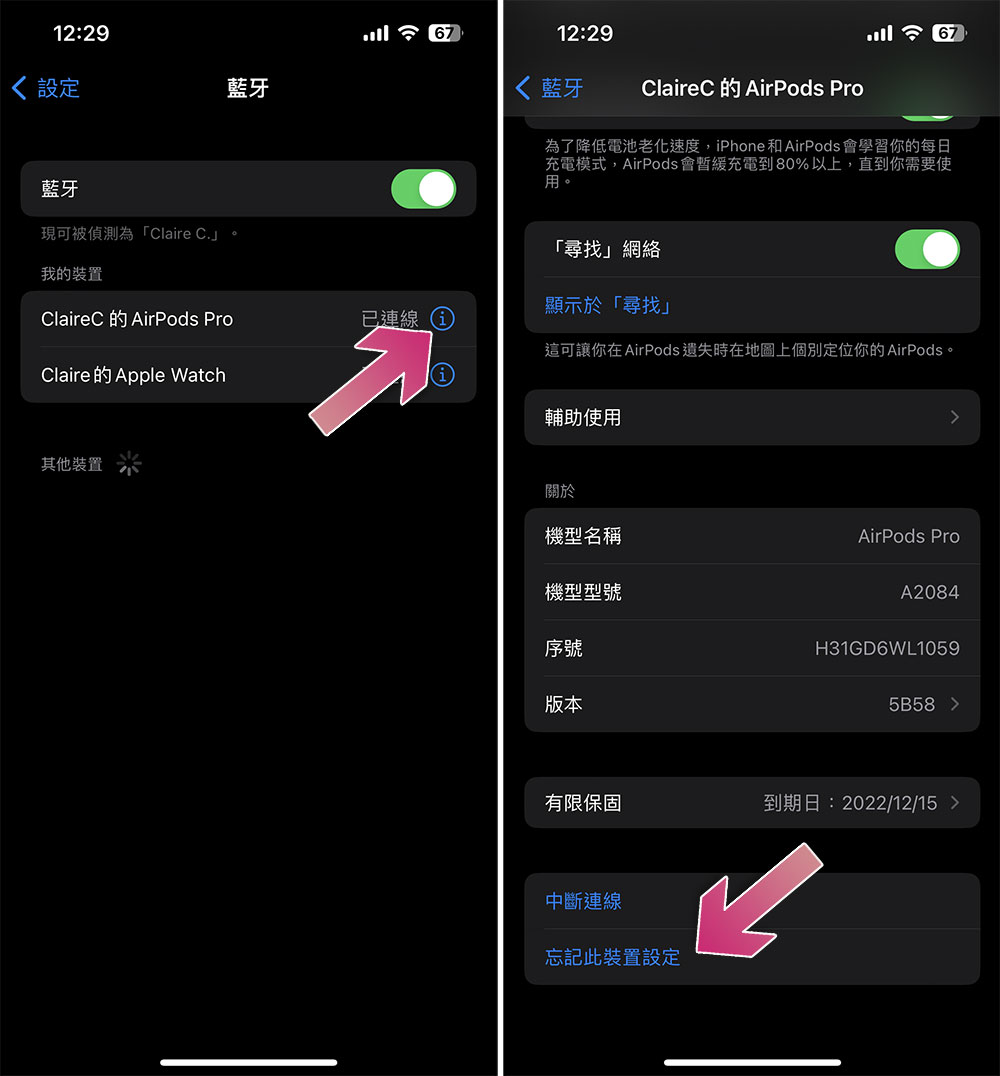
- Find your AirPods among Bluetooth devices, then click the “i” symbol next to it, then scroll to the bottom and select “Forget this device settings.”
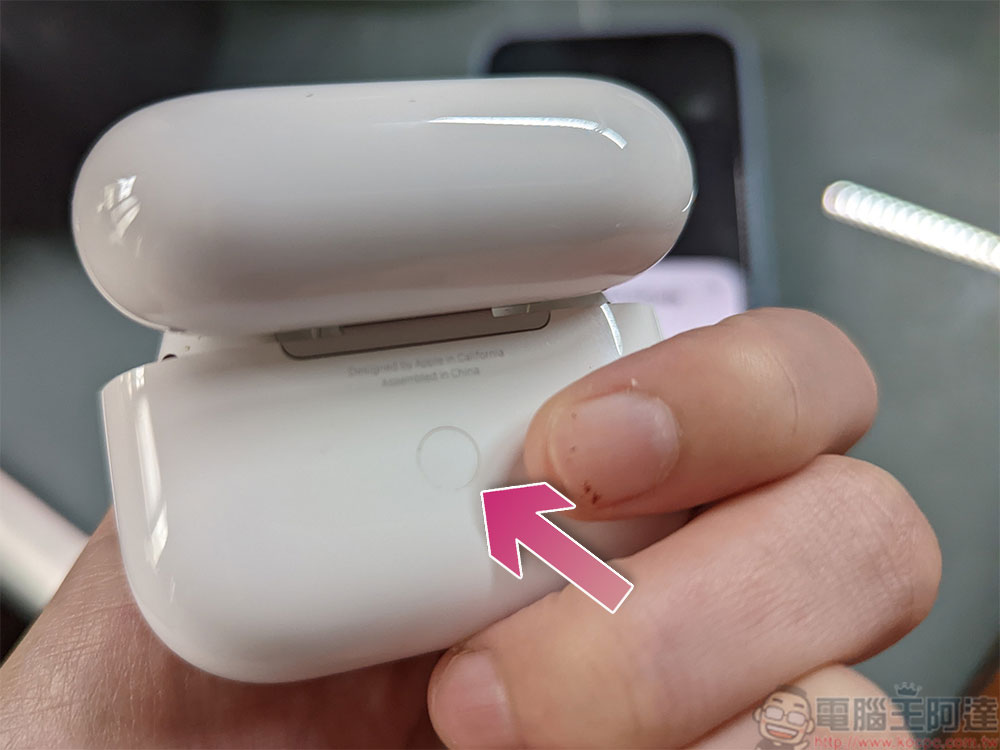
- Open the lid of the charging box and press and hold the white button behind the lid for about 15 seconds. You can see the indicator light on the front start to flash white.
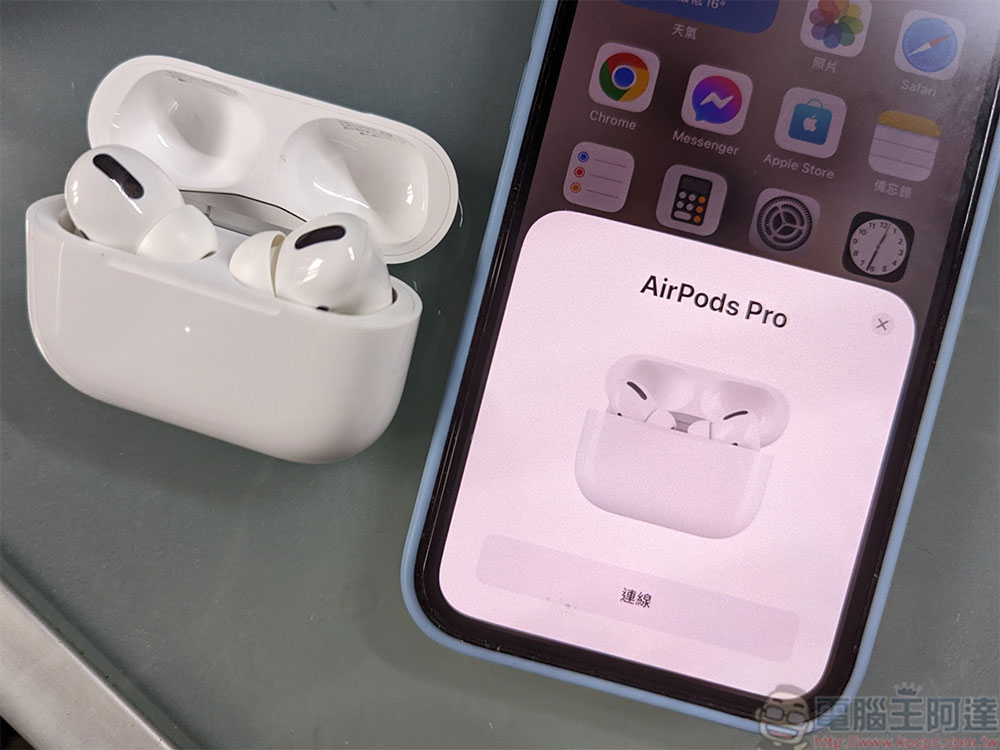
- Now, open the charging case near your iPhone or iPad, and you should see the pairing again dialog window on your screen just like you saw when you first set it up.
Source: KOCPC Chinese