


Fingerprint readers are very popular on smartphones, and they may come in a variety of shapes or sizes. The physical fingerprint reader will be installed on the back cover, side or front of the mobile phone, and has the highest accuracy among all types of fingerprint recognition currently. In recent years, there are two different forms of screen fingerprint recognition, which are optical and ultrasonic. However, no matter what kind of fingerprint recognition it is, it is inevitable that it will lose its function or affect the accuracy due to some external factors. Please follow us to learn these practical and simple tips to help repair fingerprint recognition!
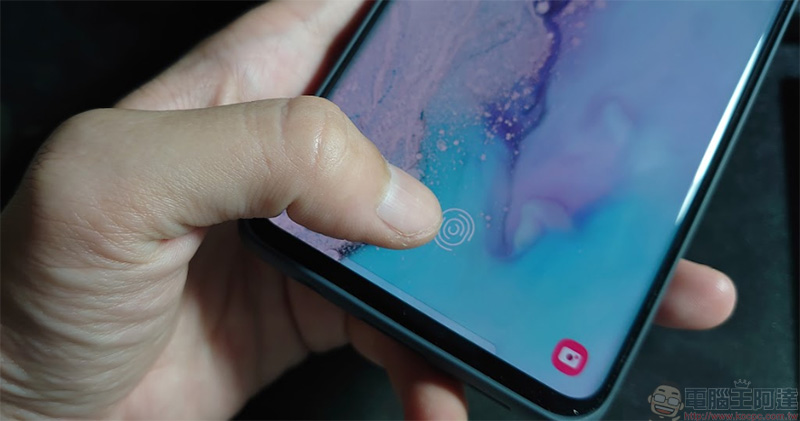
Fingerprint recognition unlocking not working? Try these simple tips to help fix it!
Before getting into the main topic of introducing solutions, you should first understand some of the reasons that affect fingerprint recognition. First of all, screen protectors may reduce the accuracy of screen fingerprint recognition. If you use a thicker protective product, especially the type that requires the use of UV glue when pasting, it will have a greater impact on fingerprint recognition performance.
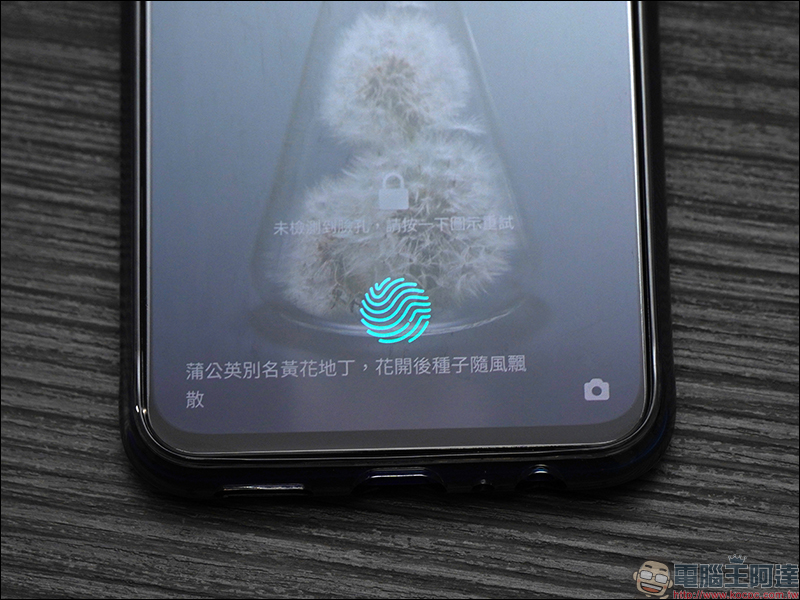
In addition, fingerprint recognition will also be affected by scars or skin wrinkles. That is to say, if the weather is too dry and your skin is tight, or your hands are wrinkled just after taking a bath, it may be more difficult for the reader to read your fingerprints. Wet fingers are another enemy of the in-screen fingerprint reader, as are extreme hot and cold weather. So below we have listed some tips to help you improve the fingerprint recognition performance on your phone.
Turn on the insurance compensation function in your mobile phone
Although brands always use Corning Gorilla or Sapphire glass to tell you that their screens are super robust, you may put your phone in your pocket or bag, and it is only a matter of time before it gets scratched due to friction or collision with other objects, so a screen protector is almost a necessity for everyone to buy a new phone. However, a screen protector may make your screen fingerprint recognition unstable. Some mobile phones have a built-in compensation function that can improve the sensitivity of the recognition (the Pixel is used as an example below):
- Open the “Settings” app on your phone and select “Screen”.
- Scroll to the bottom and turn on “Screen Protector Mode”. This feature can enhance the touch sensitivity when using the protector, which not only helps with fingerprint recognition, but also makes the touch sensor smoother when you slide the phone.
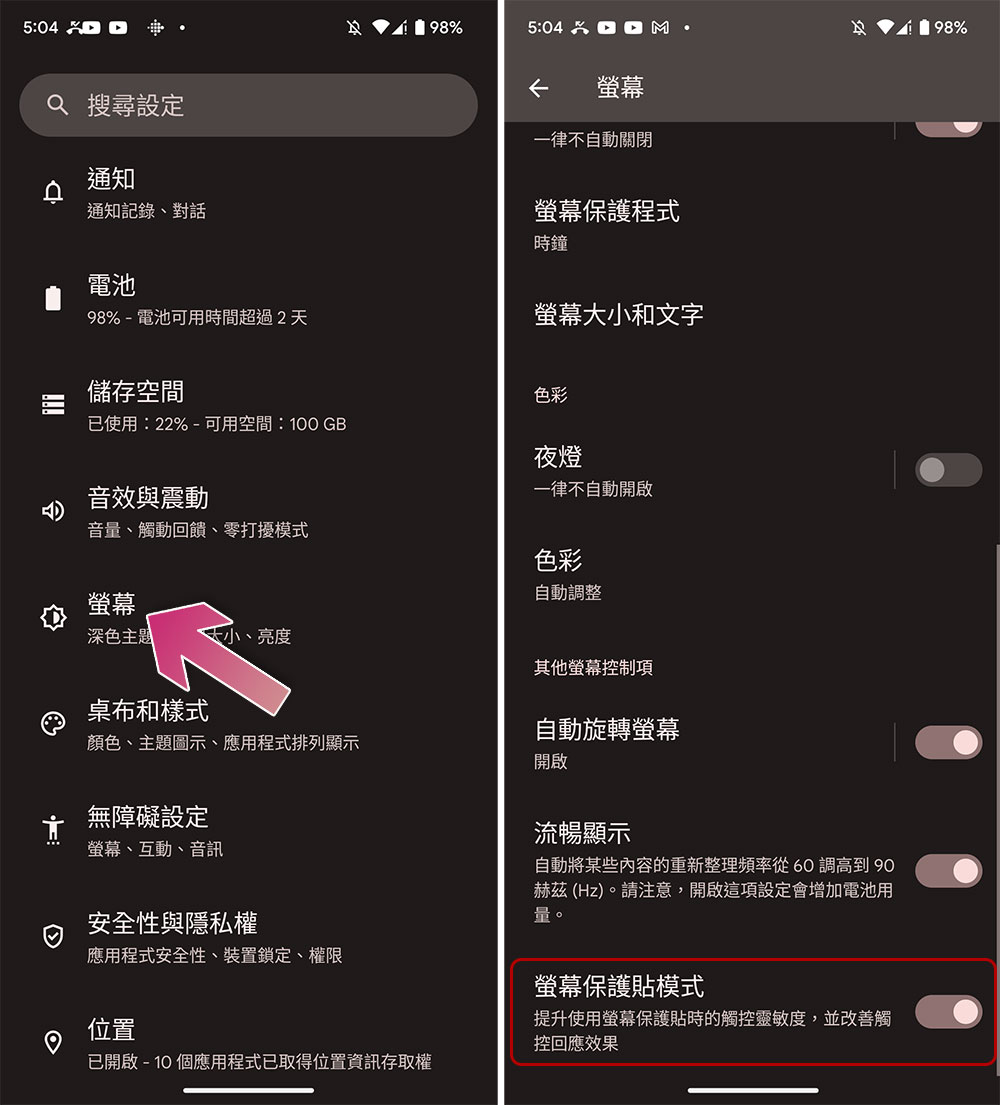
Other phone brands may put this setting in different places, and you may have to look for it, and not all brands support this setting, so if you can’t find it, check the support documentation for your specific phone model.
Reset and re-add registered fingerprint
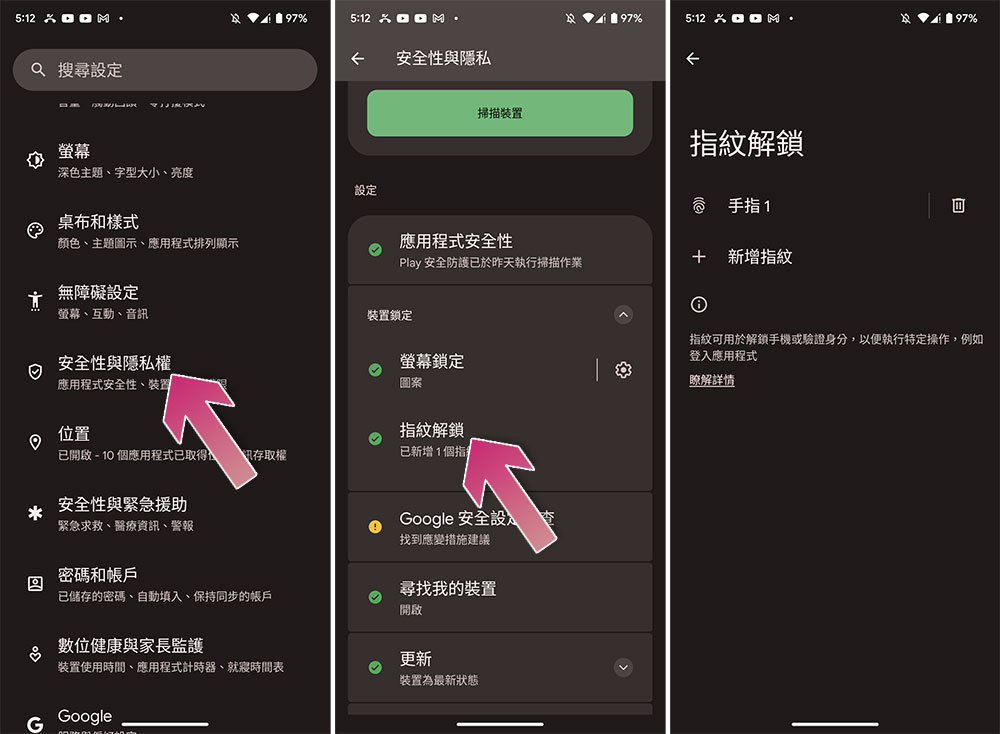
Enabling warranty compensation on your smartphone may not work all the time, for example, what if your initial fingerprint settings are not captured correctly? In this case, the best way may be to remove the old fingerprint and re-register the fingerprint (use Pixel as an example below):
- Open the Settings app and go to Security & Privacy.
- Expand the collapse menu of “Device Lock” and click “Fingerprint Unlock”.
- After entering the lock pattern (or password), delete all the originally set fingerprints and then log in again.
Stealth moves that occasionally work
There is an unusual little trick that I will tell you here, it is a wild folk remedy (?).
If your fingerprint reader cannot scan your fingerprint, you can use this alternative method to “force” the fingerprint reader to operate, which is to register the same finger multiple times. For example, if you are used to unlocking your phone with your right thumb, you can register the fingerprint of this finger 2 or 3 times to reduce the chance of recognition failure. However, this tip is not foolproof. If your phone has restrictions on fingerprint recognition login, it may occupy the space for logging in with other fingers.
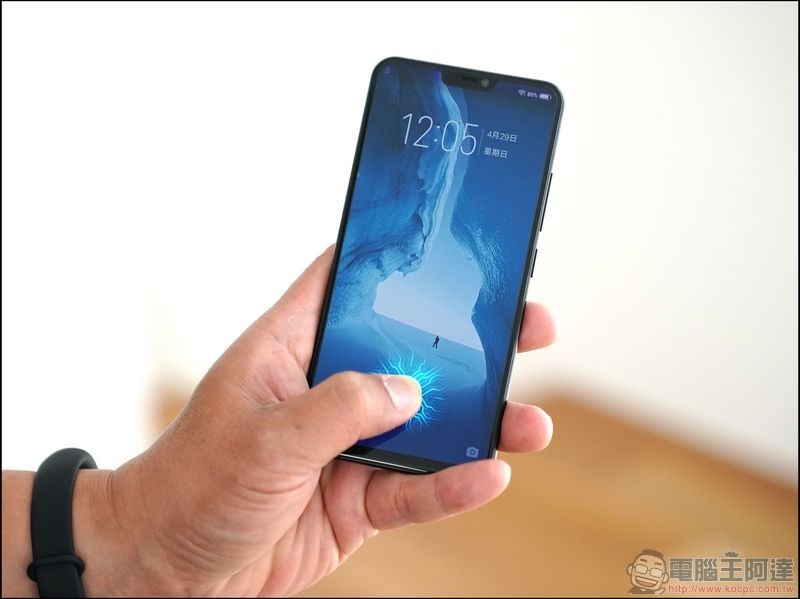
Another point is that the performance of fingerprint recognition will also depend on the reader itself. Dust, particles, dirt, and oil will also affect the performance of the reader. Make sure the fingerprint reader is clean and there is no grease or other dirt on your fingers. You can use microfiber to clean the physical fingerprint reader to ensure it is clean.
Check for system updates
Sometimes system updates are the main cause of fingerprint scanner problems, and the updates released may also be used to fix fingerprint scanners. For example, Pixel once had a problem with fingerprint recognition and was later fixed by pushing an update. This means that while waiting for the fix, you must first set up other unlocking methods, such as facial recognition, pattern unlocking or passwords.
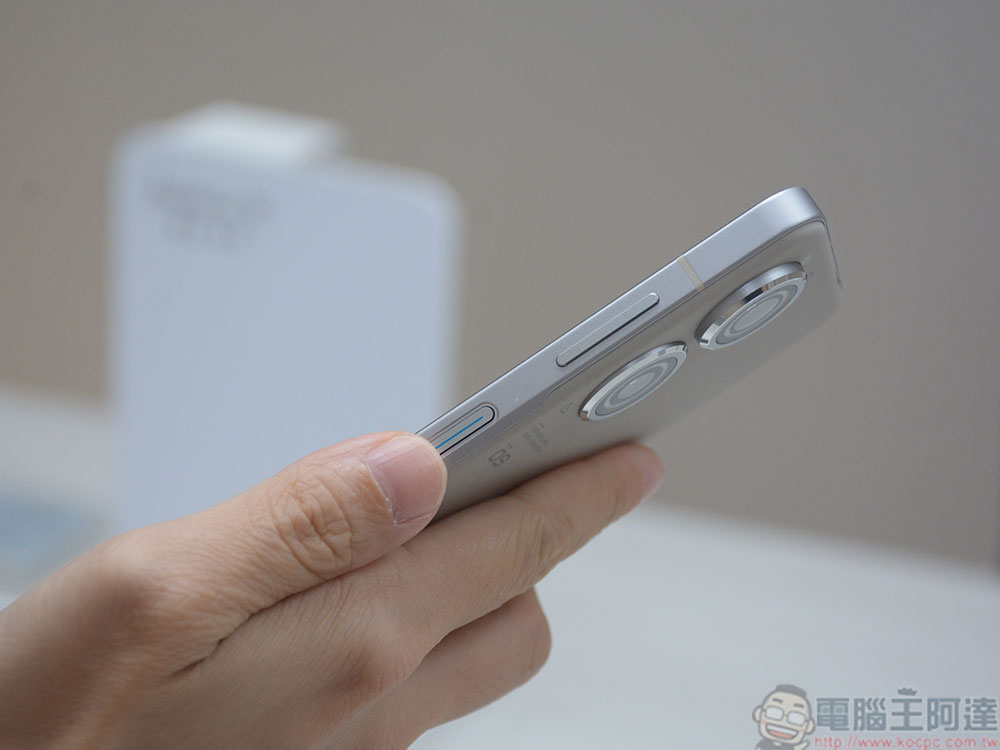
If none of the techniques mentioned above can solve your fingerprint recognition problem and you have not received any fix updates, as a last resort, if your phone uses screen fingerprint recognition, please remove your protective cover. Although this approach will make your screen more susceptible to scratches, it is a last resort if it affects the performance of the device. However, you can purchase a protective case with raised edges around the screen to increase protection.或者,如果你的手机厂商有推出自家的保贴,虽然价格会略高一点,但是至少与指纹辨识的相容性会更好。
Source: KOCPC Chinese