


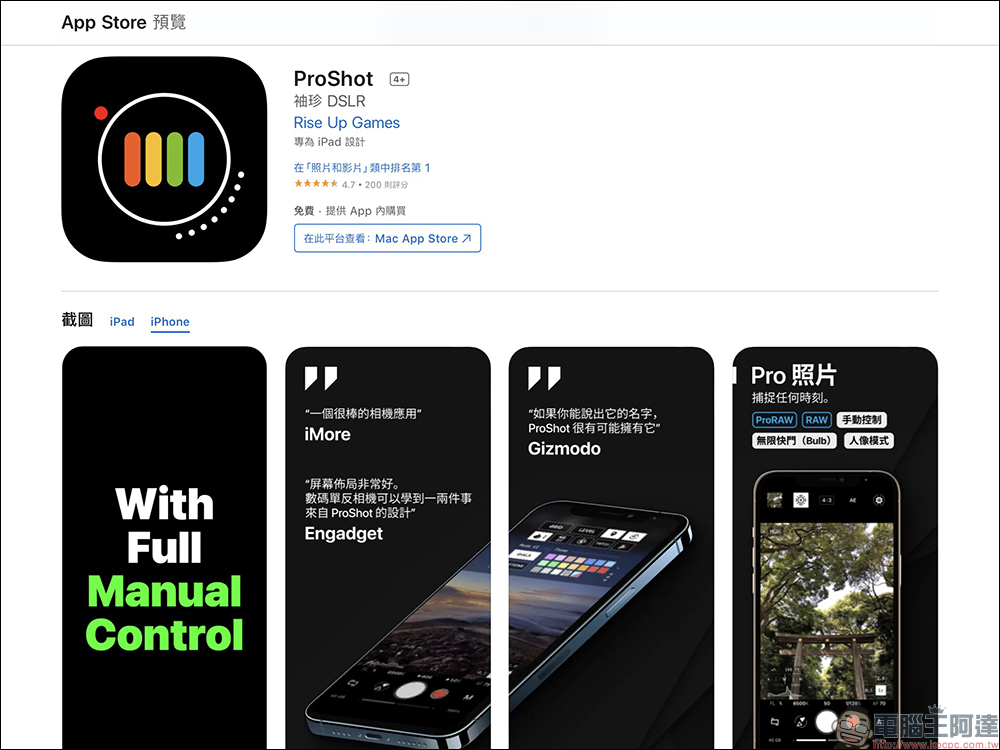
In recent years, with the powerful camera software and hardware of smartphones, they have gradually become a portable camera for people to record their daily lives. However, even though the built-in camera app of iOS or Android system is rich in functions, some professional setting parameters are not so flexible to operate. We have introduced to you a useful and professional camera App “PtoShot” before. Now to celebrate the tenth anniversary of Cap, we have launched the App for free download for a limited time, both iOS and Android platforms are free! Please note that this event only lasts until today (22nd).
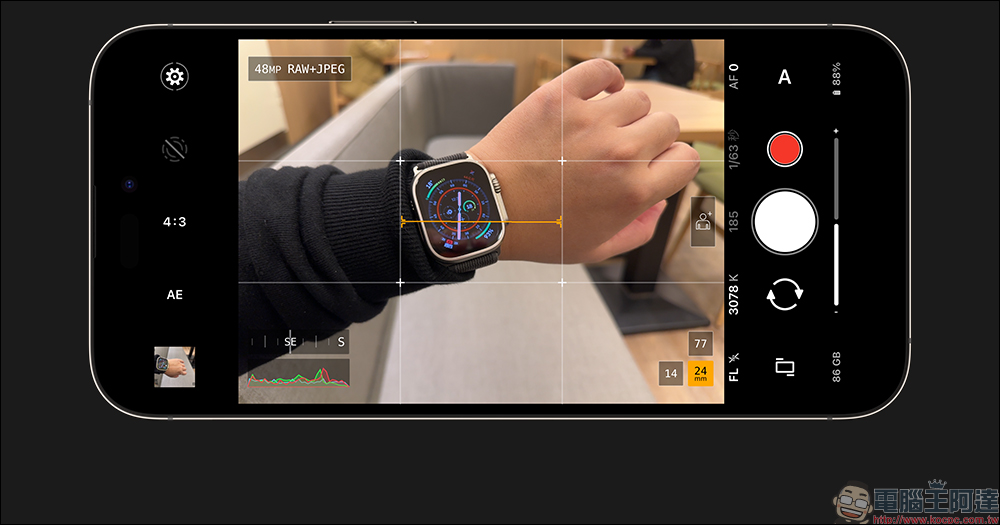
ProShot App: Turn your iPhone into a professional camera, available for free download for a limited time!
In fact, we introduced ProShot App two years ago. Simply put, this camera App can meet the parameter setting needs of all photographers for professional shooting and unleash the image shooting power of the smartphone in their hands. Compared with the built-in camera app in mobile phone systems, ProShot provides an intuitive and smooth UI interface, allowing users to easily enjoy a comprehensive experience in taking photos, videos, light painting, and time-lapse photography modes. In order to celebrate the 10th anniversary of ProShot, the official launched a limited-time free event. This time, users of both iOS and Android systems can download this professional camera App for free in the App Store. It is recommended that you download it first regardless of whether you will use it now, and you will not be afraid of not being free if you want to download it at any time.
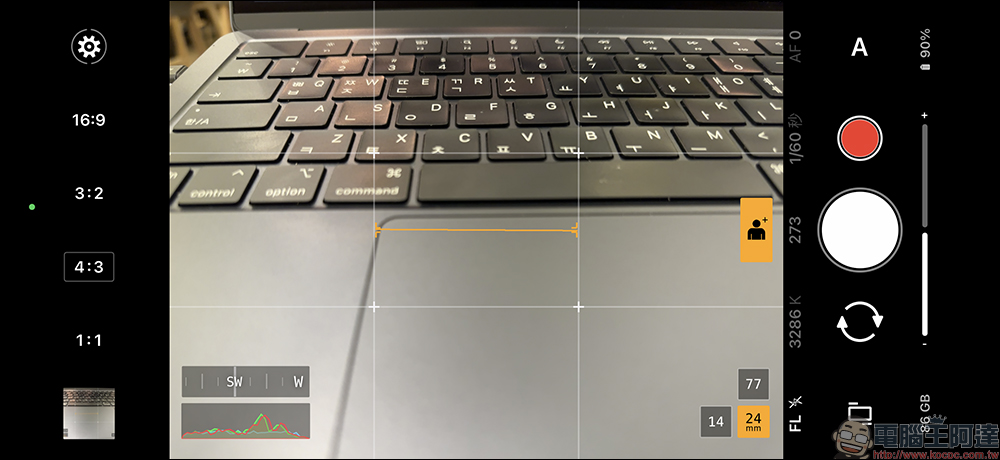
ProShot App supports multiple aspect ratio options, and also provides portrait mode, black and white mode, multi-lens focal length switching, and various camera shooting modes.
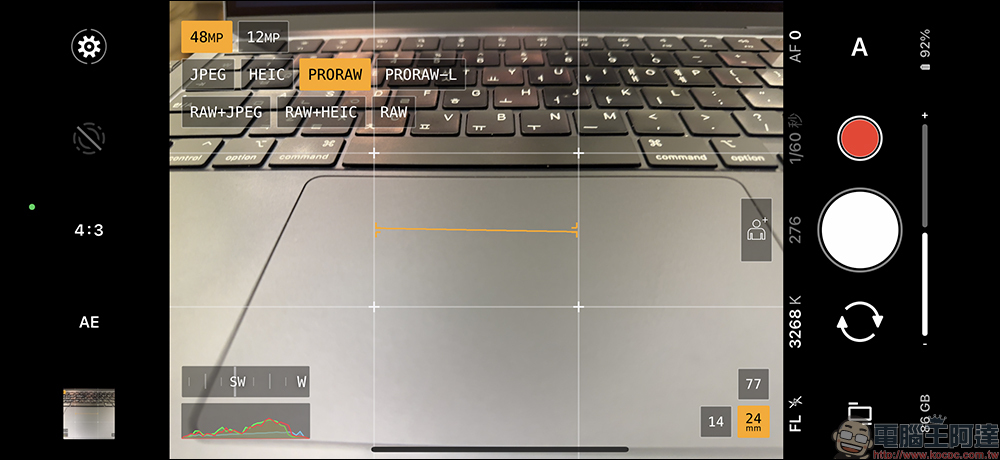
Taking the iPhone 14 Pro Max as an example, you can easily switch between 48-megapixel and 12-megapixel shooting in the ProShot App. For formats, you can easily select JPEG, HEIC, ProRAW, RAW and other options within the app. In addition, ProShot App also supports LivePhoto shooting.
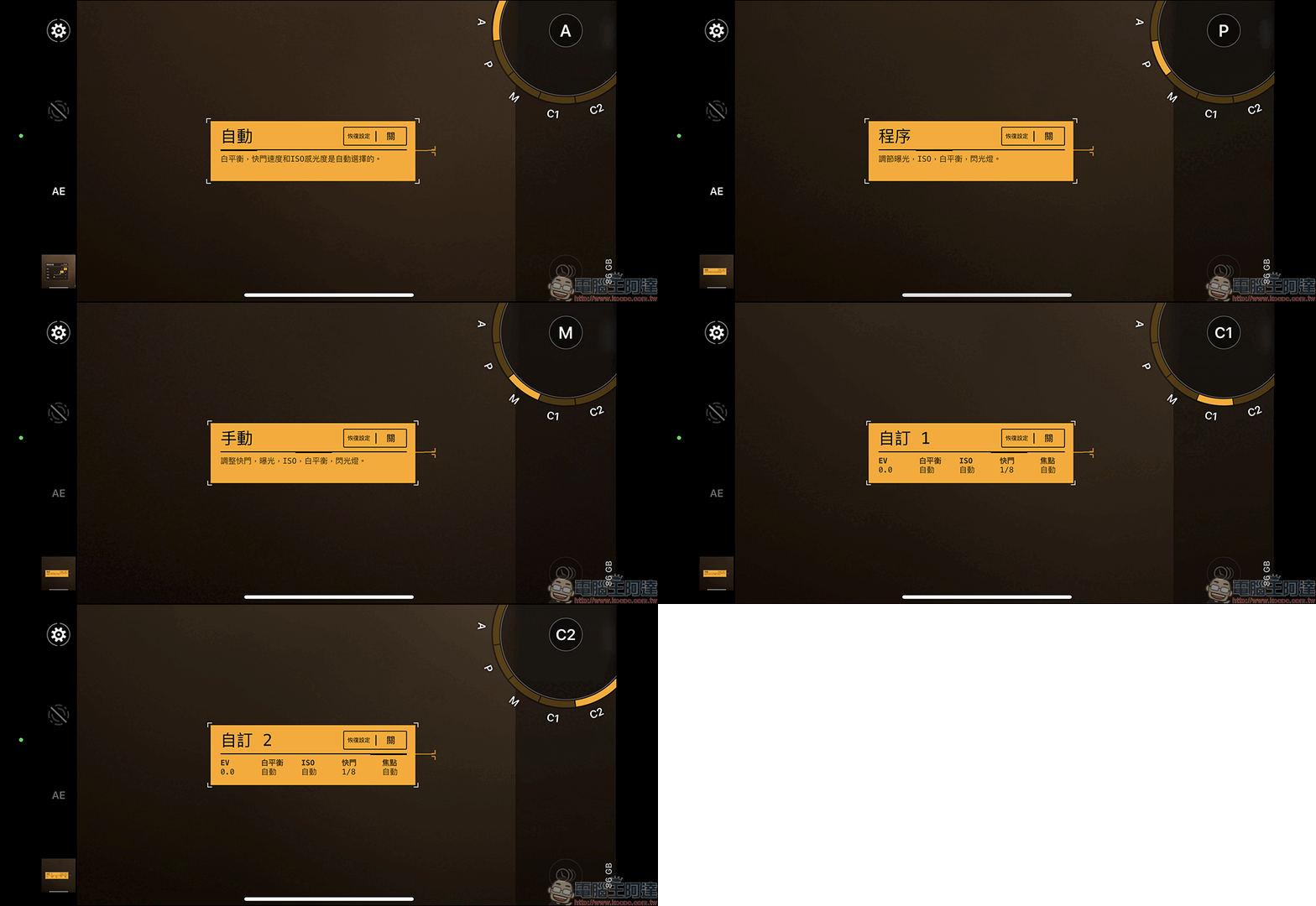
Taking photography as an example, users can choose automatic mode, P mode, manual mode (M), and two custom modes, C1 and C2.
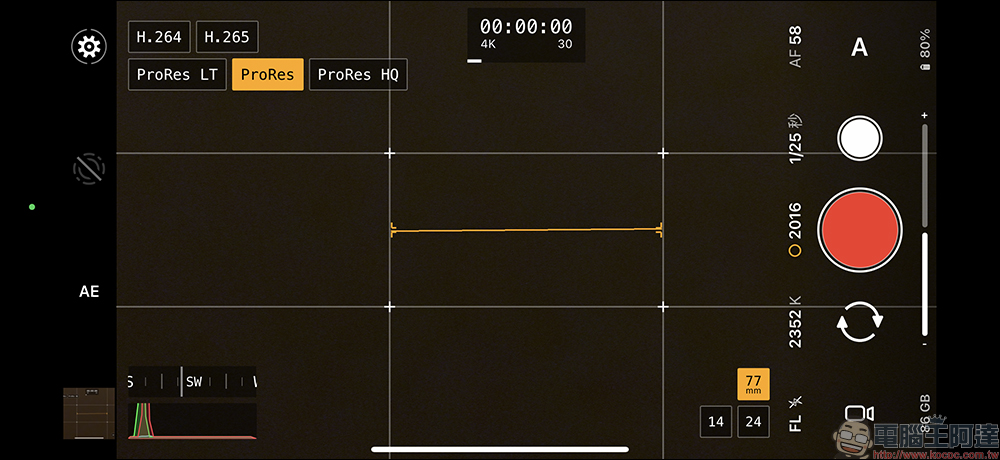
In terms of video recording, ProShot supports H.264, H.265 and ProRes formats, can shoot 4K resolution videos, and the frame rate can be adjusted from 24fps to 240fps. ProShot App also supports 4K time-lapse photography and can be connected to an external microphone. In addition, the ProShot App also supports playing music (such as Spotify) while recording videos. For users who have short video and audio shooting needs, this feature may be of great help.
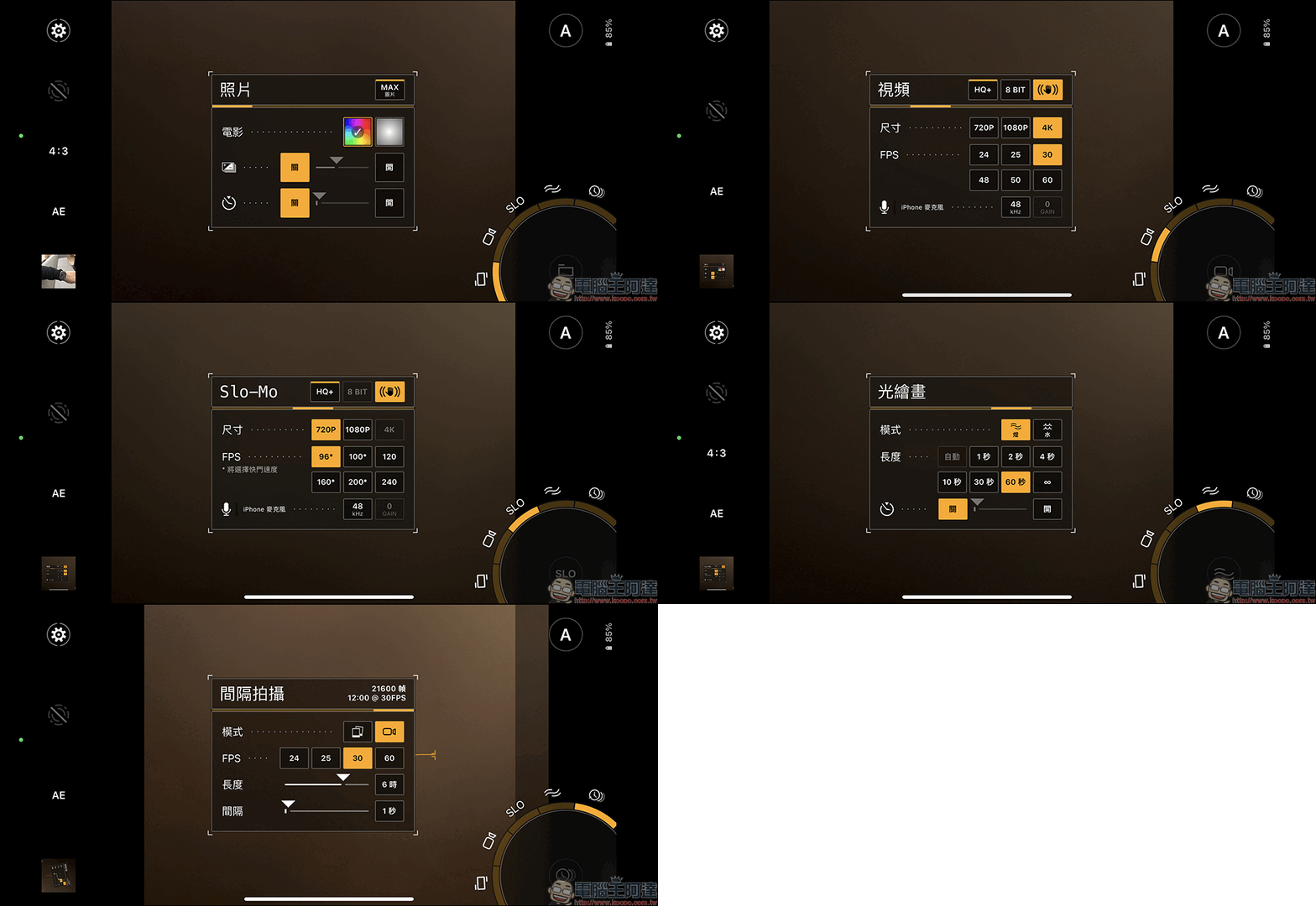
The shooting mode can be operated with one hand. After long pressing the function button in the corner of the screen to expand the function, slide to switch between different functions and make settings. ProShot App supports photo and video, slow-motion video, light painting and interval shooting.
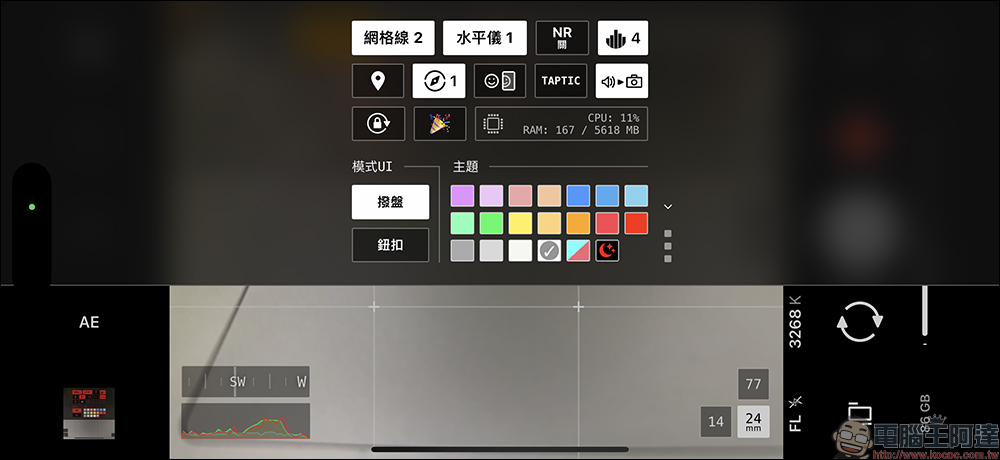
In addition to selecting different grid lines and levels to assist in shooting, the settings page also provides advanced settings such as positioning and vibration, and you can even customize the main color of the UI.
ProShot App:
Free download of iOS version (click me to go)|Android version free download (click me to go)
(*Tips: Free for a limited time and ends at any time)
Further reading:
Xiaomi Mi 13 series officially released: Qualcomm Snapdragon 8 Gen 2 flagship new phone with real Leica imaging
Source: KOCPC Chinese