


With Christmas coming this week, LINE Taiwan finally released Christmas chat room special effects today (20th)! In addition to real-life Christmas costumes, LINE now also has Christmas-related themes for personal profiles and photo filters that can be changed! In addition, LINE officials also announced that this year’s short “snow season” in chat rooms will arrive from December 26th to 27th!

LINE Christmas chat room special effects are here, enter keywords to wake them up! Snowing chat room background coming soon
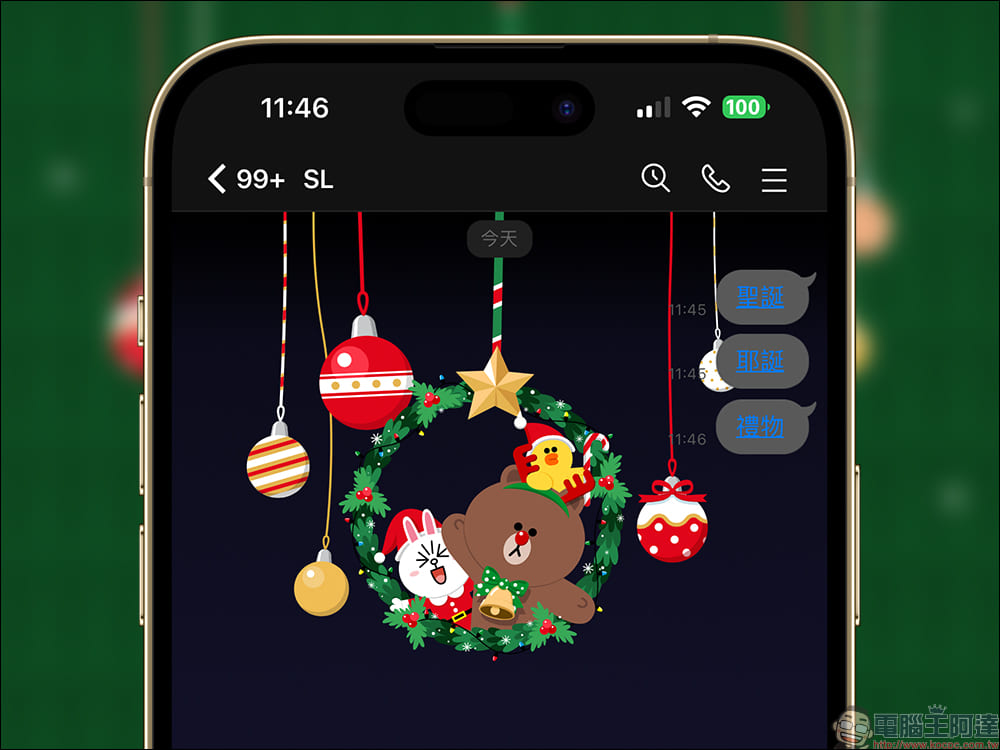
Have you decided how to spend the annual Christmas? If you are too busy at work and unable to meet up with family and friends for dinner to celebrate Christmas, you can also use LINE to easily celebrate the end of the year. That is, from the 20th to 10:00 on December 26, 2022, as long as you enter the designated keywords “Christmas”, “Christmas” or “gift” in the LINE chat room, any set of keywords can awaken the super cute Big Bear, Bunny and Sally Christmas wreath special effects.
This year, LINE Christmas special effects support LINE iOS 9.15.0 (inclusive) and above, LINE Android 10.2.0 (Korean) and above, Android system 7.1 and above, and LINE PC version 5.19.0 (inclusive) and above. If the LINE version of your mobile phone is 12.0.0 (inclusive) or above, after entering keywords, in addition to the chat room background special effects, the keyword part will also be presented in the form of a link (blue text). If you want to replay the chat room special effects, just click on the keyword link. In this way, there is no need to wash keywords in the chat room just to activate special effects!
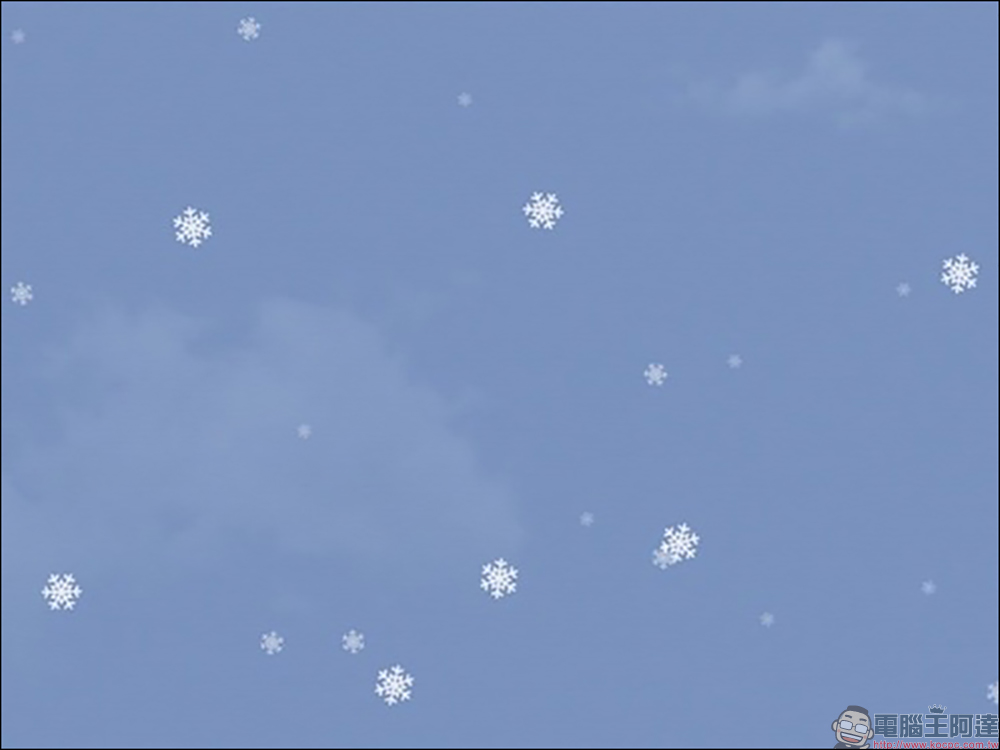
In addition to LINE’s Christmas chat room special effects, LINE officials also announced the timing of the “snowing” special effects in LINE chat rooms this year. The first is the LINE iOS/Android mobile version, which will snow all day long from 00:00 to 23:59 on December 26, 2022. In addition, the LINE PC version will start snowing at 10:00 on December 26, 2022, and will last until 09:59 on December 27, 2022.
Just update LINE to LINE iOS 9.15.0 (inclusive) or above, LINE Android 10.2.0 (inclusive) or above, and Android system 7.1 or above, or LINE PC version 4.8.0 (Korean) or above, and you can see the white snowy special effects on the LINE chat room background during the “Snow Season”.
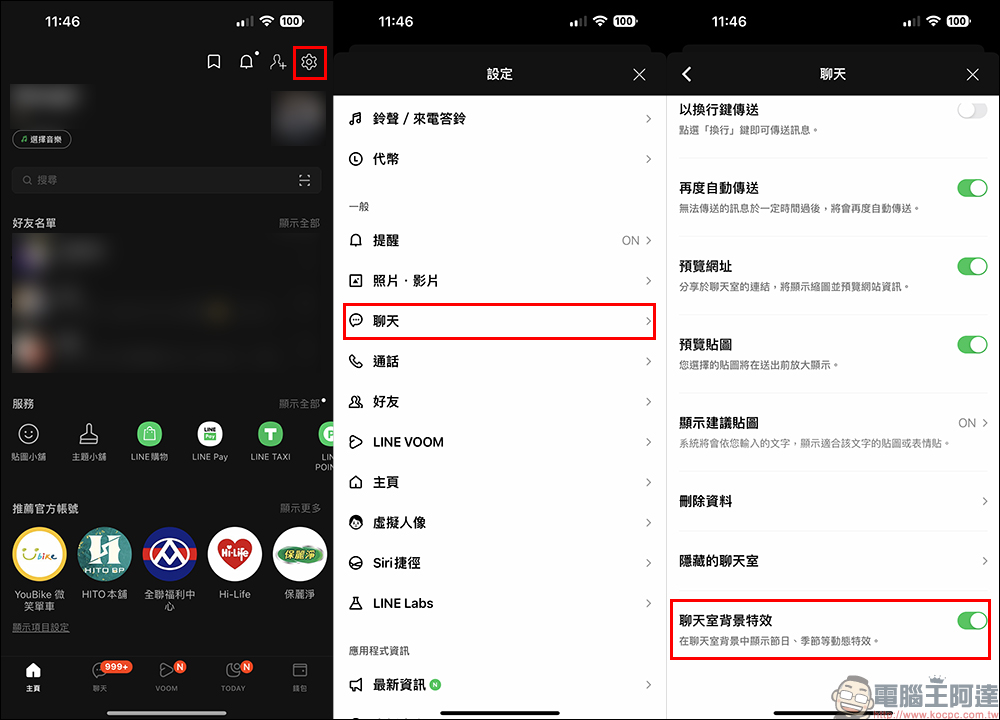
If you don’t want to see snow in the background of LINE chat rooms during the above period, you can go to LINE settings, find the “Chat” page and turn off “Chat Room Background Effects”. On the other hand, if you find that the LINE version has been updated to a version that supports special effects during the event but no snow is detected, you can not only reopen the LINE App first, but you can also go to this settings page to confirm whether the “Chat Room Background Effects” is turned on.
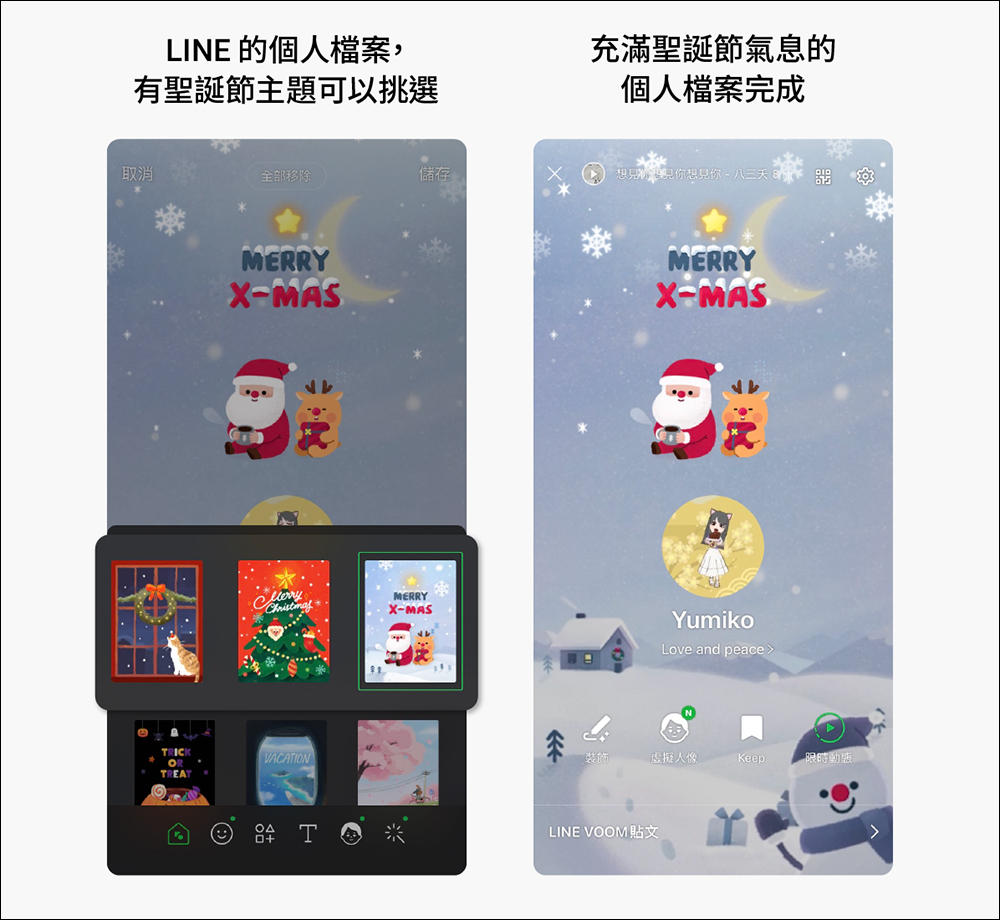
Additional screening at the same scene: Personal files and photo filters also have Christmas themes
In addition to the above-mentioned Christmas chat room special effects, this year LINE also added Christmas themes to personal profiles and photo filters! Just go to your LINE profile to pick a Christmas-themed background.
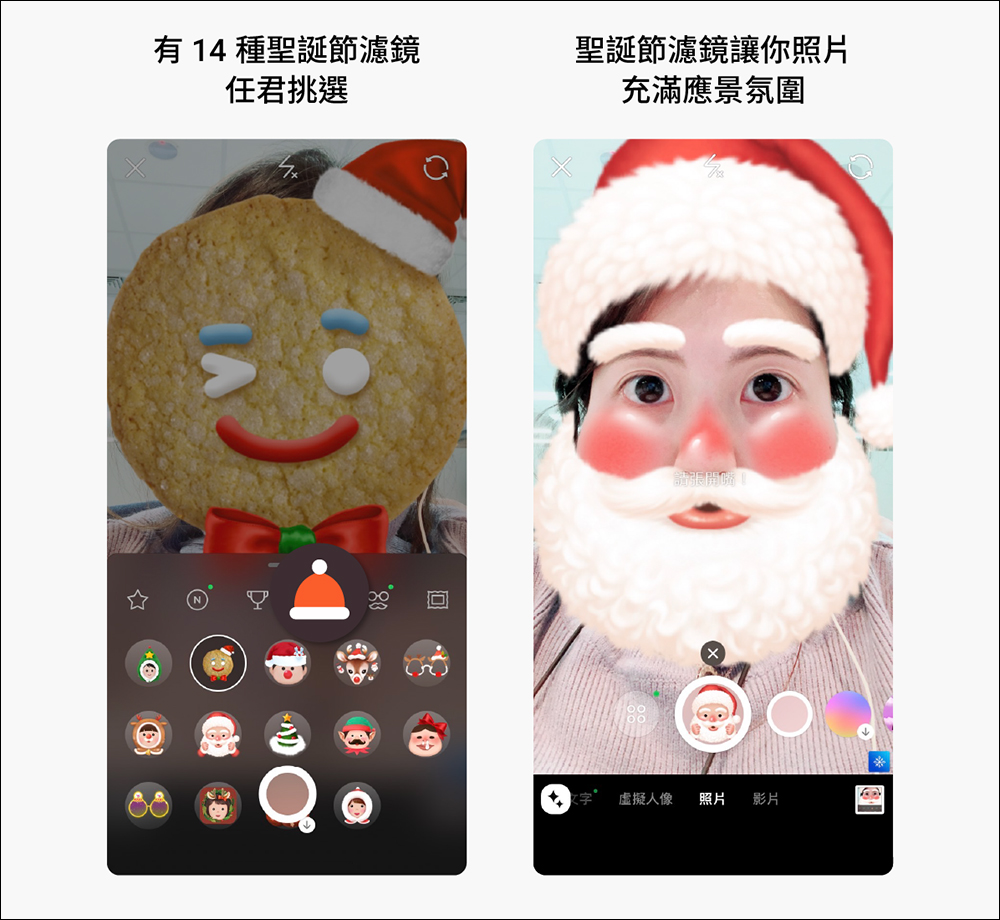
At the same time, the built-in camera function in LINE also supports Christmas filter selection, with a total of 14 kinds of Christmas filters for you to choose from.
Source: KOCPC Chinese