


We have introduced many true wireless Bluetooth headsets before. It is difficult to give a complete introduction to true wireless Bluetooth headsets, including how to let you hear the sound quality of the headphones, the delay of the headphones, functions, etc. After all, everyone’s listening experience is different. Even when used with professional radio equipment, the effect presented is very limited and cannot completely reproduce the actual listening experience. Most of them can only be used as a reference. As for the delay part, most people can only refer to the manufacturer’s data or directly use games to test the delay effect, but the actual delay value is unknown. Recently, there is an APP that can test the delay of true wireless Bluetooth headsets. Is it effective in actual use? Next, let’s test it for everyone to see:
Latency Test usage tutorial
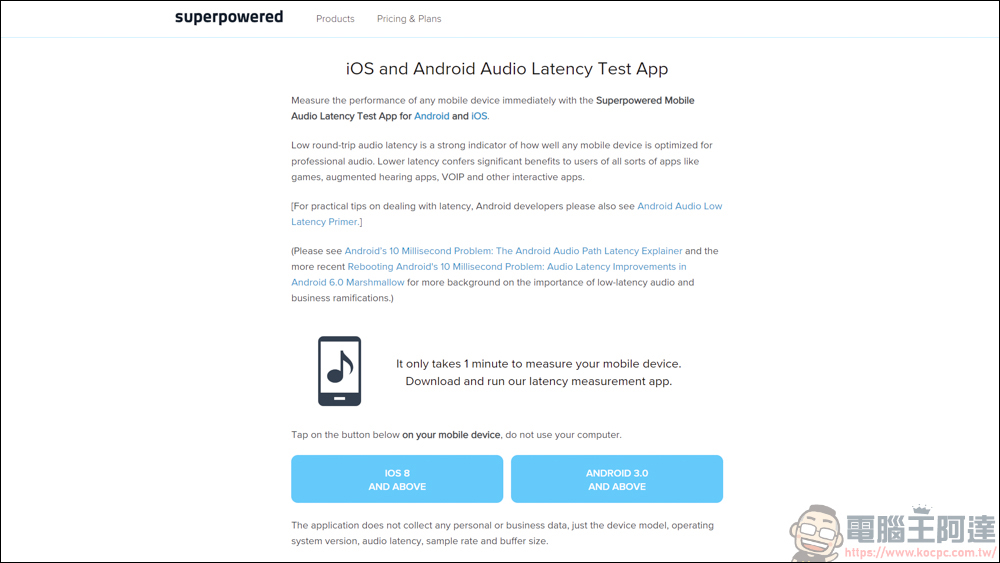
Latency Test is an APP developed by a superpowered company in the United States. It is specially used to test the latency of Bluetooth headset devices. There are two versions of iOS / Android, but they are not listed in the APP store, so they must be installed separately by downloading from the web. If you feel uneasy about this kind of APP, it is recommended not to try it rashly to avoid problems with your phone: ( Download address )
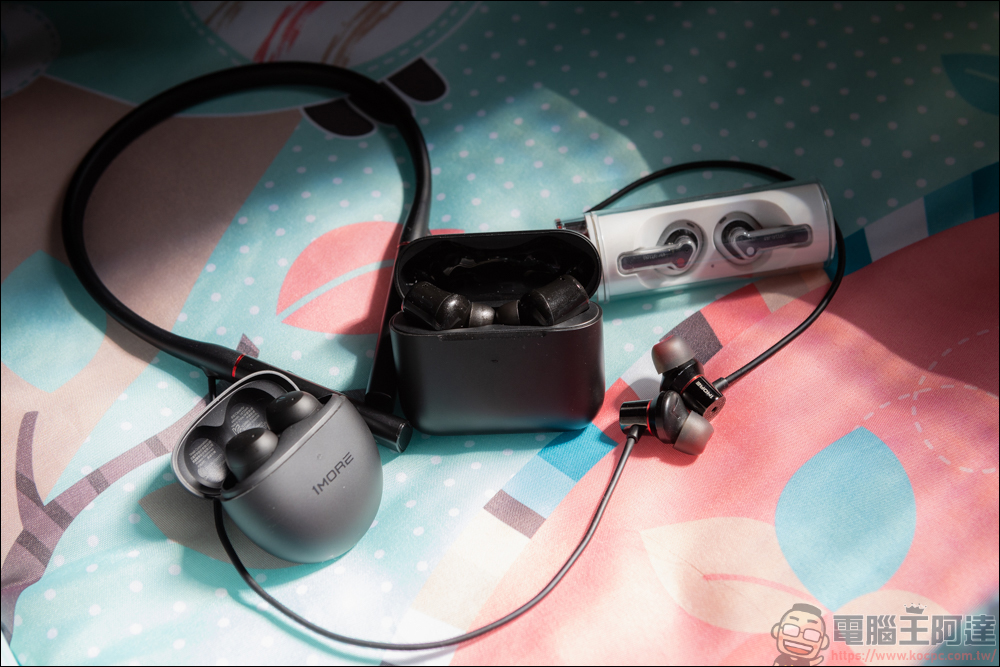
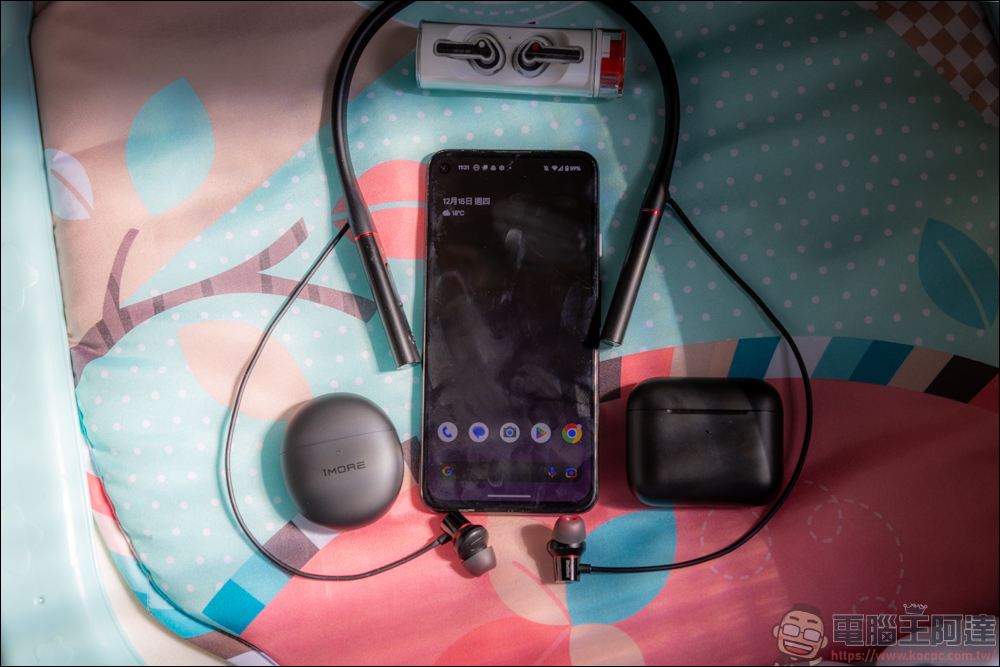
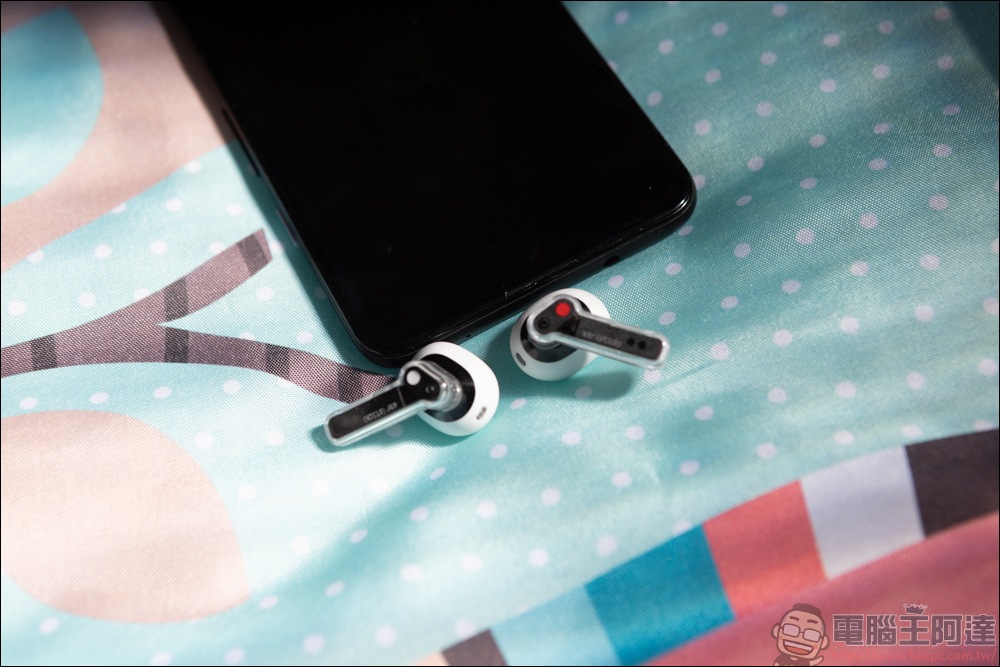
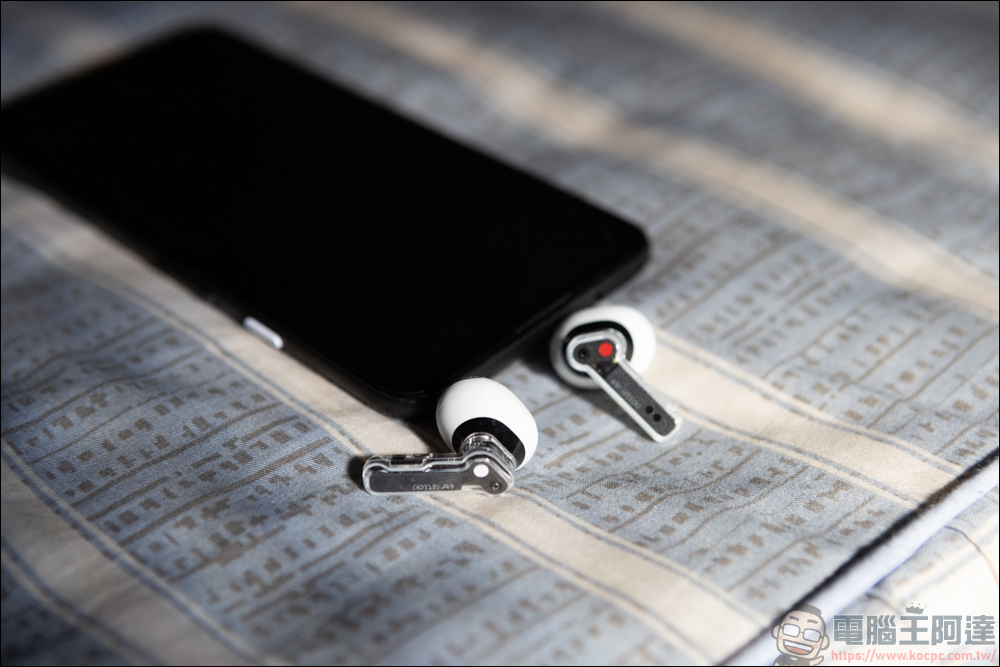
The mobile phone to be tested this time is Google Pixel 4a, and the headphones to be tested are Nothing Ear (stick), 1MORE ColorBuds 2, 1MORE HD Noise Canceling Ring Bluetooth Headphones PRO Edition, and Razer Hammerhead True Wireless 2021:
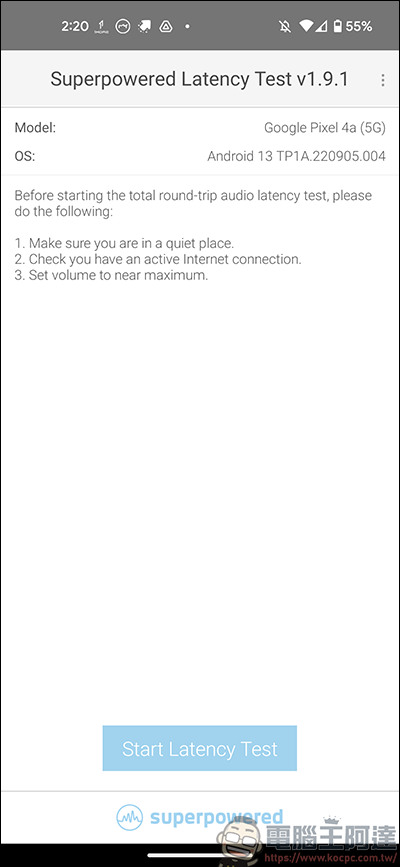
The method of using the software is also very simple. Find a quiet place to connect to the Internet, and then press Start Latency Test to test:
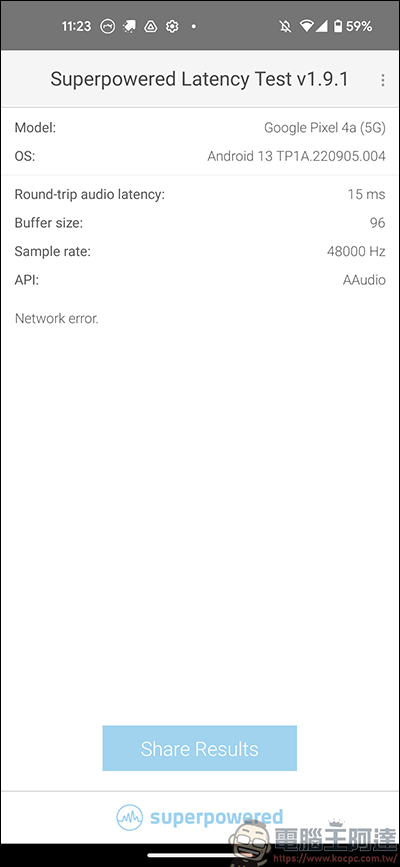
At the very beginning, you need to perform a mobile phone speaker delay test. After turning the phone sound to the loudest, press Start Latency Test. After waiting for a period of time, the Round-trip audio latency column above is the currently measured delay value, which is the delay of the mobile phone itself:
Then connect the true wireless Bluetooth headset to be tested to the mobile phone via Bluetooth, then bring the headset close to the phone’s radio Mic. After pressing Start Latency Test, the headset will make a beeping sound. At this time, the test is already underway:
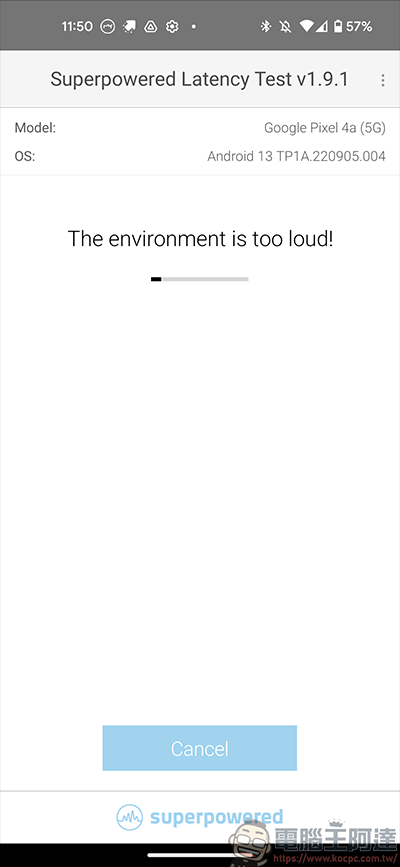
If the test environment is too noisy, the test cannot be carried out:
Nothing Ear (stick) Latency Test
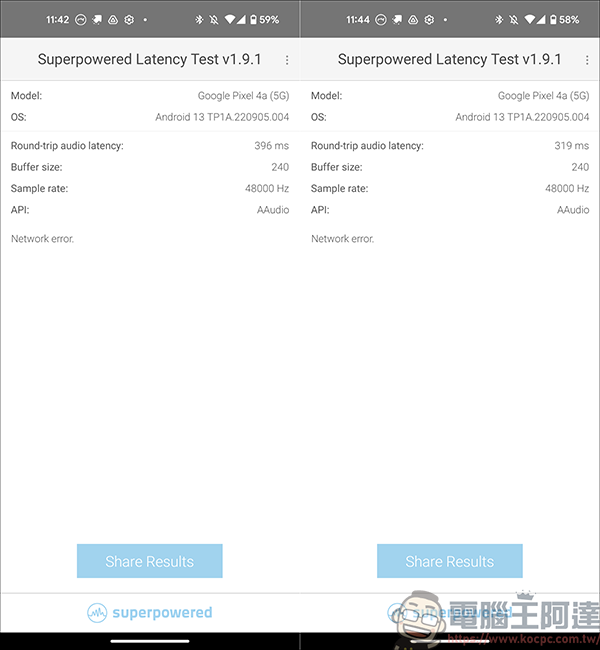
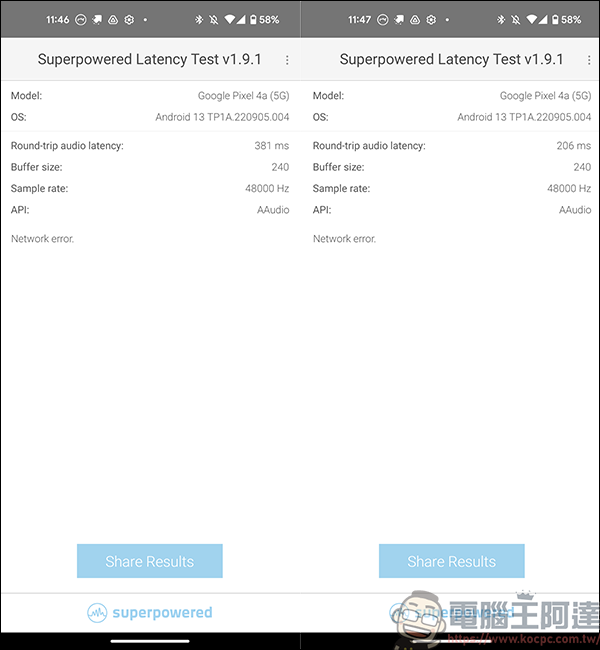
The first thing to do is the latency test of Nothing Ear (stick). The left picture shows low-latency mode not turned on, and the right picture shows low-latency mode turned on. You can see that there is a 77ms gap between the two. However, this value must be deducted from the delay value of the phone itself, that is, 396ms -15ms = 381ms is the correct value of Nothing Ear (stick) without low-latency mode turned on. Of course, this is not a very professional testing tool after all, so the measured values can be used as a reference:
Razer Hammerhead True Wireless 2021 Latency Test
Razer Hammerhead True Wireless 2021 was also tested with low latency turned off and low latency turned on. The test results are as follows. Just looking at the values, the low latency effect of this headset is relatively obvious:
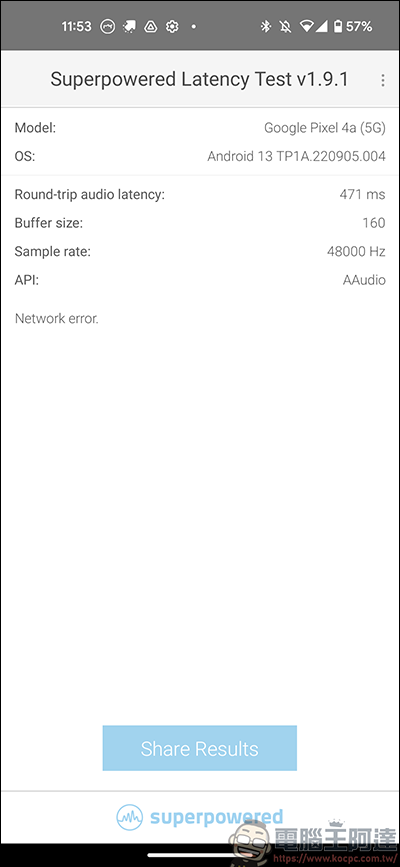
1MORE ColorBuds 2 Latency Test
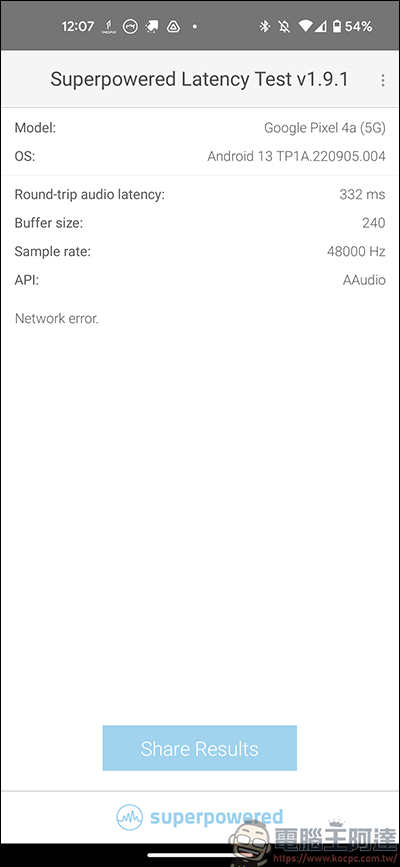
1MORE HD Noise Canceling Bluetooth Headphones PRO Version Latency Test
The above is a brief introduction to this Latency Test APP. After all, we are not using any professional equipment for testing, so the measured values may not be accurate. You can just use it as a reference. You might as well give it a try to see what the latency value of the true wireless Bluetooth headset in your hand is!
Source: KOCPC Chinese