


Whether at work, school, or in life, you will encounter situations where you need to use PDF conversion, adjustment, etc. If you only use it occasionally, you can rely on online tools. The allinpdf introduced in this article is worth collecting. It integrates commonly used PDF tools, such as converting PDF to other formats (and vice versa), splitting or rotating PDF, compressing, encrypting and decrypting, and even converting web pages into PDF. It is no problem. It is completely free.
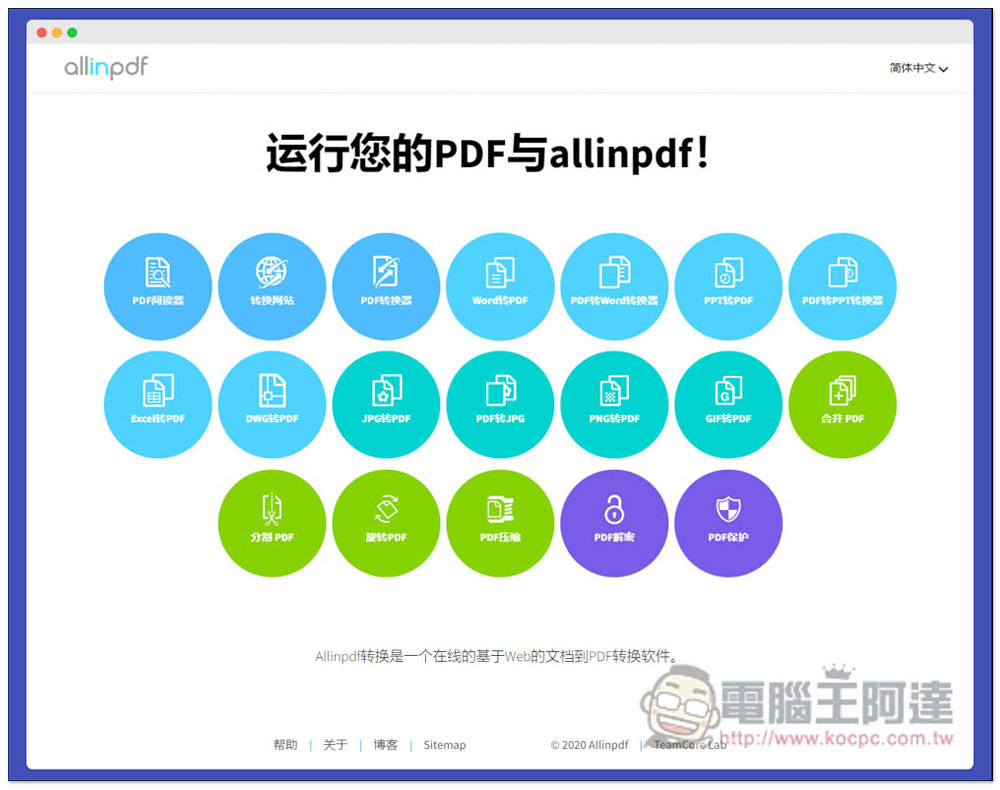
allinpdf is an online website that integrates all commonly used PDF tools, with functions such as file conversion, compression, and web page conversion to PDF.
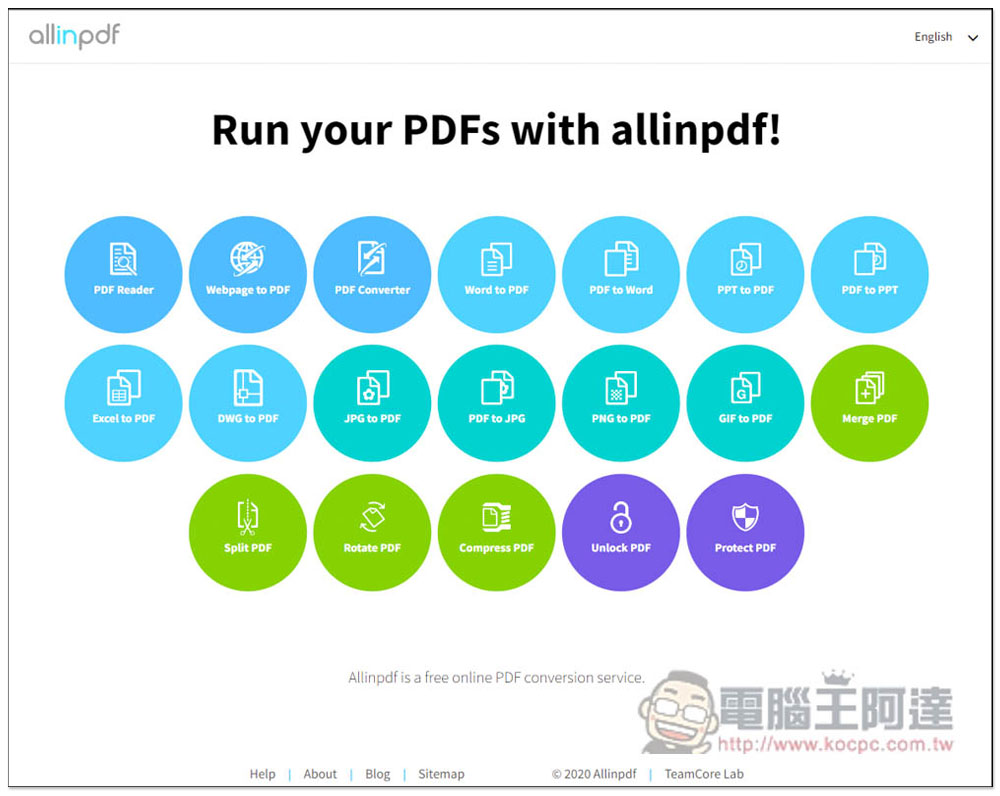
The use of allinpdf is very simple. After entering the website, you can see several commonly used PDF tools. In addition, the website also supports Chinese. If you need, you can click the English menu in the upper right corner to switch:
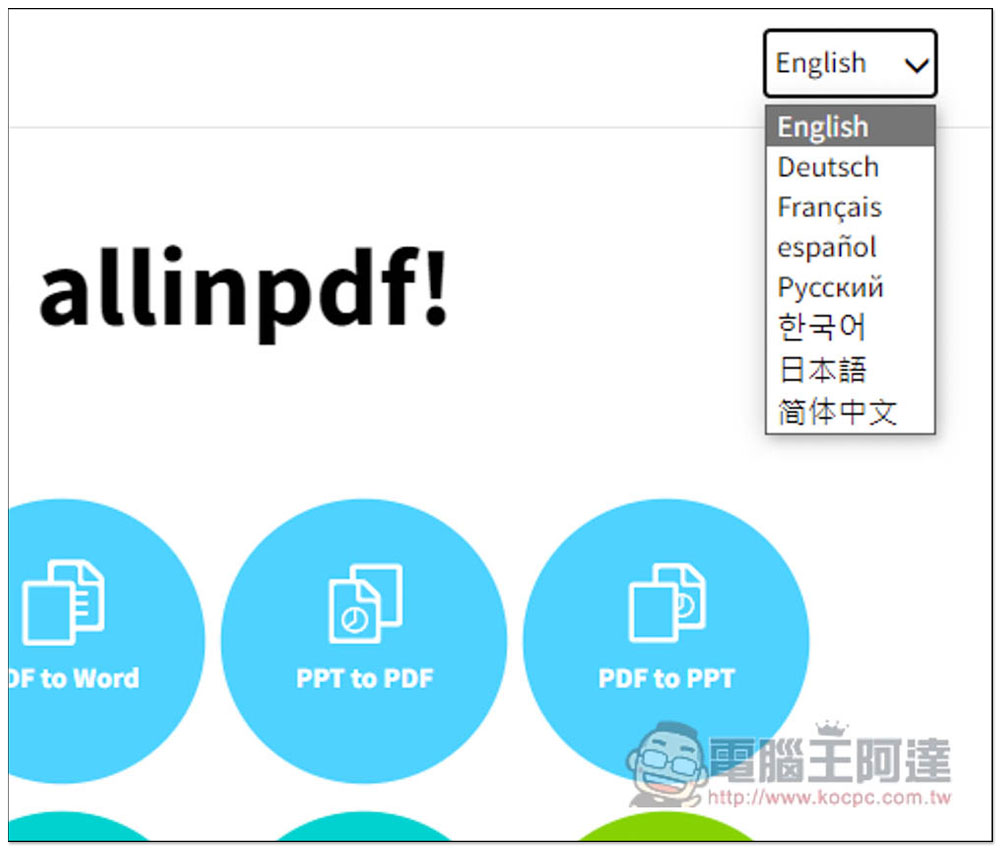
Available in English, French, German, Japanese and Simplified Chinese:
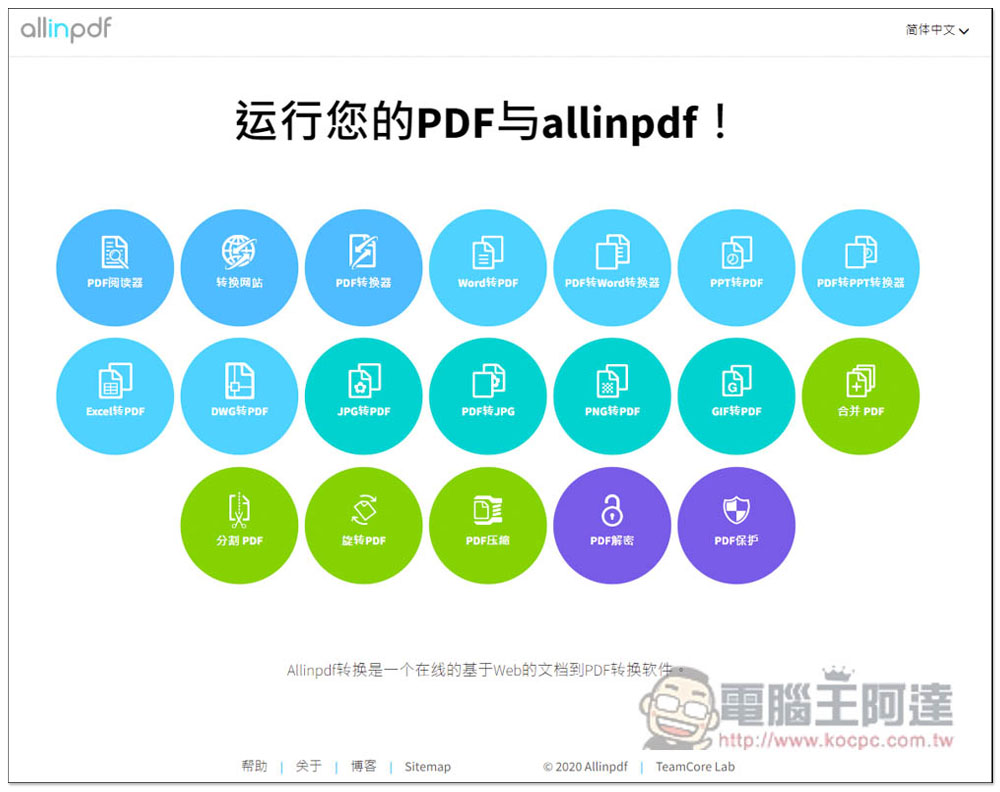
After switching to Simplified Chinese, you don’t have to worry about not being able to understand it. However, please note that this is done through machine translation, so sometimes the translation may be inaccurate:
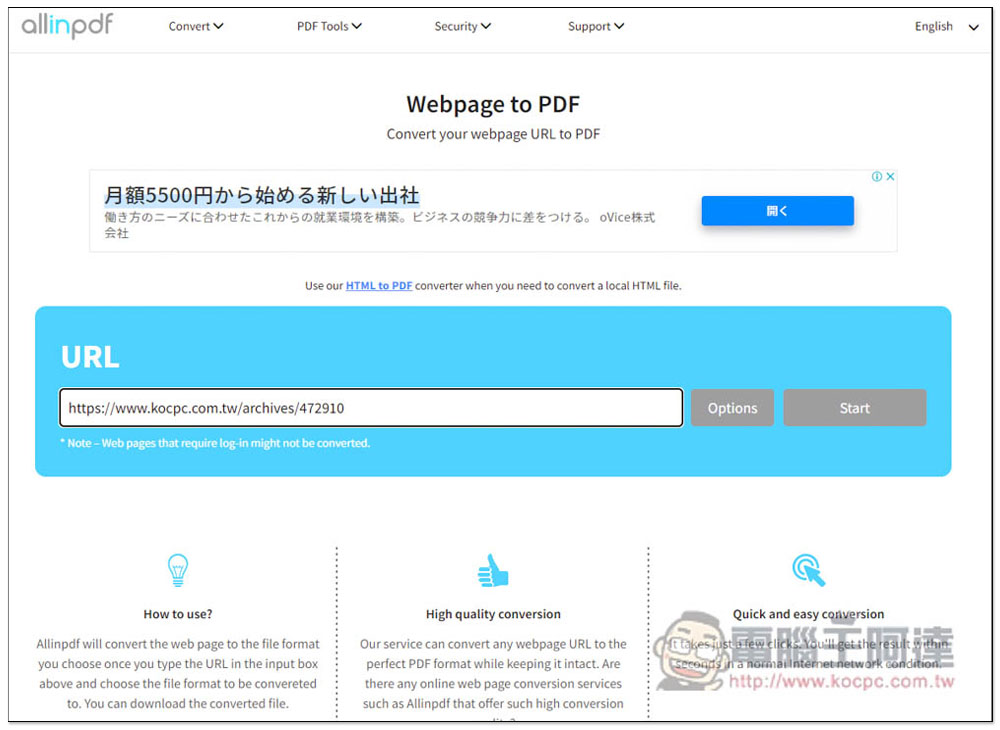
Taking the conversion website as an example, after entering the tool page, paste the URL of the PDF file you want to convert, and then press Start:
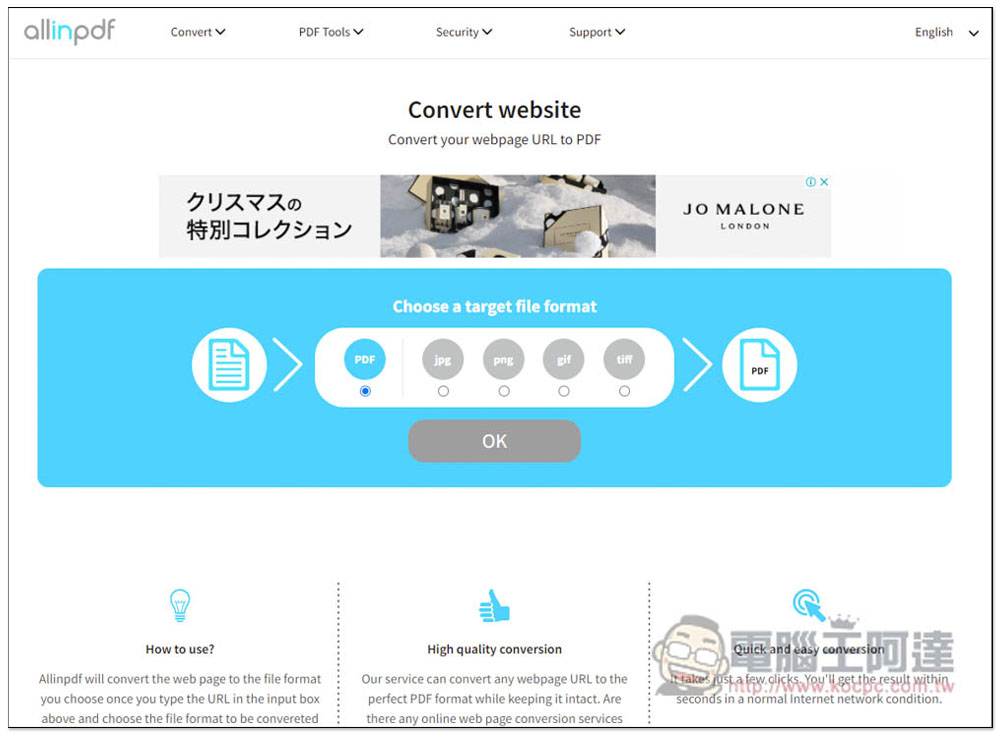
The second step will let you determine the format. In addition to converting to PDF, it also supports converting to JPG, PNG, GIF and TIFF. After selecting, click OK:
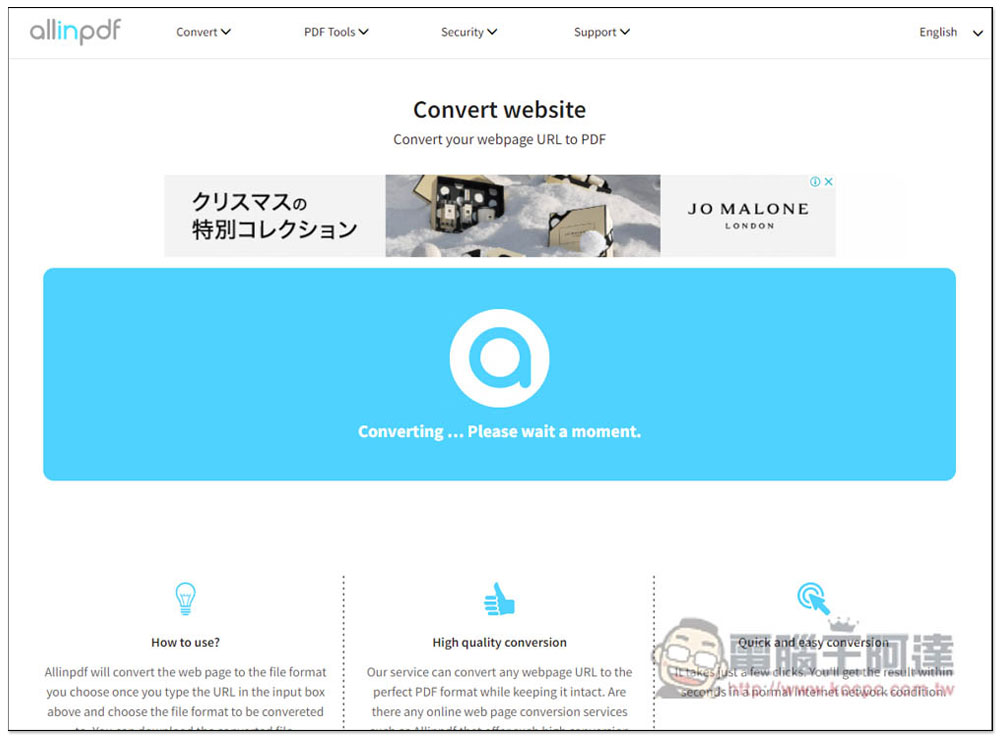
Then just leave the page and wait for it to finish running. If the webpage you want to convert to PDF has too much content, it will take a little longer and sometimes it will fail. Therefore, it is recommended to use it on webpages with relatively short content:
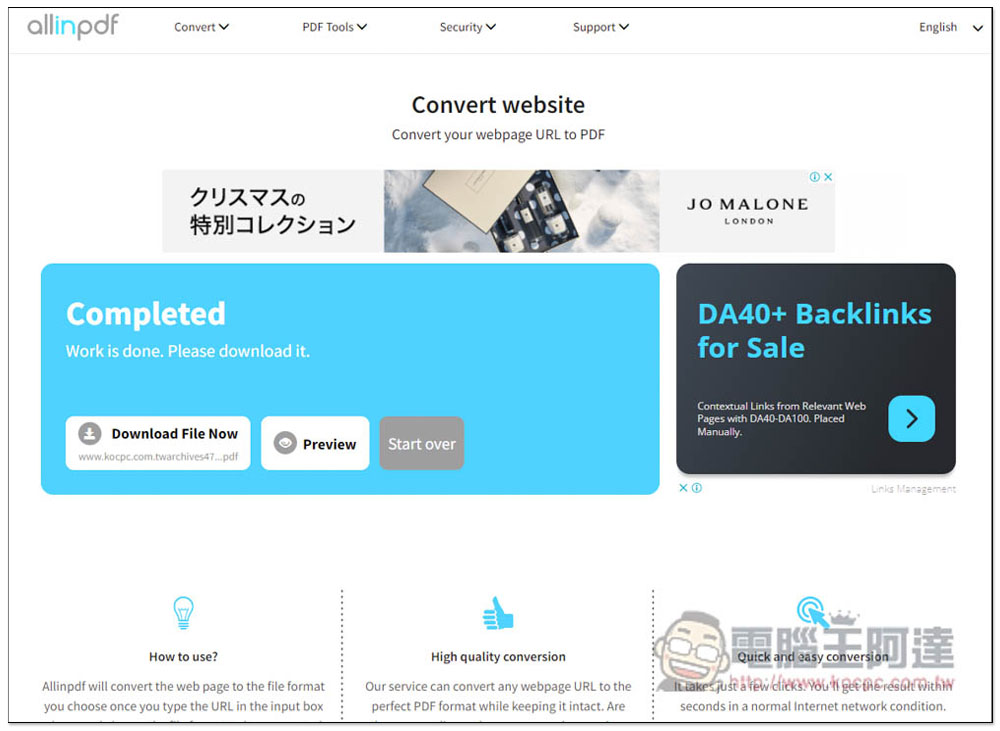
After the conversion is complete, there is a very considerate function: Preview. You can preview the content of the converted PDF file online first, and then download it if you are satisfied (Download File Now):
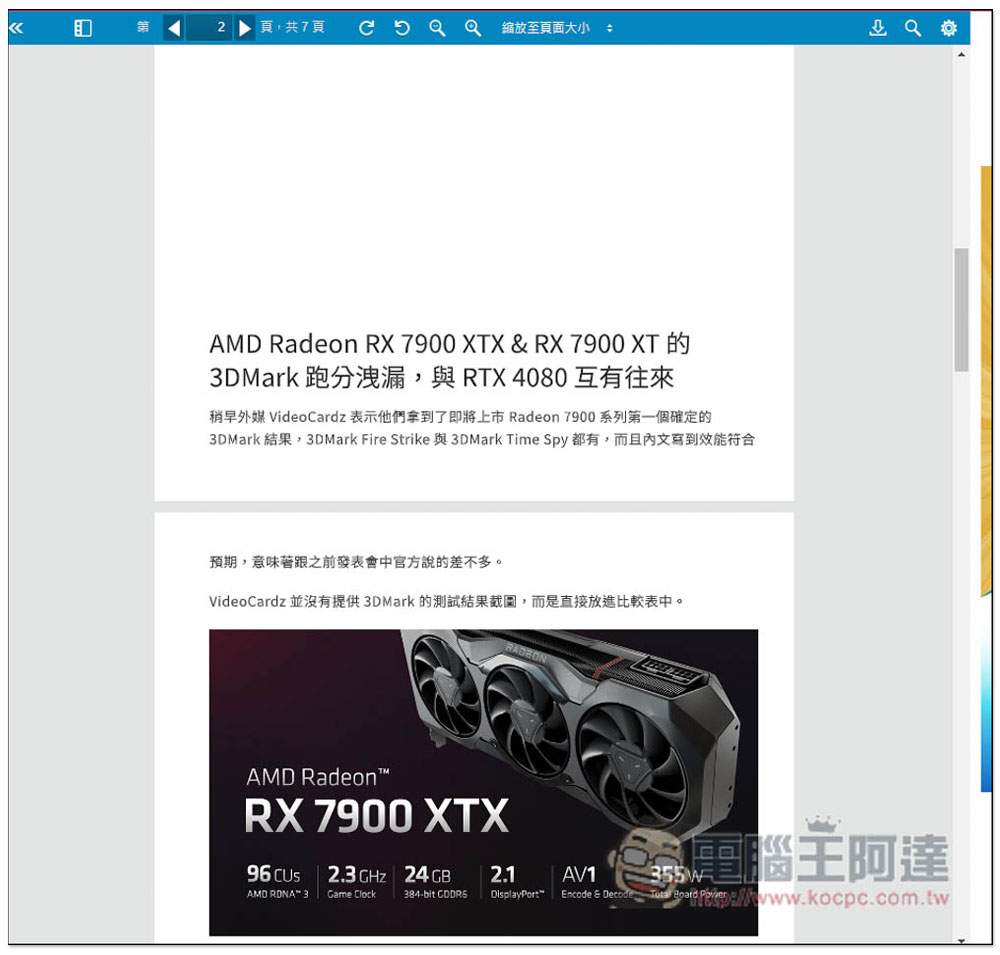
PDF reading page, the conversion is pretty good:
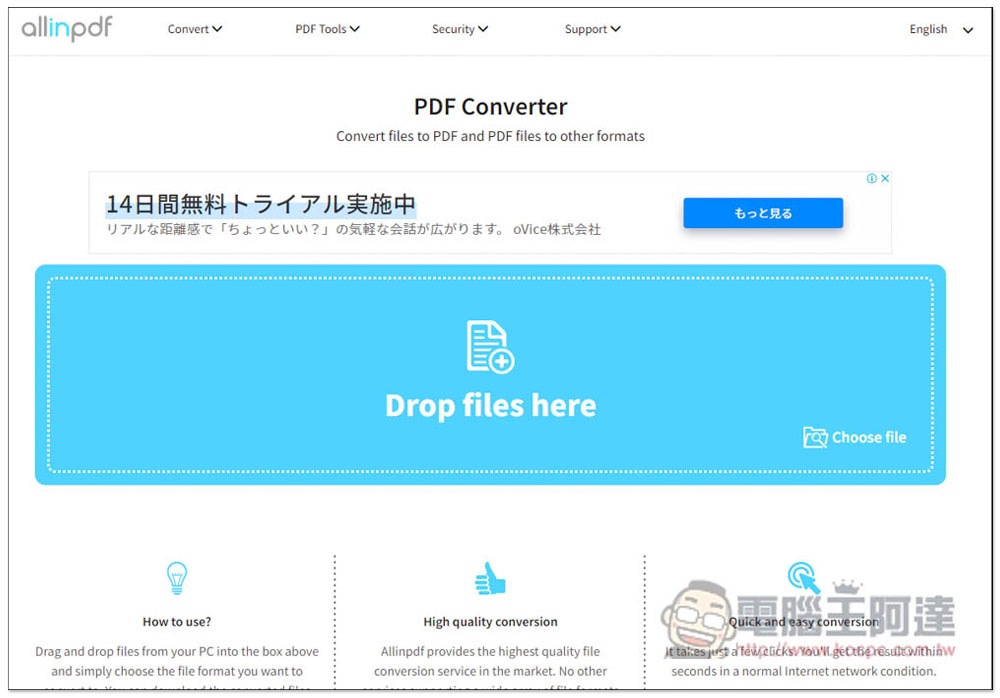
Next, look at the format conversion part. If you are not sure if there is a file size limit, drag in the file you want to convert:
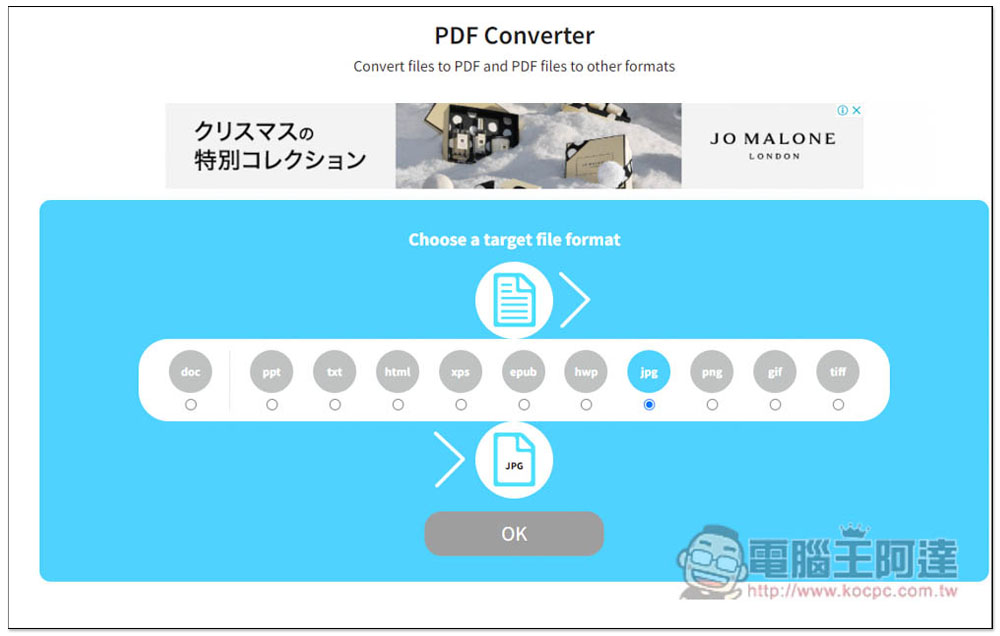
The second step is to select the format. PDF can be converted to DOC, PPT, TXT, HTML, XPS, EPUB, HWP, JPG, GIF and TIFF. After selecting, click OK:
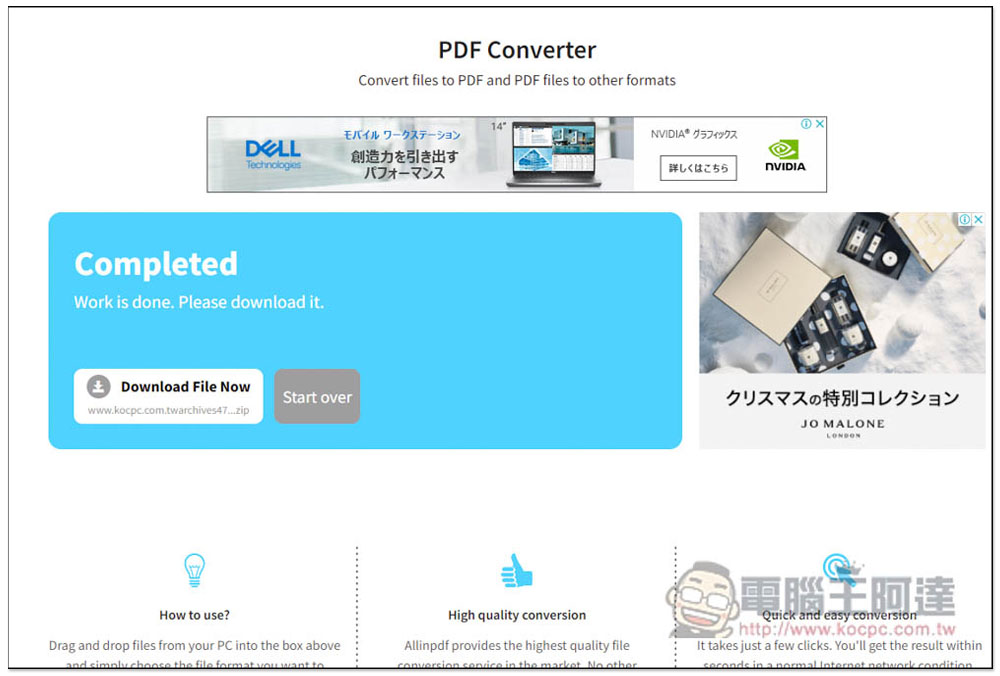
The conversion speed is quite fast, then press Download File Now to download:
Click on the menu above to view all PDF tools. The first English one is Convert conversion, not the conversion of Simplified Chinese translation:
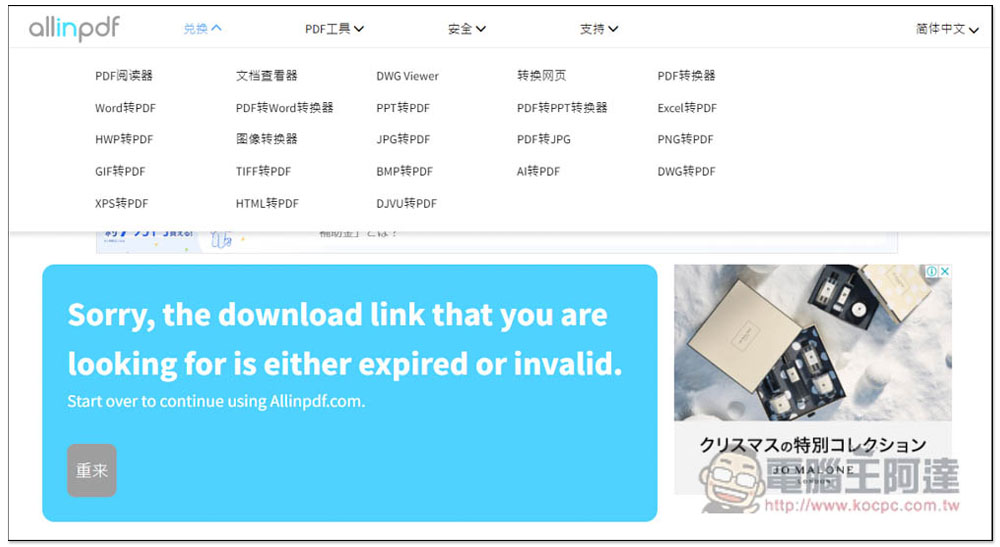
- Convert:PDF Reader, Document Viewer, DWG Viewer, Convert Web Page, PDF Converter, Word to PDF, PDF to Word Converter, PPT to PDF, PDF to PPT Converter, Excel to PDF, HWP to PDF, Image Converter, JPG to PDF, PDF to JPG, PNG to PDF, GIF to PDF, TIFF to PDF, BMP to PDF, AI to PDF, DWG to PDF, XPS Convert to PDF, HTML to PDF, DJVU to PDF
- PDF Tools:Merge PDF, split PDF, rotate PDF, PDF compression
- Safety:PDF decryption, PDF protection
Source: KOCPC Chinese