


AirPods are one of the best-selling Bluetooth wireless headphones on the market. Although they are very easy to use when paired with Apple’s own products and their performance is commendable, the only thing that makes them tooth-ache is that they are too expensive. Therefore, people who are not willing to spend such a large budget will choose to find second-hand products or bargains with better prices on various platforms. But how can you be sure that the product you receive is the same model as advertised in the store?
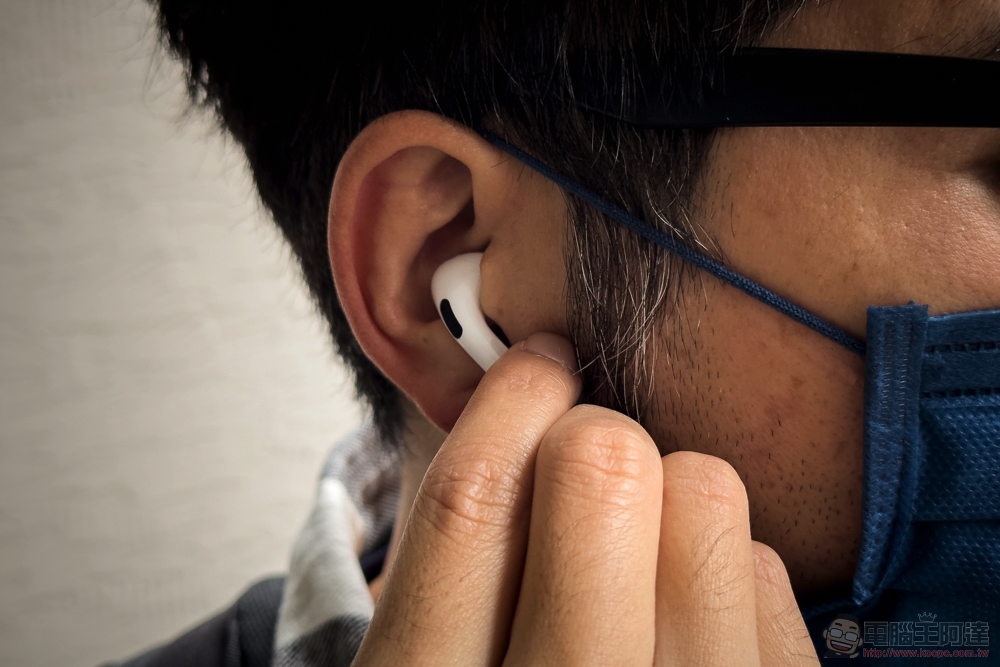
Teach you how to distinguish each generation of AirPods, so you don’t have to worry about sellers treating the old one as the new one.
Over the years, AirPods have gone through many generations and launched several models. Although they are slightly different in appearance, for people who are not familiar with this series of products, they cannot be as familiar with all the details as audiophiles. Without all the products side by side, it is difficult to see the differences.
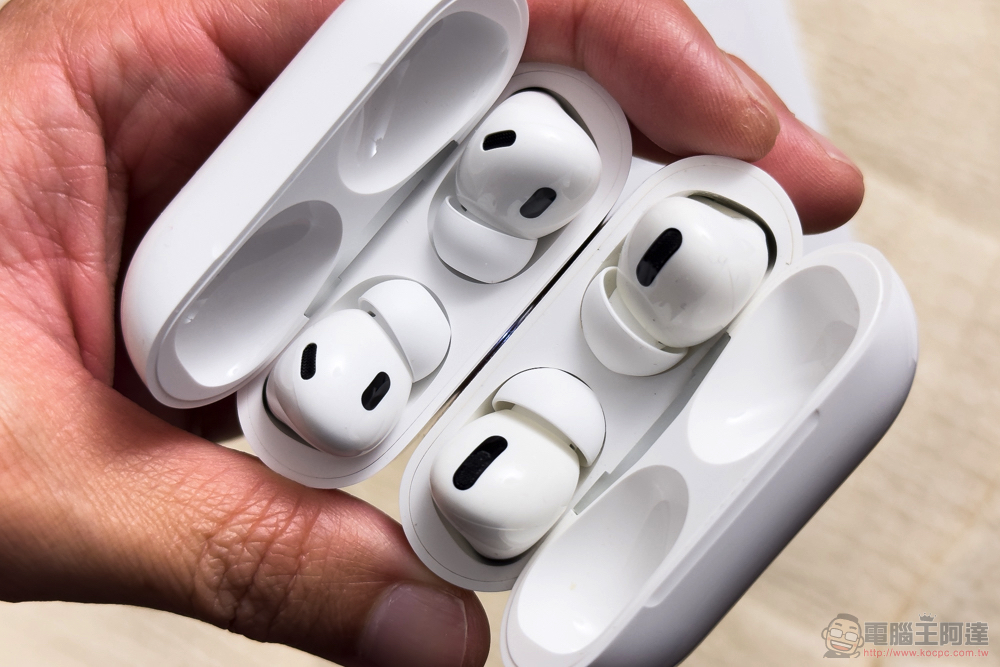
When you see someone selling AirPods in a store at a price that is much lower than the selling price, and after receiving it, you are worried that the actual model does not match the one in the store, then how can you effectively identify the true model of this product? Below, the author first sorts out the models corresponding to all AirPods product names so far:
| picture | Product name | model | Release year |
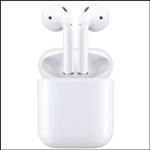 |
AirPods |
A1523 A1722 |
2016 |
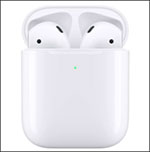 |
AirPods (second generation) |
A2032 A2031 |
2019 |
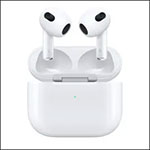 |
AirPods (third generation) |
A2565 A2564 |
2021 |
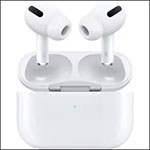 |
AirPods Pro (first generation) |
A2084 A2083 |
2019 |
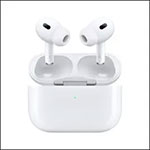 |
AirPods Pro (second generation) |
A2931 A2633 A2698 |
2022 |
 |
AirPods Max | A2096 | 2020 |
How do I check the model number of AirPods I have?
If you don’t know enough to make a visual identification directly from appearance, there are a few ways for you to check:
- Check the markings on the bottom where the earphones connect to the stem.
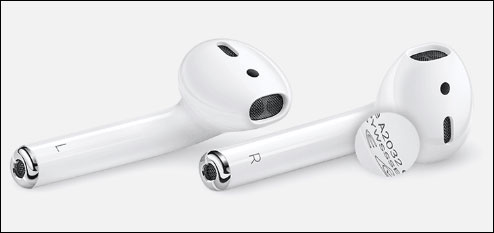
- View via Bluetooth paired device.
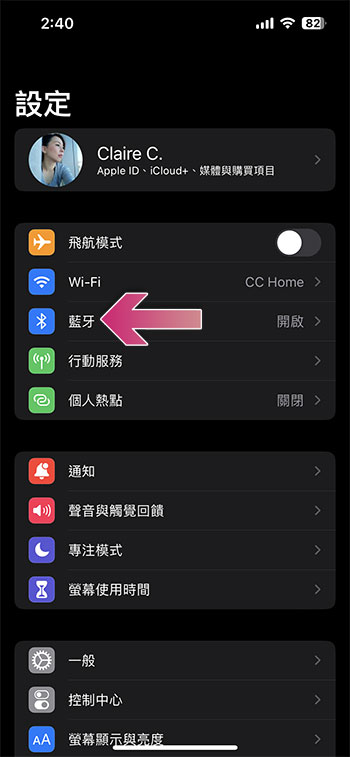
This method is very simple, and no matter how disguised the appearance of the product you receive is, you can still see the model number from the software recognition. First open settings and click to enter Bluetooth.
Find your AirPods in the “My Devices” section and click the “i” at the back to view more information. Once entered, you can see the model number.
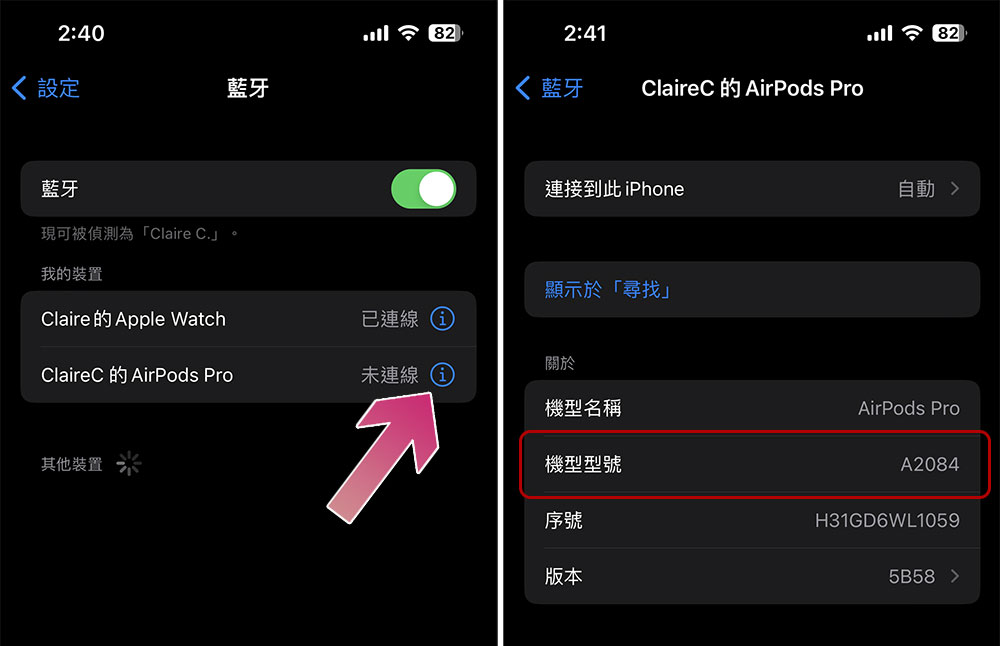
Compare the models seen in these two identification methods with the models in the table listed by the author earlier, and you can tell which generation and product of the AirPods you have. Isn’t it very simple?
Source: KOCPC Chinese