


There are many free tools on the Internet today that claim to be able to enlarge without loss, but everyone who has tried it knows that the effect is not very good, especially for pictures that are too small. Some even just enlarge directly, and the image quality becomes extremely poor. I recently discovered this “CodeFormer”, which can be said to be a super black technology. Even super small photos and pictures that cannot be seen clearly can be easily enlarged, like the first picture below, and this enlargement is not the kind that looks unreal, including facial wrinkles, details, and even lip lines.
In addition, this tool is mainly used on human faces. If it is other types of photos, the effect may not be so good.
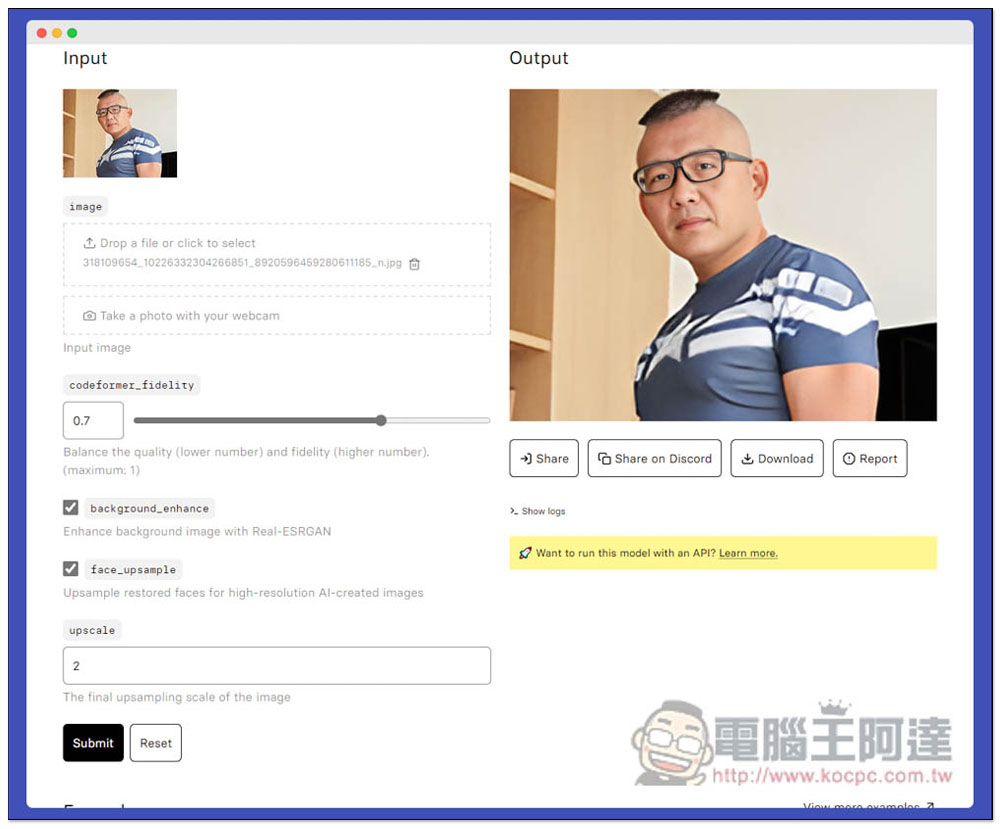
Super black technology, CodeFormer truly lossless amplification and clarity! Make the face or small picture that is shaken into a larger picture
After entering the CodeFormer website, you can first take a look at the four sample images above, and swipe left or right to compare the original image with the sharpened face photo. Strictly speaking, this tool is mainly used to make blurry faces clearer, which means that if you have a blurry photo on hand, you can use it to improve it. I tested the zoom effect and it was amazing:
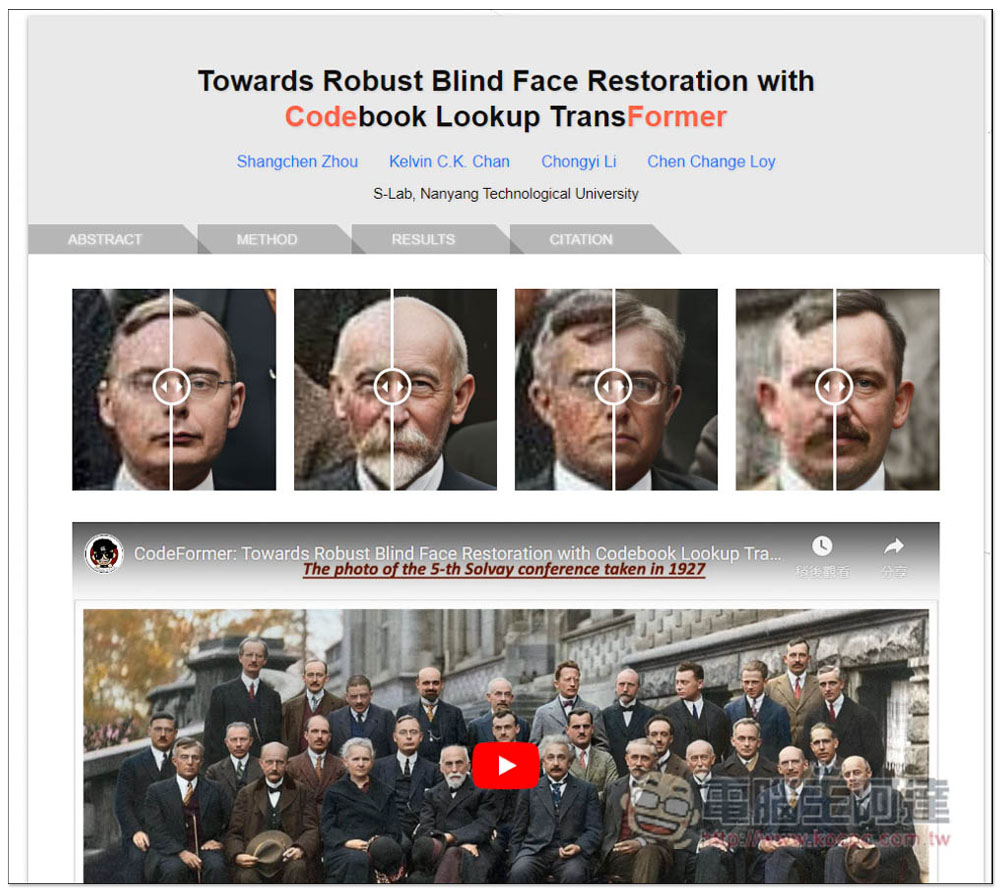
There are some technical notes below for those interested, and to find the tools page, click on Codes (GitHub) on the far right:

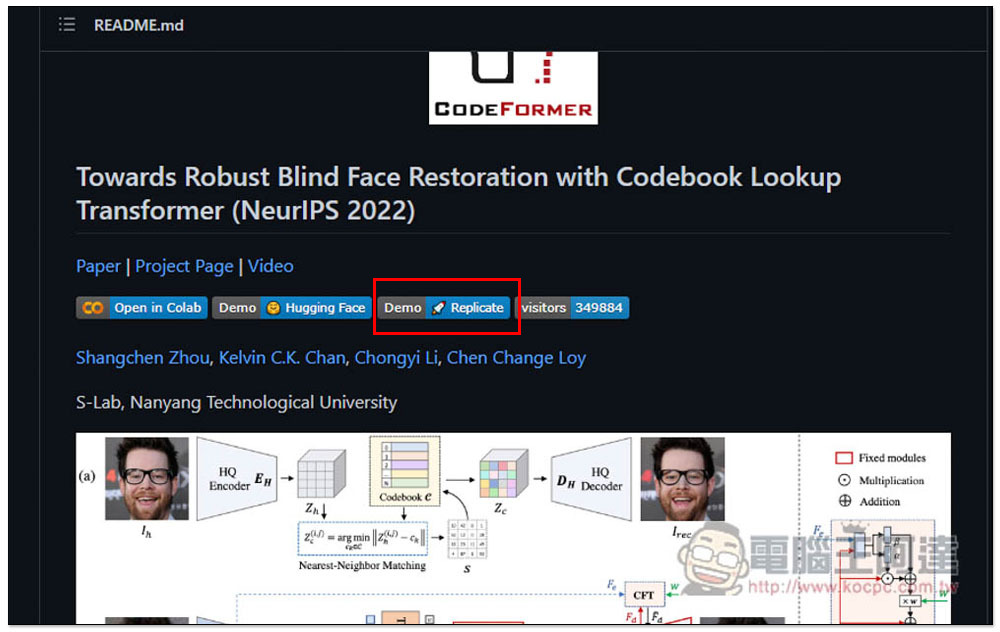
Scroll down and find the option Demo | Replicate, please click it:
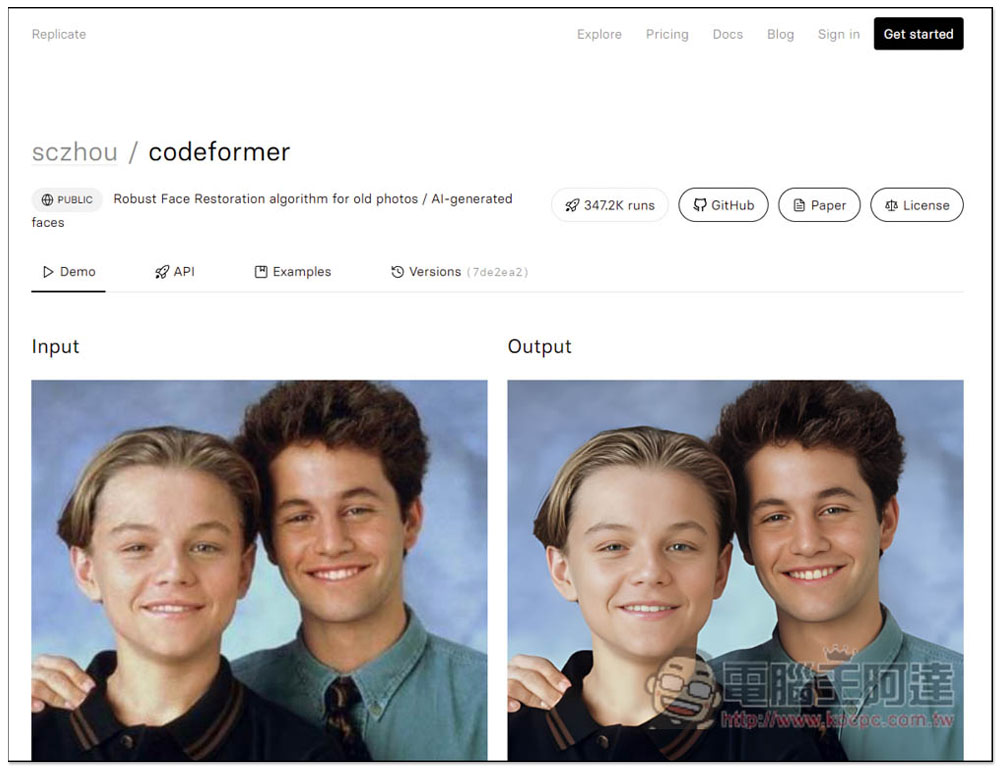
You will enter the tool page of codeformer, where there are also photo examples of before and after output (input and output):
Scroll down and find the image option. Drag the photo, picture, or blurred face photo you want to enlarge to Drop a file or click to select. Of course, you can also click to select manually. Video webcam photography is also supported:
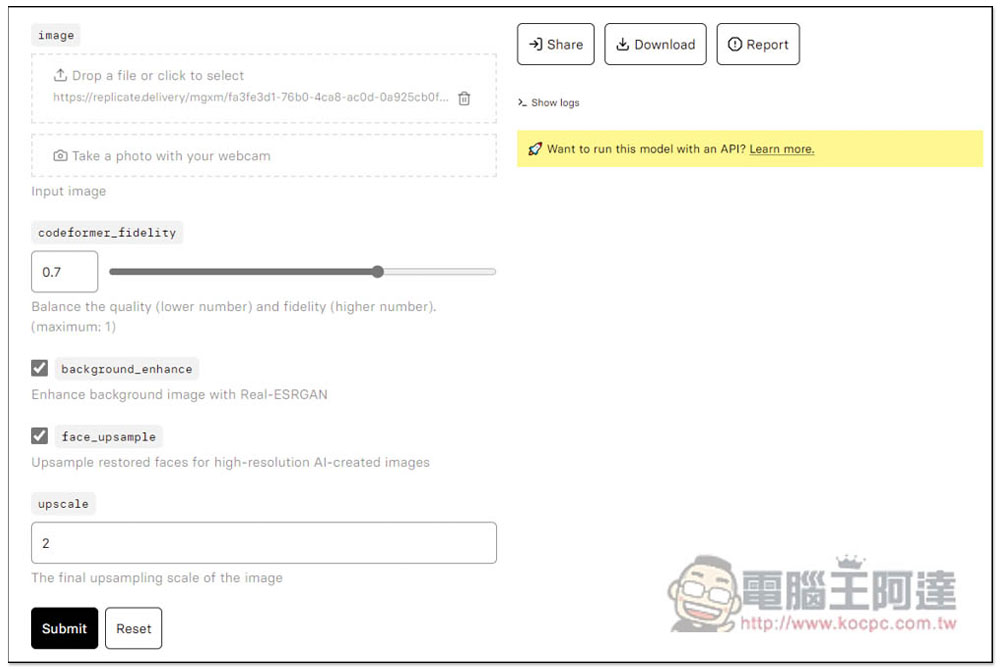
I’ll take this photo with a resolution of only 150×117 as an example. It’s a super small photo. You don’t need to change the values. Just click Submit below:
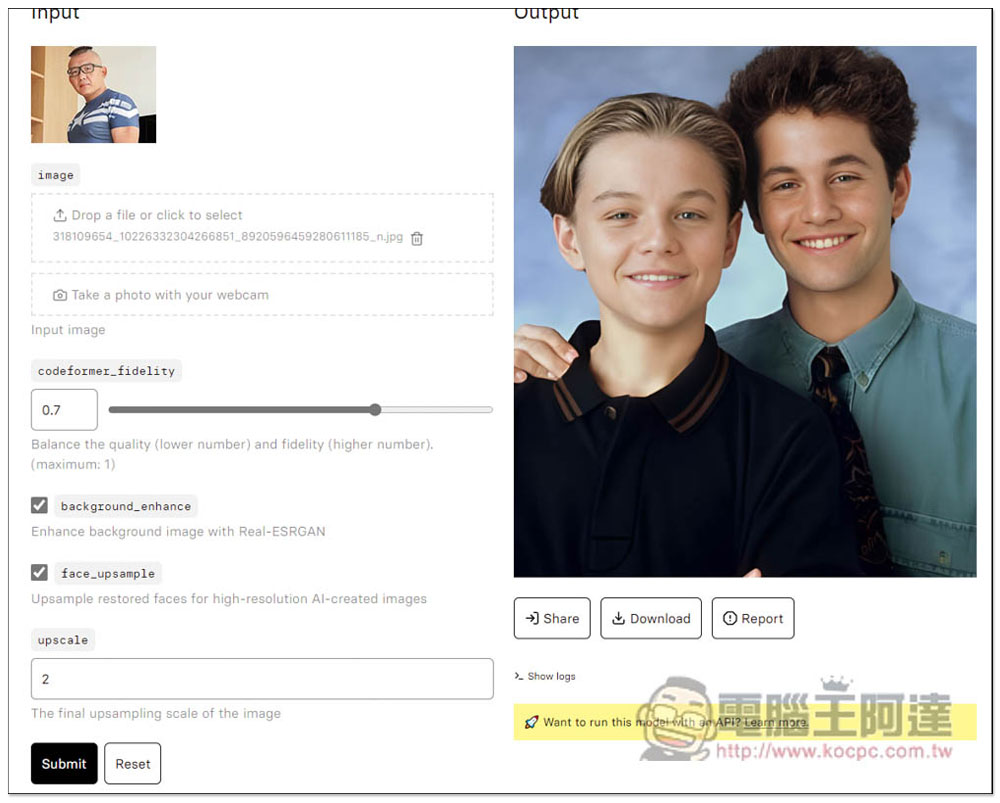
After a few seconds, Output will display the enlarged effect. Is the effect really awesome? You can basically download it directly (press Download). Unless you think there are some places you want to adjust, you can try changing the values on the left yourself:
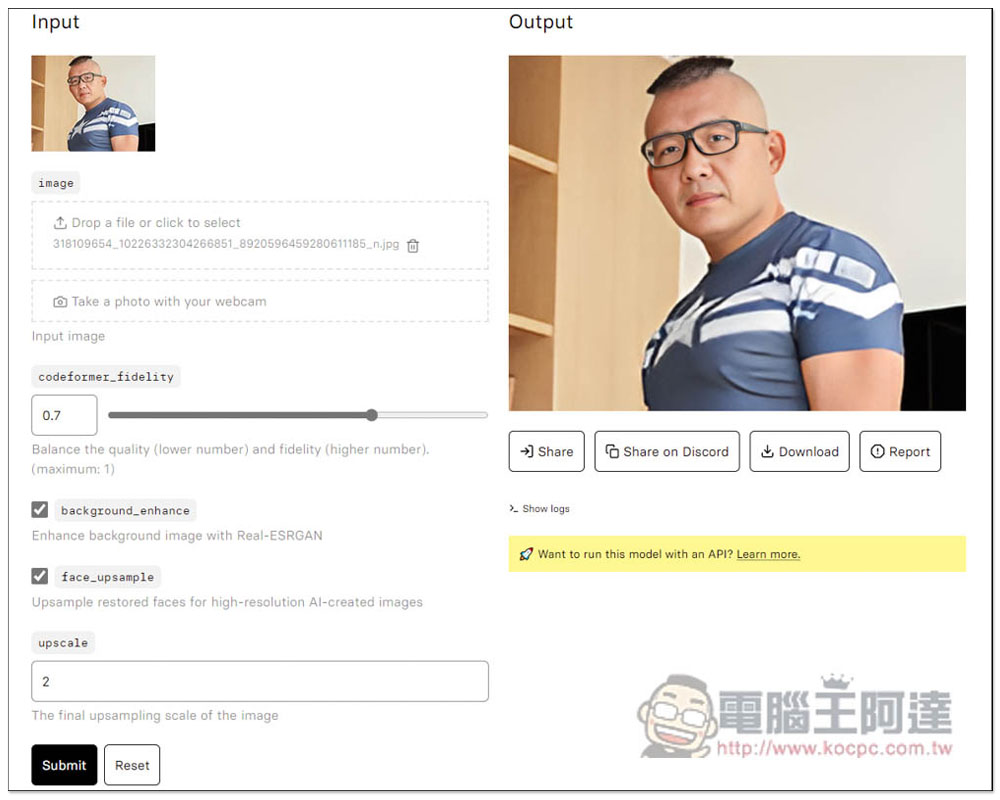
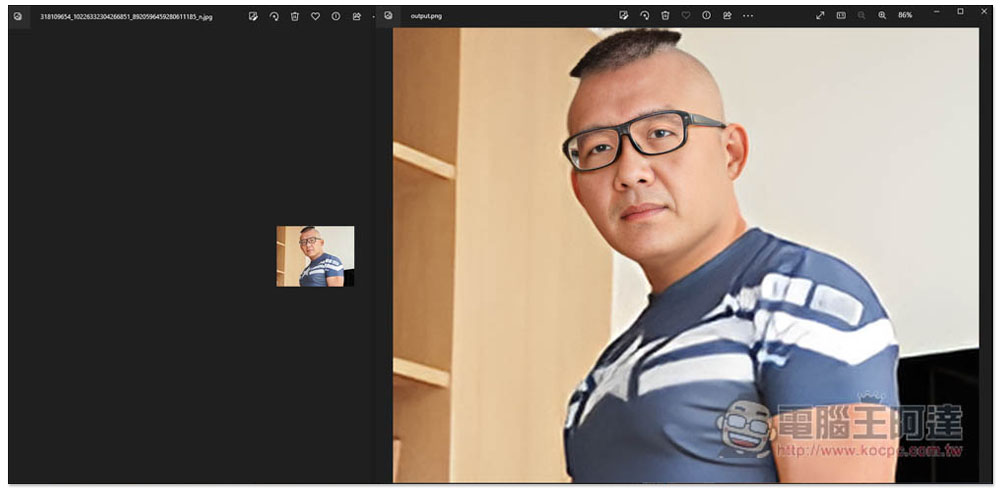
This is the comparison picture before and after enlarging. The resolution after enlarging reaches 1312×1024, which is nearly 10 times faster. Not to mention that many people may think that the right is the original image and the left is the reduced image. In fact, the opposite is true. The left is the original image:
Next, I tested the blurry photos of the face, and the effect was indeed quite good. The face became clear immediately, and there were many details, not the whole thing was flattened:
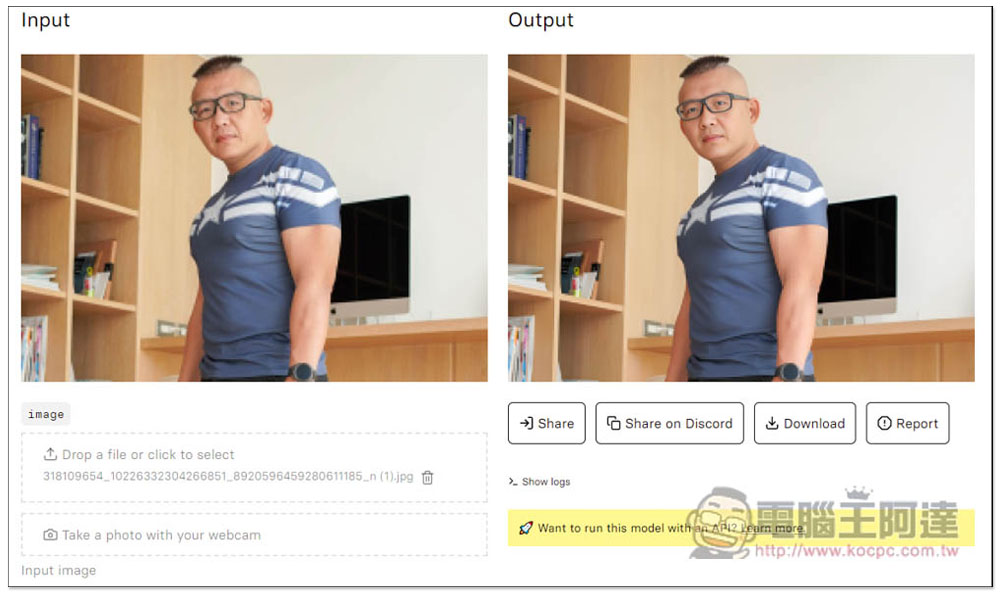
Before and after comparison:
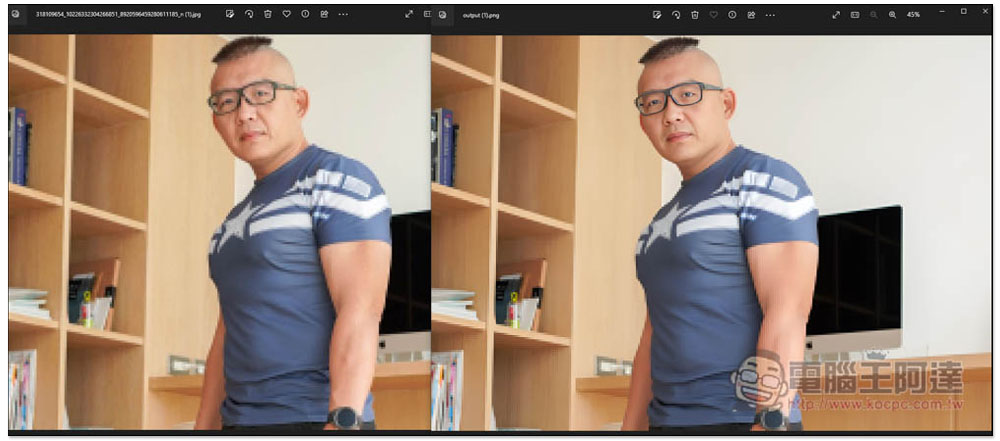
Therefore, in the future, if there are any photos with faces that are dazzled, or pictures or photos that are too small, you can throw them into CodeFormer for improvement. It is really powerful.
However, it is not without flaws. The effects of clothes, hair, and environment are not so good. For example, in the blurry picture above, only the face has been improved, while other parts are still a bit blurry.
With the increasing number of such black technologies, in the future, even people who don’t know how to retouch pictures will be able to easily improve defective photos and pictures. This is really good.
Video introduction:
Source: KOCPC Chinese