


There are many free URL shortening services on the Internet today, but every time you want to create one, you need to go to the website of that URL shortening service. The operation is a little cumbersome. If you are using Chrome, Edge or Firefox browser, this article recommends a very convenient Url Shortener free extension. After installation, you can easily create short URLs with one click, and it supports 6 major short URL services.
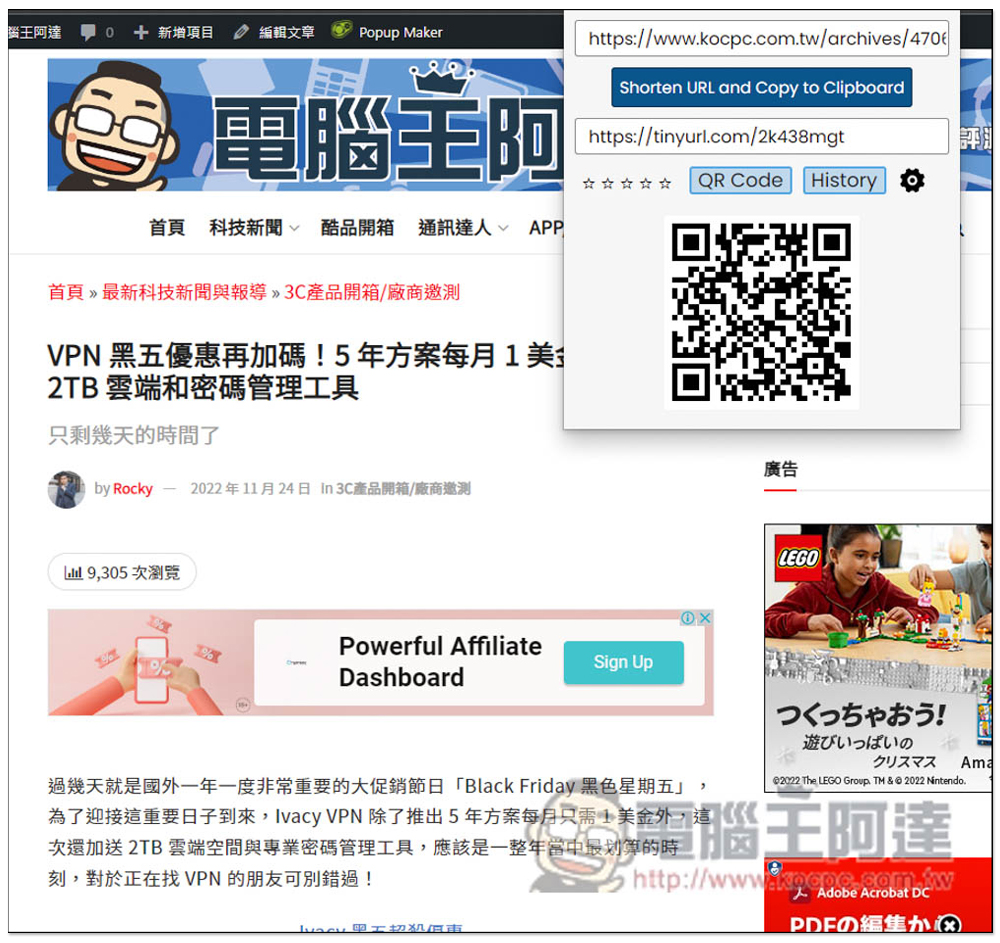
Url Shortener is an extended function for creating short URLs with one click, supporting 6 major URL shortening services.
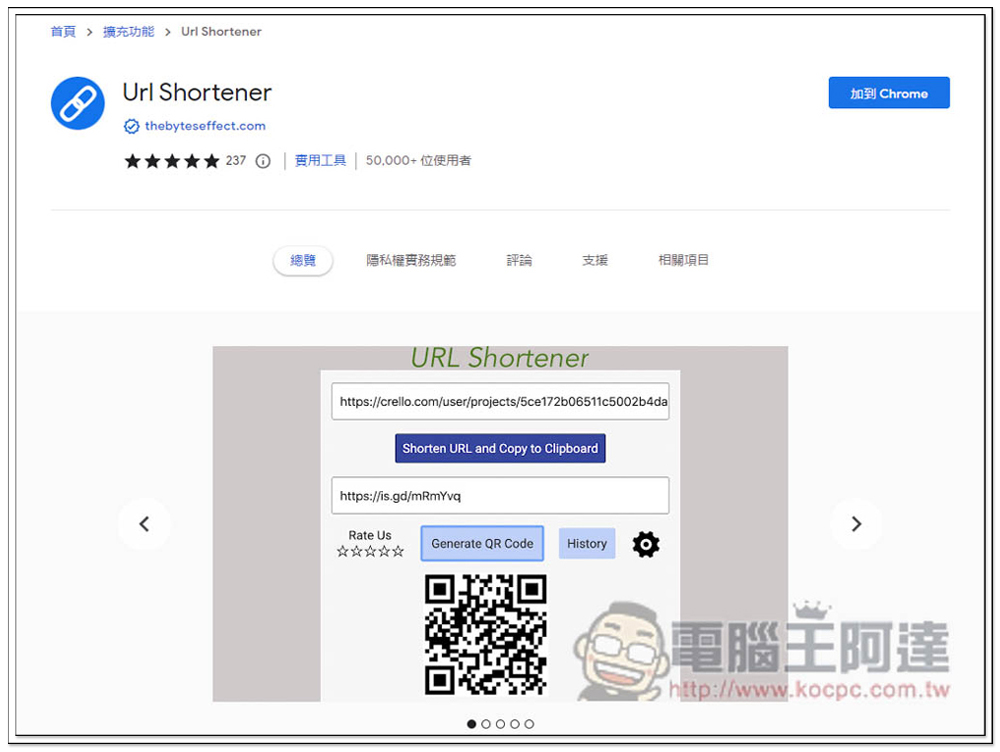
After clicking the link above, you can find the Chrome or Firefox store installation page. The Chrome version of the extension Microsoft Edge browser can also be installed. I will use Edge as an example below.
After entering the Chrome store page, click the Add to Chrome button in the upper right corner:
This message will pop up above, click “Add extension” to install:

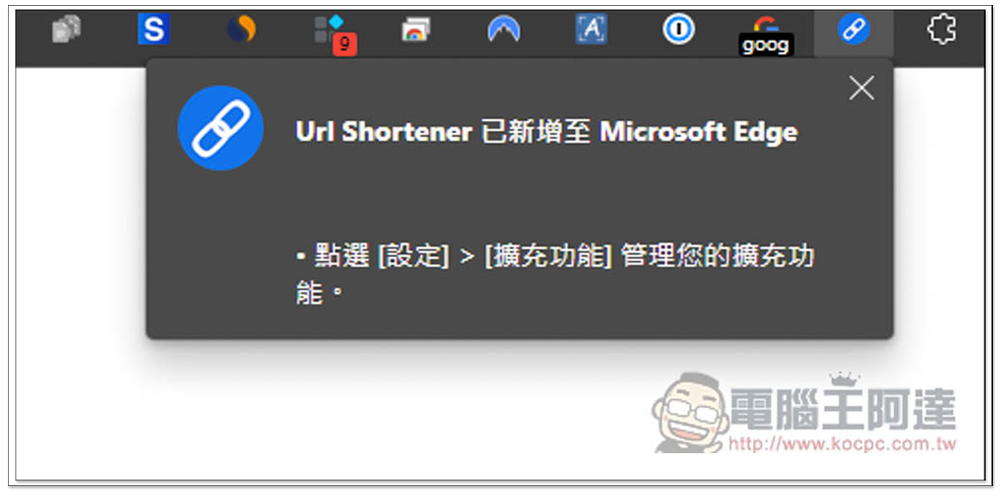
After the installation is complete, this message will pop up in the upper right corner:
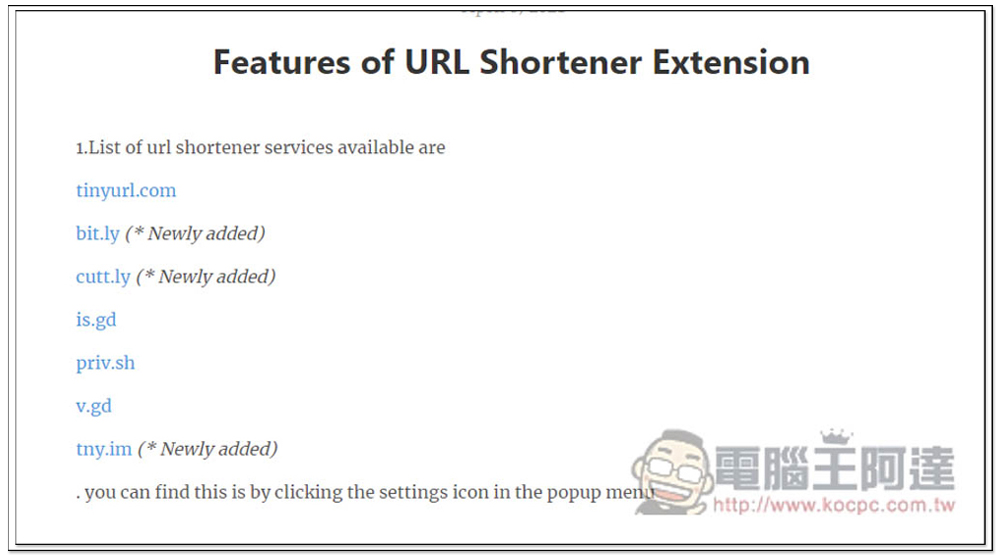
A new page will also be opened to briefly introduce the features of Url Shortener. The following are the short URL services supported by this service:
- tinyurl.com
- bit.ly
- cutt.ly
- is.gd
- priv.sh
- v.gd
- tny.im
In addition, this extended function will also add other short URL services in the future. You can see that some short URLs are marked Newly added after them, which is quite good:
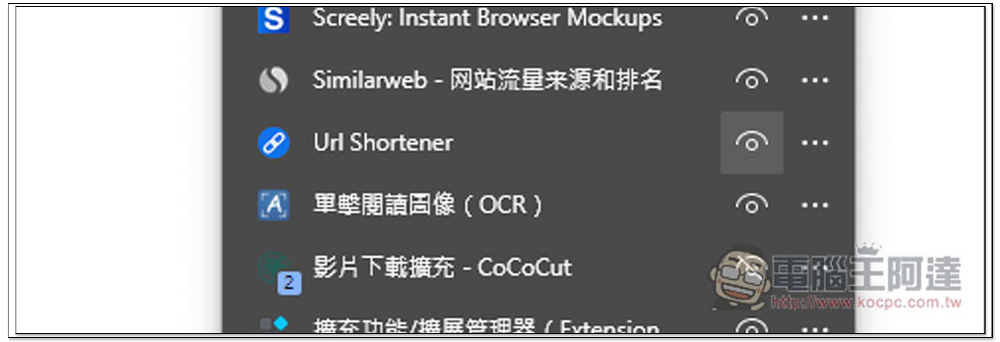
Currently, Chrome and Microsoft Edge browsers automatically hide new extensions after they are installed by default, so they need to be opened manually. Go to the puzzle icon on the right, find Url Shortener, and open the eye on the right:
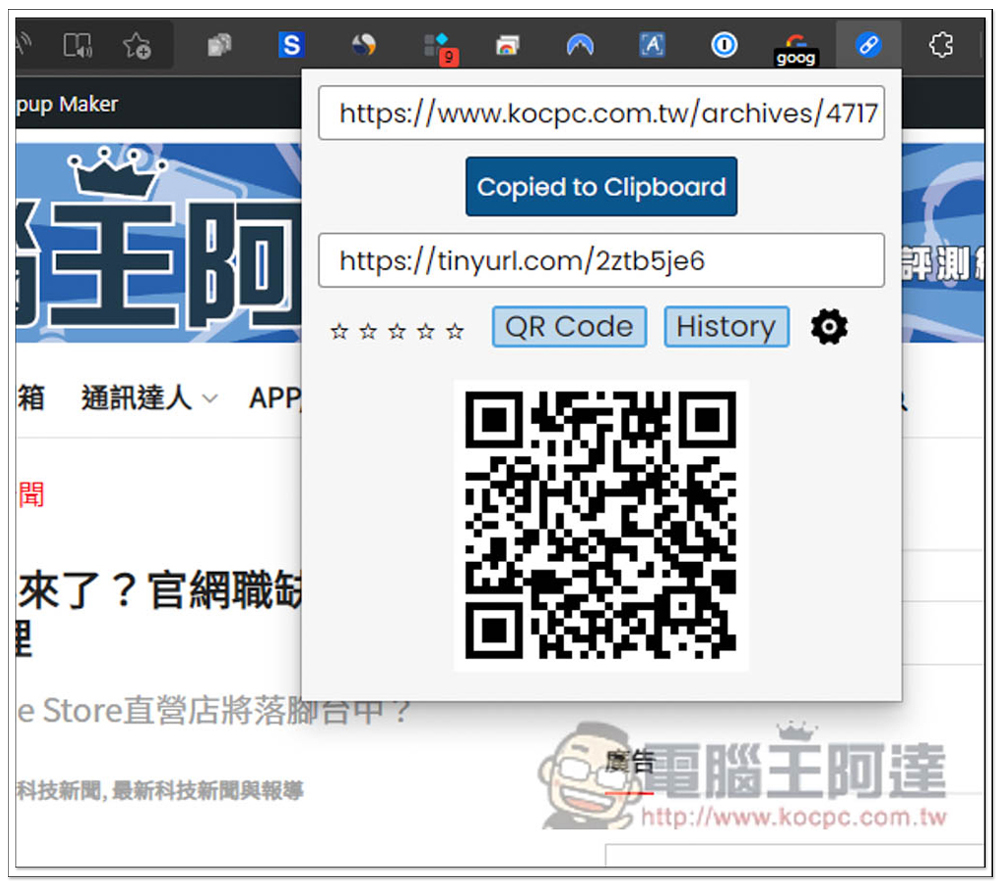
The method of use is very simple. After opening the website where you want to shorten the URL, click the Url Shortener icon to get the short URL immediately. The default is tinyurl short URL service, and QRCode will be automatically generated below. If you want to use other short URL services, please click the settings gear icon on the right:
You will enter the setting page. bit.ly and cutt.ly need to use the API Key of your own account. If you don’t know how to obtain it, you can click How to get access token or How to get api key on the right, and the teaching page will open:
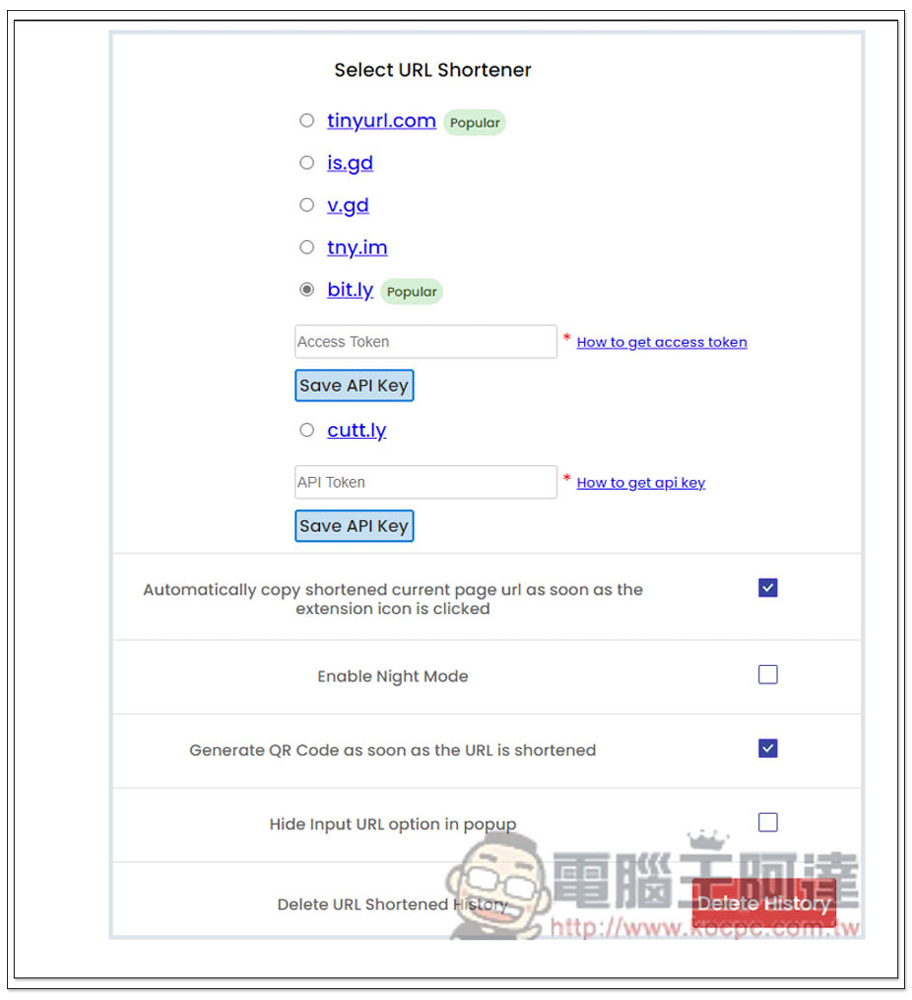
There are also some settings below that can be adjusted. For example, if you do not want to create a QR Code that shortens the URL, uncheck Generate QR Code as soon as the URL is shortened. Friends who like dark mode can check Enable Night Mode.
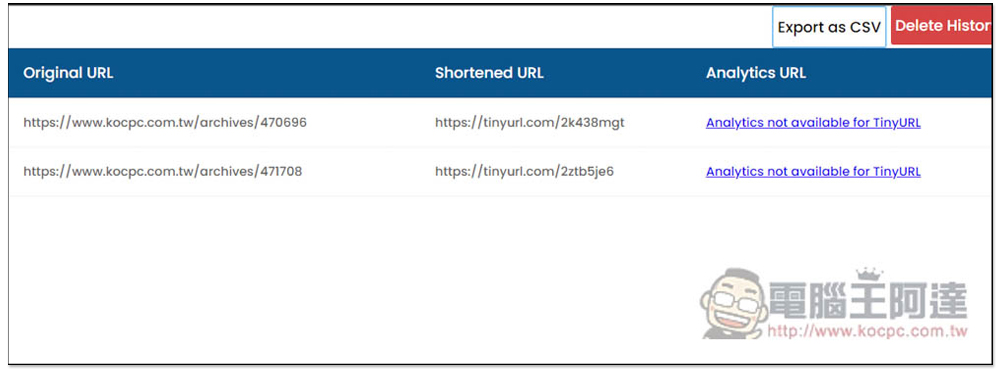
A great thing about this extension is that it will automatically store the short URL that has been created. If you accidentally forget it and want to use it again in the future, you can go into History to query it, and you can also export it as a CSV file (Export as CSV):
Source: KOCPC Chinese