


Nowadays, there are many Pomodoro-like timing functions on the Internet and in applications, but did you know that Windows now has them built-in, both in Windows 10 and Windows 11, and it can also connect Spotify and Microsoft’s To Do lists without having to install them separately, which is very convenient. For those who don’t know how to use it, I’ll teach you below.
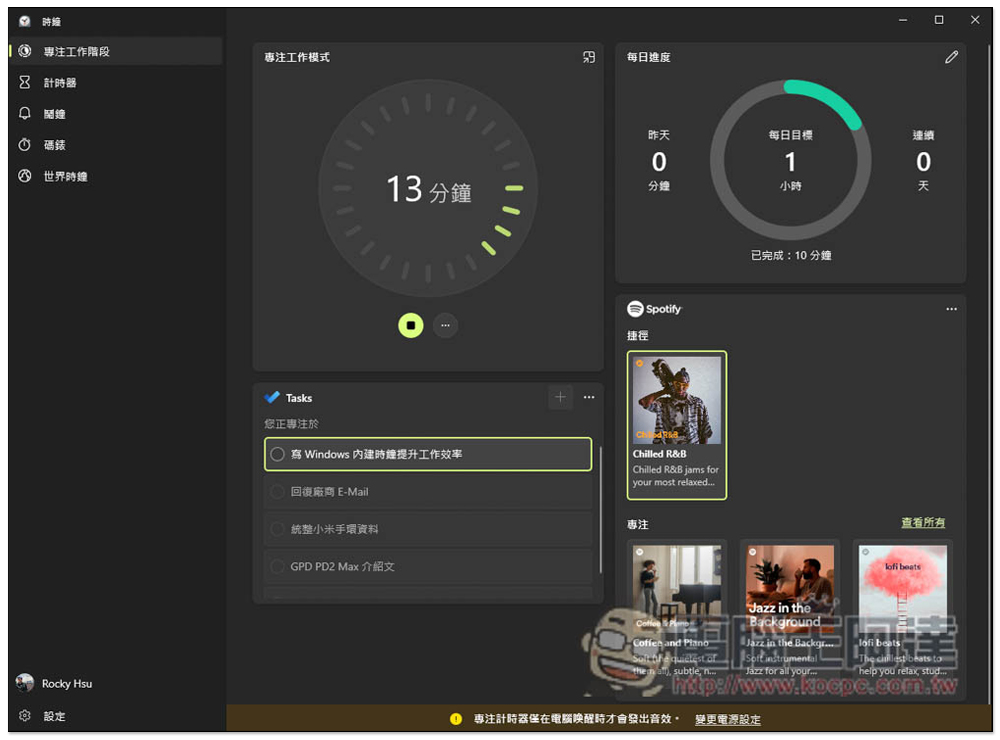
Teach you how to use Windows’ built-in “focus on work phase” to improve your work efficiency
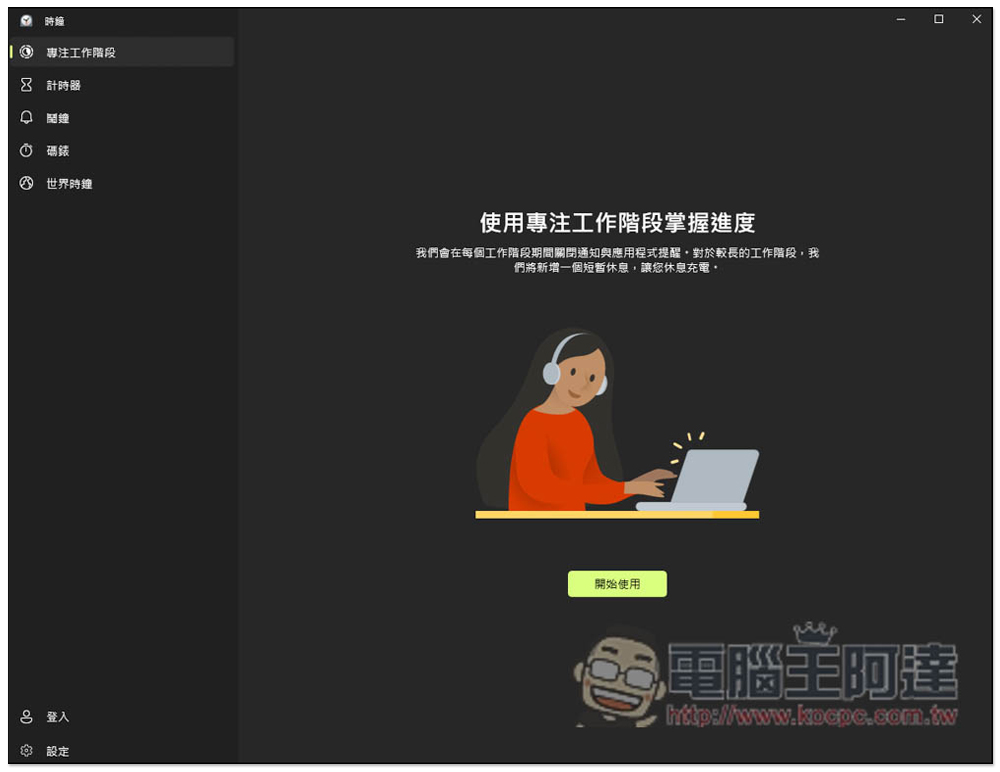
Windows’ built-in “focus session” is hidden in the “Clock”. If you don’t see it, please make sure you have upgraded to the latest version of Windows. Search for the clock in Windows to open it. The first one is to focus on the work phase, click “Get Started”:
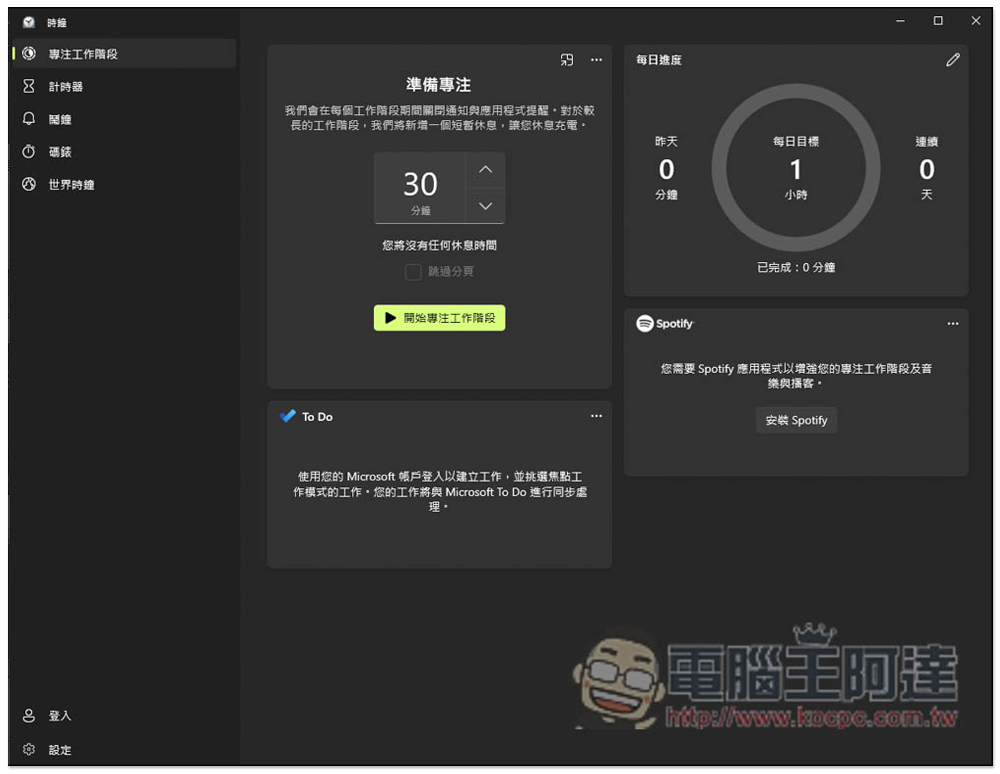
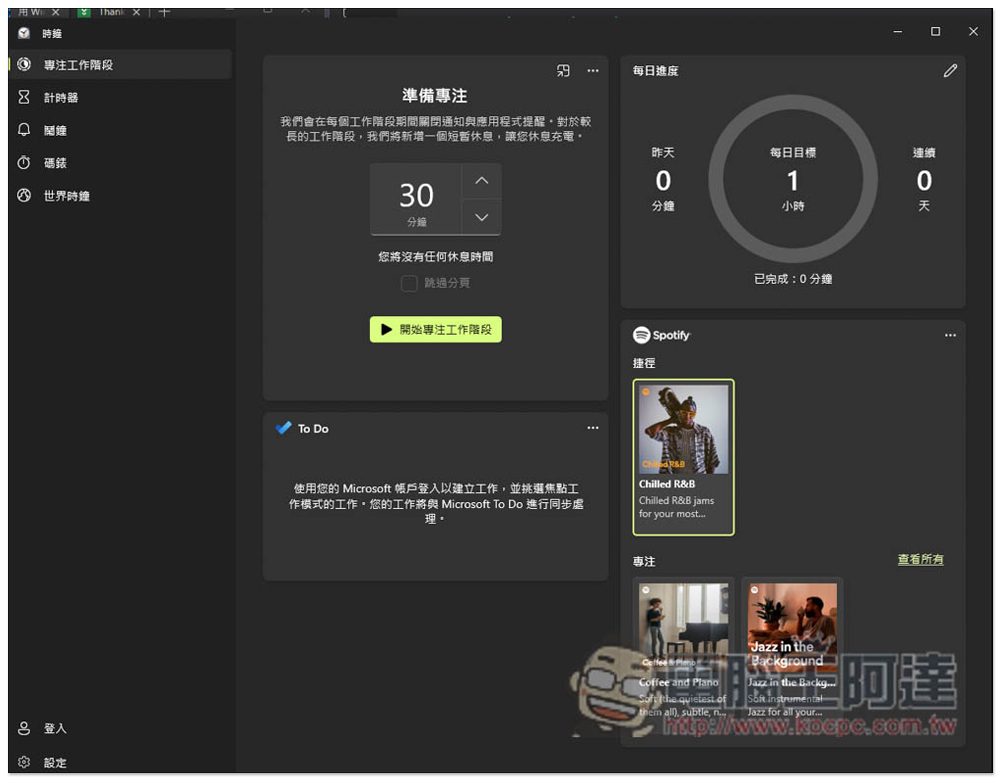
Then there will be four functional blocks, “Prepare to Focus” to set the working time you want, “Daily Progress” will record how much time you spend focusing every day, “To Do” is to connect Microsoft To Do to-do items, “Spotify” is to stream Spotify music, and the latter two defaults are not connected yet:
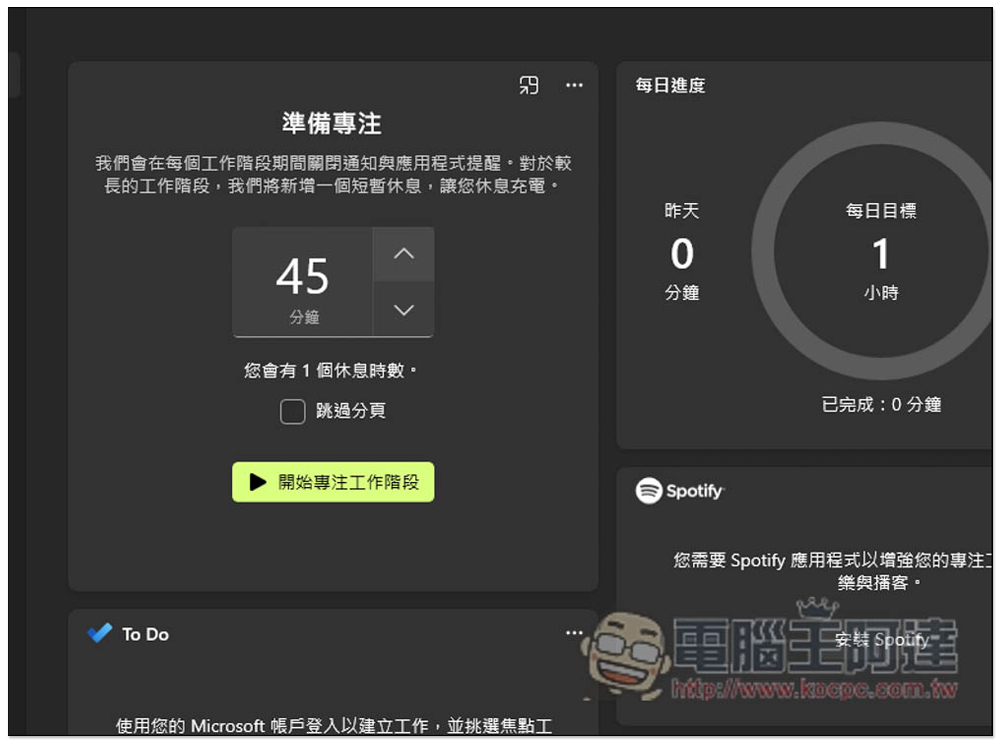
If the concentration time is less than 30 minutes, there will be no rest time in between, only if it is more than 45 minutes. After setting, press “Start Focused Work Phase” and the countdown will begin:
Friends who are used to listening to music while working are recommended to connect to Spotify, so that when you enable focus time, Spotify music will be automatically turned on to play the content you want to listen to. There will also be some music-focused recommendations in the lower right corner:
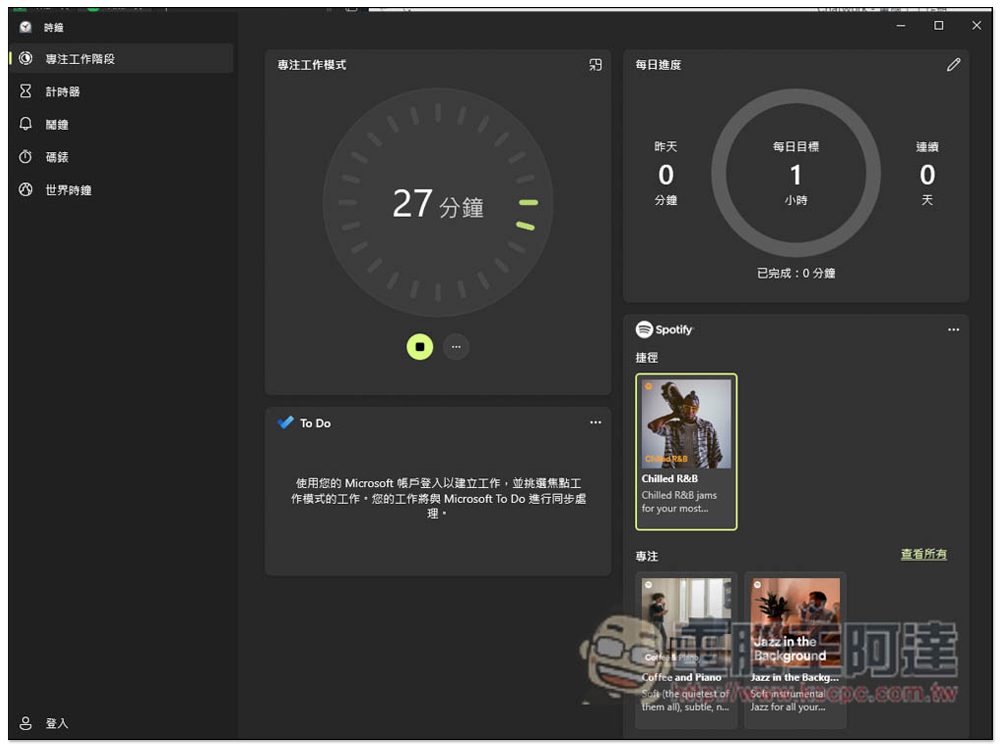
After the time is enabled, the countdown will begin above:
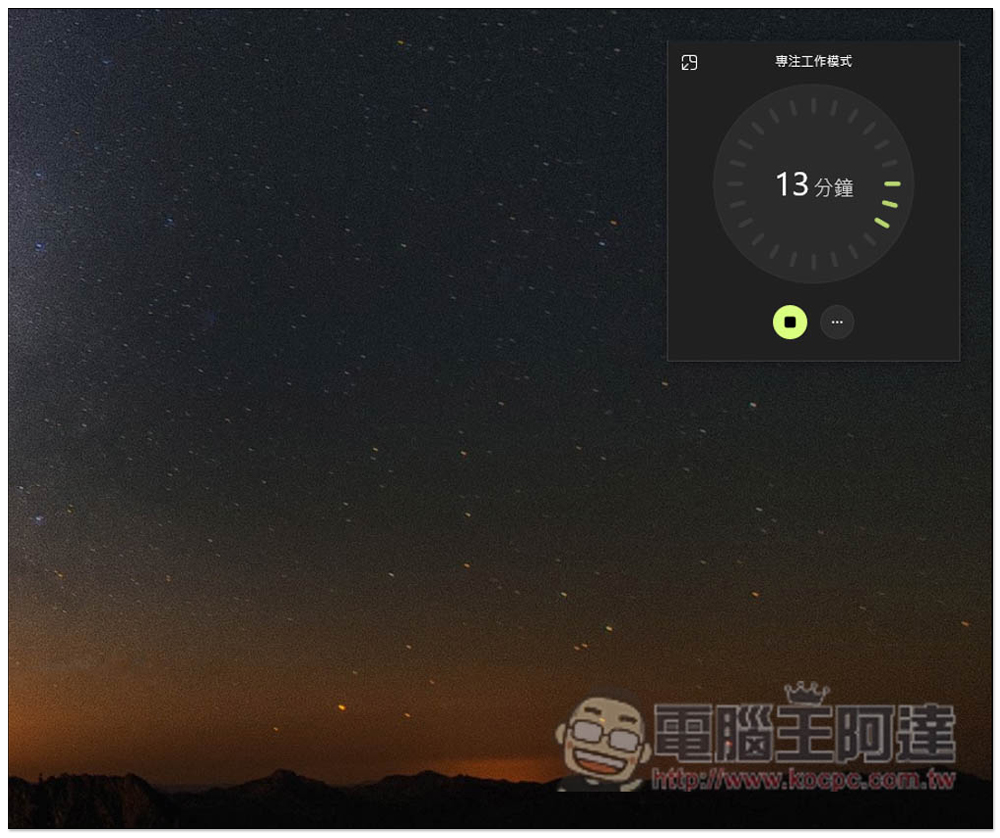
This small window mode is also available and will be on top of all windows, allowing you to check how much time is left at any time:
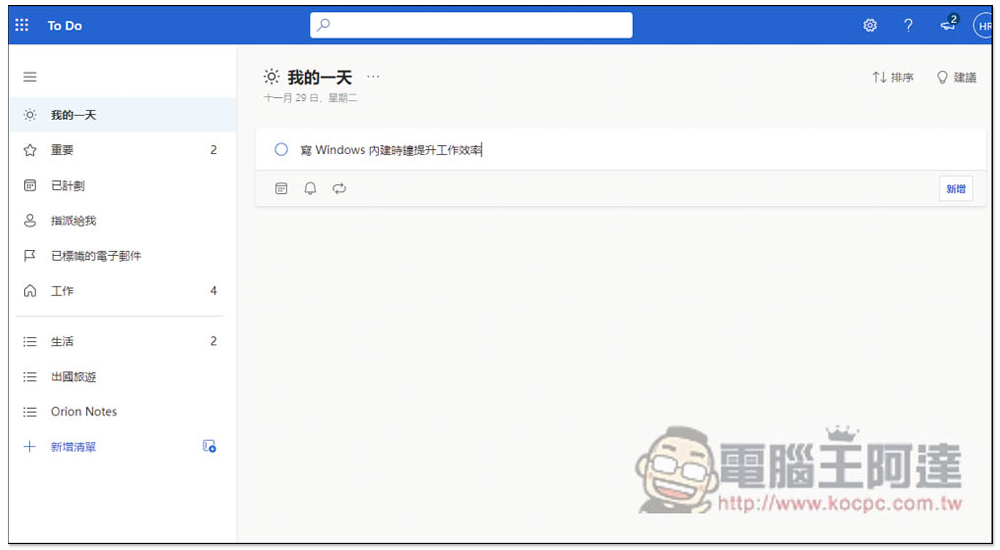
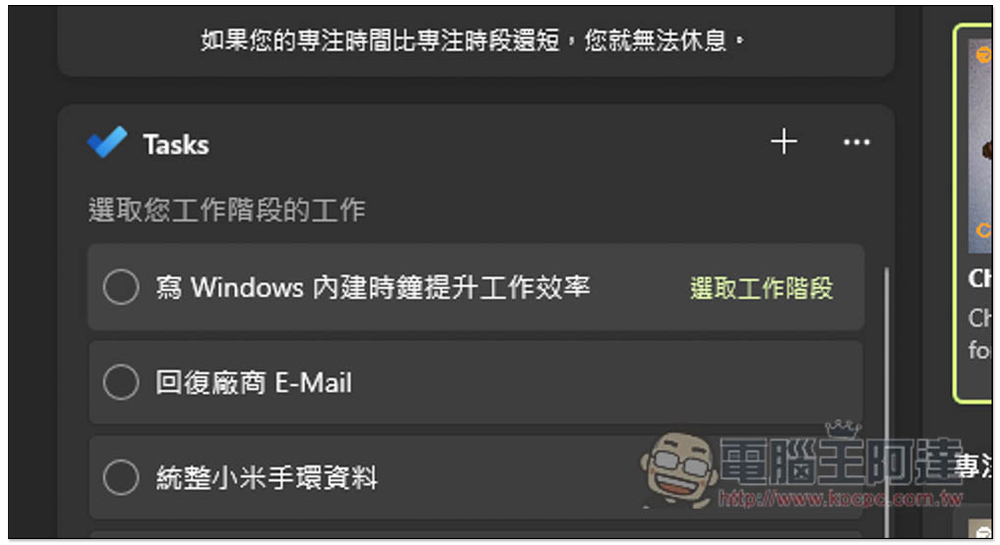
As for the To Do part, first you need to log in to the same Microsoft account, which is the clock (there is a login function in the lower left corner), and To Do must be the same Microsoft account. Then all the to-do items you create in To Do will be synchronized to the focused work stage, like I created a new “Write Windows built-in clock to improve work efficiency”:
Returning to the focused work stage will appear. Move the mouse to the right and “Select Work Stage” will be displayed. At this time, you can specify that the current focused time is used to do this work:
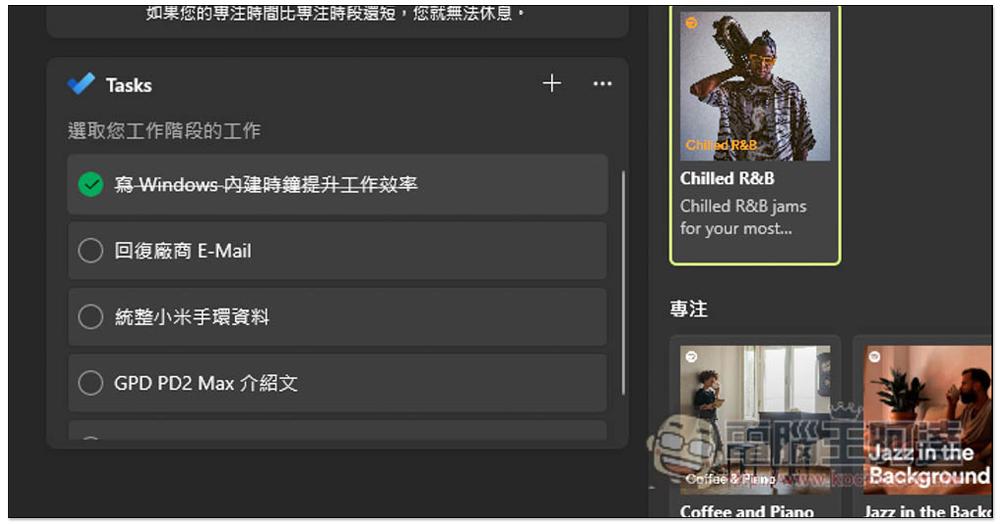
When finished, click the circle on the left to delete:
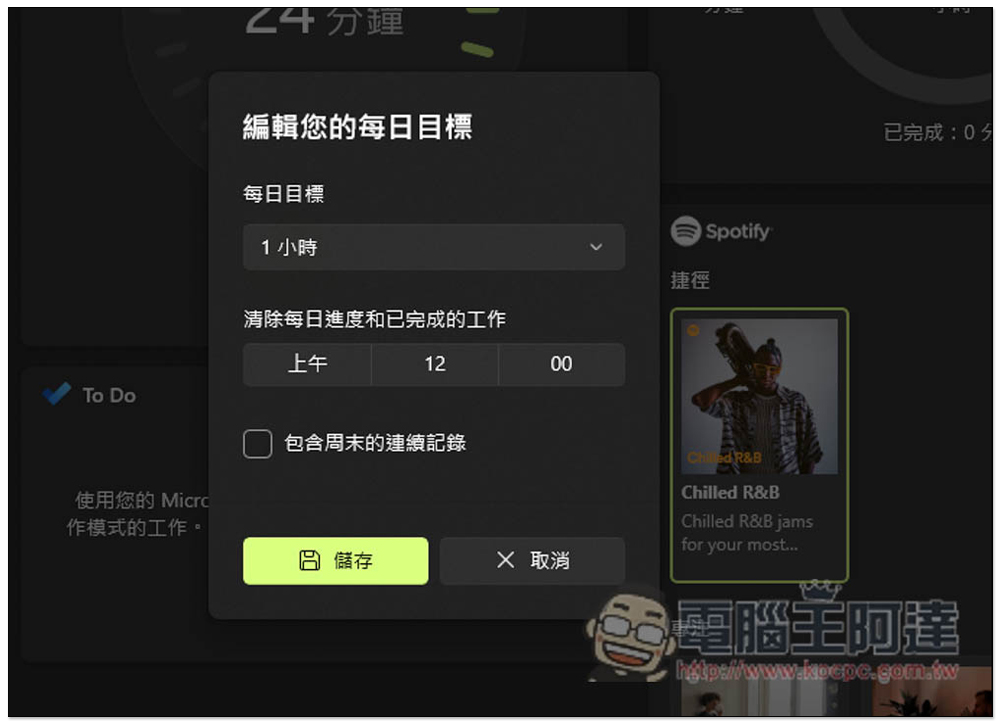
It also provides a daily goal function. The default is 1 hour. It is recommended to start with a short time and then slowly lengthen it:
Therefore, friends who are using the Pomodoro tool or want to improve their work efficiency can try the built-in focused work stage in Windows. I think it is pretty good. Of course, there are still some differences compared with professional Pomodoro work. For example, there is currently no statistical reporting function, only time integration in the upper right corner.
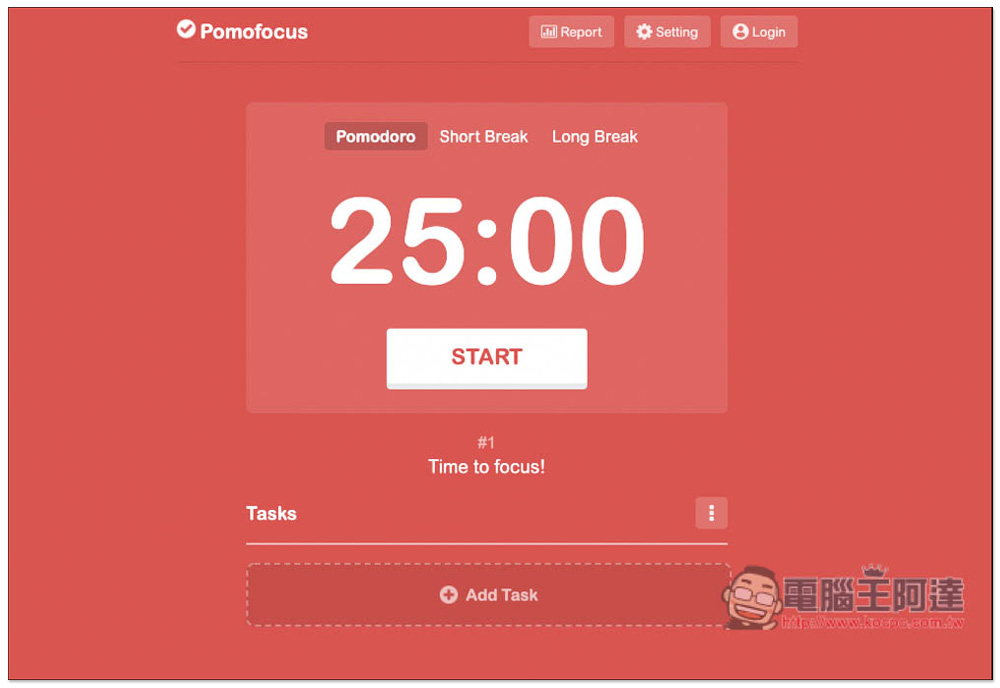
Regarding the Pomodoro tool, if you also want to try it, you can refer to what we have introduced before Pomofocus、Focus on tomatoes、Flow,as well ascherry tomatoesetc.
Source: KOCPC Chinese