


For those who are working out or want to build muscles, they will definitely want to buy a set of dumbbells at home, which will make it much easier to practice. At this time, you will encounter situations where you don’t know what movements you can do. If you have an iPhone, there is a very highly rated “Stark Dumbbell” iOS App that is available for free recently. It has 70 kinds of dumbbell instruction videos built-in, ranging from simple, general to difficult. It also provides exercise courses. Of course, you can also create your own training plan, which is very easy to use.
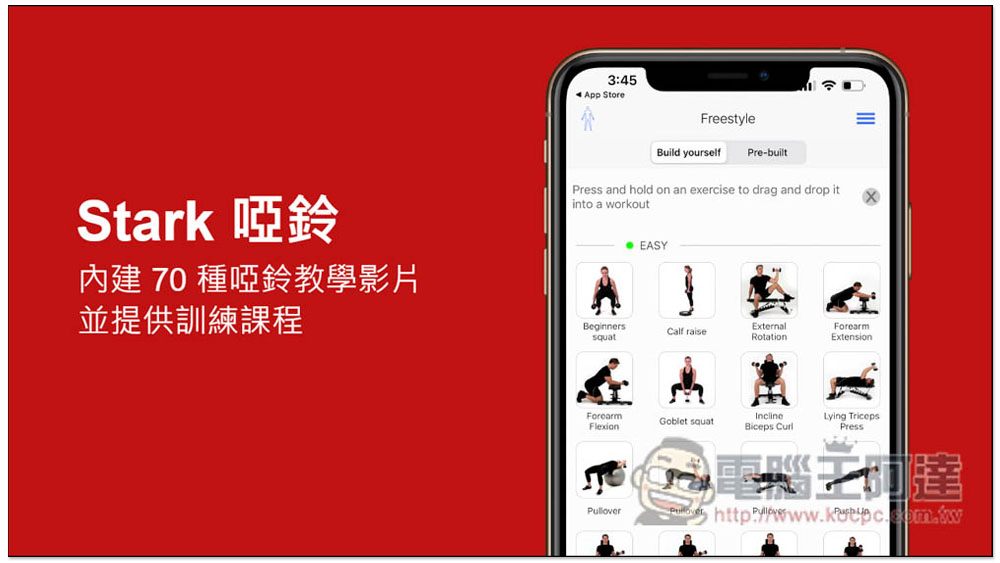
The highly rated “Stark Dumbbell” iPhone App is free for a limited time! Built-in 70 kinds of dumbbell instruction videos and training courses are provided
The original price of “Stark Dumbbells” is US$4.99, and a limited-time free download is now available. We are not sure when it will be available, but those in need are advised to grab it as soon as possible.
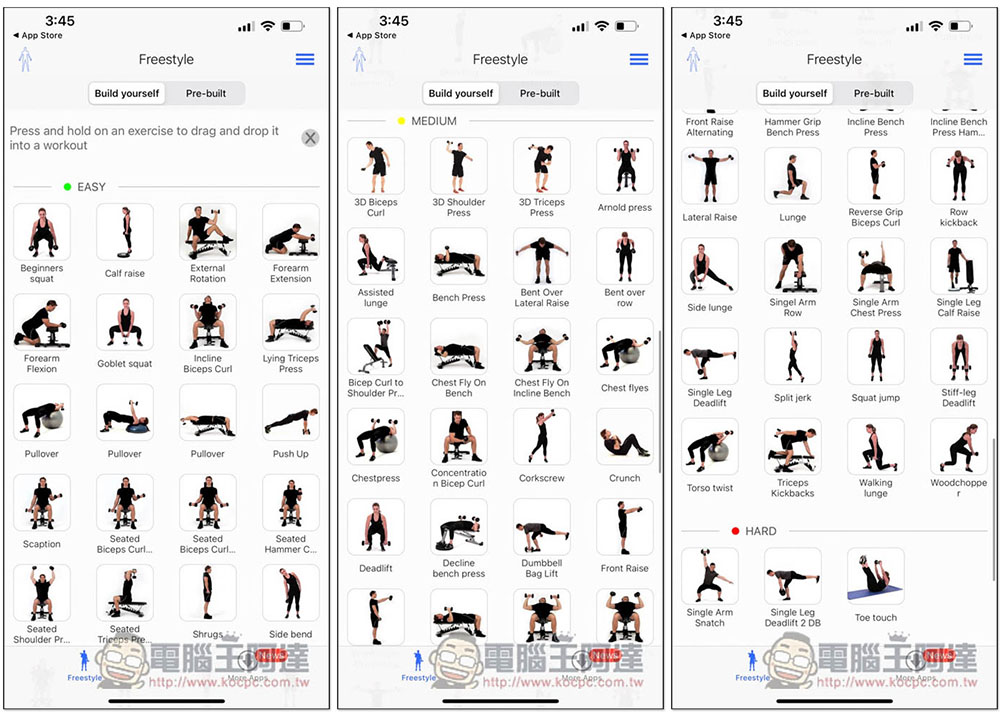
After downloading and opening, you can see 70 kinds of dumbbell teaching videos, divided into EASY, MEDIUM, and HARD. They range from training arms, chest muscles, abdominal muscles, to feet. Some of them require leaning on a chair. In addition to practicing at home, people who frequent the gym can also learn more dumbbell fitness moves through this app:
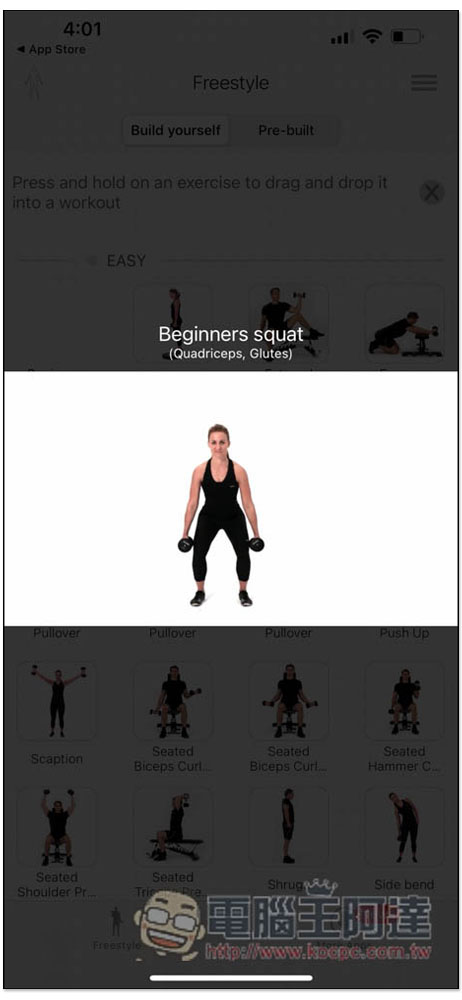
After each action is opened, you can see the video. Unfortunately, the video cannot be paused, and there is no function to adjust the playback speed. Currently this App is only in English, so if you don’t understand the name part, you can check Google Translate:
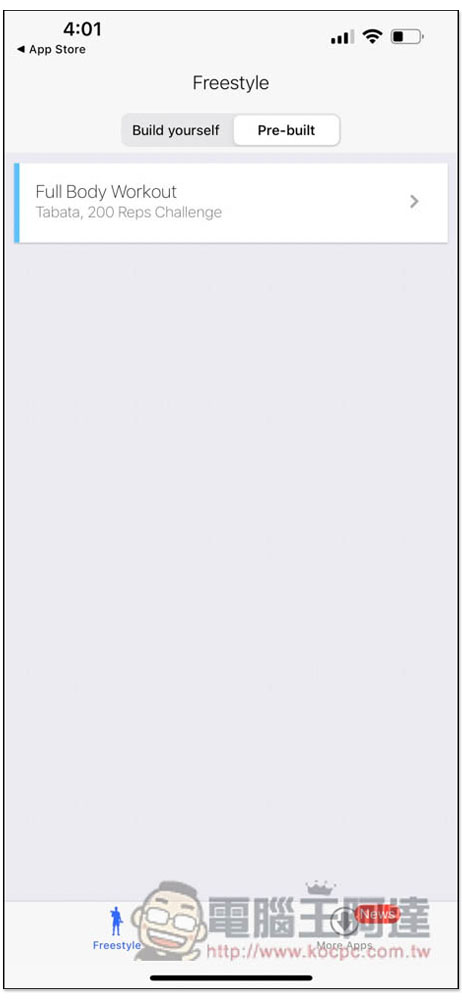
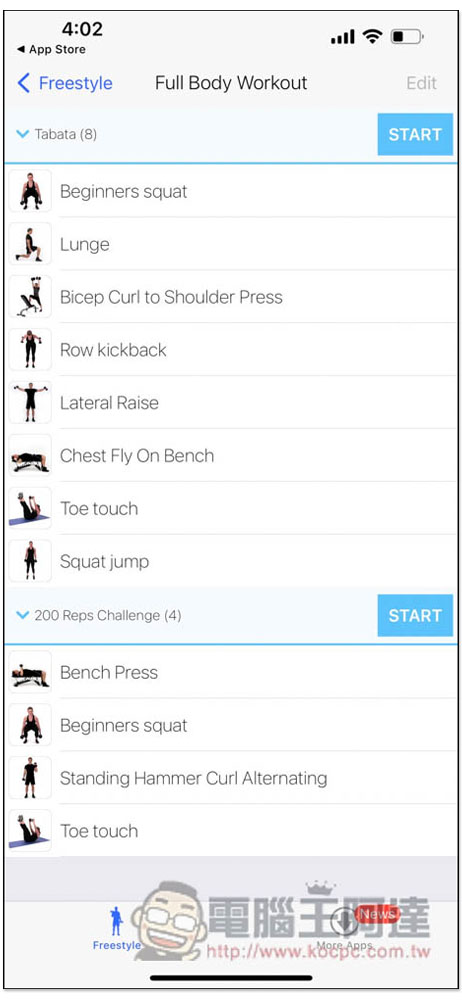
There is a Pre-built option at the top. After clicking on it, you can see the built-in exercise plan, Full Body Workout:
After clicking in, there will be two options, “Tabata” and “Reps Challenge”, depending on which one you want to try, press START in the upper right corner to start:
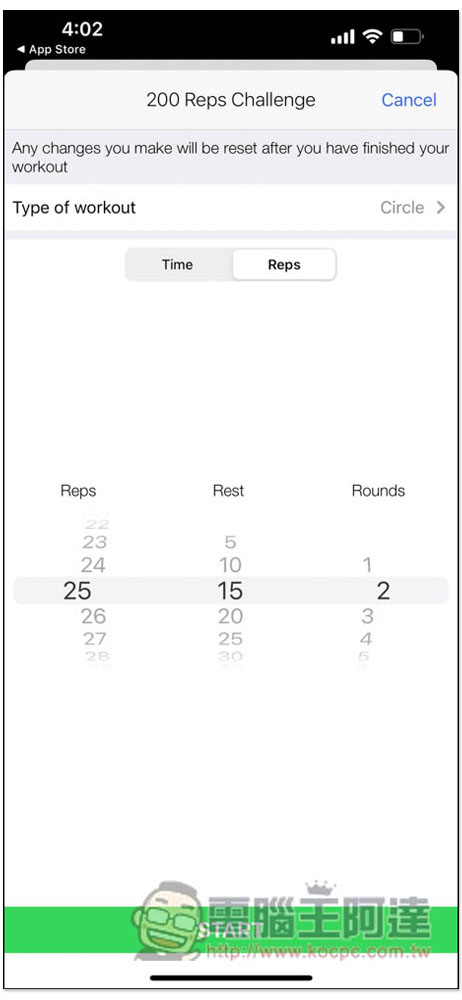
Before starting, you will still be asked to set the type of workout (Type of workout), as well as the number of repetitions, rest time, how many times to do each time, etc.:
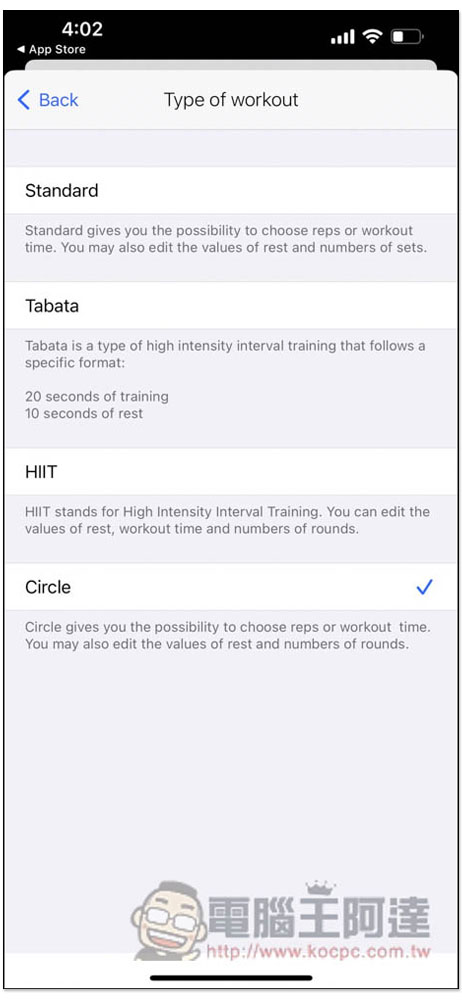
In the category section, there are general, Tabata, HIIT and cycle:
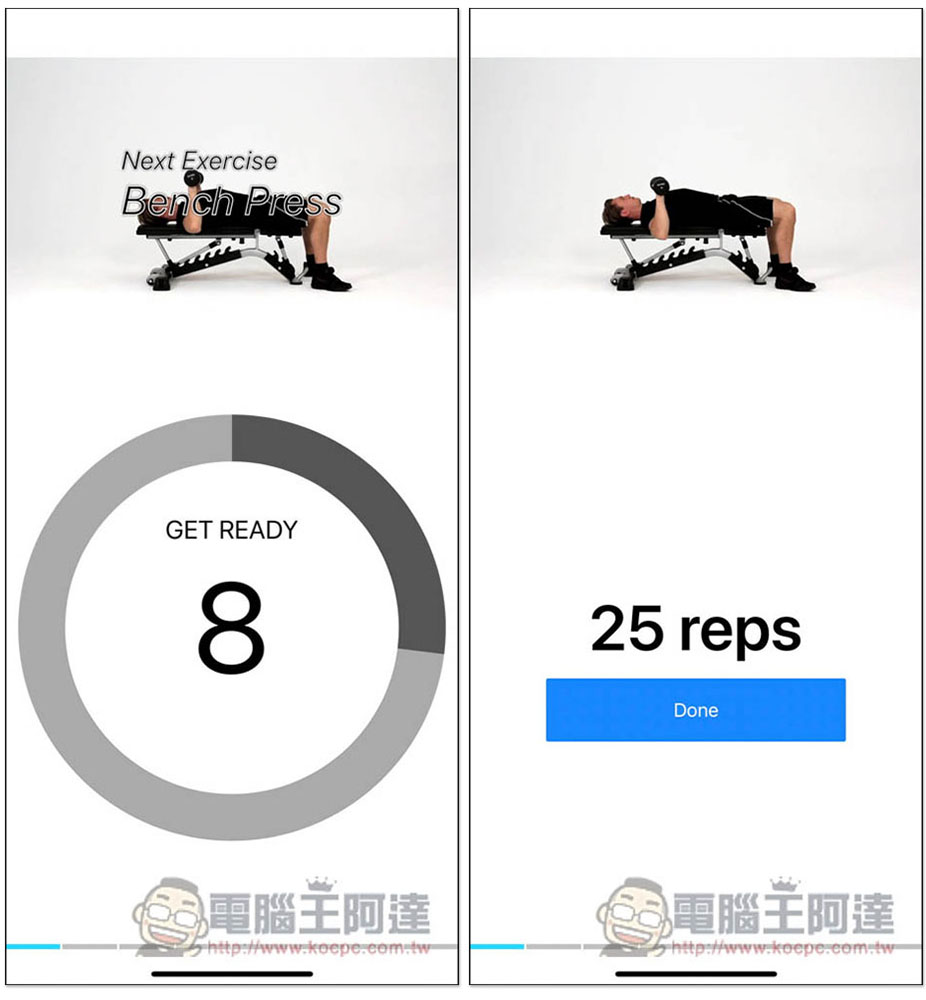
At the beginning, a video will be played above for your reference. After completing the specified number of times, you need to manually press Done to complete before entering the next action. There is a rest time between each action:
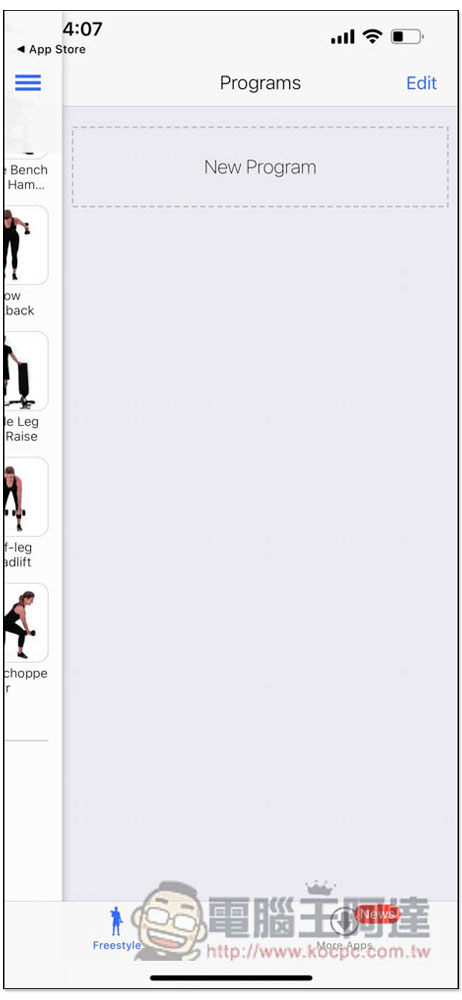
If you don’t like the built-in exercise courses, you can also create your own. Open the three-line menu in the upper right corner and you will see New Program to create a course:
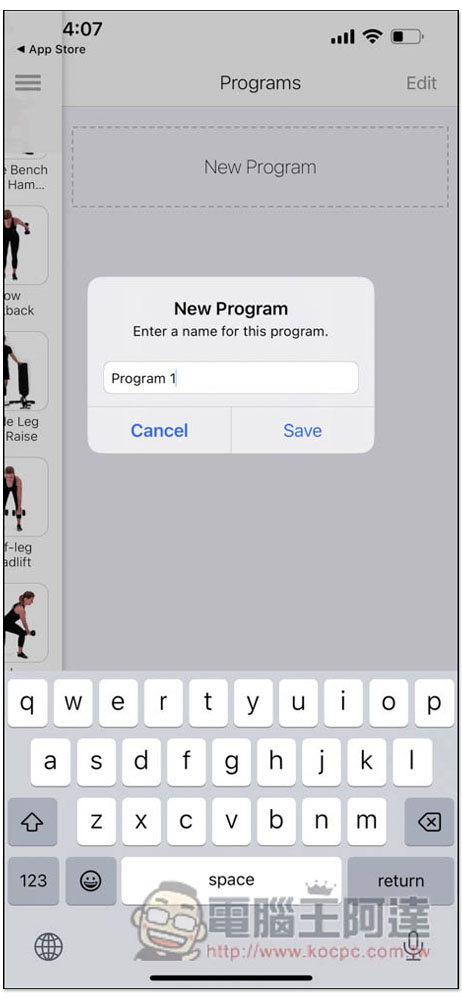
Enter the name you want, the default is Program 1:
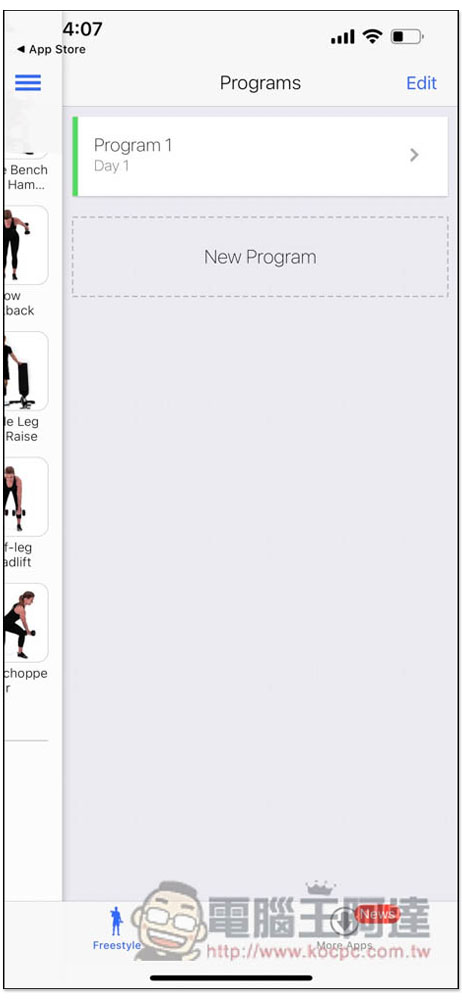
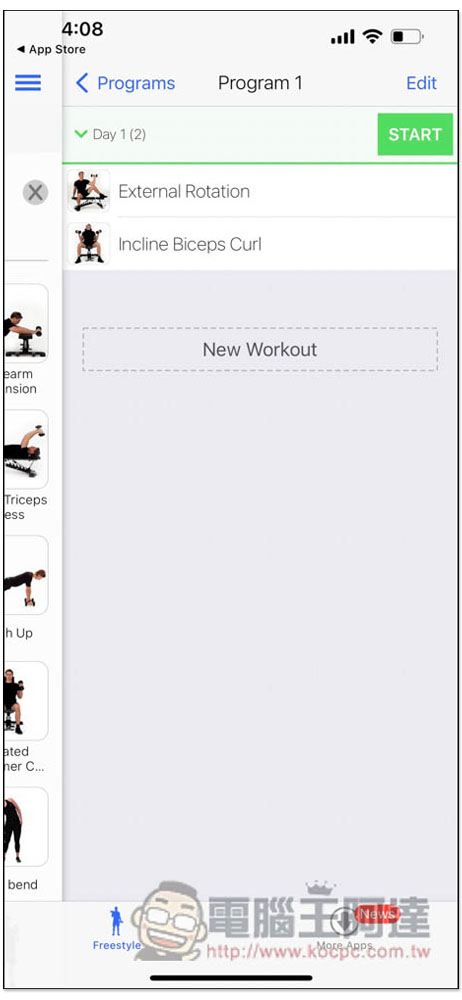
After creating it, there are currently no movements. Please go to the dumbbell movement teaching video screen on the left, and then long press the movement you want to add:
You can add this dumbbell movement to it, as many as you want, and you can also set the movements for the first, second, and third day in each exercise class, which means that you can arrange different exercise classes every day of the week:
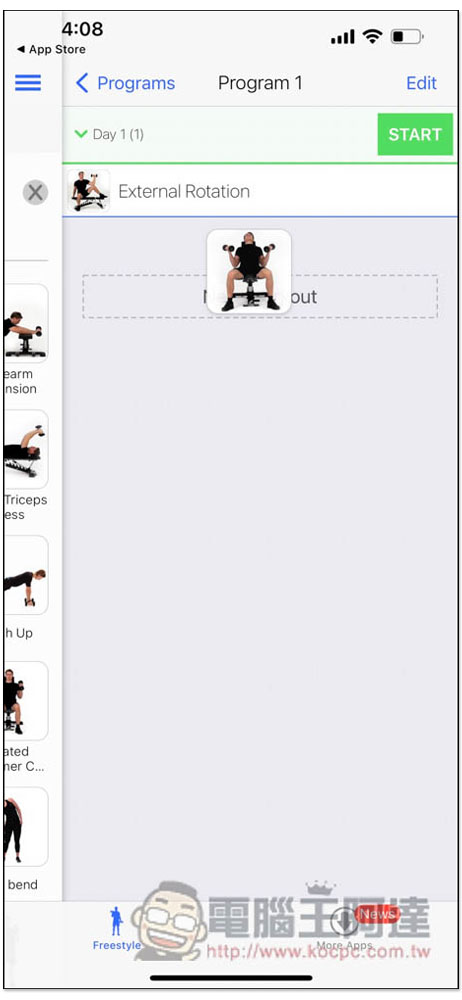
The order can also be adjusted at any time:
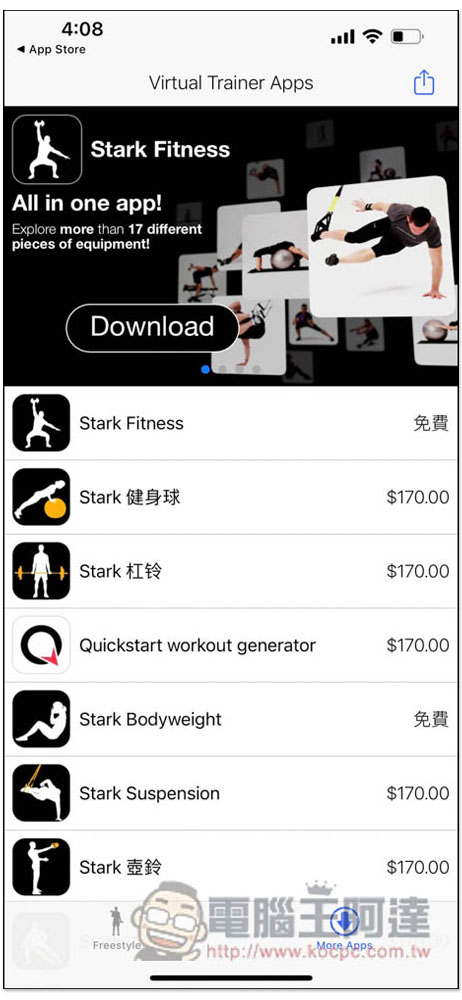
The developer of this app has also launched other fitness apps, such as fitness balls, barbells, etc. Some of them are now available for free download. Those in need can grab them:
Finally, I would like to remind you that this is an instructional video after all, and the details may not be so clear. Therefore, if you feel that you may be injured while doing it, it is recommended to pause it first and check online to see if there is anything you need to pay attention to in this movement.
Source: KOCPC Chinese