


After using the iPhone for a long time, you may get tired of the wallpapers. If you don’t know where to buy new wallpapers, you can refer to this free app “My HD Wallpaper Library”, which provides a large number of high-quality wallpapers for iPhone. There are many types, ranging from cartoons, science fiction, animals, sports, nature, cities, to 3D and festivals. Most of them are free to download, and some are paid and can be unlocked only by watching ads.
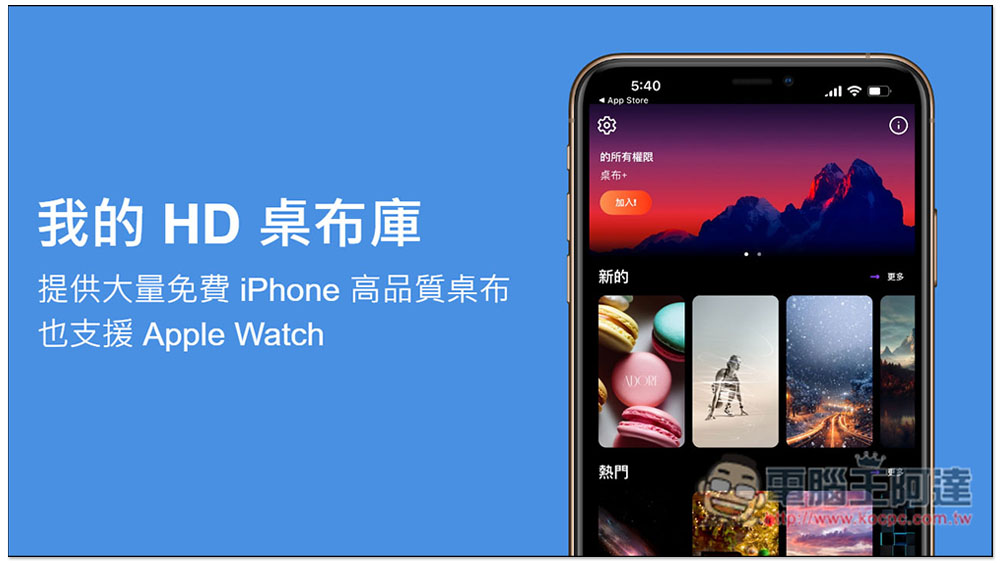
“My HD Wallpaper Library” provides a large number of free high-quality wallpapers for iPhone, and also supports Apple Watch
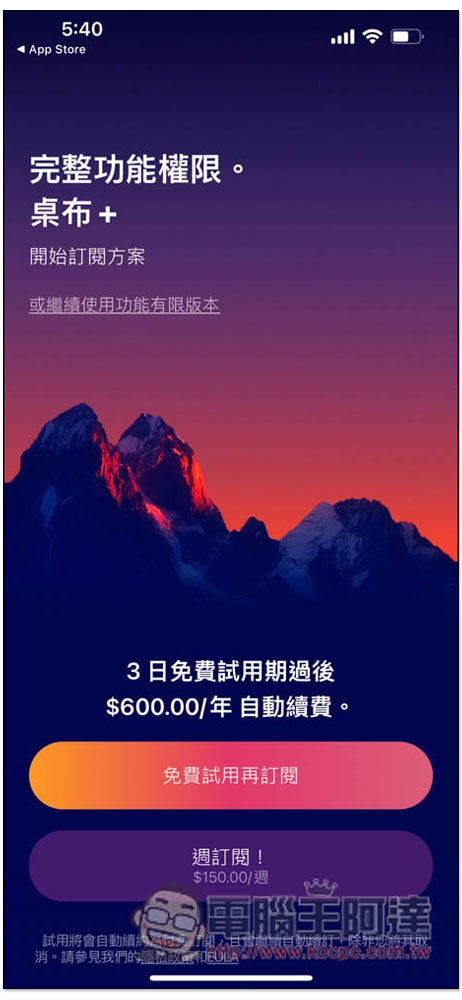
When you open the “My HD Wallpaper Library” App, this screen will pop up. Press “or continue using the limited version” on the screen to use the free version. Don’t click the wrong button here, and don’t click on the free trial before subscribing. This only has a 3-day trial, and you will automatically subscribe after the trial (if you don’t cancel). The price is very expensive:
After entering the main page, you can start to find the wallpaper you want. The categories are also on this page. There is “More” on the right side of each category. After clicking, you can browse all wallpapers in this category. Because it is a free version, when you click more, ads will pop up. You can continue after watching:
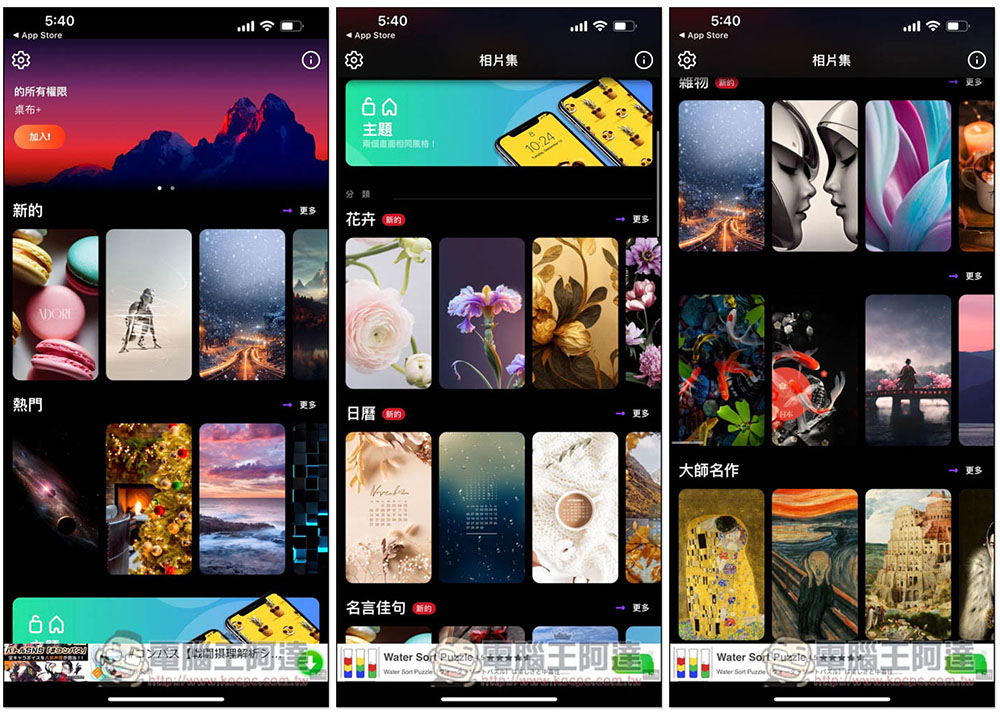
In addition, not every wallpaper is free to download. If there is a star in the upper right corner of the wallpaper you are looking for, it means that it is limited to the paid version. The free version cannot be downloaded:
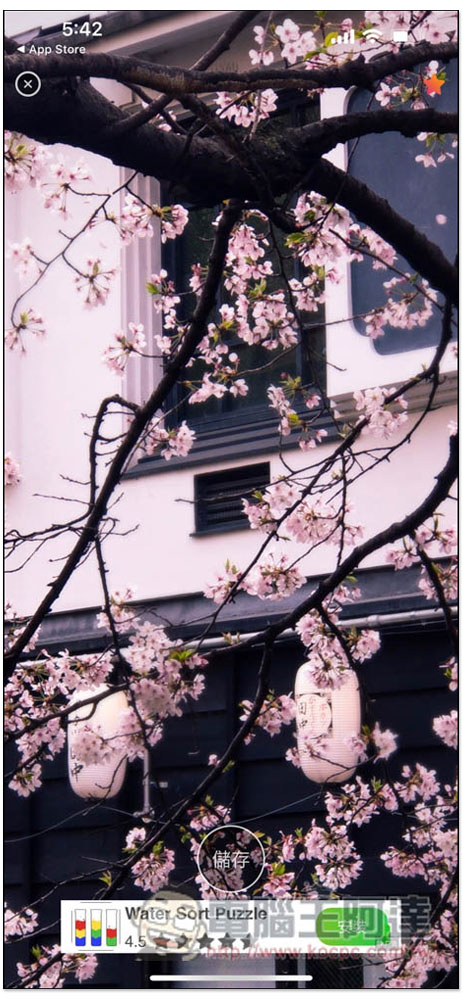
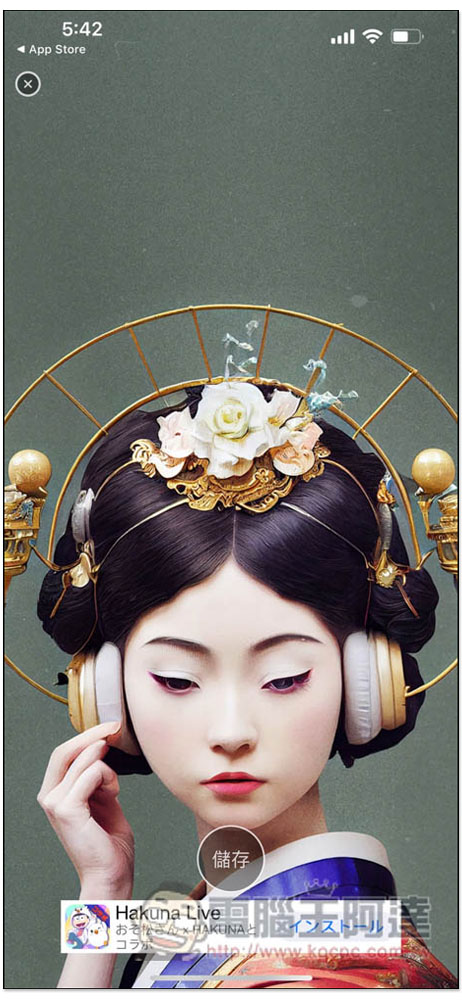
Like this one without stars, you can download it and press the “Save” button below:
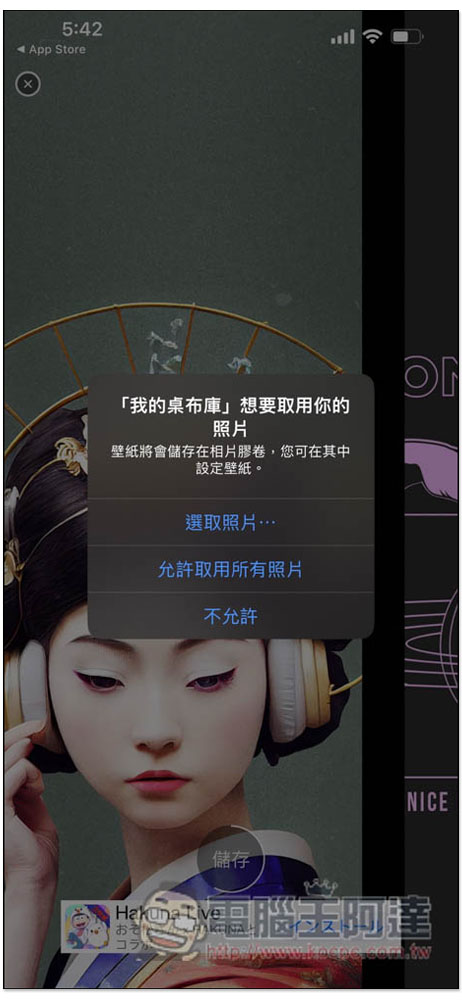
This menu will pop up when downloading for the first time, click “Allow access to all photos”:
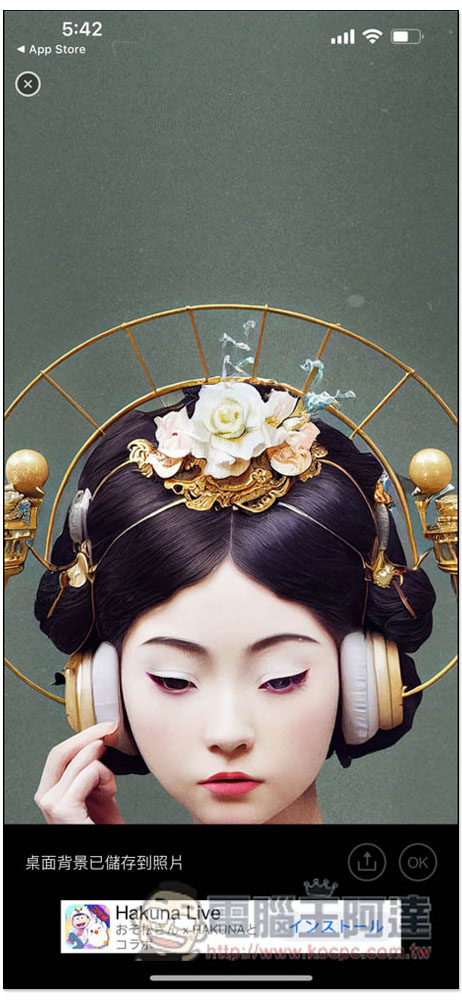
The wallpaper will be saved to your iPhone photos. Now open the Photos App and after finding this picture, you can set the wallpaper:
The quality of the wallpaper images provided by this app is very good, and compared to other free wallpaper apps, there are not so many ads, so it is not bad to use:
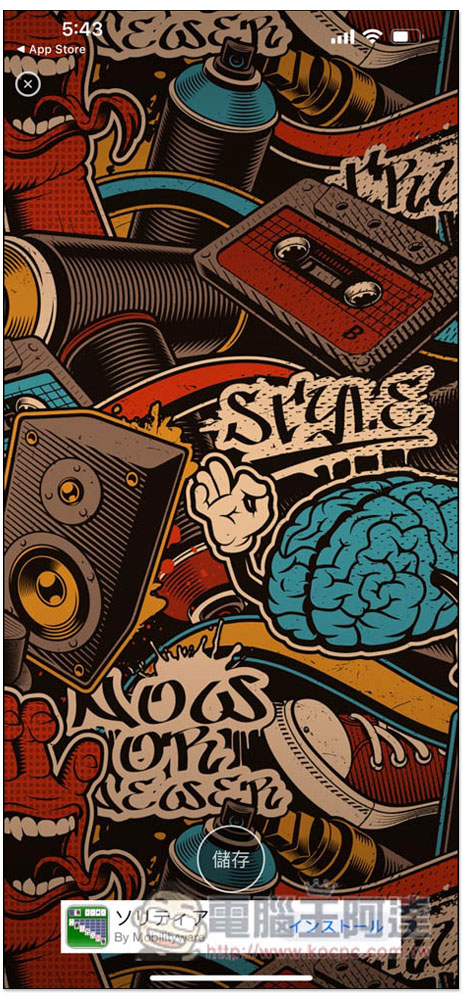
Sometimes there are also hidden versions of wallpapers that can be unlocked by watching ads and can be downloaded for free:
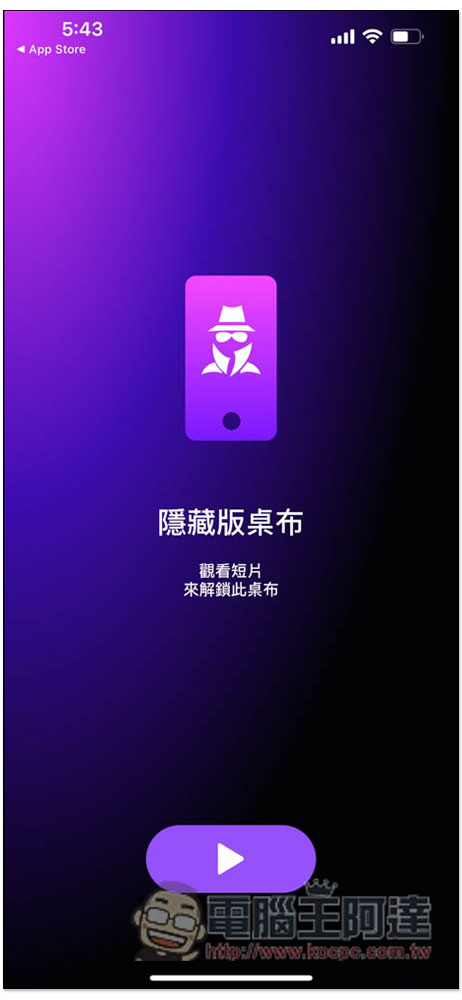
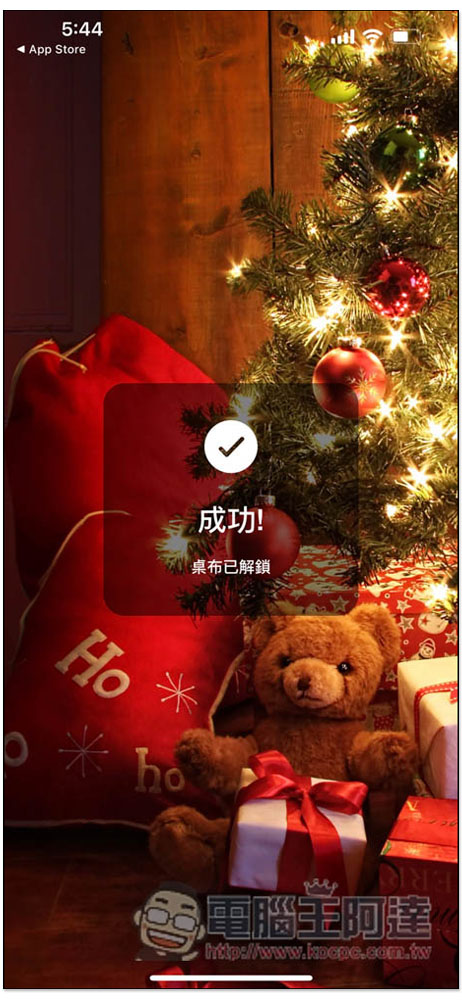
Like this, after watching the video advertisement, a message that the wallpaper has been unlocked will pop up. If you like it, you can download it:
In addition to iPhone, it is also noted in the App introduction that wallpapers that support Apple Watch can also be found here. For detailed usage instructions, you can click on the exclamation point icon in the upper right corner of the main screen to read:
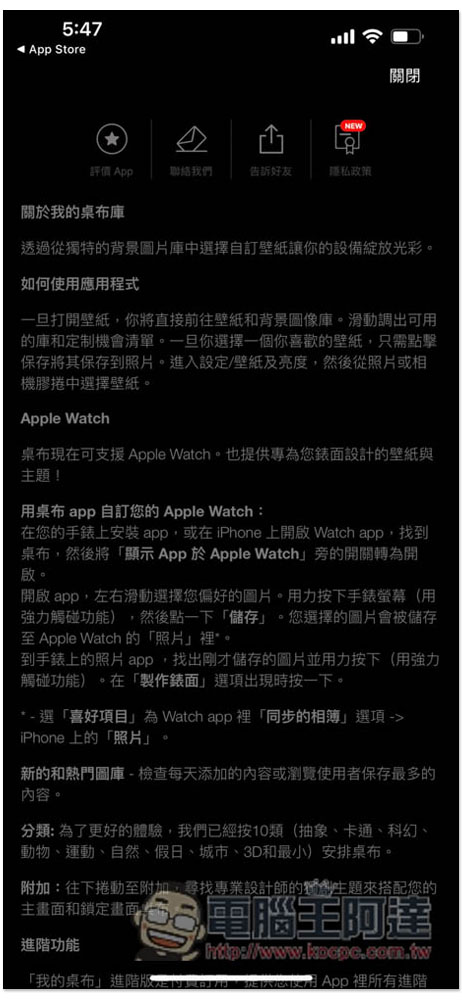
There are currently 10 wallpaper categories, namely: abstract, cartoon, science fiction, animal, sports, nature, holiday, city, 3D and minimal.
Finally, I would like to add that if you accidentally clicked on subscribing after a free trial earlier, remember to immediately go to the Apple ID page in settings to cancel, lest you forget to cancel when the time is up. The steps are as follows:
- Open settings.
- Click your Apple ID name at the top.
- Enter “Subscription Projects”.
- Find “My HD Wallpaper Library”.
- Once logged in, click Unsubscribe below.
In addition to this one, we have also compiled 5 Best Websites and Apps for Downloading iPhone Wallpapers for Free, including Internal Hardware, Anime, Trends, Dynamic Wallpapers, Landscapes, etc., friends in need can also refer to it. The text also mentions how to easily and automatically change the tablecloth with one click:

Source: KOCPC Chinese