


How do you search for MP3 music? Most people should go through some online download websites, but many of them have to copy the URL and then paste it into the search function of the download website, which is a little troublesome to operate. This article will introduce a “MYFREEMP3” that can be downloaded immediately by directly entering the song title or artist name keywords you are looking for into the website. It is very easy to use.
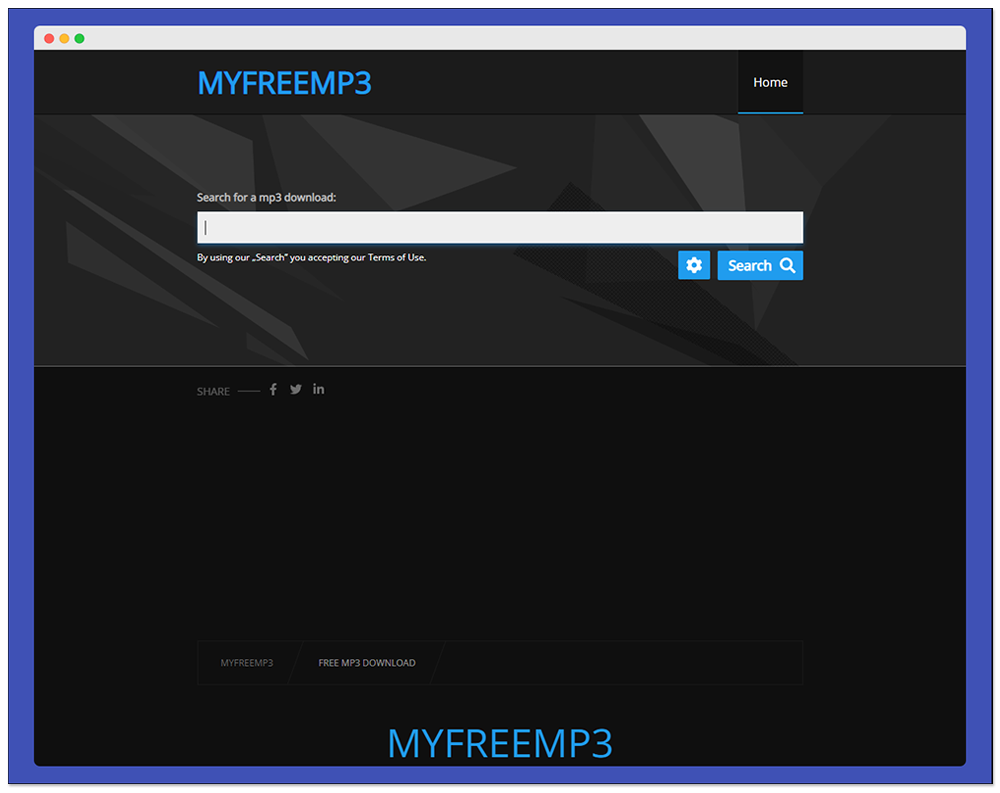
MYFREEMP3 is a free online tool for downloading MP3 music. Search the song title or artist name to find the download point.
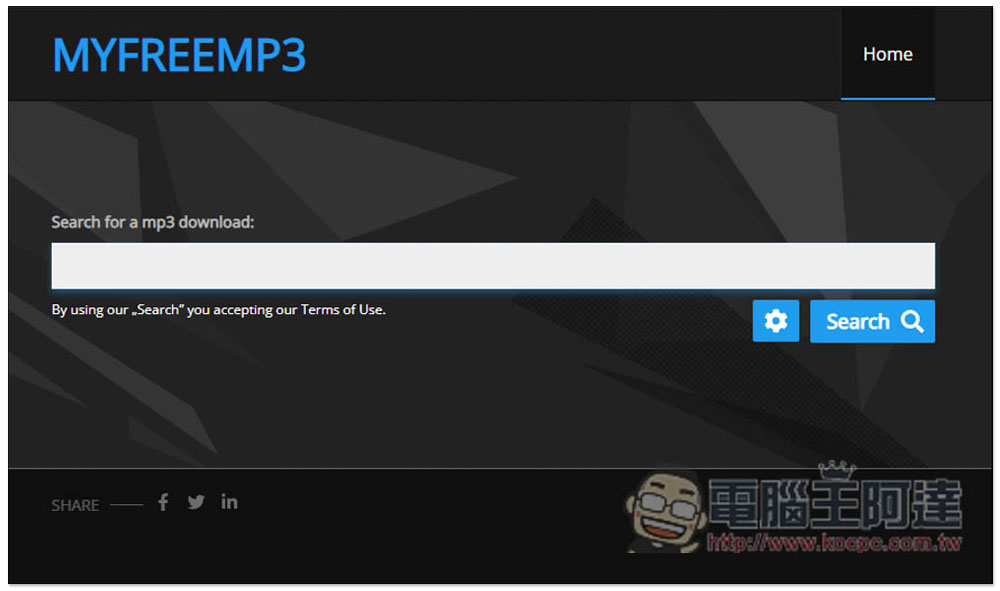
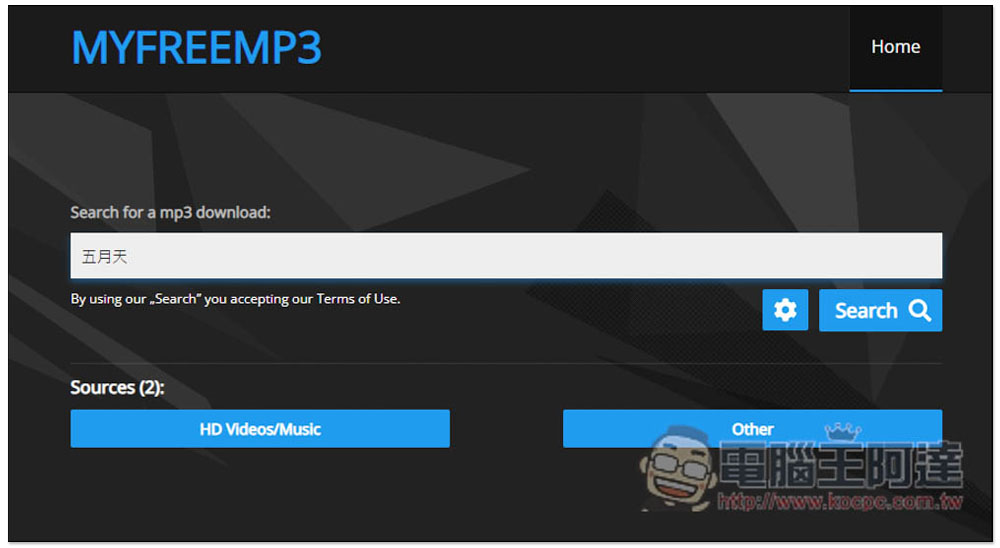
After entering the MYFREEMP3 website, just like other online tools, enter the “song title” or “singer name” keyword you are looking for in the search function, and click Search. Both Chinese and English are available. This tool seems to support automatic translation. I can also find it when I enter Chinese:
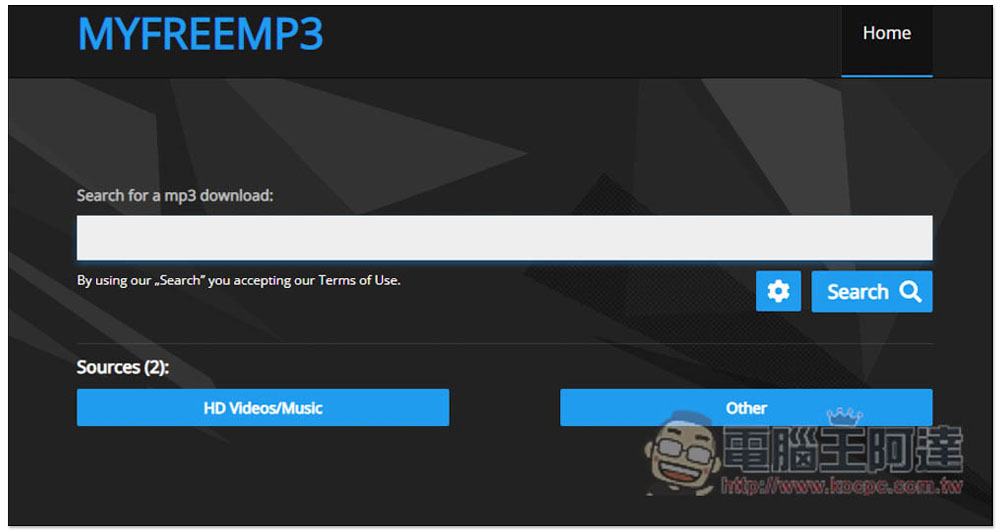
Open the settings icon. There are two source options, including “HD Videos/Music” and “Other”. Both are turned on by default, which means both sources will be searched. If there are no special requirements, there is no need to change it. Guess HD Videos/Music is the YouTube website, Others are not sure what websites there are:
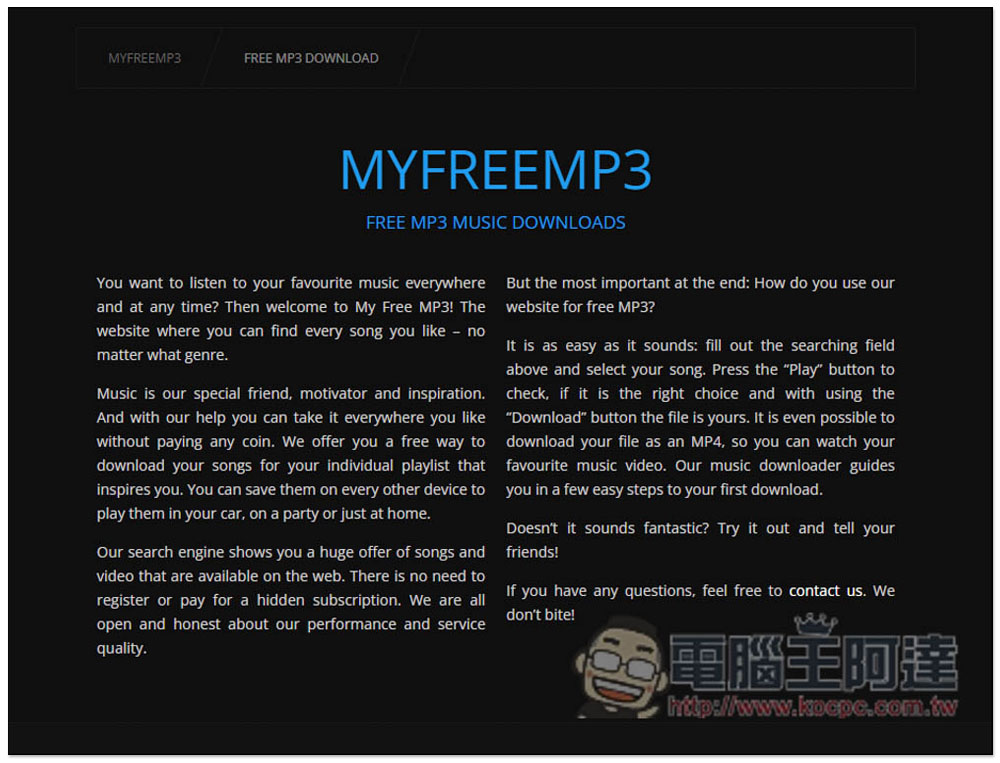
There are some brief introductions to this tool at the bottom of the page. Friends who are interested can take a look:
Like this, enter the keyword and press Search:
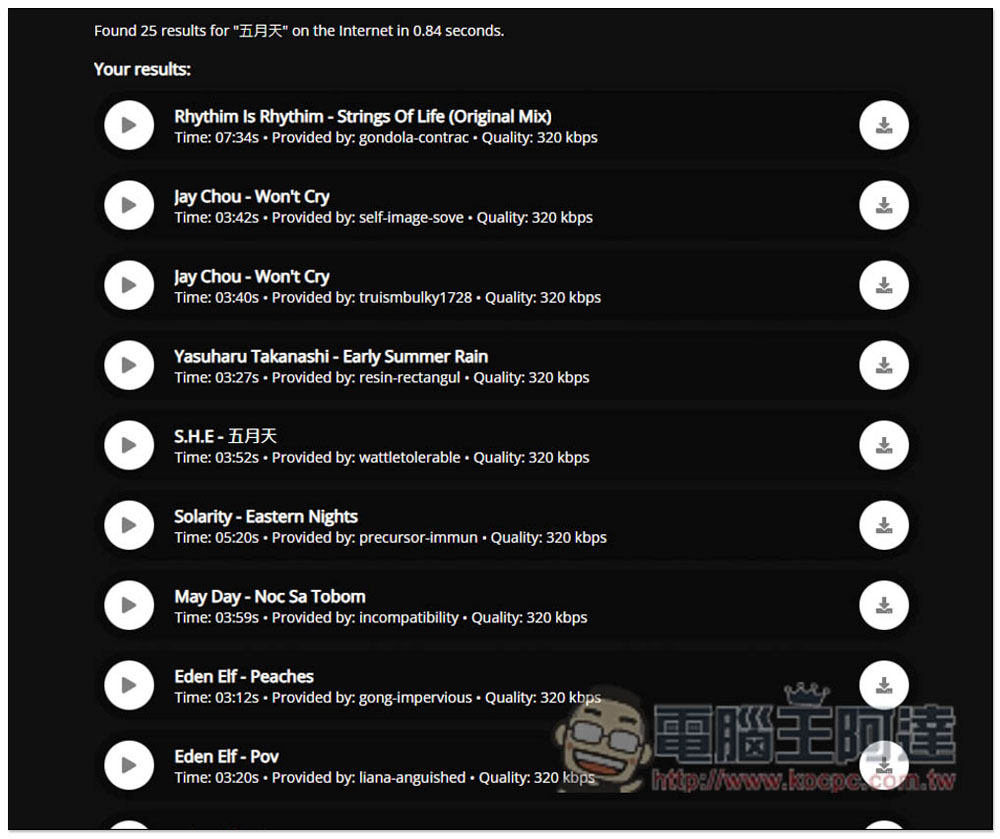
The matching results will be displayed. The download point of each song has the time length, who provided it, and the sound quality. I think the sound quality is good as a reference, because even if it reads 320kbps in my test, many of them are lower than this after downloading. You can listen to each song first, press the play button on the left, and then click the download icon on the right when you are satisfied:
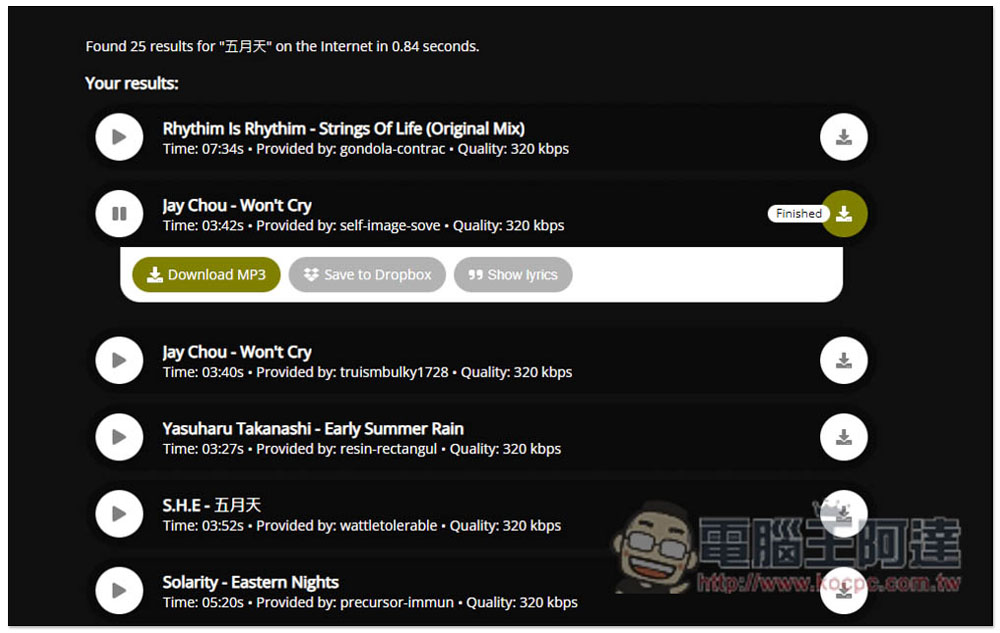
Three functions will appear below, “Download MP3 Download MP3”, “Save to Dropbox” and “Show lyrics”. In addition, this is a free tool after all, and there will be advertisements. When you click on some functions, sometimes the advertisement tab will open, just turn it off:
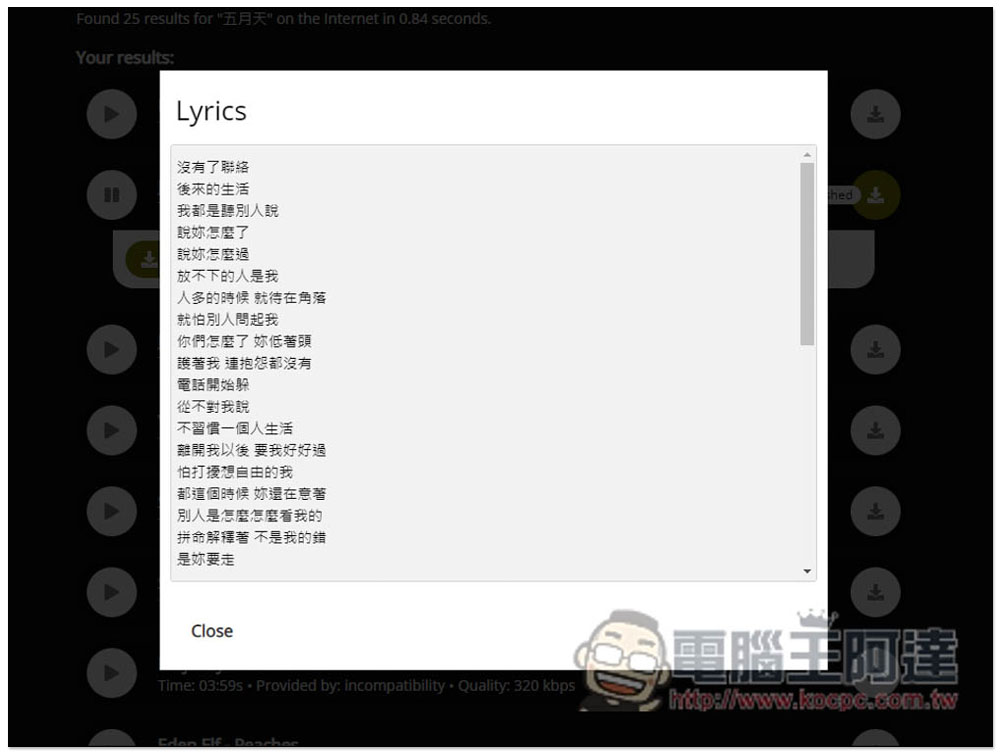
I think the function of displaying lyrics is quite powerful. I didn’t expect that Chinese songs can also be displayed correctly. I’m not sure what lyrics library it is paired with:
There is no problem in the download test, but the sound quality is not as 320kbps as written on the web page. The check is 128kbps:
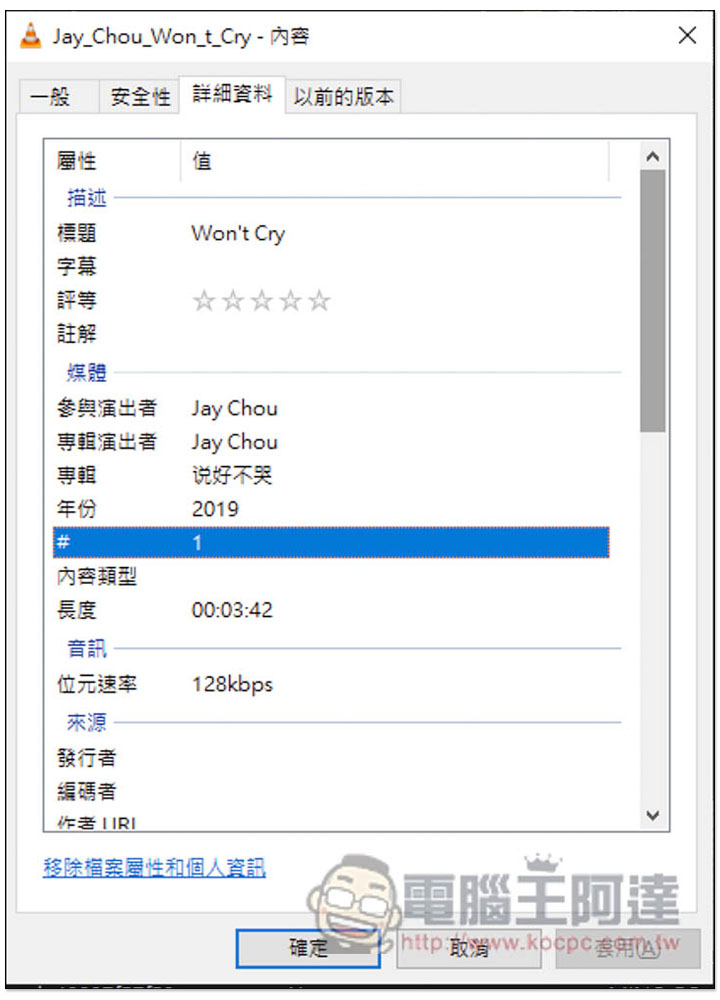
Finally, I would like to remind you that this kind of tool sometimes fails after a while. If you encounter it when using it, you can use other free download tools first, wait for a while and then come back to try.
In addition to this one, we have previously introduced other good MP3 online music download tools. You can also refer to:
- Mp3convert.cc is a free tool that can convert YouTube, FB, and IG videos to MP3 and supports playlists.
- SAVEMP3 is a free online tool that can convert videos from YouTube, FB, Tiktok and other websites into MP3 music format.
- Free MP3 Downloads Free MP3 music download tool, providing up to 320Kbps
- FLVTOCOM is a free ad-free YouTube video and MP3 download tool, supported by computers and mobile phones.
Source: KOCPC Chinese