


ChatGPT 4o Image Generation produces such amazing results that everyone’s feeds have probably been flooded with them these past few days, right? XD The most common and simplest way people have been playing with ChatGPT image generation is turning photos into Ghibli-style artwork. Because you don’t need any complicated prompts to generate high-quality Ghibli-style images, everyone has been using ChatGPT to create them like crazy. You’ll keep seeing all kinds of Ghibli-style content as you scroll through Instagram and X. But actually, there are plenty of other ways to use the ChatGPT image generation feature. Today we’ve rounded up a few more new ways to play with it, like generating chibi figures and blind box styles, as shown in the images below. Besides introducing these new ideas, we’ll also share the prompt-writing formulas, so if you’re not sure how to write prompts, keep reading.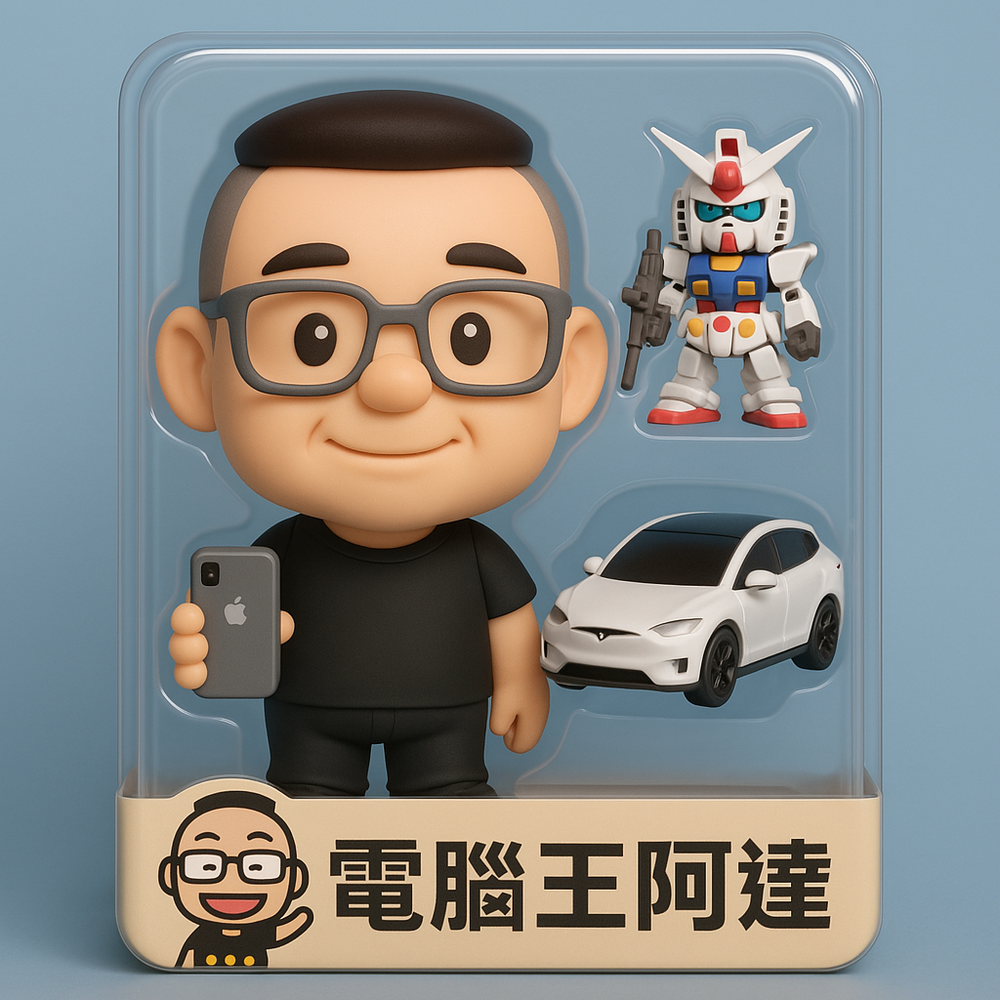
ChatGPT 4o Image Generation New Tricks! Learn to Create Chibi Figures and Blind Boxes, Plus a Bonus Prompt
Recently OpenAI launched the new-generation 4o Image Generation feature for image creation, also updated the ChatGPT image generation interface, and added a new selection feature, greatly improving the user experience in ChatGPT. After the launch of 4o Image Generation, ChatGPT gained 1 million users in just five days, showing how much people love the simple image generation feature. So today we’ll show you what else ChatGPT can do besides generating Ghibli-style images.
the chatgpt launch 26 months ago was one of the craziest viral moments i’d ever seen, and we added one million users in five days.
we added one million users in the last hour.
— Sam Altman (@sama) March 31, 2025
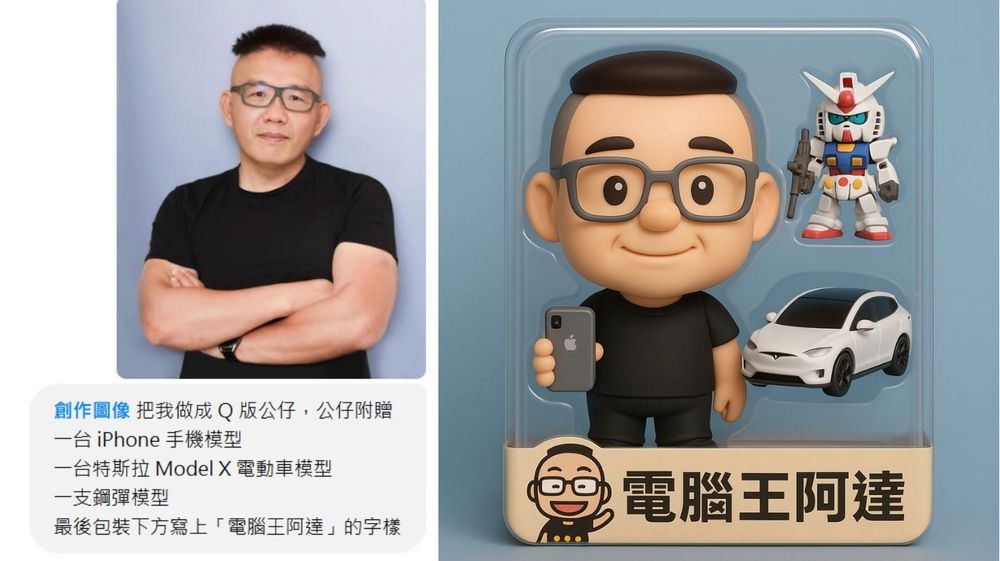
After the launch of 4o Image Generation, ChatGPT has seen significant improvements in handling clothing, facial features, prompt understanding, and more. This means we can now use ChatGPT to generate more complex instructions. For example, you can have ChatGPT create a figurine model based on your likeness—just give ChatGPT a photo of yourself, and it will generate a set of figurine models inspired by you, including your usual interests and hobbies. Here’s the prompt and the image it generated. You can copy and paste it directly, then customize the content in the 【】 sections based on your own needs or preferences.
- Make me into a Q-version figurine. The figurine comes with an iPhone model, a Tesla Model X electric car model, and a Gundam model. Finally, write the words “電腦王阿達” at the bottom of the packaging.
-
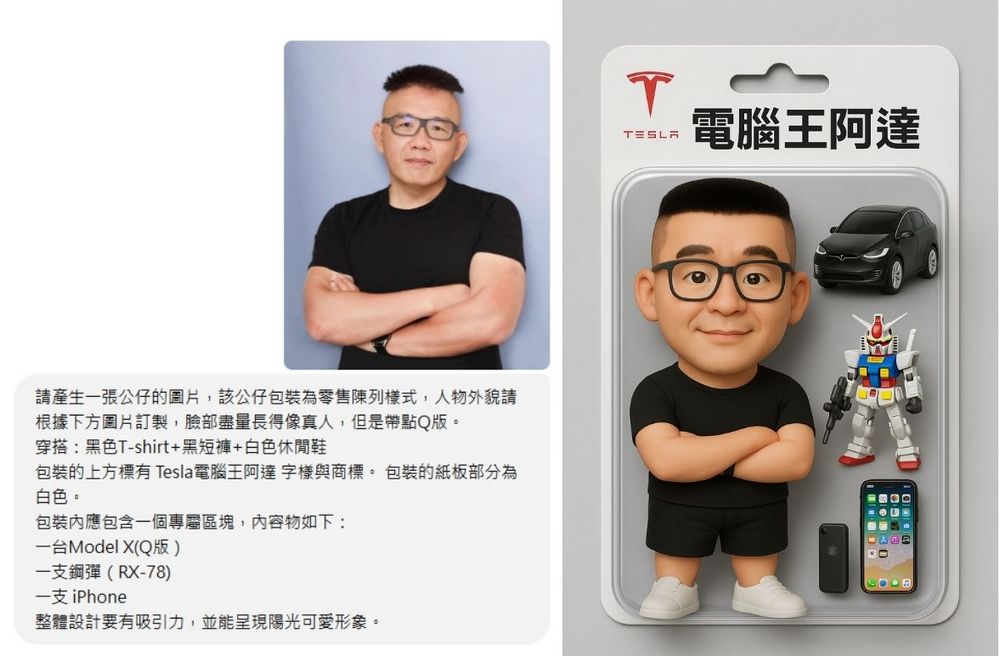
Please generate an image of a figurine. The figurine’s packaging should be in retail display style. The character’s appearance should be customized based on the image below—the face should resemble a real person as closely as possible, but with a slightly chibi look. Outfit: [black T-shirt + black shorts + white casual shoes]. The top of the packaging should display the text [Tesla Computer King Ada] along with a logo. The cardboard backing of the packaging should be [white]. The packaging should include a dedicated section containing the following items: [a Model X (chibi version), a Gundam (RX-78), and an iPhone]. The overall design should be attractive and convey a sunny, cute image.
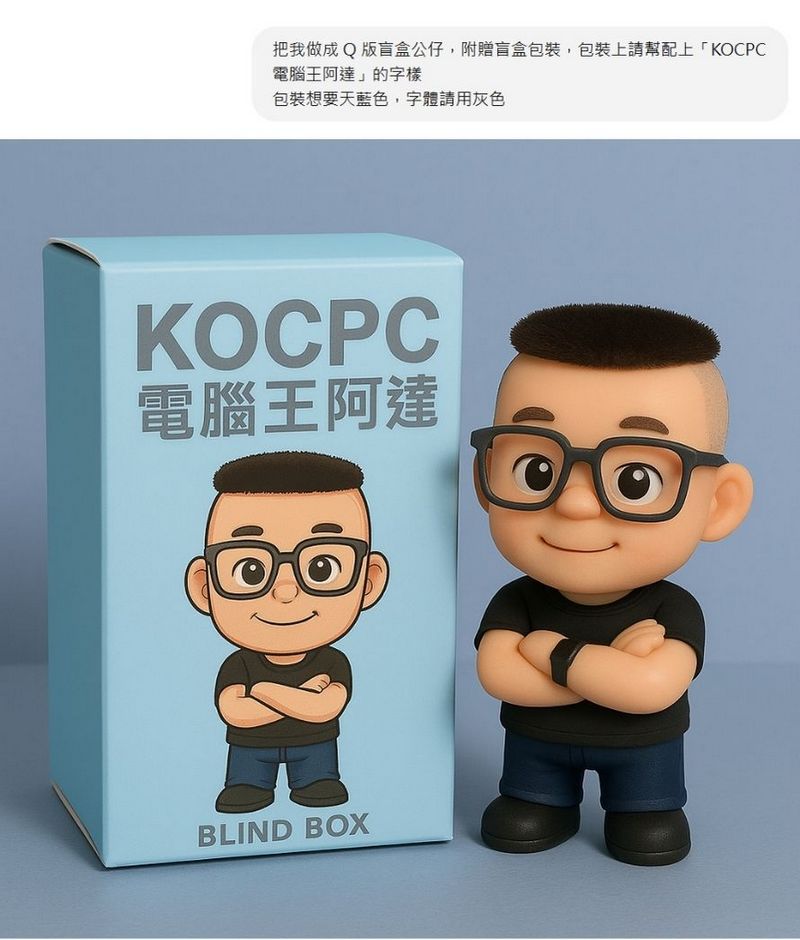
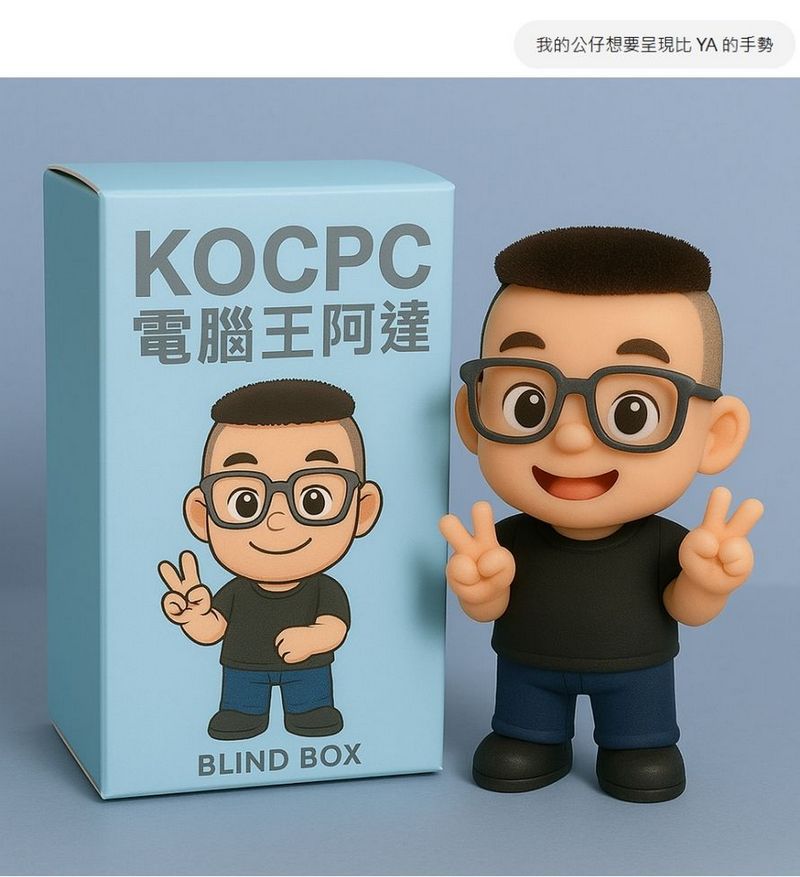
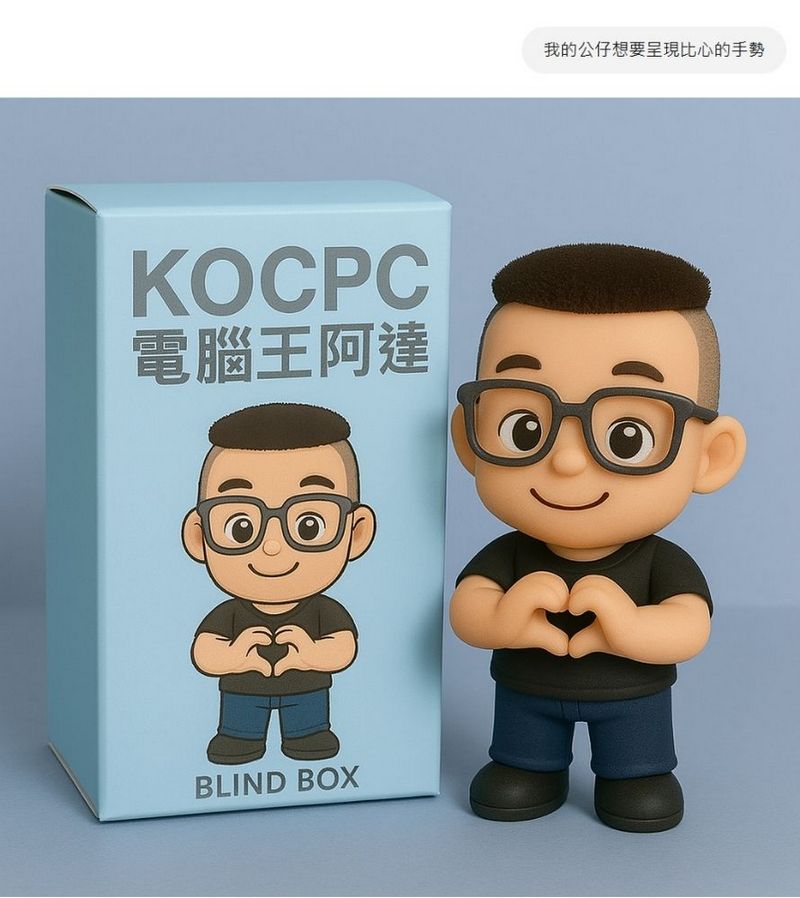
Besides generating figurine models, you can also use ChatGPT to create blind boxes. It works the same way—generating blind box figurines based on your images. You can give ChatGPT different figurine poses, and it will create a whole series of blind box designs for you!
- Make me into a Q-version blind box figurine, with blind box packaging included. On the packaging, please add the text “KOCPC 電腦王阿達”. The packaging should be sky blue, and the font should be gray.
- My figure is meant to make a【peace sign】gesture.
- My figurine wants to make a heart gesture.
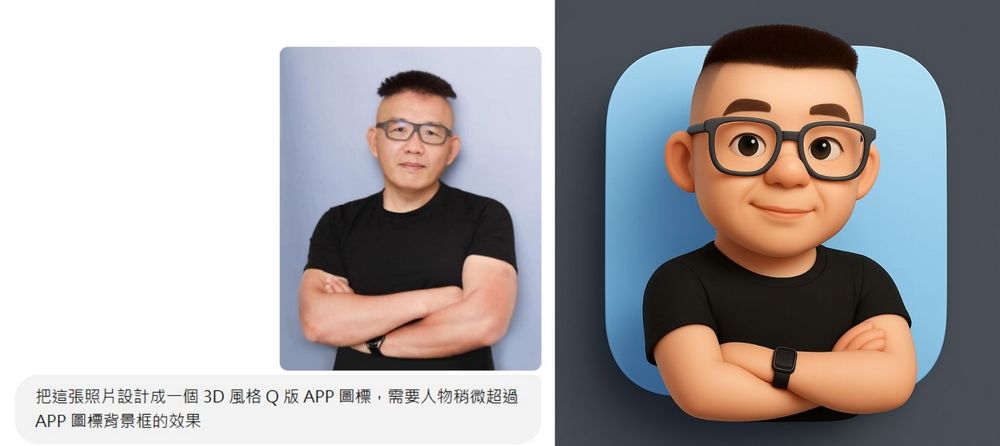
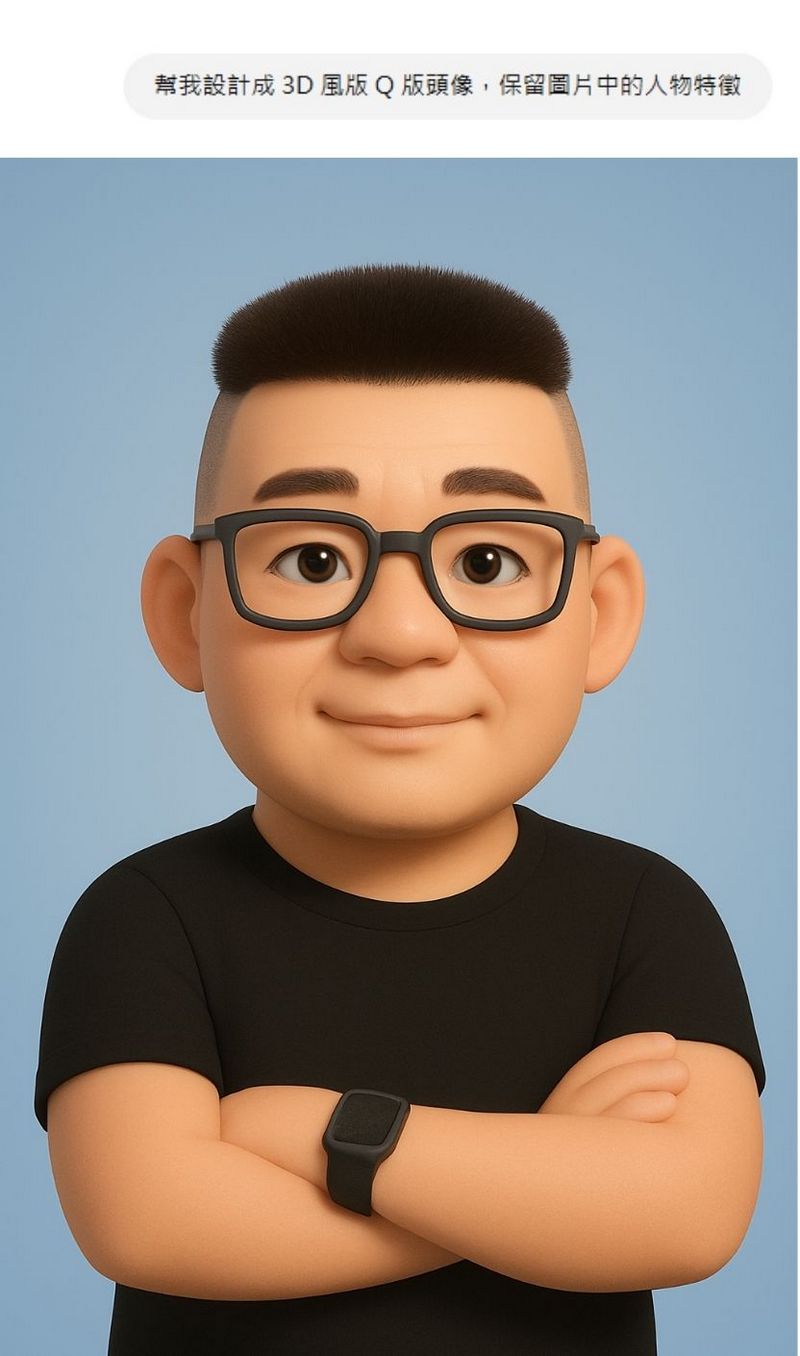
You can also use ChatGPT to generate your own custom chibi avatar or chibi logo. It’s recommended to choose images with a cleaner background and more distinct facial features—you’ll get better results that way!
- Design this photo into a 3D-style chibi app icon, with the character slightly extending beyond the app icon’s background frame.
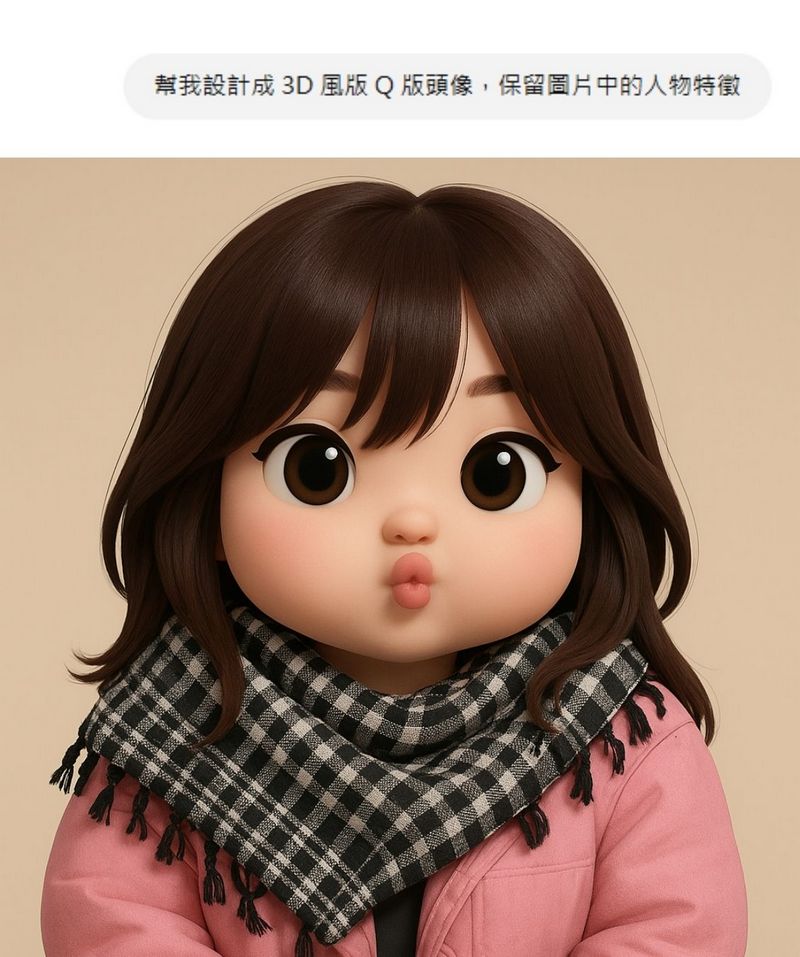
- Keep the person’s features in the image and design me as a 3D-style chibi avatar.
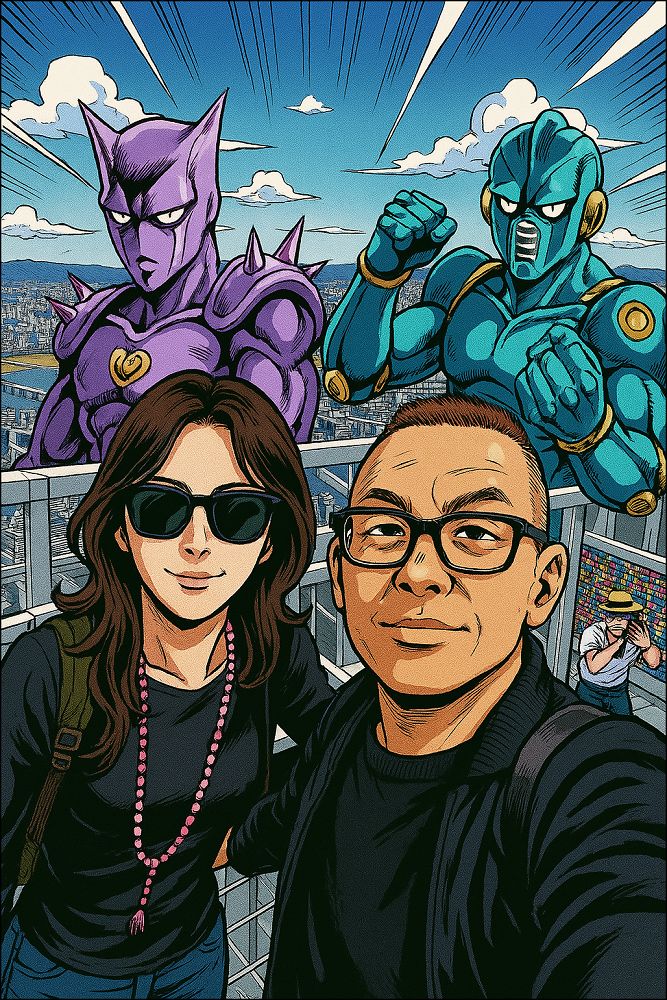
- Please change this image to JOJO style, with a Stand user behind each of them.
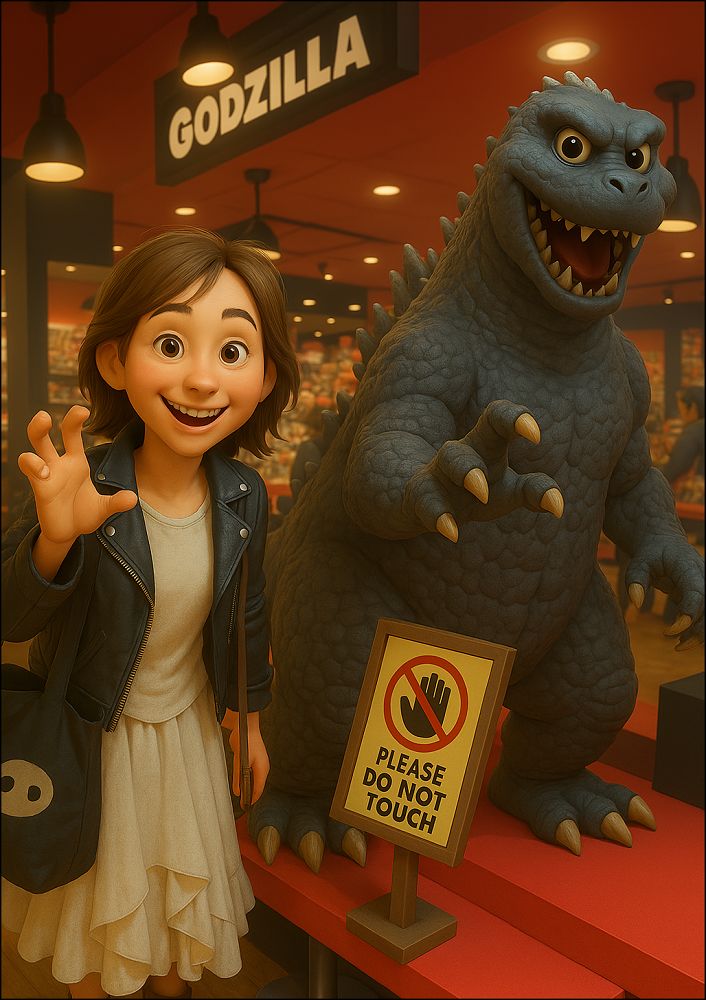
- Change this image into Pixar style.
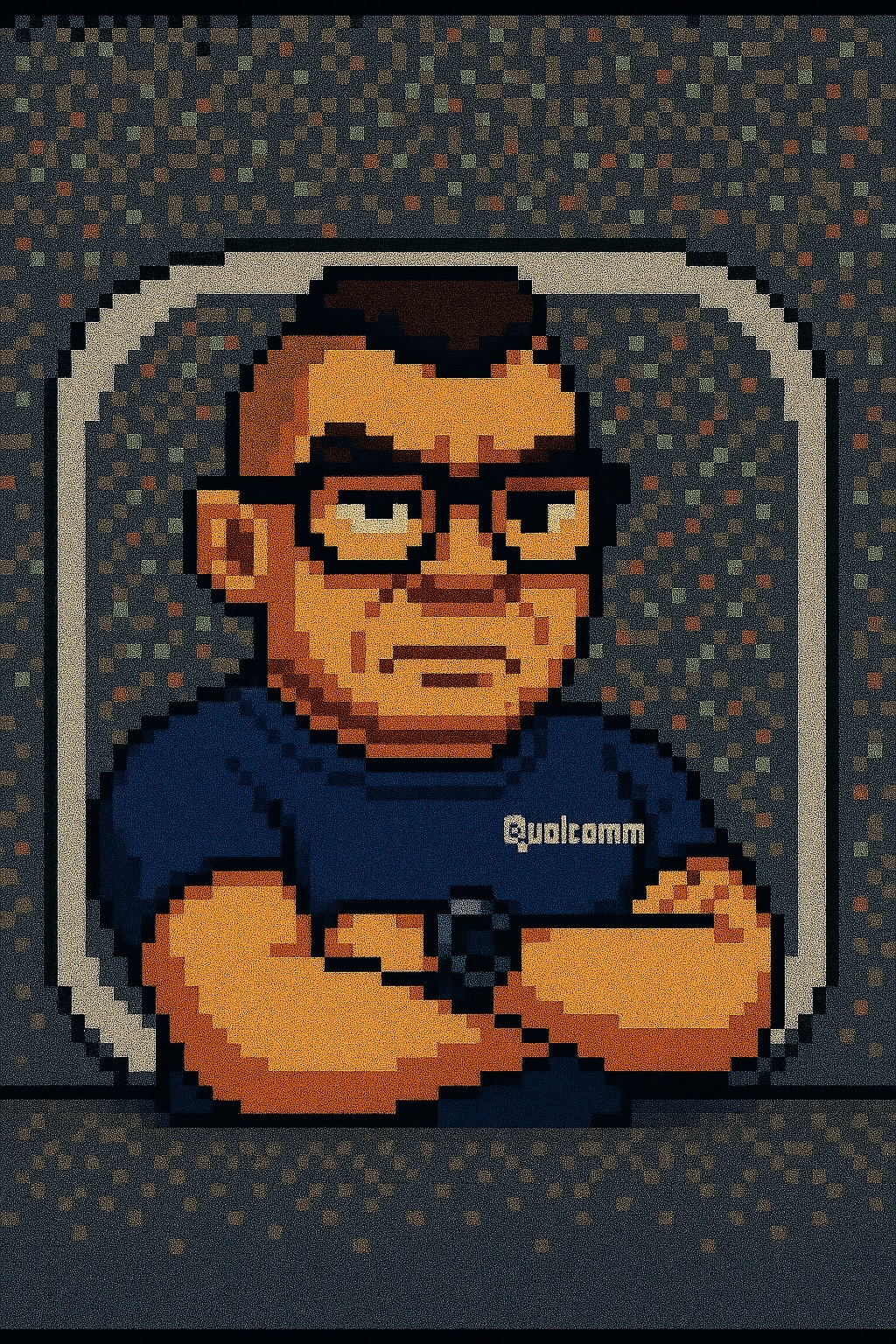
- Change to 8-bit style.
- Revise it into Crayon Shin-chan style.
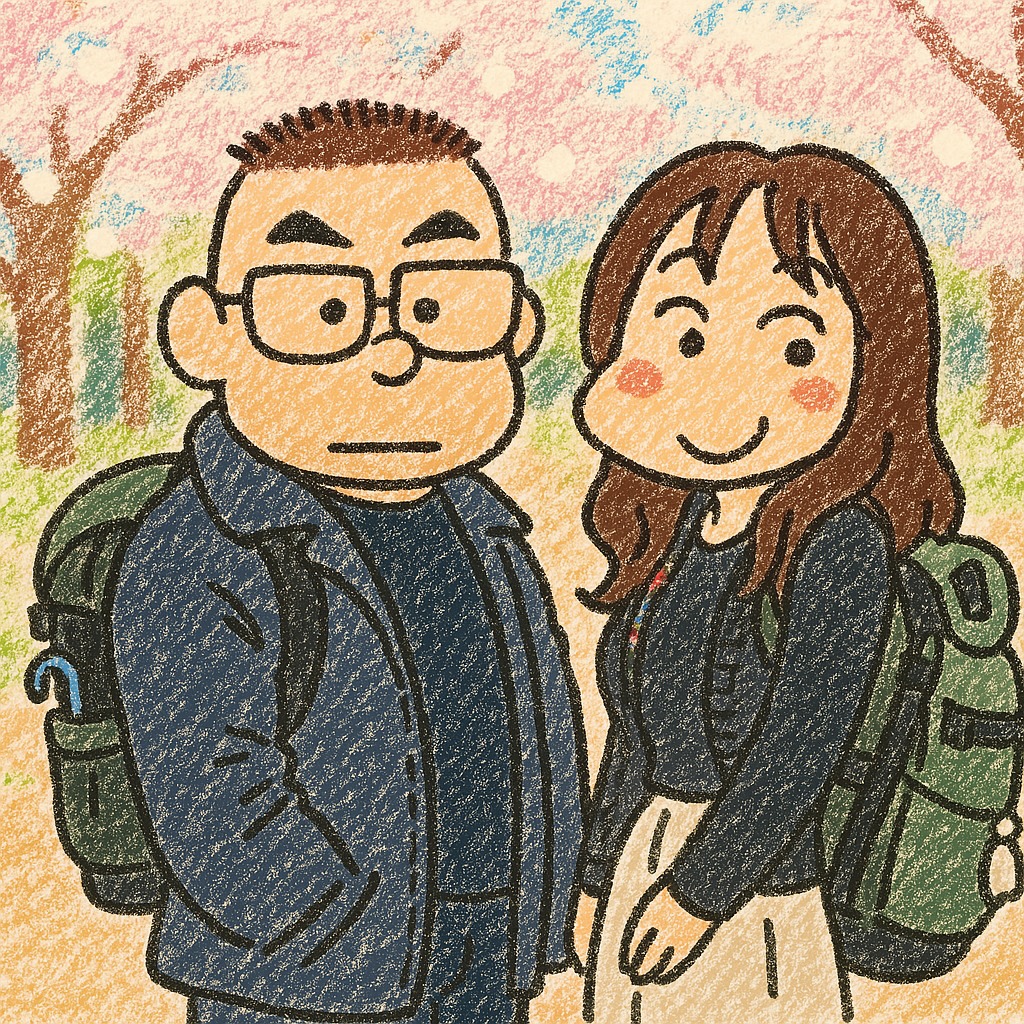
That’s all for this sharing of new ways to use ChatGPT’s image generation feature. If you’re interested, feel free to head over to ChatGPT and give it a try. Now, even regular free users can generate three images a day, and following the prompts above will help you avoid mistakes. If you’d like to learn about other ways to use ChatGPT’s image generation feature, click the link below to read the related coverage:
Source: KOCPC Chinese