


PDF can be said to be a very commonly used format today, but not everyone has a PDF tool on their computer. At this time, you can consider online tools. The PDF2Go online PDF all-in-one free tool recommended in this article is a good choice. It provides editing, compression, protection, unlocking, optimization, conversion and other functions. It can also convert other commonly used file formats into PDF files. It supports Chinese, so you don’t have to worry about incomprehension, and the operation is simple.
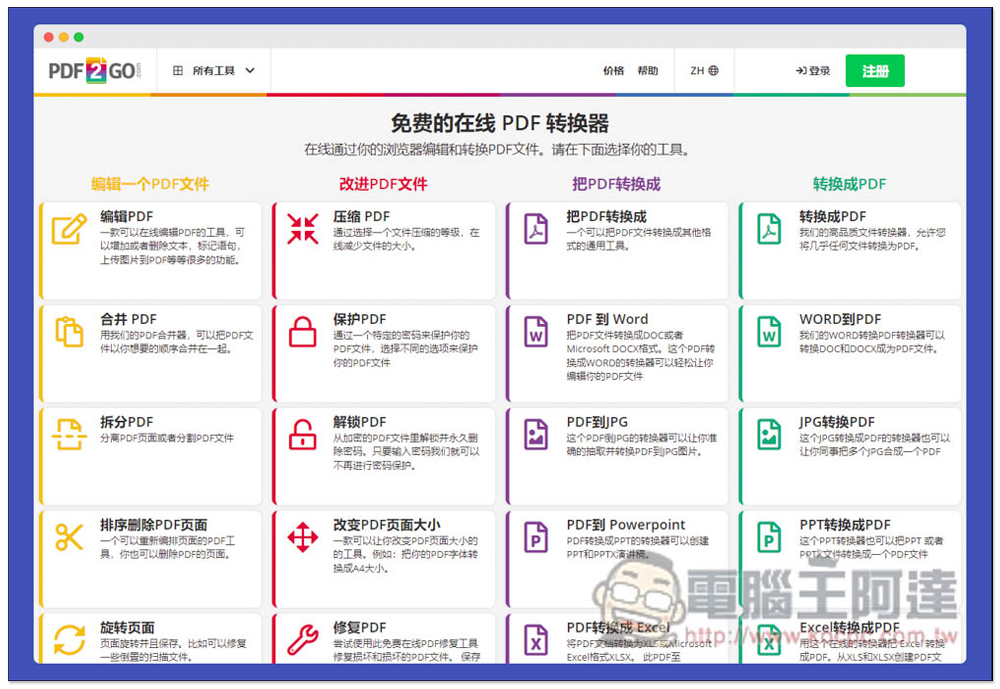
PDF2Go is an all-in-one free online PDF tool with functions such as editing, converting, unlocking, and optimization.
After entering the PDF2Go website, you can start to find the PDF tool you want to use. There are four major items, namely “Edit a PDF file”, “Improve PDF file”, “Convert PDF to” and “Convert to PDF”:
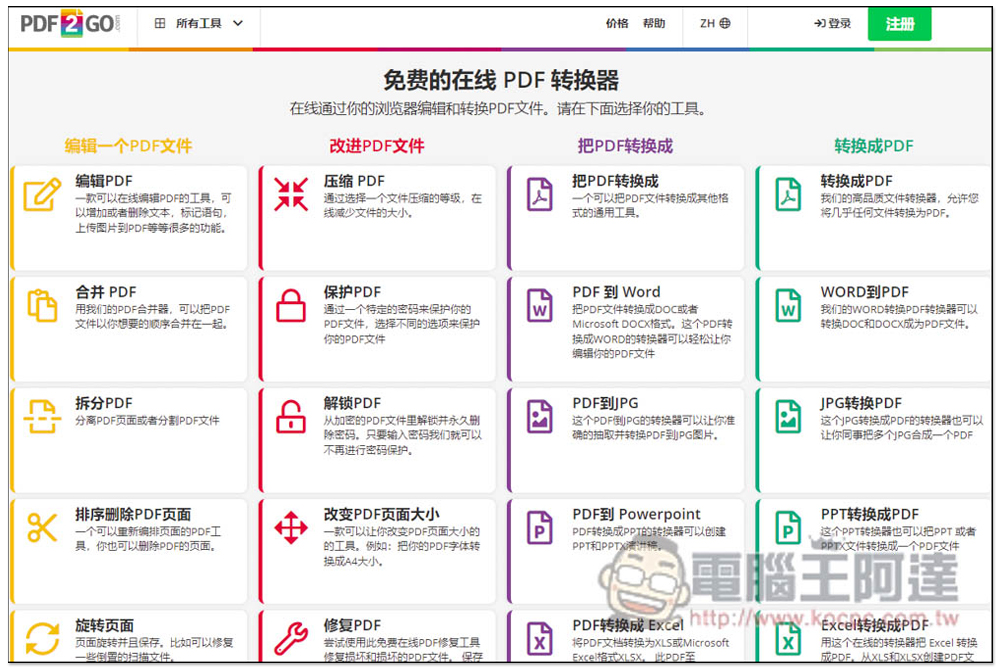
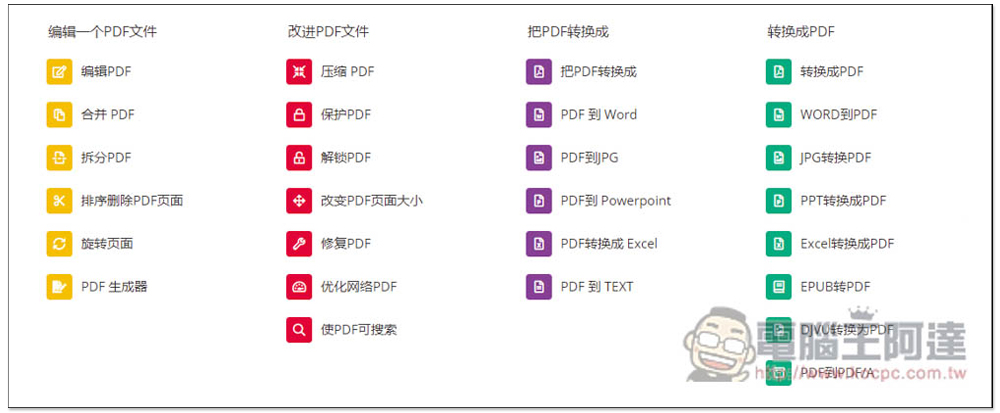
Here is the complete list of features provided by this tool:
Edit a PDF file
- Edit PDF
- Merge PDFs
- Split PDF
- Sort and delete PDF pages
- Rotate page
- PDF generator
Improve PDF files
- Compress PDF
- Protect PDF
- Unlock PDF
- Change PDF page size
- Repair PDF
- Optimize PDF for the Web
- Make PDF searchable
Convert PDF to
- Convert PDF to
- PDF to Word
- PDF to JPG
- PDF to PowerPoint
- Convert PDF to Excel
- PDF to TEXT
Convert to PDF
- Convert to PDF
- WORD to PDF
- Convert JPG to PDF
- Convert PPT to PDF
- Excel to PDF
- EPUB to PDF
- DJVU to PDF
- PDF to PDF/A
Some translations may be weird, but you just need to understand the meaning.
The method of use is also very simple. After opening the function you want to use, you can drag the file in. It also supports inputting the URL, Dropbox (actually translated into a drop box) and Google Drive cloud space:
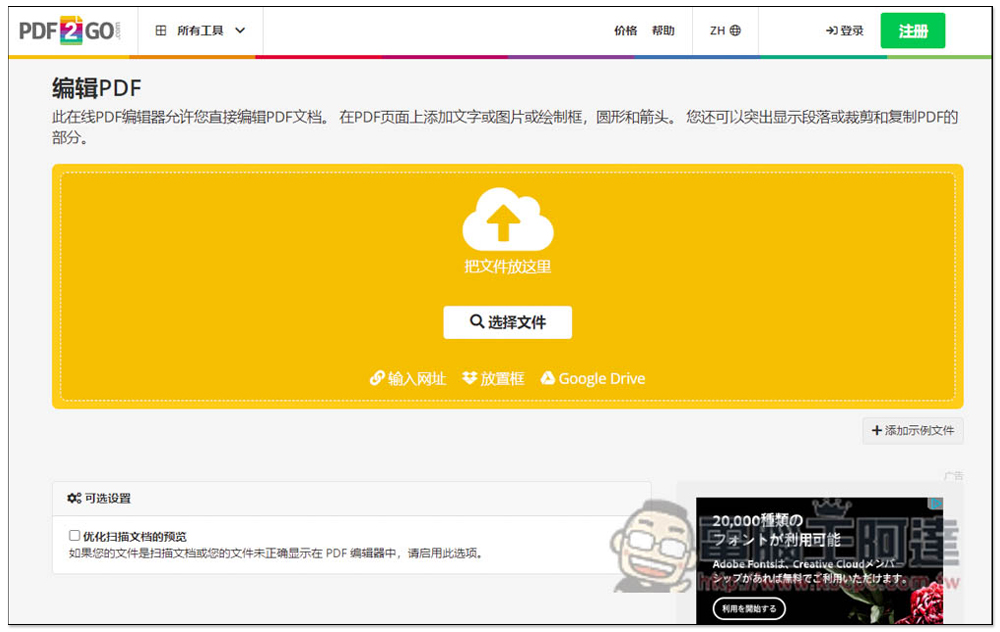
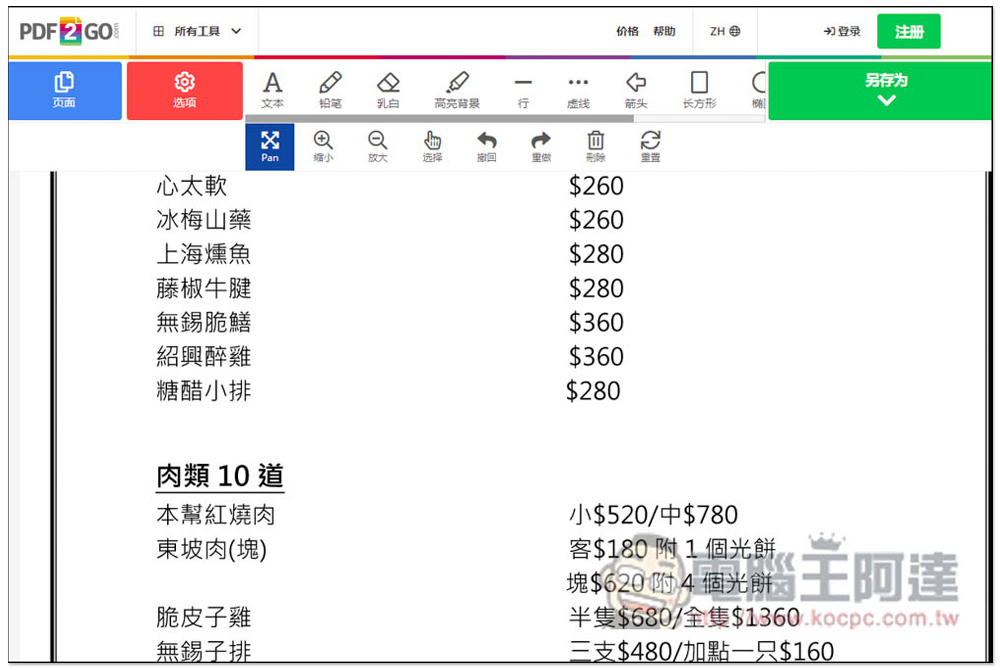
In the editing function, there are many good tools available, such as adding text, pencils, markers, some shapes, etc., but some translations are also quite funny:
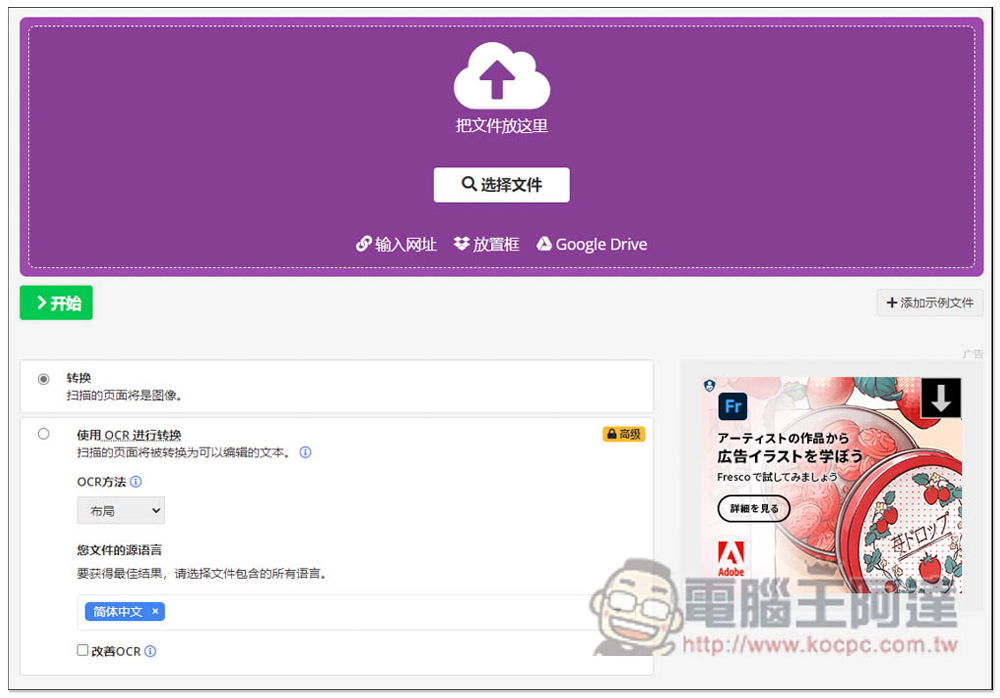
Then I tried to convert PDF to Word. What I immediately noticed here is that there are actually some functions available below, but they are only for paid members. For example, you can use OCR conversion to convert to Word. If you feel that pure conversion is not accurate:
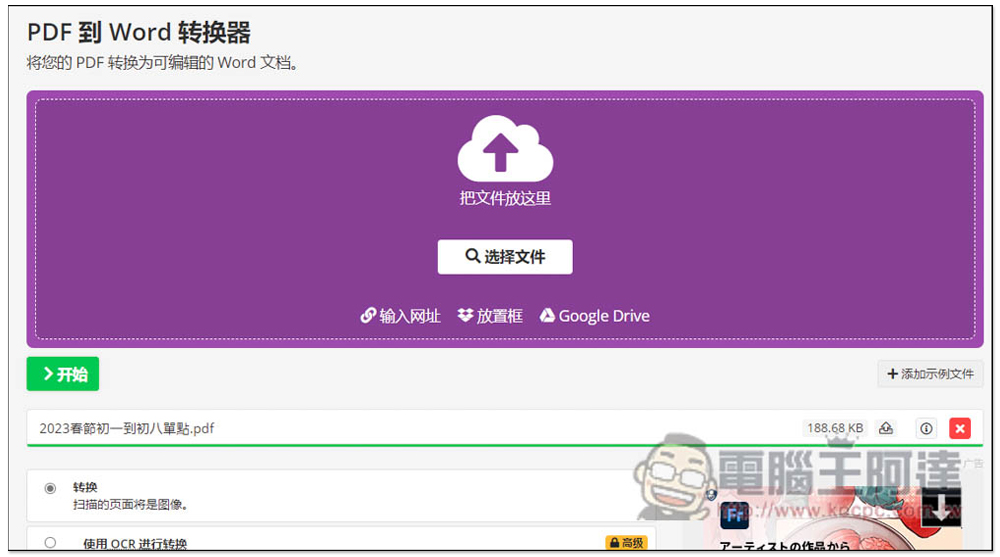
The conversion function supports multiple files at one time. After the file upload is completed, click Start to convert:
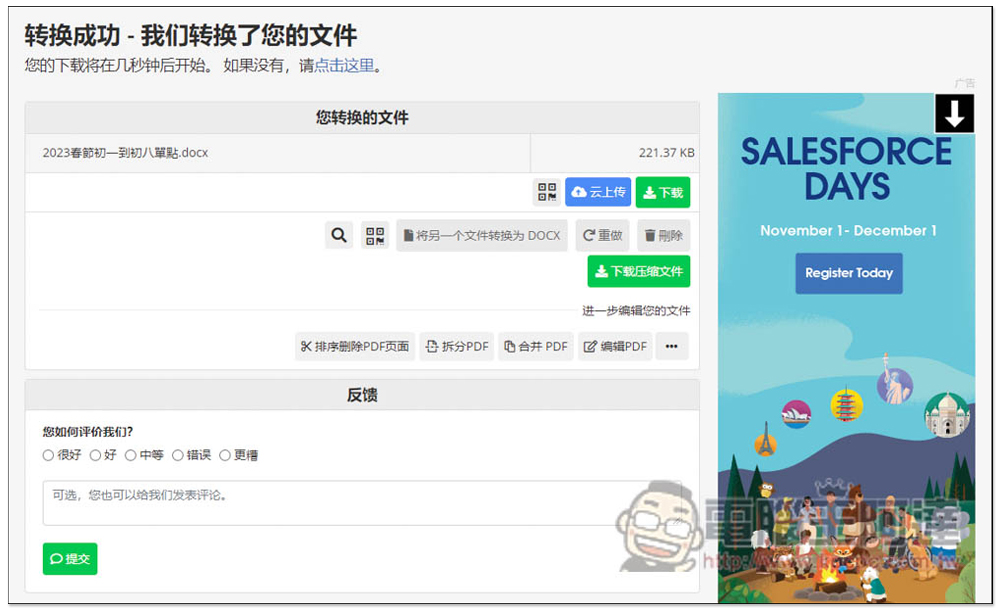
It will be automatically downloaded after the conversion, and it also supports uploading to cloud space. If there are multiple files, you can also directly download the compressed file, which is quite good:
The uploaded files will be automatically deleted after 24 hours. Although the website advertises that it will not back up any files, if the content is too important, I personally do not recommend using this free online PDF tool. The offline version will be safer::
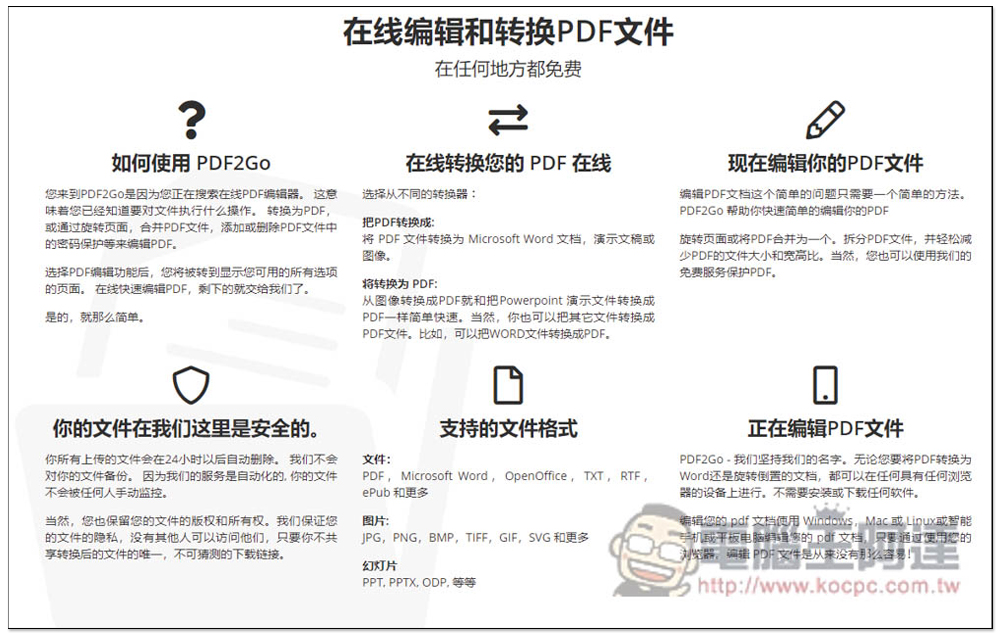
Supported file formats are:
document
- PDF, Microsoft Word, OpenOffice, TXT, RTF, ePub and more.
picture
- JPG, PNG, BMP, TIFF, GIF, SVG and more.
slideshow
- PPT, PPTX, ODP, etc.
Source: KOCPC Chinese