


After ChatGPT launched 4o Image Generation, many of you have probably already tried it out on ChatGPT! A few days after the launch, ChatGPT adjusted its interface and added new features. Now you can use the “Select” feature to fine-tune parts of an image you’re not satisfied with. Today, besides introducing the new Select feature, we’ll also cover more ways to use ChatGPT 4o Image Generation. If you want to learn more about how to use 4o Image Generation, keep reading~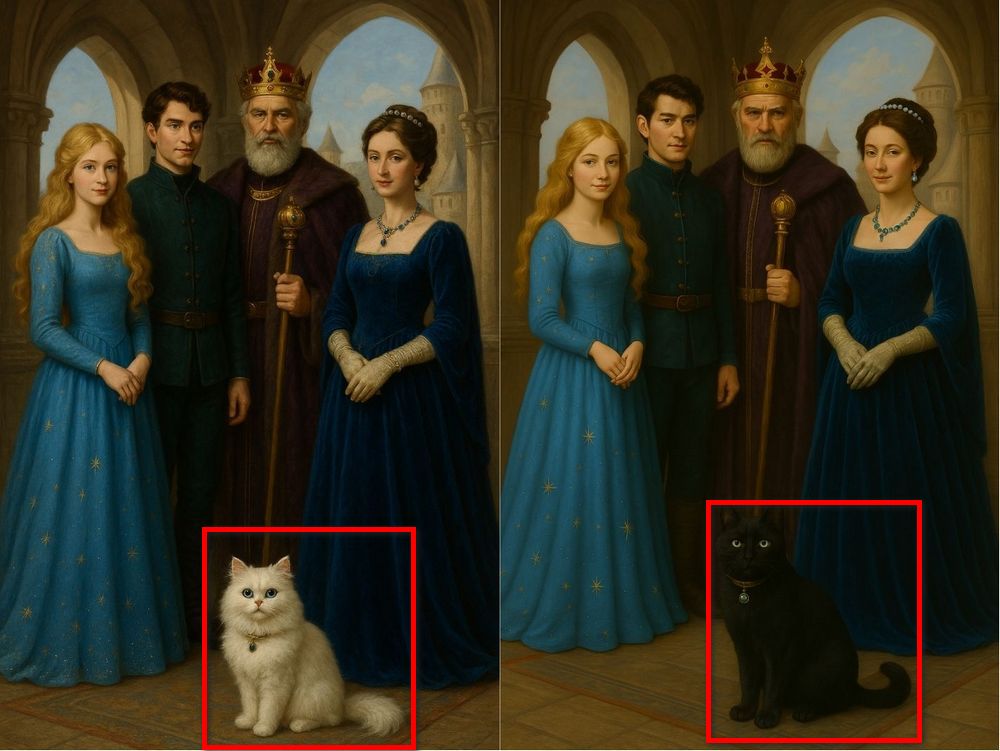
ChatGPT 4o interface and image generation features updated! The “Select” tool makes edits more precise.
OpenAI has adjusted ChatGPT’s interface. Now, to generate images, just click the “…” in the input field, select “Create Image,” and you can generate content directly—no need to add extra prompts like “help me generate.” Simply type in what you want to create.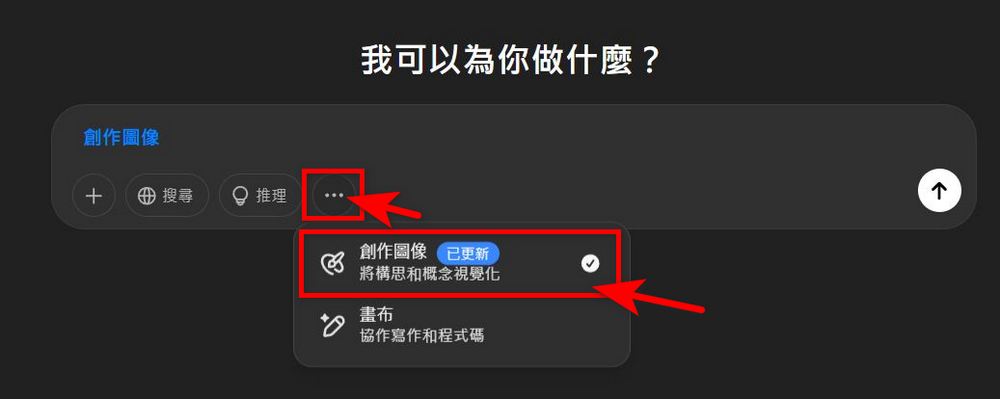
So what is the new feature mentioned earlier? Following Gemini and Grok, ChatGPT has also introduced a feature for editing parts of images, naming it “Select.” You can paint over the area you want to modify on the image and use text descriptions to change parts of the image content.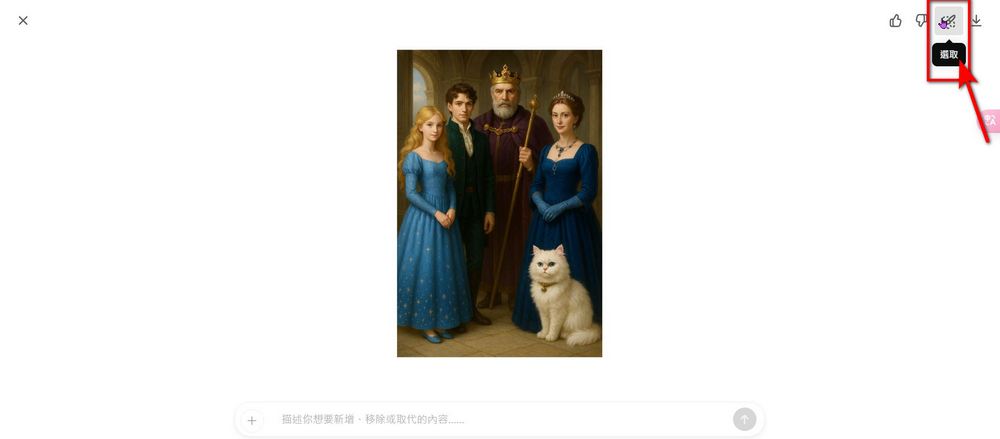
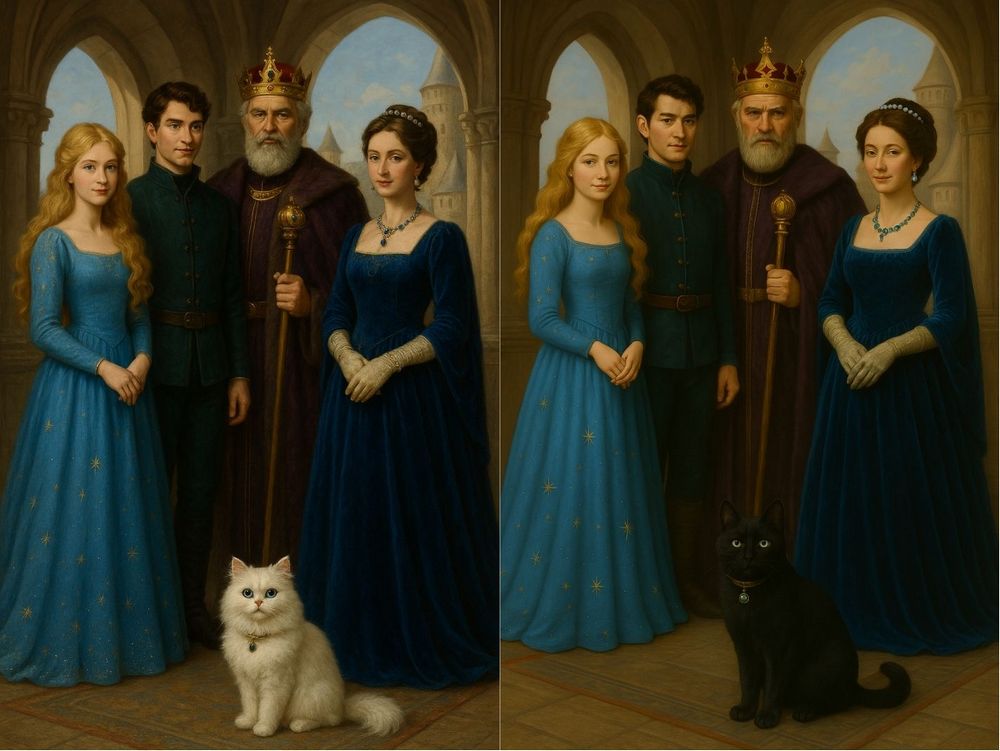
Now that we understand the new interface and features, let’s try out the new functionality. Everyone can see that ChatGPT’s image generation feature is quite useful. But did you know that besides generating images in various styles, ChatGPT can also generate images that meet your requirements based solely on the prompt provided, without any reference images? For example, the editor used ChatGPT’s image creation feature, entered the prompt “4 people and 1 cat in a palace castle,” and provided specific descriptions for the four characters and the cat. ChatGPT was then able to generate an image matching the hairstyles, clothing, and accessory specifications.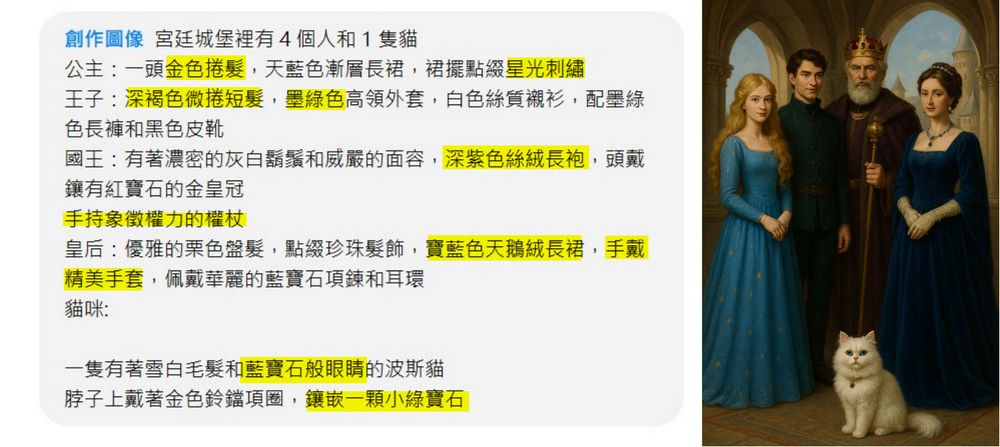
If you want to modify images generated by ChatGPT, you can use the new “Select” feature that ChatGPT has introduced. For example, if the editor wants to change the white cat in an image to a black cat, just use the selection brush to circle the cat and enter the request “turn the white cat into a black cat,” and ChatGPT can modify that part of the content accordingly. (The face may be slightly altered, so when entering your prompt, you can add something like “without changing anything else, modify…” )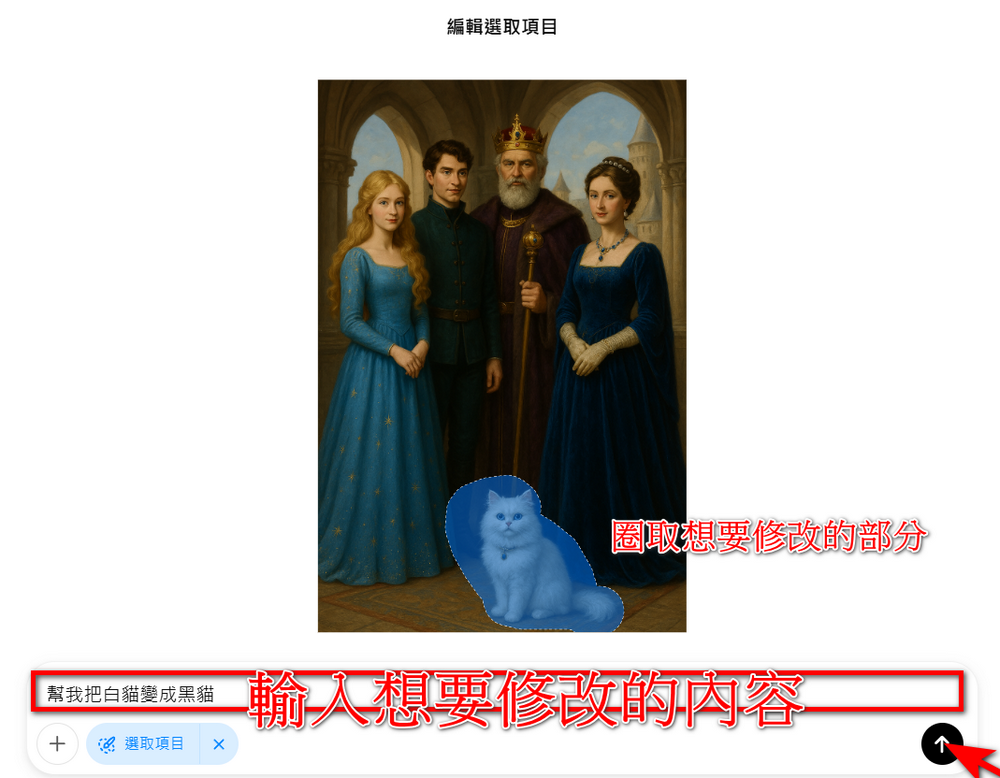
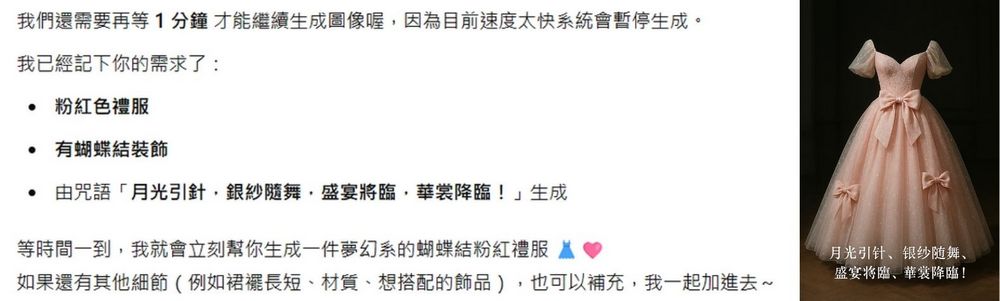
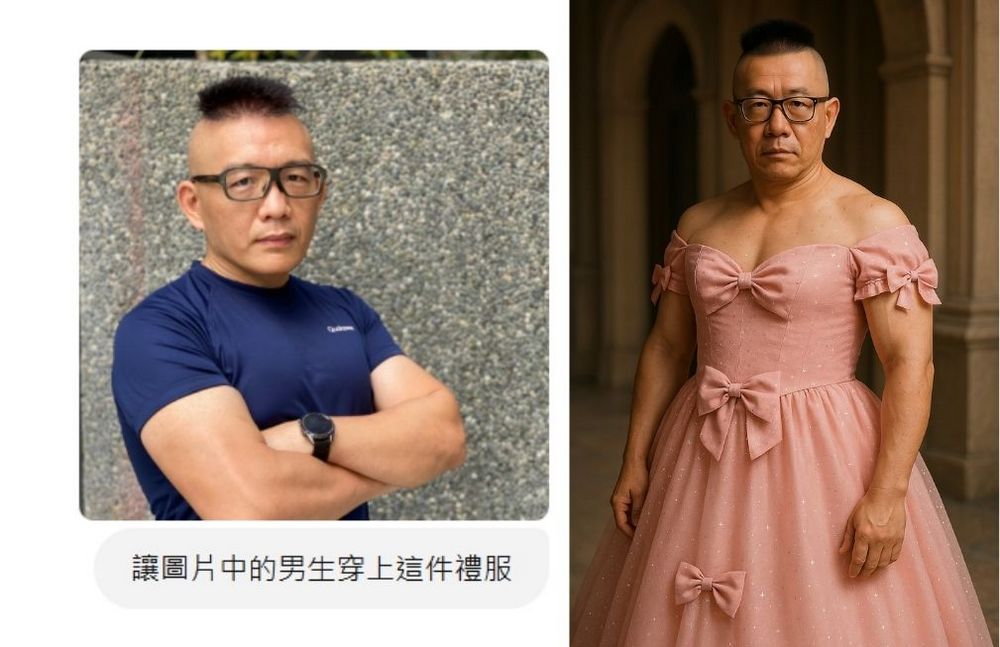
After learning how to use the new feature, the editor will share what else the ChatGPT 4o Image Generation feature can do: have ChatGPT generate a piece of clothing, then use a photo you’ve prepared to have ChatGPT change the outfit of the person in the photo.
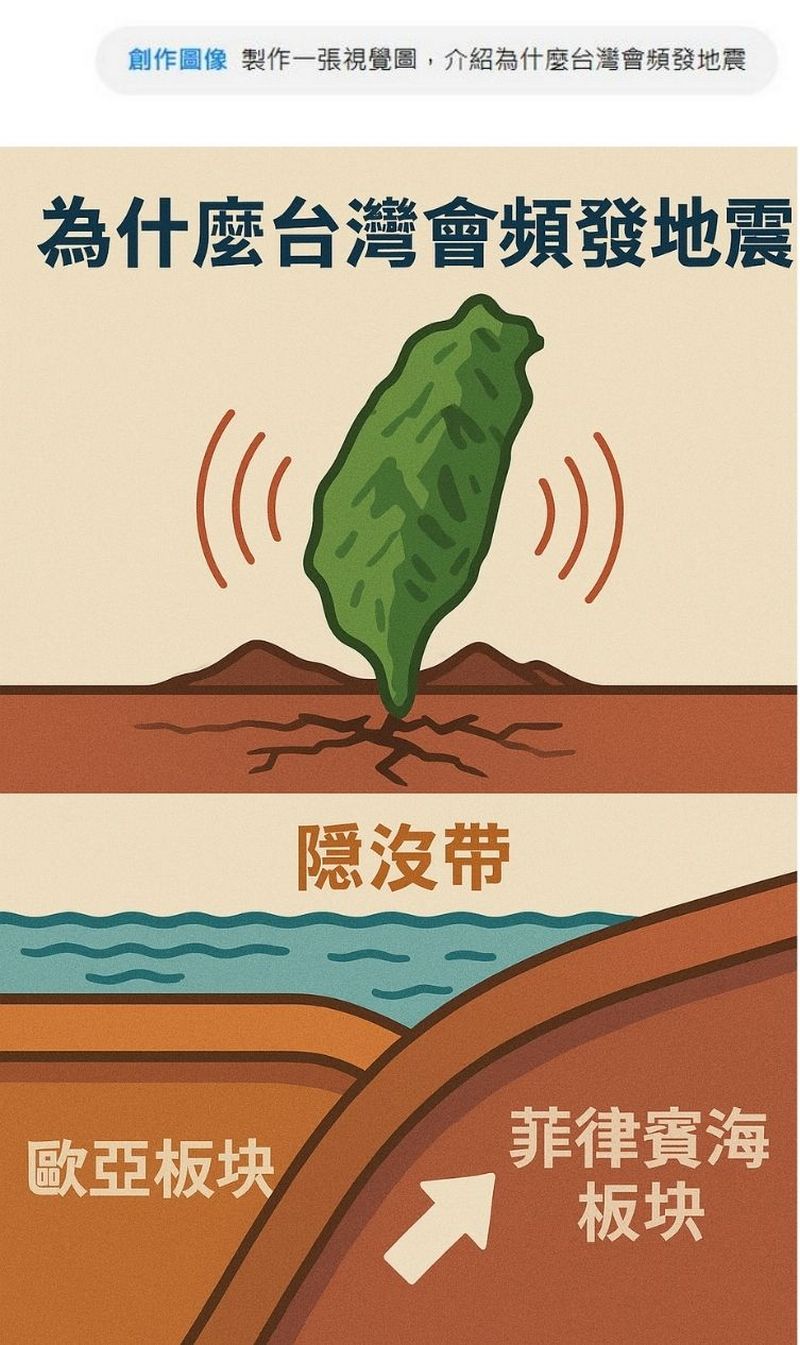
Alternatively, you can also have ChatGPT generate visual images explaining why earthquakes occur frequently in Taiwan, whether in poster format or four-panel comic format. If you’re not satisfied with the generated content, you can also use the selection function to modify parts of it.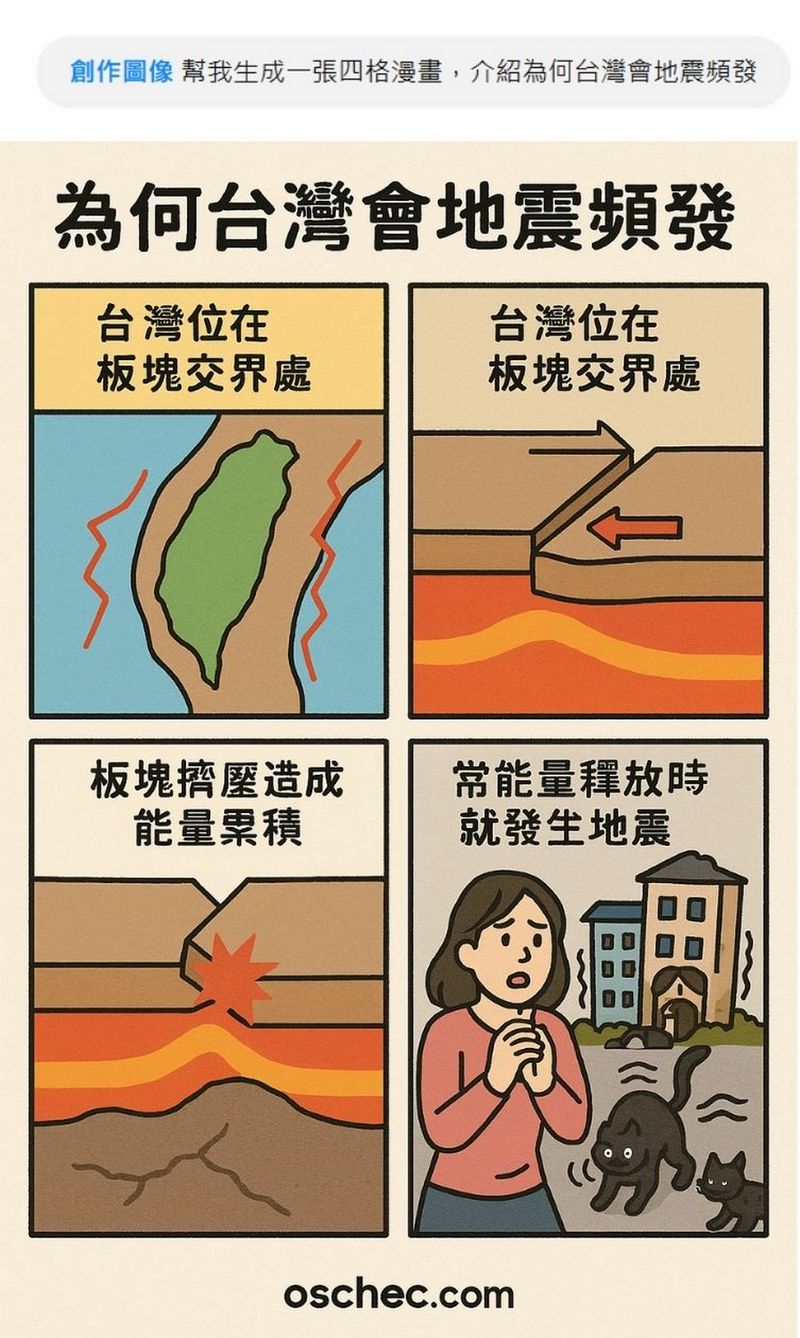
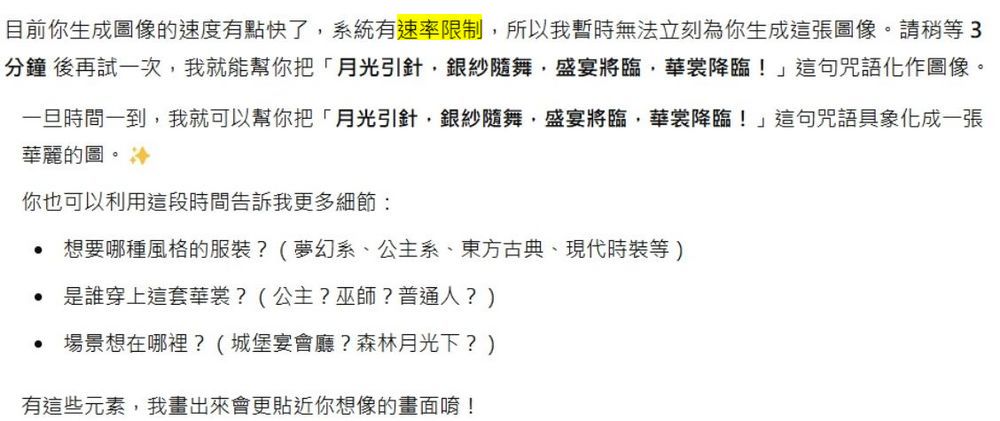
If you’re interested, feel free to try it out yourself. However, since quite a few people are currently using ChatGPT 4o Image Generation, you may encounter rate limits when generating images. If that happens, you’ll need to wait a bit. In the meantime, you can take this opportunity to make more specific requests about the content you want generated, because ChatGPT has the ability to understand context, so it will remember all your requirements one by one. When it finally generates the images, ChatGPT will create them according to your needs.
Source: KOCPC Chinese