


Nowadays, there are many free tools for downloading online videos and music on the Internet, such as the ones we have introduced PasteDownload、SnapTik、X2Download、Mydowndown、Cut YouTube Wait, but these types of websites sometimes fail after a while, so the more pocket lists the better, so that when one fails, there are other websites to try. This article will recommend another free tool called Keepvid Video Downloader, which claims to support more than 1,000 websites, including YouTube, Facebook, Twitter, etc. MP4 videos and MP3 music can be downloaded, and the YouTube part also supports subtitle downloads.
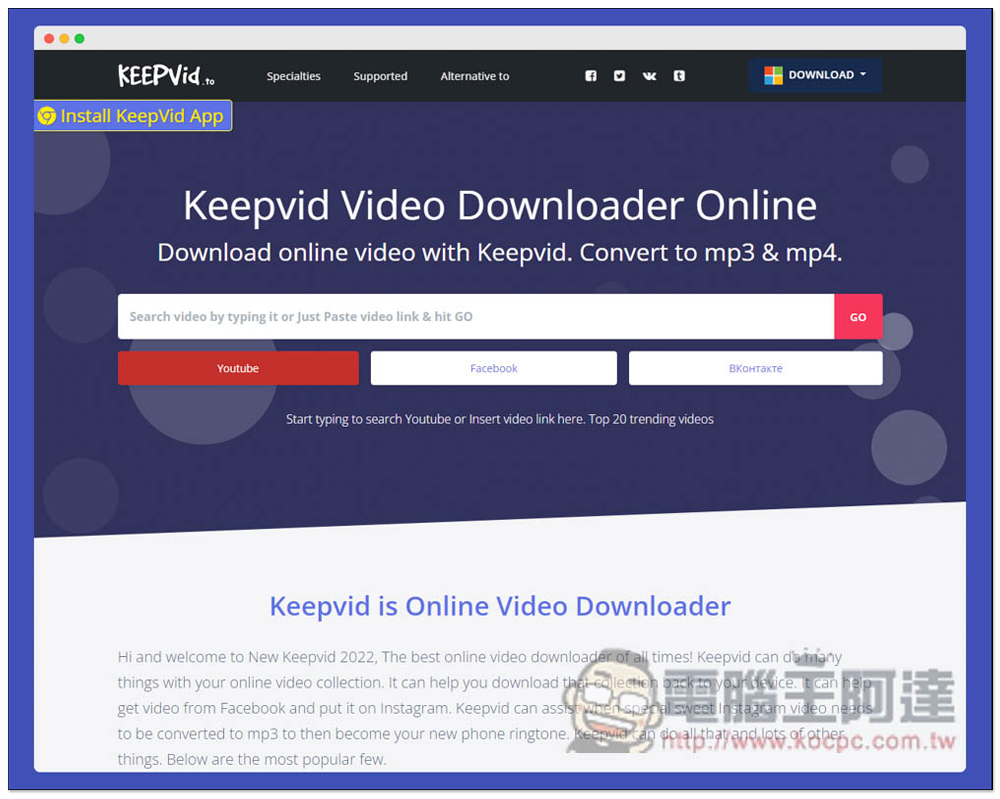
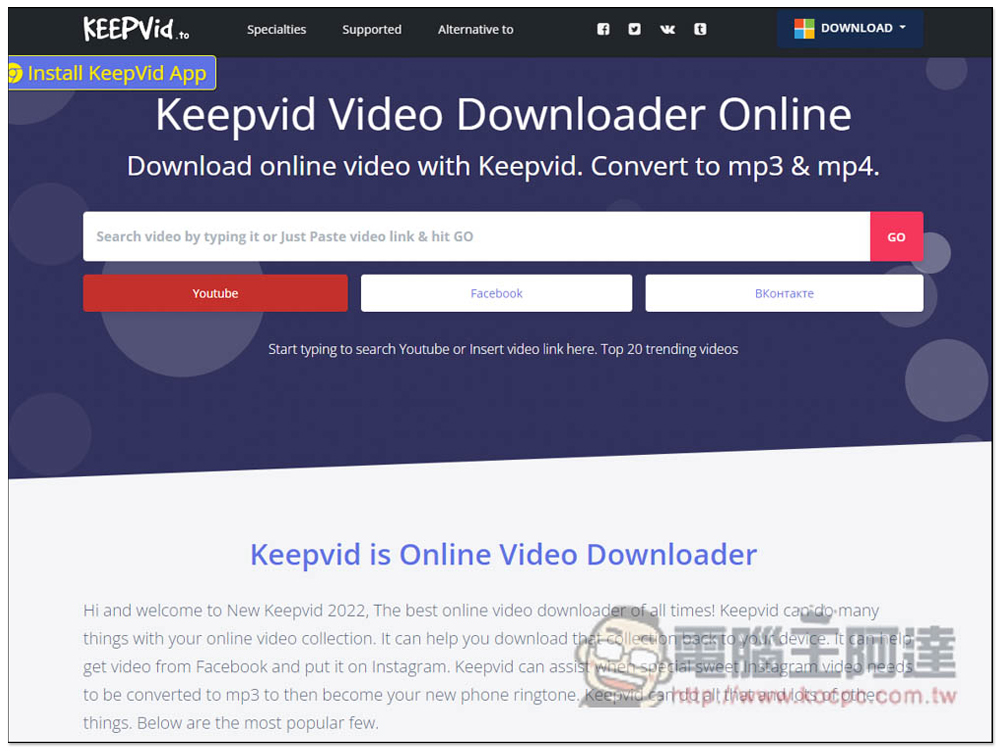
Keepvid Video Downloader is a free online video and music download tool that supports more than 1,000 websites such as YouTube
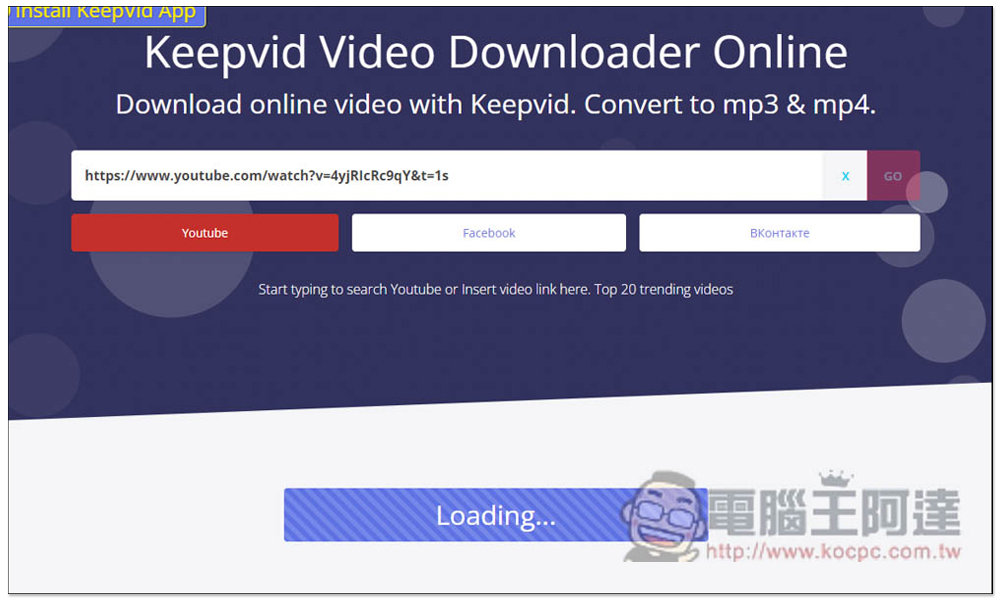
After entering the Keepvid Video Downloader website, you can paste the URL of the video or music you want to download in the search field. This also provides a Windows application version. Those who need it can also download and try it:
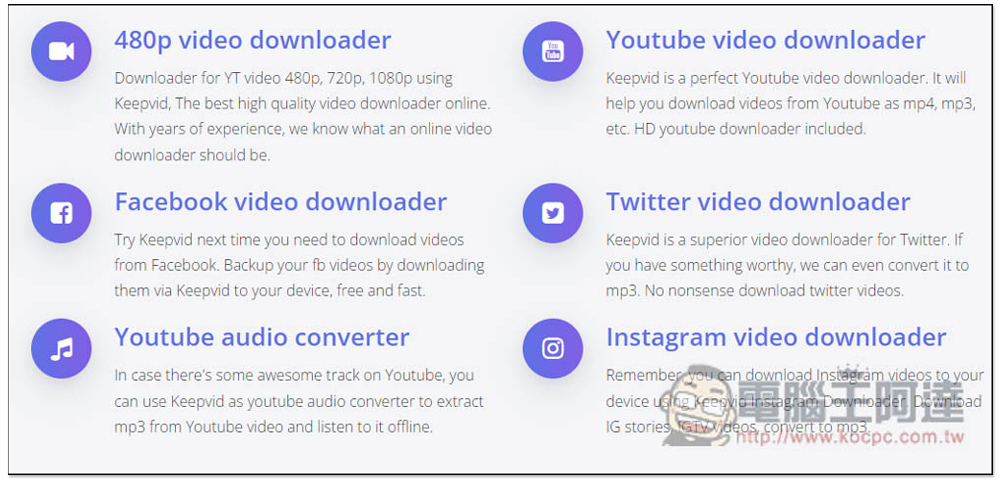
Below are its six main features, “480p video download”, “YouTube video download”, “Facebook video download”, “Twitter video download”, “YouTube music conversion” and “instagram video download”. What’s funny is that this tool obviously supports higher image quality, such as: 720p, 1080p. I don’t know why the first one is to write 480p video download:
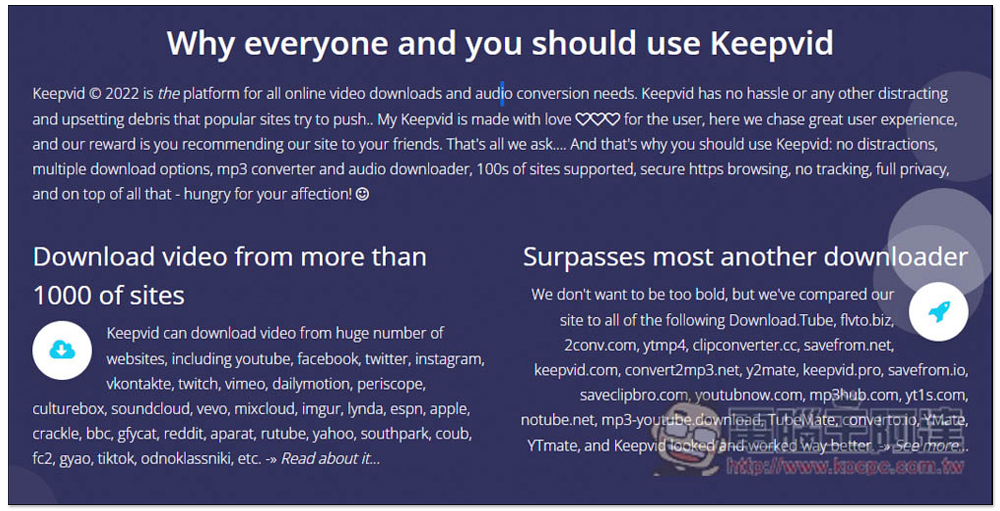
Not just the 4 websites mentioned above, this tool actually supports over 1,000 websites, as well as Twitch, Vimeo, Dailymotion, Periscope, Culturebox, Soundcloud, Vevo, Mixcloud, Imgur, etc., but not sure if it refers to the website tool or the Windows application:
After pasting the URL, you will see that Loading is being read below:
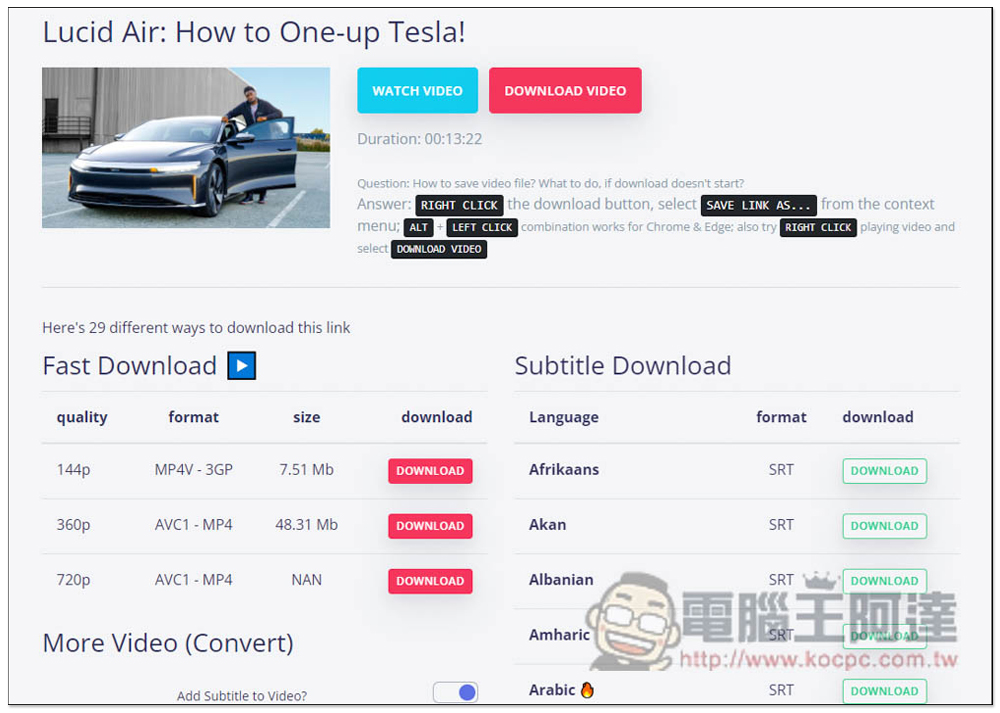
Then wait for a few seconds and you will see each download point. The picture below is YouTube. The left side is the video and music download point, and the right side is the subtitle SRT. There are no special requirements for image quality, or if you want to watch it on a mobile phone, I recommend using the Fast Download download point. Although the maximum is only 720p, the speed is really fast. Other download points have to be converted and the speed is very slow. In addition, advertisements will pop up twice when downloading. The first time is when you click anywhere on the page, and the second time is when you click on the download point. You can just close any newly opened tabs:
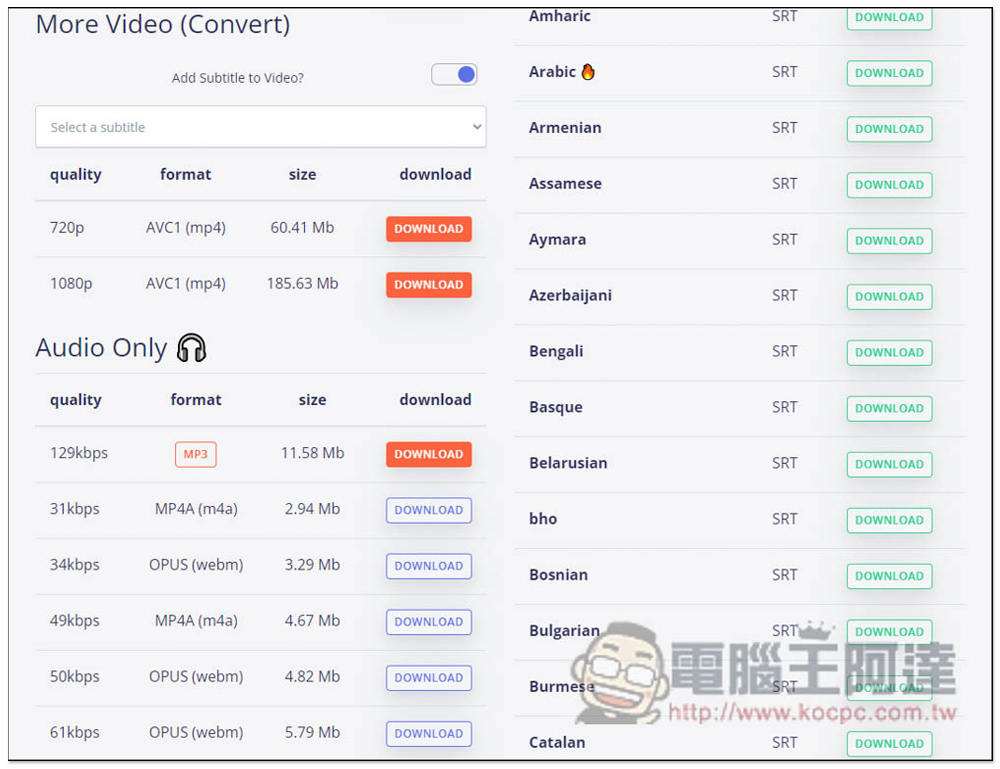
MP3 can also be downloaded, but it is also converted through conversion. I think it is not very useful and the speed is too slow. It is better to use other website tools:
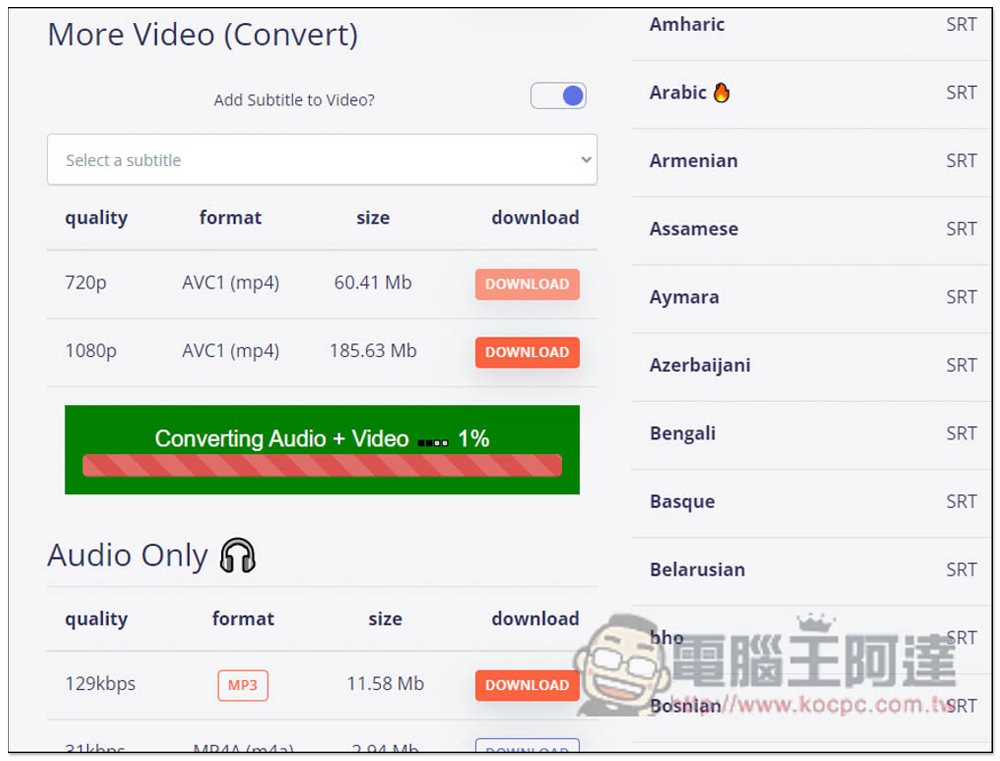
Fast Download will download the video directly, but if it is More Video or Audio Only, a Converting… message will pop up, and it will not be downloaded until it is finished:
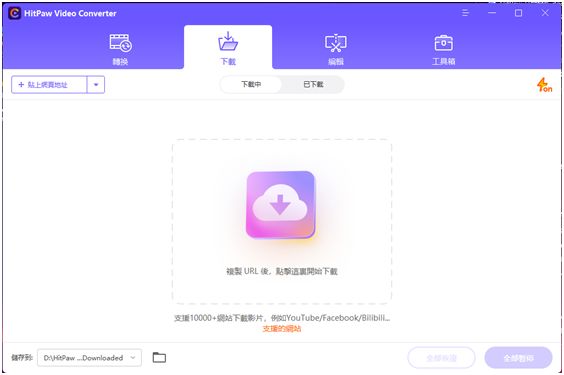
Special recommendation for video download software: HitPaw Video Converter
HitPaw Video Converter is a software with a very good downloading experience. All website videos we use every day can be downloaded through it. and it except
The download function also has many practical gadgets. For example, you can edit downloaded videos, convert downloaded videos to other formats, and
Separate downloaded videos and sounds.
If you need a software that integrates video downloading, editing, and conversion, it is recommended that you refer to HitPaw Video Converter.
Software URL:https://www.hitpaw.tw/video-converter.html
More video download tools:https://www.hitpaw.tw/video-tips/download-internet-video.html
Source: KOCPC Chinese