


With the advancement of technology, our lives are becoming more and more convenient. One of them is the frequency of Bluetooth headsets appearing in daily life and more models on the market. Bluetooth is a wireless technology that allows you to share data over short distances without having to plug in a cord. With so many kinds of Bluetooth headsets on the market, coupled with various marketing techniques, are you a little confused when choosing one? This time, the author will help you sort out the common misunderstandings and explain them in detail, so that you can know one and the other.
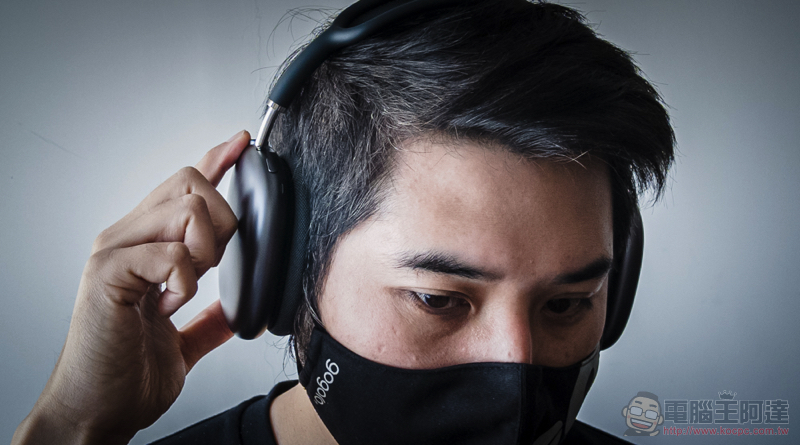
There are hundreds of types of Bluetooth headsets, and there are so many misunderstandings that are most likely to be encountered when purchasing!
Bluetooth headsets have become quite popular due to their hands-free operation capabilities. More importantly, as the variety of Bluetooth headset options increases, the price will also drop, making it a wireless headset that everyone can afford. Due to the diversification of designs and specifications, some people are easily disappointed when they buy their first set of Bluetooth headsets. They are so looking forward to the wireless function that they ignore other small and big things that can greatly improve the experience.
Head-mounted comfort is important
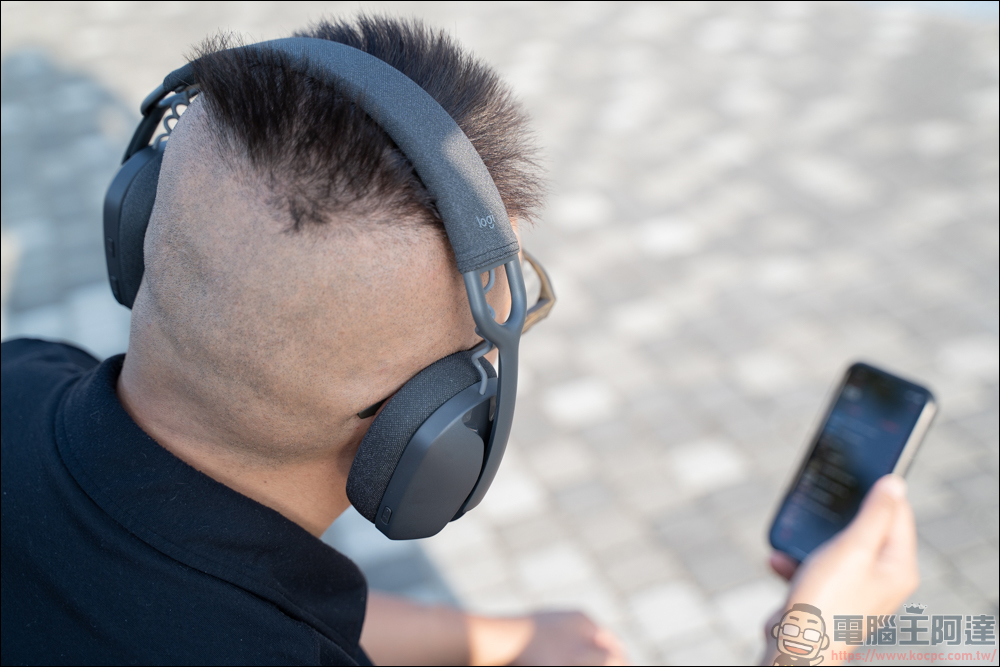
If you choose wireless headphones, there’s a good chance you’ll be using them for hours every day. Most people think of headphones as a one-size-fits-all experience, but that’s not the case. Of course you can adjust the position of the earcups to fit the shape of your head, but that’s not the only thing you should pay attention to. Since Bluetooth headsets do not come with wires for wired controls, all control items can usually be found on the headset, including physical buttons. It also has a built-in rechargeable battery, so the weight of the headset is heavier than ordinary wired headsets.
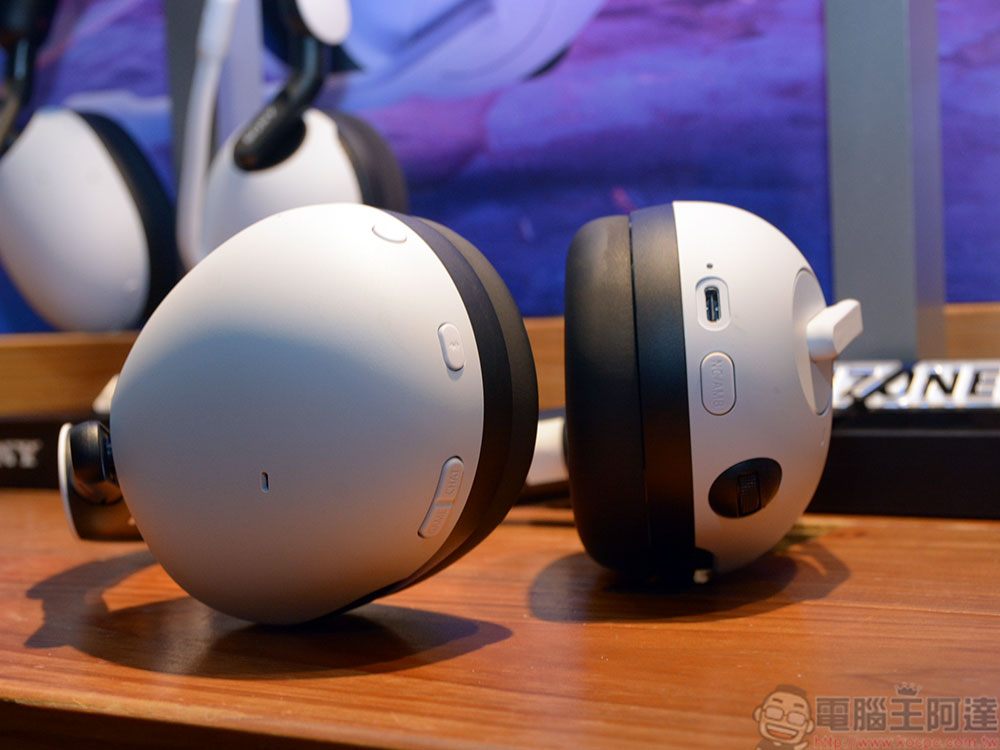
Additionally, headband clamps may be too tight depending on the material used and whether the design is adjustable, so you should prioritize headphones that are both flexible and durable. The comfort of Bluetooth headsets is highly dependent on the cushioning system and earcup material. Memory foam cushioning can provide comfortable support for the internal drivers.
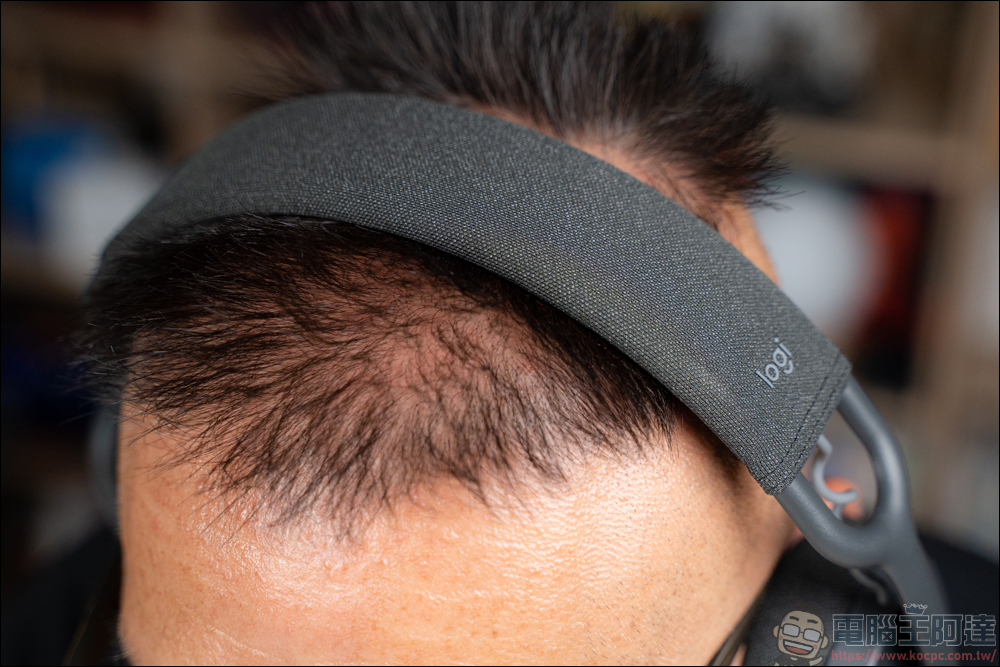
In addition, it is the covering material of the earmuff cushioning material. PU leather and textile are the most common options, but each has their own drawbacks. PC Teague helps lock the sound within the earmuffs, but it can easily make you feel stuffy and sweaty. Although textile fabrics are more breathable, they tend to be slightly inferior in bass and sound isolation, so when you buy your next pair of Bluetooth headsets, remember to consider the surrounding environment of the use scene.
Control and accessibility features also need to be considered
Because Bluetooth headsets do not have wired controls, they are controlled through built-in buttons, voice commands, or application support. Although all of these options can be used to adjust volume or track playback smoothly, they may also cause some problems.
Buttons are usually the most common control method on Bluetooth headsets. They are usually placed on the side of the earmuffs and include volume adjustments to multi-function buttons. Multi-function buttons are a very popular feature because they can simultaneously play, pause or skip music while saving space. The only problem is that you have to remember and learn specific inputs to use the multi-function buttons correctly, such as pressing twice to skip to the next song, pressing three times to go back to the previous song, etc. If you forget to press the wrong button or the interval between each press is different, it will trigger operations you don’t need.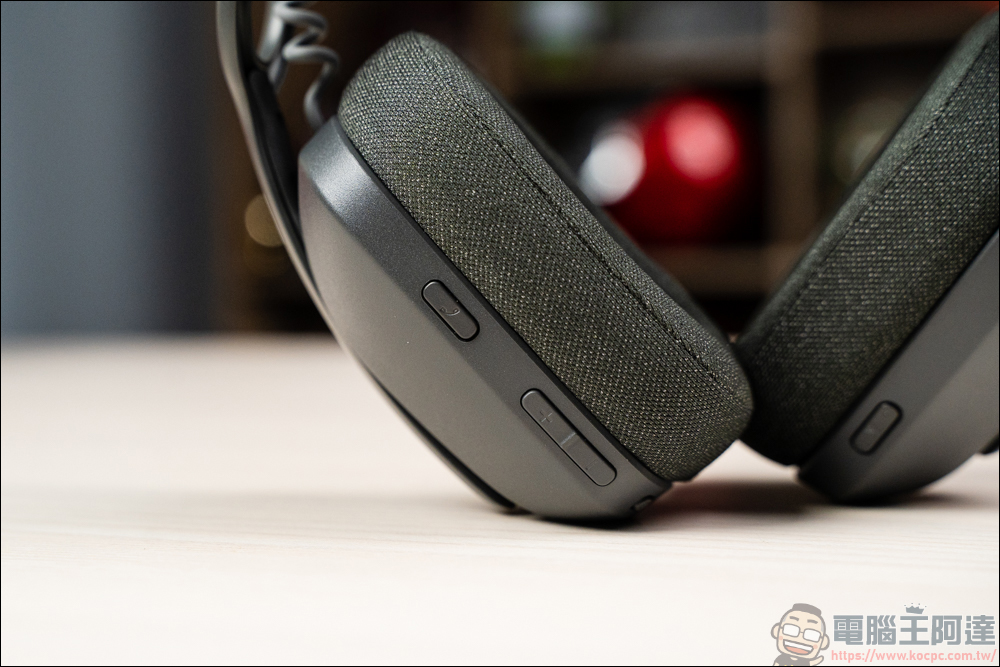
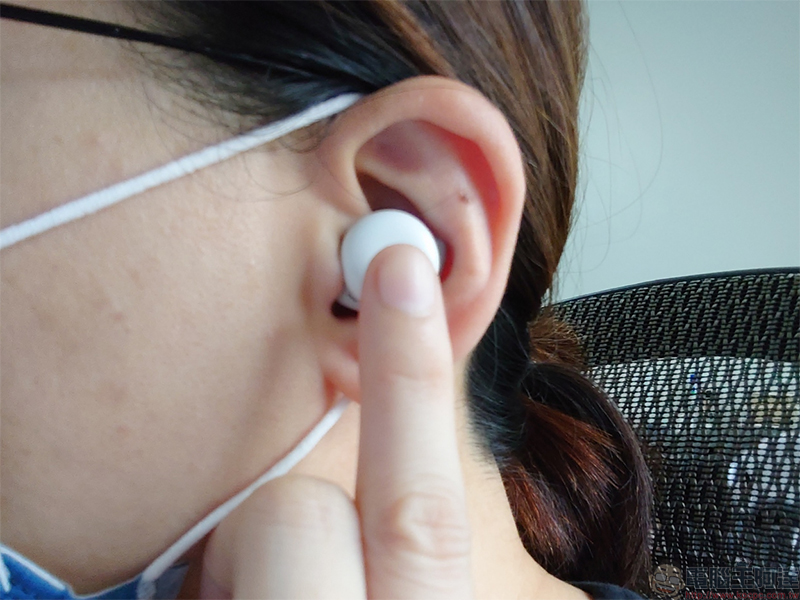
Headphones that use voice commands, such as AirPods and Siri, are usually switched with a simple tap (or multiple taps) or a swipe on the earphone. This operation is similar to a multi-function button, but instead of learning different input methods, you speak commands, such as “turn up the volume.” When you’re in a noisy environment, sometimes voice commands can be easily ignored.
Among them, there are also some Bluetooth headsets that have no buttons at all, and the control relies entirely on a dedicated application paired with a smartphone. Although it sounds very practical, it also means that it may not be easy to use the smartphone. For example, when exercising on a treadmill, you have to keep your phone at hand at all times for control. Therefore, you must include control methods and accessibility features in your purchase considerations.
Noise reduction in headphones or microphone?
Some Bluetooth headsets are marketed as having active noise cancellation (ANC), which adds auxiliary audio to offset unwanted sounds, allowing you to hear the audio clearly without increasing the overall volume. In addition, some headphones allow you to customize the level of active noise reduction control, allowing you to listen to music while paying attention to your surroundings.
Although this feature is good news for everyone, it may come with a lot of battery consumption. Taking the Sony WH-100XM4 as an example, when the ANC function is turned off, it can have up to 38 hours of battery life, but after the ANC function is turned on, the headset battery life will be reduced to about 30 hours. Since the Sony WH-100XM4 is a high-end large headset with a large built-in battery, the battery life will be shorter if it is a small Bluetooth headset. There is also a correlation between microphones and noise reduction. Most Bluetooth headsets are equipped with hidden microphones that are easily affected by background noise. If you use wireless headphones to make calls in a noisy environment, the noise reduction function will allow the microphone to clearly pick up your voice.
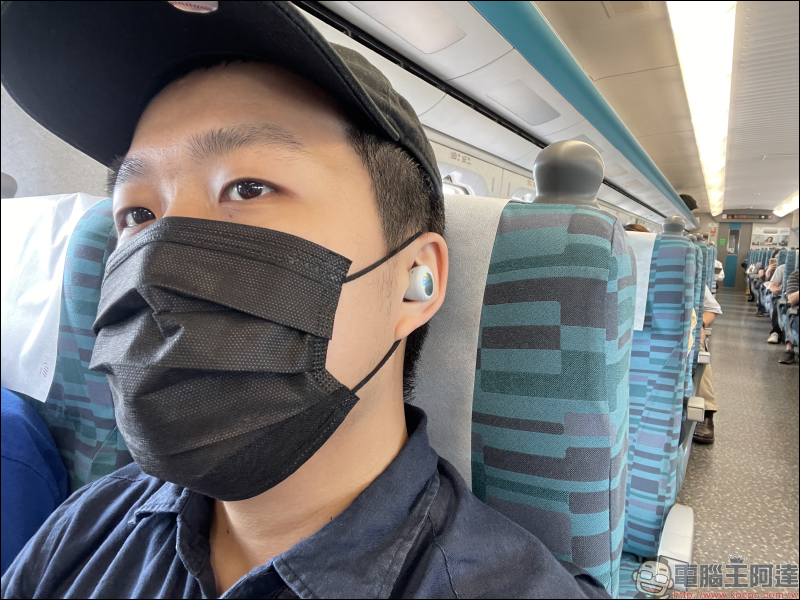
Therefore, when brands promote headphones with noise reduction functions, it is often not clear whether they are used for listening or just for microphones, which can easily cause problems in use. Therefore, in addition to paying attention to whether the Bluetooth headset contains a high-quality noise-canceling microphone when purchasing, you must also consider the importance of battery life.
Choose the right audio codec
Sound sent to Bluetooth headsets needs to pass through an audio codec. An audio codec is a compression technology that makes it easier to transmit data, so your headphones and device must have the same type of audio codec. Ideally, you want to transmit a high-fidelity signal while maintaining a small bitrate. Unfortunately different codecs represent different audio qualities, so there are a few points that must be taken into consideration when deciding on budget and performance requirements.

SBC is the default audio codec in all wireless Bluetooth headsets and can achieve transfer rates up to 320kbps with audio quality considered sub-par. While this may be quite enough for some people, it’s far from enough for music lovers who want high-quality sound. The higher quality codec is aptX, which has a bitrate of 352kbps and lower latency, you’ll hear less loss of sound quality and will more or less satisfy casual-level music listeners. With aptX HD you’ll be upgrading to aptX at a bitrate of 576kbps, the only downside is that it’s still a newer technology and therefore supports fewer media devices. AAC is an upgraded version of SBC, and although it has a 256kbps bitrate, the sound quality has been improved to a level comparable to aptX.
Set acceptable battery life
The battery life of Bluetooth headphones usually depends on the quality and brand of the headphones. Most entry-level models have a battery life of 15 – 20 hours, but you can find efficient headphones with over 40 hours. Battery life may vary depending on how you use it, so you should take marketing claims about battery life with a grain of salt.
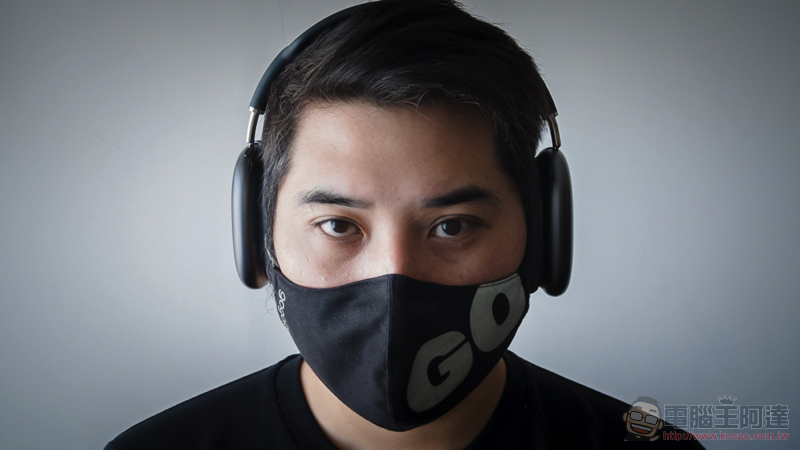
Still, 15 hours of battery life sounds like it’s pretty good and should be enough to get you through a full day. But how do we know when the power is gone? Most Bluetooth headsets will have an LED indicator light, or the battery level display can be seen directly on the phone, but some headsets do not have a power light signal and will simply shut down when there is no battery.
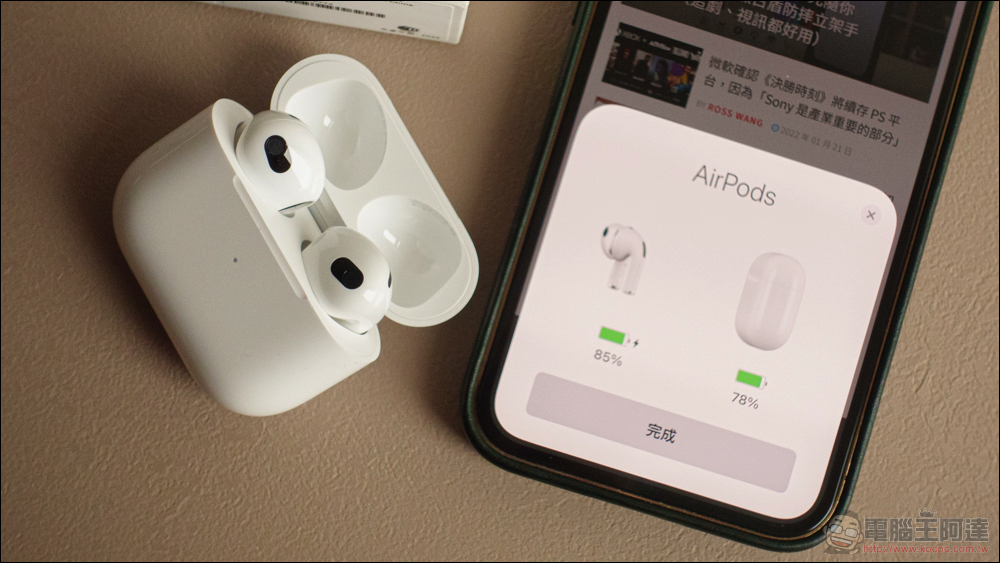
Once your Bluetooth headphones need charging, you’ll also experience a performance difference between USB-A and USB-C. If you own a newer smartphone, you’re probably used to USB-C charging times of up to 2 – 3 hours. Some Bluetooth headphones have the same port type and have fast charging capabilities that can get you to 50 – 30% charge in 40 minutes. Some Bluetooth headsets still use USB-A for charging, so you may need 4-5 hours to charge. Therefore, you should check whether the headphones have a battery life indicator and a compatible charging cable type.
Pay attention to the Bluetooth version
Bluetooth allows headphones to communicate wirelessly with media devices, and while the main functionality has remained the same over the years, there have been a number of enhancements to the different versions available, with improvements in speed, range, and power requirements being particularly noticeable. While Bluetooth 1 to 3 are popular, they are significantly weaker than subsequent versions, so you should opt for Bluetooth 4 or 5 if possible.
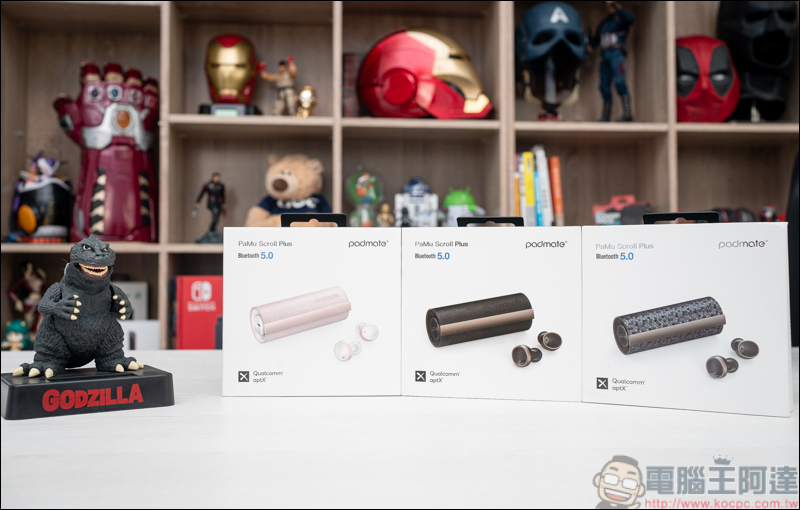
Introduced in June 2010, Bluetooth 4.0 offers new Bluetooth Low Energy technology that is a significant evolution for smaller devices such as headphones that can last longer. The connection range of previous Bluetooth versions was 10 – 30 meters, but with Bluetooth 4.0, the connection range has doubled to 60 meters. Additionally, around the same time, the aptX codec was announced alongside Bluetooth 4.0’s improved 24Mb/s transfer speeds, which represented faster response times and lower latency between devices. Bluetooth 5.0 was released in July 2016 and has made more improvements based on Bluetooth 4.0. The transmission speed reaches 50Mb/s, the range is increased to 240 meters, and it also provides lower power consumption, higher reliability and reduces the chance of interrupting the connection.

If you want to choose a pair of Bluetooth headsets, you should also note that due to the obstruction of various furniture and layout indoors, the estimated connection range is different from the theoretical value. 60 meters will be reduced to about 10 meters, and 240 meters will be reduced to about 40 meters. Therefore, the newer the version, the further away you can go from your media device.
Multi-point pairing function is not so necessary
Have you ever imagined listening to music on your laptop while still receiving notifications from your smartphone? Well, multipoint pairing is a Bluetooth feature that allows you to connect Bluetooth headphones to multiple Bluetooth compatible devices. Therefore, you can maintain a synchronized Bluetooth connection between your laptop, smartphone, and headphones.
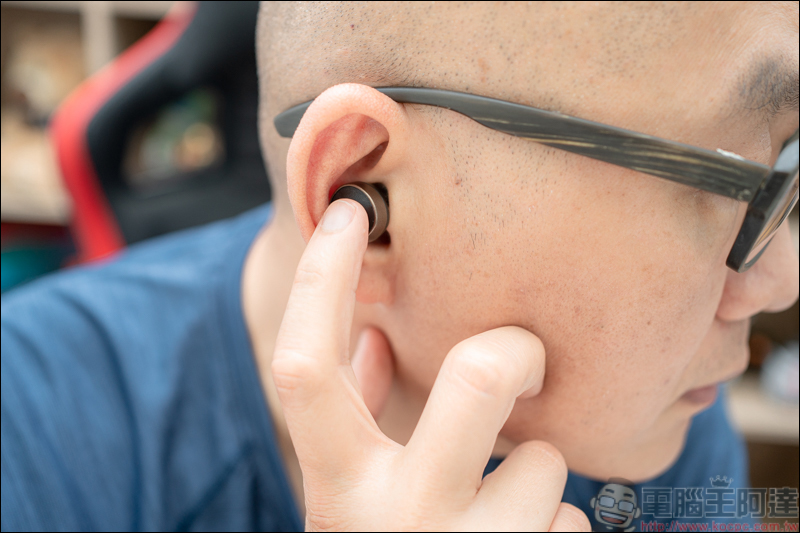
While this feature sounds appealing, and you might be considering streaming two audio sources at once, there are some limitations. Multipoint pairing is almost always limited to continuous audio feeds and push notifications, so you can’t watch a TikTok video on your smartphone while watching a TV show on your laptop.

Multipoint pairing should also not be confused with dual wireless connectivity. For example, new headphones like the Logitech G Astro A30 flaunt both 2.4GHz wireless connectivity and Bluetooth. Likewise, you can’t use it to listen to two audio sources at the same time. You need to disconnect and then reconnect to the selected connection option and device.
The more expensive the better?
The most common misunderstanding that most people make when purchasing Bluetooth headsets is excessive pursuit of high-end brands and high-priced products. However, if you look back and think about a few questions, if you only use it for about 1 hour a day, are high-end and high-priced products really necessary? If it breaks after the warranty period, will you really get an equivalent experience from it?
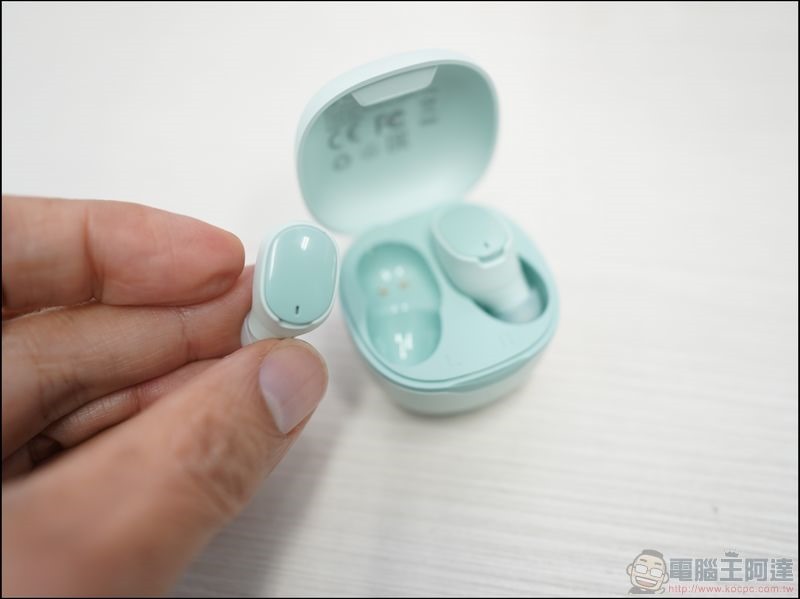
Therefore, what you should consider is whether your current habits require high-end Bluetooth headphones. If your headphones stay in your backpack for longer than they are worn on your ears, spending too much of your budget on headphones is an over-investment. High-end headphones often have the same warranty as cheaper alternatives, so if you don’t use them for a long time, you may not have enough use by the time the headphones are out of warranty.
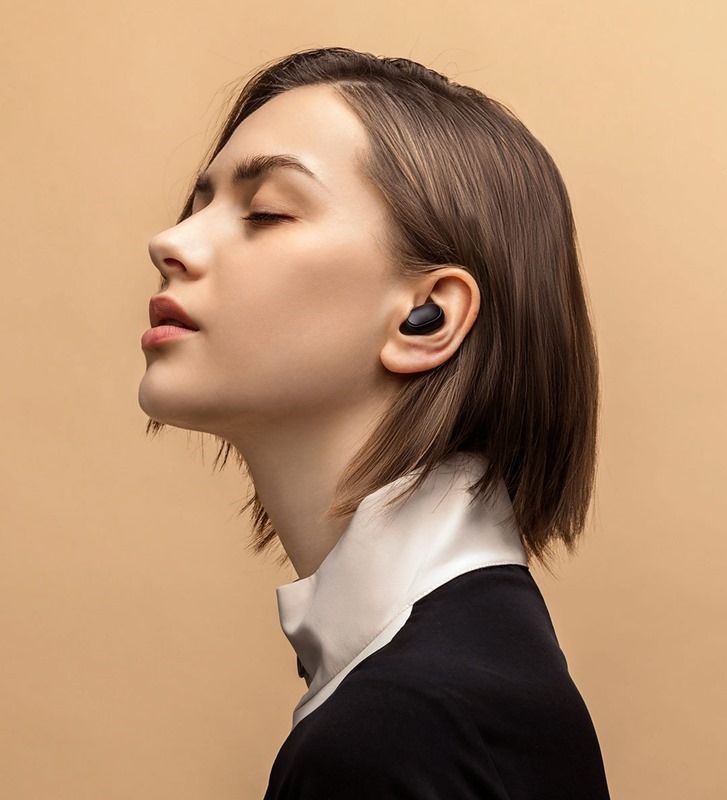
Having said that, I am not saying that you should not buy high-budget headphones. After all, the money is yours and it is up to you how you want to spend it. If you are a music enthusiast, then it makes sense to increase your budget with the pursuit of high performance.
Underestimating the impact of audio delays
We have already mentioned changes in audio codecs and different versions of Bluetooth above. These technologies play an important role in sound quality, and they will also have an impact on transmission delay. Latency refers to the time difference between the sending end and the receiving end of the audio signal. Although the delay is not obvious when listening to music, it will have a direct impact when watching movies and playing games.
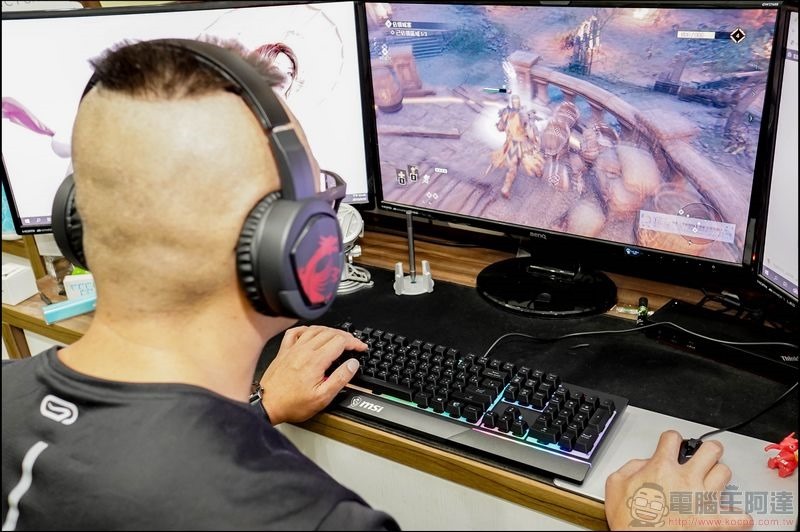
If you’re looking for a pair of Bluetooth headphones that can handle music, movies, and games, you should prioritize the aptX low-latency codec and Bluetooth 5.0, especially since aptX low-latency is designed for a maximum of 40 milliseconds, which is a trade-off that sacrifices sound quality for lower latency. Other codecs, such as aptX HD, may provide higher sound quality at 576kbps, but with an audio latency of 250ms.
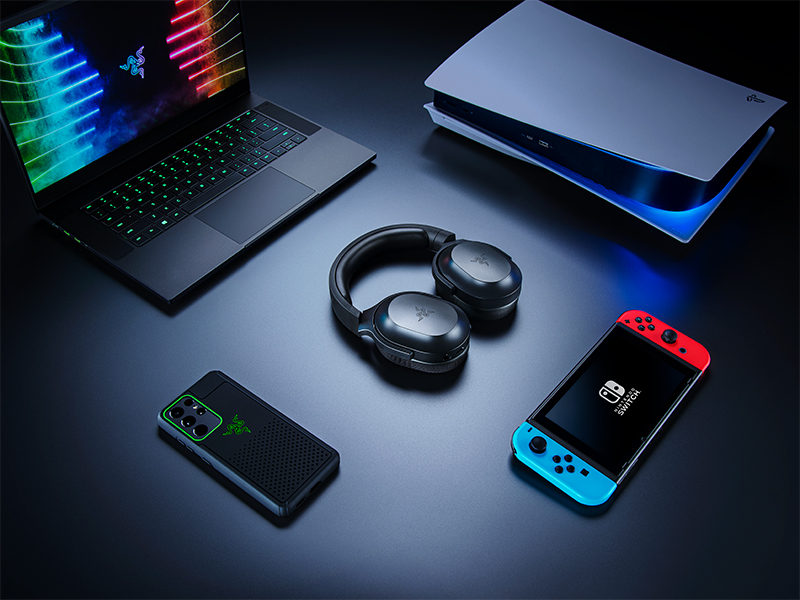
Is aptX low latency enough for competitive gaming? This is something else entirely. While 40 milliseconds is enough to keep your picture and sound in sync, it’s still not as responsive as 2.4GHz headphones like the Logitech G Pro Wireless. In short, if you are a casual gamer and movie lover, aptX low-latency Bluetooth headphones will be enough, while professional or hardcore gamers should look for 2.4GHz wired headphones that can push latency down to 15 – 20 milliseconds.
Misled by specifications
If you know enough about the specifications of Bluetooth headsets, you can estimate the sound quality in advance. Although it is not as accurate as hearing it with your own ears, it can help eliminate options that are definitely lower than expectations. Usually, when choosing a Bluetooth headset, you are always confused by the size of the driver unit mentioned in the marketing. For example, you’ll see some brands highlighting 50mm driver units.
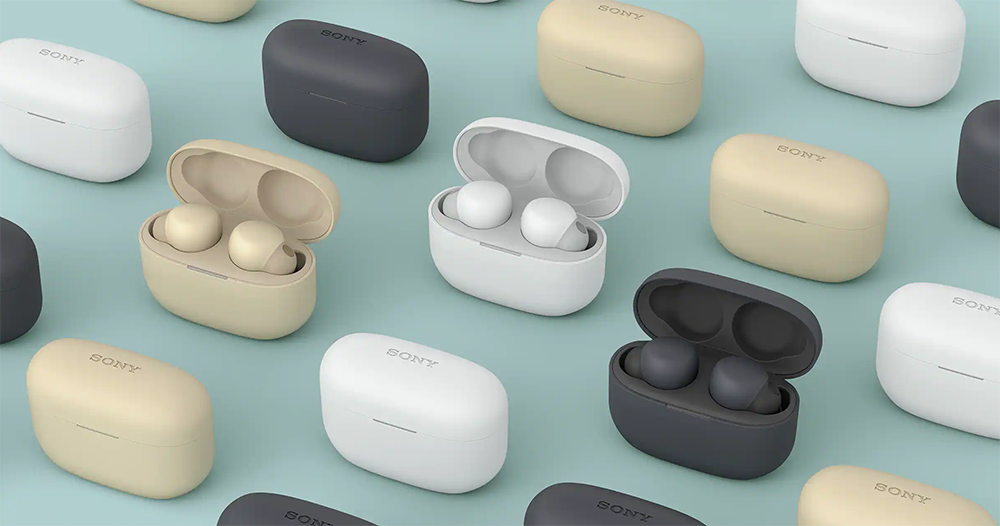
Manufacturers often want to make people think bigger is better, but this is far from the truth. While larger drivers can produce louder sound, that doesn’t mean they will also deliver higher quality sound. Spec sheets also like to mention multiple drivers, but as mentioned before, more is not always better. A well-designed and optimally tuned single driver is certainly better than multiple but poorly designed drivers.
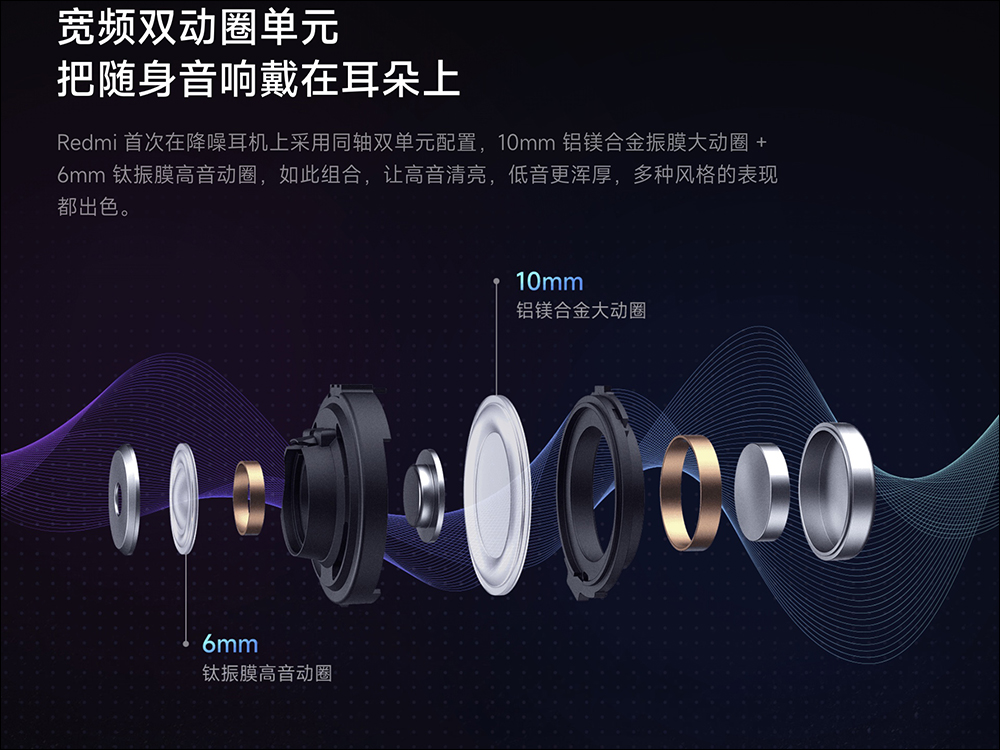
What really matters is the type of driver unit and the materials used in its construction. For example, dynamic, electrostatic, and hybrid driver monomers are all good choices. In terms of materials, graphene is also one to watch in the near future, combining cost-effectiveness, flexibility and durability at high power levels. Also, make sure the Bluetooth headphones you buy cover the 20 to 20,000Hz frequency range for a balanced sound profile, where you’ll need bass, mids, and treble to be clearly heard throughout the audio. Finally, the sensitivity should be between 75dB and 110dB as this is considered a safe range for listening. After all, listening to music loud is cool and immersive, but you definitely don’t want to end up with hearing loss.
When should you choose earbuds?
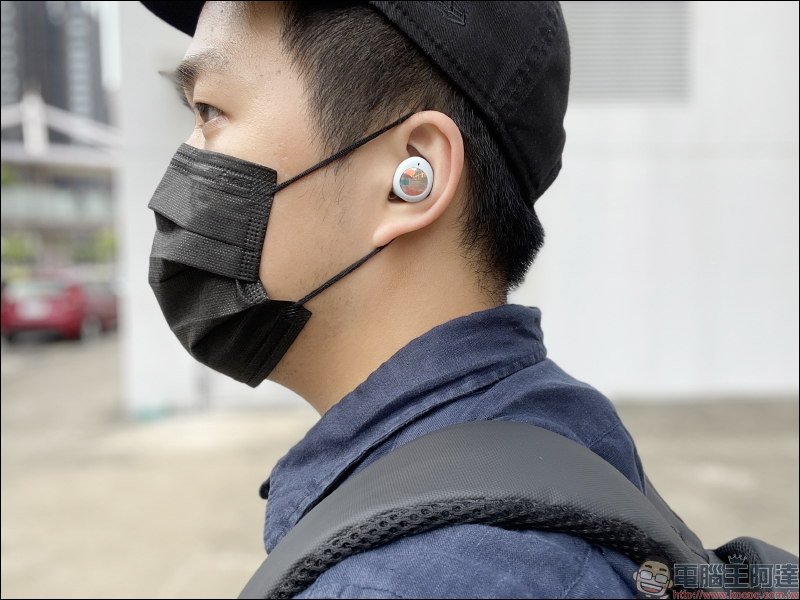
Compared with head-mounted Bluetooth headsets, the biggest advantage of earbuds is portability. For entry-level users, Bluetooth earbuds are easier to carry around. In particular, Bluetooth earbuds are usually equipped with a charging storage box, which can be used as a charging station to replenish power at any time. This also means that there is no need to carry a charging cable and charger with you even if you are outside all day, and you can put it in your bag or pocket without leaving any trace.
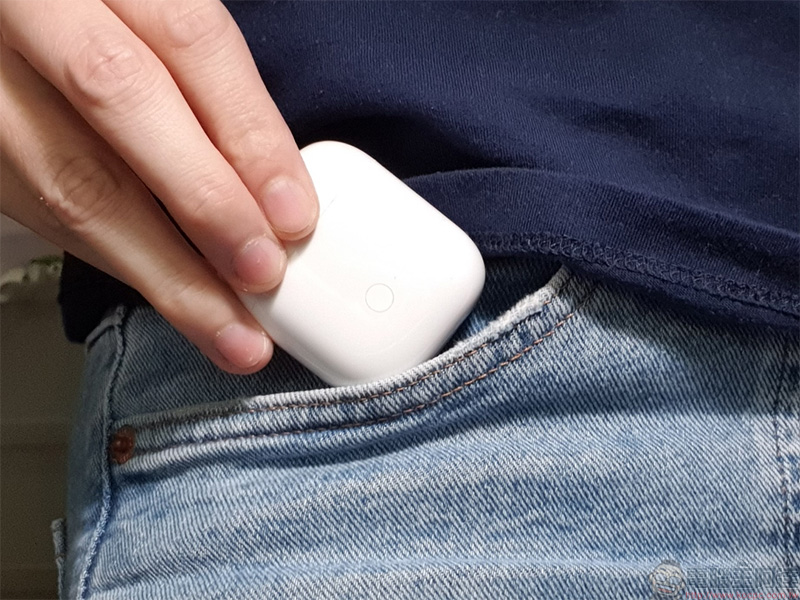
Plus, if you’re a fitness enthusiast, Bluetooth earbuds can stay in place more securely in your ears than headphones. When you accidentally drop your earbuds on the ground, the earbuds are usually not damaged, but wearing them requires a gamble on your integrity. Additionally, the earbuds are much lighter, so you don’t have to worry about being too heavy or not padding thick enough to cause stress while wearing them.
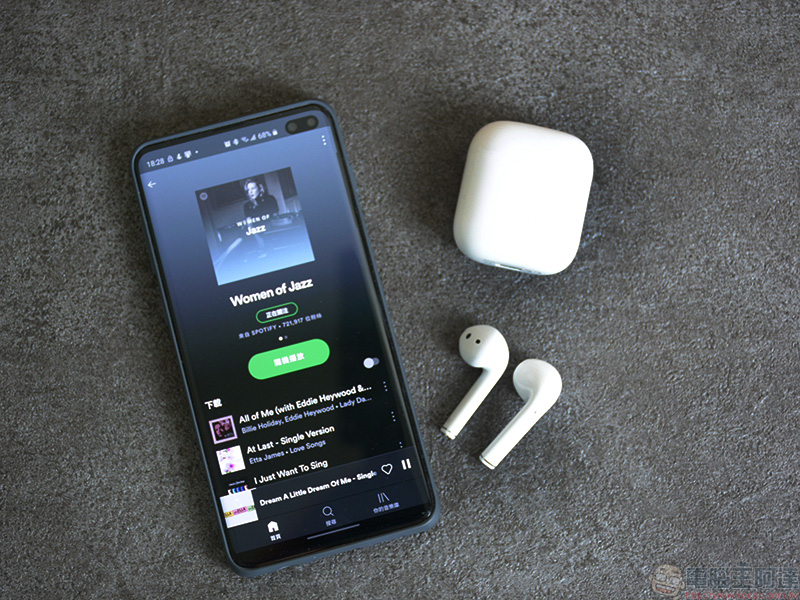
Earbuds also have their drawbacks, with headphones generally providing better sound quality, especially at lower bass frequencies. Since earplugs sit directly inside the ear canal, they can also fatigue your hearing in the long run. Therefore, you have to weigh your personal preferences and the intended use of the device that best suits your lifestyle.
Do you really need wireless?
Before buying a Bluetooth headset, you should always consider whether you really need wireless connectivity. If you are an outdoor person who often moves outside, and portability and flexibility are key considerations, then wireless headphones are definitely the ideal choice. However, if you live a sedentary life, wired headphones may be a better choice.
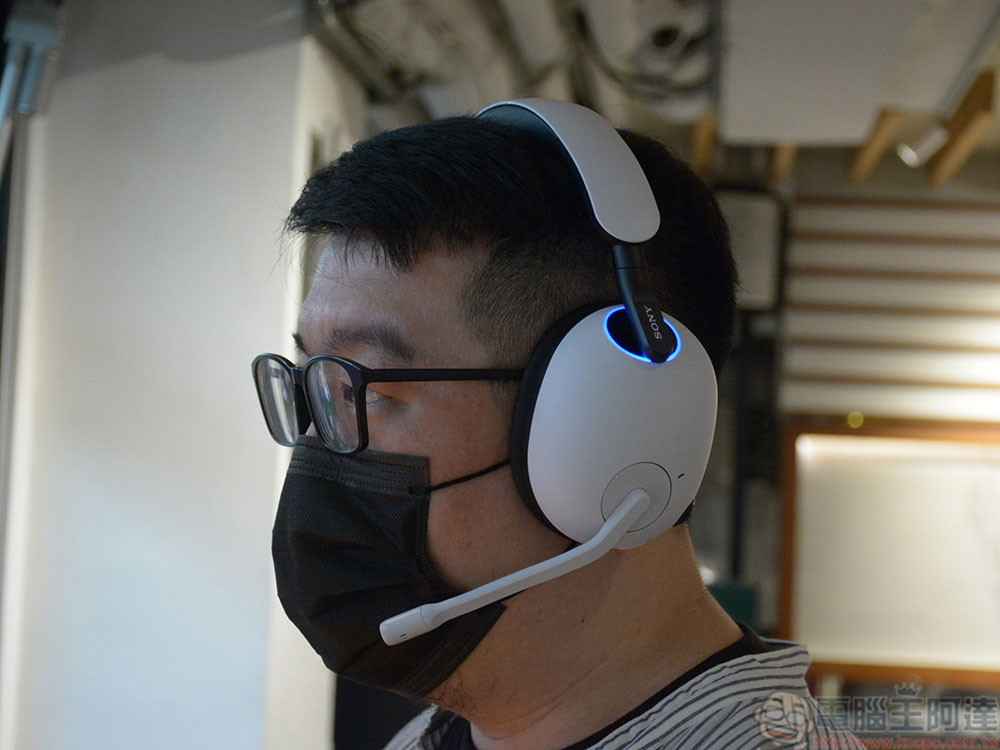
Although the sound quality of modern new Bluetooth headsets has been greatly improved, wired headsets are still slightly better in terms of sound quality performance. Because they are wired, you never need to worry about any delays, signal interference or sound quality degradation. If you attach great importance to high sound quality, wired headsets are a better choice in terms of performance. In addition, you don’t have to worry about wired headphones running out of power, and the price is usually lower than similar wireless headphones.
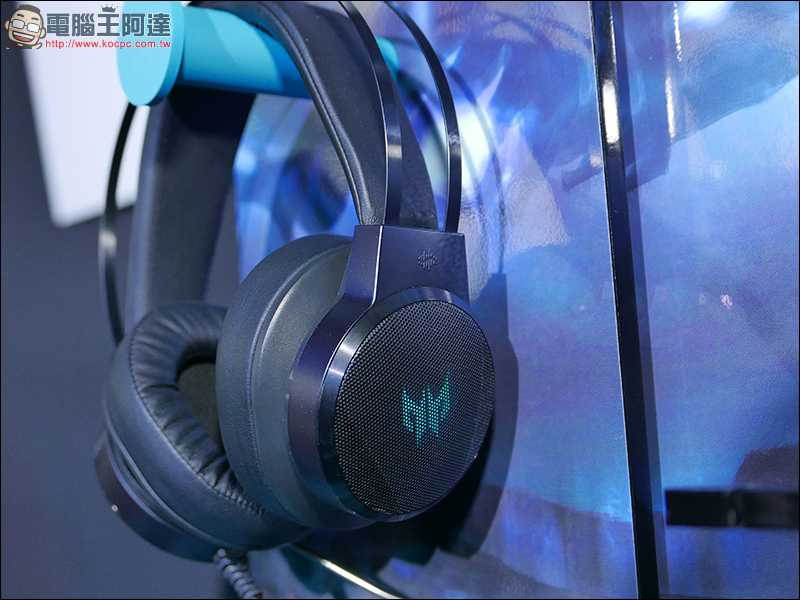
This is not to say that wired headphones do not have their own problems. Over time, the wires tend to get tangled and worn out. However, just like the considerations we mentioned above when buying Bluetooth earbuds, it all depends on personal preference. As for my suggestion, if you always use your smartphone to listen to music, then naturally choose Bluetooth headphones; if you are a music professional or an office worker, wired headphones are more suitable.
Source: KOCPC Chinese