


The built-in Photos app in Windows may not be as well-known as Office productivity tools, but its steadily improving features are something you’ll often use when browsing photos on your computer. Microsoft keeps updating it, so Windows users gradually no longer need to turn to other methods for simple photo editing tasks. This update for Windows 10 and Windows 11 introduces a series of convenient new tools that fill gaps in existing features and help you organize your photo and video collections faster. In addition, more AI features have been added to help users get things done more quickly.
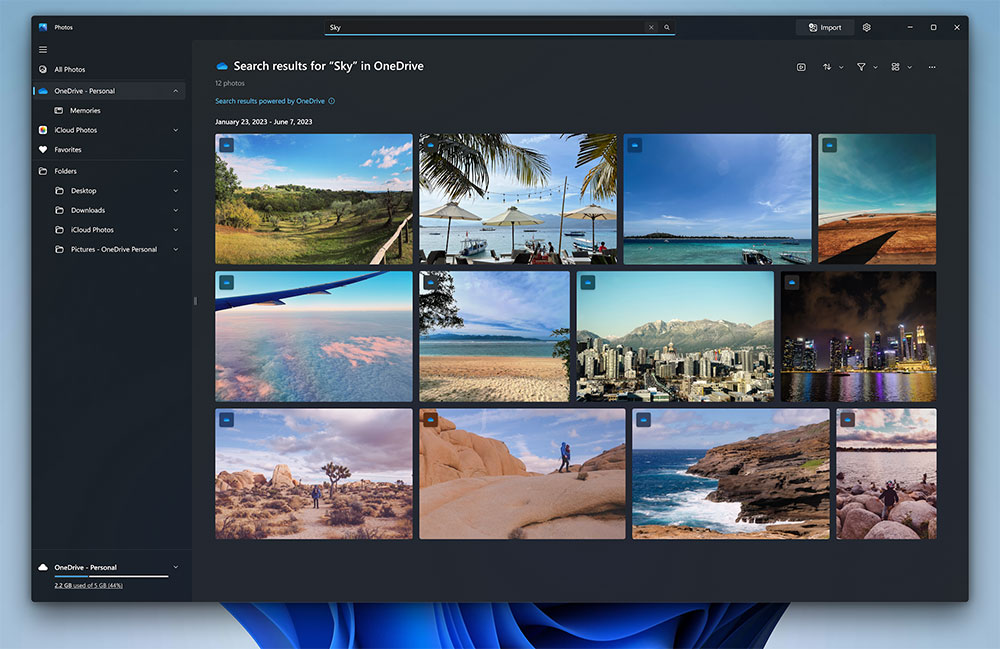
Windows Photos app gets major update, Copilot enhances photo editing
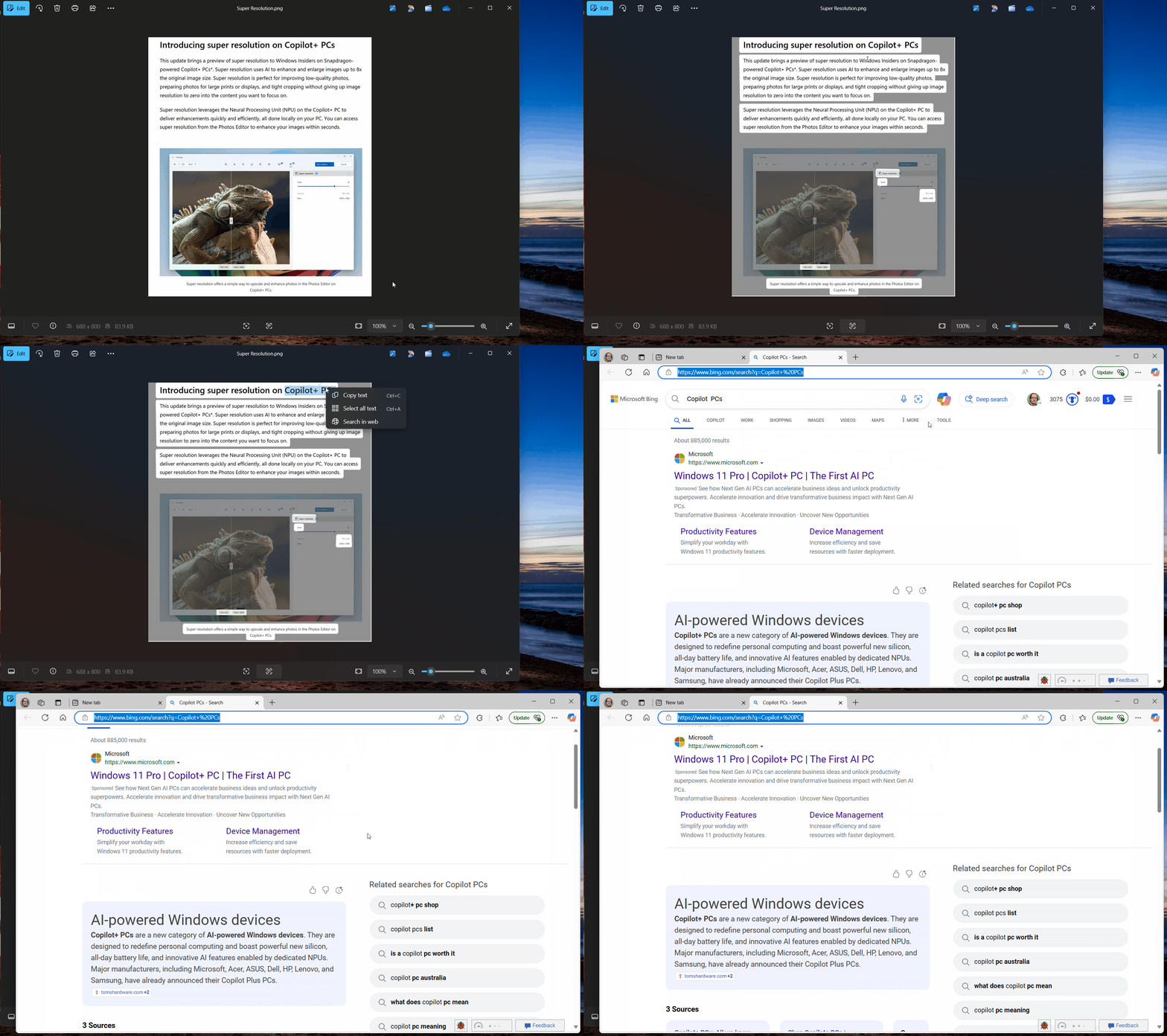
The OCR feature in the Photos app helps extract text from photos, but what if you don’t understand some of the content? With the arrival of a major update to the Photos app, you can now search the web right from the app, reducing your workload. When you select a string in OCR mode and right-click, you’ll see an option to search on the web, which directly displays the search results page in your browser. This enhancement makes it easier than ever to extract and look up text online from documents, notes, screenshots, and more. Whether you’re capturing text from documents or exploring image content, the Photos app’s OCR and online search features can streamline your workflow and boost your productivity.
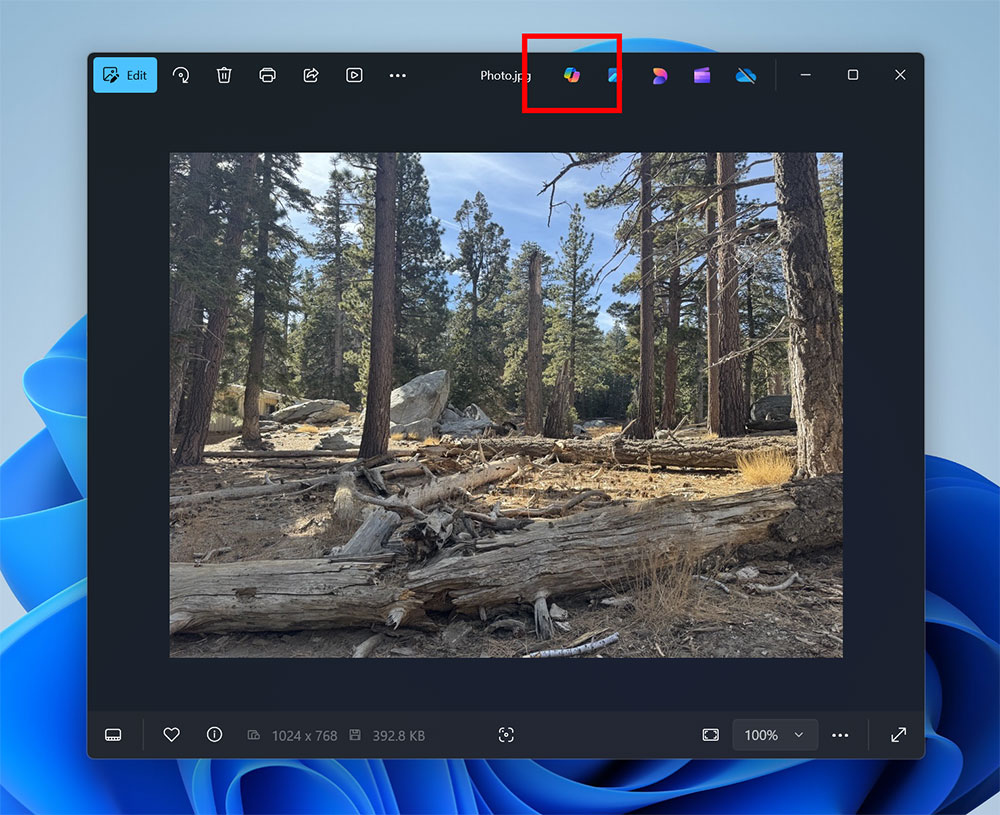
Additionally, the Photos app now also includes a Copilot button at the top of the photo viewer to assist you with photo editing:
- Photo editing tips
Get expert advice on enhanced images. - Image Insights
Discover interesting details about the photograph. - Framing suggestions
Improve your photography framing skills through personalized recommendations.
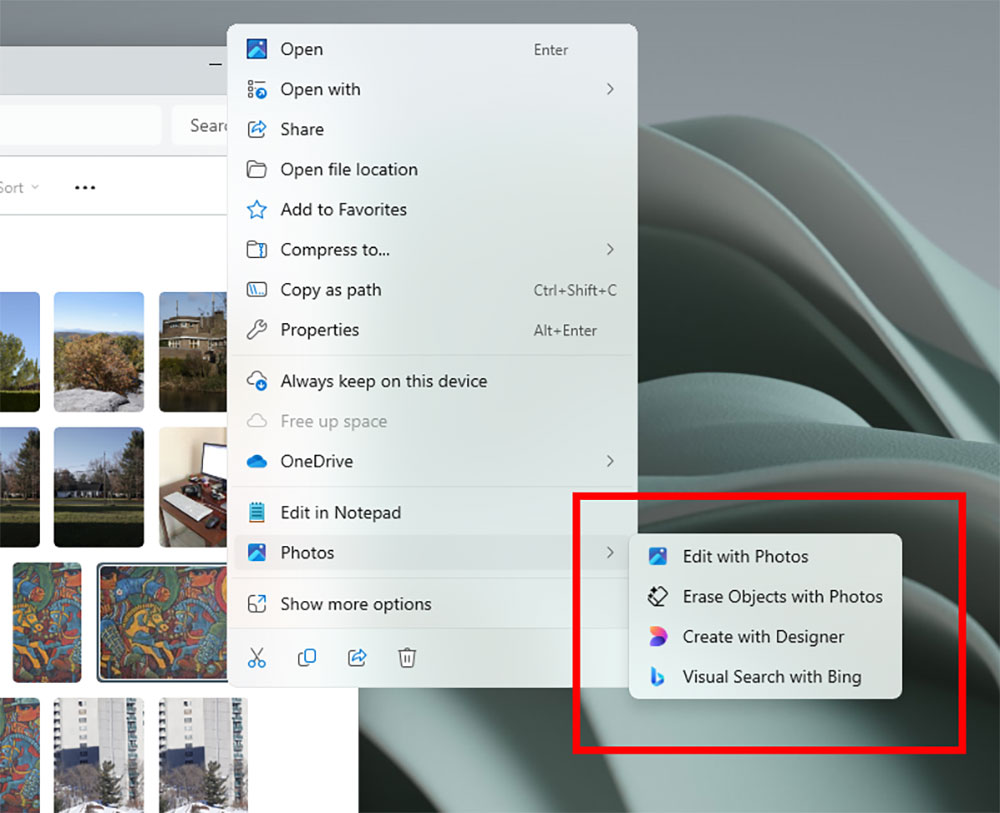
Besides the above changes, Microsoft has also started rolling out features that let you quickly access AI editing and visual search from File Explorer without opening the Photos app. In short, when you right-click on a specific photo in File Explorer, you get a range of new options, such as Create with Designer, Erase Objects, and Visual Search with Bing. These features, previously at the top of the Photos app, can now be used directly from the right-click menu.
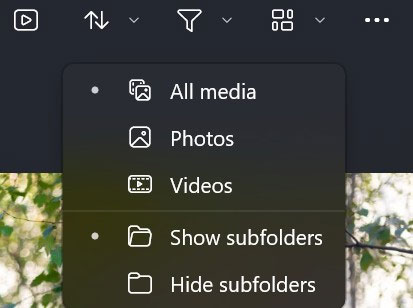
Additionally, if you’re not an avid AI user, this update also brings the ability to display subfolders in your photo library. You can use filters to adjust how subfolders and gallery content are displayed. By enabling the display of subfolders, you can view all images and videos in gallery subfolders, resulting in a richer user experience.
Microsoft has begun rolling out these new features to the Photos app for Windows Insiders. Additionally, you’ll need to update the app to version 2025.11030.20006.0 or later to get these features. As Microsoft stated in itsOfficial blog postAs mentioned, not all Windows Insider members will get new features immediately; some may have to wait a bit longer.
Source: KOCPC Chinese