


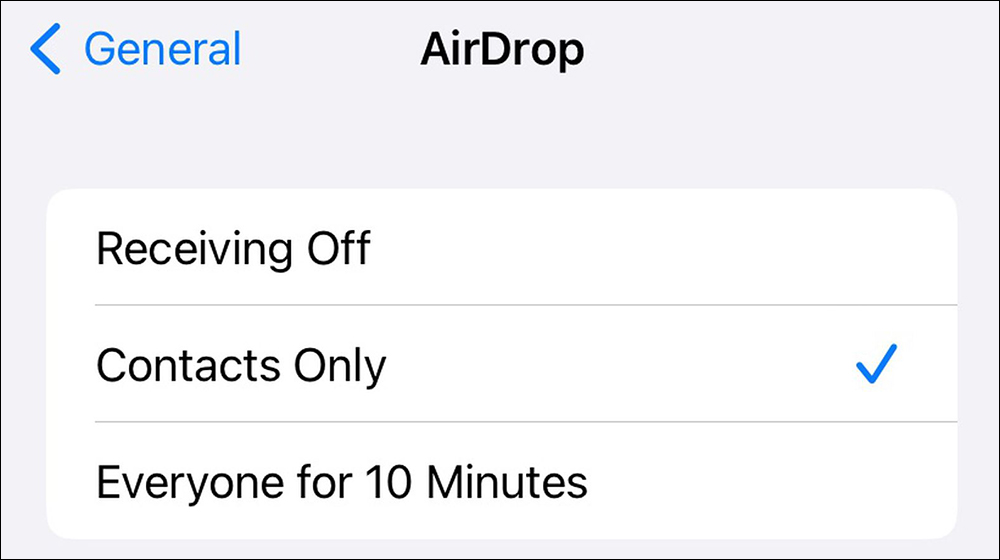
Have you ever received all kinds of inexplicable content from strangers via AirDrop? Whether it is pictures, videos, links or files, if the receiving permissions of AirDrop are not set properly, someone may accidentally AirDrop the wrong person, or someone may deliberately cause trouble by playing a prank. AirDrop on iPhone has a new reception setting option “open to everyone for 10 minutes”, which will be rolled out to global users in future updates.
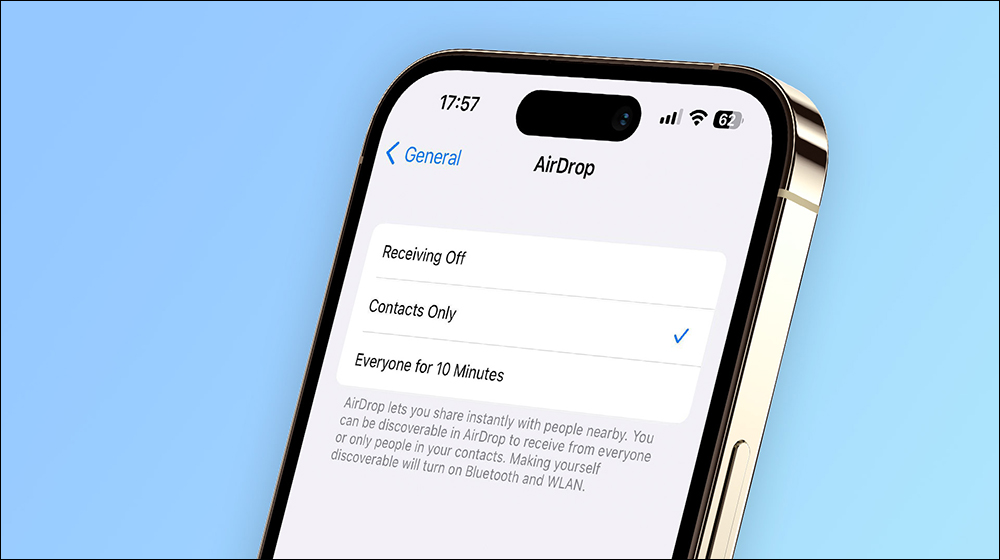
AirDrop for iPhone’s new “10-minute open to everyone” option is rolling out globally
Apple pushed the iOS 16.1.1 version update on November 10. According to the description of the update, it only mentioned that it “includes iPhone improvements and bug fixes.” It seemed that it simply fixed some bugs and minor problems and did not add new features.
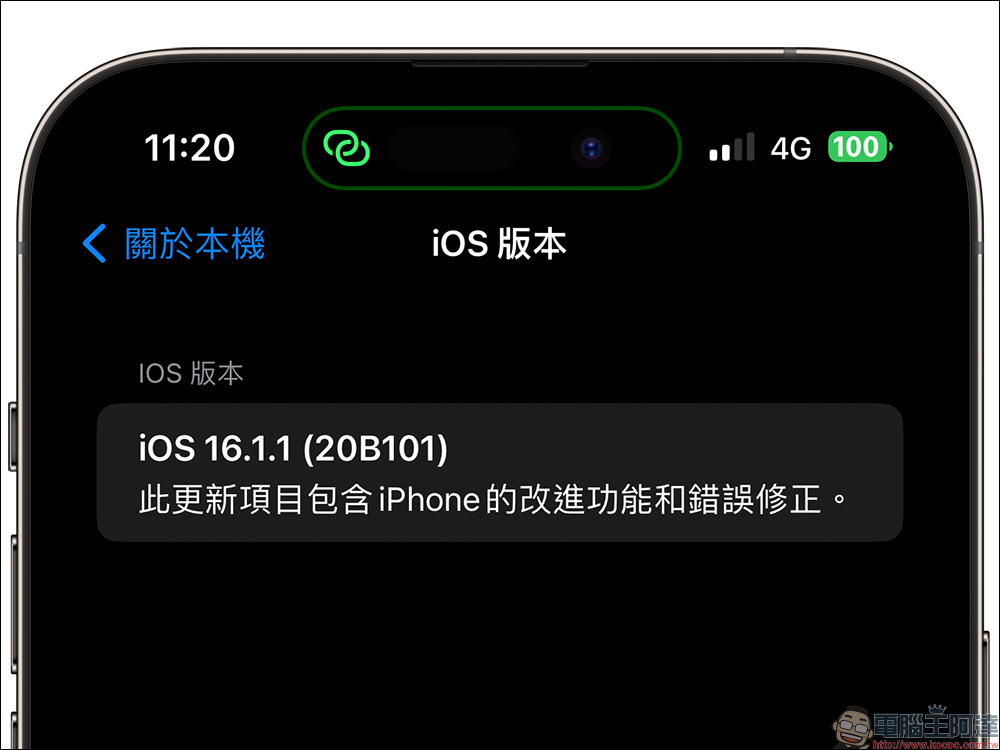
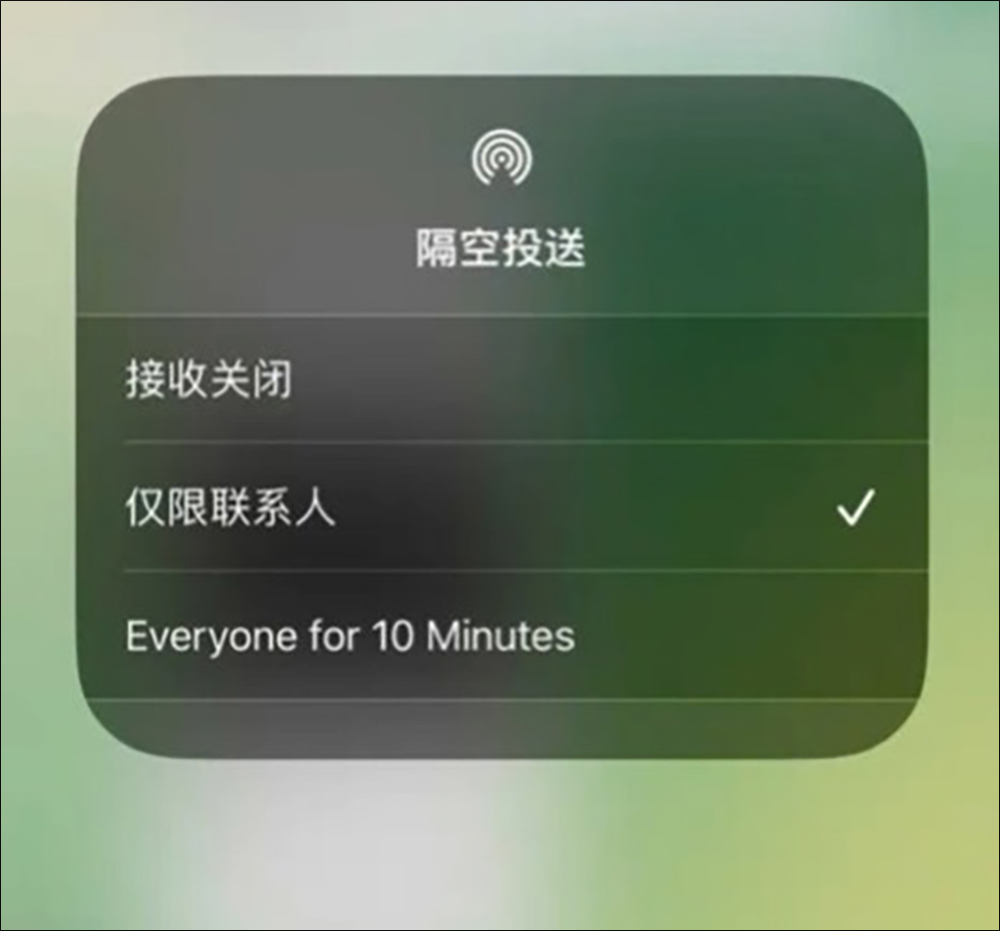
However, some users in China have discovered that after updating to iOS 16.1.1, iPhone will have a 10-minute transmission time limit when setting the AirDrop receiving permission to “Everyone”. AirDrop will automatically turn off after 10 minutes of being turned on, and any iPhone purchased in China will be affected. It was originally rumored that this was a feature unique to China. It was suspected that due to the recent frequent protests in China, in order to prevent users from using AirDrop as a channel for transmitting information, the Chinese government put pressure on Apple.
According to Bloomberg reporter Mark Gurmanreport, the iPhone option to set AirDrop reception permission to “Everyone” and add a 10-point limit will be gradually pushed to countries and regions around the world in the future. Apple did not further explain the reason for setting this limit, but foreign media speculated that in addition to political factors, the main reason should be
Many iPhone users have a habit of not turning off AirDrop, or they don’t even realize that AirDrop is on and set the receiving permission to “Everyone”, which leads to frequent pranks of AirDrop file transfer.
On social platforms such as YouTube, Twitter, Instagram, Facebook, Tiktok, etc., you can often see netizens sharing their AirDrop prank videos. It might be fine if they just send some funny pictures, but there are also often people who spread indecent photos and even social incidents that threaten public safety and spread panic information.
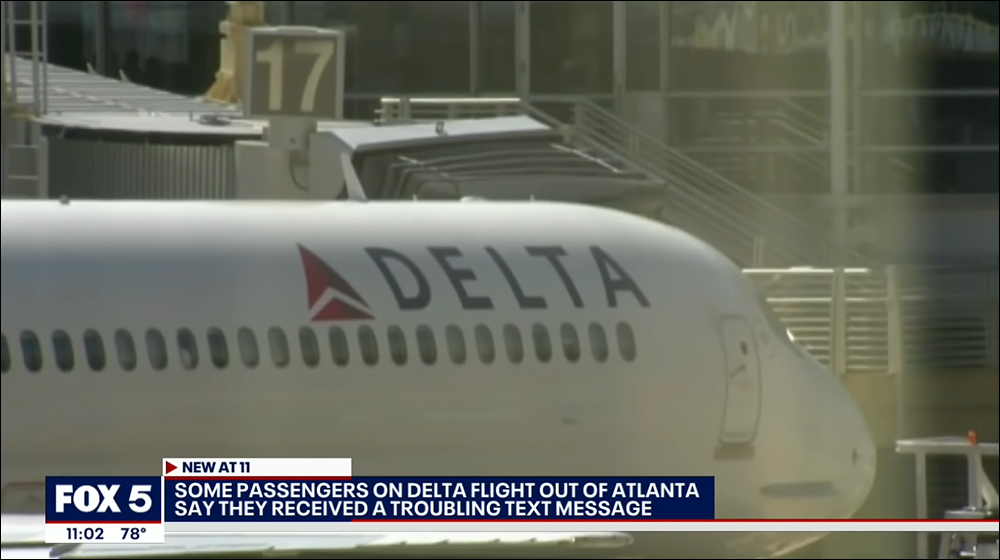
There was a previous Delta Air Lines flight 921 from Atlanta to Seattle in the United States. A passenger sent a message via AirDrop that “hijacking will occur soon, 2 hours and 37 minutes, starting from Aisle 6 in front.” At that time, this incident not only caused police officers armed with guns to board the plane for inspection, but passengers and luggage were also inspected again. Of course, the flight was also greatly affected (Click me or the picture below to watch the incident report video)。
In fact, it would actually be a good thing if future iOS updates could change AirDrop’s receiving permission from “Everyone” to “Open to everyone for 10 minutes,” because not everyone knows to turn off AirDrop reception or set it to “Contacts Only.” For example, when I tried to send pictures through AirDrop in a coffee shop earlier, I found that many people’s iPhones or MacBook Pros were set to “Everyone,” so people around me could search for the device at will.
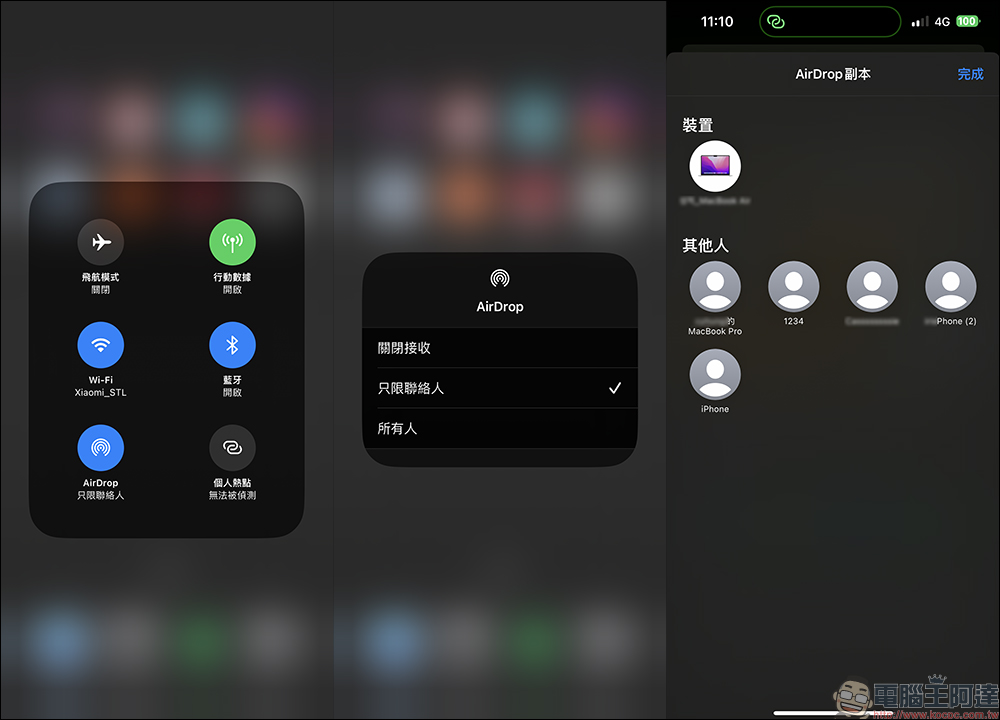
However, it is still unclear when Apple will push this new AirDrop receiving permission setting option to users around the world. Therefore, it is recommended that if you do not want to receive surprises or scares from strangers, you should first change all AirDrop settings on your iPhone, iPad, and Mac to “Contacts Only”!
Further reading:
iPhone screenshots and picture editing “marking” tips, a must-learn for patients with circle selection compulsion!
Source: KOCPC Chinese