


Although we can restrain ourselves from uploading our own and other people’s contact information to Meta-owned services such as Facebook and Instagram. However, since these services will continue to ask in the past to “encourage” you to upload this information to add more friends to increase the chance of social interaction, so seriously, if you don’t upload it to others, you may upload it to FB and IG.
So I always feel that I have a very negative feeling about basically being unable to prevent my information from being leaked. However, now you will be able to proactively prevent this information from being used in the Meta service database. Read on to learn how to delete contact information uploaded by others on Facebook and Instagram (using Meta’s official tool).
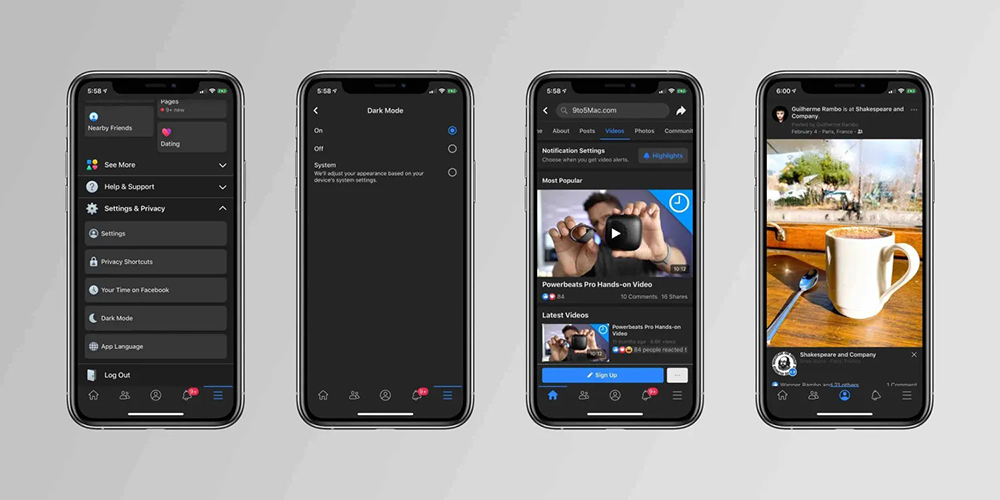
▲Image source: 9to5Mac
Teach you how to delete contact information uploaded by others on Facebook and Instagram (using Meta official tool)
Faced with the frequent user data leakage problems in Meta’s services such as Facebook, I always feel uneasy about my contact information being stored in the database of these social services. But later I also discovered that even if you always avoid the “thoughtful reminder” to upload contact information. However, there is no way to prevent your own information from being uploaded to these services from the contact information in other people’s mobile phones.
Now, someone has quietly discovered that Meta, the parent company of Facebook and Instagram, actually provides a function that can help you search whether your email or phone number information has been uploaded to their services. In addition to providing the function of deleting the address book database, it can also help block other people from uploading your information again.
How to delete contact information uploaded by others on FB and IG
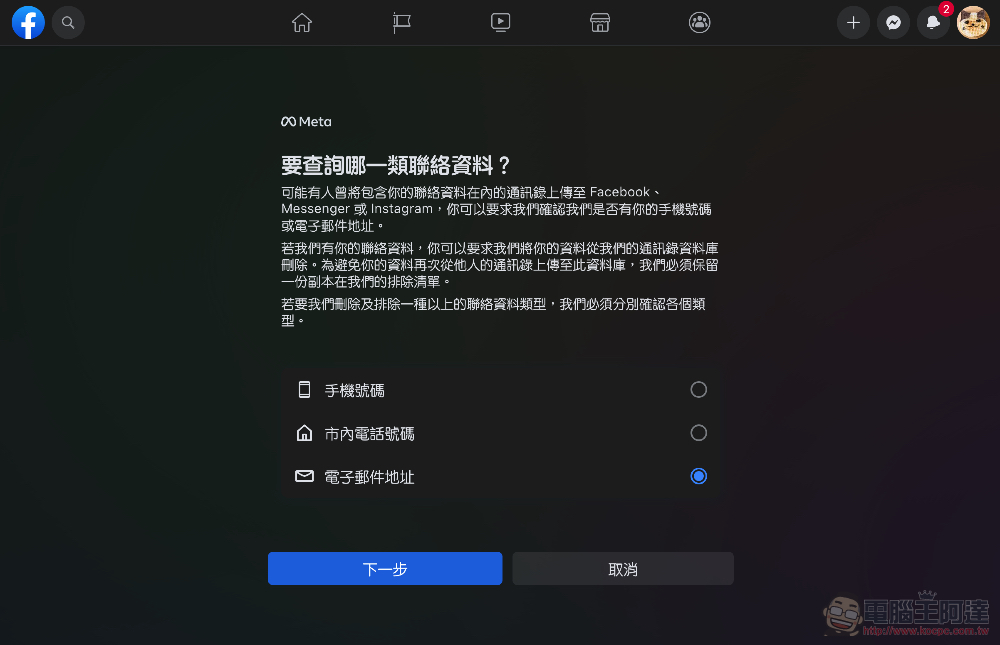
click inContact information deletion pageAfter that, you can see that you can query “mobile phone number/local phone number/email address” separately:
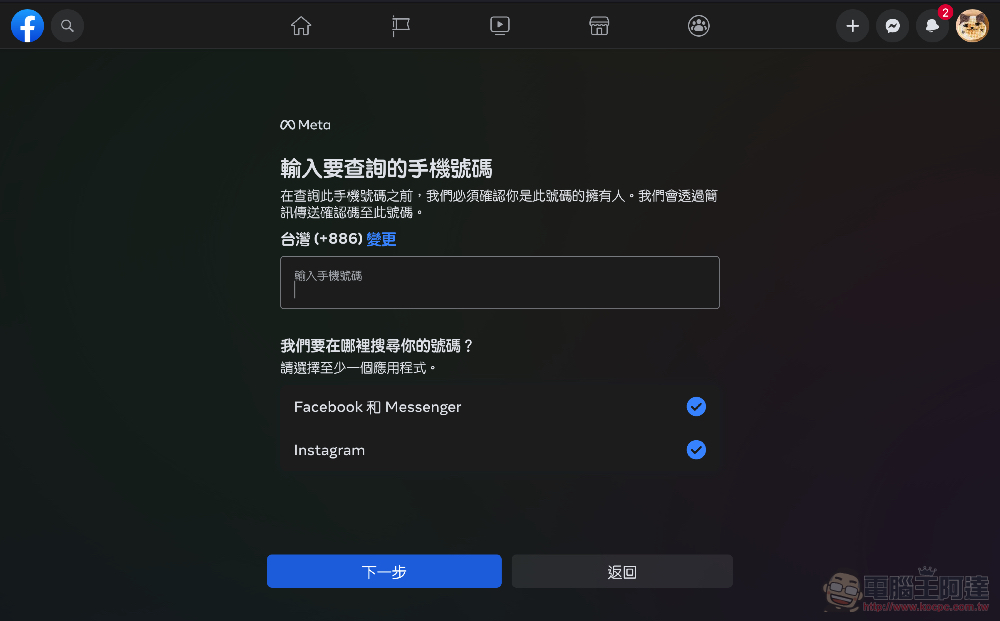
Taking the phone as an example, you can select multiple Facebook and Instagram queries at the same time:
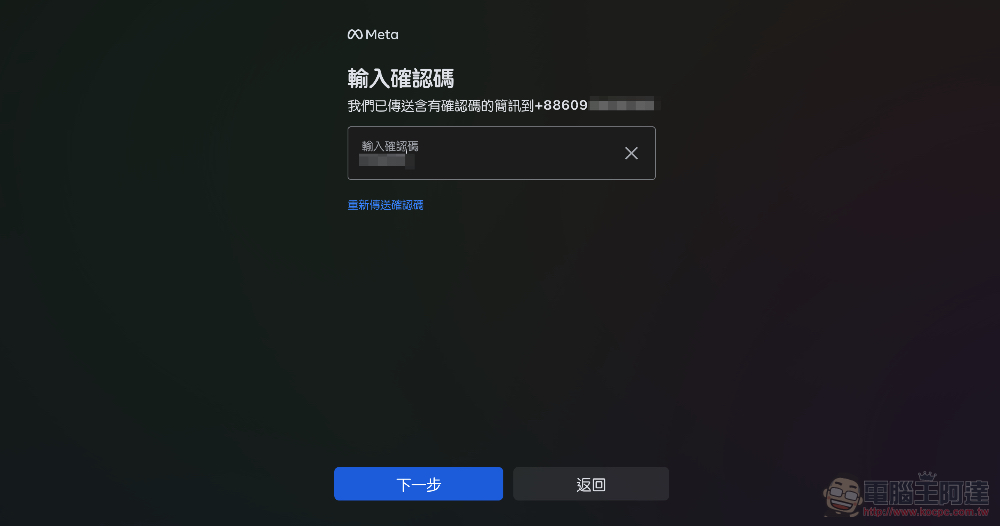
You will then be asked to confirm that you are the holder with a confirmation code sent by phone or email:
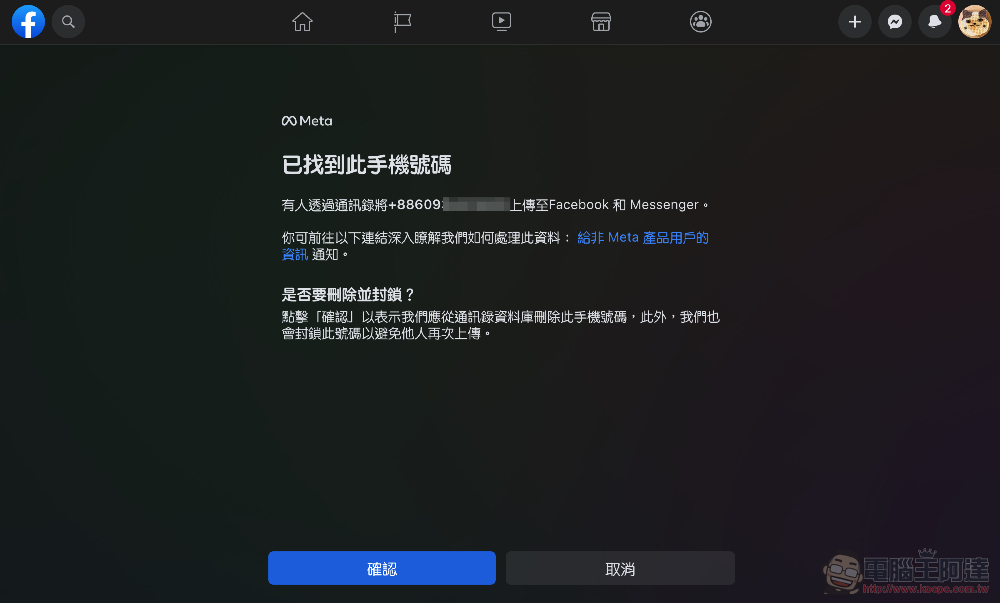
After confirmation, you can “delete and block” the contact information of this number or email account, so that it will be excluded from the address book database and prevent it from being uploaded again by others:
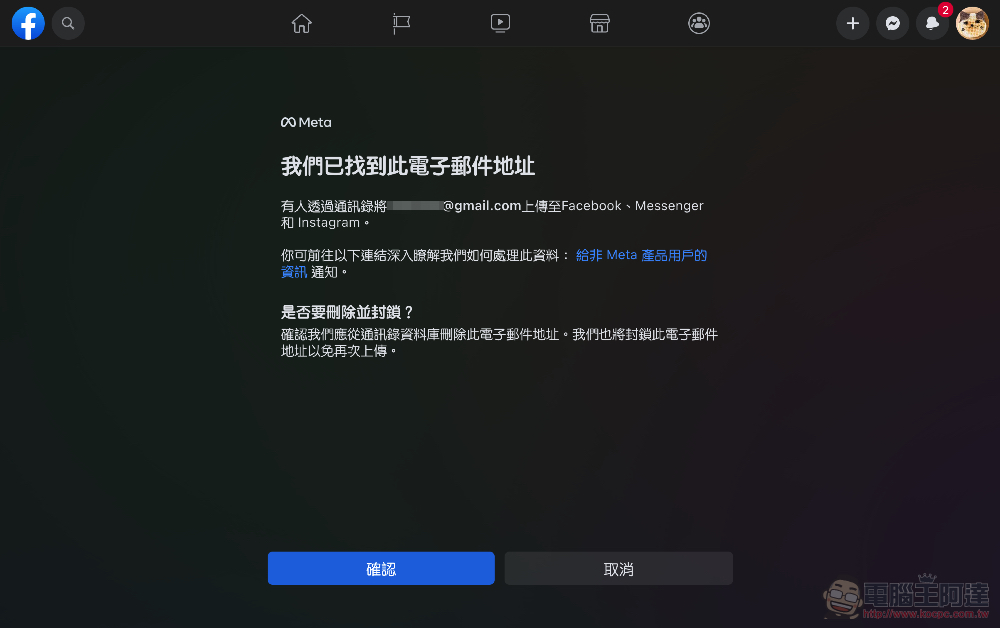
The same method applies to Email:
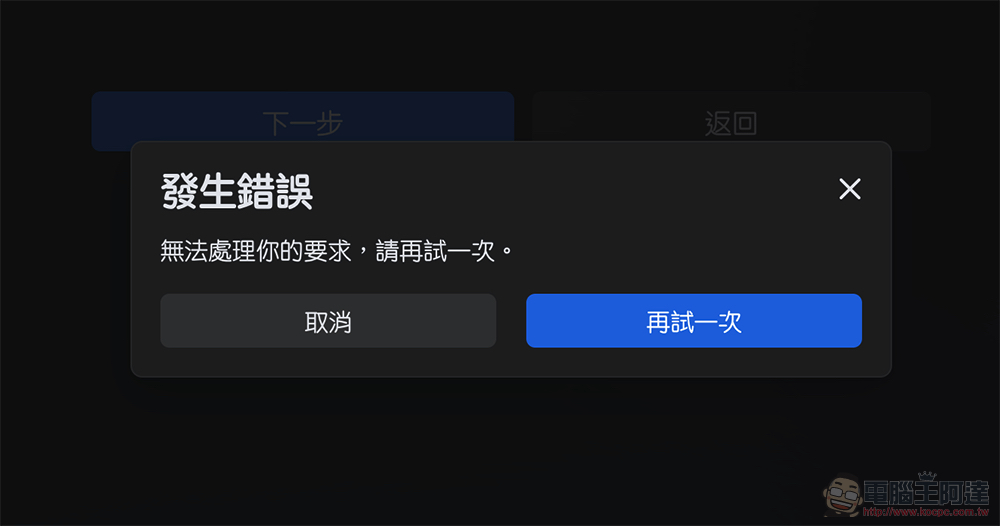
I don’t know if it’s because it has been widely reported, but this function seems to be a bit unstable. If you encounter it, you may try it after the peak period:
Conclusion
I believe that after reading this tutorial, everyone will find that the clever thing here is that because it needs to be compared, your data will still be kept in Meta’s “exclusion list”. So to put it simply, this is a more accurate personal information that has been confirmed by the verification code (and there will even be people who have not applied for the Meta service to confirm whether the information has been uploaded and uploaded the information).
As for whether this information will be accidentally leaked again in the future, I believe no one can be sure. Speaking of which, if it is discovered that someone Chongkang As long as it has been uploaded; but after a round of comparison, it was found that it has not been uploaded, so your information will still be uploaded during this process!

Therefore, I personally feel that it is necessary to use this official tool to delete the data in the existing address book database. Since I am a user with both Facebook and Instagram accounts, I feel that the data is already with them anyway. It is good to at least ensure that it will no longer be used for annoying search for friends. But if you feel that you obviously don’t have an account, or you don’t want your information to be confirmed again, it is recommended that you still consider whether you need to use this official tool.
Further reading:
Android Auto uses update window to prevent older phones from using Google car features
Source: KOCPC Chinese