


Today, let me introduce you to an AI tool used by many design professionals: FLORA. FLORA provides an infinite canvas, allowing you to generate images, videos, and more on the same canvas. FLORA is currently offering free credits for users to generate content. If you’d like to learn how to use FLORA, keep reading!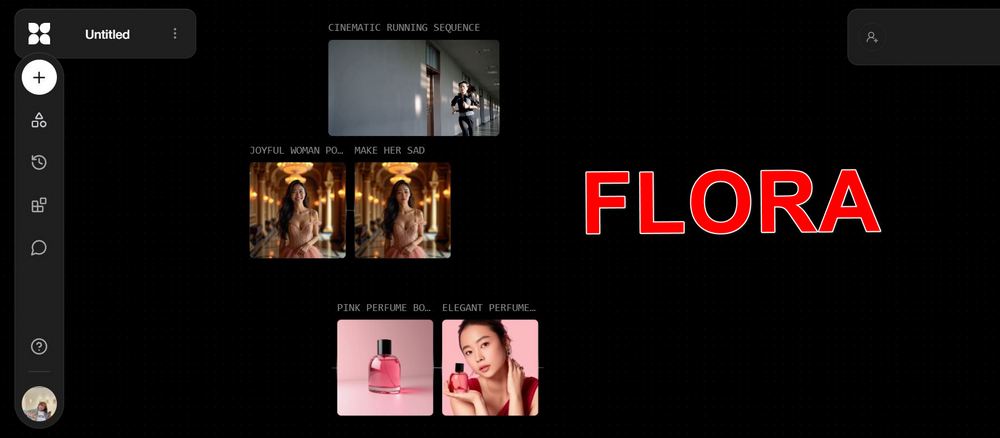
AI creation tool FLORA: provides model choices including Gemini, Flux, and 海螺 AI, unleashing unlimited creativity.
The AI generation tool FLORA provides users with image and video generation models such as Gemini, Flux, Hailuo AI, Kling, Dream Machine, Runway, and Pika. Users can leverage FLORA’s infinite canvas to generate all sorts of creative ideas on a single canvas. FLORA states that its purpose is to make AI an accelerator for creativity, simplifying users’ workflows by integrating multiple AI functions.
Go experience the AI generation tool FLORA
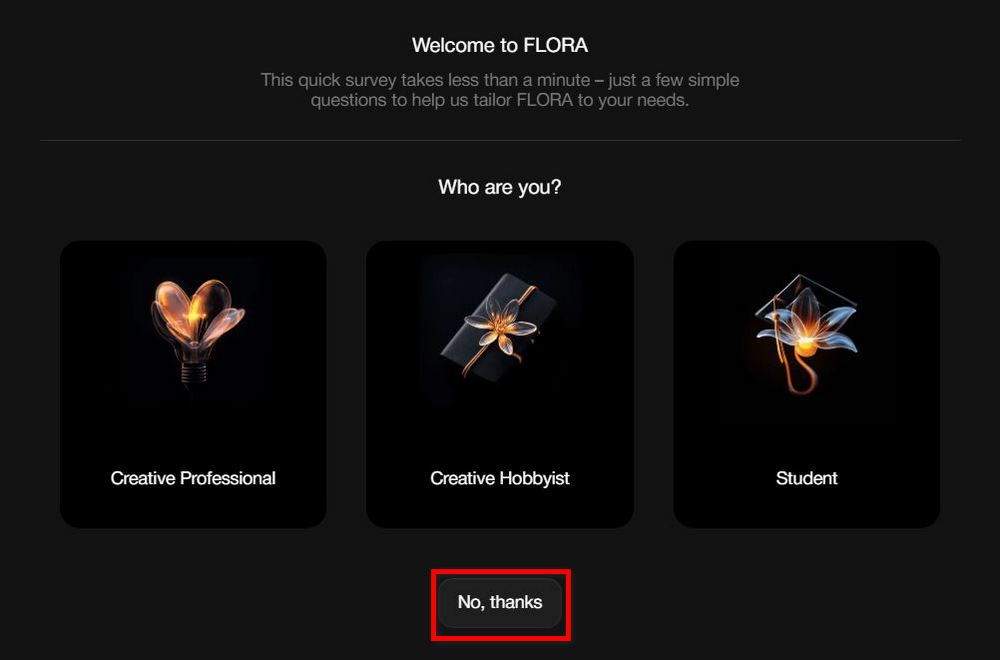
Go to the webpage above and click “Get started for free” in the top right corner, then choose which method to use to register an account. After registering, FLORA will ask you a few simple questions. If you don’t want to answer, you can simply click “no,thank you” to skip.
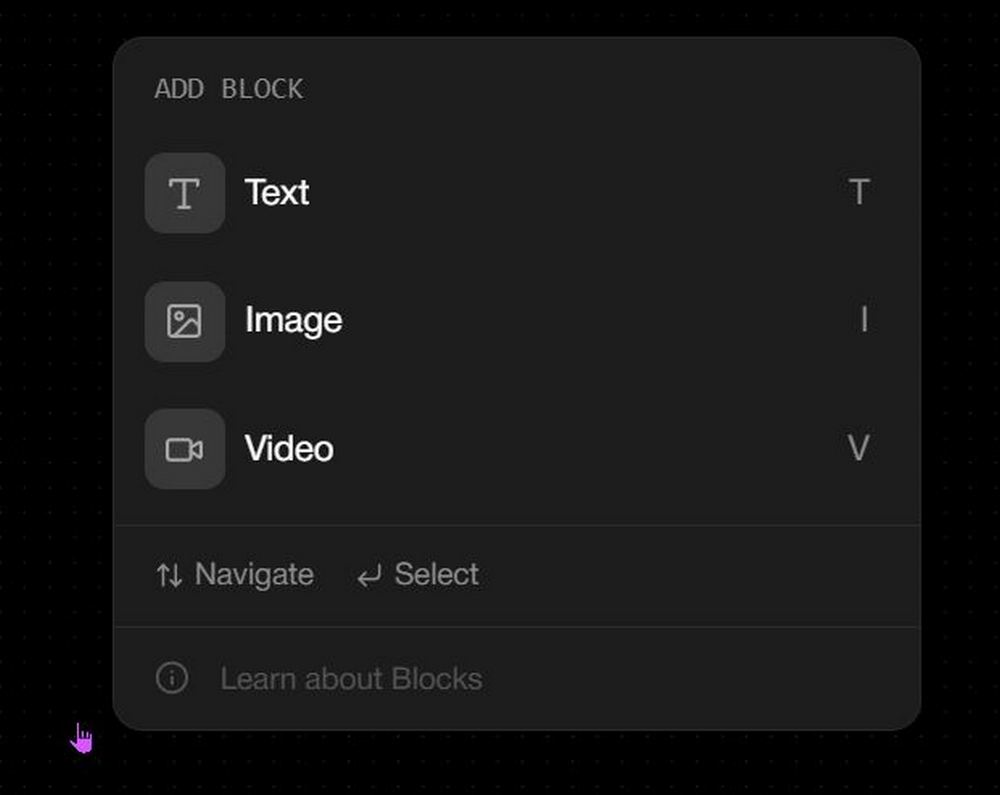
Next, you’ll see FLORA’s infinite canvas. On the infinite canvas, double-click the left mouse button to choose whether to generate text, images, or video. Just click the option you want to generate. Before we start, a reminder: using certain models in FLORA requires credits, while some are free to use. Logging into FLORA now gives you 2000 free credits per month. Once you’ve used them up, you’ll have to wait until the next month for the credits to refresh.

Currently, FLORA offers three models for text generation: GPT-40, Claude 3 Sonnet, and Gemini 2.0 Flash. Each generation with these three text generation models consumes 2 points. FLORA’s text generation feature can generate prompts for images or videos; however, since it consumes points, it is recommended to first use the standalone ChatGPT, Claude, and Gemini applications to generate, and then use FLORA’s other features.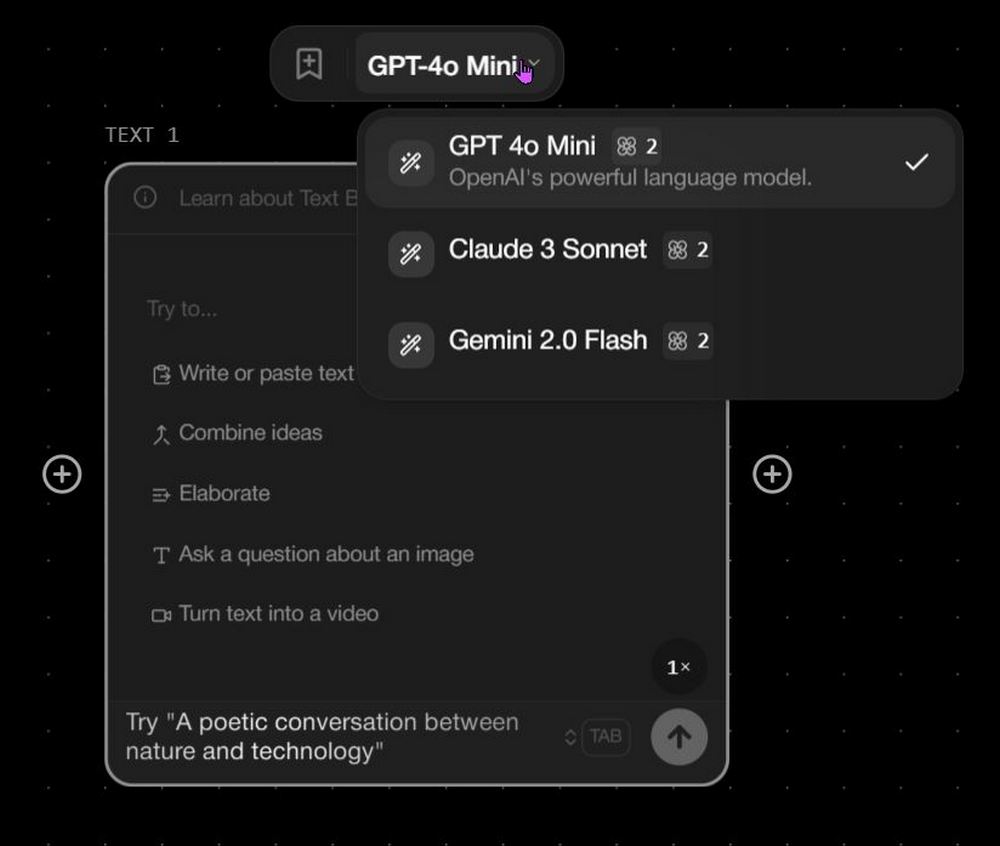
FLORA offers 6 models for image generation: Flux Dev, Flux Pro 1.1, Ideogram 2.0, Luma Photon, Recraft V3, and Stable Diffusion 3.5. Each model consumes a different number of points to generate images, so users can choose the image generation model that best suits their preferences.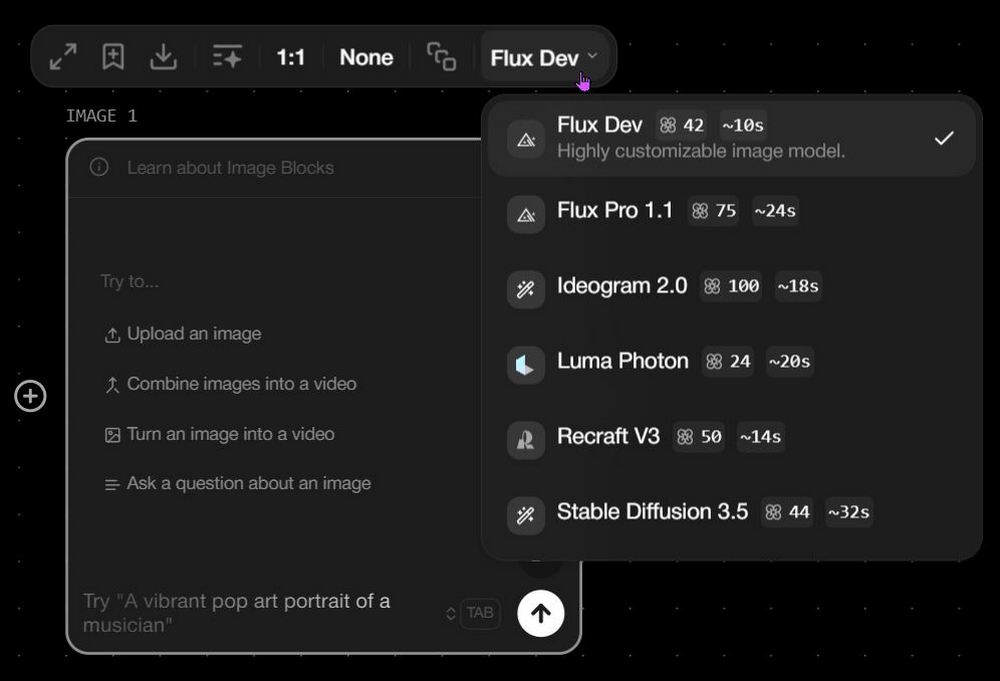
After selecting the model, type the Prompt you want to generate in the text box, then click send, and FLORA will generate the image for you.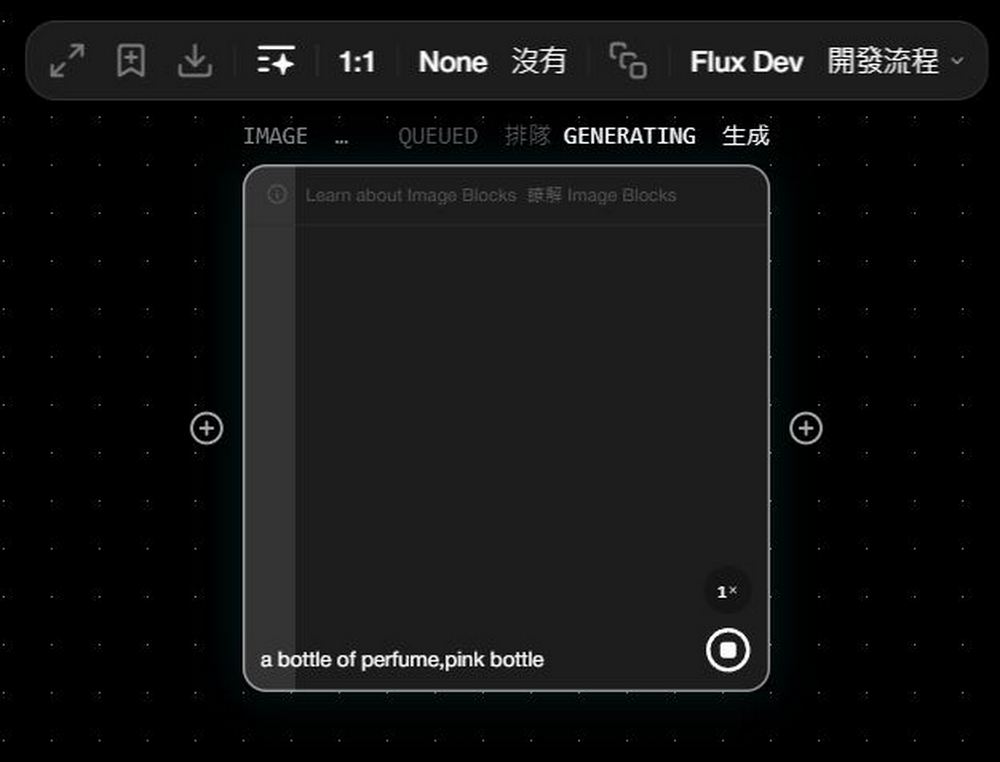
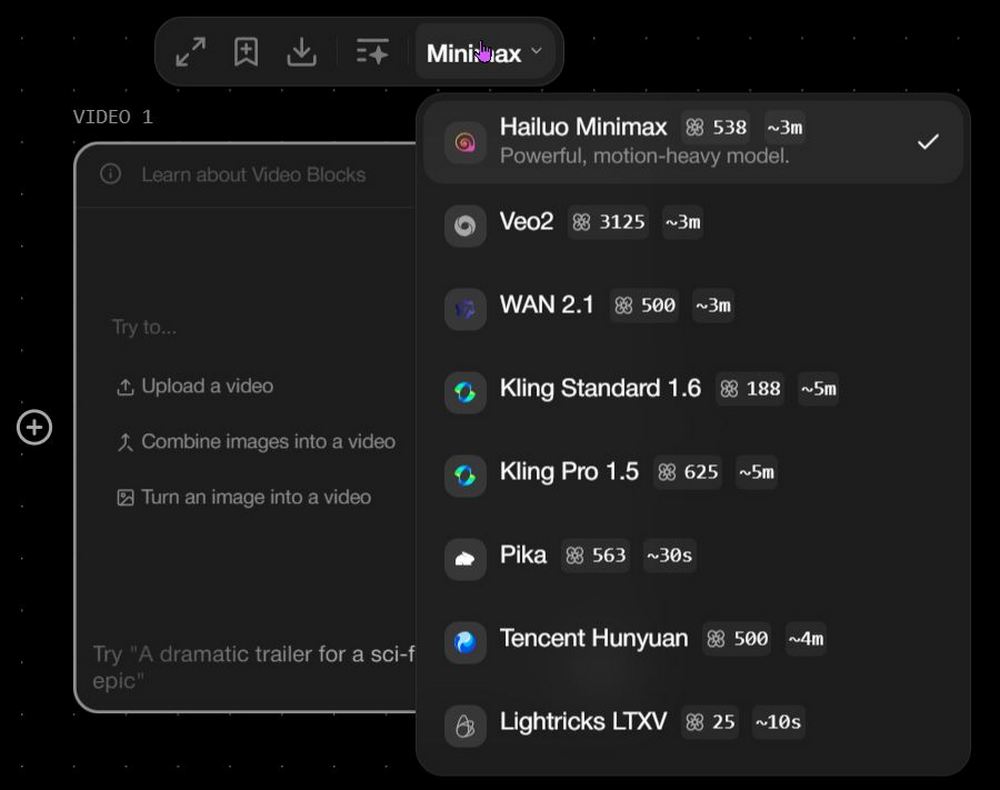
FLORA offers 8 models for video generation: Hailuo Minimax, Veo2, WAN 2.1, Kling Standard 1.6, Kling Pro 1.5, Pika, Tencent Hunyuan, and Lightricks LTXV. Among these, Lightricks LTXV consumes the fewest points, but its generated results are also relatively poor. Video generation consumes a significant number of points, so think carefully before generating to avoid spending too many points unnecessarily.
After selecting the model, you enter the Prompt you want to generate in the box, then click send, and FLORA will generate the video for you.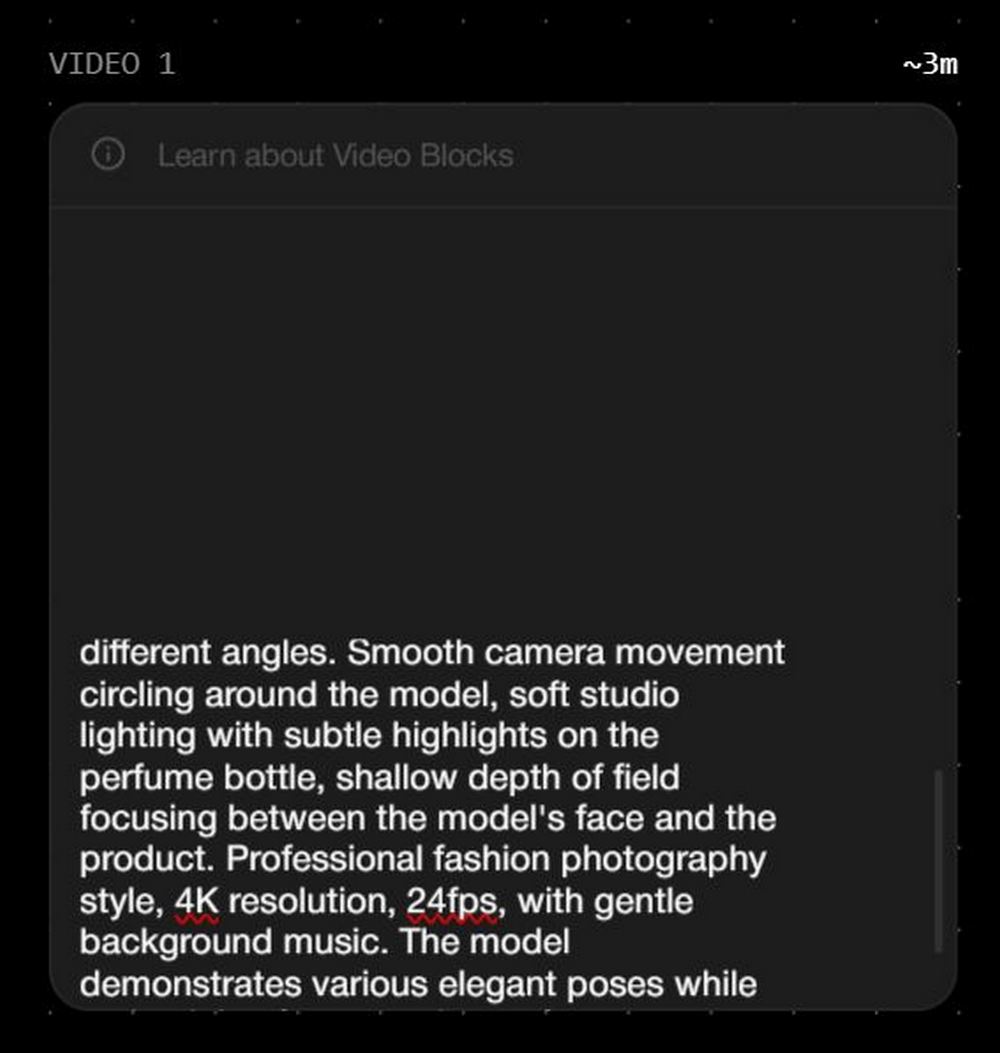
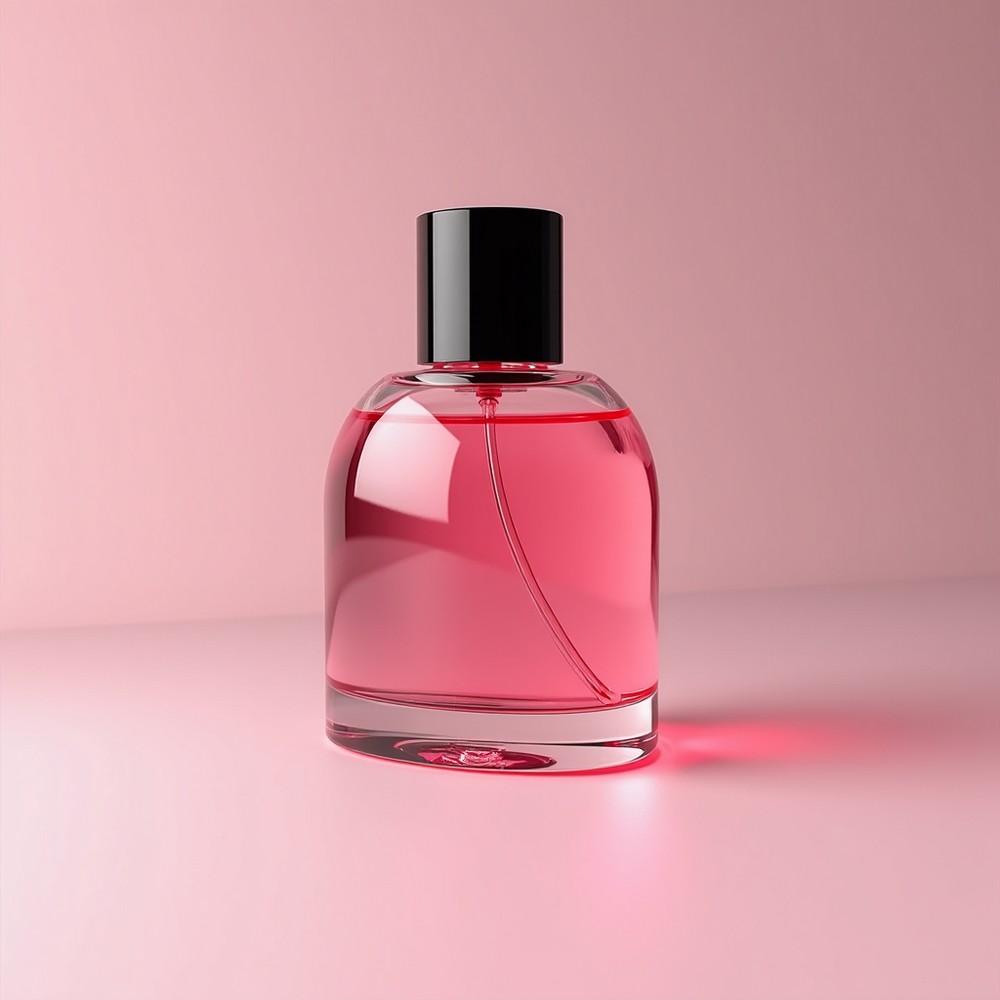
Actually, what makes FLORA most special is that every piece of text, image, and video you generate can be interconnected. Each generated block in FLORA has a + on both the left and right sides. Clicking + lets you continue generating using the content from the previous one. For example, our editor used FLORA to generate an image of pink perfume, then used that image to create variations, ultimately generating an image of a woman holding up pink perfume for display.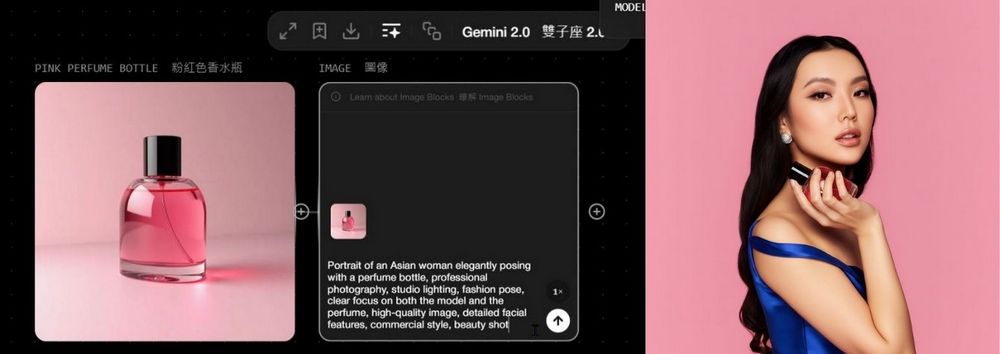
You can also use this feature to generate a multi-faceted image of a character. If you’re interested, feel free to try it out:
2. create multiple view pic.twitter.com/JmpWOpxirK
— el.cine (@EHuanglu) March 21, 2025
FLORA is actually quite easy to use, but there are just too many features to introduce one by one. The editor has compiled usage tips shared by overseas users, so you can check out the examples and head over to FLORA to try it yourself.
- Change the facial expression of the person in the image:
3. change facial expression pic.twitter.com/d7OcJbO0sZ
— el.cine (@EHuanglu) March 21, 2025
- Remove watermark
3. change facial expression pic.twitter.com/d7OcJbO0sZ
— el.cine (@EHuanglu) March 21, 2025
- Change character outfit
8. change cloth and wear hat pic.twitter.com/q7t3j4J40b
— el.cine (@EHuanglu) March 21, 2025
- Change the image background.
9. change background pic.twitter.com/OEHT9T4sLp
— el.cine (@EHuanglu) March 21, 2025
Source: KOCPC Chinese