


In recent years, more and more tools have been used to create pictures using text, such as the ones we have introduced AI Background Generator、Midjourney, both enter a text description, and AI can create pictures that match this description. Recently, I discovered another more interesting Erase and Replace by Runway. It does not create pictures, but replaces the content of the pictures you specify. In other words, you can replace the characters in the photos with cats and dogs, or change the faces with Avengers characters. I recommend it to everyone.
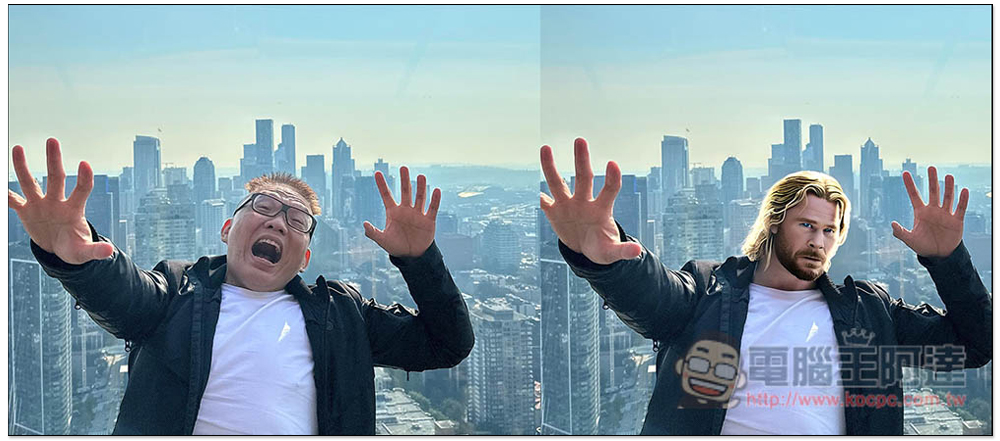
Erase and Replace by Runway Use a narrative text to replace the people, objects, and animals in the photo
Erase and Replace by Runway is a tool developed using the Stable Diffusion technology model. It can use text description to tell the AI to replace the specified content of the image with something else. Below is the official introduction video:
If you are interested in playing, go to the Runway official website and log in to your account. Those who don’t have one can register for free. Google account login is also supported:

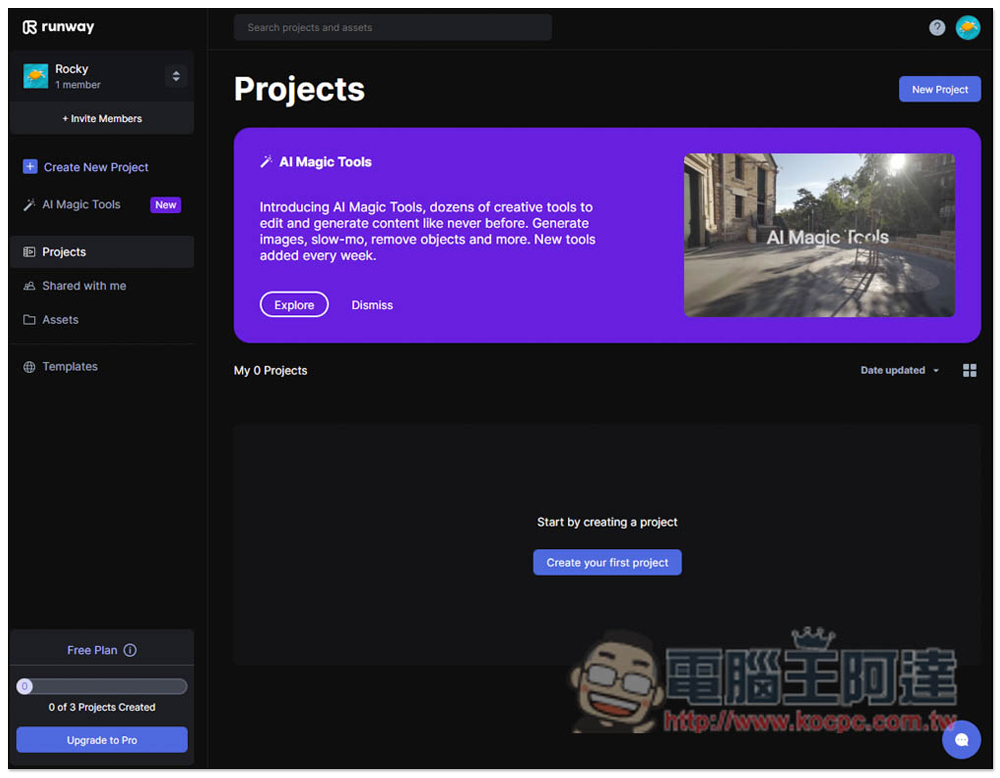
After entering the backend, please click AI Magic Tools in the left menu:
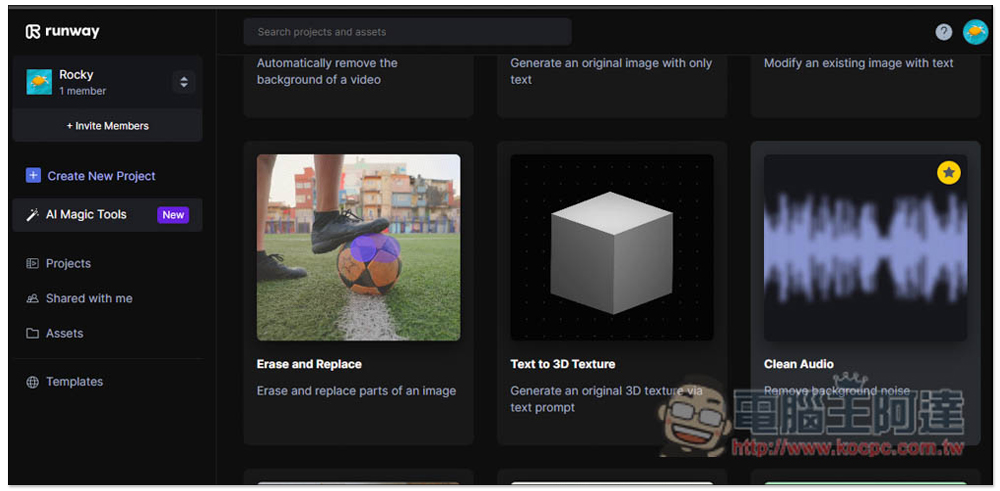
Runway has developed many interesting tools. You can play with them when you have time. Find Erase and Replace and click to start using it:
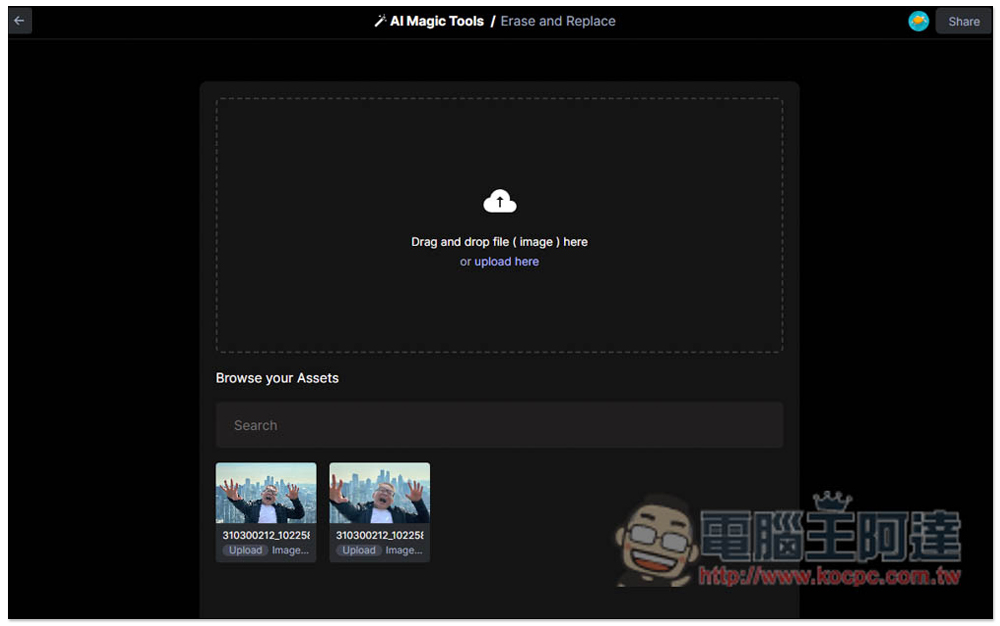
Drag in the image you want to modify. The uploaded images will be recorded below. If you don’t want to save them, you can delete them in Assets on the left side of the background:
Then you will enter the editing background. There is a brush size (Brush size) on the right that can be adjusted. The default is 40:
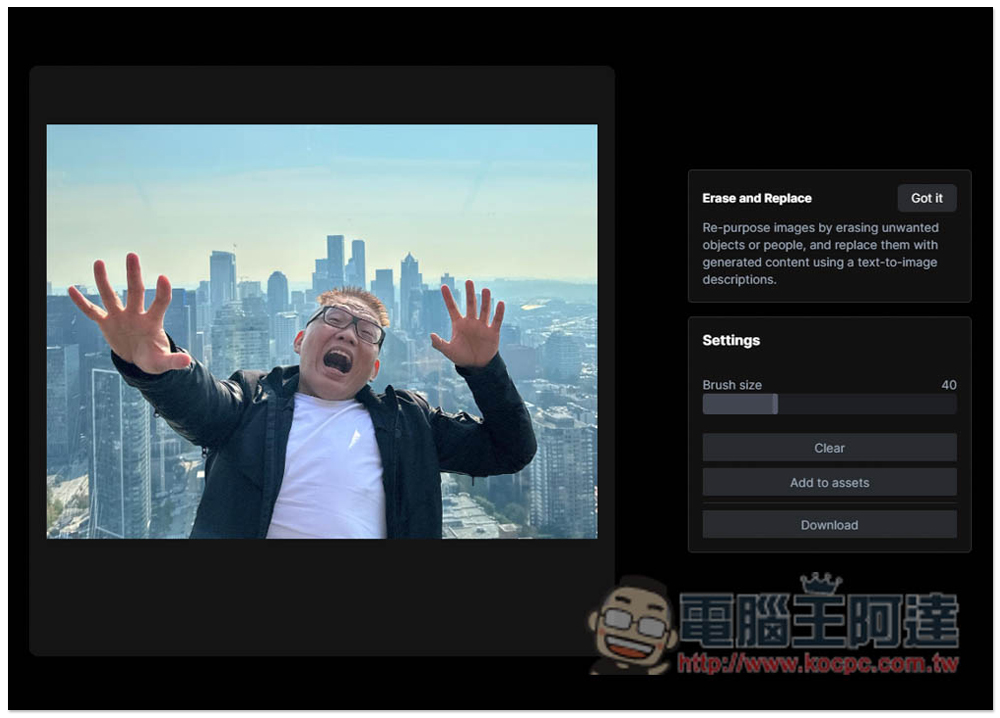
After brushing the content to be replaced, a text description field will appear below. Enter the text you want to replace. Currently only English is supported:
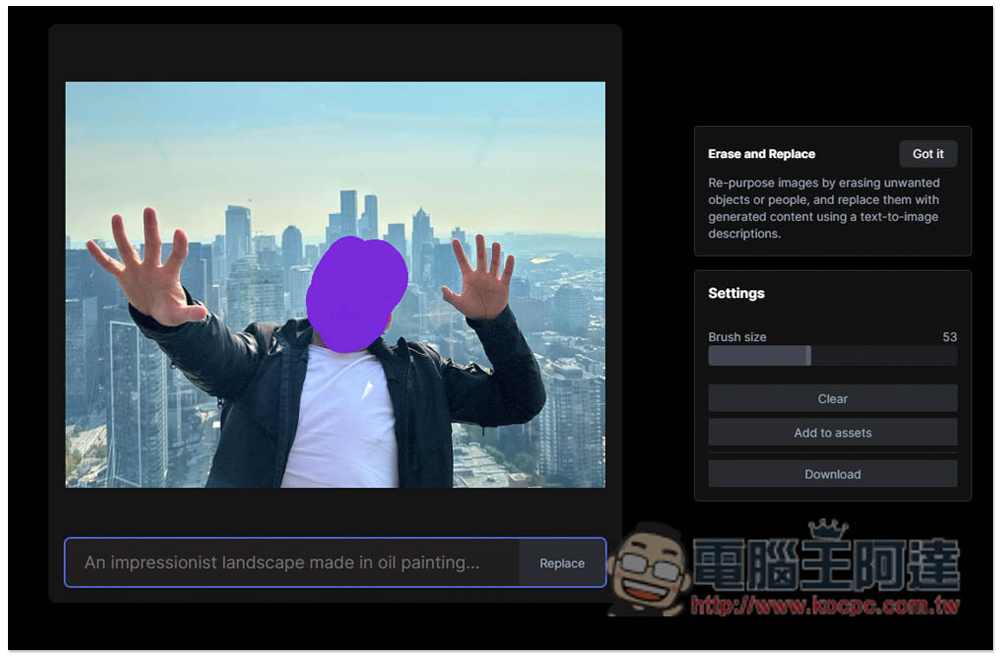
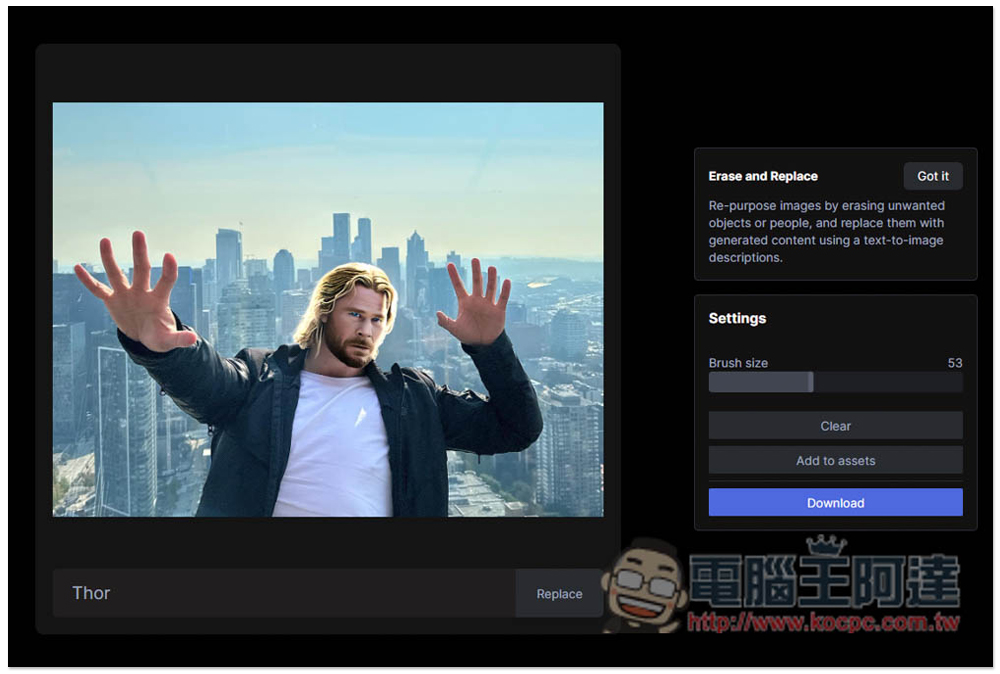
I will test Thor first. After typing, press Replace and the calculation will start. It will take a few seconds:
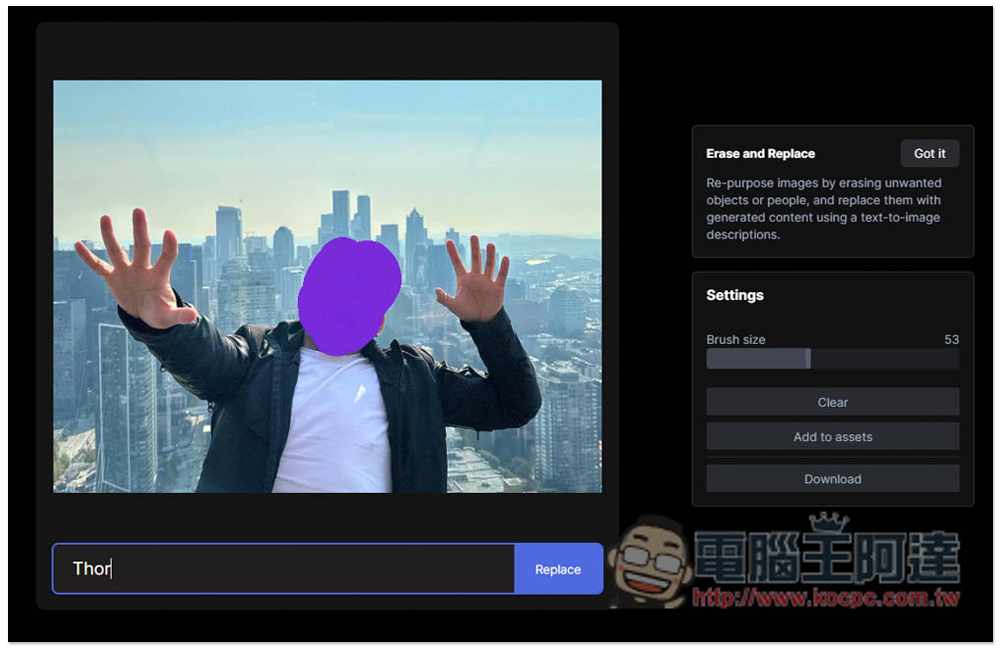
Like this, Ada’s head was replaced by Thor! If you are satisfied, you can press Download to download it, and Add to assets to save it as assets. One thing that is a pity is that after the calculation of this tool, if you are not satisfied, you cannot recalculate it. You must reset it once. Press Reset in the upper right corner of the page:
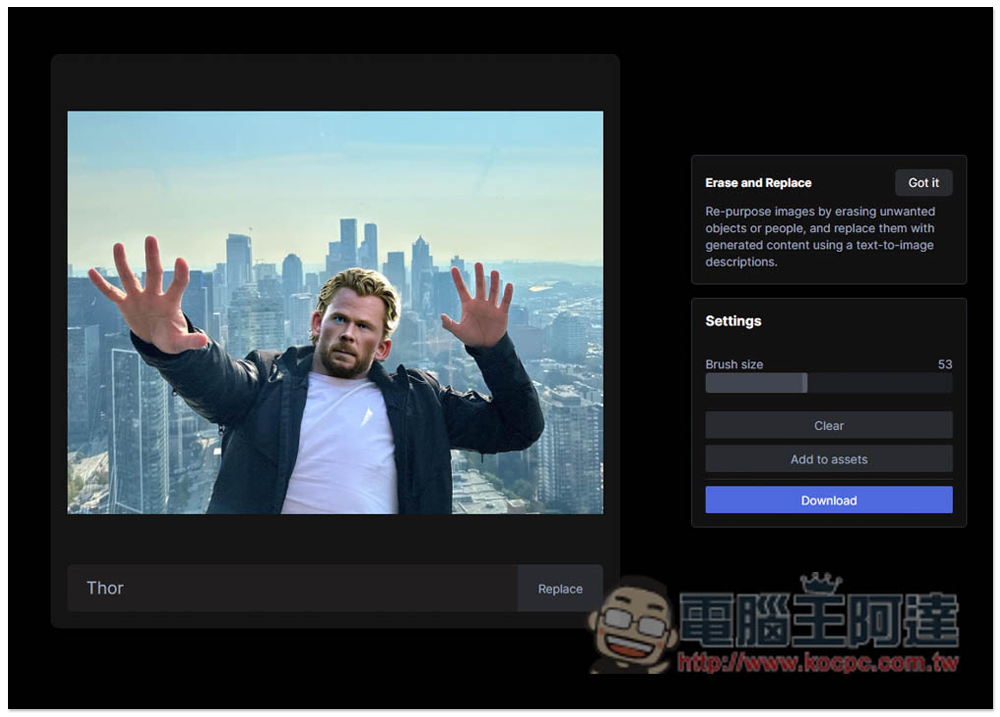
With the same range and text description, the calculation result may not be the same every time. I will type Thor again and change it into another shape:
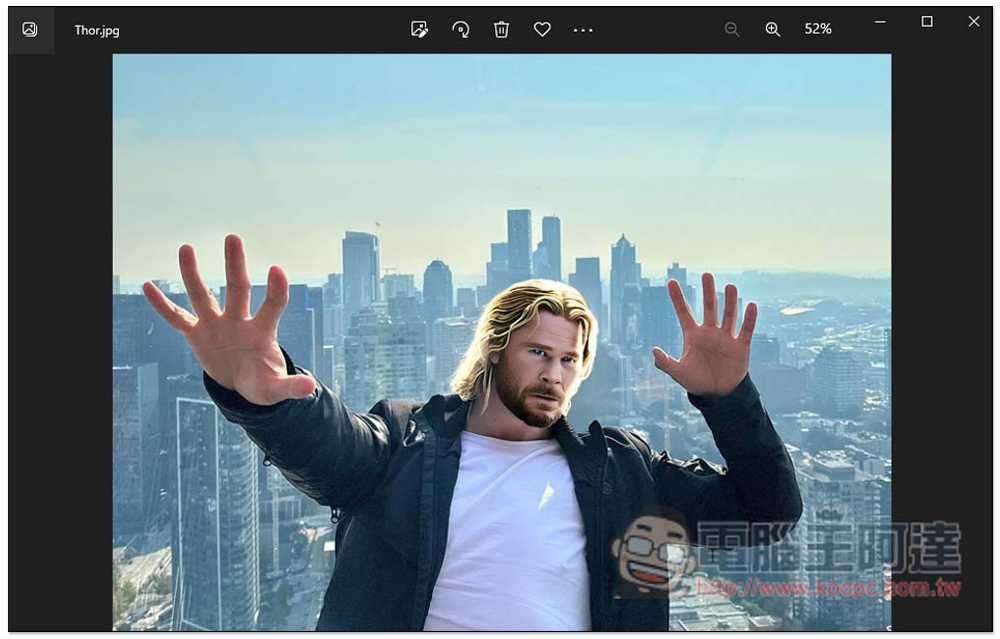
The downloaded image is in its original size and has no watermark:
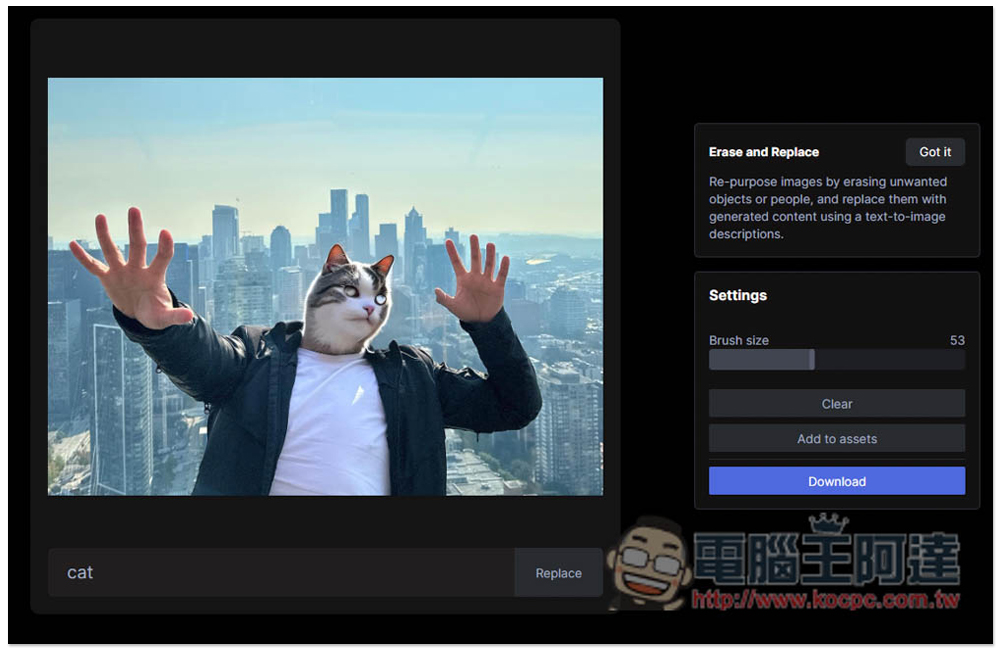
I also tested Cat and it worked fine:
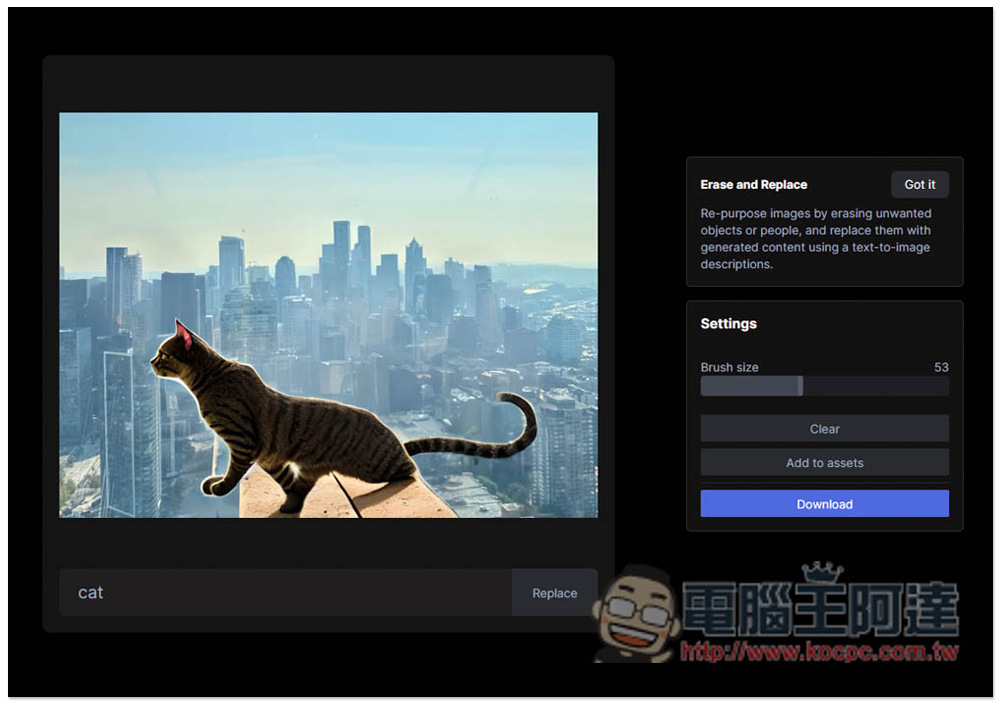
Even the whole person has been replaced by a cat. In addition, I have to say that the content-aware computing of this background is really good:
However, it may be because it has just been launched. Some descriptions do not seem to be available in the database, such as vegetables. When I tested cabbage, garlic, onions, etc., they were not found. The picture below shows cabbage:
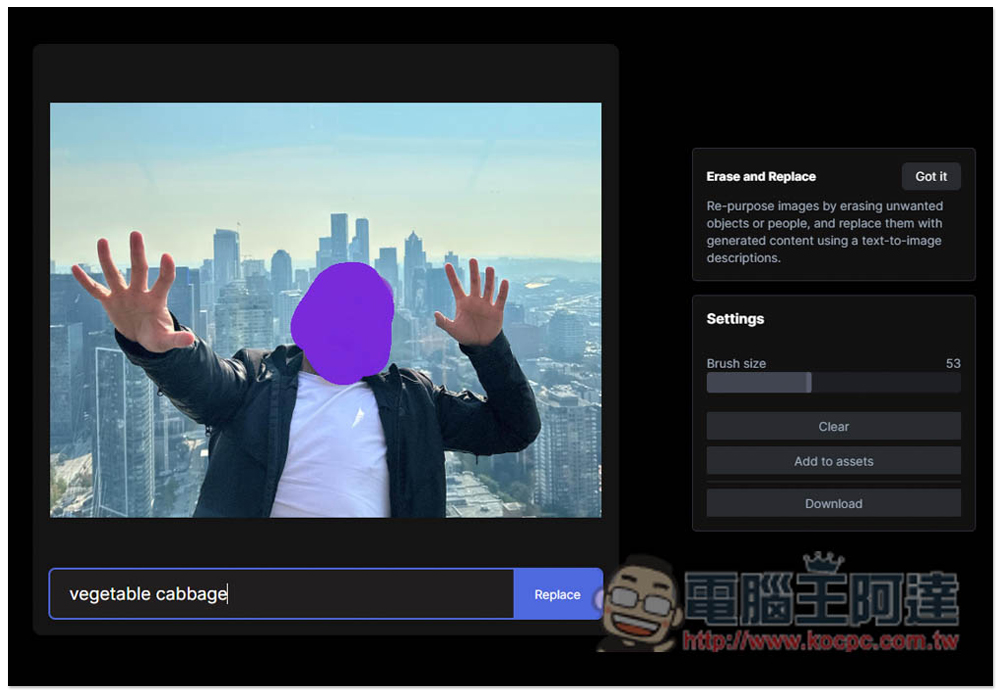
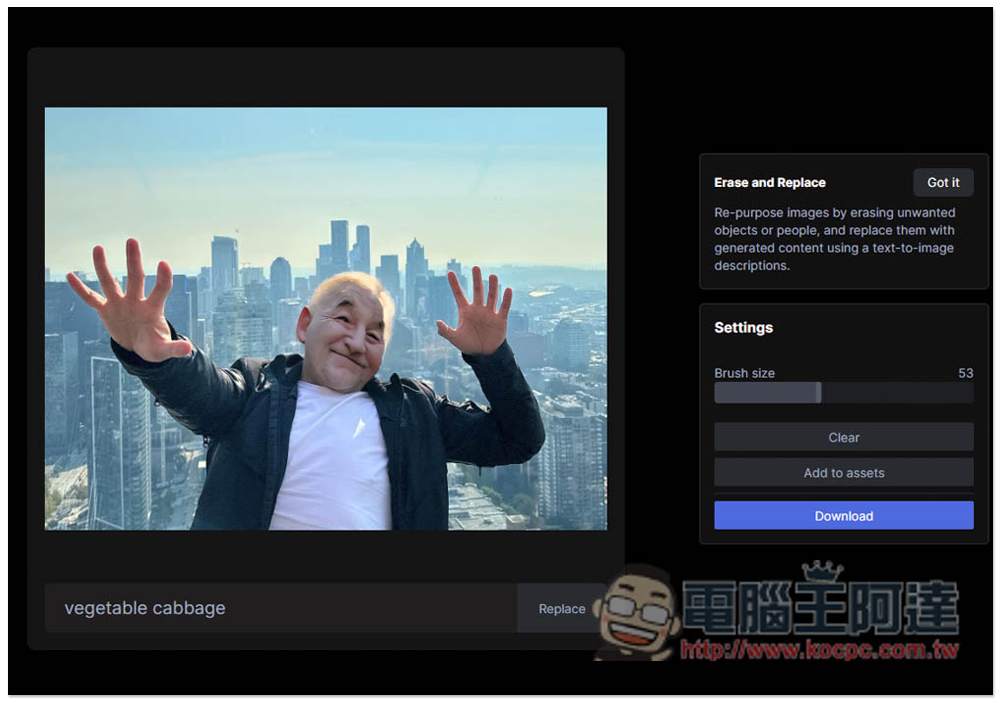
The calculation turned out to be a somewhat obscene old man’s face:
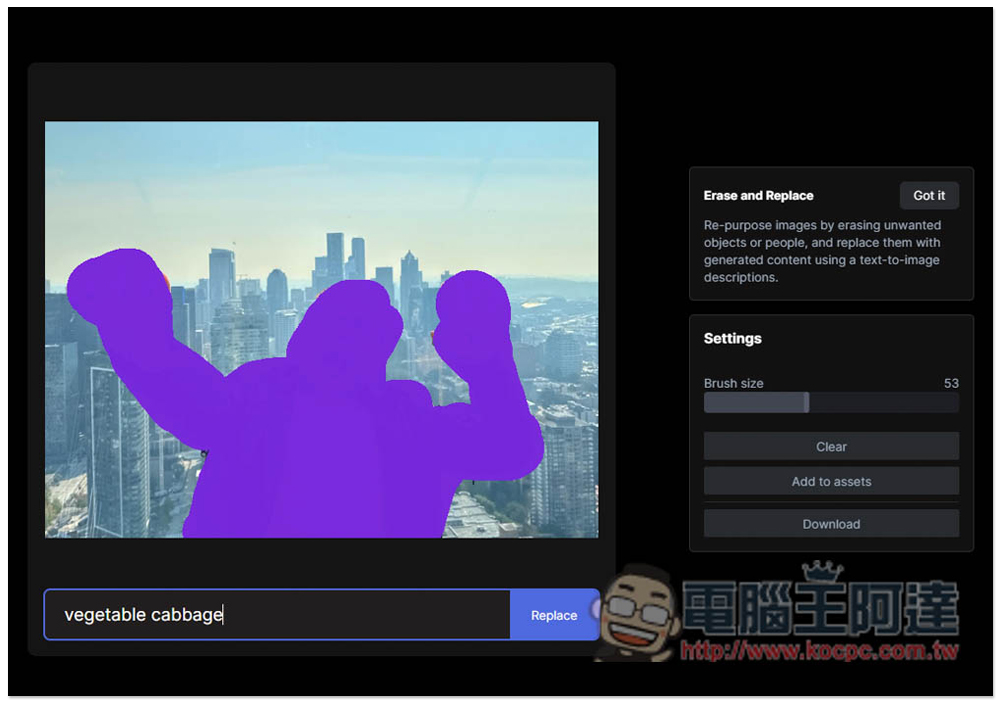
I also tried replacing the whole thing:
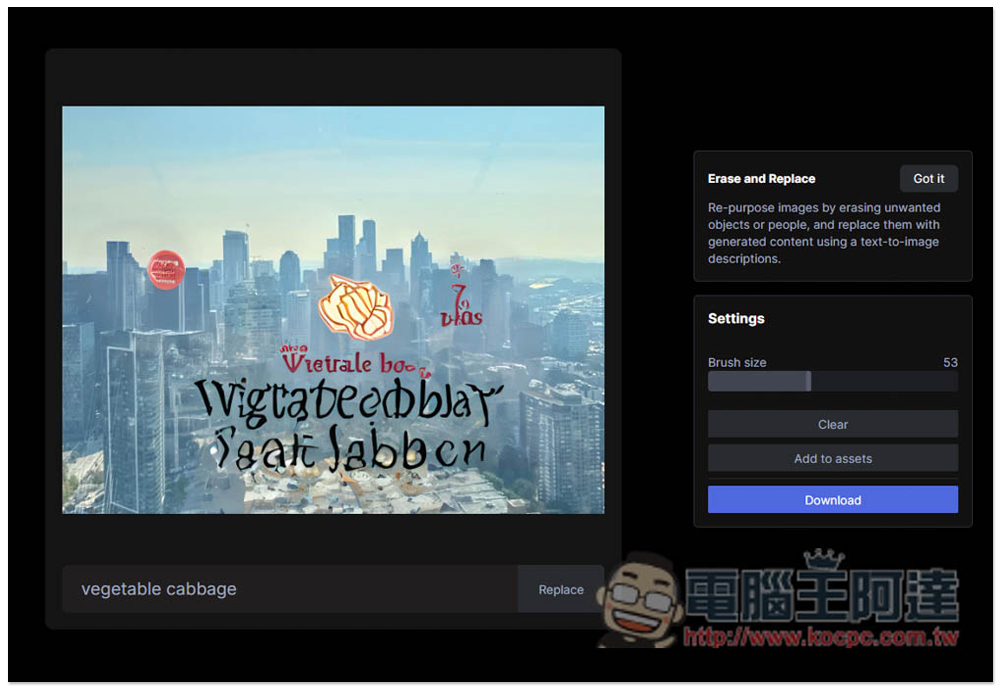
The result is a literal substitution:
Source: KOCPC Chinese