


Now both Edge and Chrome provide the function of paging and grouping, so it has become much easier to manage than in the past. However, paging still needs to be turned on, and it will still occupy system resources. The well-known Workana Although the effect of saving and closing can be achieved, it is still a grouping method. This article would like to recommend a free extension function “Skeema” that is more suitable for work. It can turn a web page into a to-do list. Once completed, the web page will be automatically deleted when it is checked. When adding to the to-do list, the web page can be automatically closed without occupying your browser paging.

Skeema uses a to-do list to manage browser pagination and organize unfinished web pages in a more organized way
Skeema is a Chrome extension that can also be installed on Microsoft Edge. I will use Edge as an example below, and the operation methods are the same. After entering the official website, click Get started:

The Chrome Store page will open, click “Add to Chrome” in the upper right corner:

This window will pop up above, click “Add extension” to install:

After installation, I am not sure if this is true for every browser. My default will be automatically closed. I need to go to the management extension page and manually open Skeema:

You must log in to your Google account to use it, click Sign in with Google:

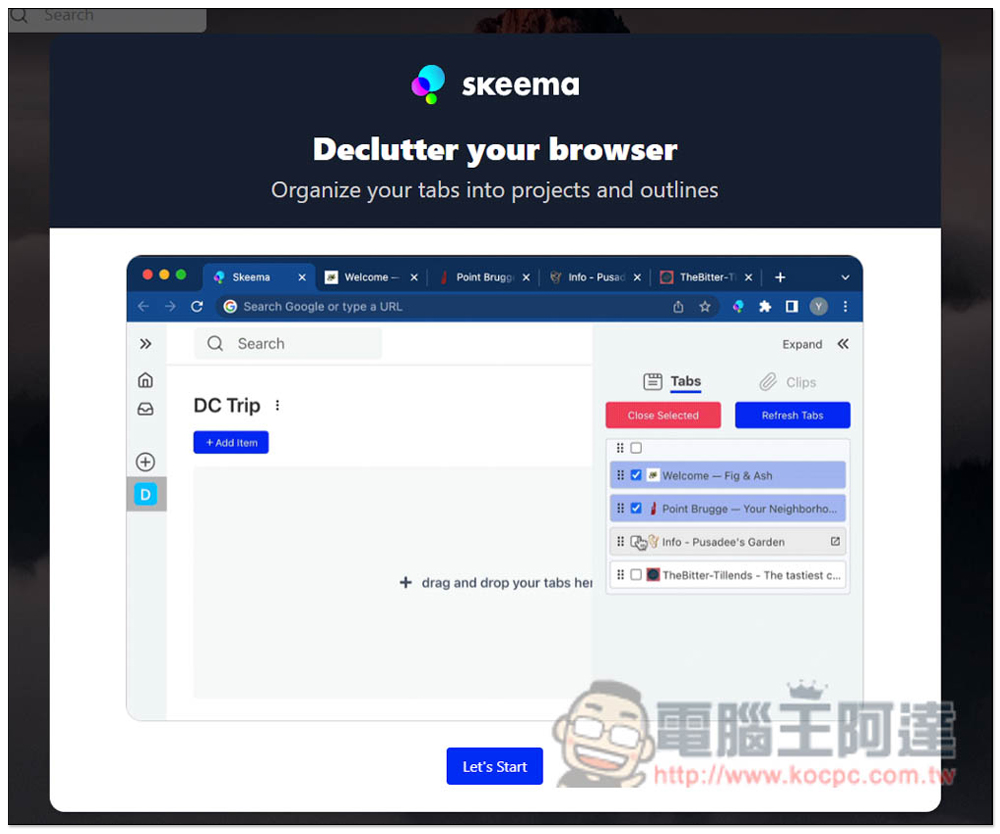
Then you can start using it. There will be a simple tutorial. Those who are interested can take a look first and click Let’s Start:
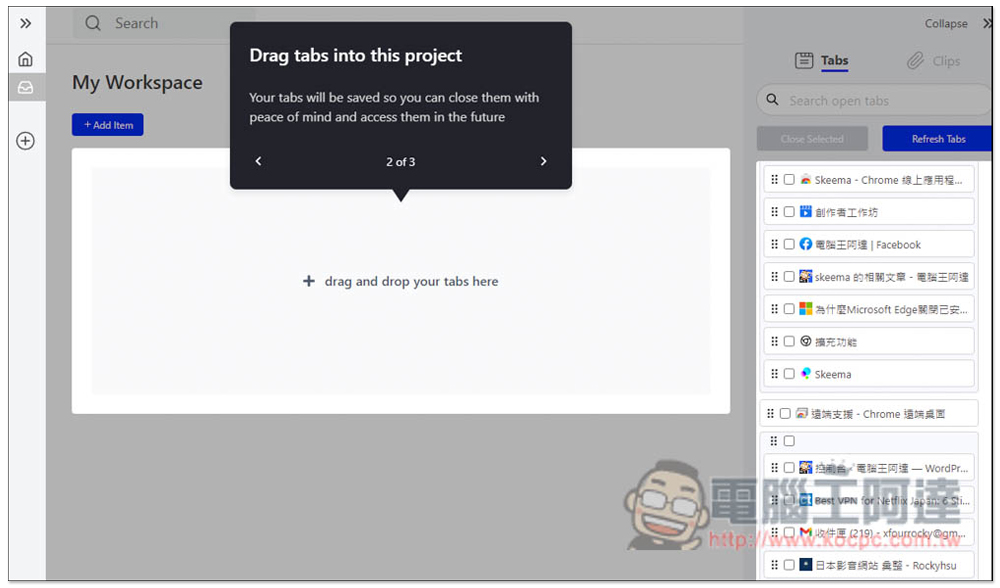
Then you will enter the management interface. The usage is very simple. The tabs currently opened in your browser will be displayed on the far right. If you use multiple browser windows, they will also be displayed separately, so it is easy to find. The middle My Workspace is the management panel:
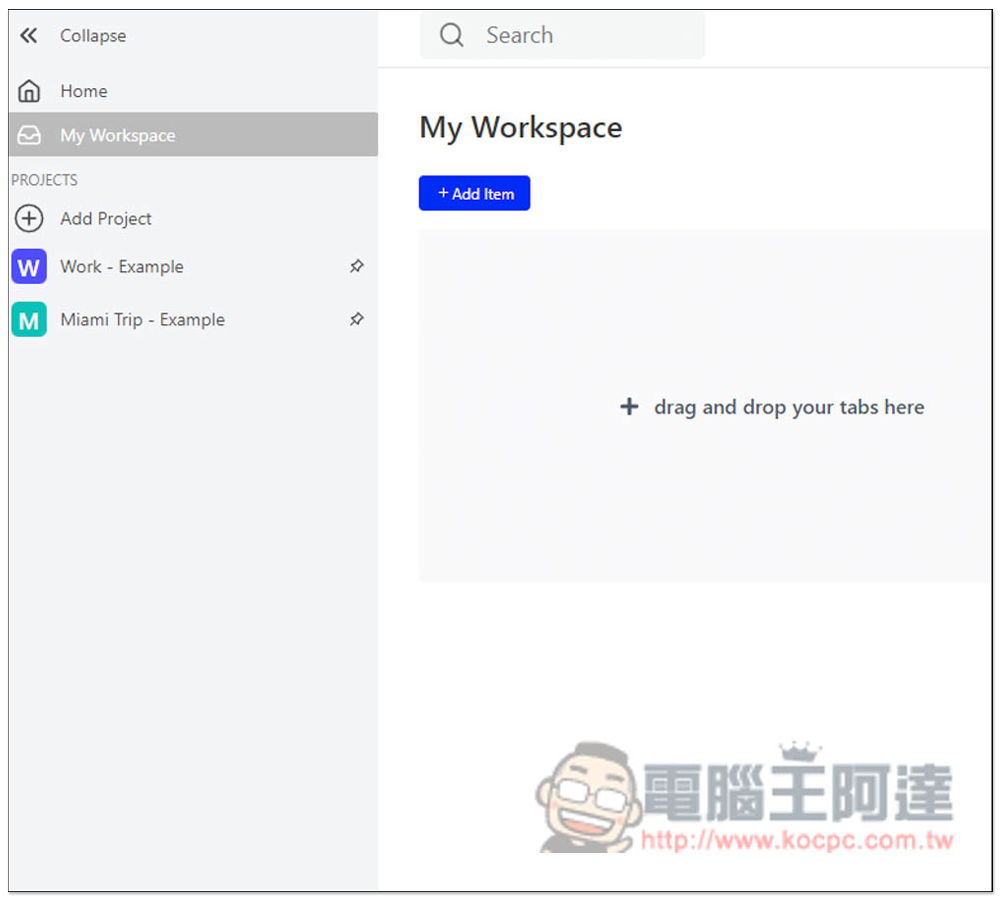
If you don’t need classification, you can manage your web page pagination directly in My Workspace. If you want, please create a Project first, which can be found in the left menu. It is worth noting that this extended function not only turns web page pagination into a to-do list, but also allows you to enter a plain text to-do list by clicking +Add item:
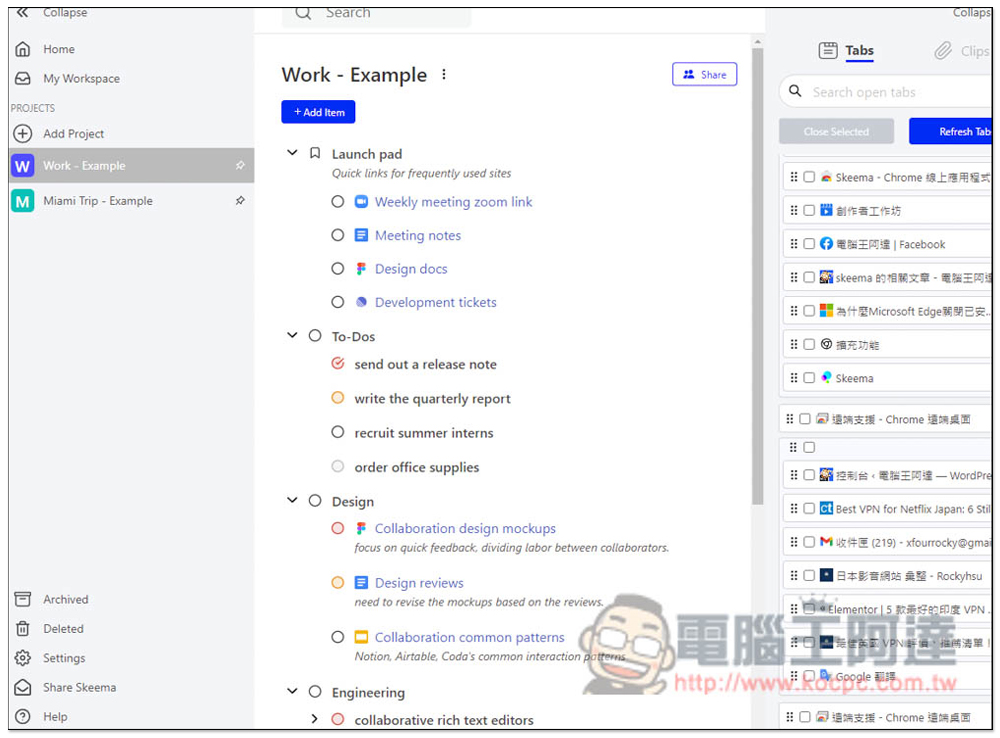
If you don’t know how to classify it, you can refer to the examples they provide, which include Work and Miami Trip:
Click Add Project to create a new project and enter the name you want:
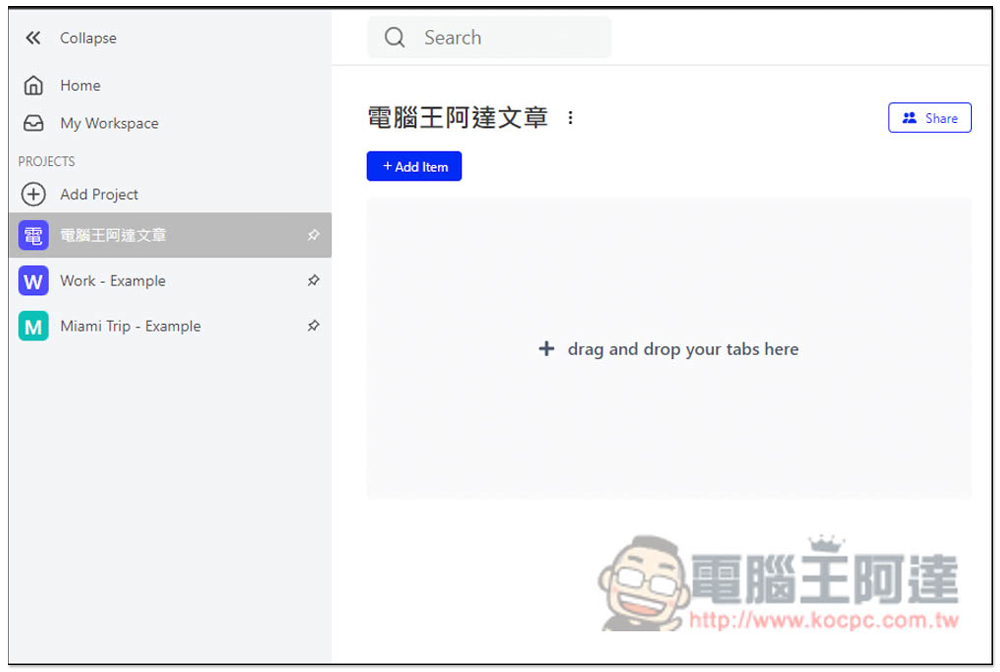
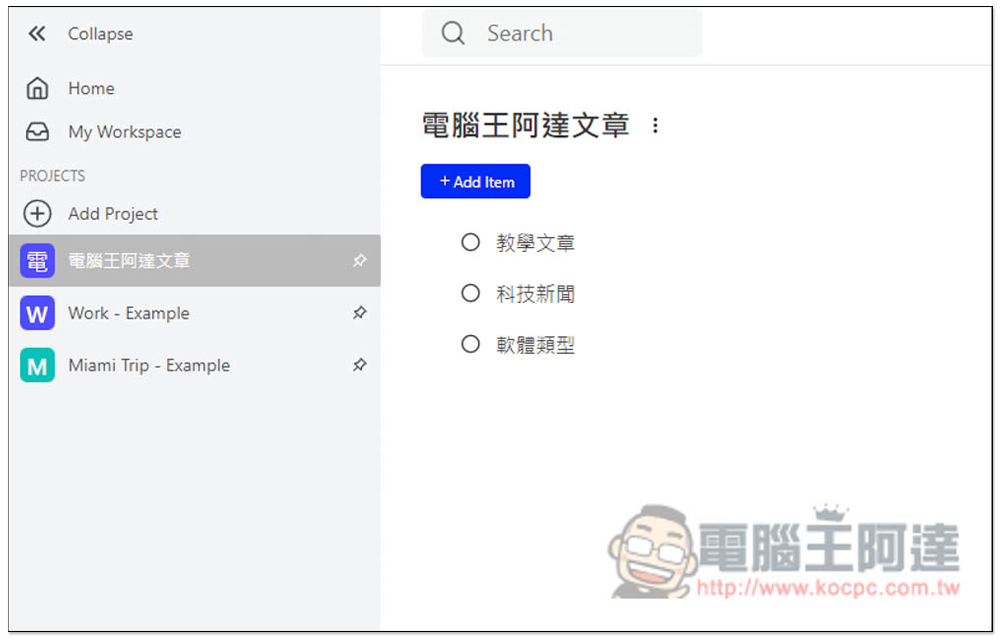
There are roughly three types of my usual work, teaching articles, technology news, and software types, so I first create these three:
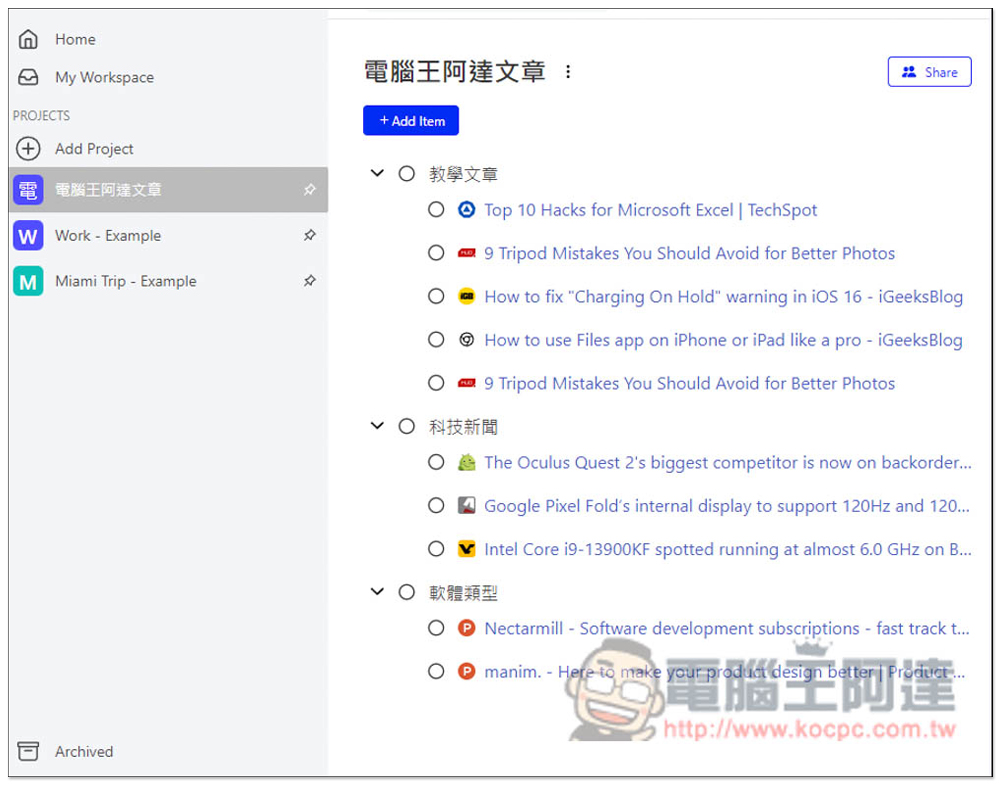
Then you can drag the good pagination to each type one after another, as shown in the figure below. After the default drag is completed, the web page pagination will continue to be retained. If you want to automatically close it, please adjust it in the settings first:
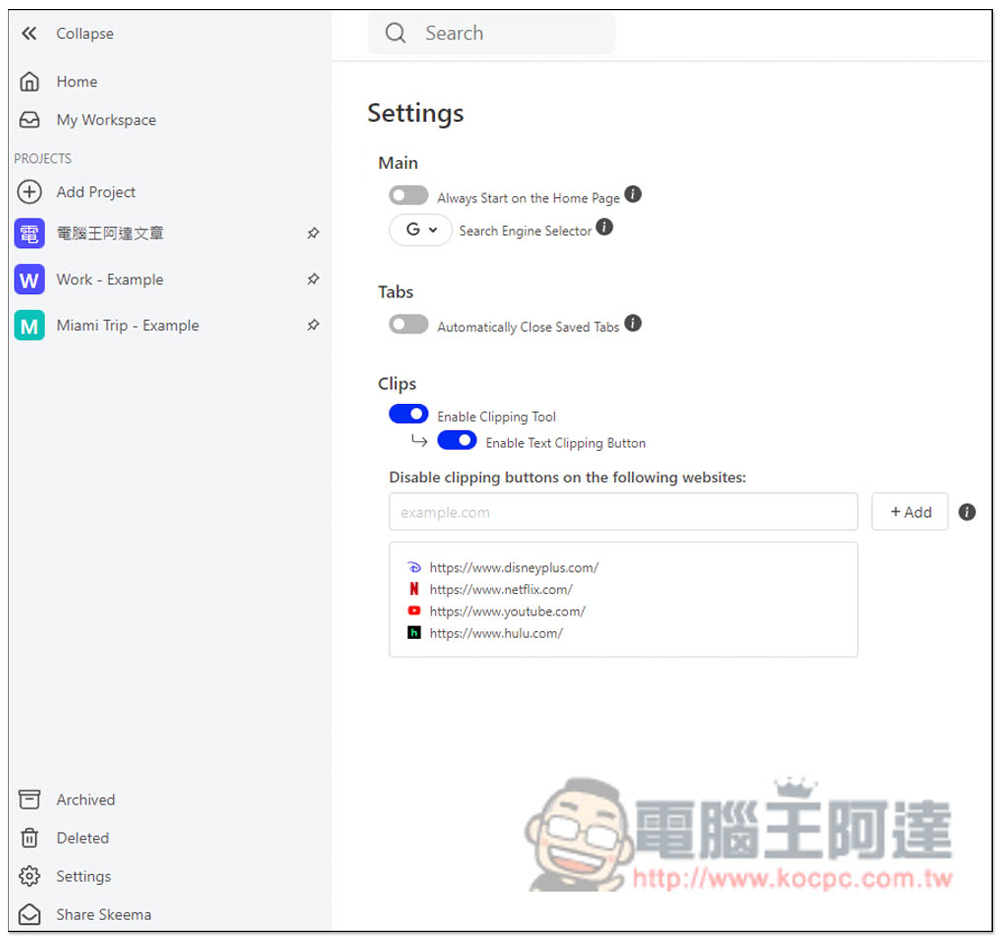
Turn on Automatically Close Save Tabs under Tabs:
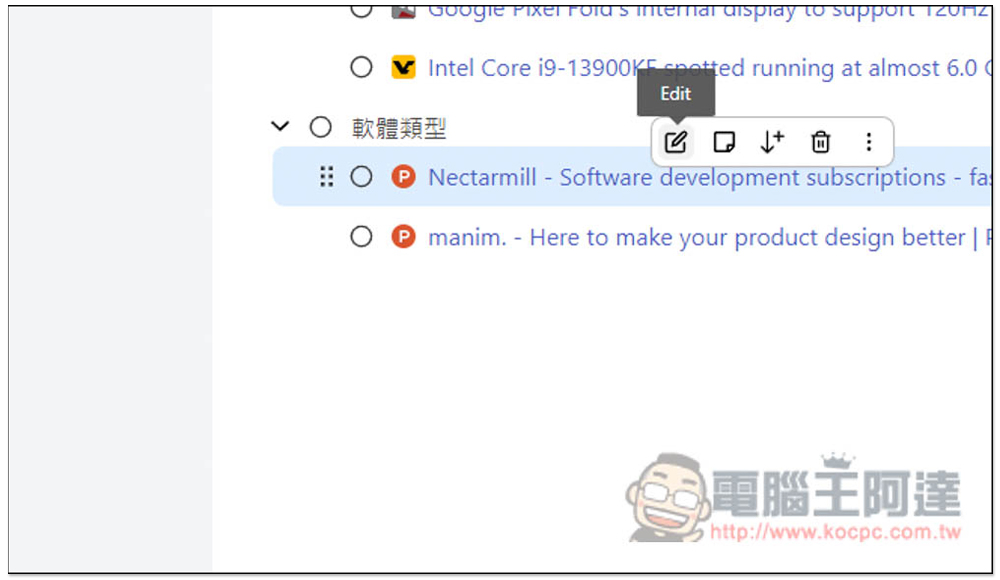
If you think that simply using the name of a web page, you may not know what it is used for in the future, you can also edit it to the name you want. Move your mouse to the top and a menu will pop up. Click Edit to edit:
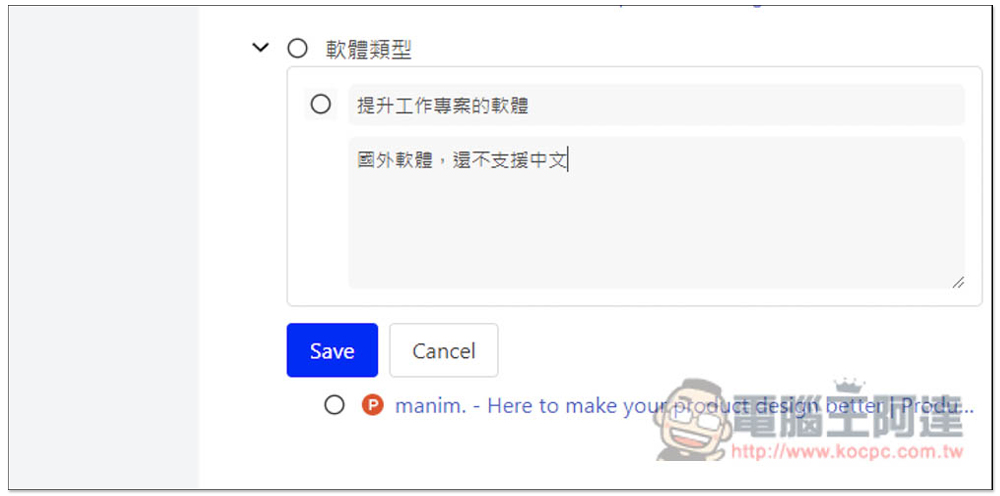
Enter the name above, and the description depends on whether you need it, and then press Save:
It will become the name you entered:

After completion, move the mouse to the circle and select Completed. The saved tab will also be removed:

Source: KOCPC Chinese