


Although there are many free download tools that can convert website music to MP3, sometimes you still encounter situations where downloading is not possible, or downloading is not provided. At this time, you can consider using Vollume Sampler, a free extension plug-in that supports Chrome and Edge browsers. After installation, you can record the playback sound of the web page. All websites support it, and the recording quality is quite good.
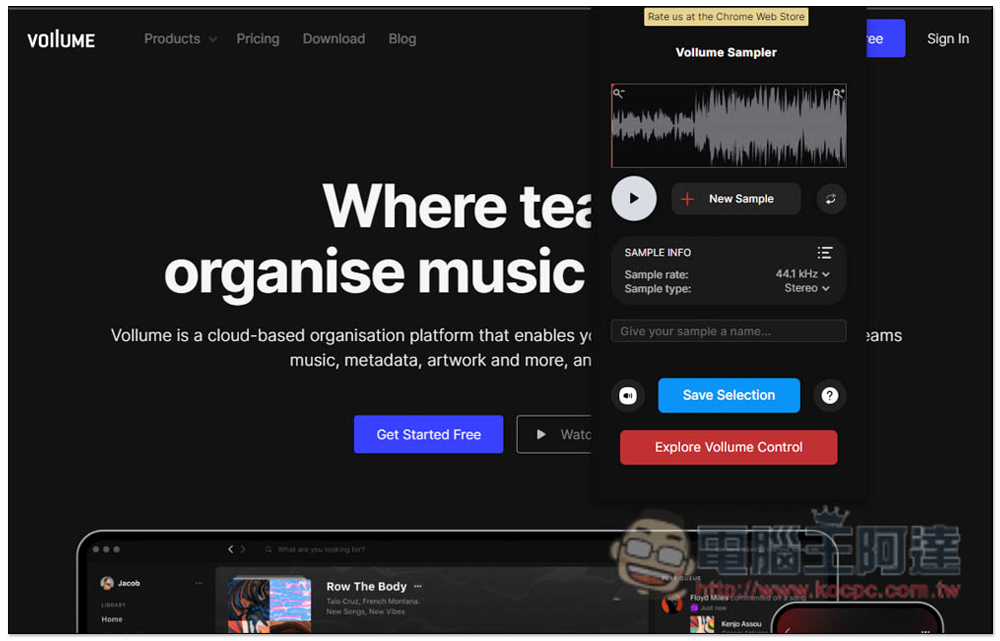
Vollume Sampler is a free recording extension that can record “web page playback sounds”
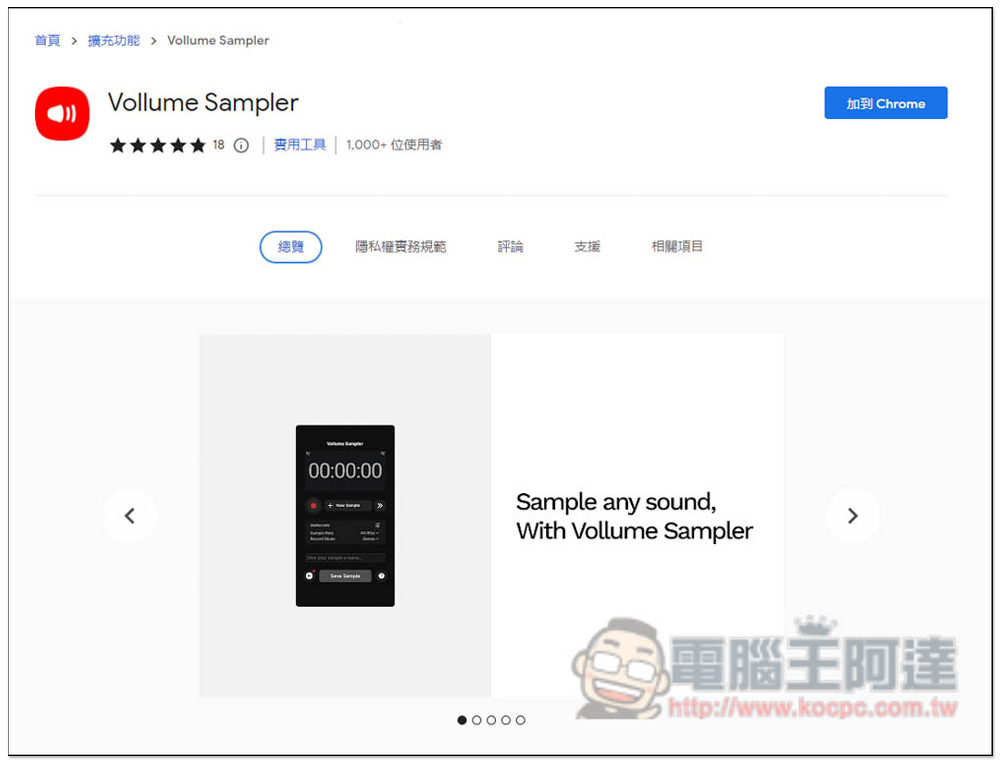
Vollume Sampler can be installed on Chrome and Edge browsers, and the operation method is the same. I will use Edge as a demonstration below. After entering the Chrome store page, click the upper right corner to add to Chrome:
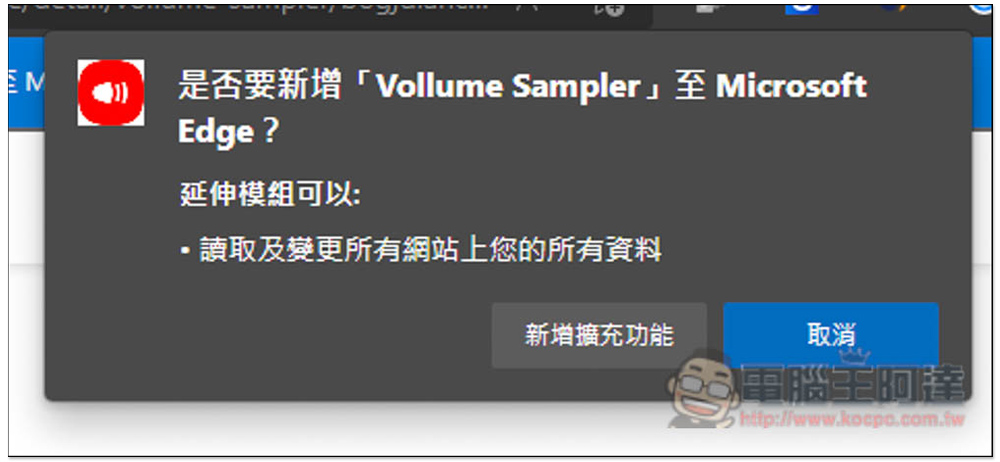
This message will pop up above, click “Add extension” to install:
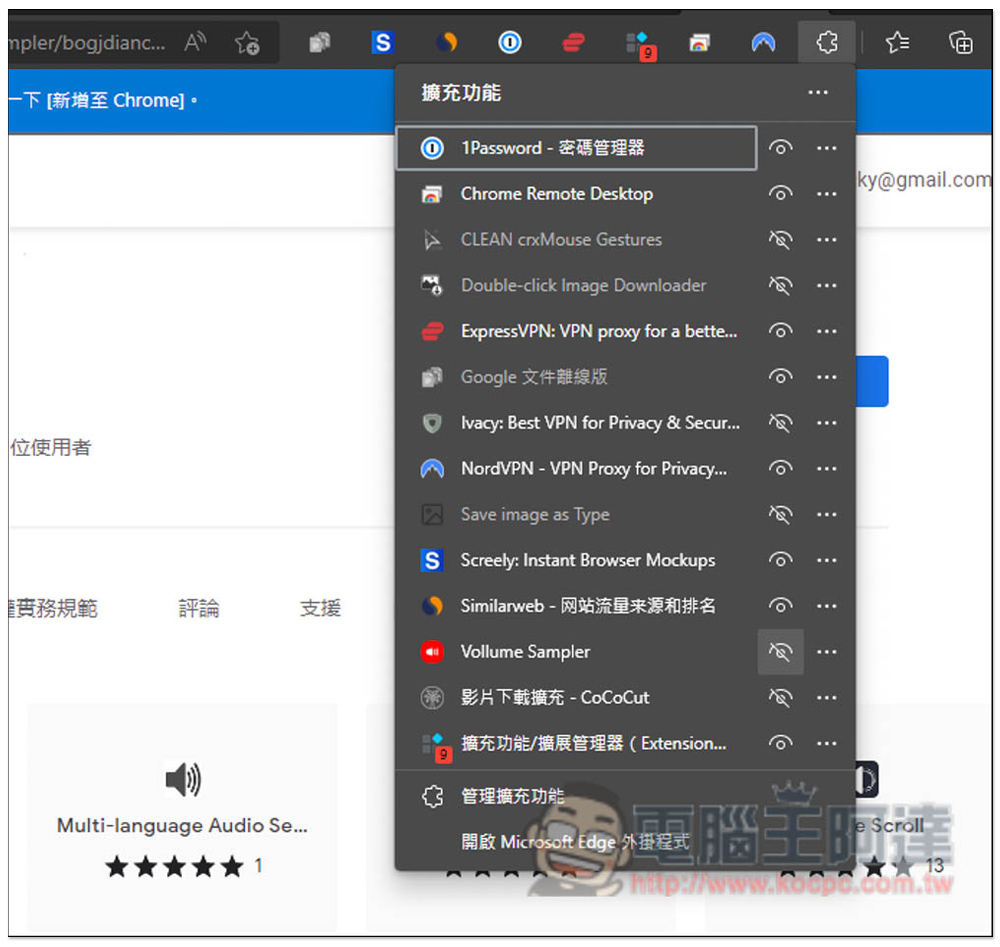
After the installation is completed, the default function icon will be hidden. Open the puzzle icon on the right and open the eyes of this product to appear:
Although it is only in English, the usage is very simple. After opening the function icon in the upper right corner, press the red recording button to start recording. There are some settings below that can be adjusted:
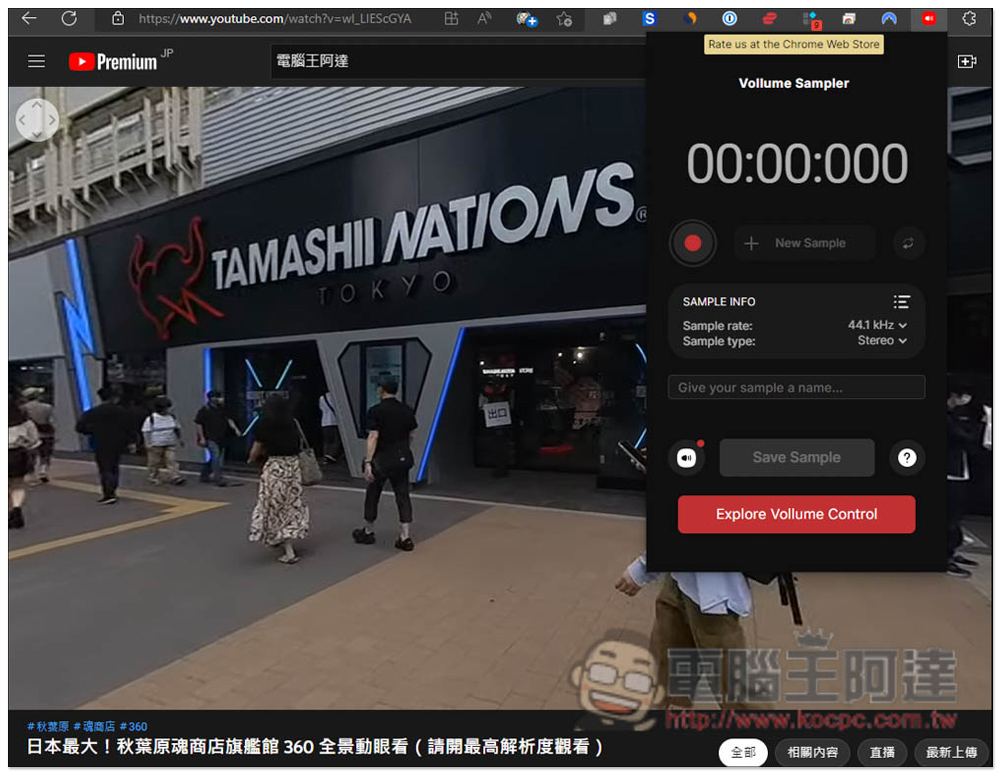
Sample rate has three settings: 44.1kHz, 48kHz and 96kHz:
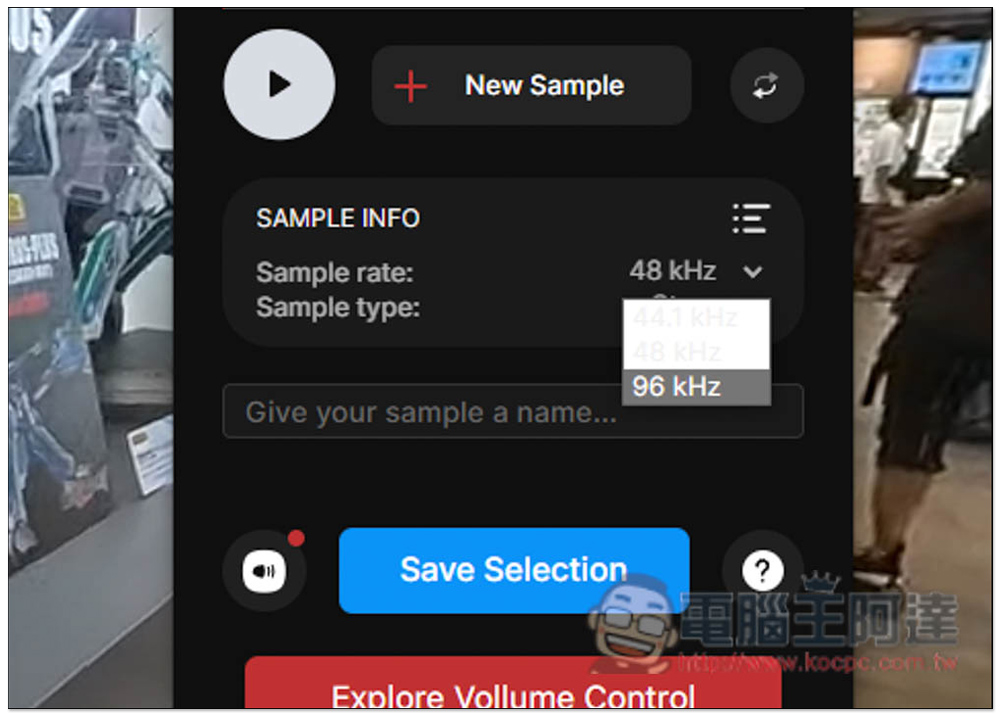
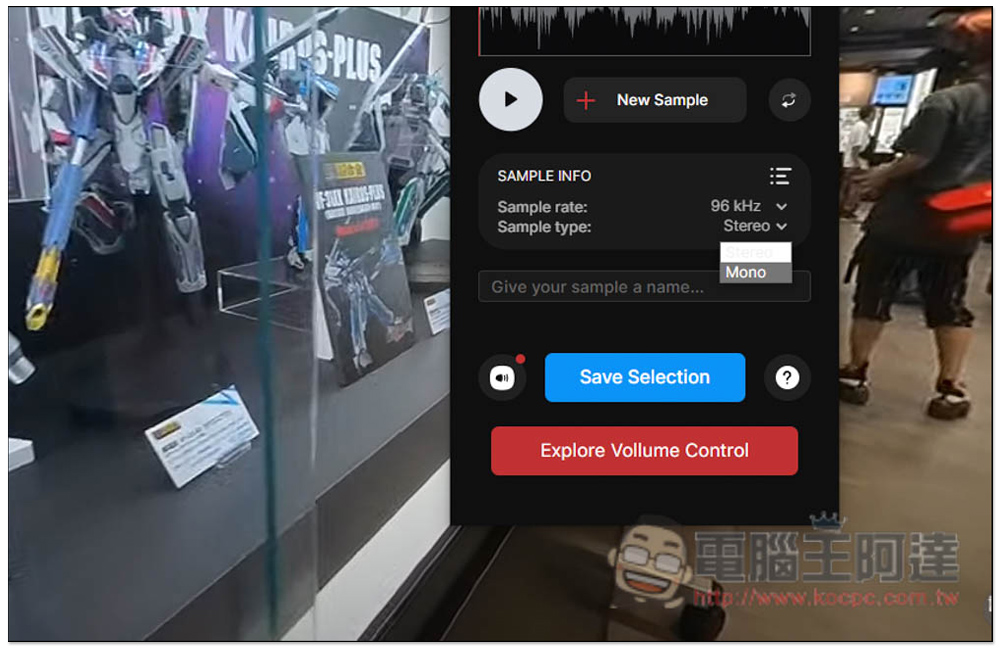
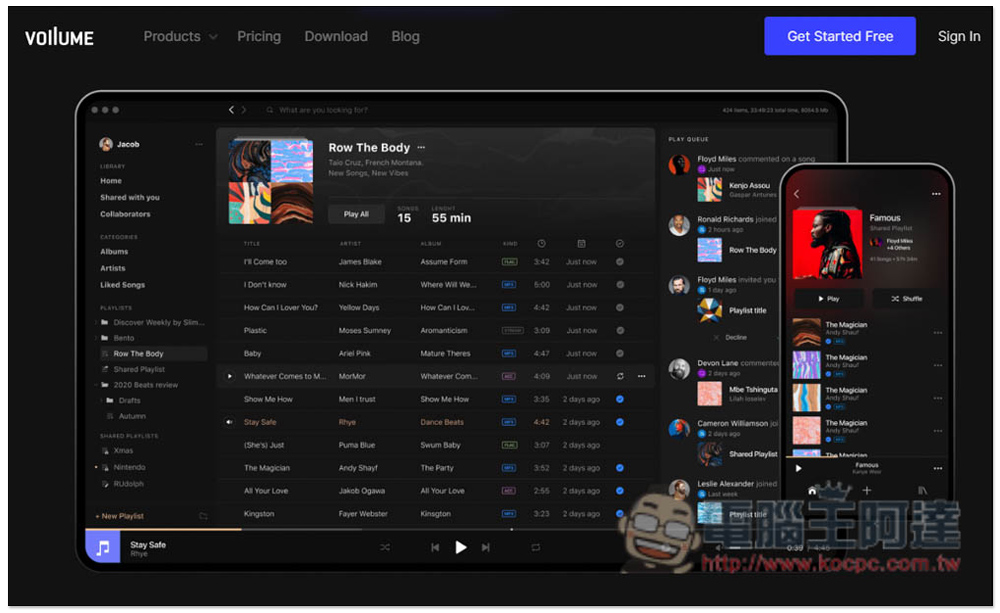
Sample type has two options: Mono and Stereo. There is a speaker icon (Control) on the left. This is an advanced function, including playlist management, message function, file sharing, and cloud storage. It is only available to paying members. Friends who really like this tool can jump to the official website with one click to see more:
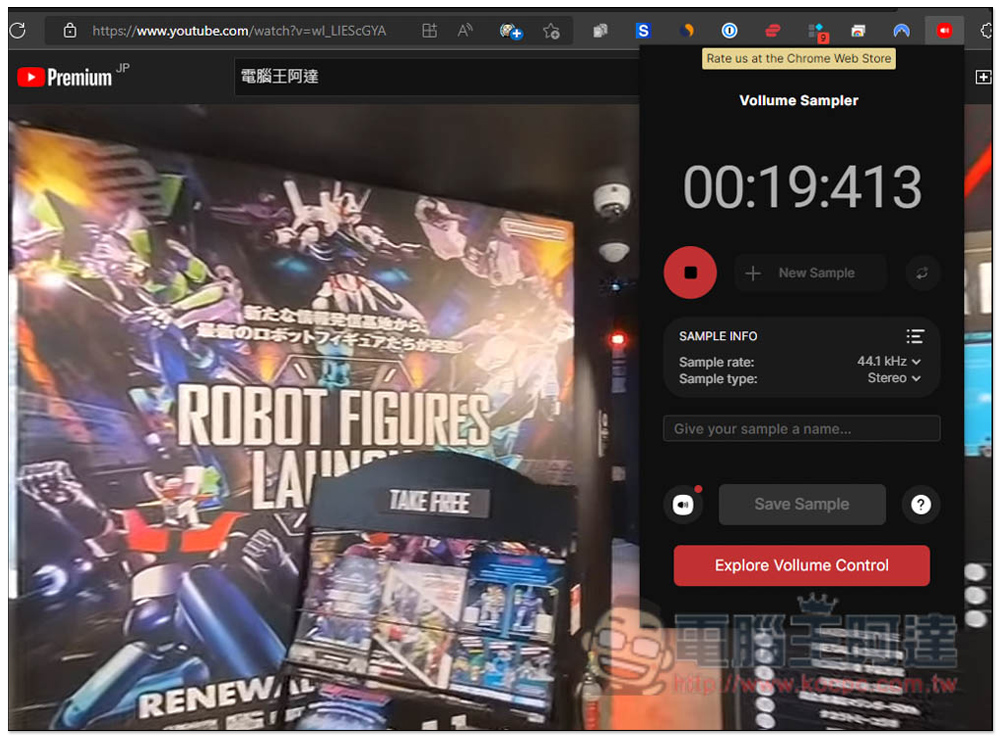
After you start recording, the red button will turn into a square, and the timing will start at the top. After recording, just press the square to stop. This model does not provide a pause function, and you must record to the end in one go:
After recording, you can press the play button to listen to it first, and then download it if you are satisfied. This is quite good:
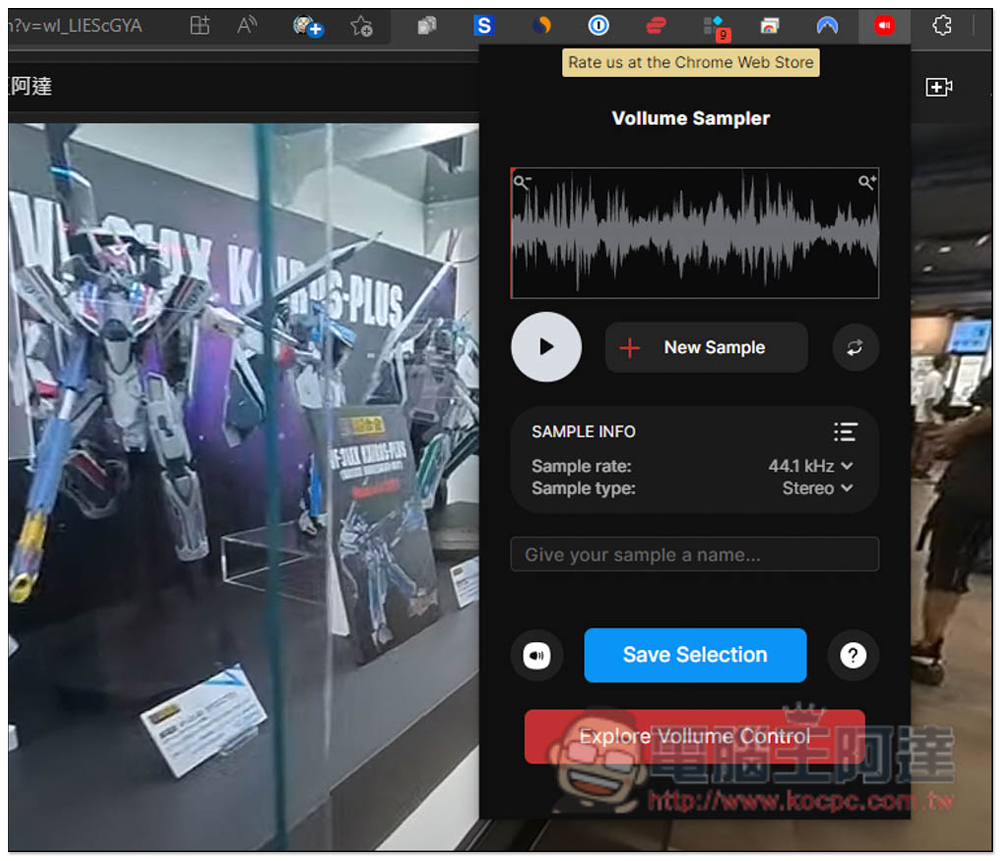
Enter the file name you want below and click Save Selection to download it to your computer:
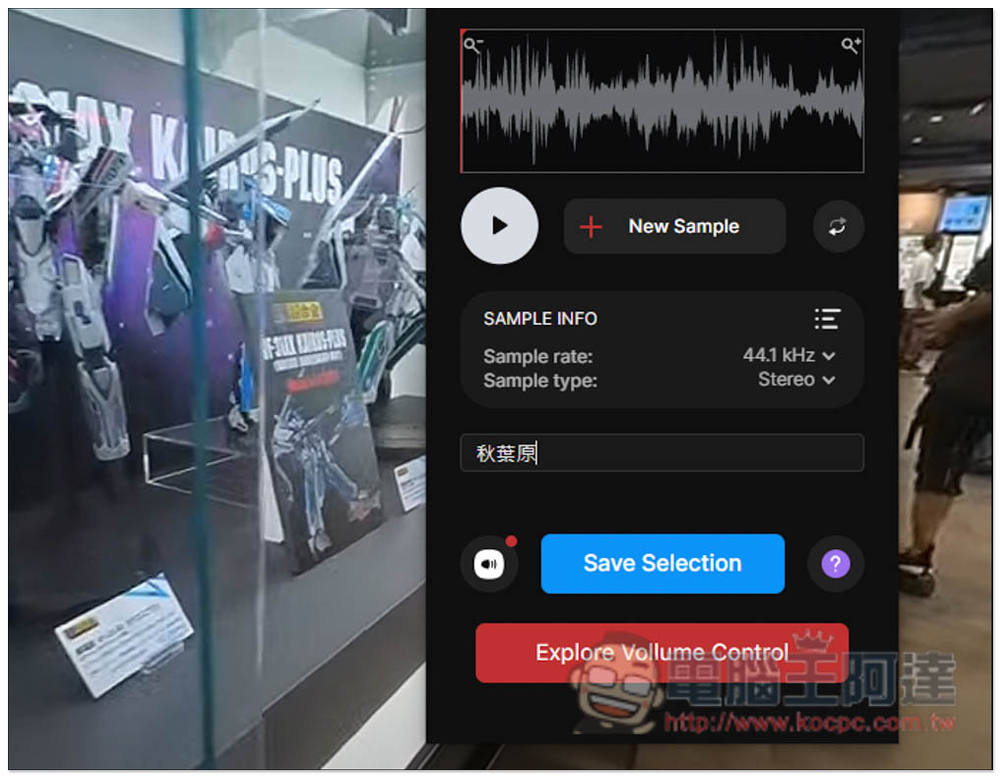
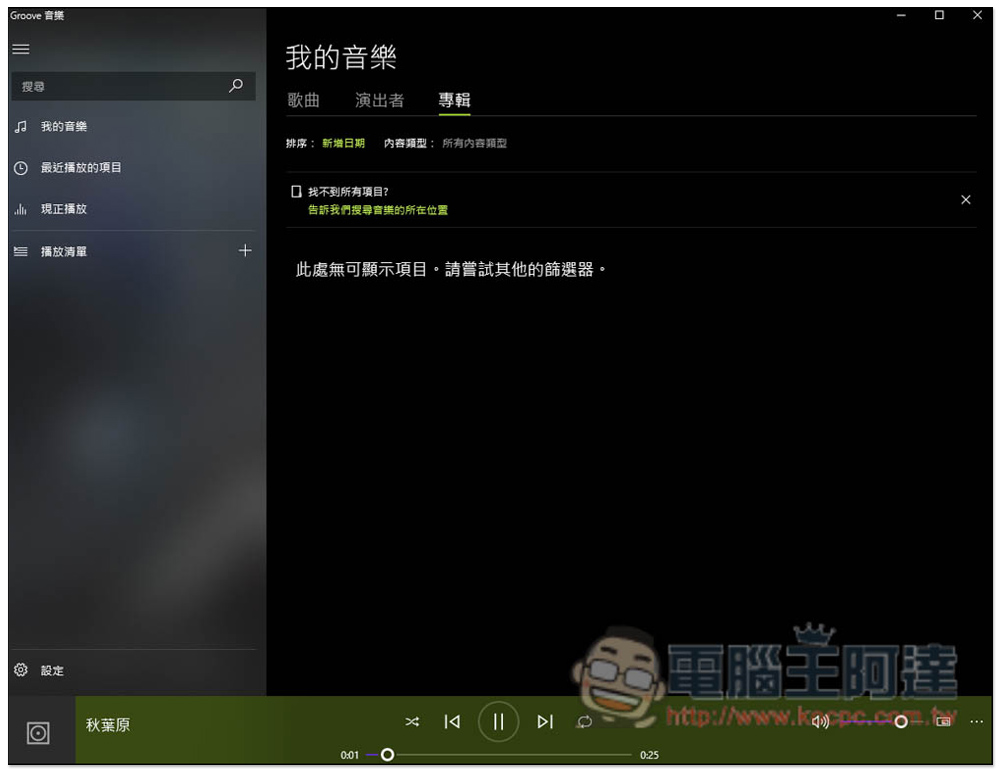
The format is WMV, and no other audio options are provided. I am not sure whether the paid version is available, so if you want MP3 files, you need to use conversion software to convert:
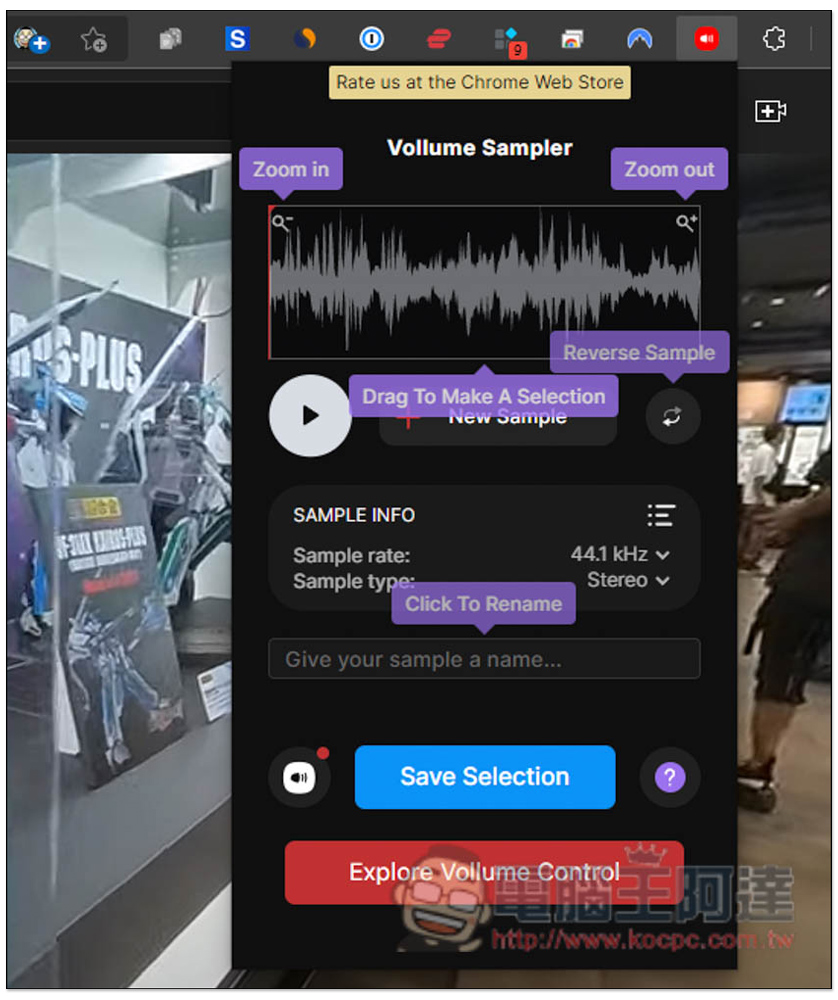
If you don’t know what each function does, is there one on the right? icon, click on the screen and a description will pop up:
The main feature of this official website is that it can record Spotify music. In my actual test, it can indeed be done. I have to say that it is really powerful:
Finally, I would like to remind you to pay attention to copyright when recording. I’m not sure if there is a limit to the length of the recording, and if there are multiple web pages playing the sound, will it conflict? I’ll leave this part to the readers to try it themselves.
This product cannot record sounds other than the browser, such as games, videos, etc. If you have such needs, you can refer to the ones we have compiled. 10 super useful screen recording software, both video and audio recording are possible, and they are very easy to use, both free and paid:
Source: KOCPC Chinese