


Previously, we introduced a very powerful Midjourney that can use text to generate images through AI. Although the effect is great, it requires Discord software, and the operation is also difficult for friends who are not good at English. This article will introduce another free online tool called AI Background Generator that can achieve the same effect. It also requires inputting text to let AI generate suitable free background images, but it is easier to use.
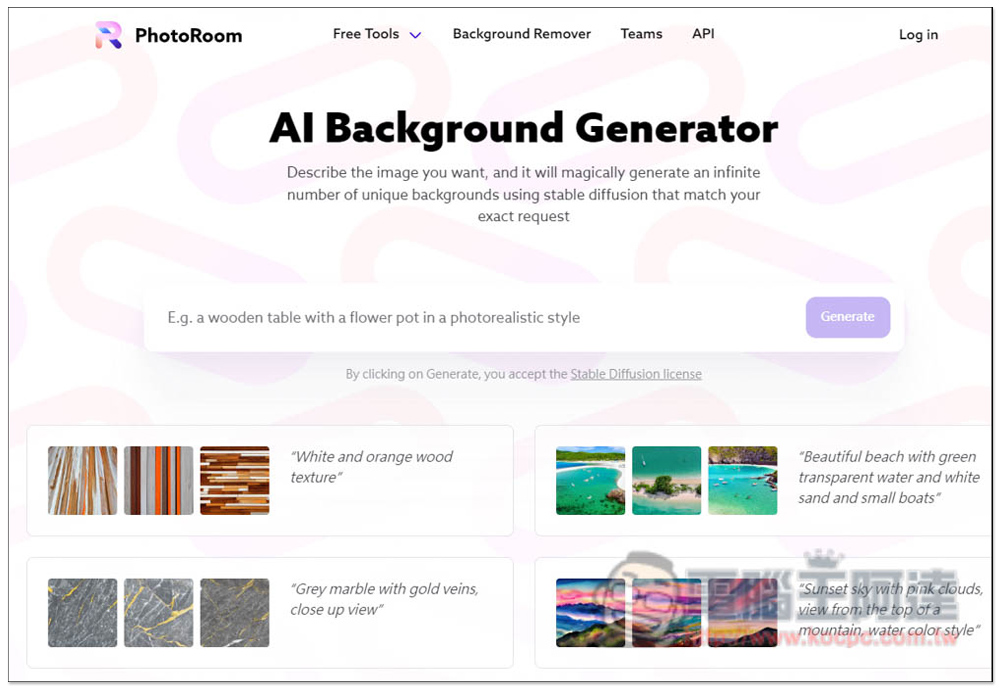
AI Background Generator Enter a text description and let AI help you generate matching free images
AI Background Generator is a new free online tool launched by the well-known image editing software PhotoRoom. It is very simple to use. After entering the website, enter the image description you want to search in the middle box. Currently, it only supports English. Single words are enough, not necessarily sentences (sentences will be more accurate). If you really don’t know how to enter, there are several examples below for reference, such as “White and orange wood texture”, “Beautiful beach with green transparent water and white sand and small boats”:
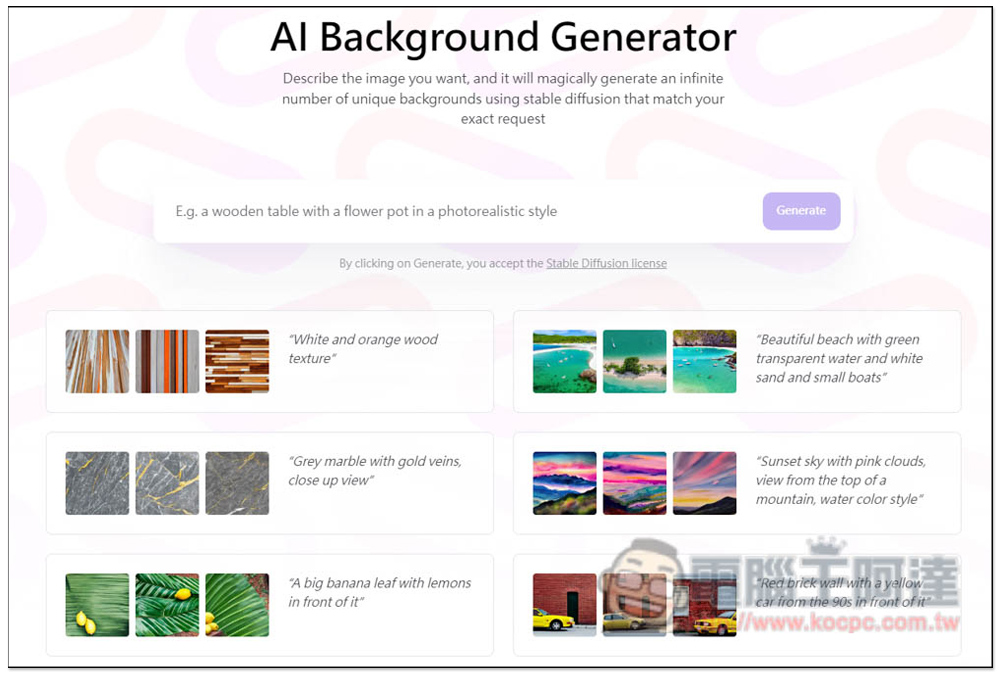
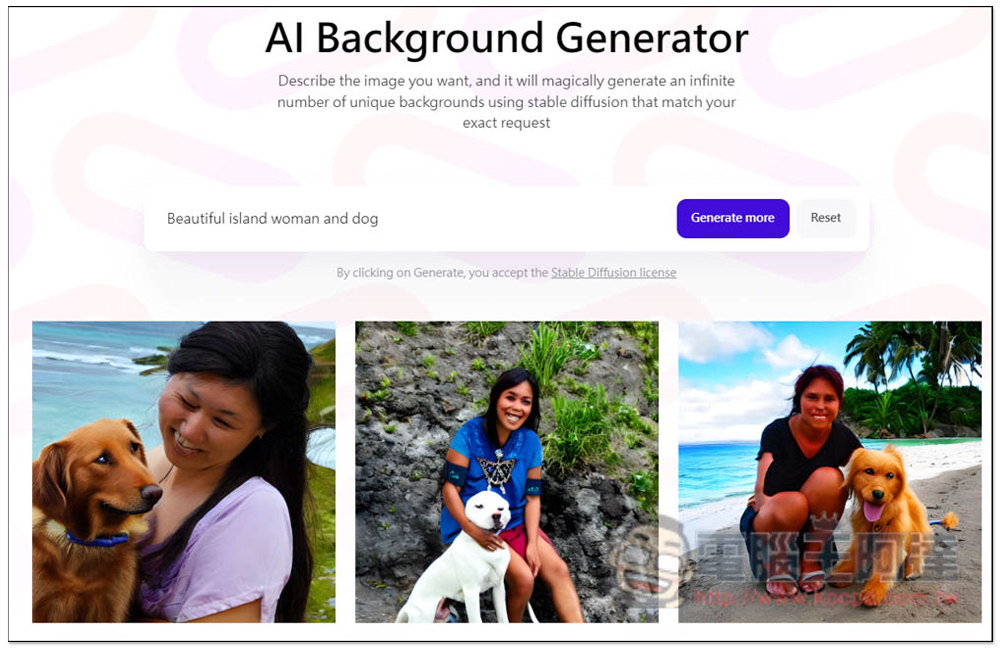
I will first test the sentence Beautiful island woman dog, Beautiful island woman dog:
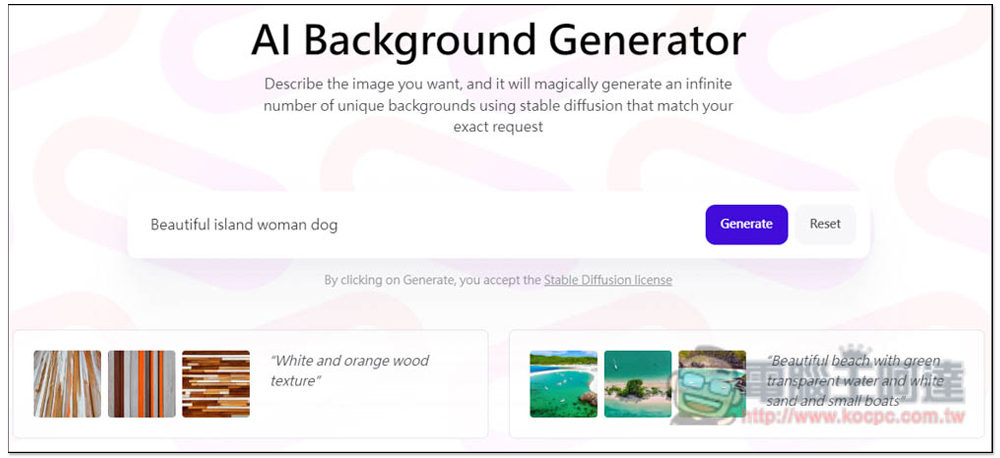
Unexpectedly, the results showed only dogs and no women. I guess it may be related to the lack of and in my middle:
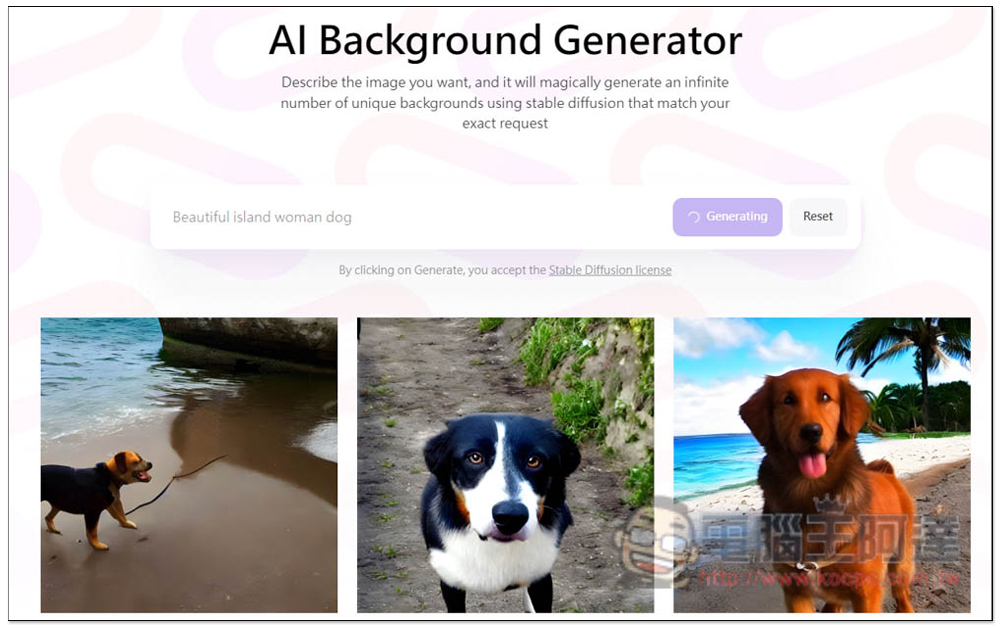
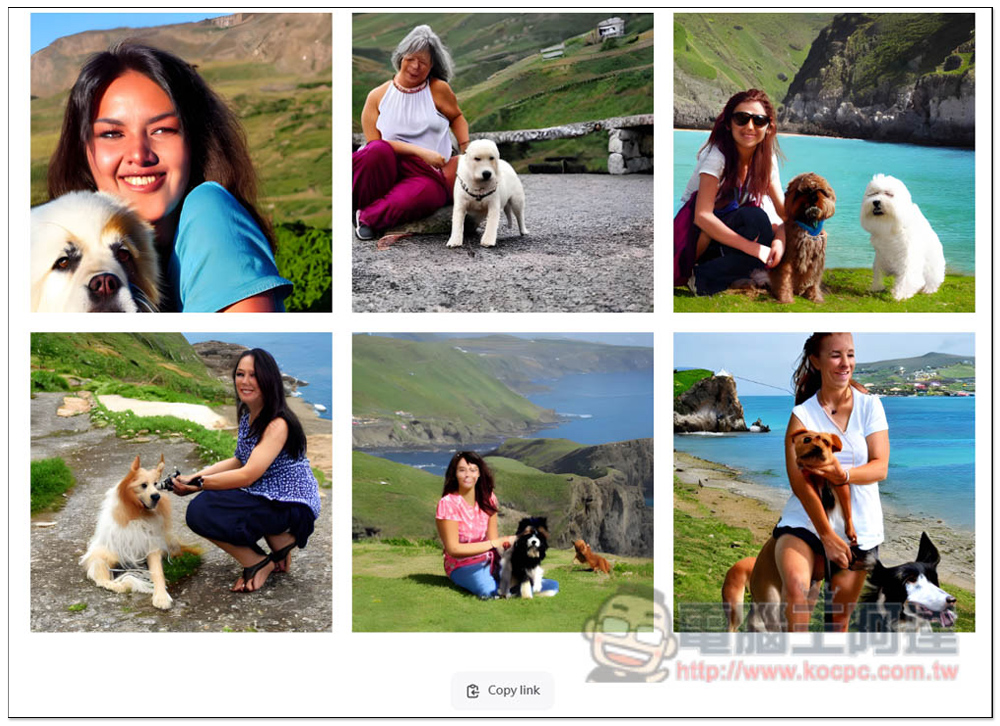
Then I added and, and women and dogs appeared. However, it should be noted that the women generated by this tool’s AI still need to be strengthened. Some proportions look strange, and even the faces are crooked. As expected, it is just like its name. It is mainly used to generate backgrounds. It is recommended not to use it for the character part.
Only three pictures will be generated at the beginning. If you want to refer to more, press the Generate more function below, and more pictures will be generated, up to nine. There is no way to add more:
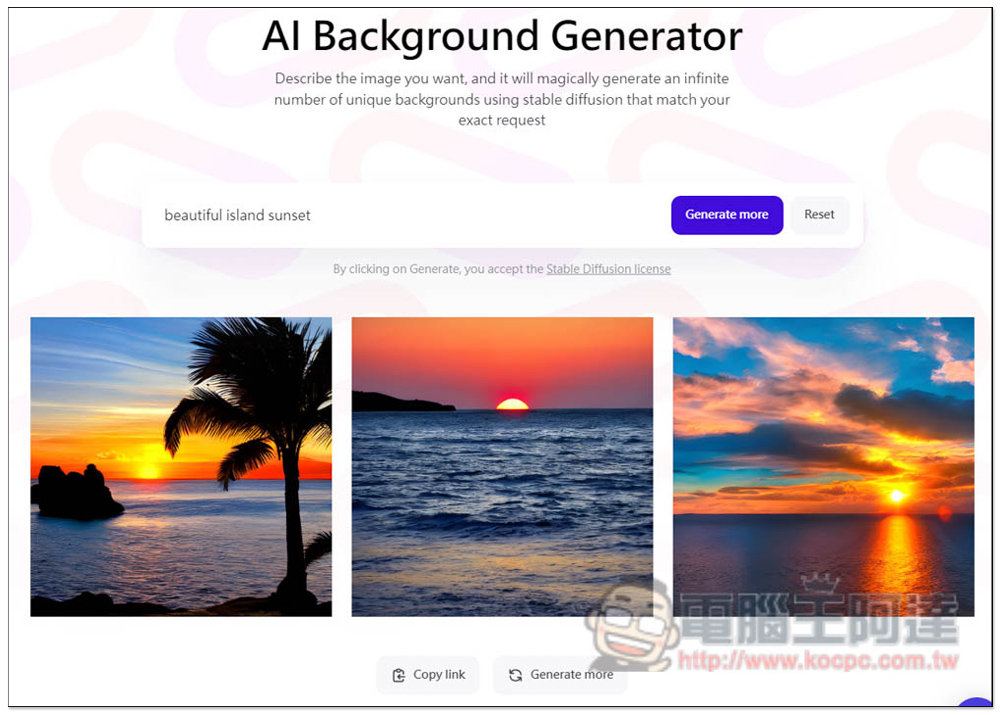
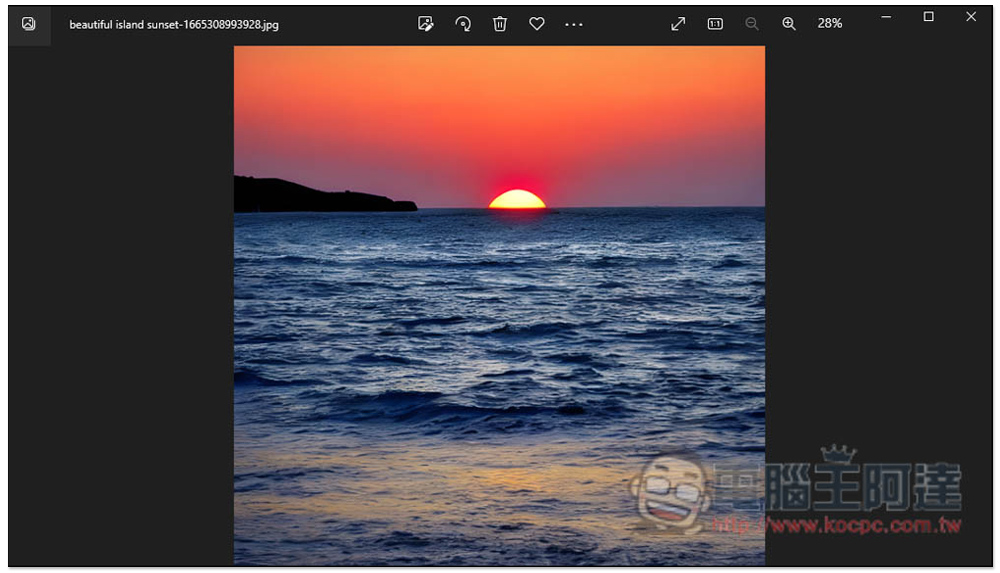
Then I removed the characters and dogs and turned it into beautiful island sunset (beautiful island sunset). The resulting picture was quite normal and quite beautiful. There is also a Copy link function below, which will copy the URL link of the current search results. Others will see the same image results after clicking:
When you find a picture you are satisfied with, move your mouse over the picture. You will see a download icon on the upper right. Click to start the download. No registration is required:
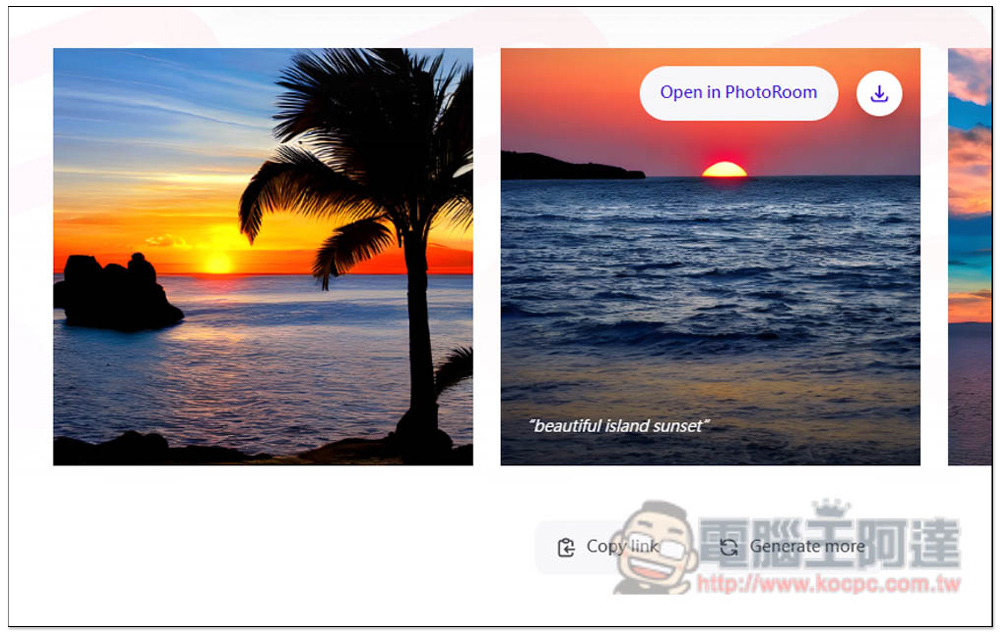
The downloaded images are high resolution and have no watermarks. I heard that the generated pictures can be used both personally and commercially, but I didn’t find the authorization instructions. If you want to use them for commercial purposes, you can look for them on your own (you may be able to find them on the official PhotoRoom website):
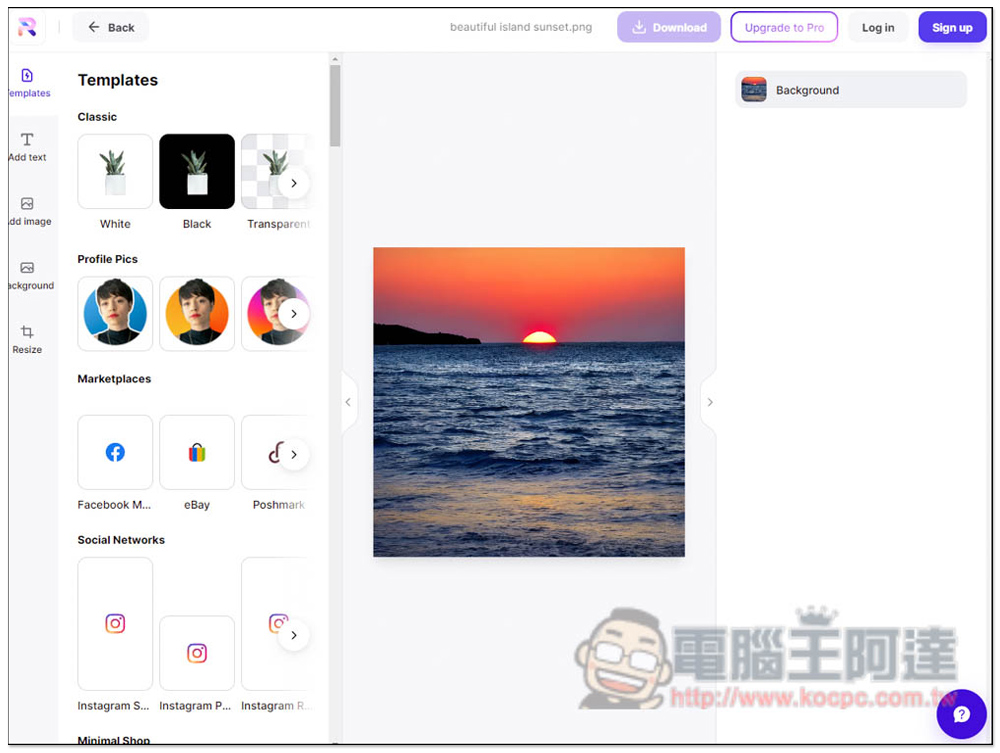
Pressing Open in PhotoRoom will open PhotoRoom’s post-production interface, which contains many tools, but some are only available to Pro paid users:
Source: KOCPC Chinese