


There are many free image compression tools on the Internet, but they all need to upload photos and images to the website server. For some friends, you may not be so assured, or the image you want to compress is an important file and is not suitable for using online tools. In this case, you can use the CompressImage free image compression tool instead. All compression actions are completed in the browser, no uploading is required, and it supports offline use, which means that the security is quite high and the compression quality is also quite good. You can even adjust the size of the largest long side and convert it to WEBP format, I will introduce it to you below.
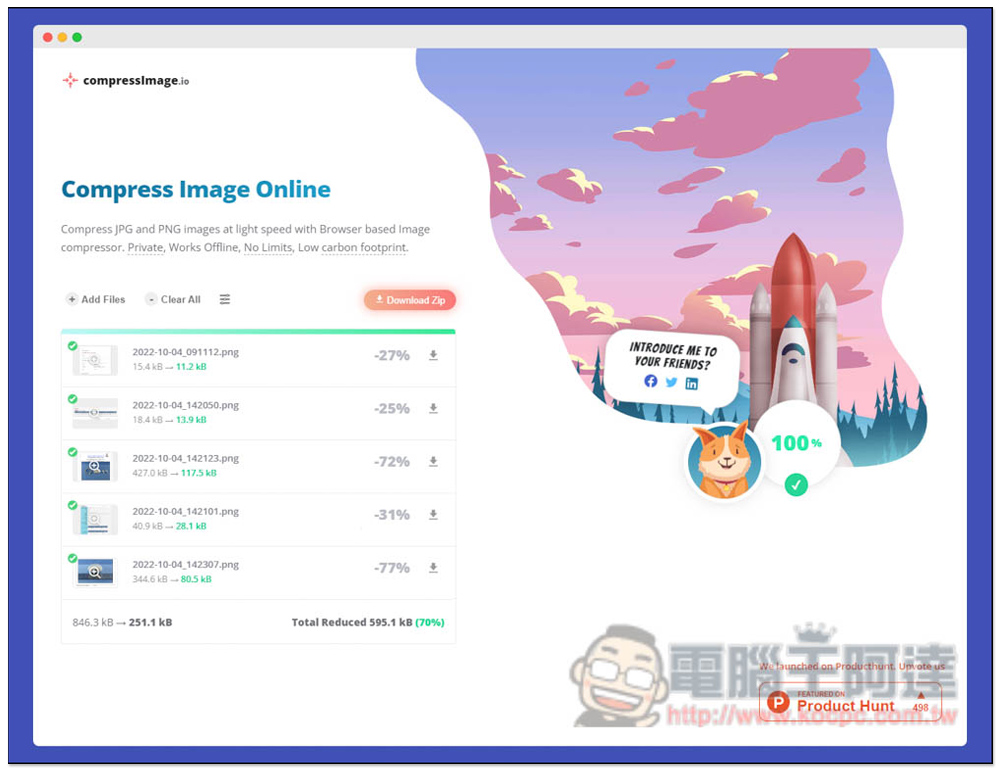
CompressImage is a free tool that can compress images using your browser. It is available offline and does not require uploading.
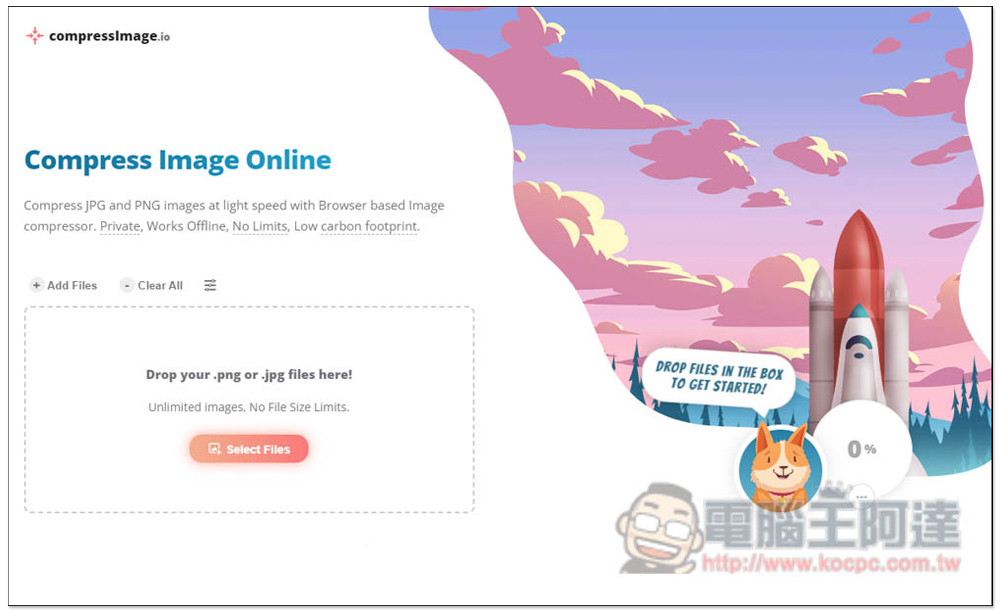
CompressImage is a very lightweight webpage that only has the function of compressing images. The webpage description states that this tool supports compressing images in JPG and PNG formats. It is lightweight and fast, and can be completed in the browser. It has high privacy and can be used offline. At this time, just drag in the image you want to compress and it will start processing. There is no limit on file size or quantity. You can compress as much as you want:
The compression speed is super fast, and the larger the file, the higher the compression ratio. For example, I have a 427KB picture that is compressed by 72%, leaving only 117.5KB. Another 344.6KB file is also compressed by 77%, leaving only 80.5KB. The rest of the files are too small, so no amount of compression can compress them:
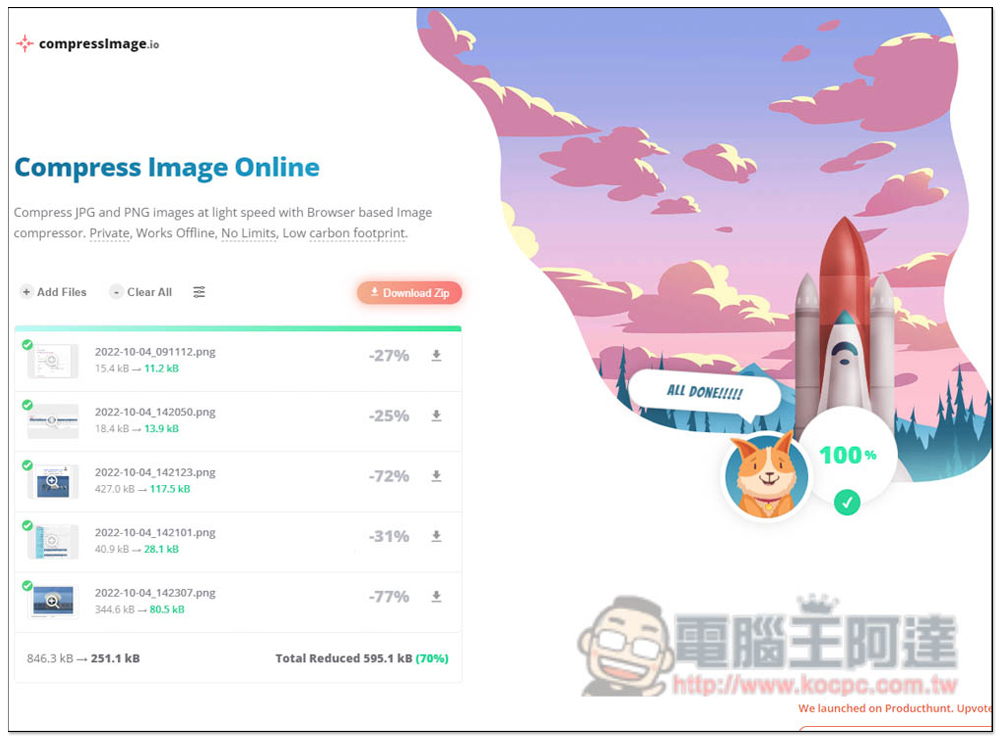
Once there is no problem, you can download them individually, or click Download Zip to directly download them all into a ZIP compressed file.
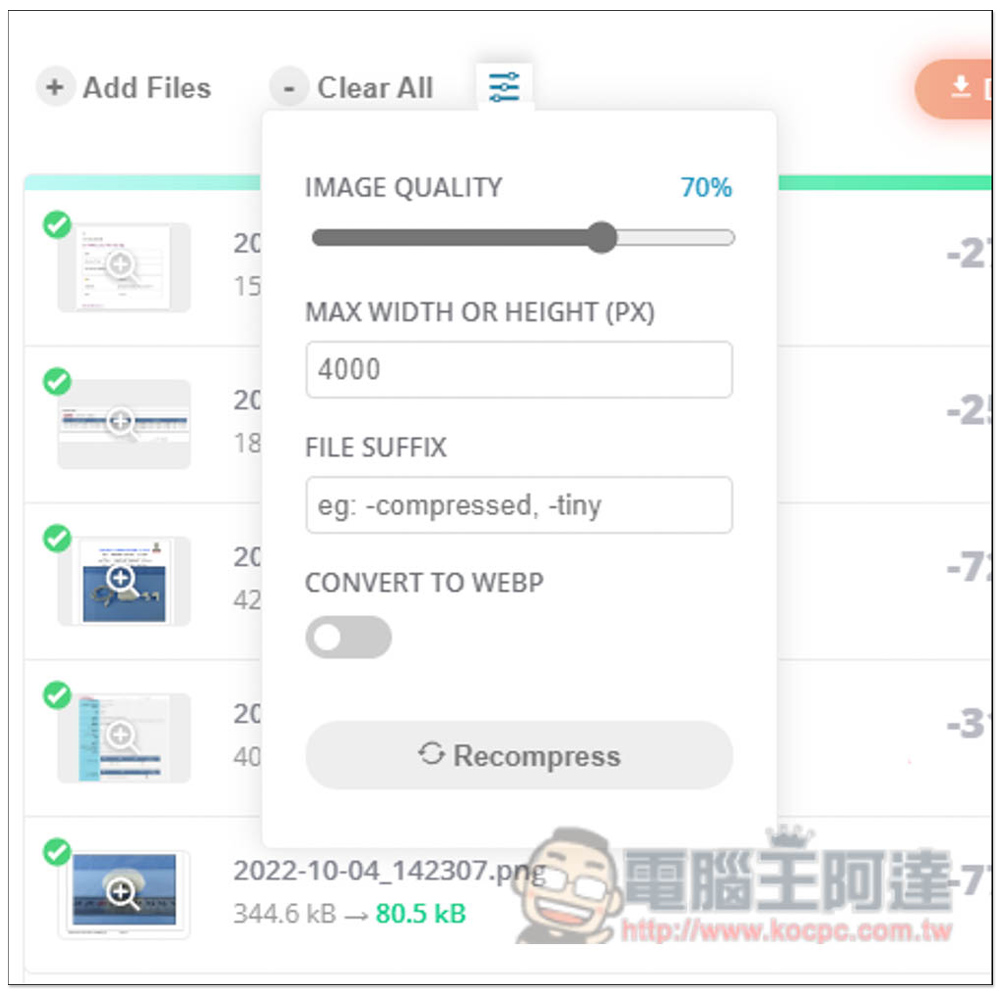
This tool also provides some compression settings that can be adjusted, such as the image quality you want to preserve (default is 70%), MAX WIDTH OR HEIGHT (PX) as the maximum width or height size, FILE SUFFIX and CONVERT TO WEBP (convert to WEBP format), which must be adjusted before compression:
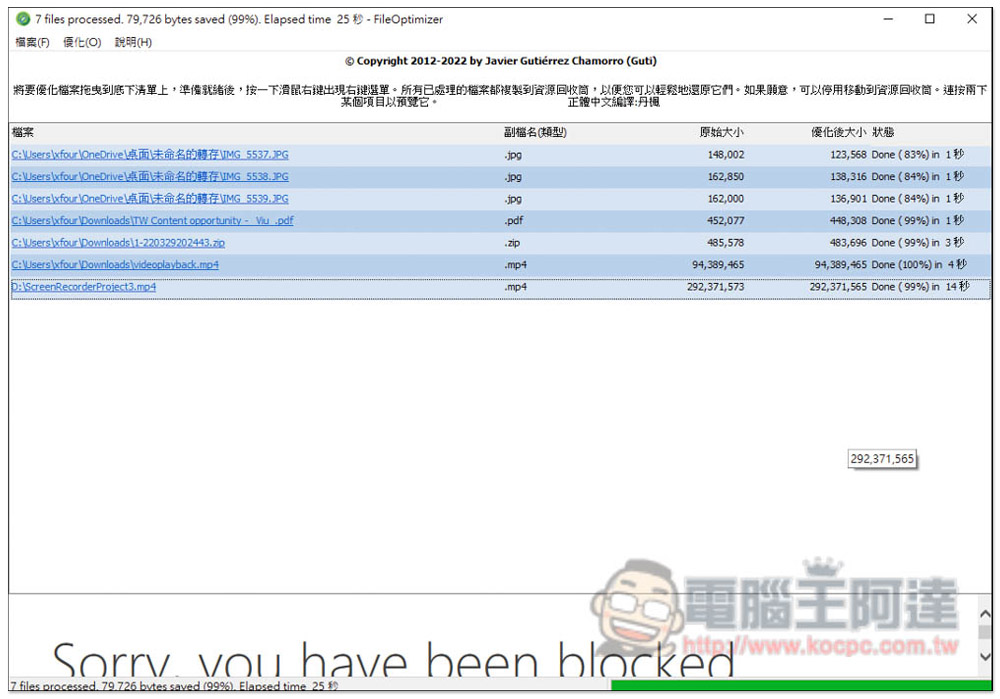
In addition, if you are using the Windows operating system, we have previously introduced a versatile free compression tool FileOptimizer, supports hundreds of commonly used formats, not just pictures, videos, PDFs, and Office files, but also compressed files, but the compression ratio is not very high. You can also take a look:
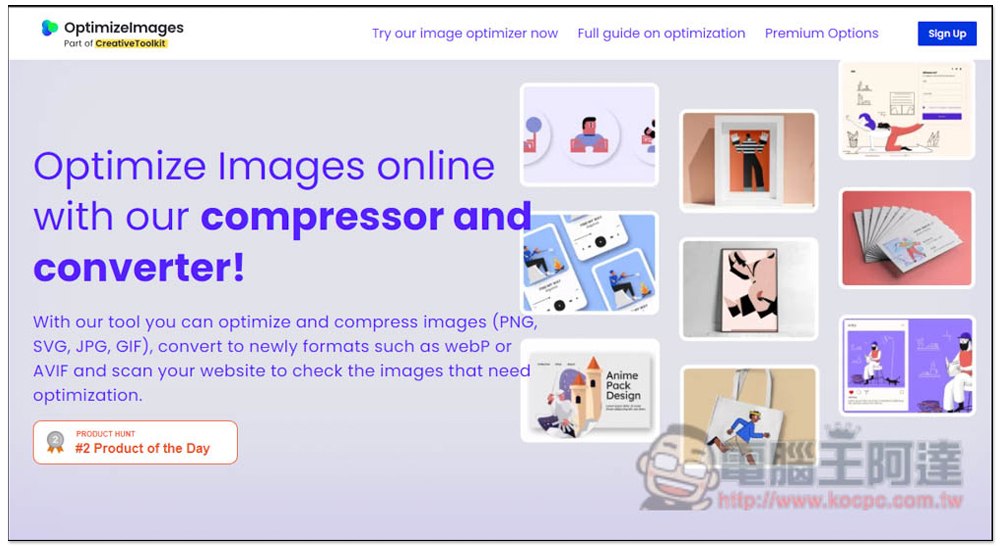
If you want more functions, or want to be able to compress more image formats, or even have conversion needs, another one OptimizeImages It is also quite good. It provides three major functions: image compression, format conversion, and adding watermarks. However, this requires uploading images to the server, so it is not suitable for important files. There is also a monthly transfer limit of 1GB (only 30 images can be processed at a time):
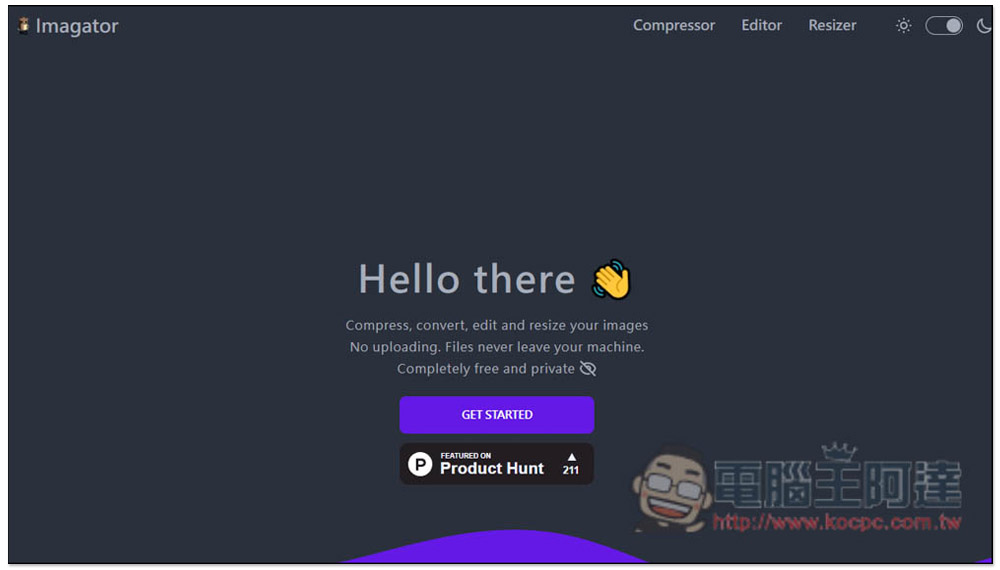
Imagator It is also a free tool that can compress images by opening the browser. It supports resizing and converting. You can also try it to see which one is better to use with this CompressImage:
Source: KOCPC Chinese