


No matter what website you open now, you will be asked to agree to accept cookies at the bottom or in a pop-up window. Everyone will naturally press accept to get rid of these notifications and continue browsing the web. Anyway, it seems that accepting it will not affect you. Please wait! Before you press accept, do you know what cookies are? What happens after pressing Cookie? This time we will discuss this ubiquitous little thing.

Every website requires you to accept cookies. What are cookies? What happens if you agree?
according to GDPR requirements for transparency, a website will usually display a consent banner with a link to the site’s cookie policy (although few people will click on it), and may have language telling you that cookies are there to enhance your experience on the site. Our parents have told us since childhood:“Don’t eat food from strangers”, this sentence makes sense, and it also applies to website cookies. These cookies have real implications for security and privacy online and subsequently in real life, so it’s important to confirm your acceptance.
What are cookies?
Website cookies (or HTTP cookies) are small files that are sent to the device you are using by the website you are visiting. When you click Accept, these cookies will be stored on the device’s browser, and your usage data can then be tracked and collected from the browser and passed back to the website operator. This data is tagged with a session ID unique to you and your computer. The website server reads the ID and analyzes the saved data to determine what information and services to provide you.

They are like small stickers that the website marks on each visiting user, so that the server can recognize you as a “returning customer” when you come back next time, eliminating the need to re-recognize you. This tag allows the website to remember your preferences and provide you with a more personalized experience. For example, if you select dark mode when you first visit a website and have accepted the website’s cookies, you will automatically be in dark mode the next time you open the website. Likewise, cookies help a website remember when you logged in, so you don’t have to enter your credentials each time you visit.
How cookies work
Cookies are one of the basic components of online browsing. Without cookies, you would have to re-add items to your shopping cart every time you log in to an online e-commerce website, or start a new conversation every time you open the browser. Some sites that don’t accept cookies won’t grant you access to their domains at all. However, not every type of cookie is necessary. According to the GDPR classification, there are two types of cookies that are the most common, especially when it comes to what user information is collected and to whom it is sent:
- First party cookies
Also known as session cookies, they are deployed by the official website you are visiting. First-party cookies collect data about a user’s conversations on the site, including language selected, appearance settings, analytics, shopping cart activity, or other features that help improve the user experience, and only use this data within the single originating domain you visited. As long as you can verify the authenticity of the website (the easiest way is to check whether there is a lock at the beginning of the address bar), first-party cookies are mostly beneficial and harmless. - Third party cookies
Also known as persistent cookies, they are created by people other than the website operator, and collect and send data to third-party databases. In today’s Internet environment, this so-called “third party” usually refers to advertisers. Cookies track your activities on different websites, and then collect and send this data to advertisers to deliver personalized advertising content based on your needs or interests. Because third-party cookies are not tied to a single website, this means you can continue to see specific advertising content even after you leave the original website you visited, which is how ads follow you around the web.
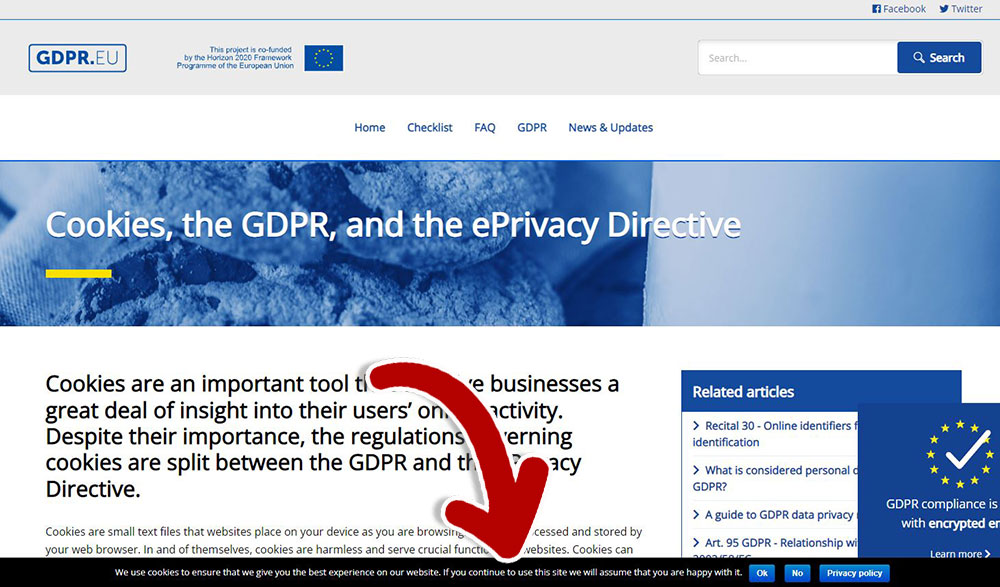
What happens when you accept cookies?
When you accept cookies from a website, you consent to the collection and storage of your information by the website owner or advertiser (if they are third-party cookies). As with all information about cookies, the data collected will vary from site to site, but below we’ve listed some of the most common ones:
- Site name and unique conversation ID
- Browsing history
- Preferences and Permissions
- Visits
- Conversation duration
- Clicked link
- Login credentials, including username and password
- Geotags, such as location and IP address
- Personal data such as phone number and postal code
- Shopping Cart Activity
The website operator or advertising company can use this information to provide you with a simplified user experience, at least you don’t have to perform repeated actions every time you open it. Most people don’t mind cookies, even third-party cookies have benefits, such as making it easier for you to find the goods or services you’re looking for.
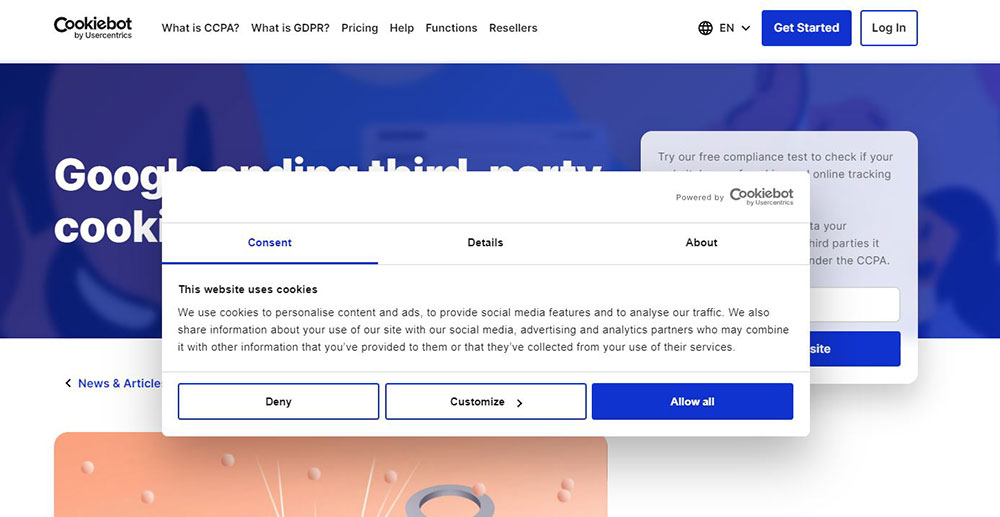
Should you stop accepting cookies?
Cookies are not a bad thing. In most cases, cookies are very helpful, but you can also refuse to accept them. The choice is yours. As online users’ demand for privacy increases, most platforms and browsers are already phasing out the most vulnerable third-party cookies. according to Cookiebot According to , Google announced that it will phase out third-party cookies from its Chrome browser starting in 2020 and is working to completely remove third-party cookies from its browser by the end of 2024. Firefox is also minimizing cookie tracking on other websites by implementing so-called “Full Cookie Control.”

Separately, Apple has added a feature to iOS that requires app developers to obtain user consent before tracking your activity across apps or websites. You may have seen a pop-up while using an app asking you to allow the app to track activity. If you select “Deny,” the apps you are using will not be able to access the advertising tags on your device, effectively preventing you from receiving targeted ads.

The above is the information you should know about cookies. Online cookies and cookies in real life have one thing in common. Before you take a bite, you should know what is inside and then decide whether to take this bite.
Source: KOCPC Chinese