


After all, judging from the video that went viral on the Internet, the iPhone 14 Pro in the three-party camera screen supernatural When the vibration happens, it’s really scary. It may be because of this that Apple has accelerated the pace of patching this update. hurry upAs promised before next week, has brought a patch update to this issue in advance for iPhone 14 Pro and iPhone 14 Pro Max – which also includes a fix for the somewhat annoying permission prompt (excessive presence!). Continue reading the report on the rapid arrival of iOS 16.0.2, which fixes the iPhone 14 Pro camera shake blur problem.
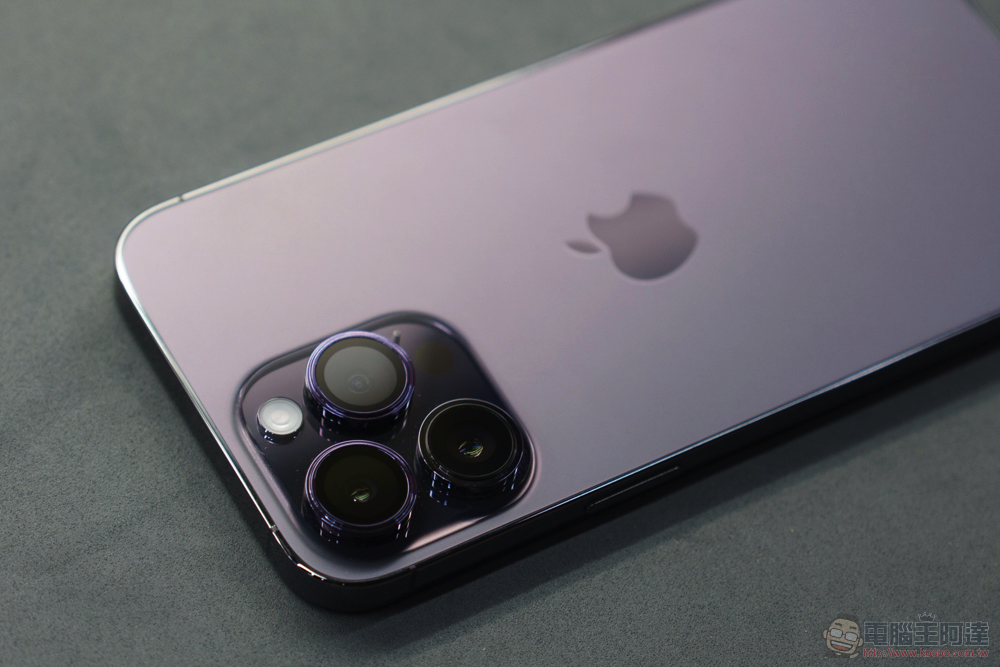
iOS 16.0.2, which fixes the iPhone 14 Pro camera shake blur issue, is coming soon
I’m not sure if everyone can feel it, but in 2022, I personally think it will be a year where Apple’s software and hardware will see a lot of changes. At least that’s the case on tablets and smartphone devices.
It may also be because of this. Basically, in terms of system updates between iPadOS and iOS, the former has undergone major system changes. It has been confirmed that it will need to wait until iPadOS 16.1 before the official version can be released (it is really difficult to enter the “more computer” front-end control function!); the latter is with the launch of iPhone 14 Pro and iPhone 14 Pro Max, including a new generation 48MP main camera, dual-frequency GPS Even after experiencing the new dynamic island, it seems that it also faced a situation that required a lot of adjustments and corrections in the early stage.
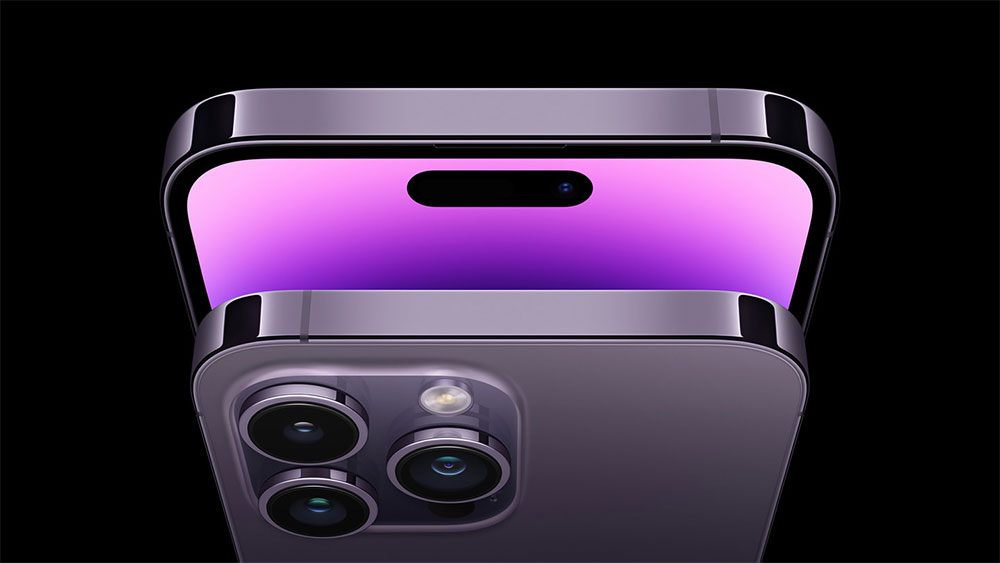
In the face of reports a few days ago, iPhone 14 Pro and iPhone 14 Pro Max may encounter obvious vibration problems in the camera functions of third-party applications. Apple also issued a correction to this earlier than predicted.
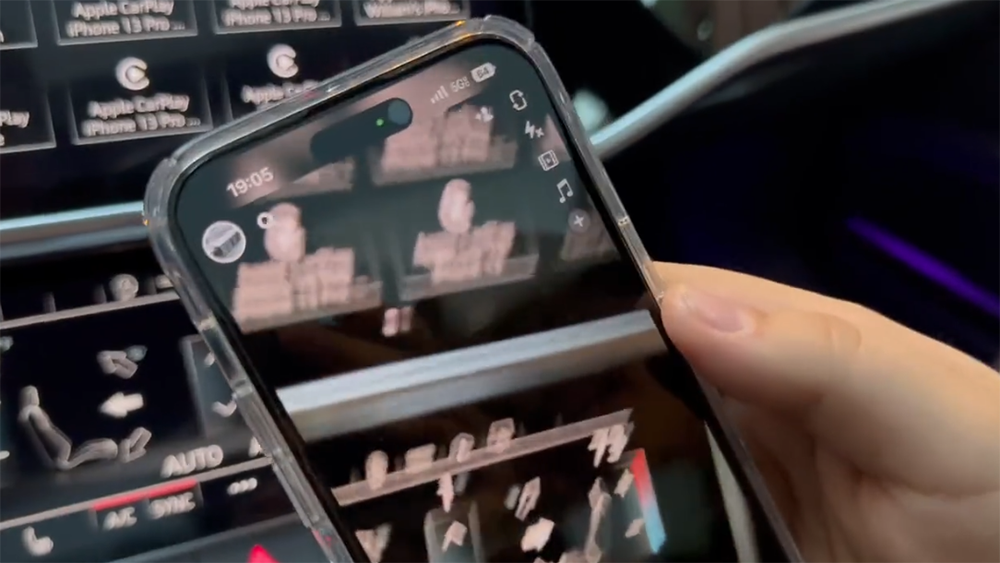
It can be seen from the ultra-small version number of iOS 16.0.2 that this is indeed a quick patch update. However, Apple not only corrected the situation of the latest Pro series iPhones in third-party applications this time. As mentioned before, improvements will be made to the situation where there are too many permission prompts in the copy and paste experience. It is also confirmed that it has been corrected in this update.
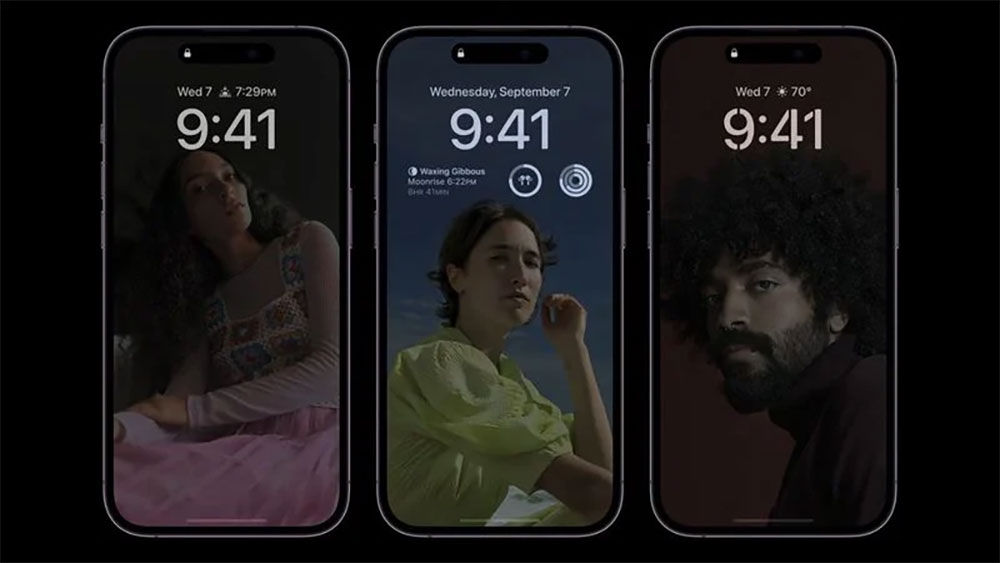
In addition, Apple has also completed the correction in the latest Beta 2 version of the problem of GPS not functioning properly encountered in the iOS 16.1 public beta version. We also fine-tuned the icon for the “%” display of the iOS system battery, and superimposed the battery status icon on the digital base map – eh… it’s similar to the display method of many Android phones. In short, it seems to be more intuitive – in fact, the biggest problem before was that it was always green when charging, and it was a bit unclear to see the % number and the full charge status. It should be easier to understand now. We have also put the list of major fixes in this iOS 16.0.2 update below for your reference:
• When shooting with third-party apps on iPhone 14 Pro and iPhone 14 Pro Max, the camera may shake and cause blurry photos
• During device setup, the screen may appear completely black
• Copying and pasting between apps may cause more permission prompts than expected
• VoiceOver may not be available after restarting
• Solved the problem of touch input not responding on some iPhone X, iPhone XR and iPhone 11 models after repairs
Further reading:
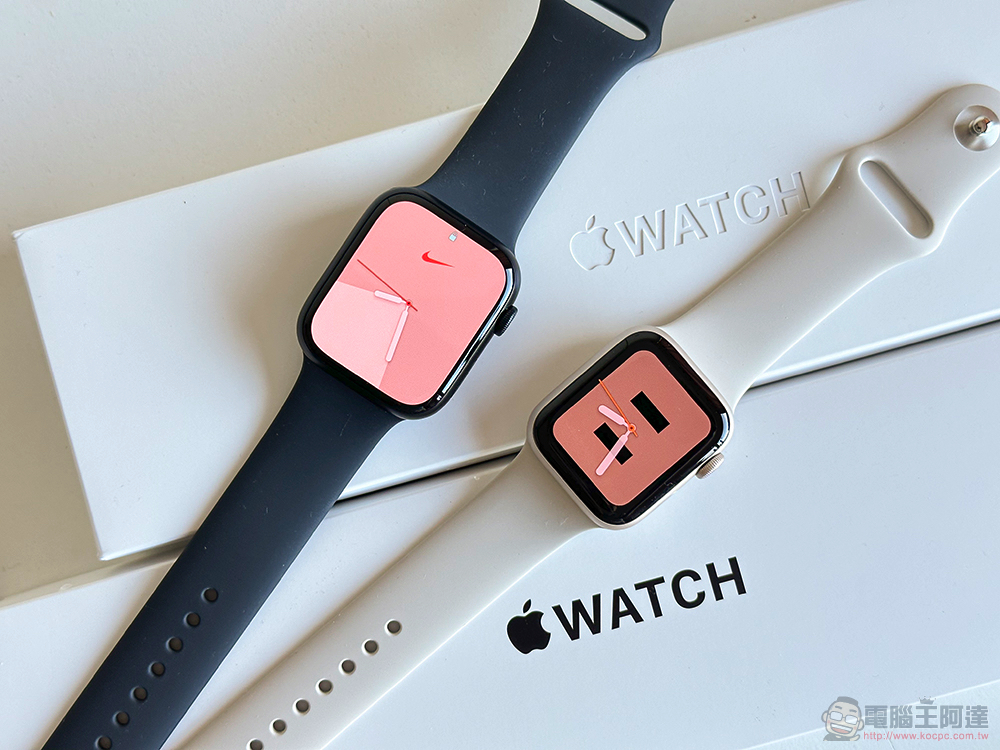
The beauty is also great! Apple Watch Series 8 / Apple Watch SE 2 unboxing experience
Source: KOCPC Chinese