


In this modern era of advanced technology, the existence of viruses and malware is a fact that we have to face. If your mobile phone or computer becomes a victim of these saboteurs, most of the first thing you will think of is restoring the device to its original factory settings. But can this really make your mobile phone free of malware and return to a safe place? Today we will talk about this topic so that everyone can have a better idea of the correlation between restoring the original settings and eliminating the virus.
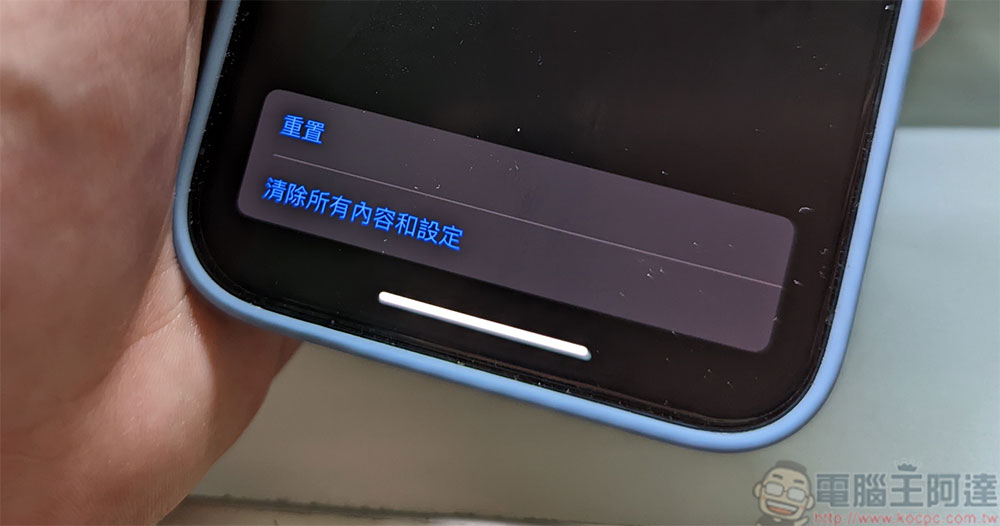
Is restoring your device to factory settings a panacea for getting rid of viruses?
What is “restore to original settings”?
Before we officially start discussing whether factory reset can help eliminate malware infection, we must first understand the actual purpose of “factory reset” on the device. Factory reset is an option that exists in modern electronic devices, including mobile phones and computers, which allows you to restore the device’s operating system and drivers to their original state. It also returns all settings to their default state and deletes any files or programs that were not present on the original device. In other words, for a computer, you can choose to keep the files, but if you want to reset the system to remove the virus, you should delete the contents after backing up any critical files.
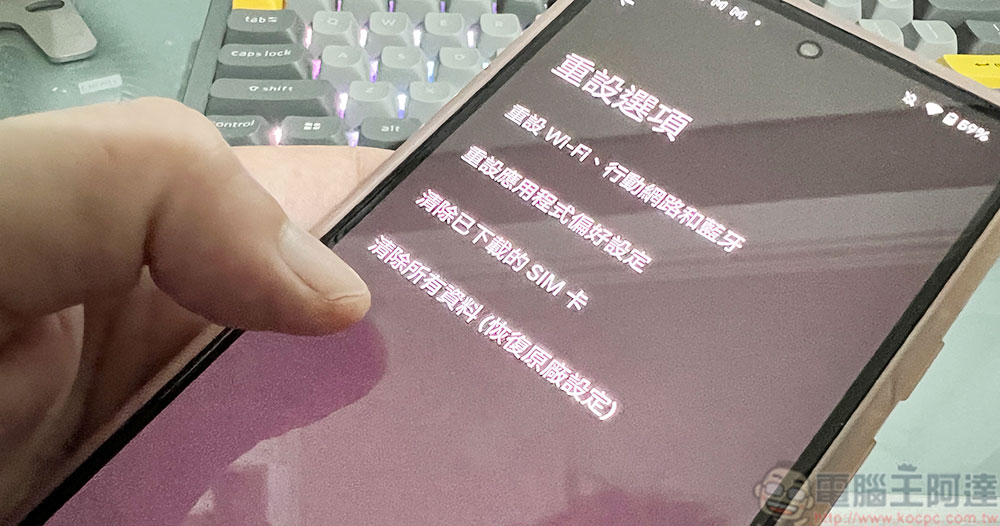
Interestingly, “restore to original settings” literally seems to refer to restoring the device to the clean appearance when you first bought it, but technically speaking, this statement is not entirely correct, especially on mobile phones and tablets that have upgraded their operating systems. For example, suppose you try to use the factory reset option on a phone or tablet that has already upgraded its operating system. In this case, your device will return to a clean state of the current version of the operating system on the device, rather than the original operating system state when you got the product. But as with any malware infection, it works the same way an actual factory reset works.
Will factory reset help remove viruses?
Almost all viruses and other malware can be eliminated by restoring the factory settings. By restoring the operating system to its original state, any infected programs and files on the device can be deleted. But just like the author said “almost” at the beginning, there are some very rare cases that are exceptions.

Every year, viruses become more sophisticated, and cybercriminals are constantly looking for new ways to infect unsuspecting devices. As a result, you may encounter a Trojan or rootkit that survives a factory reset, but this is relatively rare. For example, in 2019, a Trojan named xHelper appeared, which specifically targeted Android systems and could restore the original factory settings. Fortunately, in 2020, the MalwareBytes company found a way to delete it.
What if the virus reappears after a factory reset?
If your device is infected with malware and keeps coming back even after a factory reset, you’re likely experiencing one of the following conditions:
- Your backup data is infected, and once you try to restore the backup content to the reset device, the malware will jump to the device and infect it again.
- The malware compromised the device’s recovery partition, which is a space on the device’s storage that retains a clean system map when you restore it to factory settings. Therefore, if the recovery partition itself is infected, restoring to factory settings won’t do much good.
- Root kits and guide kits can be responsible for device infections, but unfortunately these are complex and difficult to deal with, allowing the malware to evade detection and removal.
- Some very advanced malware may also be hidden in system peripherals, such as WiFi adapters and network cameras. Many modern new peripherals have built-in storage space to store user settings. Malware can use this to keep a copy of itself and return to it from the peripheral even if you reset the device.
None of the above are very rare, but if you’re dealing with one of these situations, there are a few things you can try, or contact an expert if you don’t have the technical skills yourself. Here are some things you can try when dealing with malware that persists after a factory reset:
- Scan the hard drive where the backup is saved. You can connect it to another computer with good antivirus software and scan the infected device.
- Use the rescue disc to thoroughly check your device, including the recovery partition, to make sure there is no malware hiding there.
- If neither works, you can completely wipe your computer’s SSD or HDD and do a fresh install of all partitions.

While these methods are useful for computers, if the malware is on your mobile device and a factory reset doesn’t help, it’s best to contact the device manufacturer. The lack of root access on mobile devices makes it difficult to do anything short of factory reset, and device manufacturers may be able to completely wipe the storage and update a new operating system image to eliminate the source of the infection.
How to avoid contracting the virus again?
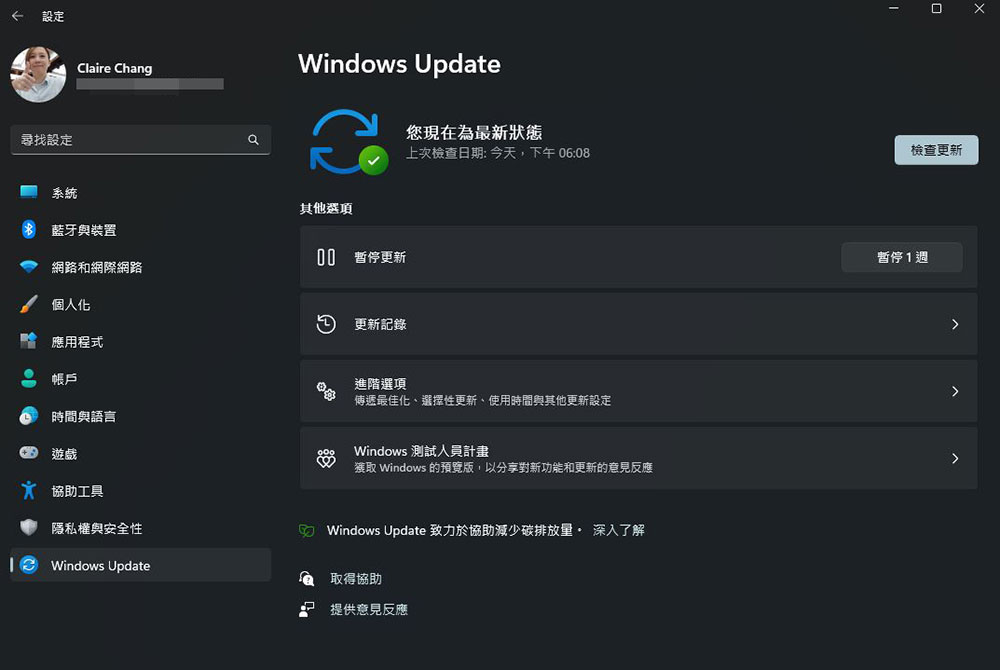
As the old saying goes, “prevention is better than cure,” so if you’re fending off malware infections by performing a factory reset, protecting your device will be the only way to avoid future infections. One of the easiest and best ways to implement this precaution is to keep your operating system up to date with the latest updates.
Also, when downloading and installing apps and software, only download and install them from reliable sources, preferably official app stores. Do not easily fall into the trap of free games or free software and download and install them from unverified sources. However, always be wary, as even apps with verified sources may prompt users to download malicious updates from external sources, injecting viruses from the side.

Last but not least, avoid clicking on unfamiliar links or opening suspicious attachments in chat messages or emails. Although all modern operating systems have built-in protection against malware, if you are extra worried, you can also install anti-virus software to enhance the security of your device.
Conclusion
Factory reset is a powerful feature and tool that can be used as an option if your computer or smartphone is infected. But I would like to remind everyone that restoring the original settings should be used as a last resort, because you will have to reset and install everything, which will take a lot of time and effort.
Source: KOCPC Chinese