


Since the end of 2024, Gemini has offered a file upload analysis and summarization feature that lets users gain insights, generate summaries, and even charts. But previously, it was limited to users paying $20 a month for a Gemini Advanced subscription, and for most people, that was a bit pricey for just one feature. Fortunately, Google has now changed its mind, and this useful feature is officially open to everyone.
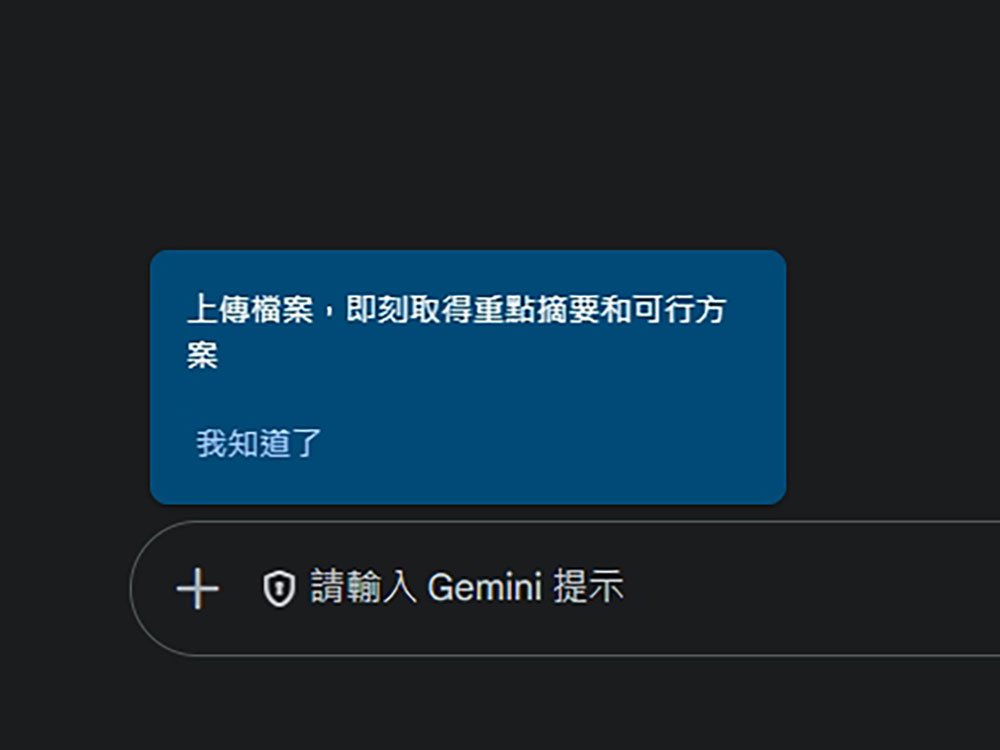
Google opens file upload and analysis features to all free Gemini users
Google posted on X announcing that Gemini’s file upload feature is now available to all users on web, Android, and iOS. If you open Gemini, you’ll see there’s now a prompt letting you know you can tap the “+” icon to upload files and get key summaries and actionable solutions.
📁 Document upload is now available to all Gemini users.
Upload multiple Google Docs, PDFs, and Word documents from Google Drive or your device. Get quick summaries, personalized feedback, and actionable insights—streamlining your workflows and saving you time.
Tap the plus… pic.twitter.com/8FS49dGlbz
— Google Gemini App (@GeminiApp) February 20, 2025
You can choose to upload files from cloud storage or directly from your device, up to 10 files at a time. If you’re a paid Gemini subscriber, you still get 1 million tokens. After uploading files, you can ask questions about the content or request summaries. However, free users cannot upload spreadsheet or code files; these features, along with Deep Research, custom Gems, Saved Info, and Recall, are exclusive to Gemini Advanced.
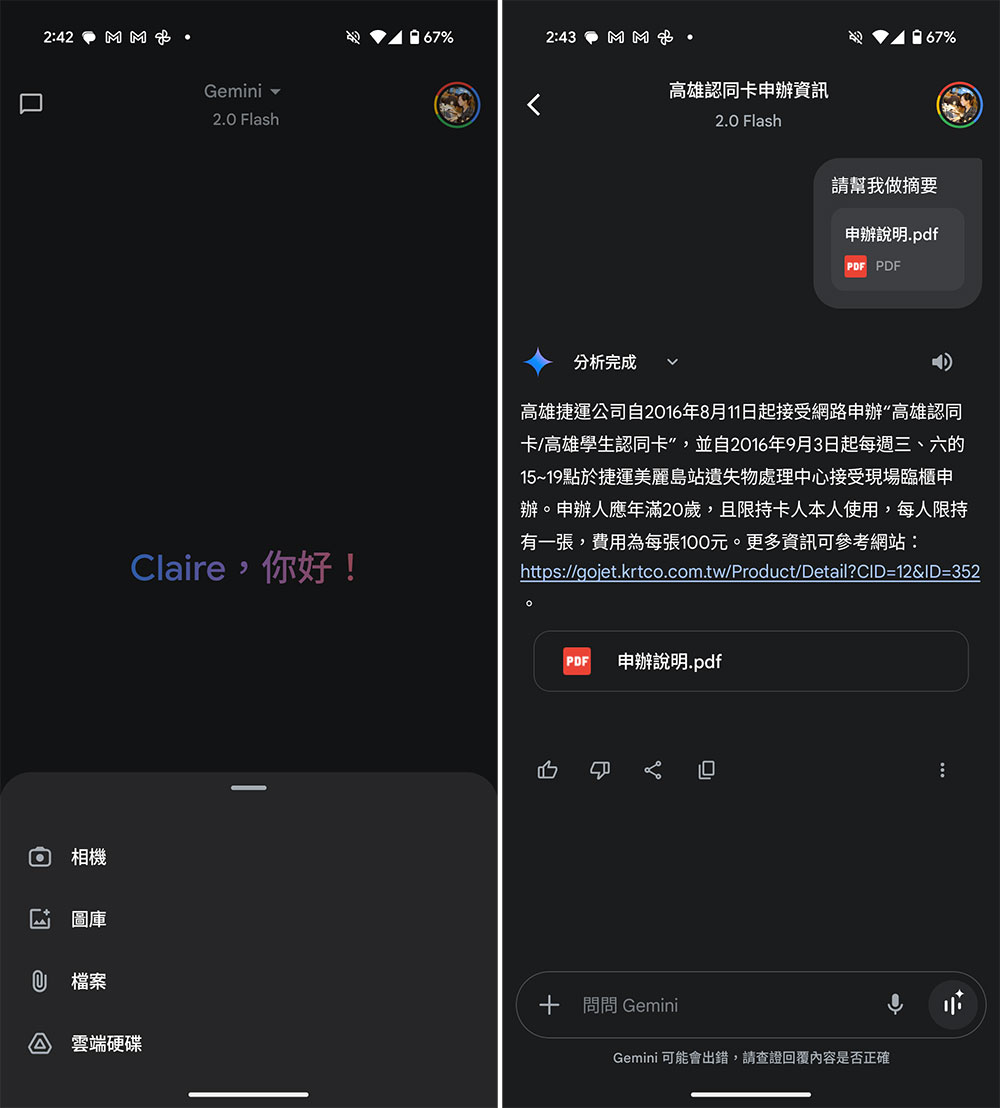
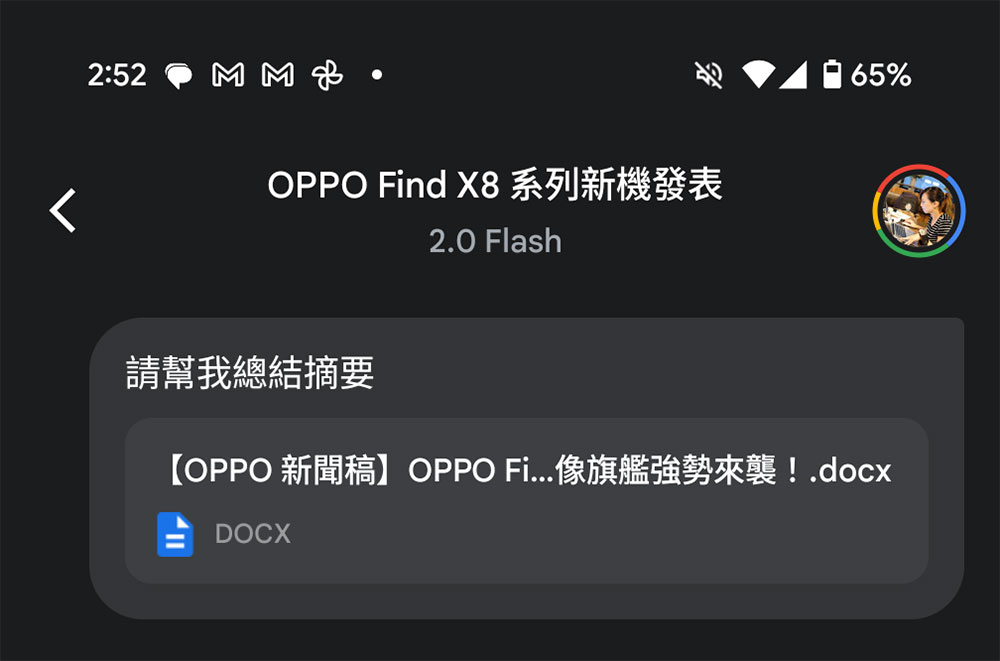
Gemini can handle analysis of multiple file types, including plain text files (TXT), source code files (C, CPP, PY, JAVA, PHP, SQL, HTML), documents (DOC, DOCX, PDF, RTF, DOT, DOTX, HWP, HWPX, Google Docs) and spreadsheets (CSV, TSV, XLS, XLSX, Google Sheets).
If you are not a Gemini Advanced subscriber, this feature has daily limits. Your usage will be tracked and there is a daily cap. Once you reach the cap, you need to wait a few hours for it to reset before you can use it again.
Source: KOCPC Chinese