


Many people probably do the same as I do: open YouTube every day and watch quite a few videos. But not every video is worth watching all the way through. You’ve probably also wondered if there’s a way to quickly get a sense of what a video is about before deciding whether to keep watching. This article is going to recommend a really useful extension called DeepSRT. Once installed, when you open YouTube, the right side will display a video summary and subtitles. It also supports foreign videos and will generate summaries in Chinese.
This way, you can read the summary first and then decide whether it’s worth your time to keep reading, saving you a ton of time in the process.
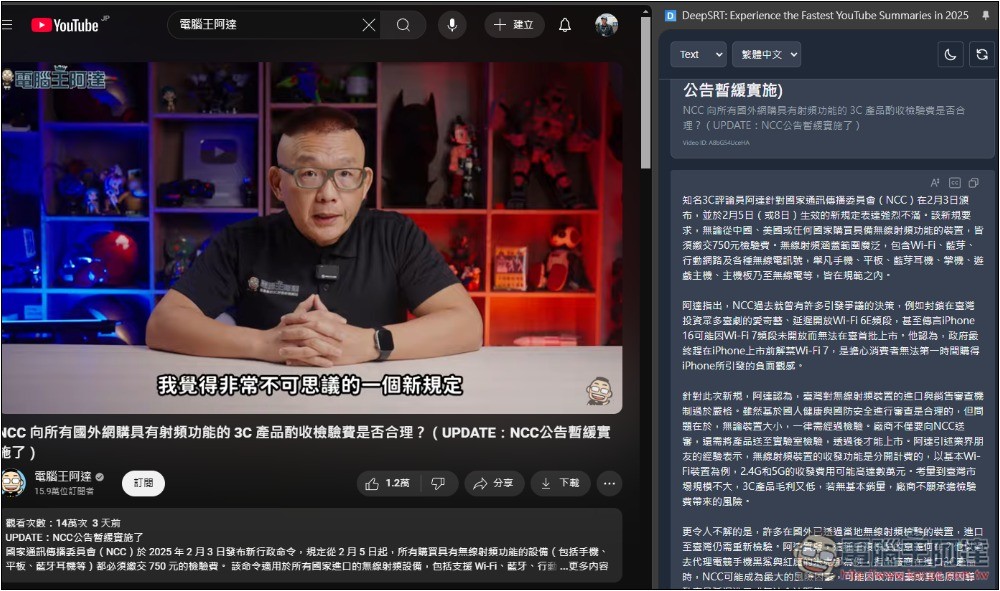
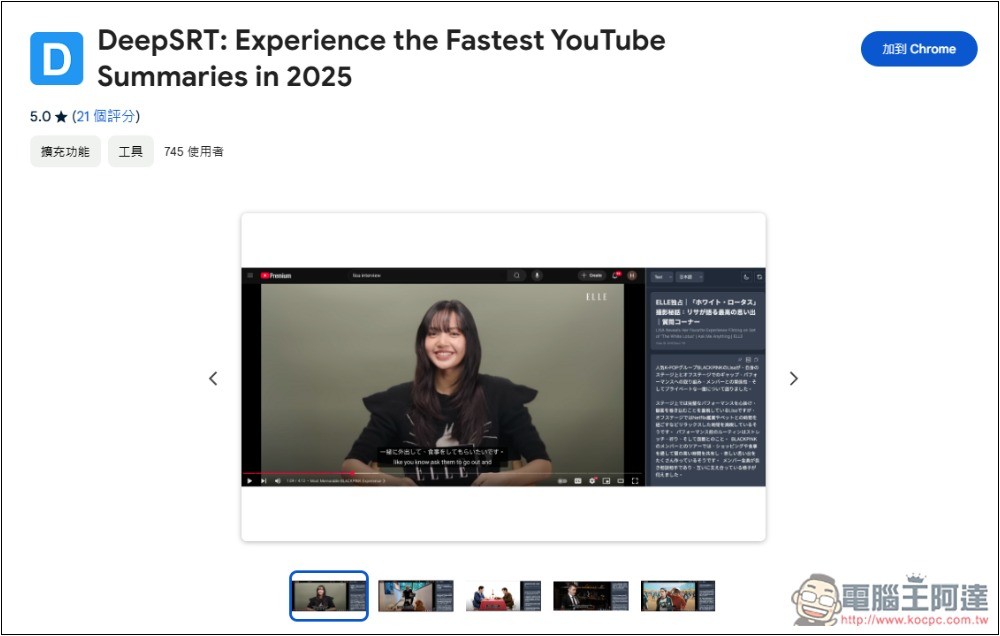
DeepSRT is a free extension that quickly generates summaries when you open YouTube videos.
DeepSRT is a Chrome extension. Any browser built on the Chromium core can install it, such as Microsoft Edge, Arc Browser, etc. However, stability may not be as good as Chrome’s.
However, the developer did not specifically state which AI model is used; the description only says, “Enhance your YouTube experience with multilingual smart summaries and real-time translation in the sidebar.”
After clicking the link above to go to the Chrome Web Store, click “Add to Chrome” in the top-right corner:
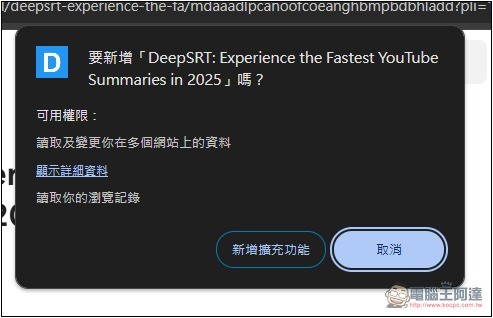
This message will pop up at the top; click “Add extension”:
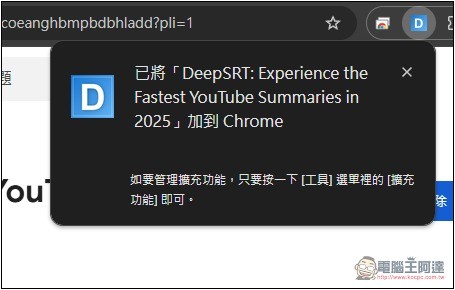
After installation, a message will pop up in the top right corner, but the default function icon will be hidden. Remember to go to the extension list on the right and pin it to the top right corner:
Then open the YouTube video, click the extension icon, and you’ll see a summary start on the right. The top block shows the video title, the second block is the summary, and the third block is the subtitle content. The default is English, but it can be changed to Chinese:
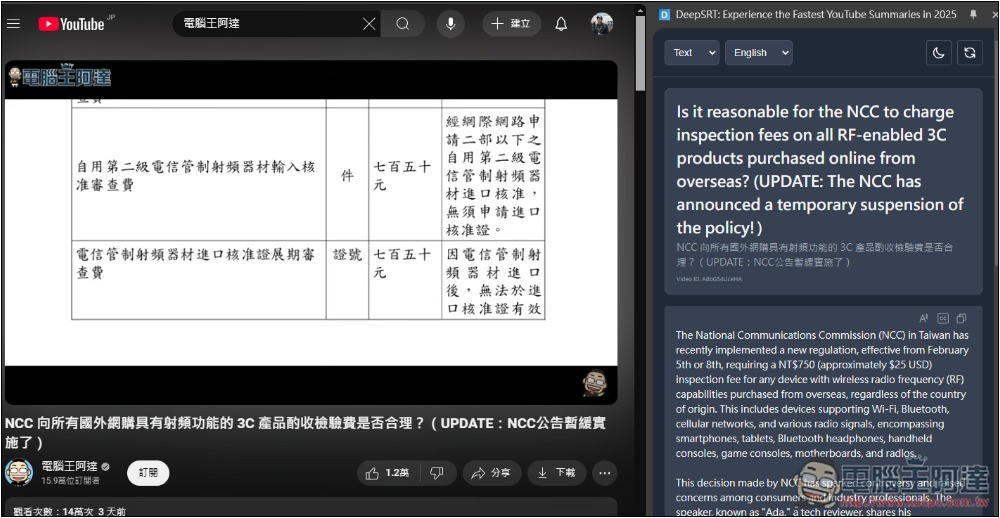
After opening the menu, switch to Traditional Chinese:
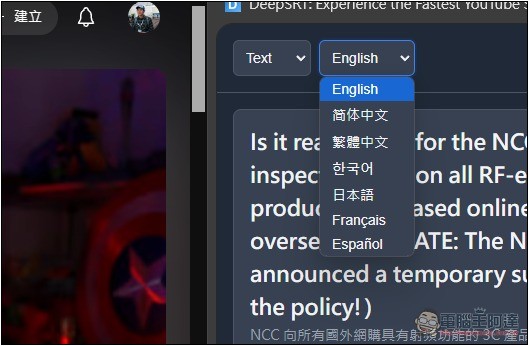
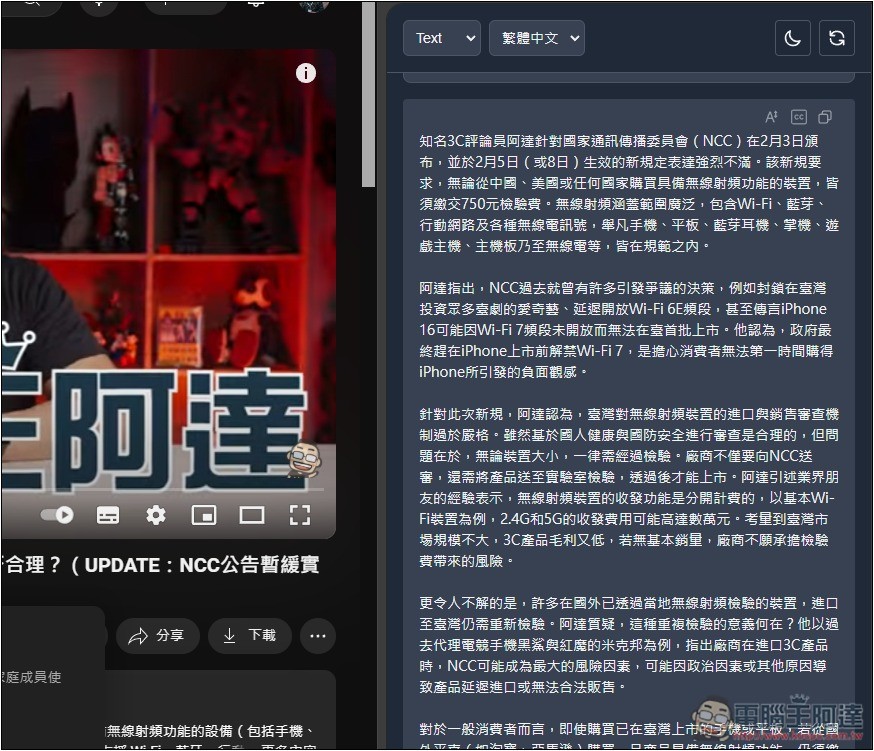
All content will then become Traditional Chinese. Moreover, DeepSRT’s AI summaries are quite lengthy, unlike some similar tools where summaries are only a few short sentences, meaning you can better understand what the video content is about. Also, if the summary displays incorrectly, refreshing the webpage, or clicking the refresh icon at the top right of DeepSRT, should basically fix it.
Below, there will also be complete subtitles, with plain text as the default.
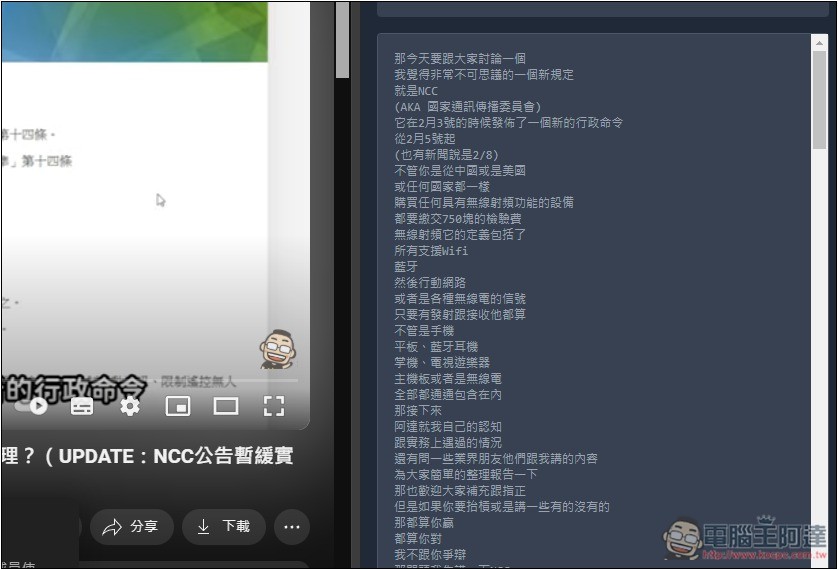
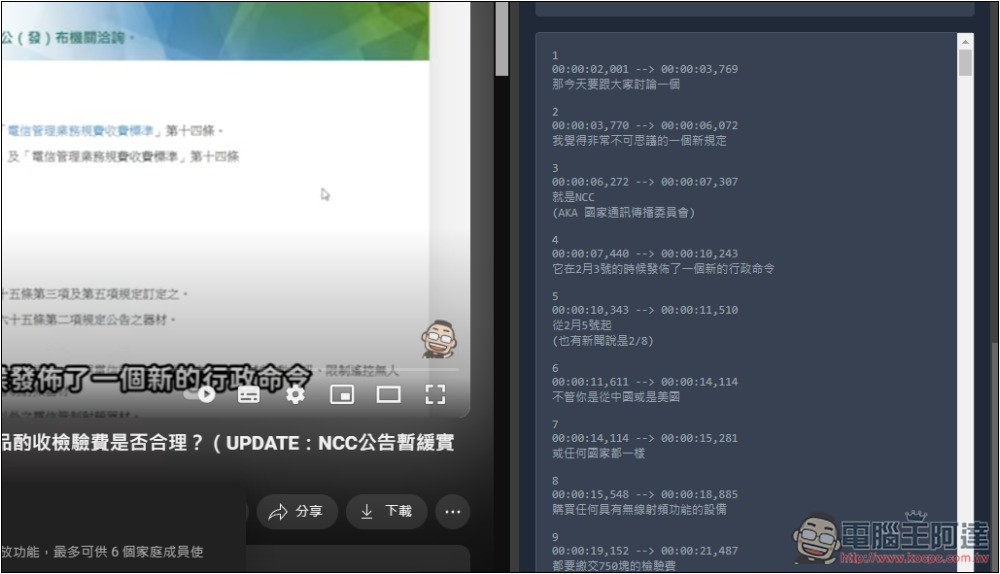
If you want subtitles with timestamps, change Text to SRT:
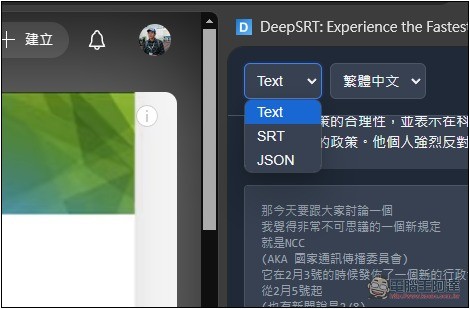
The subtitles will then have timestamps. If you want the subtitle file for this video, copy all the content, paste it into Notepad, and save it in subtitle file format.
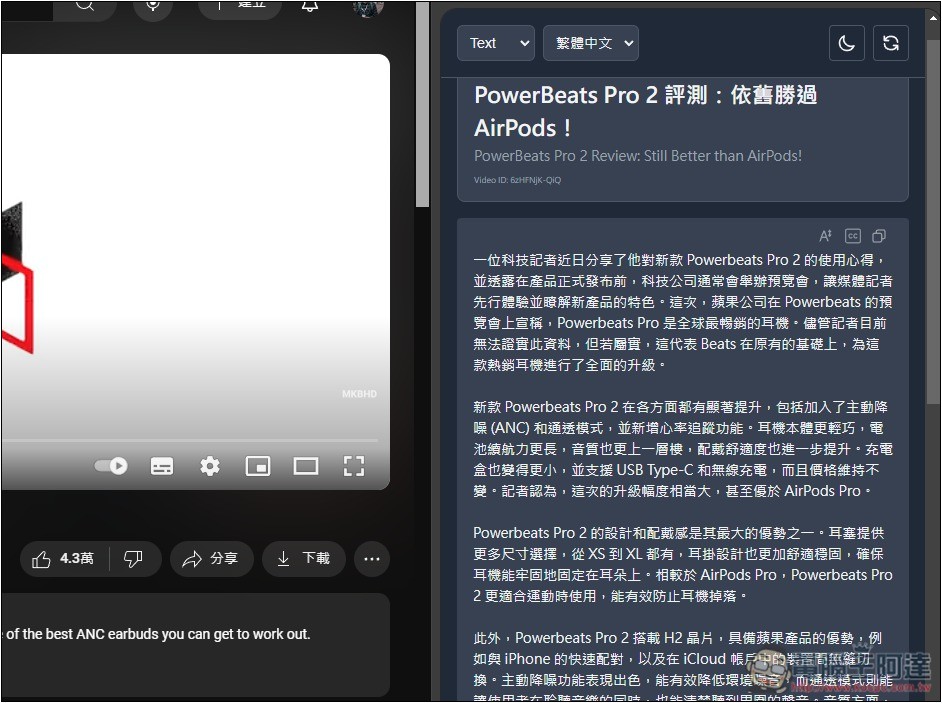
I also test foreign videos. The image below is from MKBHD’s latest PowerBeats Pro 2 Review: Still Better than AirPods! video. Even though the content is in English, it gets summarized in Traditional Chinese, which is quite nice:
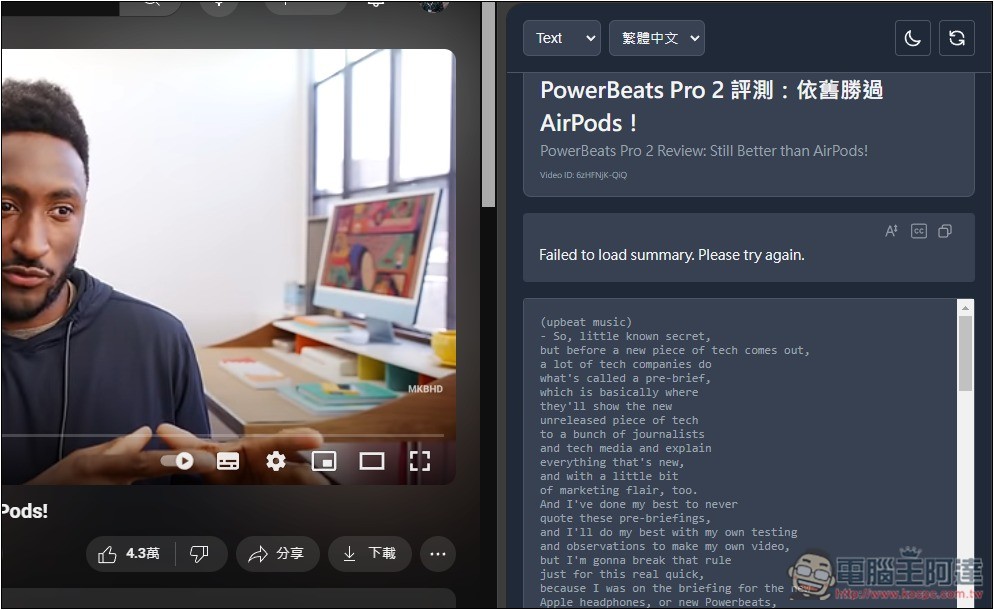
However, I’m not sure if it’s because too many people are using it, but every time I play a new video, it shows the error message “Failed to load summary. Please try again.” I need to refresh the page once before it displays properly.
Source: KOCPC Chinese