


When the privacy protection service measures are gradually extended from a simple website browser function, even the email footprints left on the Internet can be anonymously set up a moat for users to avoid being tracked and even disturbed by spam emails – some “offer letters” are really said to never give up (laughing), if only there were such services in front of them from the beginning!
Recently, DuckDuckGo, which respects user privacy the most, has also launched an email protection service. Not only is it free, but what’s even better is that even if you reply to an email, it can continue to protect the user’s email by forwarding it back to the Email Protection Privacy server. This article will take you through a trial and teach you how to use these functions! Continue reading DuckDuckGo’s free email privacy protection tutorial, which can hide the content of real mailbox reports even when replying to emails.
▲Image source: DuckDuckGo
DuckDuckGo free email privacy protection tutorial, you can even reply to emails to hide your real mailbox
In fact, privacy protection services that can hide email inboxes are now very common – not only Firefox has a free version, but Apple’s iCloud+ paid subscription can also provide the “Hide My Email” function. The protection provided by DuckDuckGo Email Protection is free of charge (you need to register a duck.com account). It provides users with the function of hiding their real email account and forwarding it through DuckDuckGo as an intermediary, so that you can still receive/respond to emails.
Since there will be service content that provides communication functions in the middle, DuckDuckGo naturally emphasizes that it will adhere to the principle of respecting privacy that it has always emphasized. It is emphasized that on the one hand, emails will not be stored, and no sales personal information will be used for accounts obtained in the service. It is emphasized that it will only be provided when required by law. However, it must be emphasized that after all, there is an intermediary nature, and DuckDuckGo, which claims to be tracking-free, is not unheard of.Controversial suspected release of water. Therefore, everyone should still consider whether to apply for use.
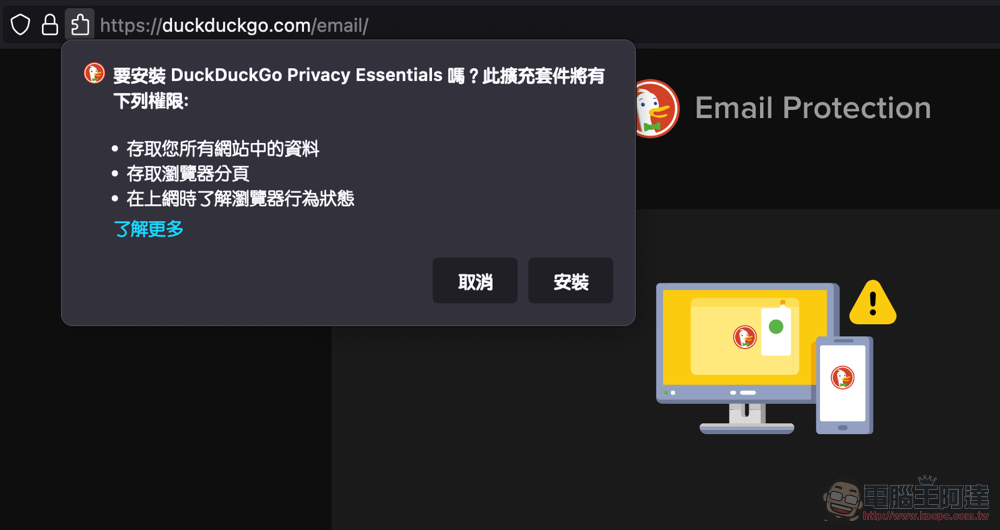
For example, in addition to signing up for the email privacy protection service through the DuckDuckGo app for iOS and Android, you can also click https://duckduckgo.com/email/ URL, and can be registered with the extensions of Chrome, Edge, Brave and Firefox browsers – the editor has actually tested that after registration, the Add-on can be deactivated, and the forwarding function can still be provided (the function of automatically filling in DuckDuckGo Email will be missing).
Take Firefox for Mac as an example. click in https://duckduckgo.com/email/ After installing the matching add-ons, you can click “Get Started” or log in to the duck.com address to start management:
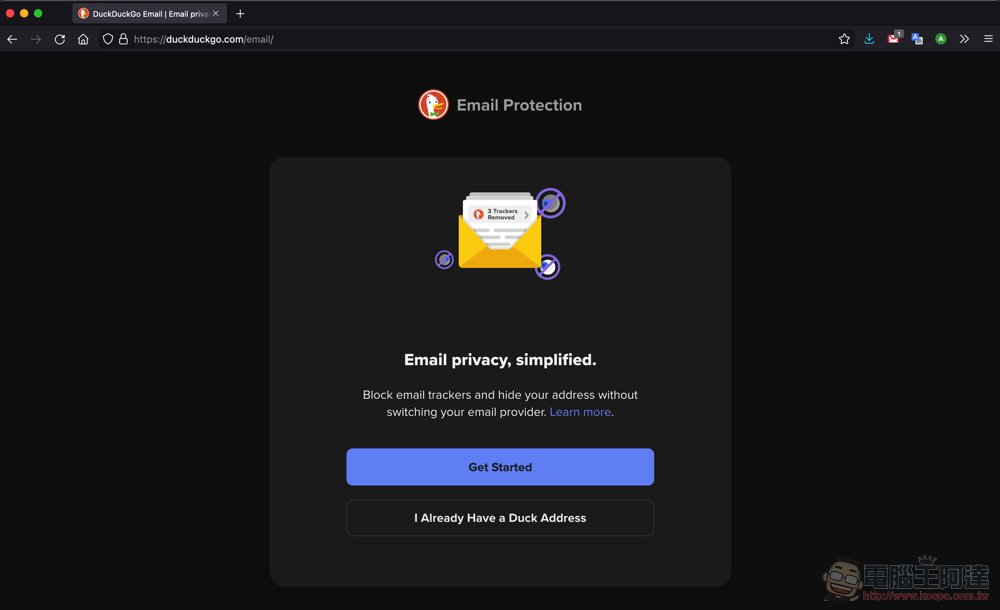
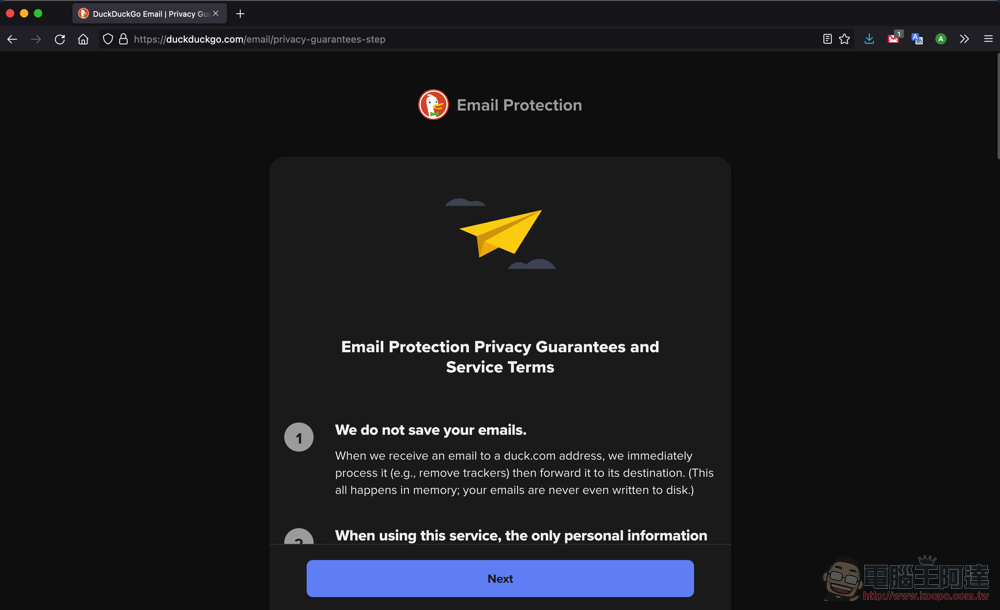
Here we use a new registration to teach you, and you will see a statement on privacy (just… Believers Hengxin):
Registration is quite simple, but it should be noted that the @duck.com account is fixed after application:
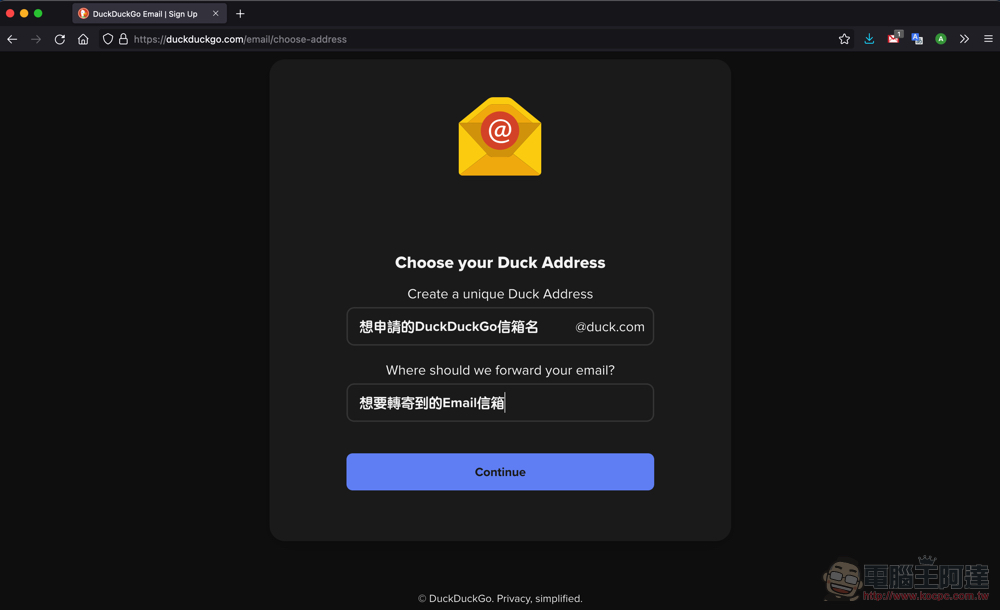
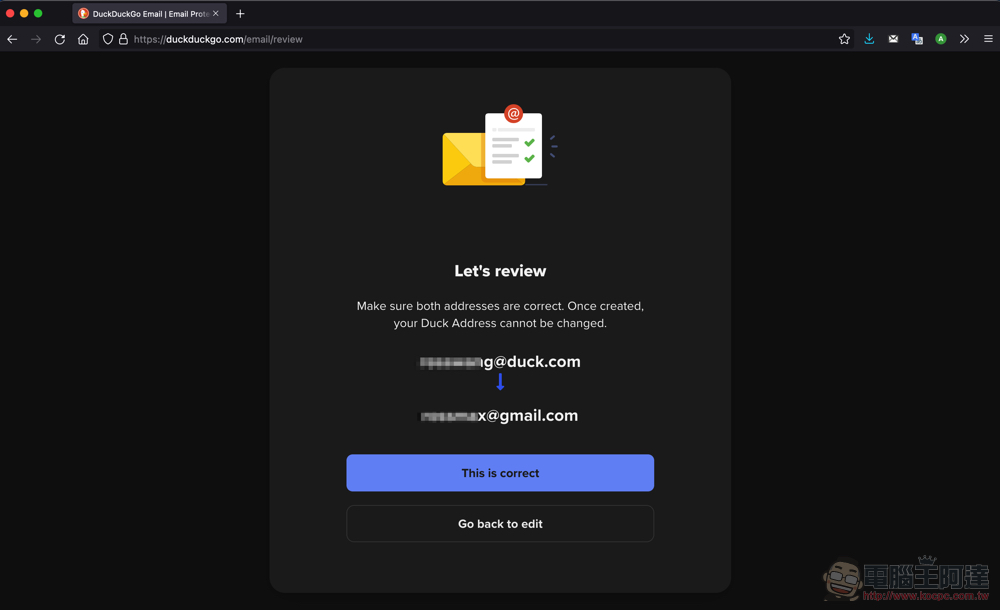
After inputting, a final confirmation will be made, which means it will be forwarded from DuckDuckGo’s service to your personal mailbox like this:
After registration is completed, you will receive a confirmation email. After receiving the email, click “Enable Email Protection” and you are done: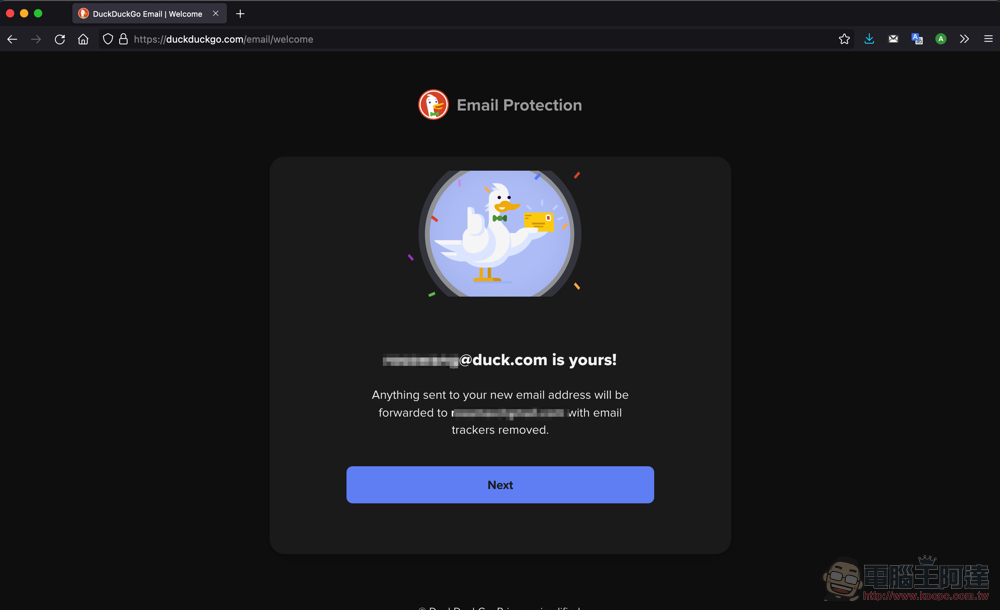
The management page mainly has two functions. One is to change the forwarding mailbox (login authentication required):
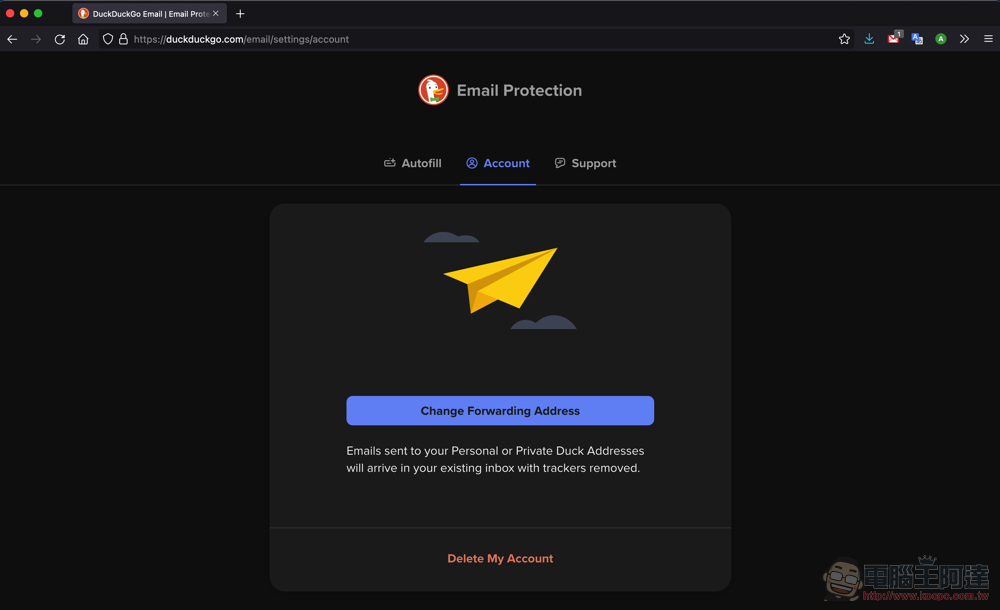
Another feature is the ability to set a randomly generated Private Duck address:
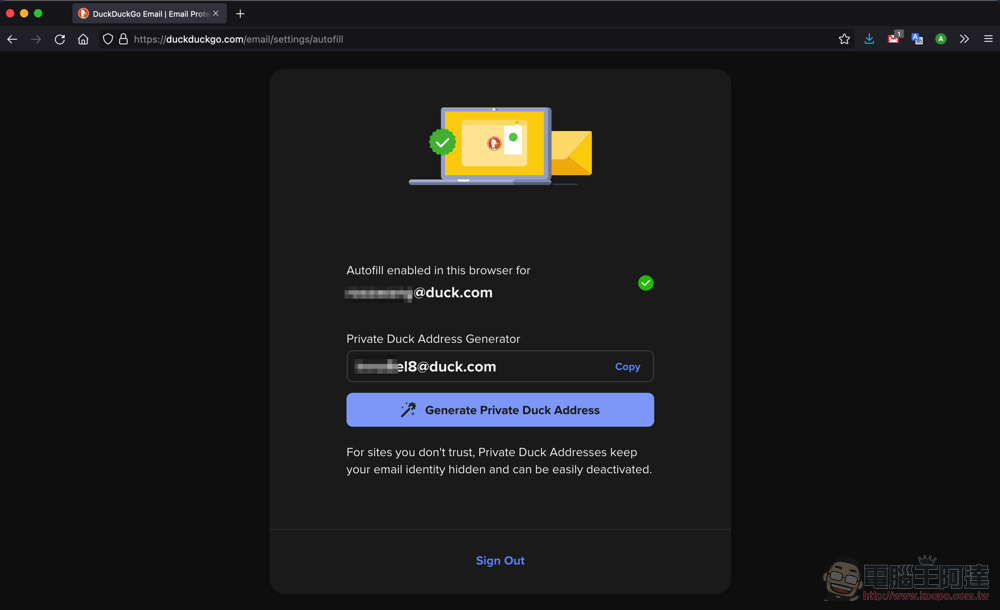
If you have the browser Add-on installed, it will not only automatically fill in the dock.com information in the Email input field for you, but you can also choose a random account corresponding to the forwarding email address currently generated:

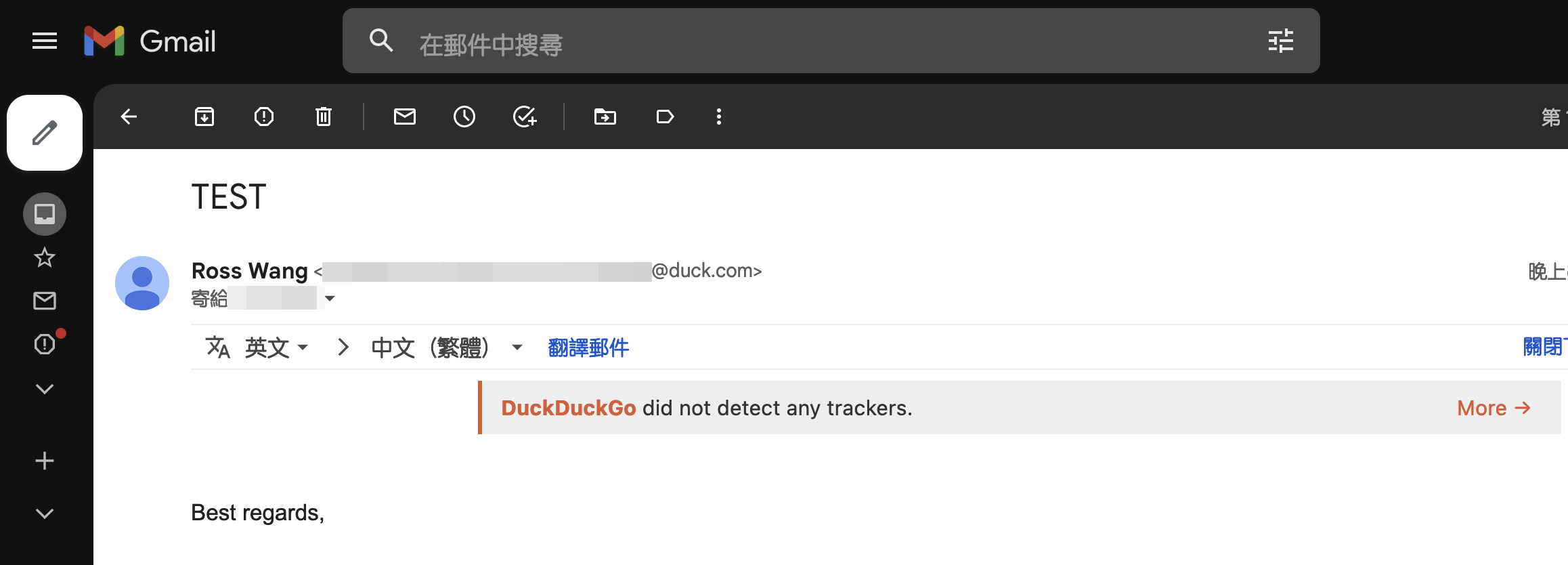
I briefly tested the forwarding function and found that it can indeed operate without Add-on. Then, emails forwarded through the DuckDuckGo Email Protection service will see an additional line of reports related to detecting or removing trackers; if you reply directly to the email, you will see that duck.com will continue to be used as an intermediary to help protect your existing email account:
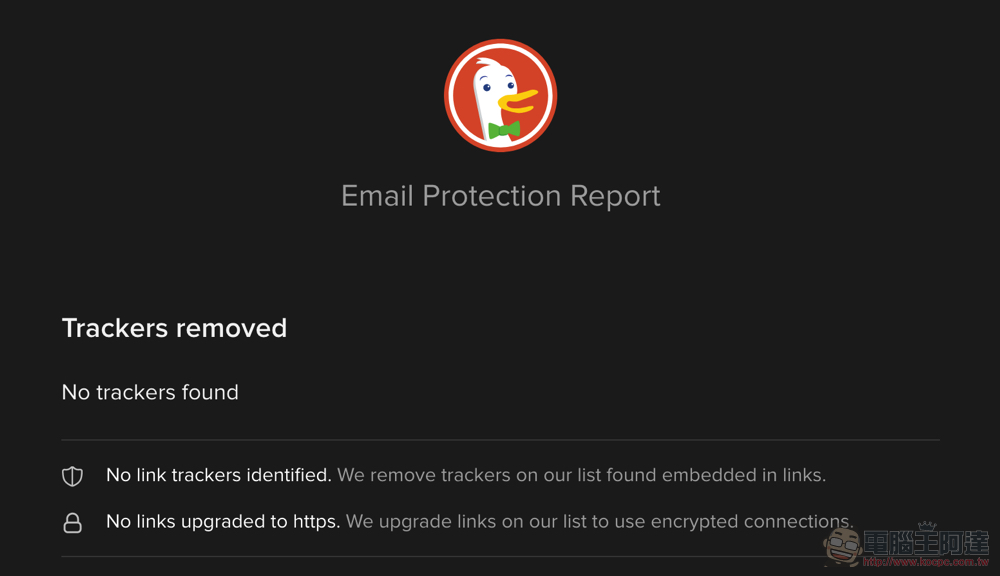
Click “More” to enter the DuckDuckGo Email Protection page to see more information:
Conclusion
In general, DuckDuckGo Email Protection does not provide advanced management functions for random email addresses. But overall, among the free email privacy services, it provides quite comprehensive functions. I recommend that you consider trying it out if necessary.
Further reading:

Source: KOCPC Chinese