


For computer workers and friends who sit at desks for a long time, they must often feel pain in the cervical spine. Now there is such a free app called “Gymneck” in the App Store. You can use AirPods or Beats headphones at hand to achieve the goal of regularly moving the cervical spine. Each process does not take long. People who always feel pain are recommended to give it a try.
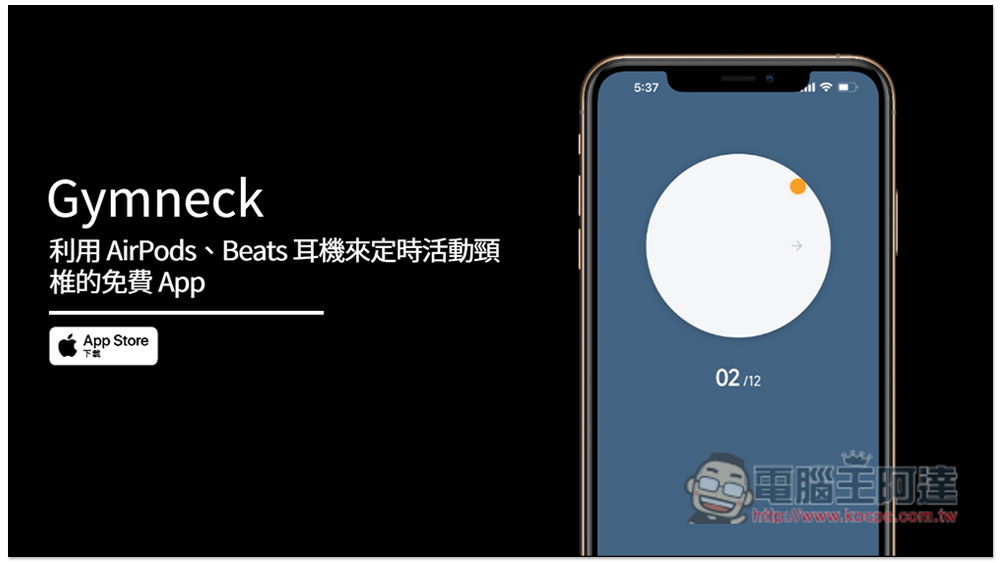
Gymneck is a free app that uses AirPods and Beats headphones to regularly move your cervical spine.
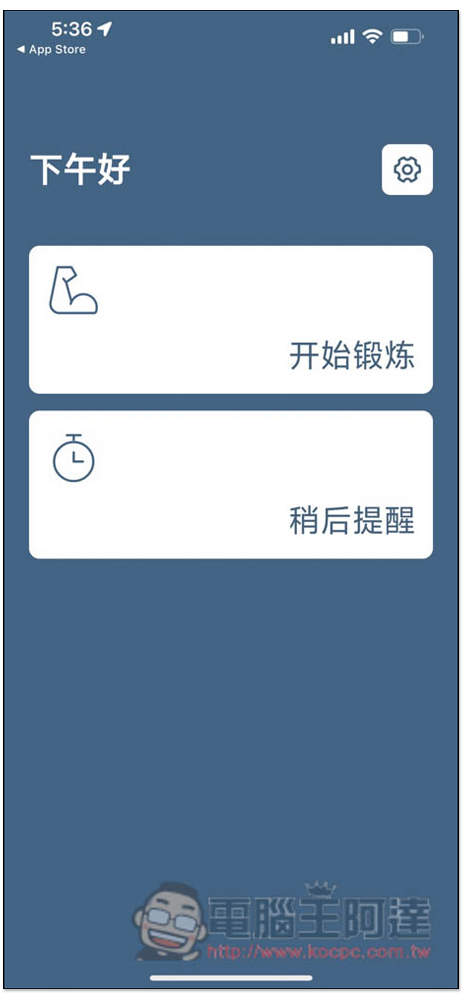
Gymneck is very simple to use. After opening the App, you will see two functions: “Start Exercise” and “Remind Later”. Click to start exercise to start the cervical spine activity process:
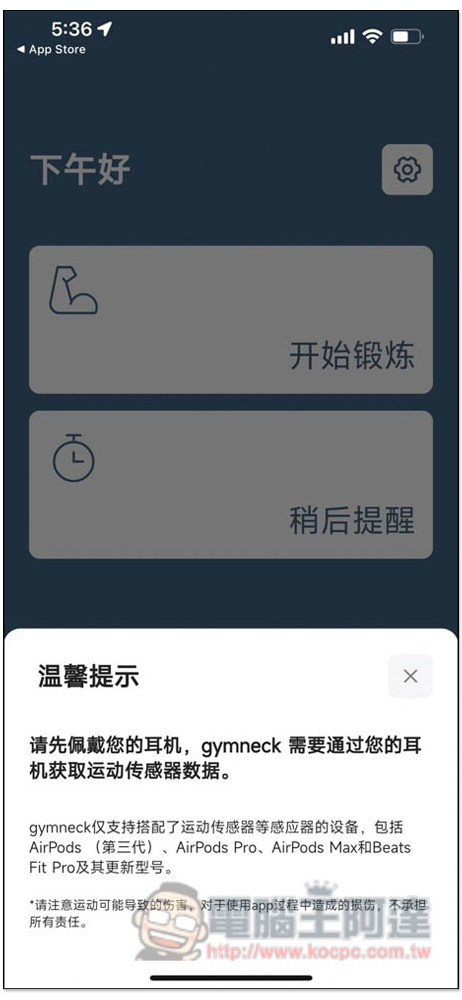
The only thing to note is that not every AirPods and Beats headphones are supported. The detailed supported models are as follows: AirPods (third generation), AirPods Pro, AirPods Max and Beats Fit Pro and newer models. This means that if you have AirPods first or second generation, or other Beats headphones, you cannot use this app. A “warm reminder” will keep popping up and you will not be able to start exercising:
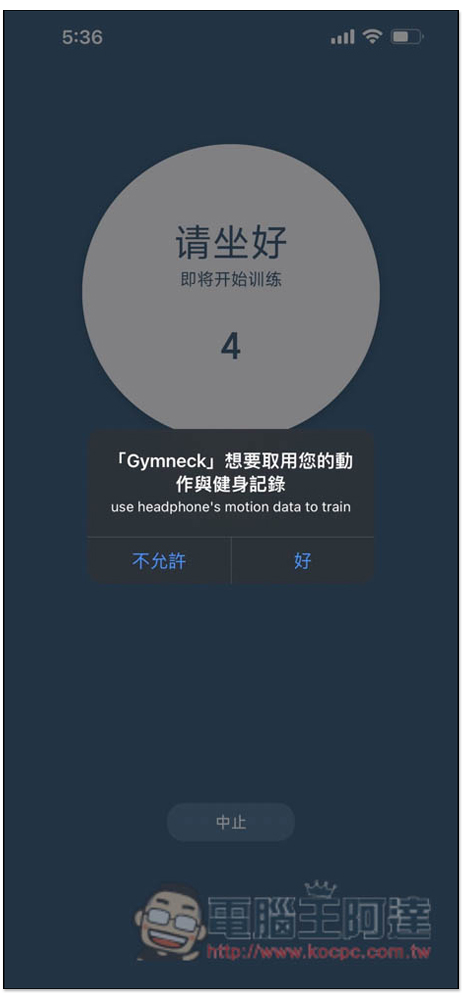
Your activity time can be recorded in action and fitness records. In addition, the app requires you to sit during activities, but I tested that standing is also possible. However, in order to avoid injury, it is recommended to sit down:
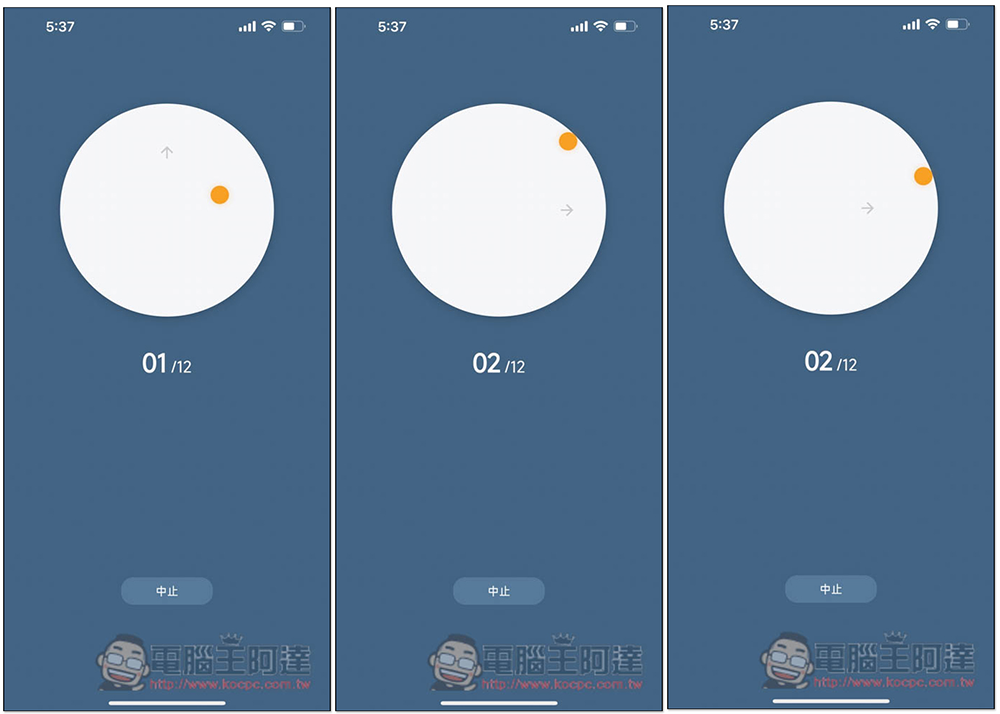
The activity method is to move according to the arrows on the screen. For example, if the arrow points upward, the head will move upward, and the yellow dot represents the current position of your head. If the arrow points to the right, turn your head to the right, and so on. The free version has a total of 12 groups each time, and there is no time limit. Therefore, it is recommended to do it slowly, so that you can move the cervical spine more effectively and be less likely to be injured. Don’t do it casually just because you want to finish it quickly:
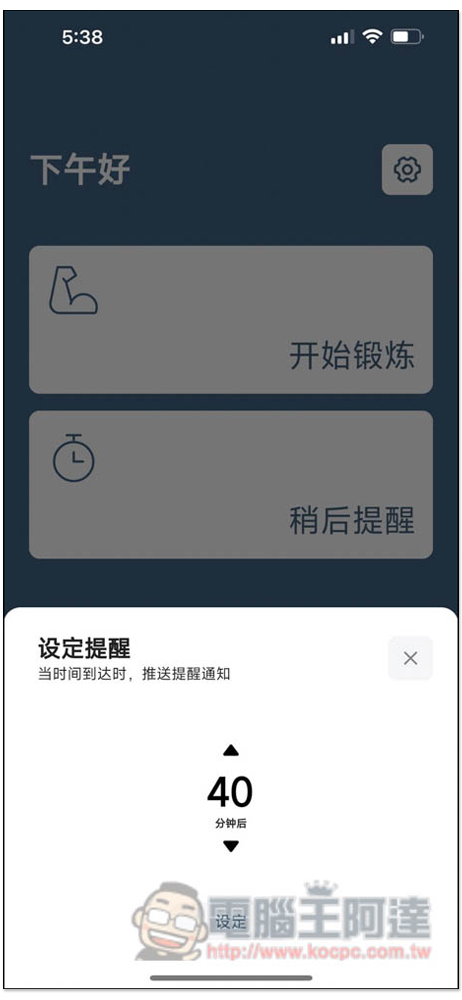
After finishing the exercise, a message will pop up indicating that the goal has been achieved, and a reminder to exercise after 40 minutes will be provided:

The 40-minute reminder can be modified according to your needs. You can make it longer or shorter:
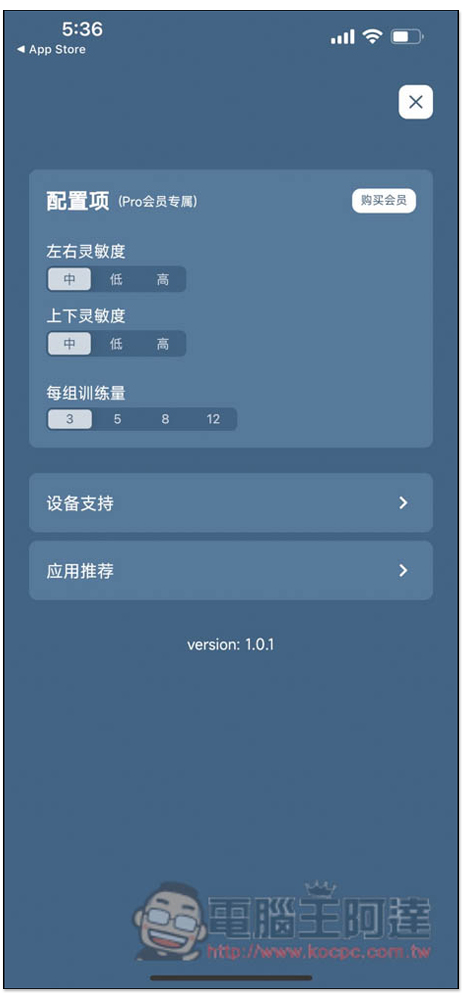
In addition, this app also provides the function of paying for in-app purchase of Pro membership. The difference is that members can adjust the settings, including the left and right sensitivity of the headphones, the up and down sensitivity, and the training volume of each group. I don’t think there is much need to adjust:
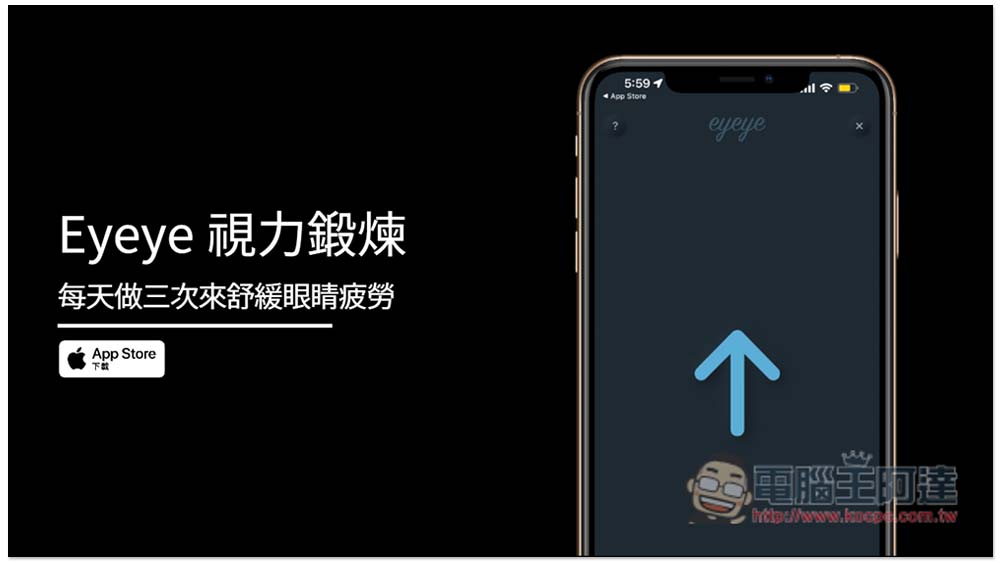
In addition to the cervical spine, we also introduced another model a few days ago Eyeye, it can help you exercise and relieve eye fatigue. It is also recommended for friends who often need to use their eyes. This one does not require the use of any other equipment, as long as your iPhone has Face ID. It can be used without Face ID, but the accuracy may not be as high:
Finally, I would like to remind you that these types of Apps are only for auxiliary purposes. If you can do regular activities on your own, it will definitely be better than using these Apps. After all, you need to wear headphones for cervical spine exercises like this Gymneck, and you also need to use your mobile phone for Eyeeye vision exercises. It is a little troublesome, but it will be easier to just get up and move by yourself to relax your eyes.
Source: KOCPC Chinese