


AlthoughYouTube Premium in Türkiye is already very cheap, but for some users, they may still not be able to afford it, or they may find it troublesome to purchase. If you are using Android and just want to be able to play YouTube music in the background and download YouTube videos, this article will recommend a free app called “LibreTube” that can do the above needs and also has a built-in function for subscribing to YouTube channels.
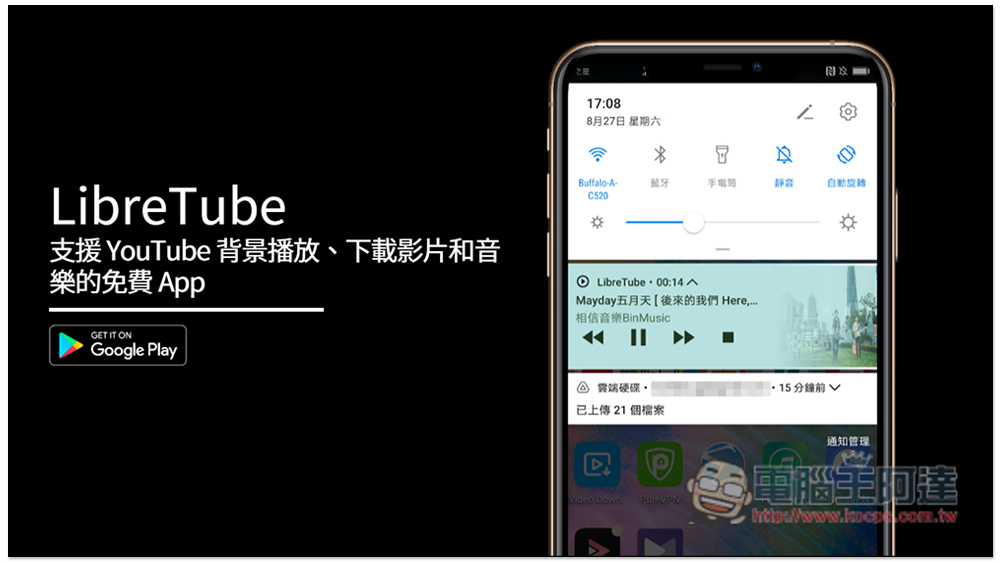
LibreTube is a free app that supports YouTube background playback, video and music downloads
- Click me to go to the official website
- Click here to go to the GitHub website to download the APK file
Apps that can play in the background of YouTube cannot be approved by Google and put on the Play Store, so you need to install the APK file yourself. If you are worried about security issues, you can use the one we introduced beforeFree online scanning tools, or skip this article directly.
Libretube has the APK file on the GitHub website, so I recommend downloading it from GitHub rather than other sources. Go to the GitHub page and scroll down to find the latest APK version. Download app-arm64:
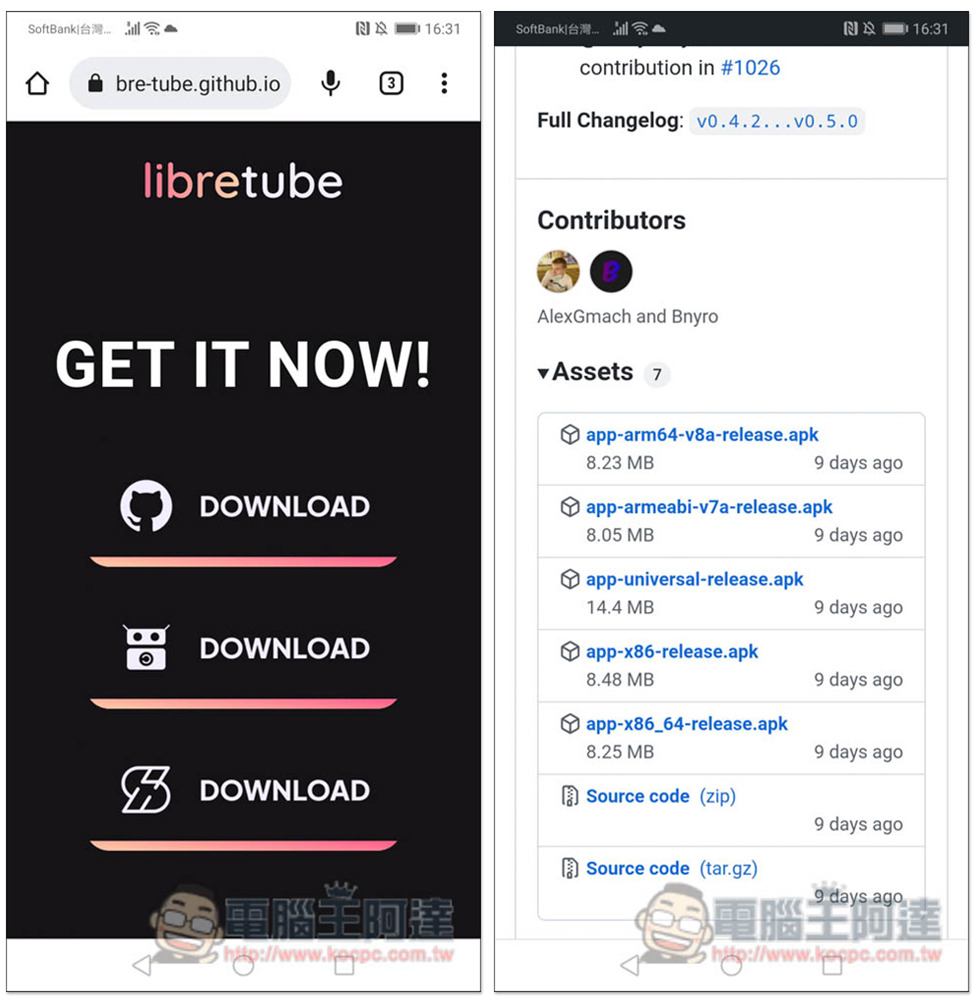
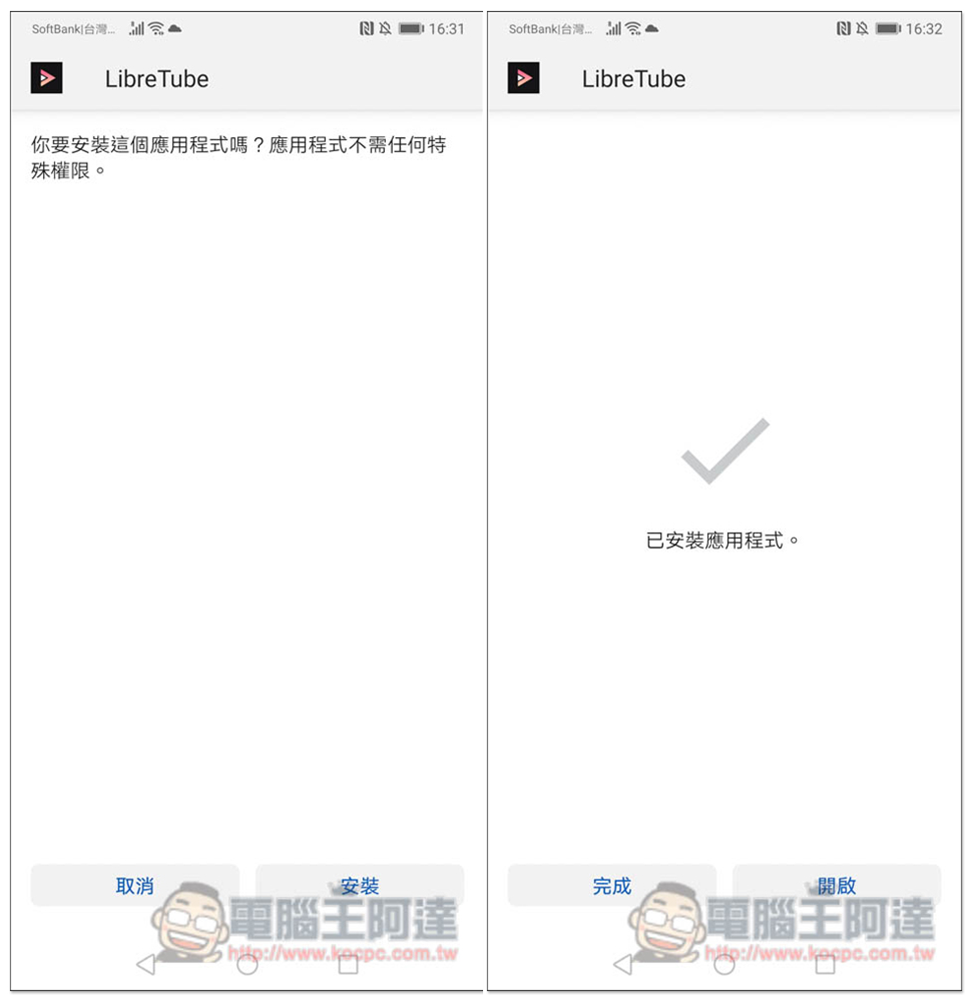
Click Install and start it after completion:
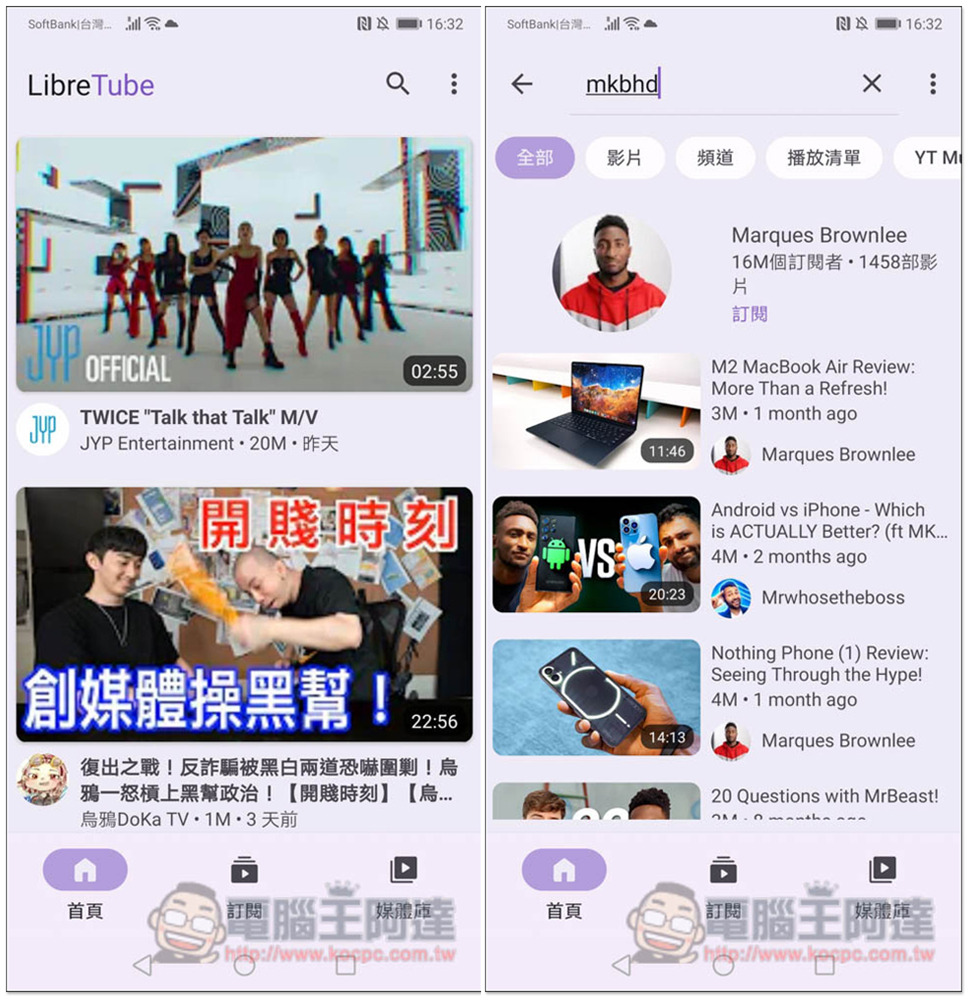
Now you’re good to go! The interface is very similar to YouTube, but there are no ads at all, and you can directly search for YouTube videos and channels:
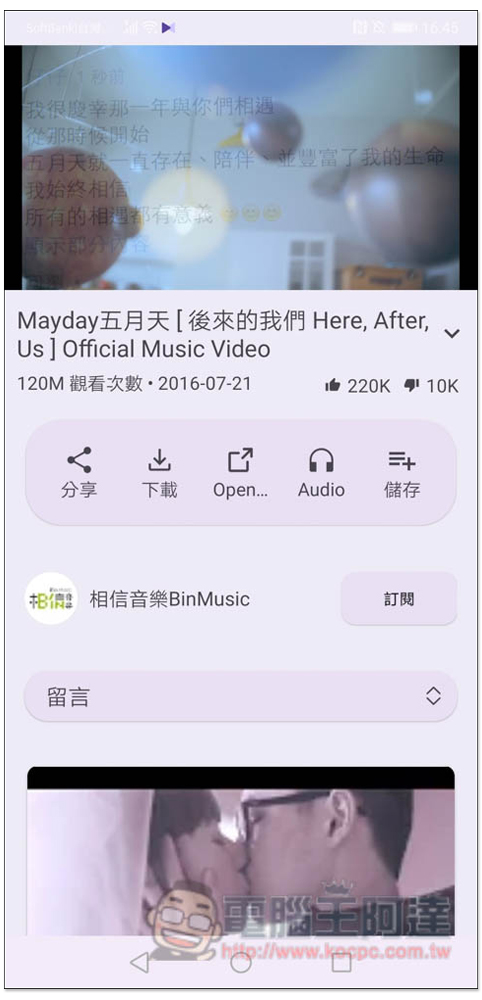
After entering the playback interface, if you want to download YouTube music or videos, you will see the “Download” button in the middle:
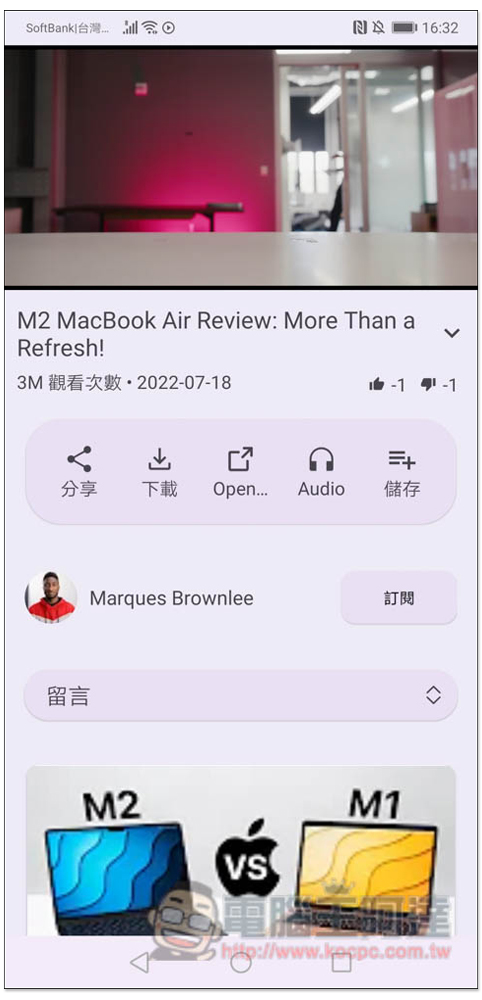
Click to select whether you want to download video (Video) or music (Audio):
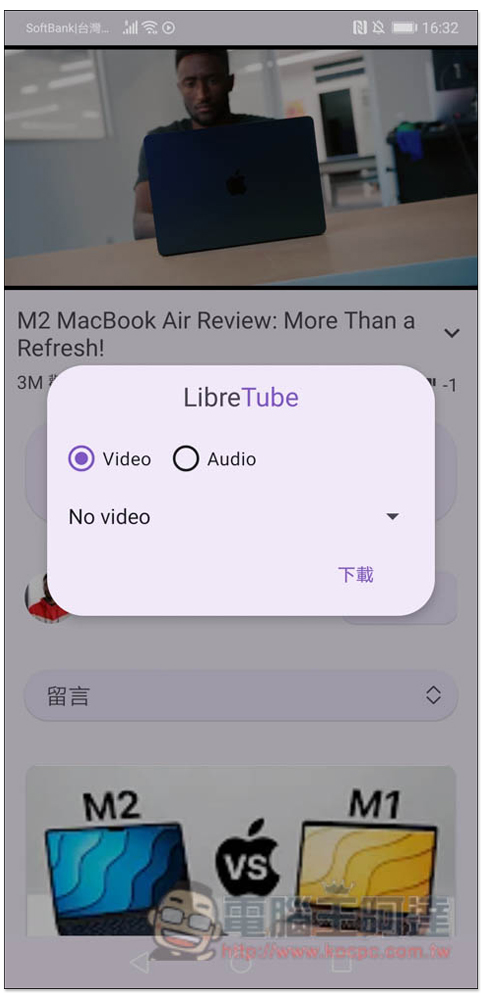
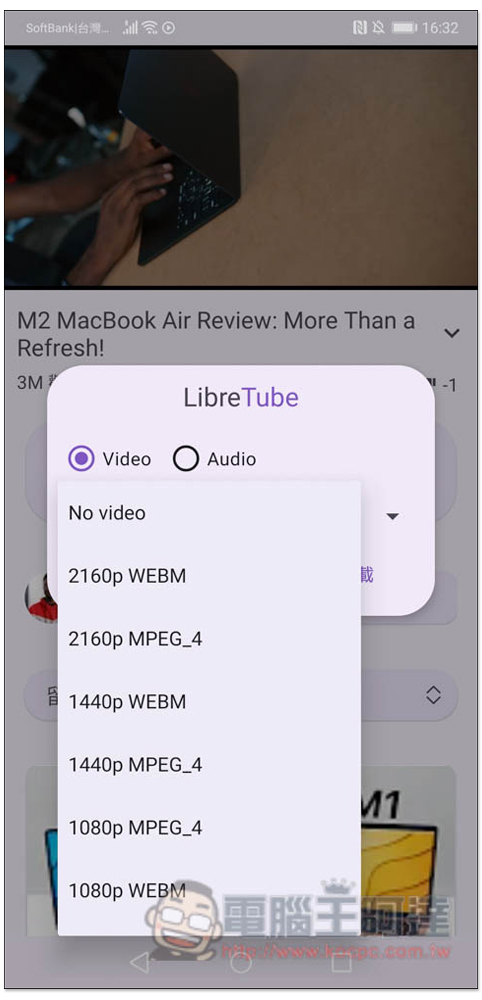
The video part supports up to 4K quality (2160p), with two formats: WEBM and MPEG_4, depending on which one you need:
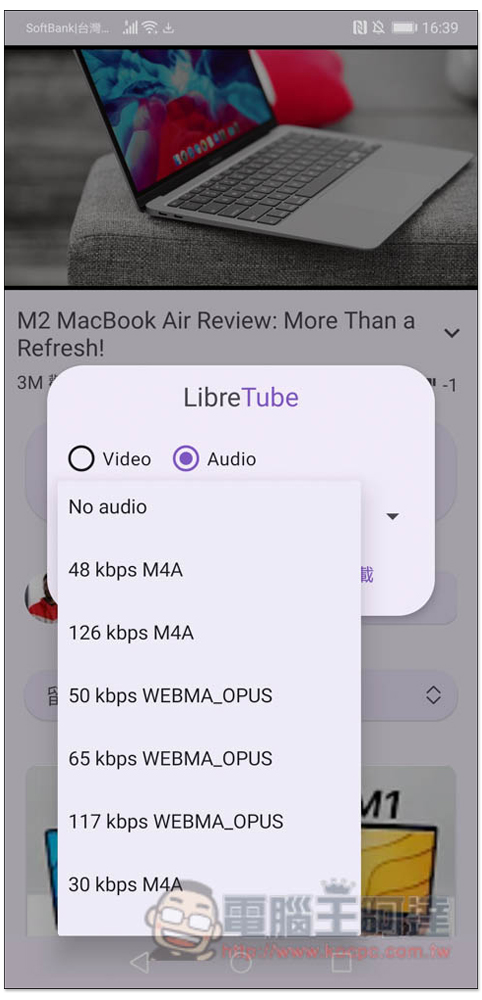
The music part has two formats: M4A and WEBMA_OPUS. There is no MP3, which is a pity. It means that if you want to download MP3 format, you need to use a conversion tool. There are many in the Play Store, and there are also some free web tools on the Internet:
Then the download will start. I think the download speed of this one is a bit slow and you need to wait for a long time. In addition, only one file can be downloaded at most. If you want to download more, you need to wait until the current file is downloaded:
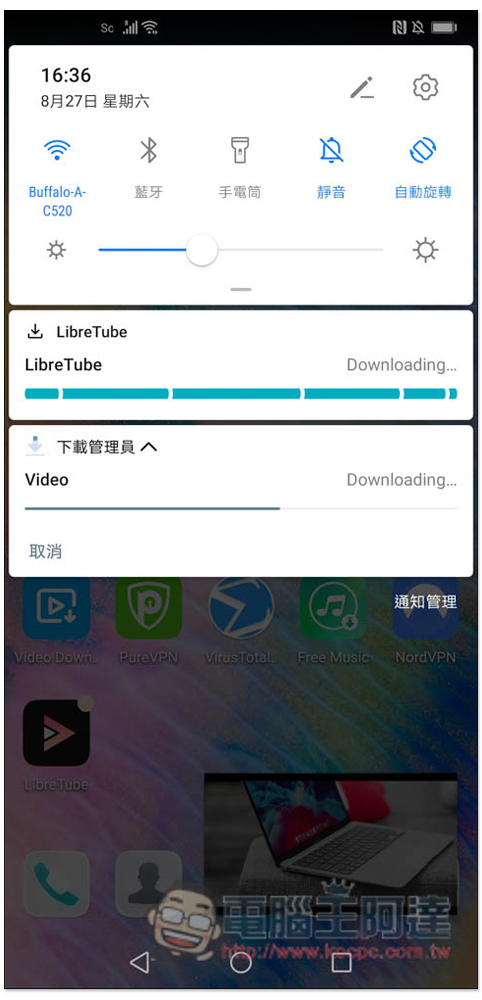
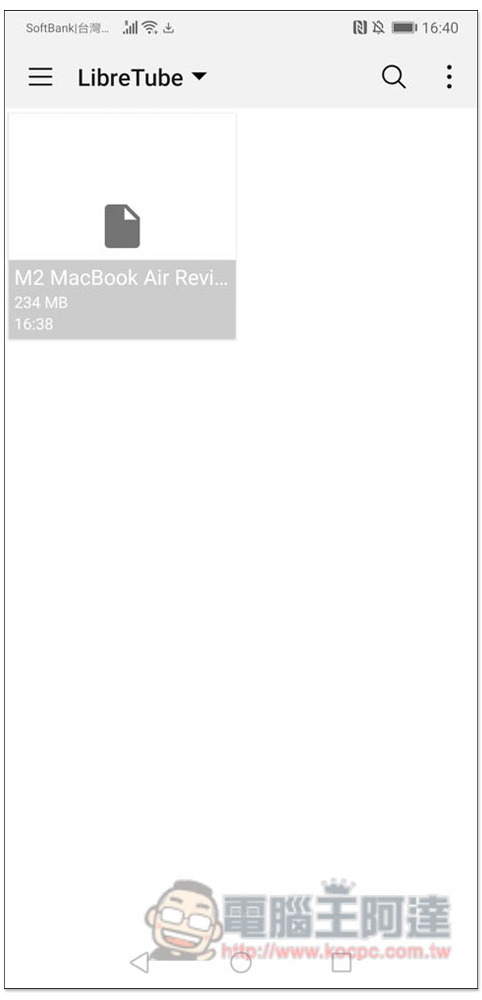
After downloading, you can find it in the download file folder of your Android phone. This App cannot be played and you need to use other playing apps:
If you want to play music in the background, open the music and playlist you want to listen to, and press Audio in the middle:
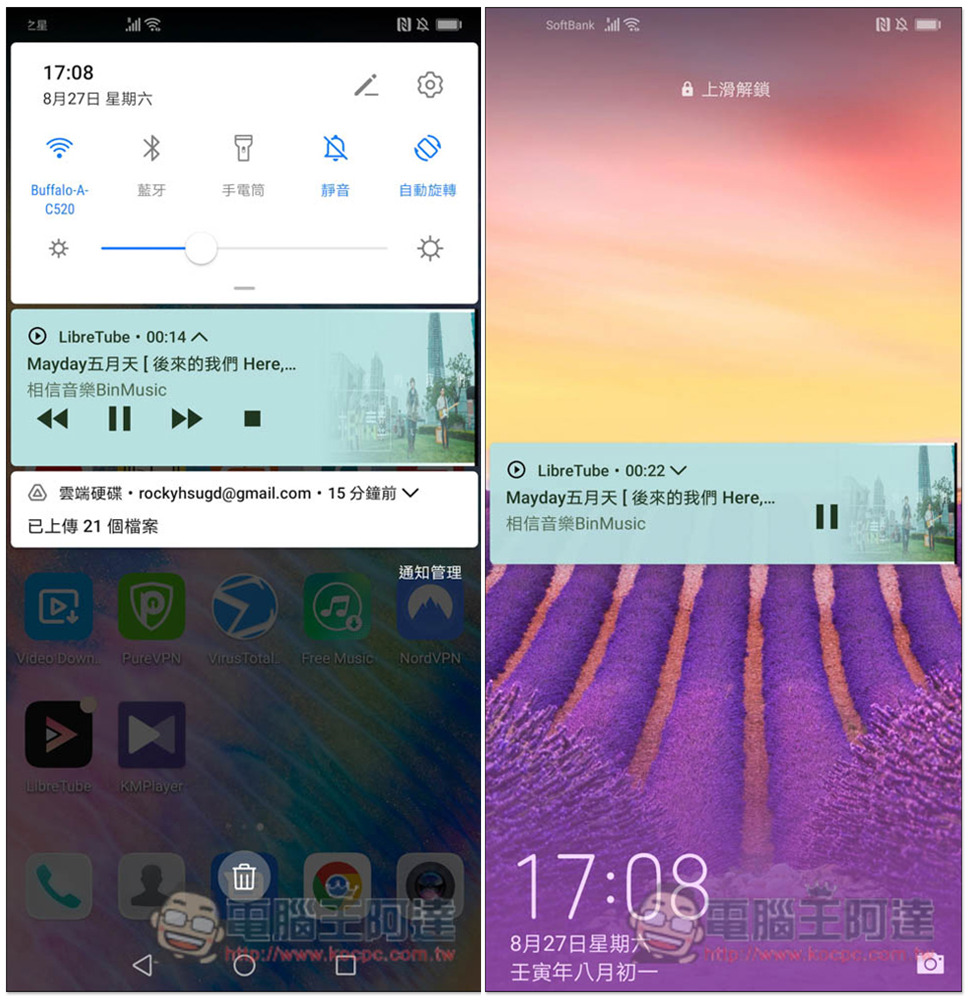
Jump back to the desktop and you will see that the music continues to play in the background, and there is no problem in standby:
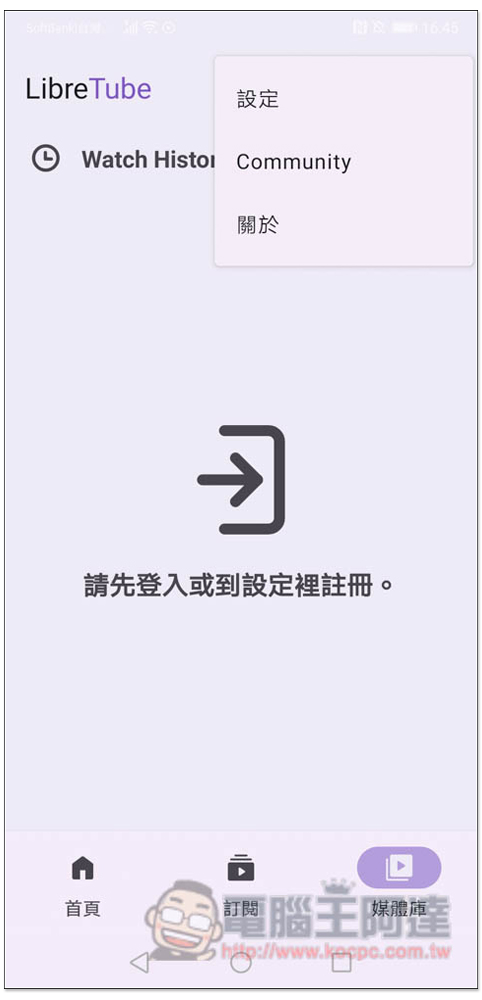
The media library function requires logging in to use it. If you want to register an account, open the menu in the upper right corner and you will find the setting function:
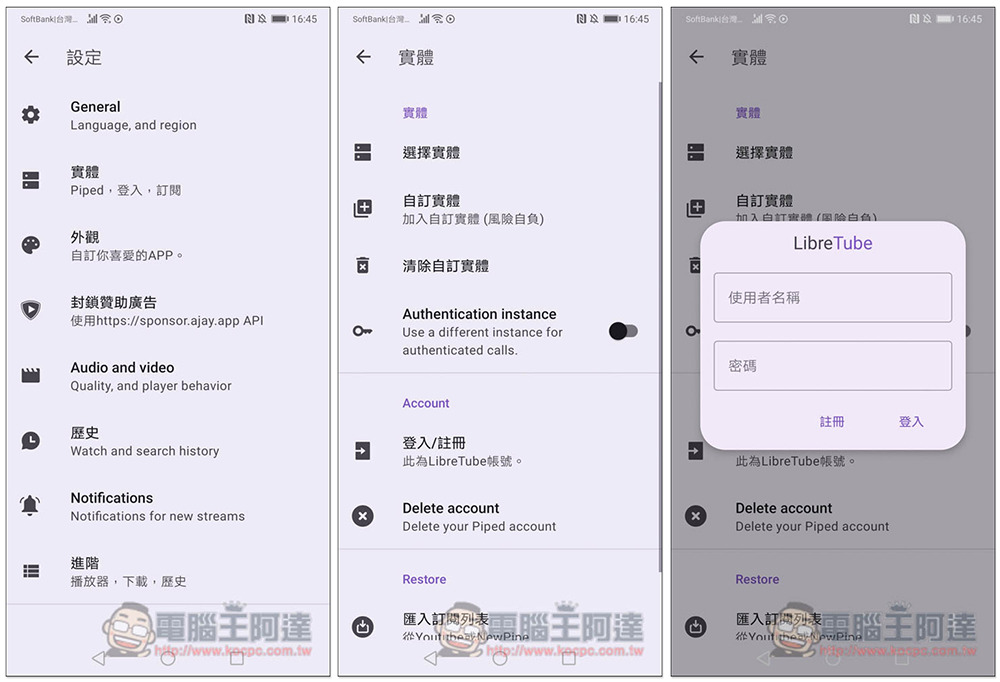
Enter the entity -> Login/Register and enter the user name and password you want to register:
No need to subscribe, you can subscribe to the YouTube channels you often watch without registering. In addition, if there is no response when pressing subscribe on the inner page of the video, you can jump to the YouTube channel page, and there will be no problem if you press there:

In addition to this App, we have previously introduced another SkyTube Extra It’s also very useful, you can refer to it.
Source: KOCPC Chinese