


For computer workers or people who often need to use their eyes to focus on work, they may often feel that their eyes are a little tired and sore. Although you can rely on eye drops for quick relief, it is a drug after all, and it is not good for your eyes in the long run. You can try this free “Eyeye Vision Exercise” app instead. It is said that three times a day, one minute each time can relieve eye fatigue caused by looking at screens, books, etc. for a long time. Currently only iOS version.
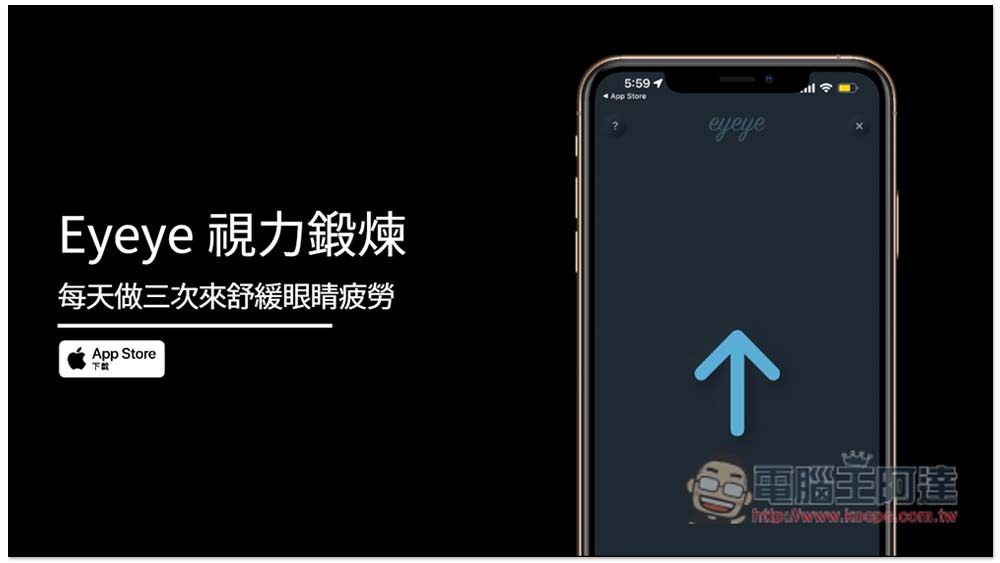
Eyeye vision exercise free app, do it three times a day to relieve eye fatigue
Eyeye vision exercise uses the TrueDepth camera system to capture and analyze the movement of the eyeballs and subtle changes in the muscles around the eyes. Therefore, if you want to experience it completely, it must be a model that supports facial recognition, including:
- iPhone 13 Pro Max
- iPhone 13 Pro
- iPhone 13 mini
- iPhone 13
- iPhone 12 Pro Max
- iPhone 12 Pro
- iPhone 12 mini
- iPhone 12
- iPhone 11 Pro Max
- iPhone 11 Pro
- iPhone 11
- iPhone XS Max
- iPhone XS
- iPhone XR
- iPhone X
- iPad Pro (12.9-inch, 4th generation)
- iPad Pro 12.9-inch (3rd generation)
- iPad Pro (11-inch, 2nd generation)
- iPad Pro 11 inches
However, developers also said that even if the iPhone does not have a TrueDepth camera system, it can still be completed by manually clicking on the screen, but the accuracy may not be so high.
After opening the app, remember to allow access to the camera so that the AR function can be turned on:

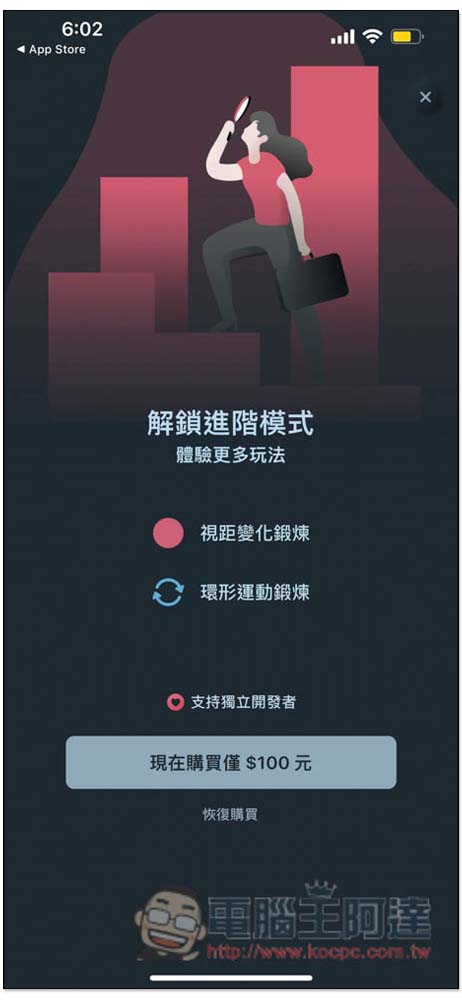
It provides two modes, “Relax” and “Advanced Exercise”. The free version of “Relax” can be used, which is mainly used to relieve screen fatigue. Advanced exercises require paid upgrades. You can try it for free first, and then consider it after you find it effective:
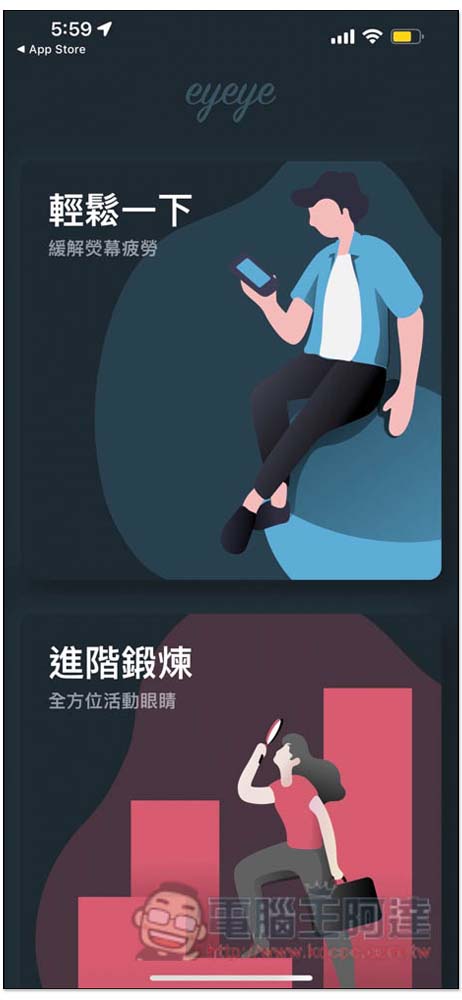
The exercise method is very simple. First, point your iPhone or iPad towards your eyes, and then move your eyes in the direction of the arrow on the screen. Remember not to move your head. When the eye is detected, your eyeball moves in the direction of the arrow, and the arrow will also move accordingly. If it does not move at all, it means that the iPhone or iPad is not in the right position and the eye is not detected. “Relax” is divided into four parts, and at the end of each part there will be a 5-second break with your eyes closed:
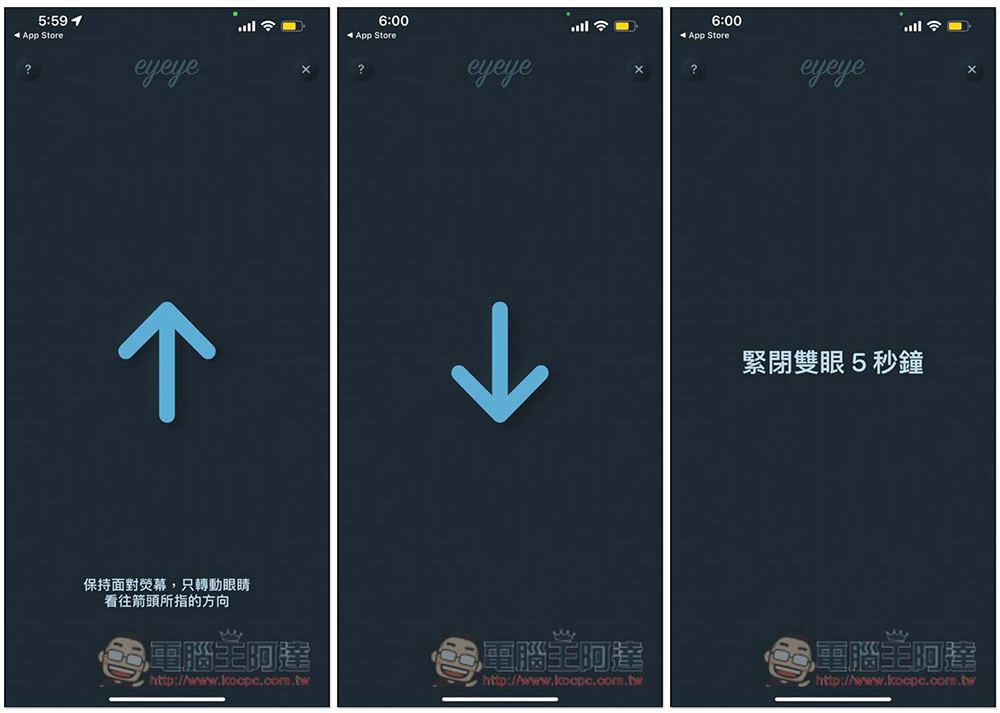
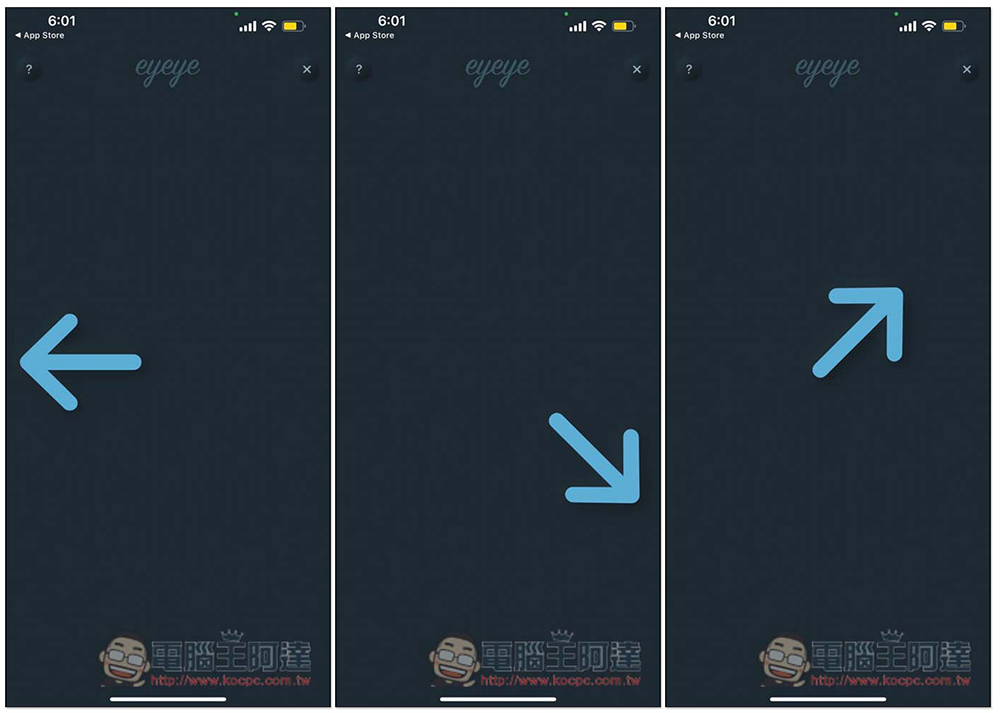
The four parts are, up and down, left and right, upper left and lower right, upper right and lower left:
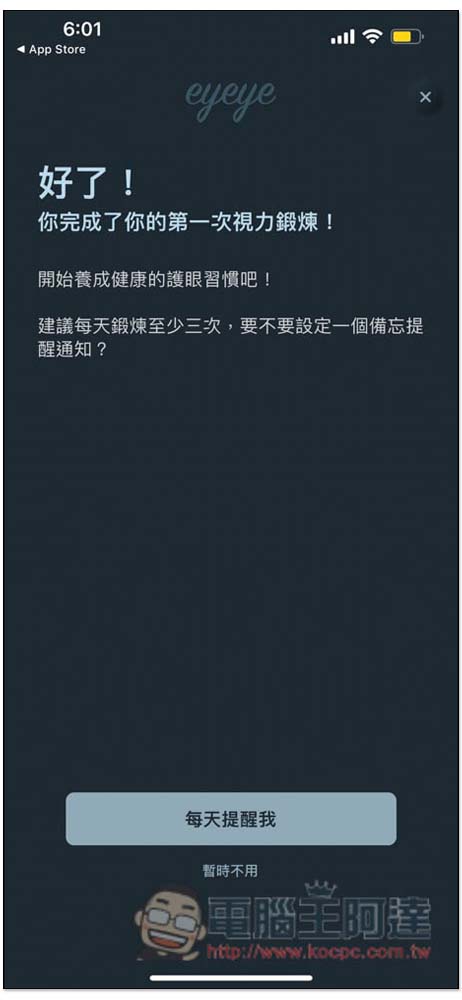
After everything is completed, you will enter this page. The developer recommends exercising at least three times a day to slowly develop the habit of protecting your eyes. A notification reminder function is provided. Those who need it can open it:
There are two ways to play in the advanced mode, “View Distance Change Exercise” and “Circular Movement Exercise”, which are available for one-time purchase:
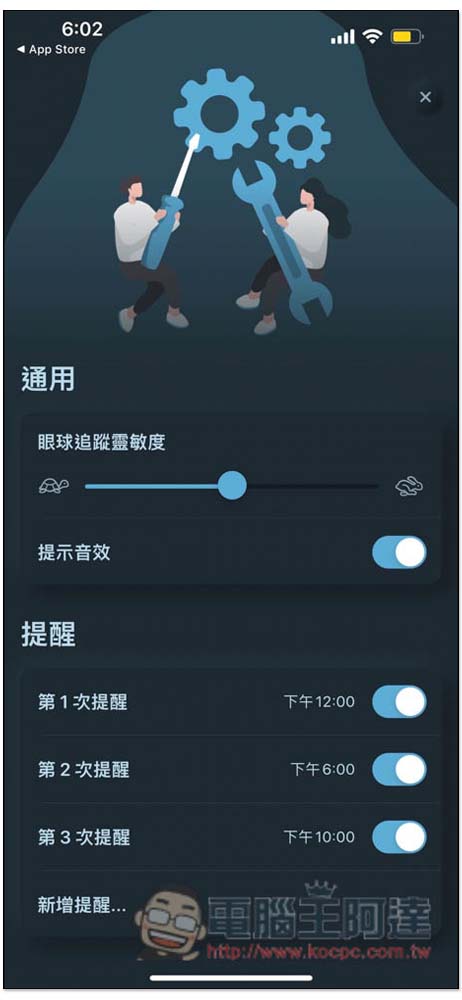
If you feel that the sensitivity of eye tracking is too high or too low, you can go to the settings page to adjust it, as well as the reminder notification time. There are three defaults. If you want to exercise more times a day, you can also add more reminders yourself:
Source: KOCPC Chinese