


There are many free memorization services on the Internet, but most of them only provide memorization and do not have background or editing functions. For those who have such needs, it may be a bit troublesome. After memorizing, you have to enter software such as Photoshop for post-production. This article will recommend a very easy-to-use Retoucher one-click online memorization service. In addition to the excellent memorization effect, it also provides a lot of free backgrounds for you to quickly apply, and it also has editing functions such as adding text.
Retoucher automatically removes backlashes online with one click. Recommended introduction to free backback removal tools with excellent results.
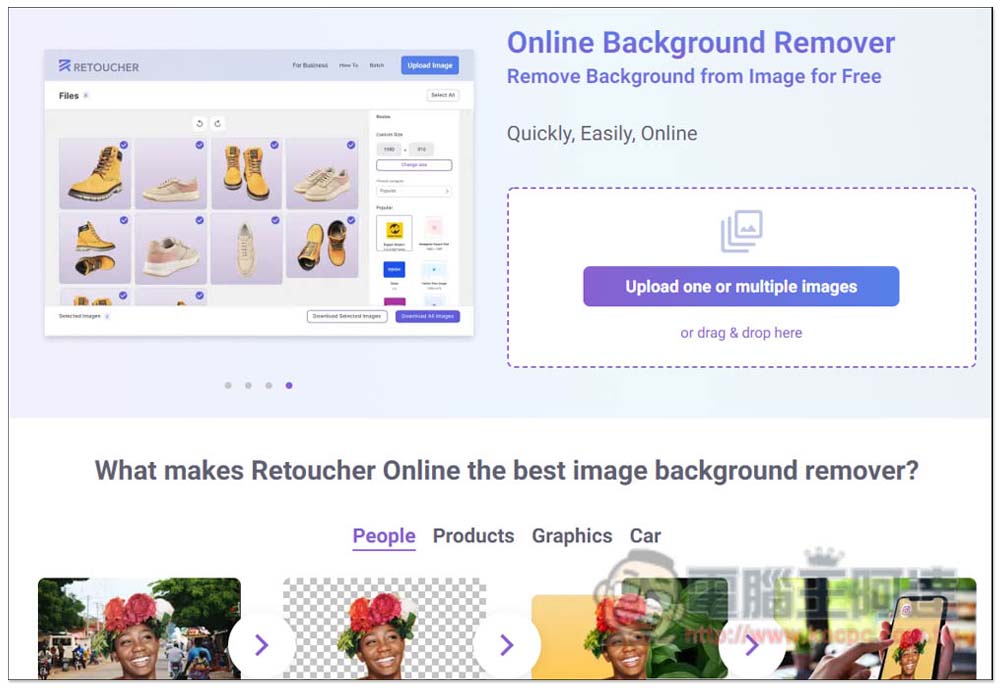
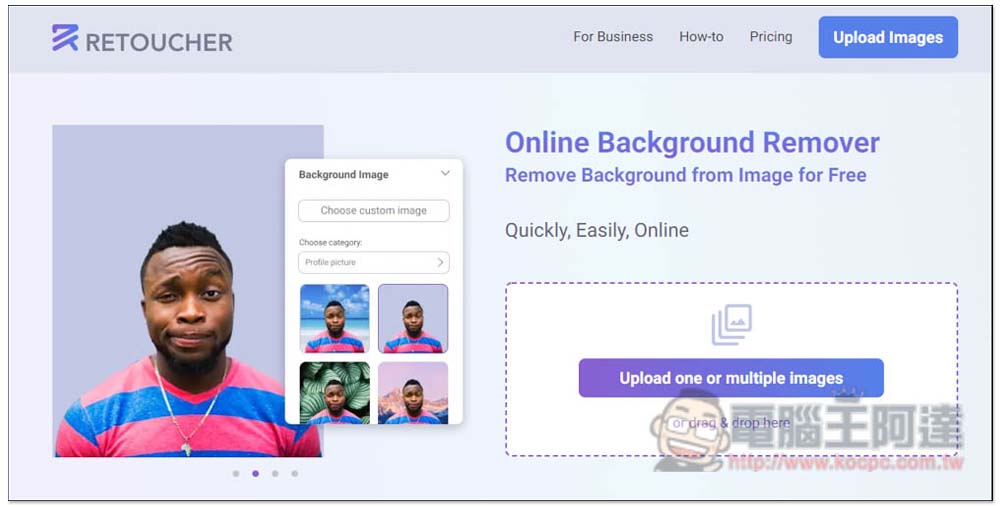
Retoucher is a free online memorization service, but it has a limit of three pictures per day, which means you can only memorize three pictures. I think it is enough. Very few people will memorize so many pictures every day. The method of use is also very simple. After entering the website, you can upload the pictures you want to memorize. It supports uploading multiple pictures at one time:
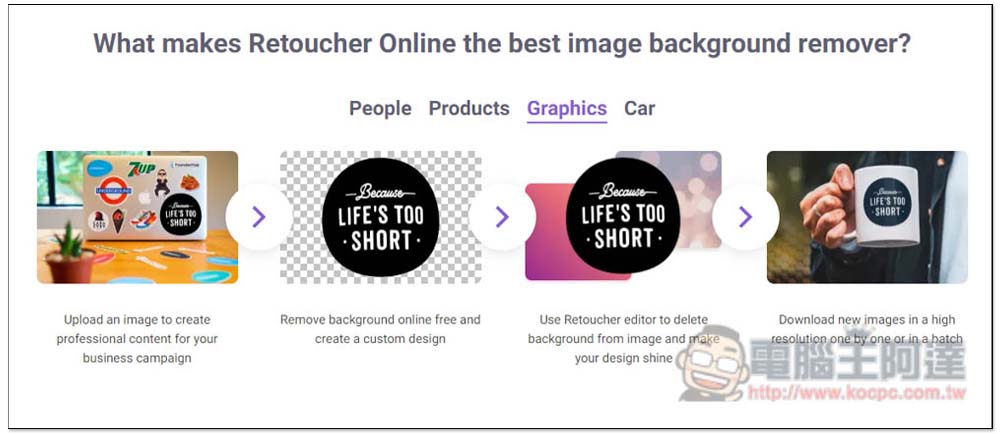
In addition to portraits, this removal service also supports products, graphics, and cars:
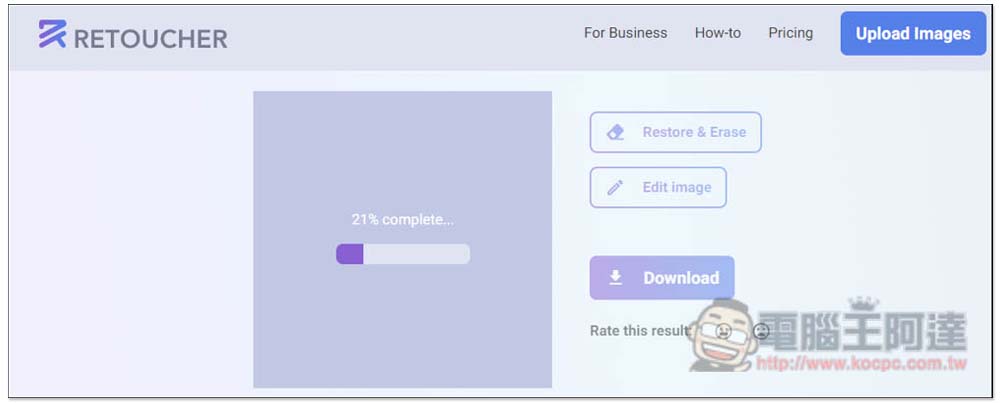
After uploading, just wait for it to automatically complete the memorization, which is quite fast:
Then you can see the results, and I have to say it’s really amazing. The background of Ada’s photo is perfectly removed, and even the edges of her hair are quite natural. There are many free backgrounds available below:
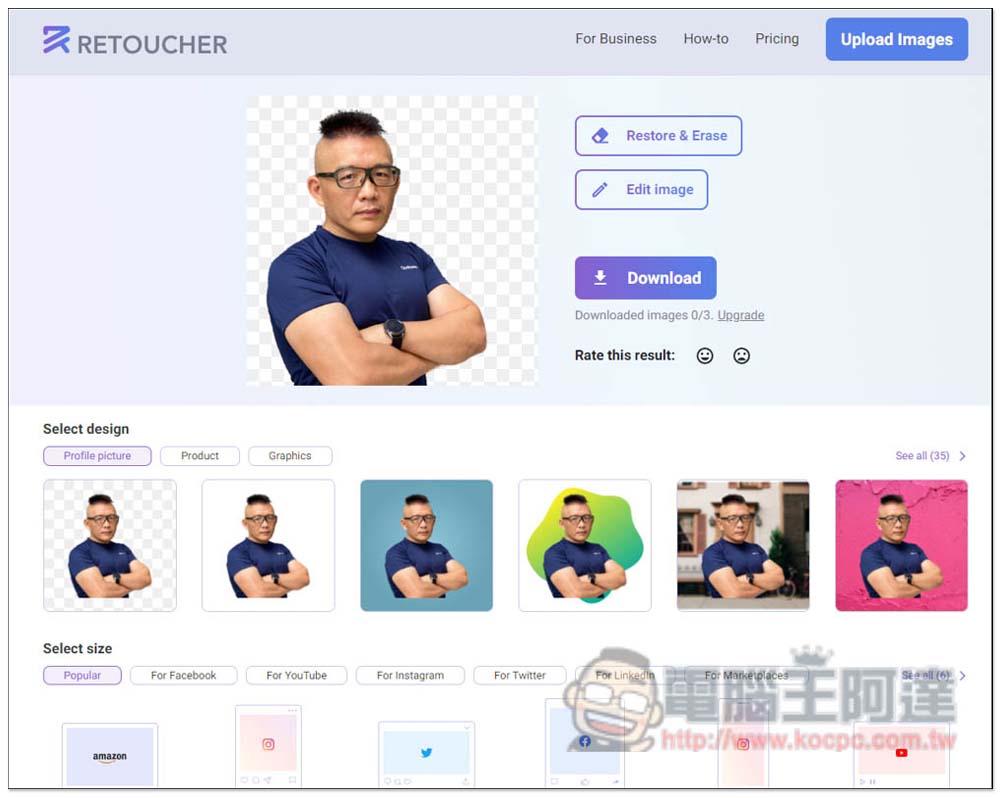
After clicking, the editor will open. The main editing menu is at the top, and the secondary menu is on the right. In addition to changing the image in the background, the blur intensity can also be adjusted:
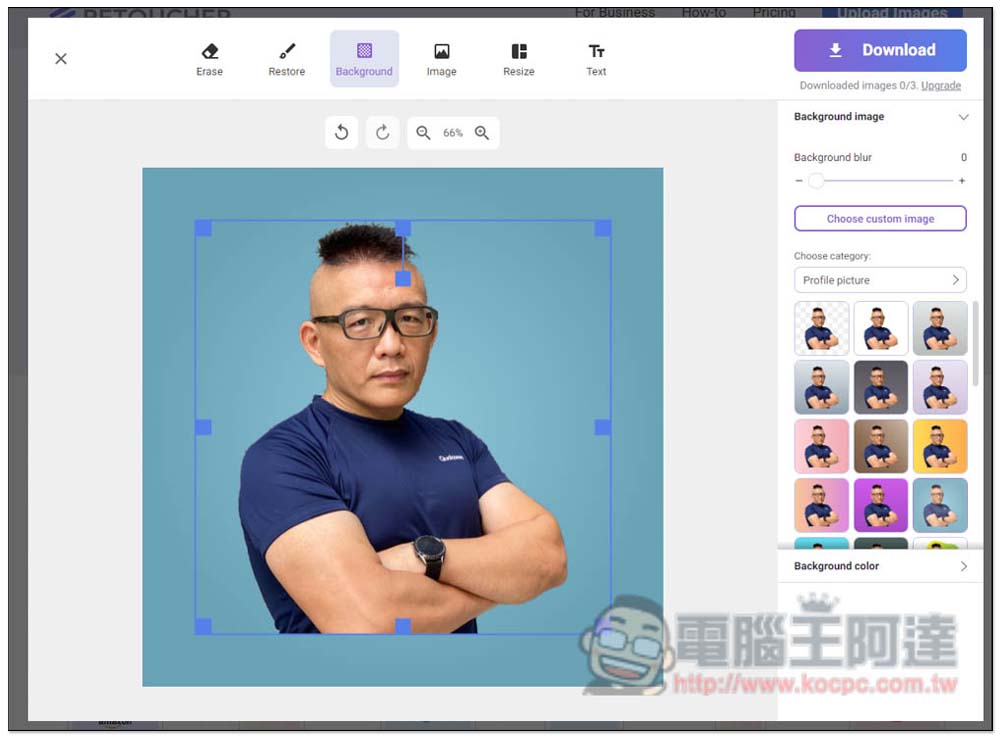
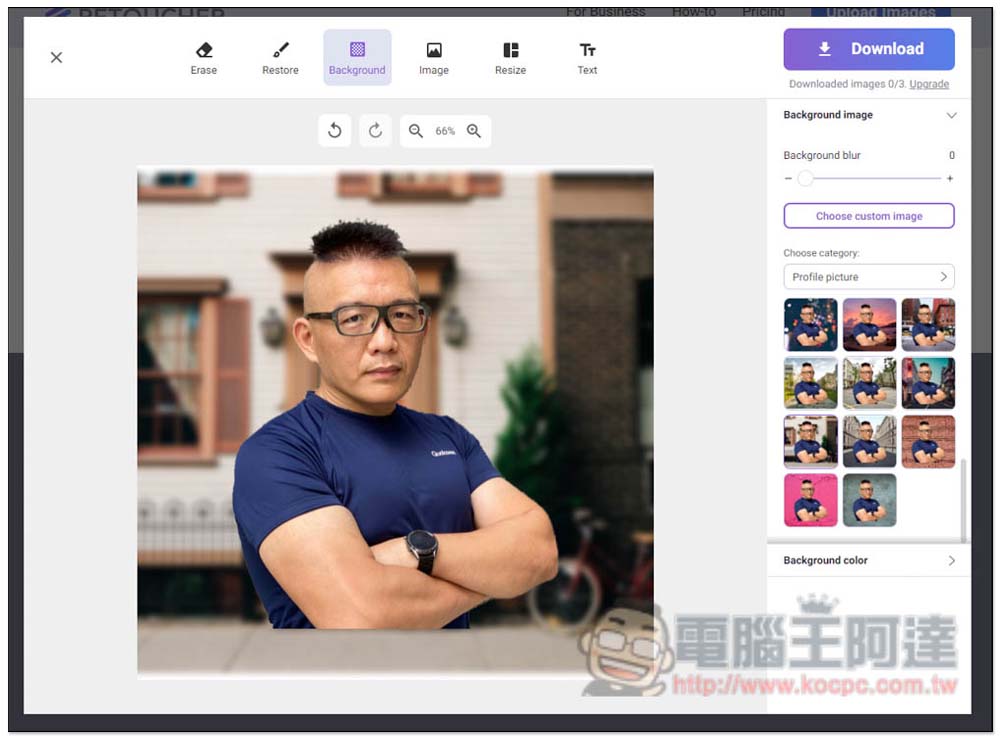
The background can be changed at any time, and every synthesis is quite natural. This is really beyond my expectation. I have tried other background removal services that also provide synthetic backgrounds. Many pictures look strange when combined, but this one does not:
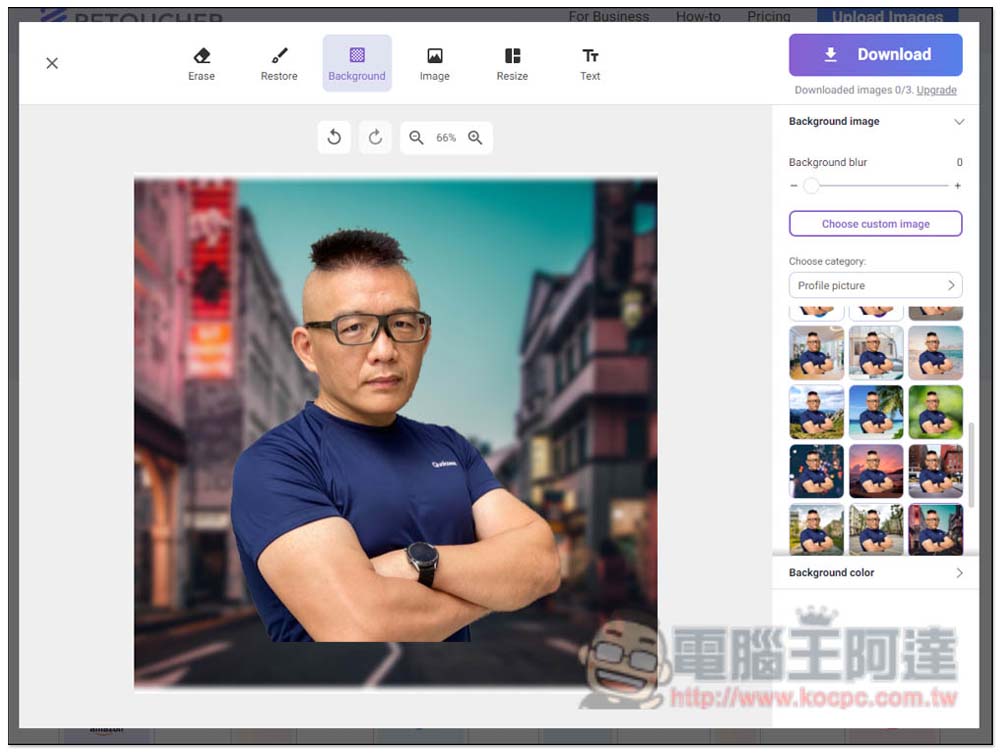
I didn’t expect that this kind of composite photo of portrait + street scene would be so natural, and even if Ada’s lower part was cut off, it wouldn’t look out of place. Click Choose custom image to upload the background image you want to synthesize:
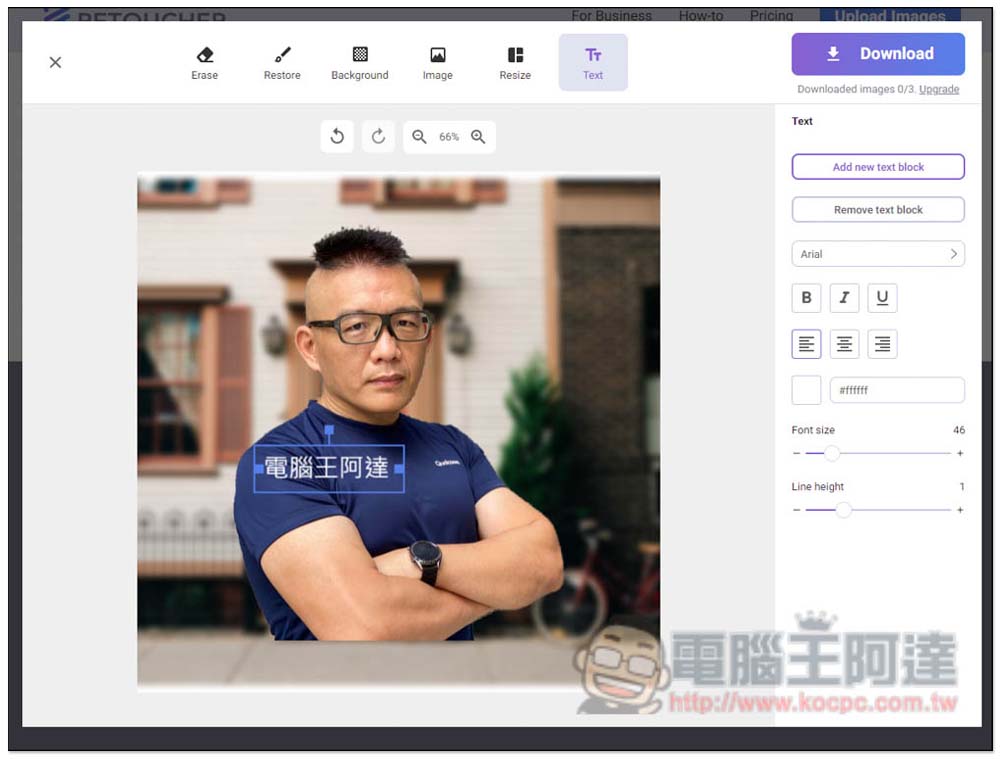
It also provides text functions, with English, Chinese and other fonts available, and the size, position, and boldness can also be adjusted. If you want to delete the added text, remember to use the Remove text block function on the right. Simply pressing the Delete key on the keyboard will not cause any reaction:
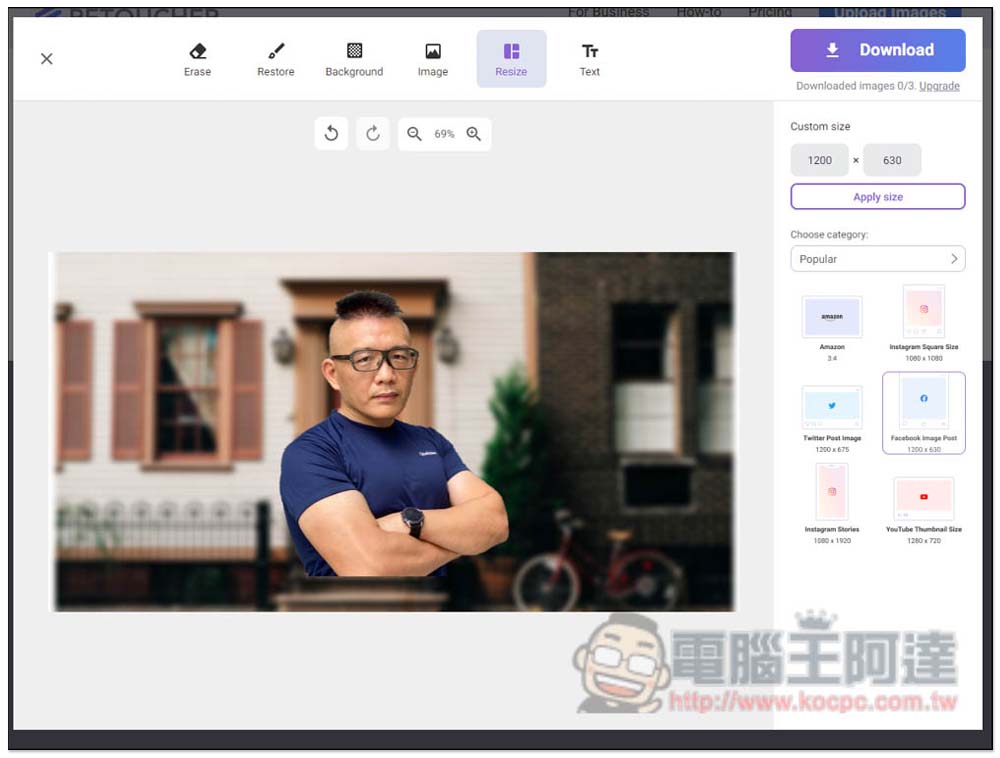
The size of the layout can also be changed, with many commonly used proportions built-in, and classified according to the platform, such as For Facebook, YouTube, Instagram, Twitter, Linkedln, Marketplaces, etc.:
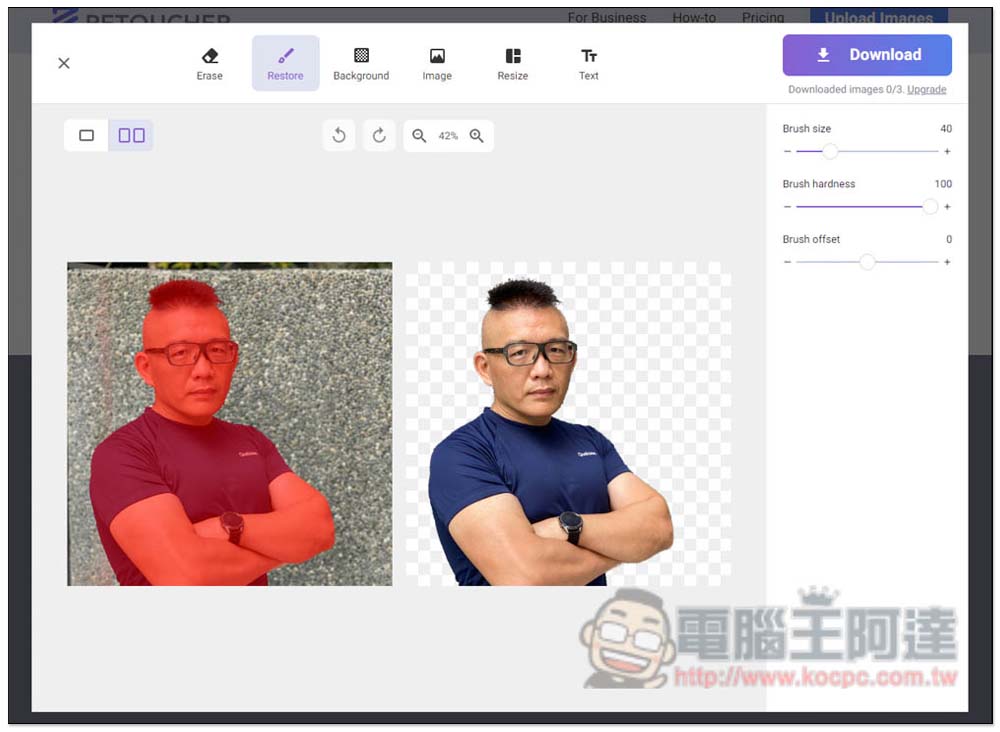
If there is something about the automatic back removal function that you feel is not natural enough, you can manually adjust it later and go to the Erase or Restore menu to fine-tune it. Brush size and intensity can also be customized:
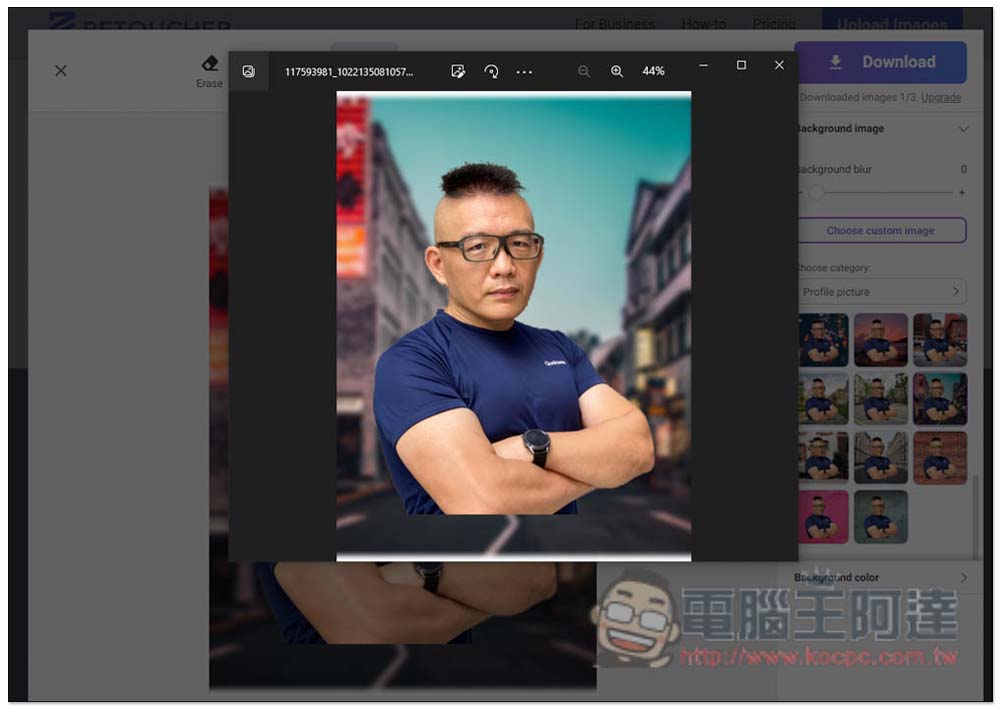
After you are satisfied, press Download and the image will be downloaded. It has no watermark and provides high-resolution size. It is really good. This should be the best online memorization tool I have ever used. I highly recommend it to everyone:
In addition to this one, if you want to know more free transfer services, we have also introduced them before ClipDrop、ImageMatting、Adobe Photoshop OnlineWait, you can refer to it.
Source: KOCPC Chinese