


Sometimes you just have to go out temporarily, and you look down at your phone and find that your iPhone is out of battery. Although it may be able to hold on for a while, when you go out, you will inevitably need to send and receive messages, answer calls, and may even subconsciously scroll through social platforms. Running out of battery makes you feel insecure. You can quickly charge your iPhone in the minutes before heading out, but you have to use the right method and maximize charging efficiency.
Need to go out temporarily but find that the battery is low? Tips to improve iPhone charging efficiency
Thanks to the rapid development of fast charging technology, you can charge your phone at the fastest speed, but you must choose the right tool and use it correctly to truly show the advantages of fast charging, so that you can have enough power to get through the hours when you are away from home.Some common sense first aid methods have been discussed before, although it was mainly based on Android at the time, the iPhone did the same thing. You can mix and match the tips we shared today to at least give your iPhone the minimum amount of power necessary for daily processing.
Please use a fast charging transformer to charge
The fastest way to charge an iPhone is to use a fast-charging transformer. Connect a 20W transformer to Lightning to charge. It can charge iPhone 8 and later models from almost dead to 50% battery power in 30 minutes. If you have an hour to spare you can still have a chance to recharge. Even in just 10 minutes, you can charge the battery from single digits to double digits, so when you are pressed for time, choosing to use a fast-charging transformer is the most reliable and fastest way to replenish power.
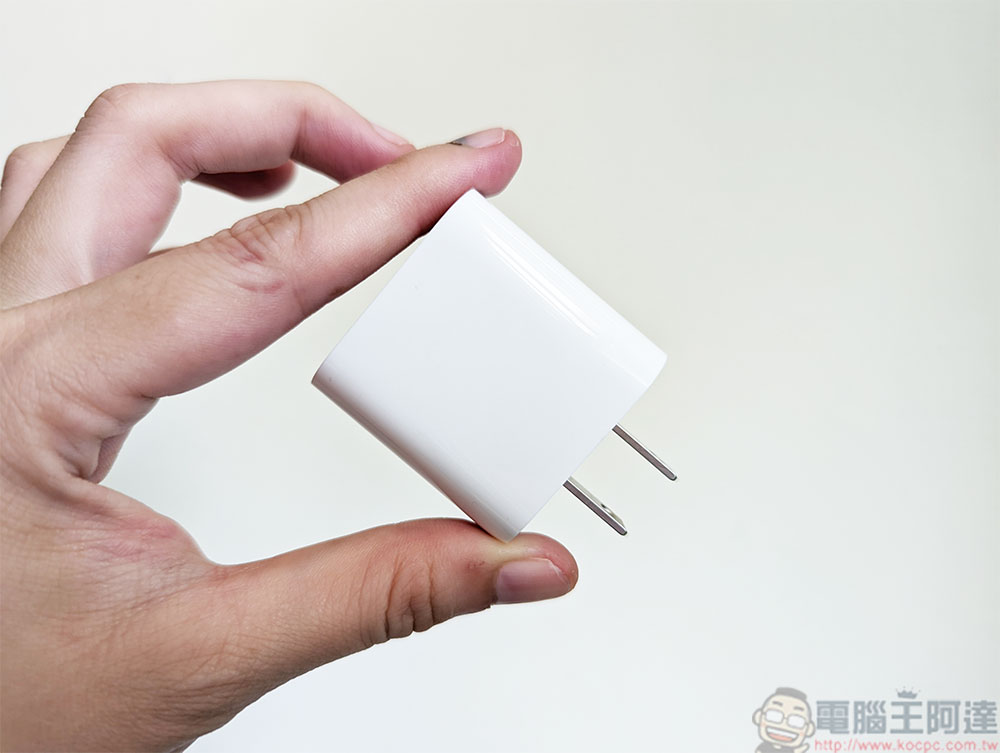
Unfortunately, when you buy a new phone, Apple no longer provides a transformer and only gives you cables in the box, but you can buy Apple’s original 20W transformer from Apple’s official website or other stores. According to Apple, you can also use other compatible fast-charging adapters, but they need to have at least 20W of output to trigger fast charging on iPhone 12 and newer models.
If you don’t have a fast-charging adapter, the MagSafe charging pad is also good
The second fastest way to charge an iPhone is to use Apple’s original MagSafe charging pad with a 20W adapter, but to achieve this, your phone must be an iPhone 12 or later model to support up to 15W wireless charging. If your iPhone is completely dead at this point, you should be able to get about 30% of its charge in about 30 minutes of wireless charging.
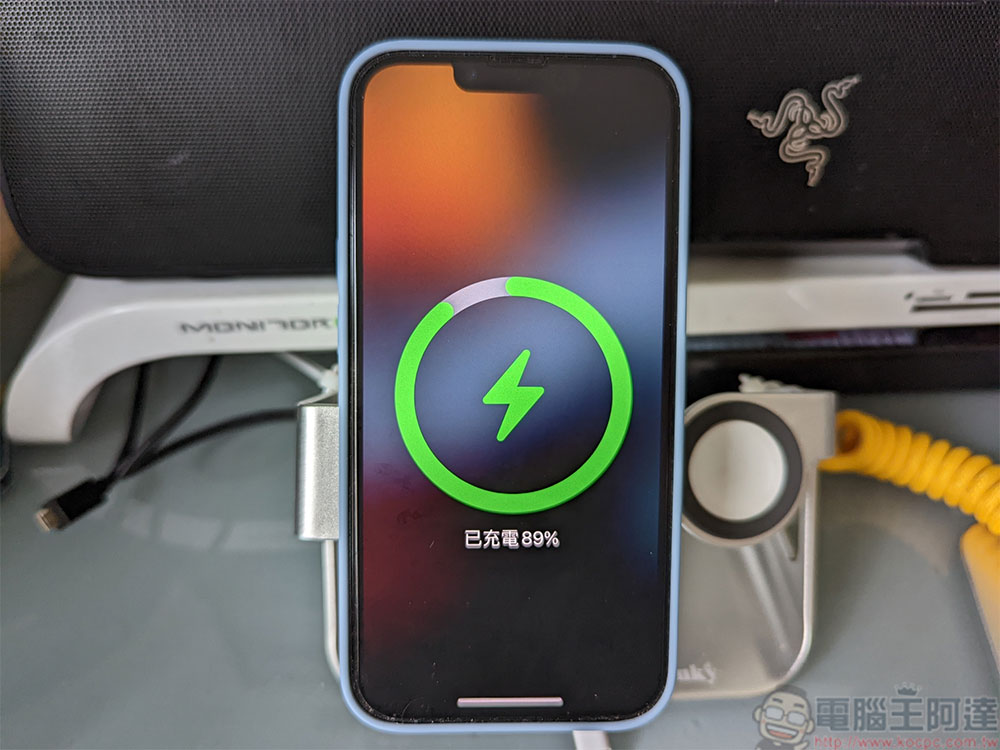
But that doesn’t mean you can use any Qi wireless charger for fast charging. Although the MagSafe charging pad supports 15W wireless fast charging, the Qi charger can only provide you with a maximum charging power of 7.5W, which is not only much slower than MagSafe, but also only slightly faster than Apple’s ancestral 5W charger. In particular, please note that if the magnetic wireless charger is not certified by MagSafe, it will charge at a slower 7.5W speed.
Don’t use a laptop or desktop computer to charge your iPhone
Laptops are a convenient way to charge your phone if you spend most of your day in front of your computer, paying close attention to any incoming text messages or notifications, but whether they are laptops or desktops, they charge less efficiently than any charging adapter or wireless charger. The computer’s USB port, whether it is the larger, older USB Type A or the smaller, newer USB Type C, cannot provide the same charging capabilities as any charging adapter, or even the ancestral 5W adapter, so don’t consider the computer as an option when you are in urgent need of replenishing power.
Don’t use your phone while charging
Mentioning this, of course, is not the reason for the mistake that charging mobile phones will shorten battery life. If you want your iPhone to recharge as quickly as possible, try leaving the phone unused to ensure a more solid charge. If you are charging while playing games or watching video streaming, and charging and consuming power at the same time, the charging speed will naturally be much slower.
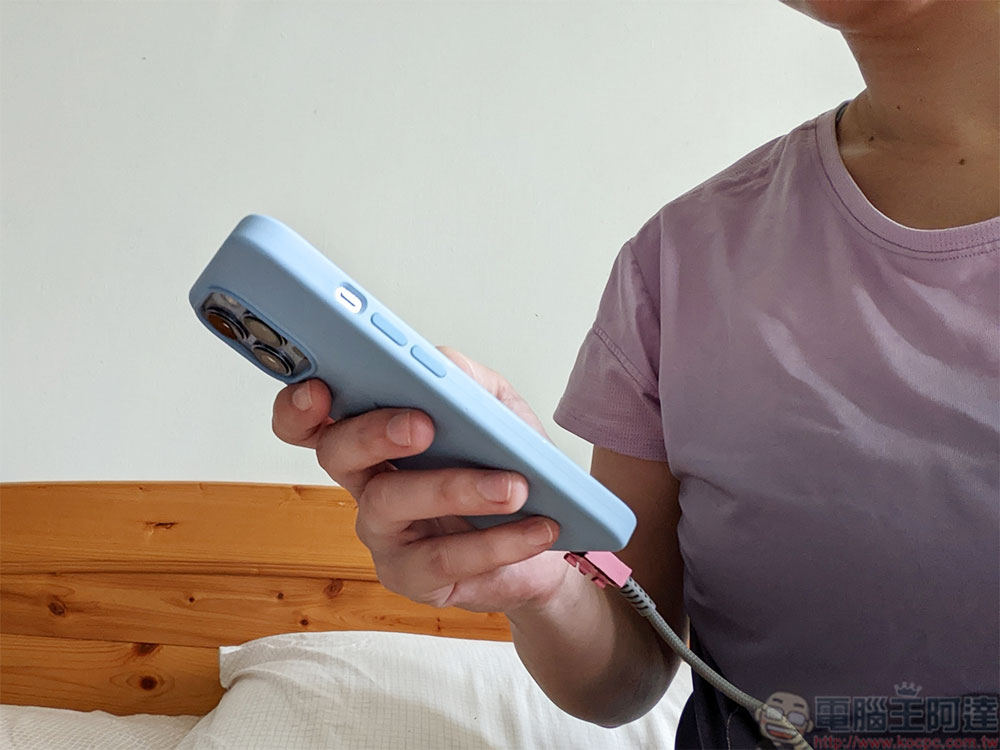
Turn off your iPhone or switch to airplane mode while charging for better charging efficiency
Even if your mobile phone screen has been put to sleep, it will continue to operate in the background, constantly updating applications, sending notifications, and lighting up the screen. All of these actions consume power. If you are a heavy user of social platforms and social applications, the notifications will be more intensive, and these actions will continue to consume power. If you want your iPhone to charge faster, the best way is to turn it off first while charging.
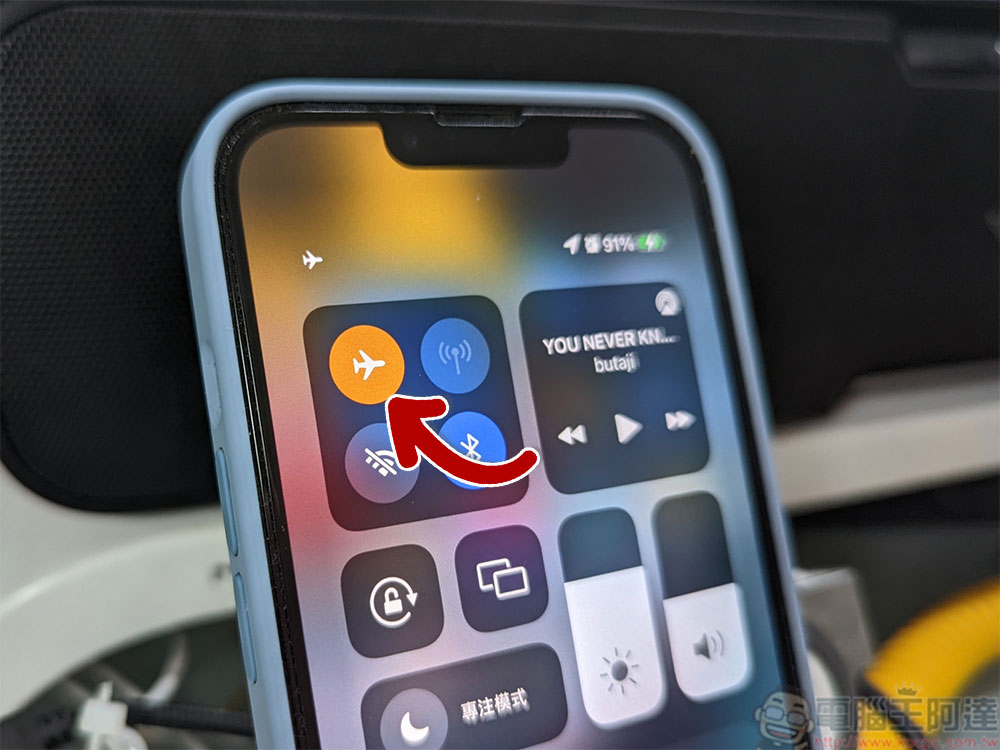
Maybe you don’t want to turn off your iPhone, but still want it to charge faster. Another option is to switch the phone to airplane mode. Airplane mode disables all wireless transmission functions, including mobile networks, Wi-Fi and Bluetooth, which consume power. Turning them off allows the phone to replenish power more quickly. The most convenient thing about this method is that you can turn off airplane mode at any time to quickly check whether there are new messages or letters.
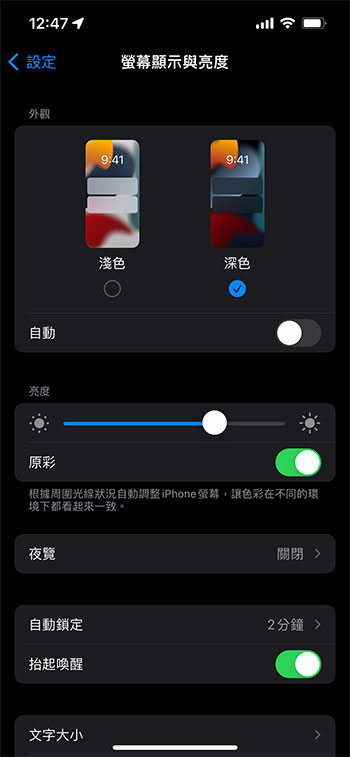
Turn on Low Power Mode, Dark Mode and turn down battery brightness
All of these battery-saving tips you already know can help you charge your iPhone faster without shutting it down:
- low power mode
After enabling it, reduce functions that affect power consumption, such as 5G mobile network, automatic screen brightness, automatic locking, background application updates, automatic downloads, etc. - dark mode
While it’s hard to say how much battery you’ll actually save by switching to dark mode, there’s no harm in enabling it while charging, especially when battery levels are down to a few percentage points. - Reduce screen brightness
The higher the brightness of the screen, the faster the battery will be consumed. Therefore, when you need to replenish power quickly, you can lower the brightness to the lowest level that is visible to the eyes.
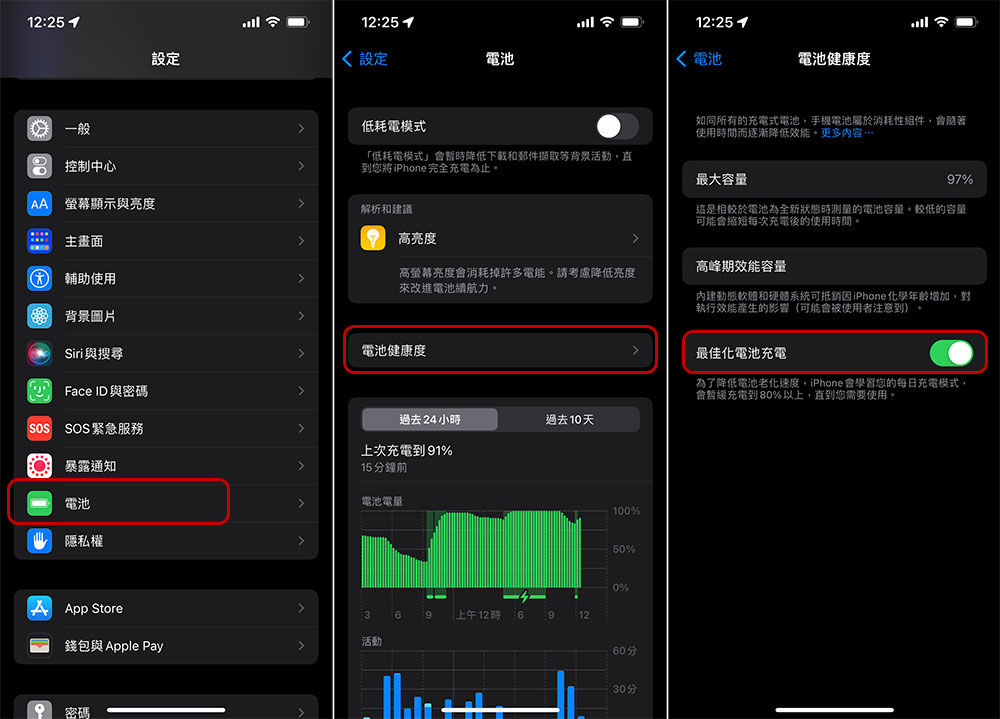
Turn off “Optimize battery charging”
The “Optimize Battery Charging” tool in the iPhone can help extend the battery life of the phone, but this feature will also slow down the charging speed. Although this feature usually only slows down charging for a long time (usually when charging while sleeping at night), if you want to maximize charging efficiency in a short period of time, you can still temporarily turn it off in “Settings >> Battery >> Battery Health” to achieve the goal. Of course, after you charge it in an emergency, it is recommended to turn it on for daily battery maintenance.
Although this time I focus on iPhone, some of the tips can also be used on Android phones, such as turning on airplane mode when you need to charge for a short time, don’t use a computer to charge your phone, etc. I hope it can be helpful to everyone.
Source: KOCPC Chinese