


We all have image editing needs in our lives. Although there are many free tools on the Internet, you still have to upload images. In addition to worrying about security issues, if the Internet is not smooth, editing will be very painful. If you are using a Windows system, then this article will recommend a very easy-to-use “PhotoDemon”, which is lightweight and requires no installation. More importantly, it is quite powerful, almost comparable to Photoshop.
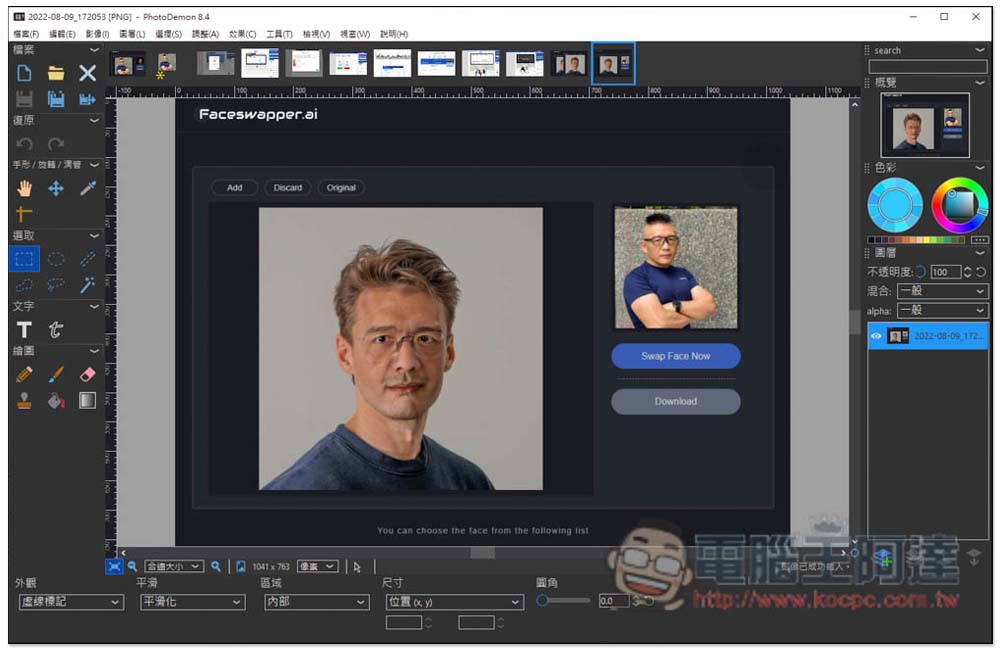
Introduction to PhotoDemon, a lightweight, installation-free, but very powerful photo editing software
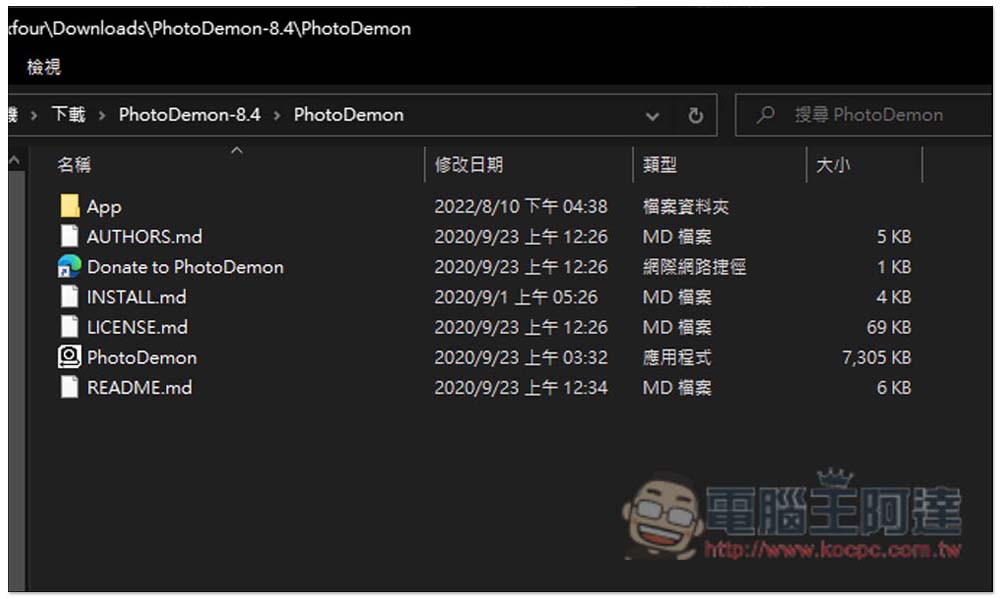
After you download and unzip PhotoDemon, you can start using it directly. Click on the PhotoDemon application in the folder:
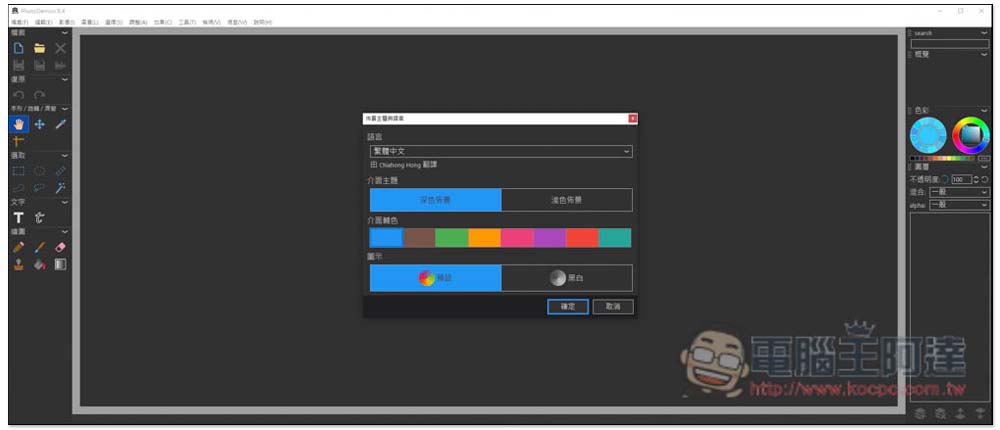
It supports Traditional Chinese interface, so you don’t have to worry about not understanding it. You will be asked to select the appearance configuration at the beginning. If you do not need to modify it, press OK:
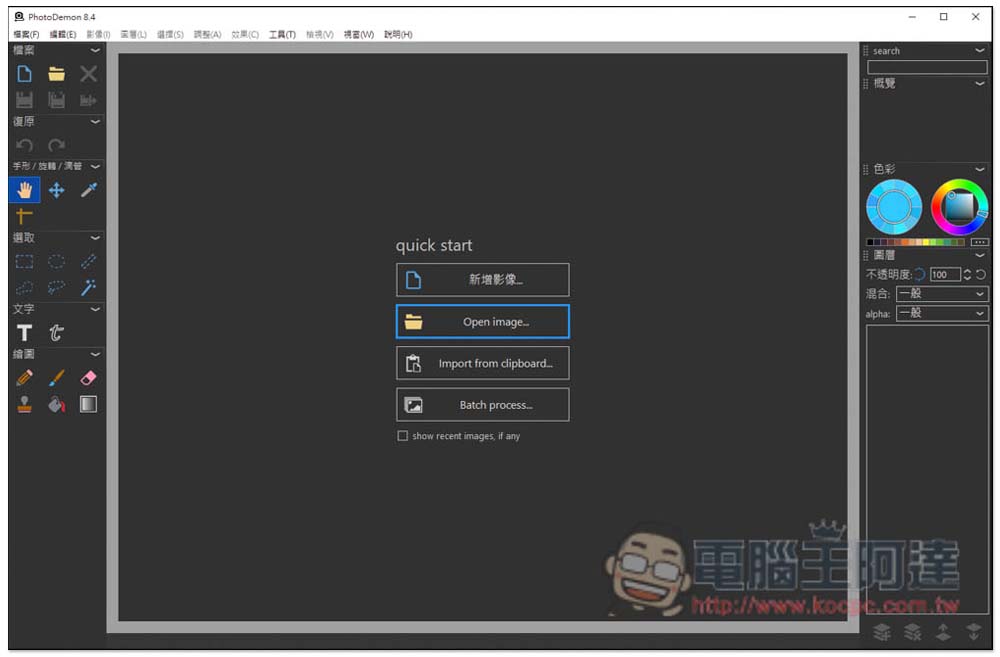
Then you can read in the pictures you want to edit, support manual selection or drag them directly into the window, you can read multiple pictures at once, and then you can edit them one by one, just like Photoshop:
As shown in the picture below, the loaded pictures will have thumbnails at the top, making it easier for you to switch and edit. The tool selection is on the left, including commonly used ones, such as selection, text, drawing, etc.:
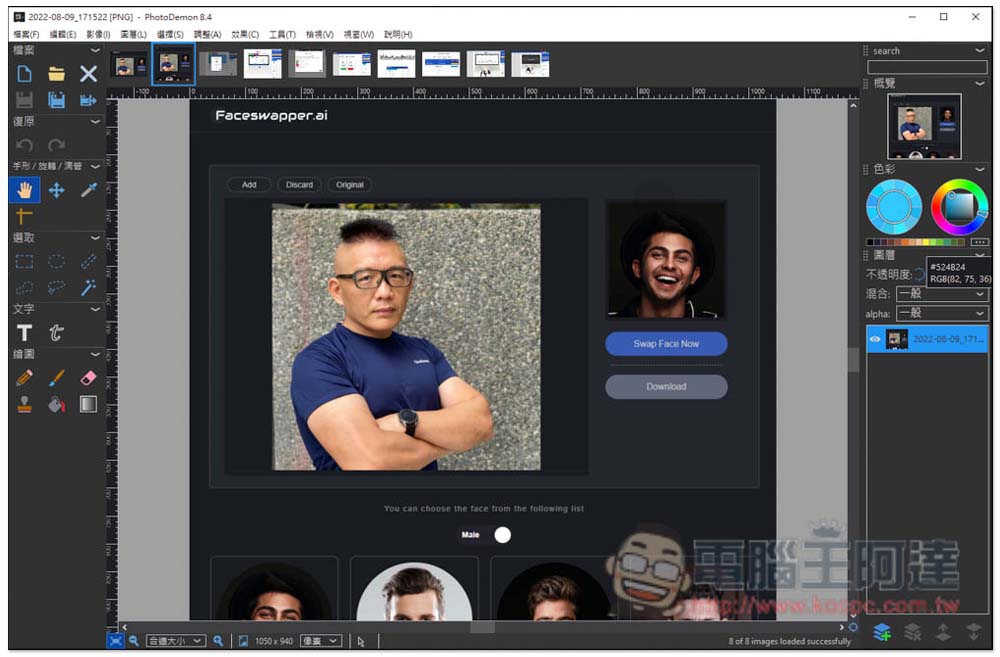
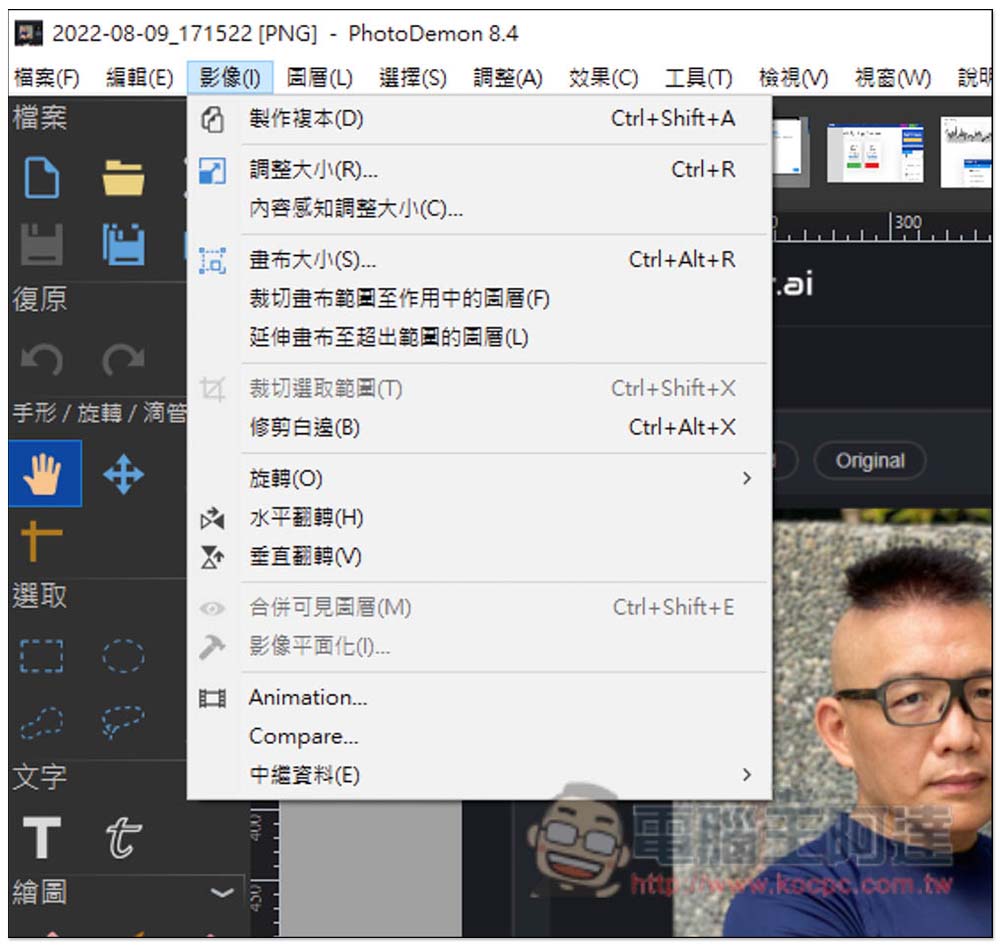
The menu above also has many functions, including resizing, canvas size, extending the canvas beyond the range, flipping, and even content-aware resizing:
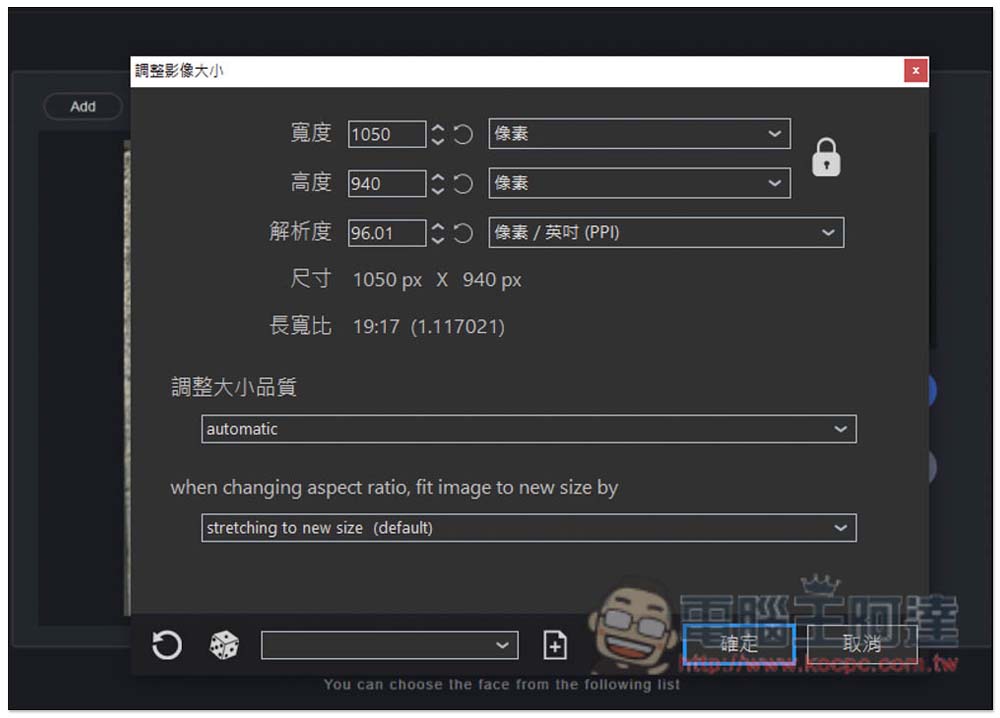
In the image size adjustment part, the width, height, and resolution can be set. There is also an “Adjust size and quality” function below:
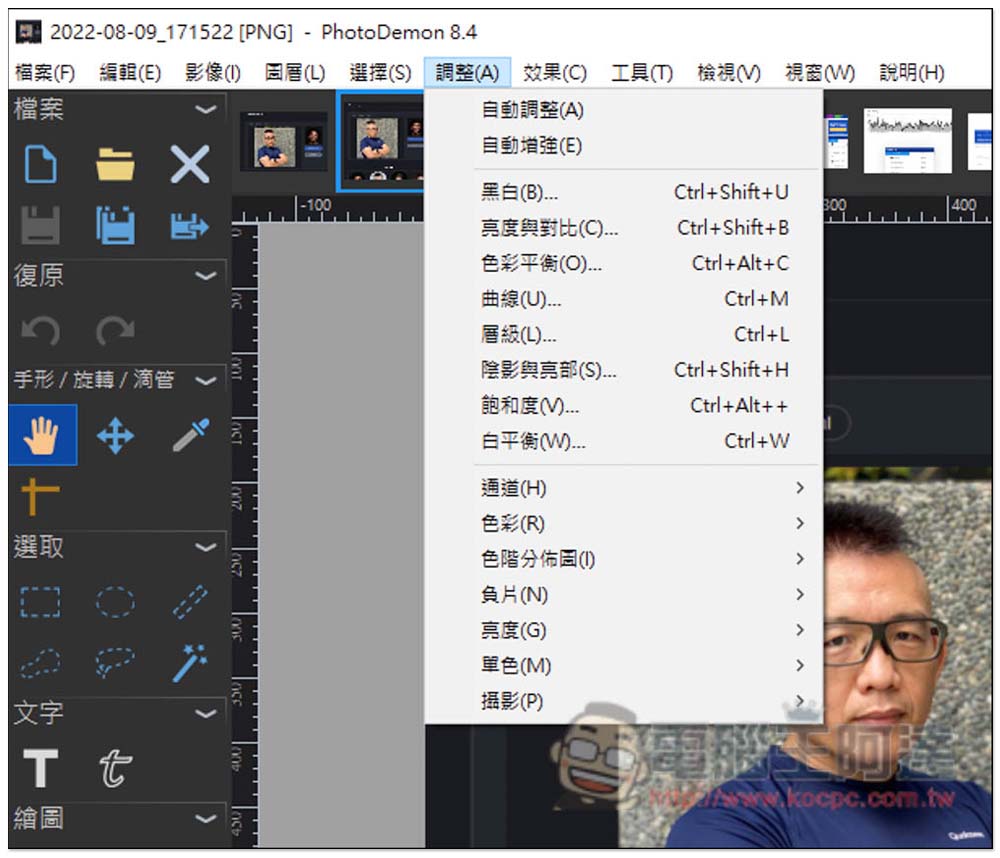
Of course, there is no shortage of basic color correction. You can use this function to turn pictures into black and white, adjust brightness and contrast, curves, saturation, white balance, or some professional color correction functions below. It is hard to imagine that such a lightweight and free image editing software can provide so many functions:
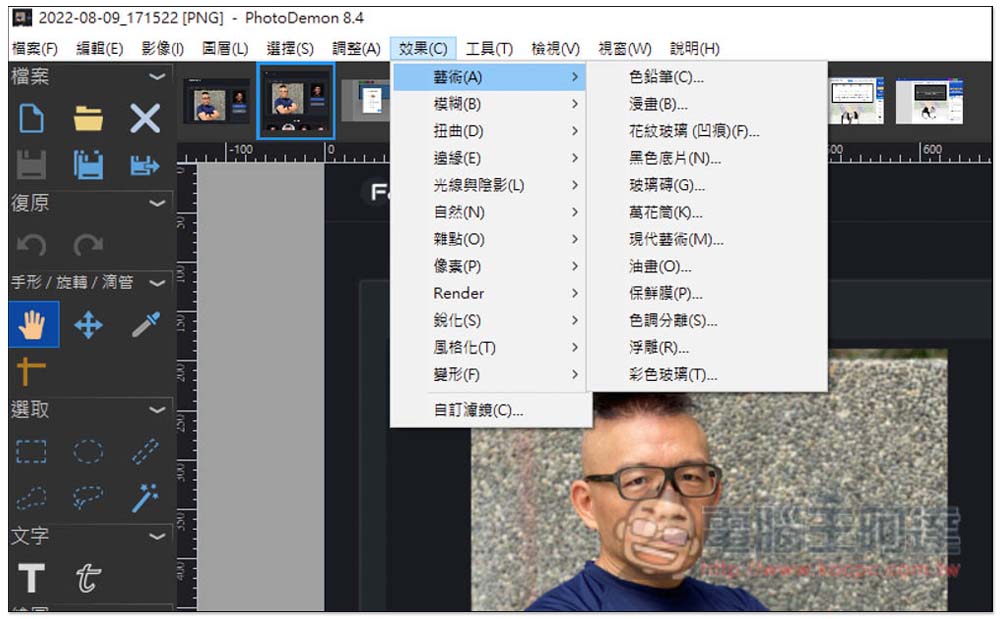
In the effects menu, there are also many effects for you to apply, such as art, blur, distortion, natural, pixel, stylize, deformation, etc.:
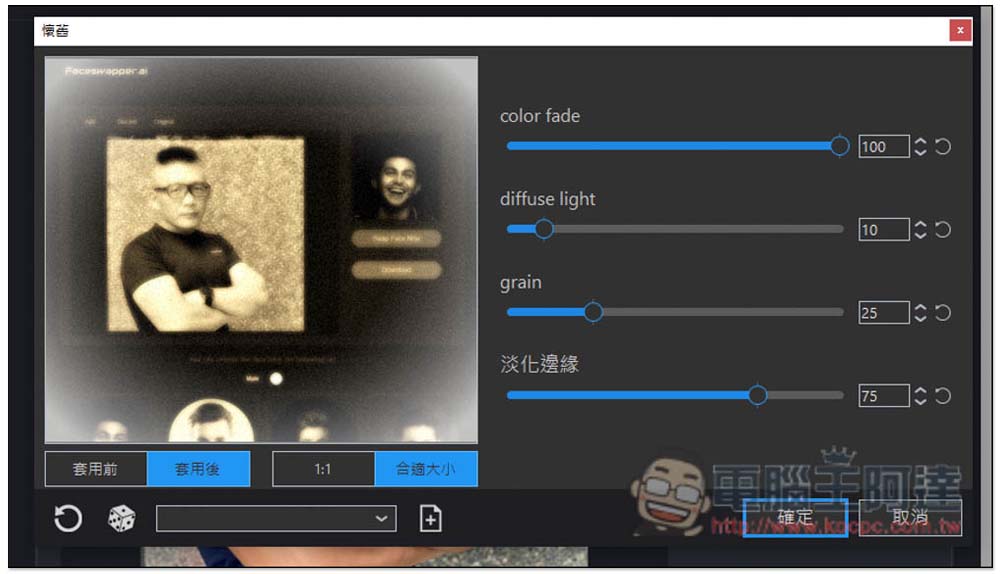
And after applying the effect, there are still detailed items that can be adjusted manually. For example, the picture below shows the retro effect. There are four items on the right that can be fine-tuned: The lower left also allows you to quickly view the differences before and after application:
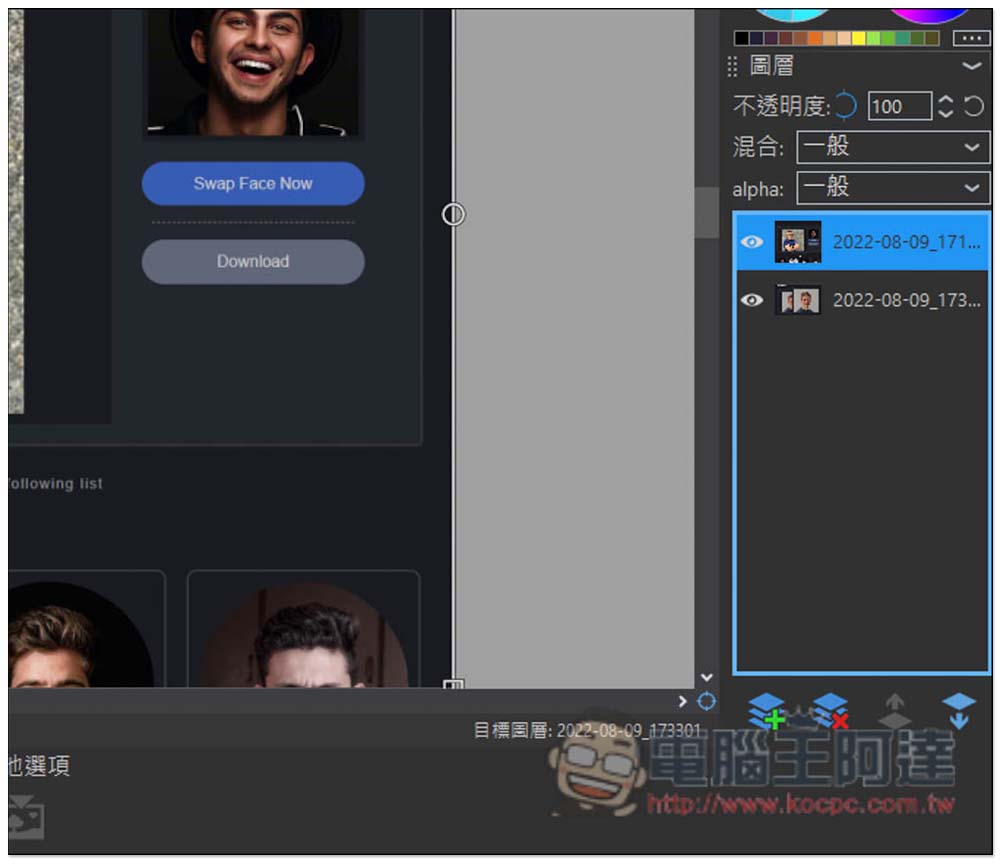
What’s even more amazing is that it even supports layer functions. This interface is actually very similar to Photoshop. If you have used Photoshop before, you should be able to get started quickly:
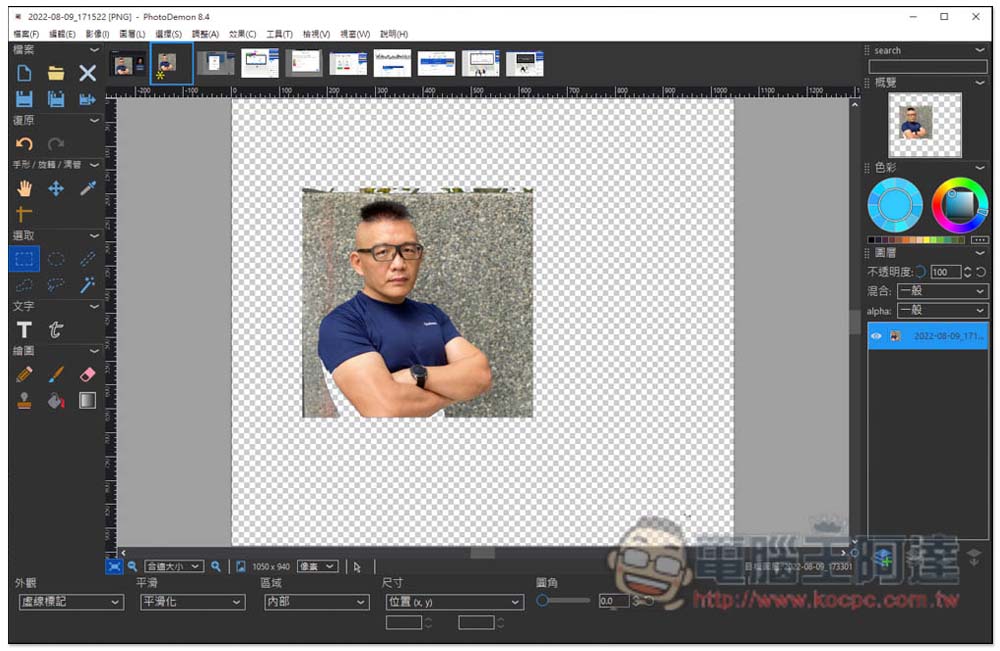
Of course, you can also use this model to memorize pictures. It has a magic wand function. It can be said that this model provides all the picture editing functions you need:
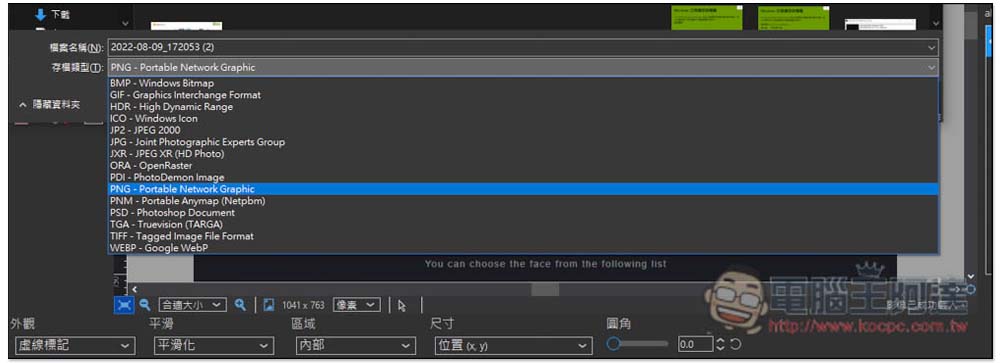
There are also many supported image storage formats, such as: BMP, GIF, HDR, ICO, JP2, JPG, JXR, ORA, PDI, PNG, PNM, PSD, TGA, TIFF and WEBP:
Since it is installation-free, it also means that you can put it in a flash drive (it is only about 50MB, and a 1GB flash drive is enough), and take it with you when you go out. If you suddenly need to edit pictures on other computers, you can open this set to modify it, which is very convenient.
For those who don’t have the budget to subscribe to Photoshop, it is highly recommended to try this PhotoDemon.
Source: KOCPC Chinese