


There are many apps on mobile phones that can perform AI face-swapping, but most of them only allow you to change your face to the protagonist of the video or photo provided by the app. There is no way to decide the two swapped photos by yourself. Recently, I discovered that FaceSwapper, a completely free AI face-swapping online tool, provides this function. You can upload two swapped photos by yourself. The closer the angles of the faces, the better the effect after the face-swapping.
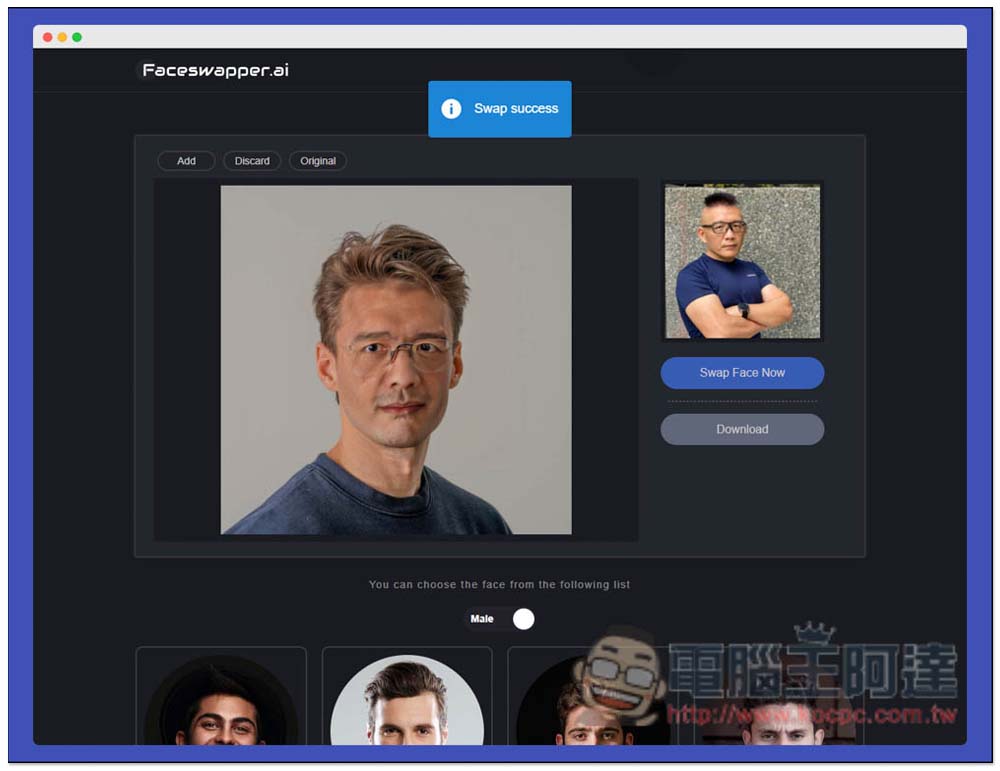
FaceSwapper is a free AI face-swapping online tool without any usage restrictions
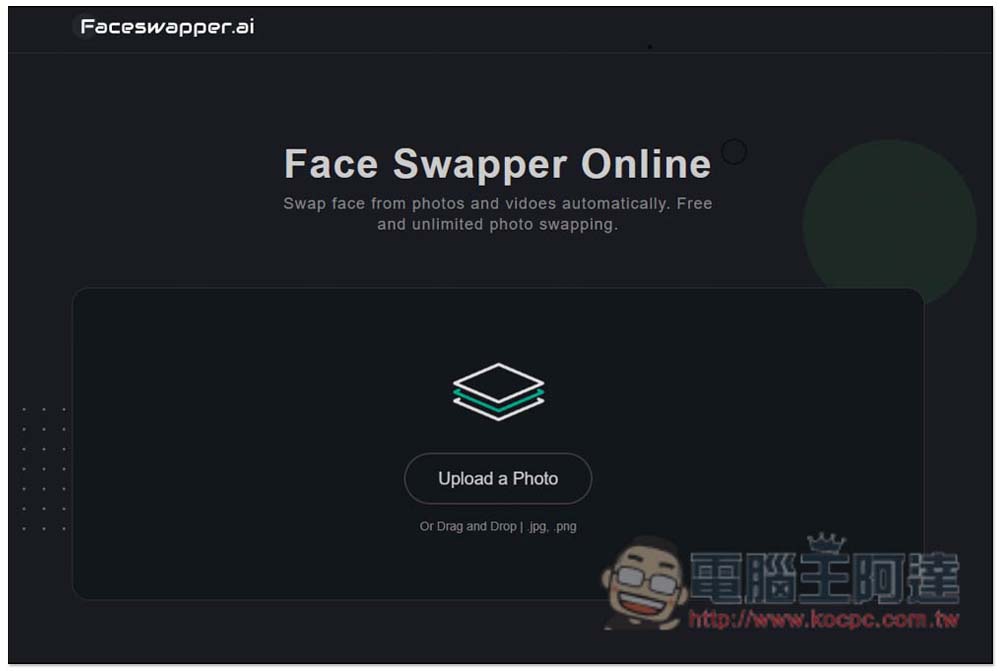
After entering the FaceSwapper website, you can drag in the photo you want to have your face swapped, or click Upload a Photo to select it manually. JPG and PNG formats are supported:
There are four sample photos at the bottom of the homepage to take a look at the face-changing effect:
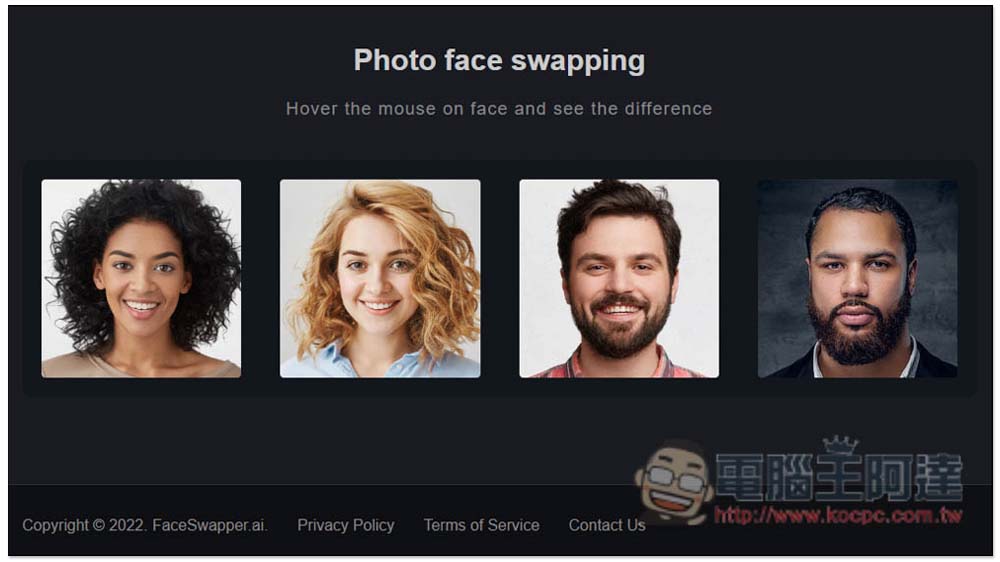
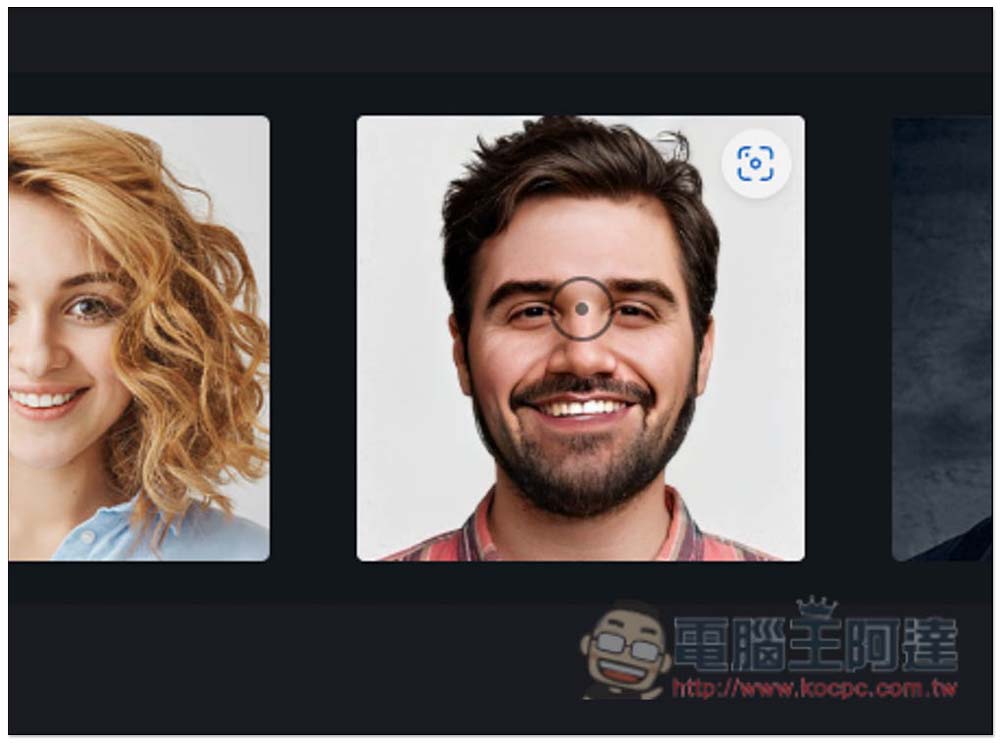
Move your mouse above to see the photos after the face transplant. There is basically no reference value here because they will definitely put the photos with the best results:
Take this photo as an example. The upper right corner is the photo to be changed. This website provides many sample photos. You can choose others below:
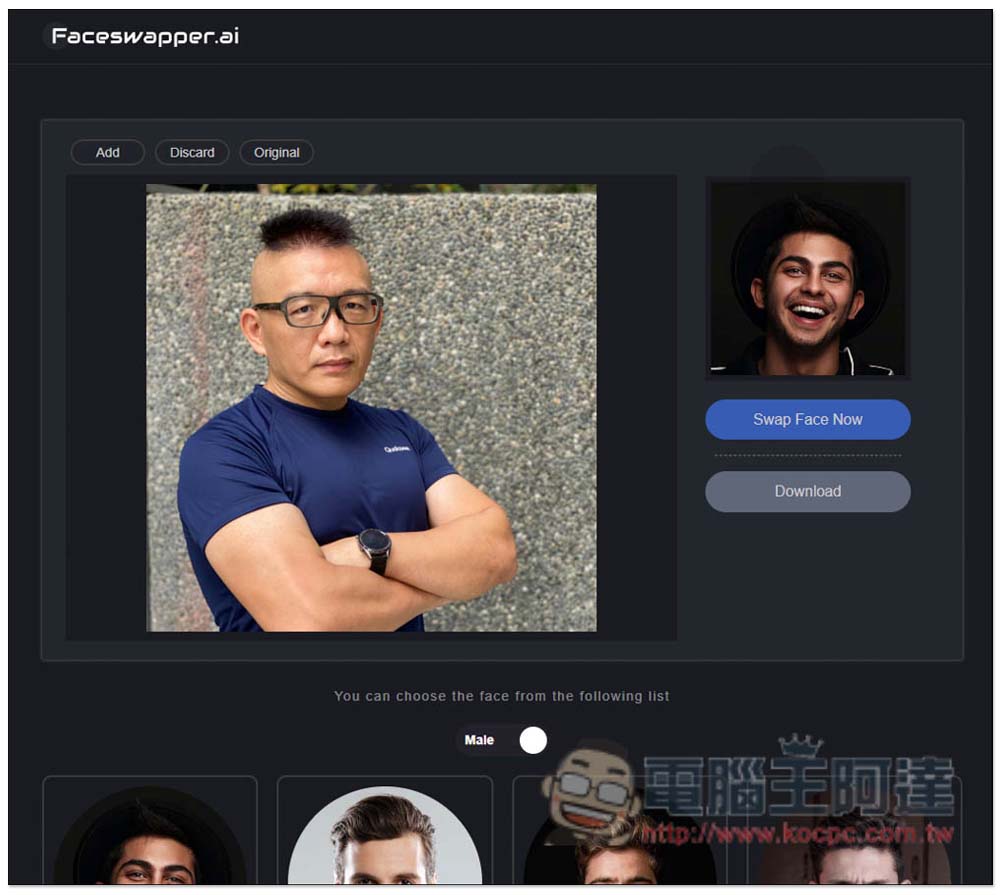
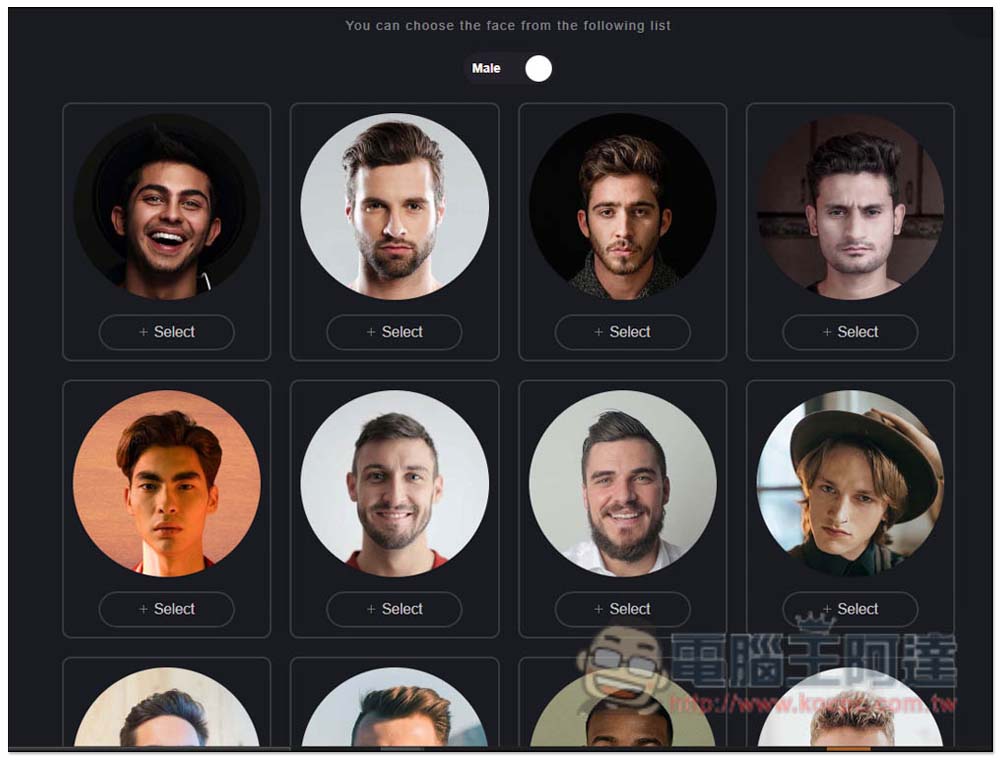
There are men and women. Men (Male) are basically taken from the front. Clicking + Select will replace the original photo on the upper right:
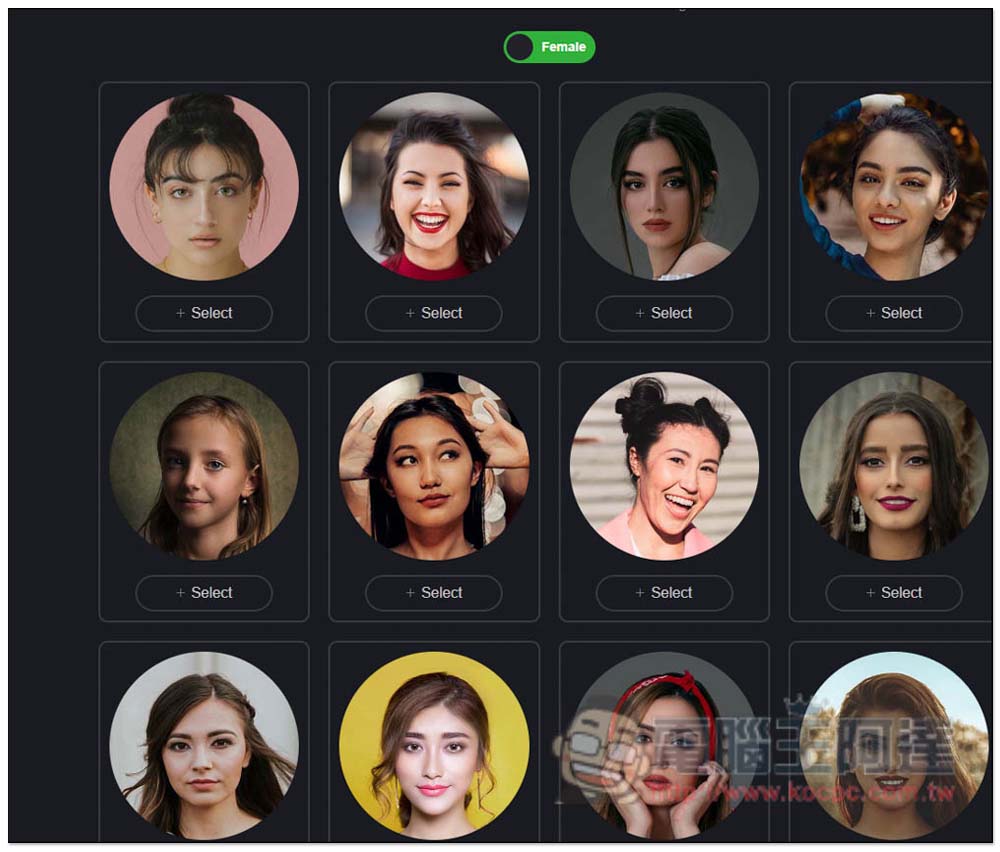
There are also many females:
After making the decision, press Swap Face Now and the face will be swapped. I tested that if the direction of the face is wrong, the face swapping effect is not very good. The face-swapped photo like the one below is from the side, while the face-swapped photo is from the front. The final effect looks a bit weird:
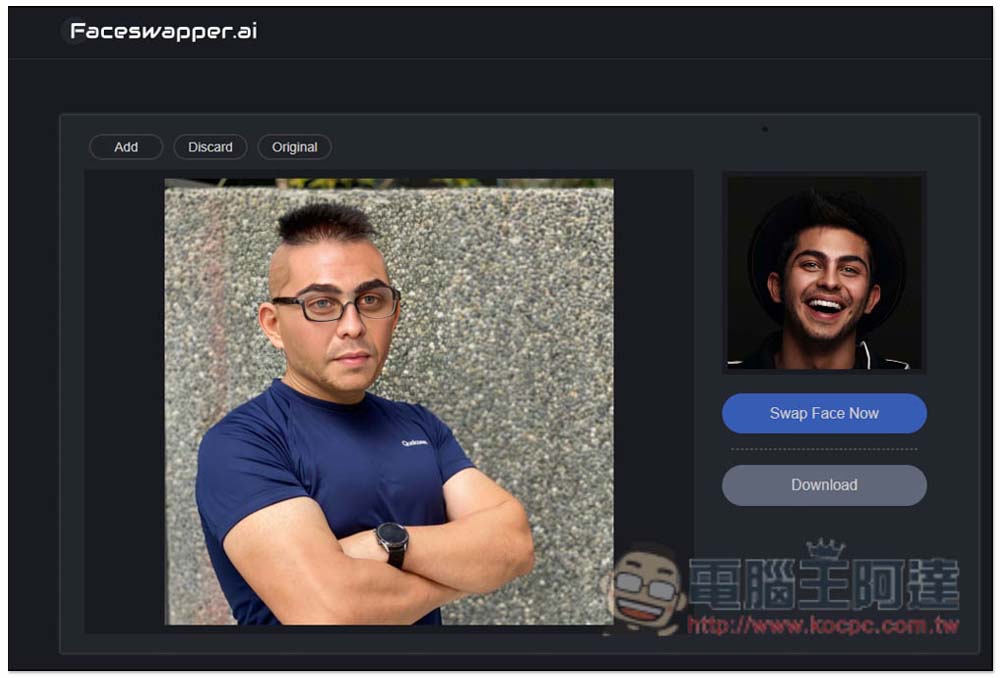
Women are more obvious, so I would suggest choosing photos with the same face direction:
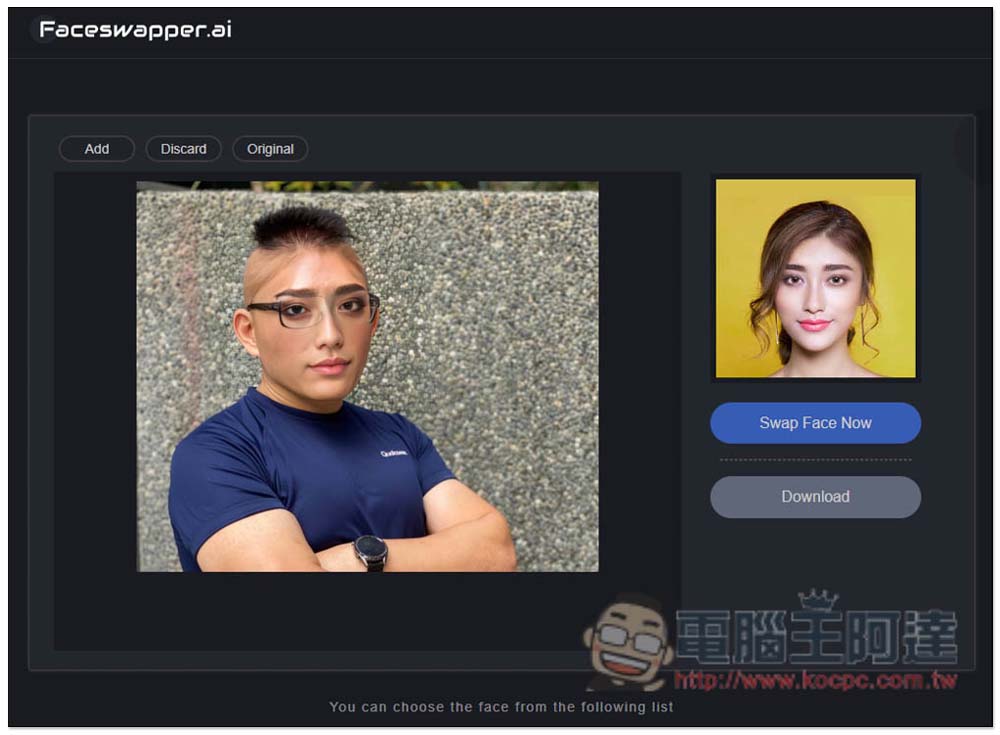
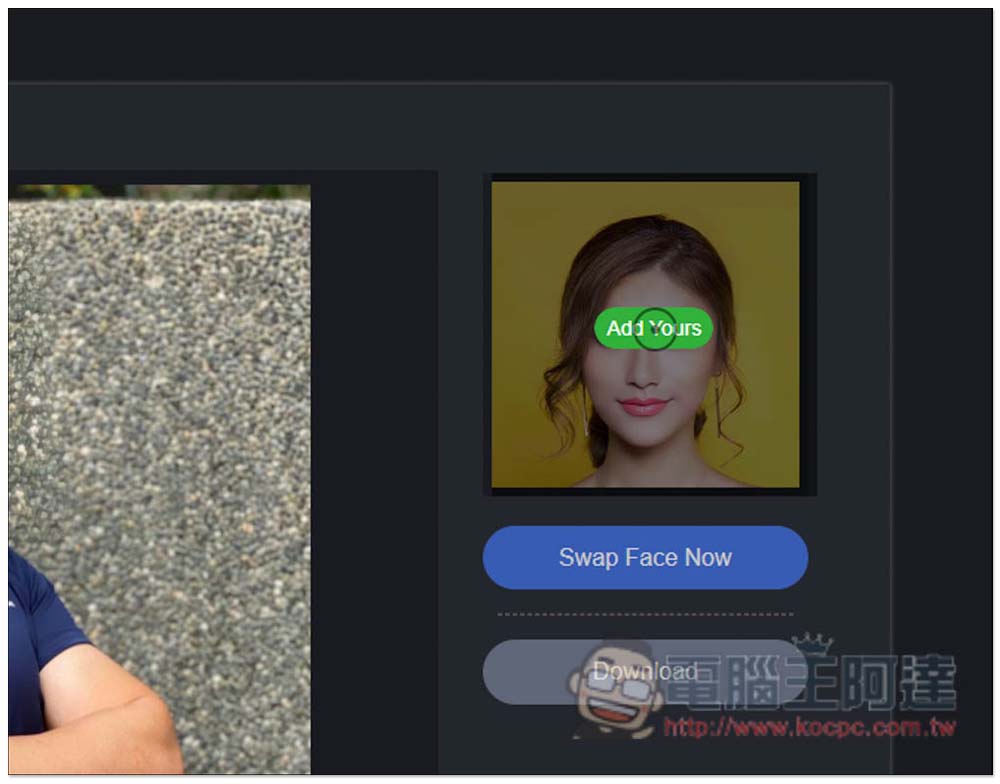
Move your mouse over the photo on the upper right to see the Add Yours manual upload function:
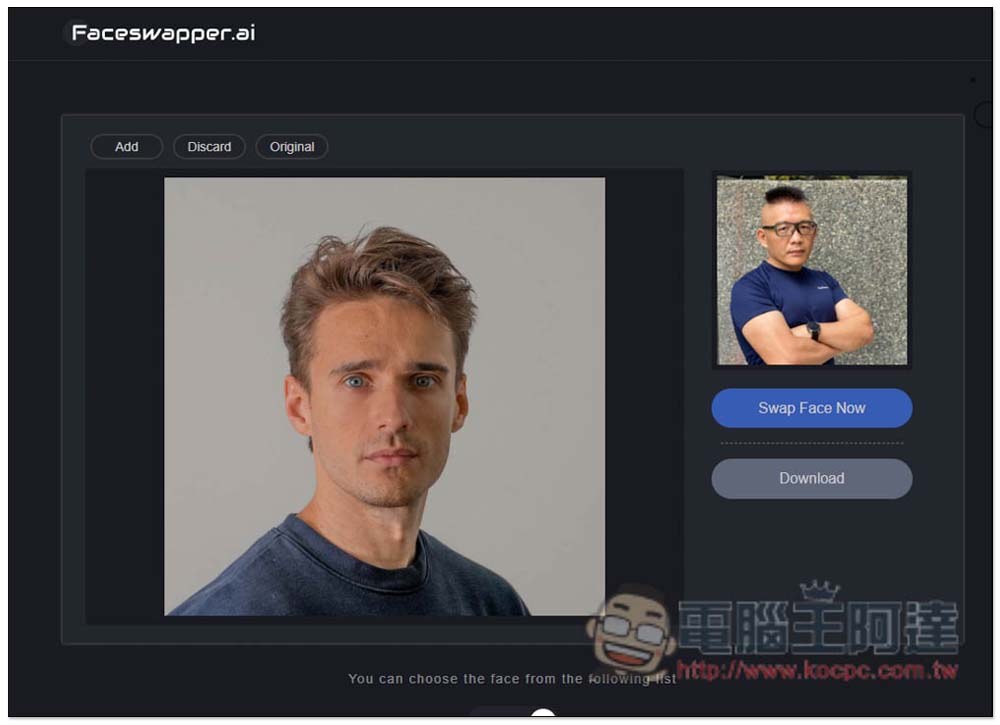
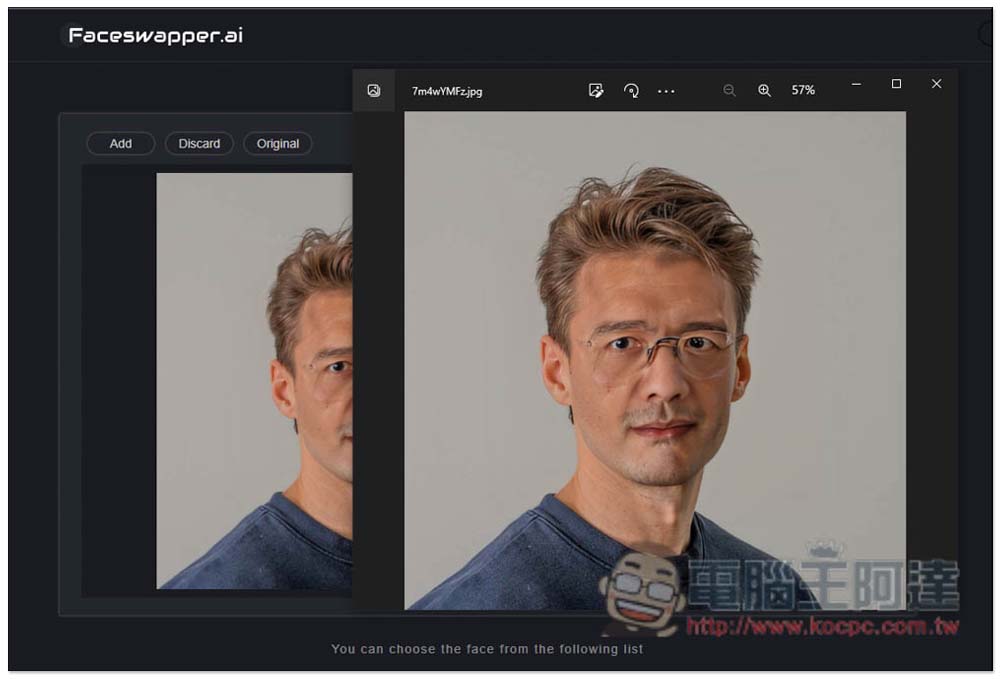
I am here Unplash free photo websiteI found a photo with a similar direction to Ada, and this one has a very good effect:
Although the skin tone is a little less natural after the face transplant, overall it is much better than the photos tested above. If you are satisfied, click Download to download. In addition, the Discard function above can cancel the face swap, and the Orginal function can view the original photo:
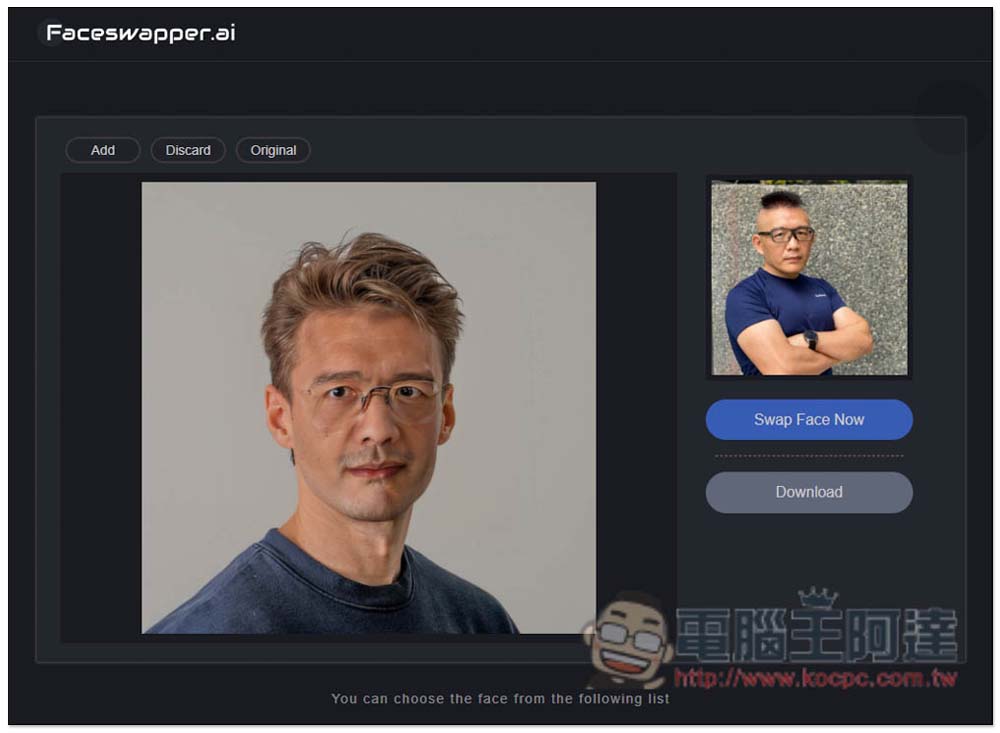
After downloading, the image is still large, and there is no watermark. It is really free:
It’s a pity that this tool does not provide manual editing functions, which means that after changing the face, you cannot change the intensity or the like. If the effect is not good, you can only accept or change another photo. Finally, I would like to remind you that face-changing tools should not be used for illegal purposes, just have fun.
It seems that this website will also support the video face-swapping function in the future. The homepage introduction says “Swap face from photos and vidoes automatically. Free and unlimited photo swapping.” It is speculated that a video version will be launched in the future. People who want to play video face-swapping can come back to this website to check it out when they have time.
Supplement: Recommended face restoration software-HitPaw Photo Enhancer
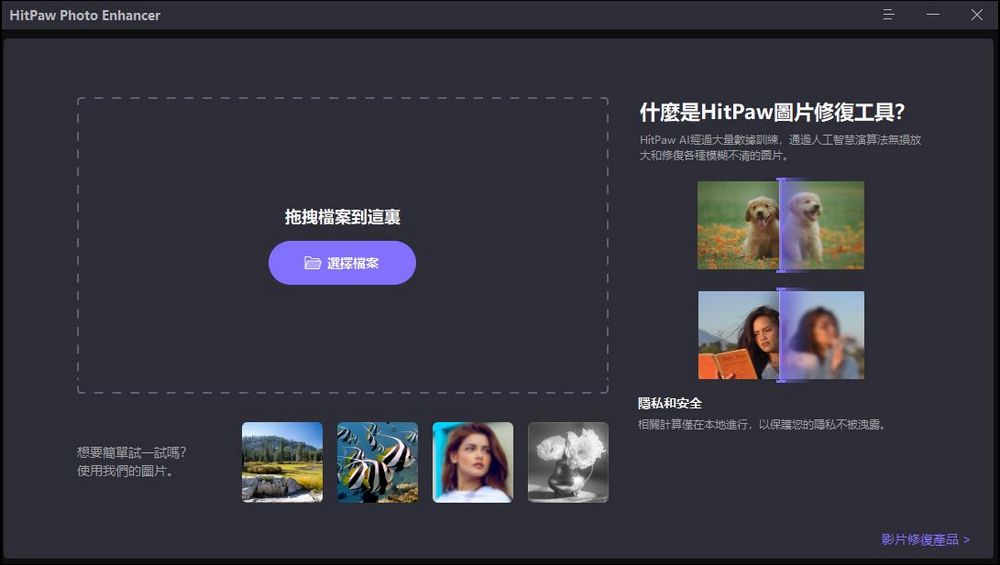
If your photo is not clear, you can use HitPaw Photo Enhancer to repair it. This software provides a specialized “face repair” model to repair faces.
The image effect is excellent. In addition to portraits, landscapes, animations and other pictures can also be repaired. If you are repairing a video, you can also download HitPaw.
Video Enhancer。
URL: https://www.hitpaw.tw/photo-enhancer.html
Source: KOCPC Chinese