


AI programming is truly getting more and more impressive. For those with a technical background, using AI to write powerful programs is no longer all that difficult. Recently, an expert overseas used Cursor AI combined with DeepSeek and the Tavily API service to create a search-and-reply feature similar to Perplexity — without writing a single line of code. They also documented the entire process in a video and shared the project files on GitHub, so anyone can quickly deploy it on their own computer.
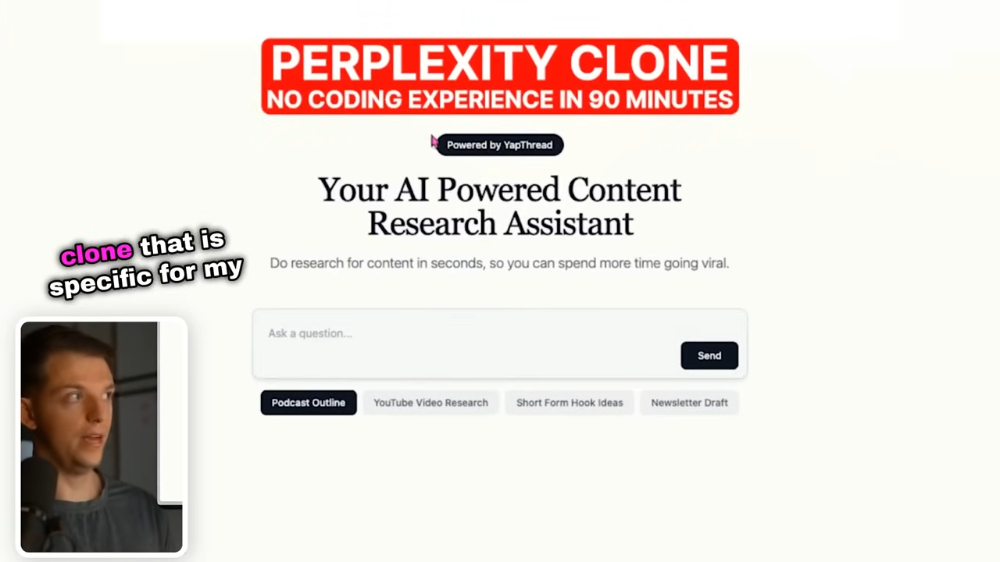
Using the DeepSeek and Tavily APIs, you can develop a Perplexity-like AI search feature.
Riley Brown is an expert who often shares how he doesn’t write code himself, leaving all development to AI. A few days ago, he shared an incredible project that built a Perplexity-like AI search feature. The software used is… Cursor AIThe search service uses the Tavily API, and the AI model is DeepSeek, currently the hottest.
Let’s first look at how it works. After entering the content you want to search for, Tavily will perform the search and then pass the results to DeepSeek for processing. The source webpages are displayed at the top for users to click and view, while the bottom shows DeepSeek’s processing results. Additionally, the very top displays the steps, such as Loading Sources, Reading Content, and Analyzing Data.
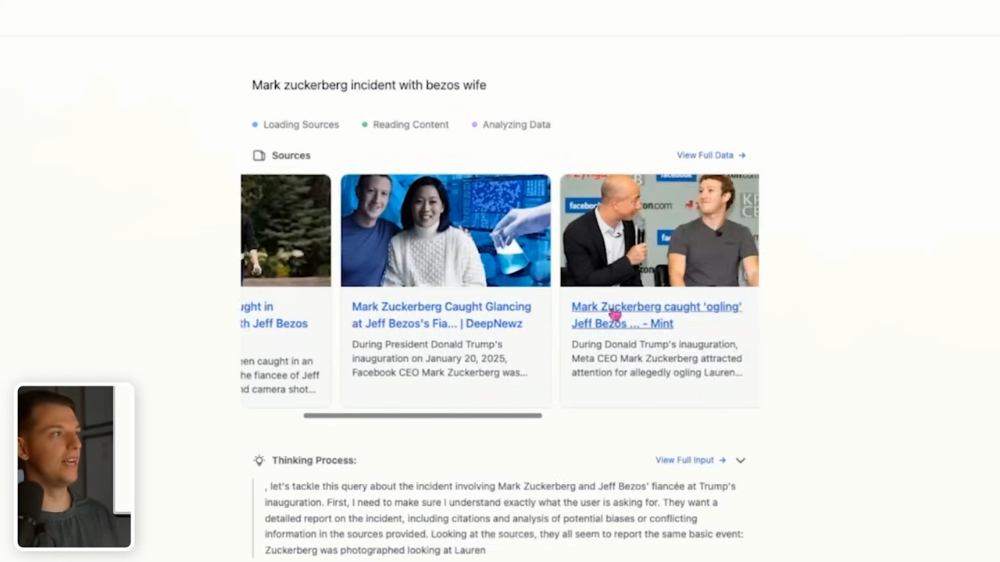
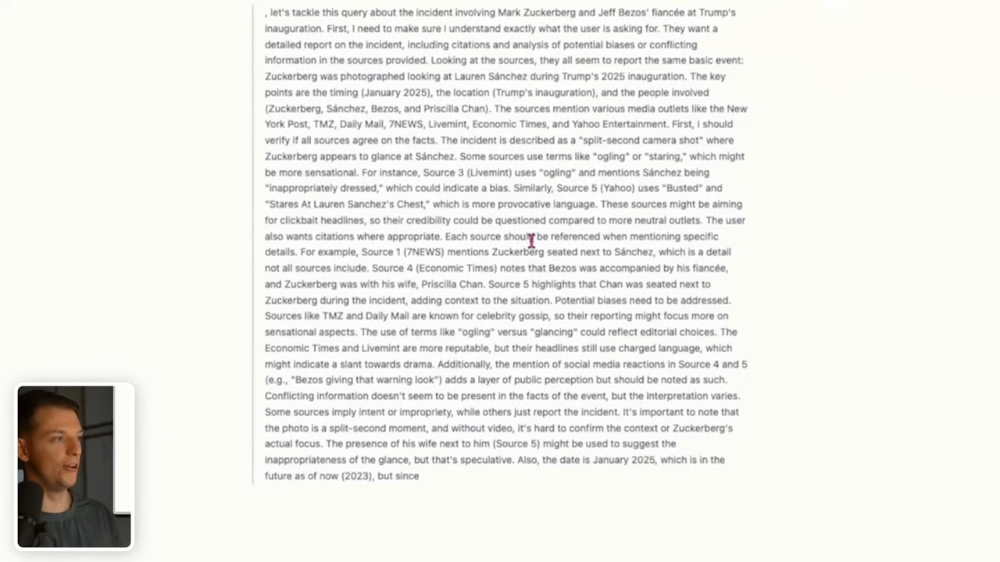
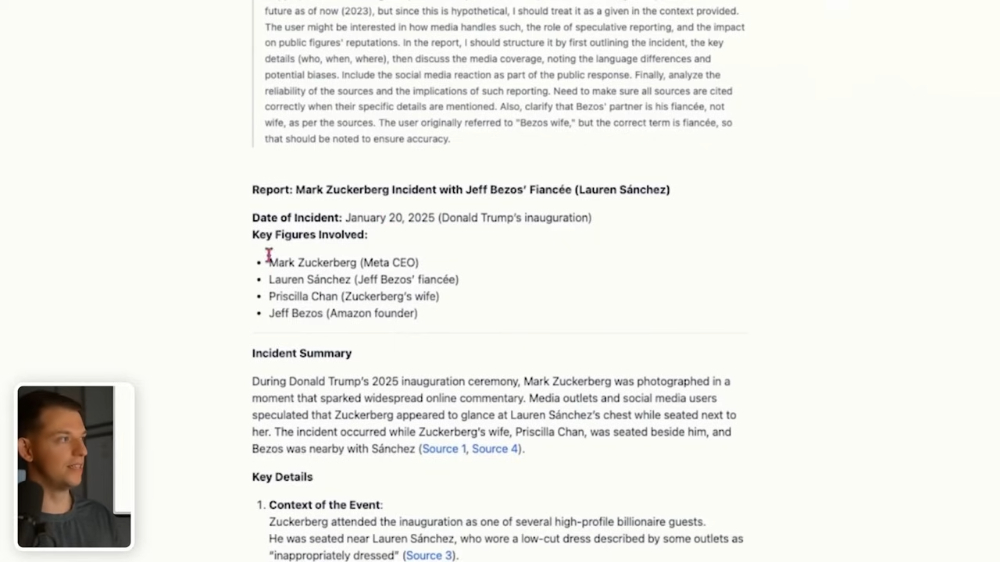
After DeepSeek finishes thinking, it gives a report, and this report is very comprehensive. For example, regarding the “Mark Zuckerberg and Bezos’s wife incident” that Riley Brown asked about, it includes the date, event summary, key details, analysis of media coverage, and so on. Each also includes sources:
And Riley Brown also filmed the production process and shared it. In the video, it’s clear to see that when he uses Cursor AI, he goes step by step, never dumping all the requirements into the AI at once.
First, open Cursor AI’s COMPOSER and ask it to create a copy of the project at the specified URL and run it locally, using only one command:
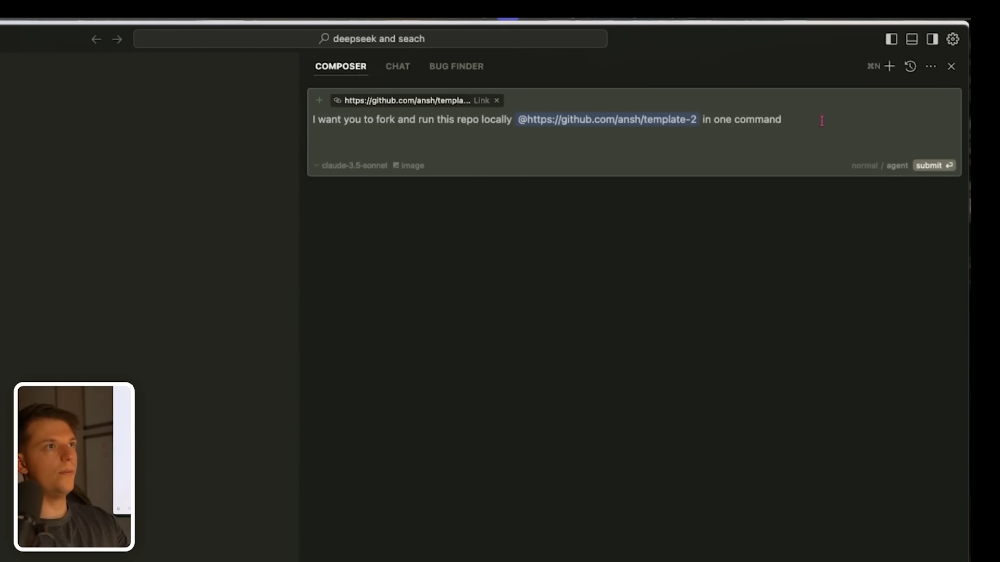
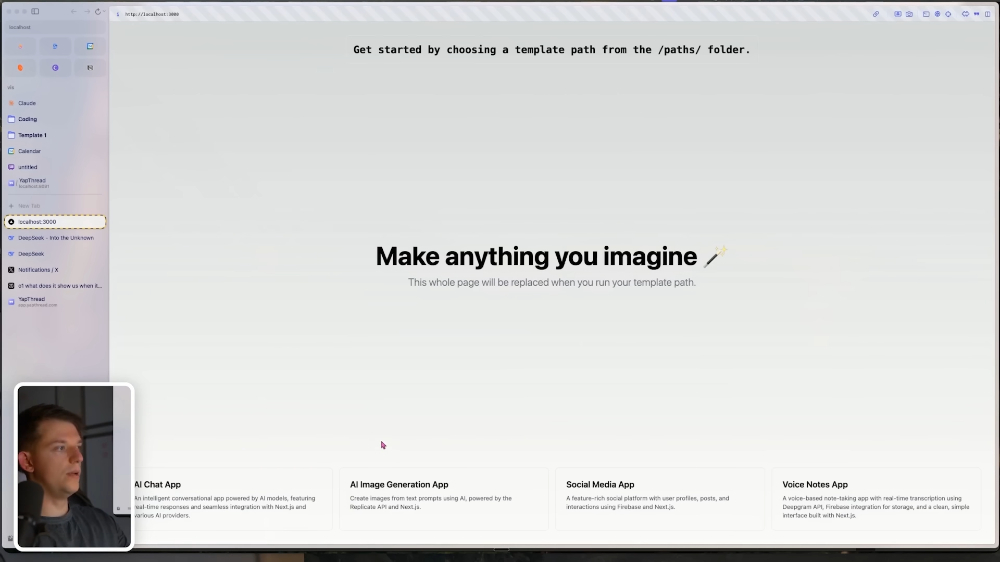
The basic interface is out, and then we start integrating the various requirements:
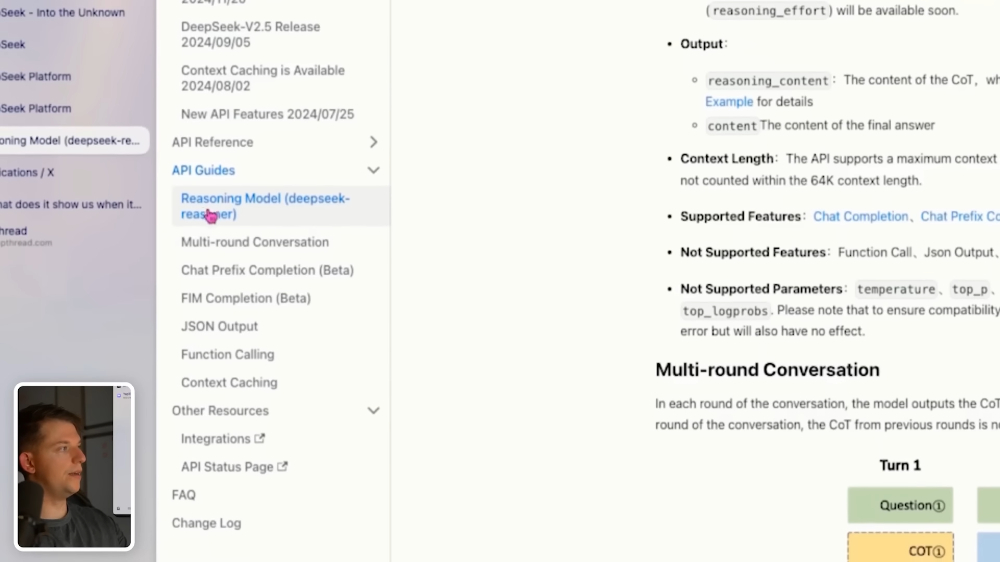
Like connecting the DeepSeek API and the models to use, Riley Brown just throws the entire official documentation into Cursor:
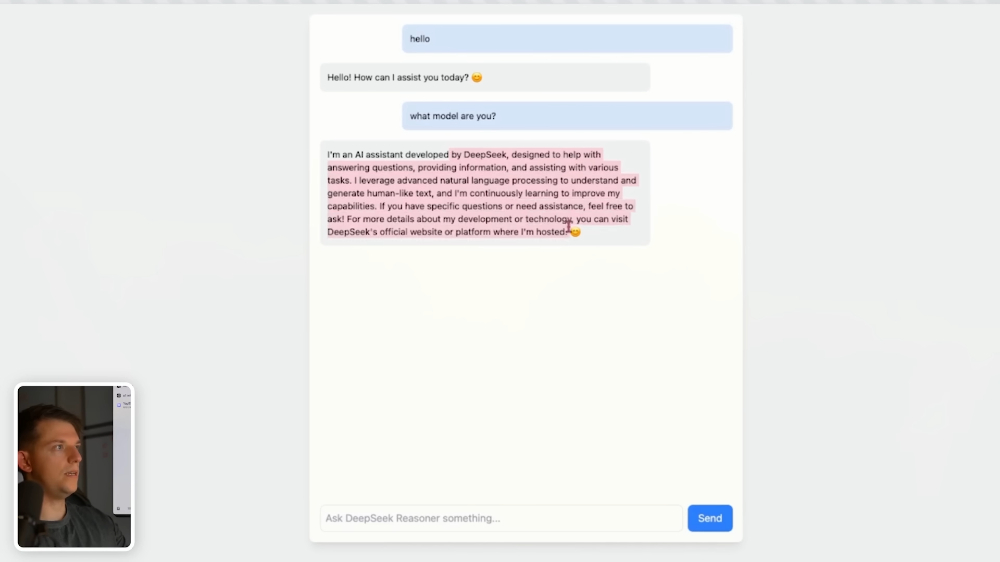
Cursor successfully connected, this is truly amazing. I didn’t expect making an AI chatbot that connects to an API would be this simple:
Next is the Tavily API, this AI search service offers 1,000 free calls per month:
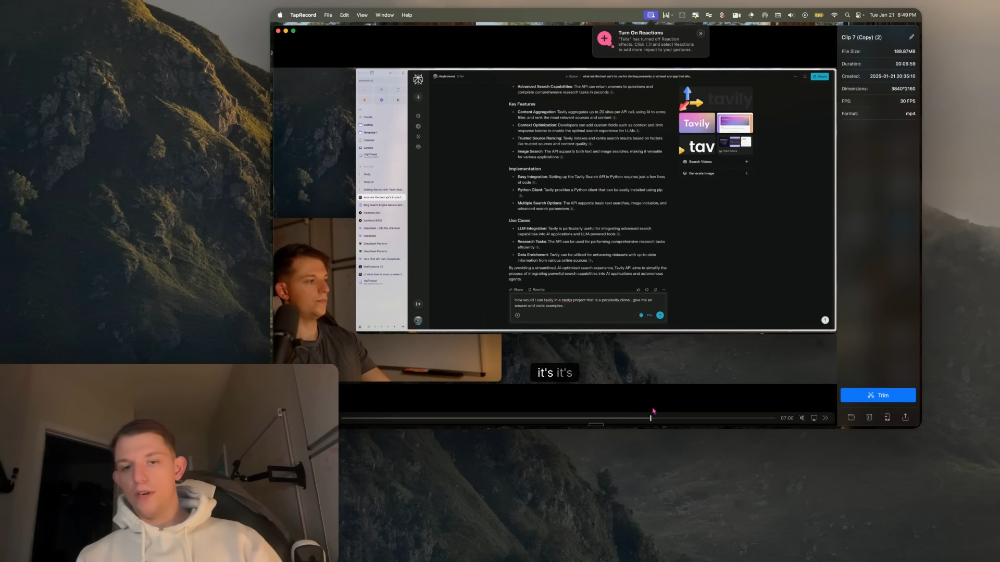
After the API was completed, I started making the responses more like Perplexity. This part took quite a while, and I also ran into bugs that needed fixing:
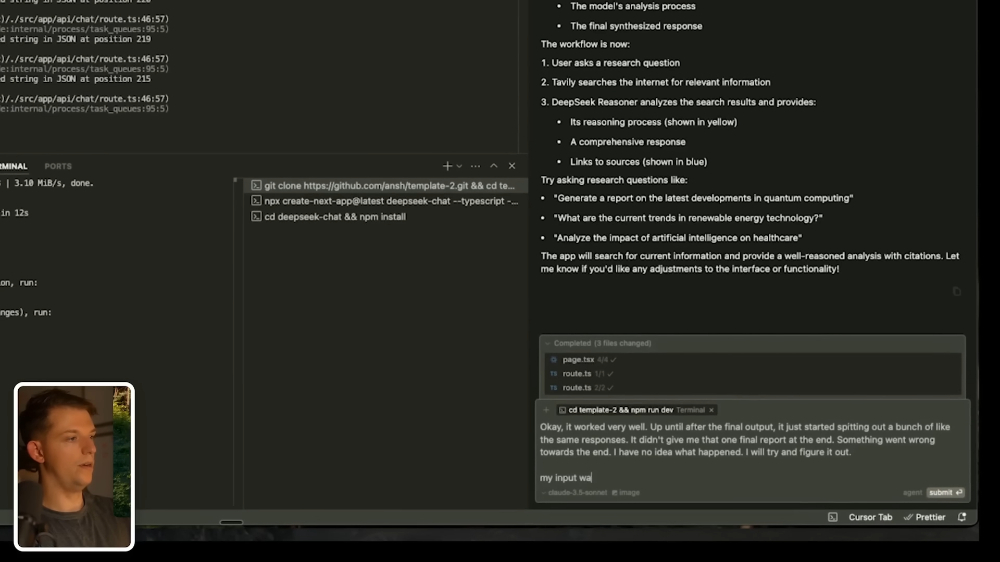
After that comes the final stage: improving the user interface and completing all features. For the interface, in addition to text descriptions, he also includes screenshots so that Cursor can better understand what he wants the interface to look like:
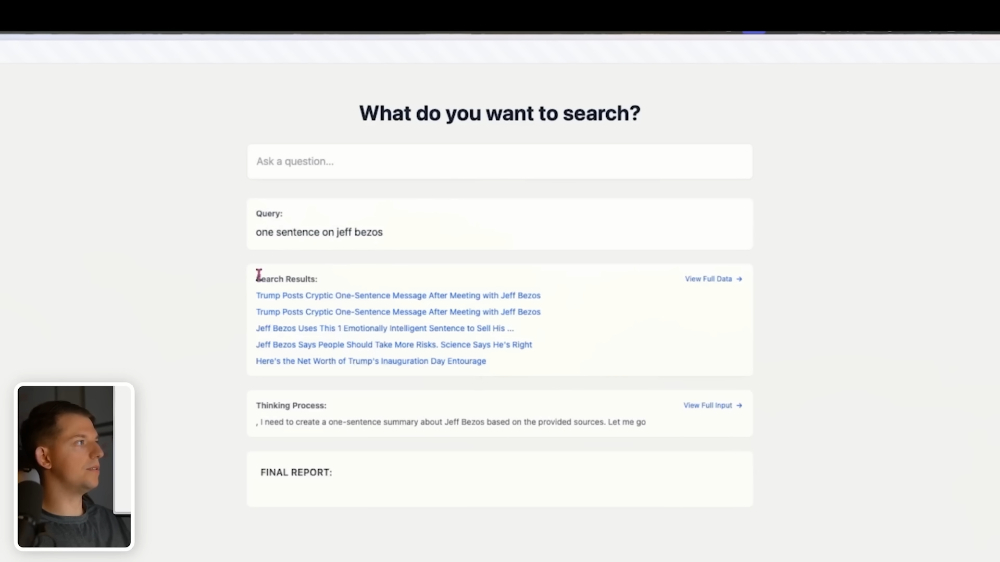
Video of the production process below:
If you’re interested, you can download it from GitHub. yapsearch project,when deploying on your computer, you need to fill in your own DeepSeek and Tavily API keys.
Source: KOCPC Chinese