


As AI computer calculations become more and more powerful, there is now a free service called “Midjourney”. After entering the keywords (in English) of the picture you want, it will automatically help you calculate the appropriate results. Not only will it be obtained within a minute, but it will also give you multiple pictures at once for you to choose from. Every picture I tested was super beautiful. It is really amazing. (Update: The model was updated to Midjourney V5 the day before yesterday, and the effect now is even more amazing! It is no longer inferior to the real person)
Midjourney Enter text and let AI automatically calculate beautiful pictures for you (completely free)
In the past, Midjourney seemed to require an invitation code to use. However, I tested it earlier and just joined their Discord channel to try it out directly. It is still a beta test version, but the results are already very good. (UPDATE:Due to unacceptable abuse, the free drawing mechanism has now been cancelled.)
Also note that the generated pictures cannot be used commercially, and commercial use requires additional payment.
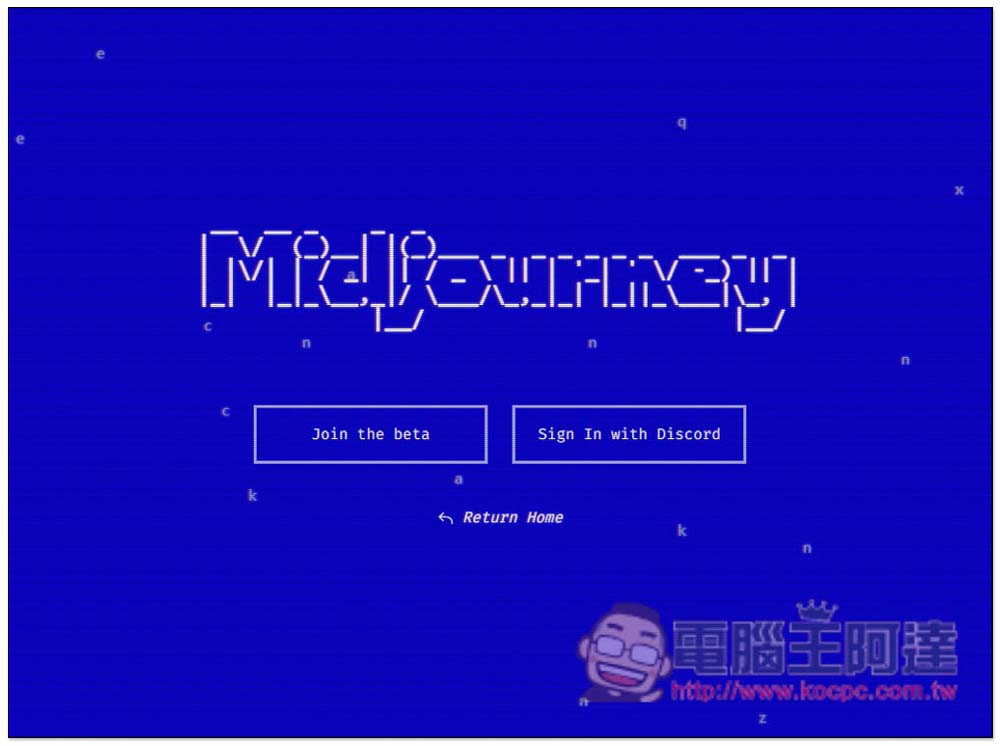
After entering the official website, click Sing In with Discord to register first, and then click Join the beta to join the test plan:
Then you will enter the Midjourney Discord channel. There are currently many members in it, so there are often messages. If you have any questions about use, you can ask in member-support. If you want AI to automatically calculate pictures, please enter the chat channel of the newbies series. Any one can be used:
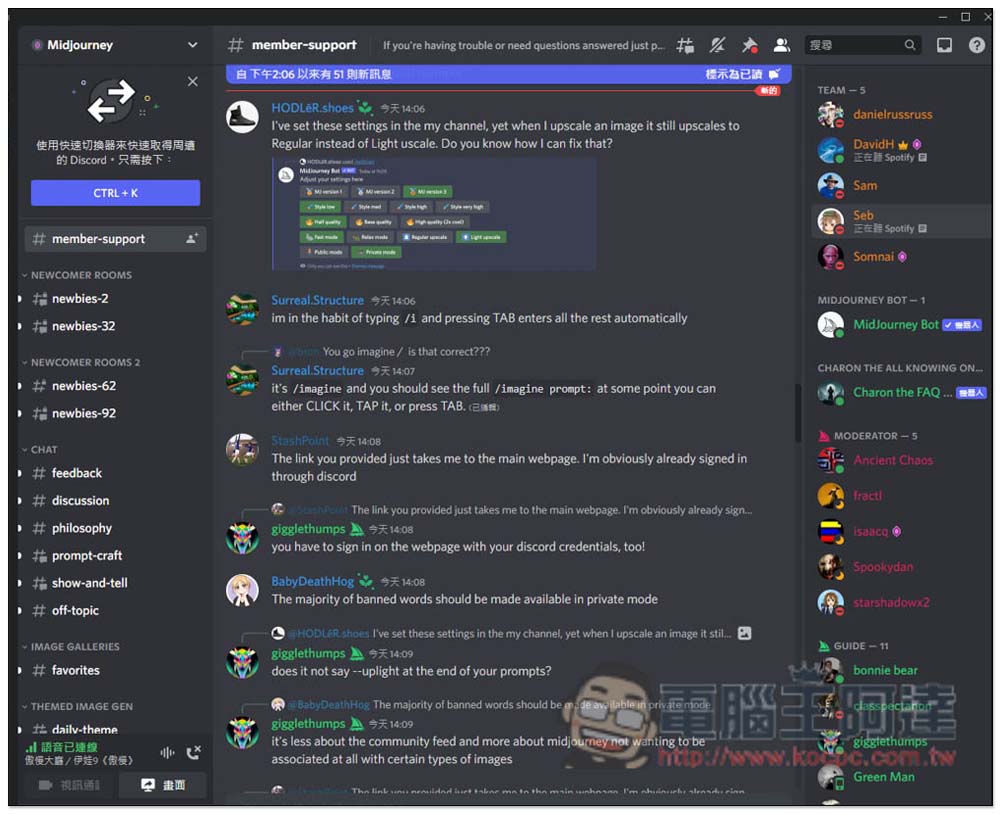
After entering, you will see that many people are trying to use AI to automatically calculate pictures, so you can also first see how others use it and what keywords they enter. The messages in the channel will be constantly being washed, and updates will be very fast:
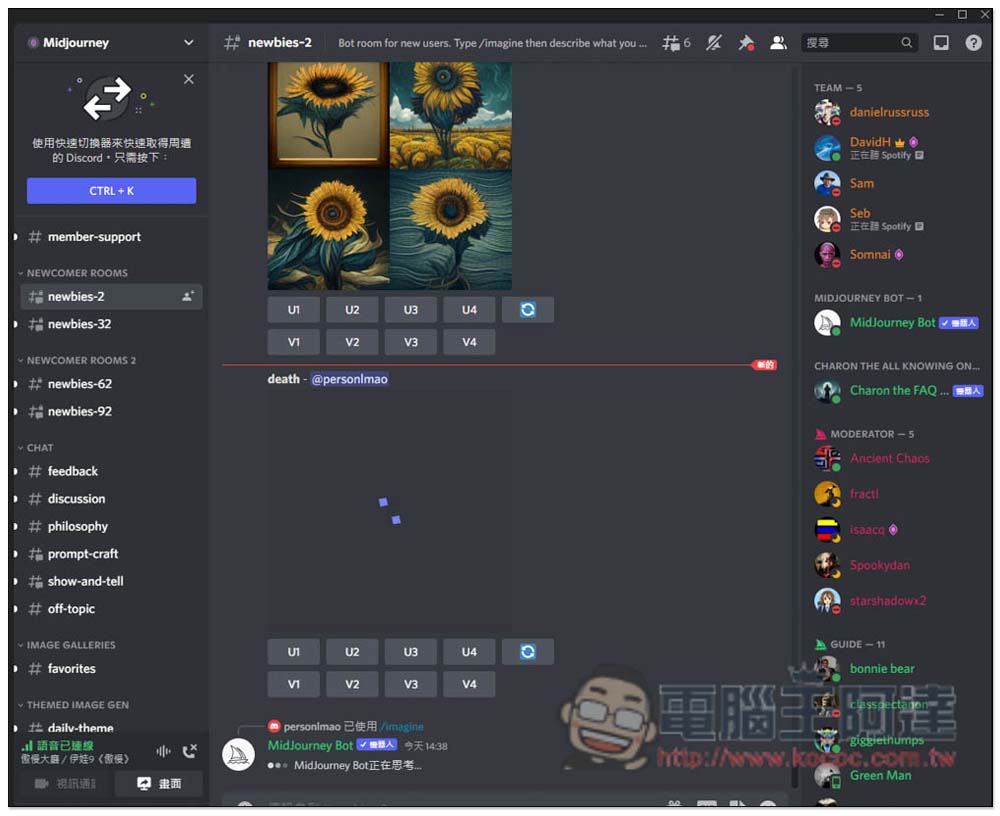
The method of use is very simple. In the chat input field below, enter /imagine:
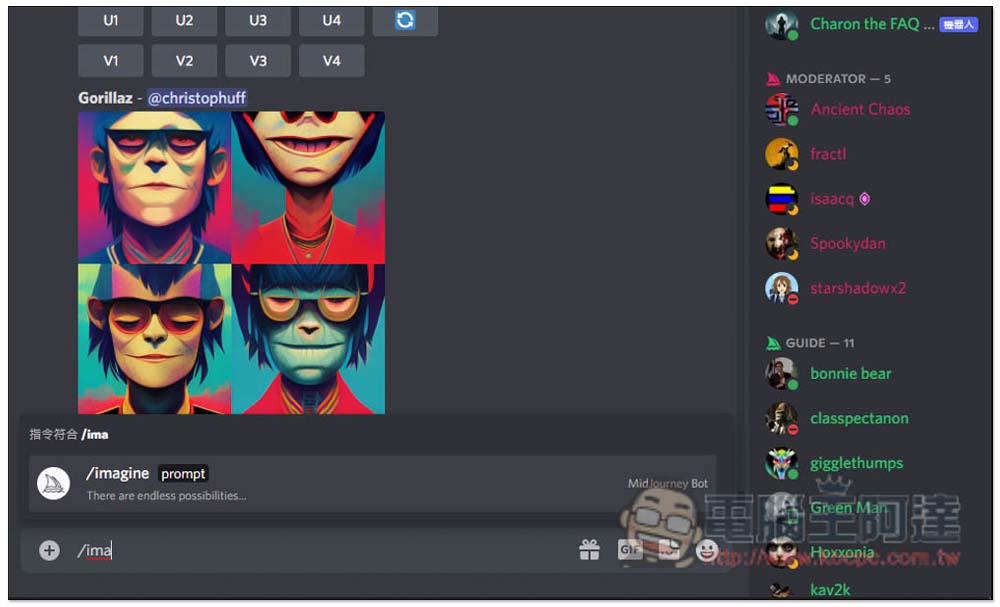
Then enter the English keyword in the prompt box in the middle. You can enter any word or sentence. I will take dark ghost island night foggy as an example. Press Enter after inputting:
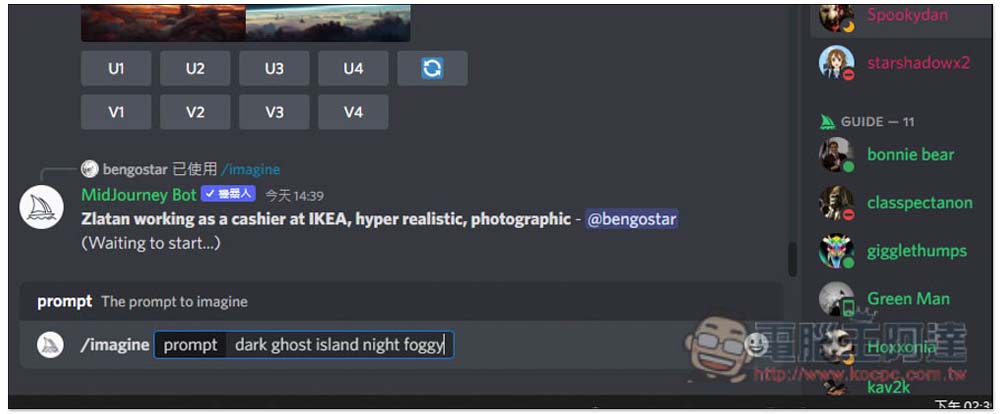
It will start calculating, RockyHsu is me, and it will be completed in about tens of seconds. In addition, please note that some keywords are not allowed, such as blood and kill. After typing, you will be informed that this word is banned. Please re-enter:
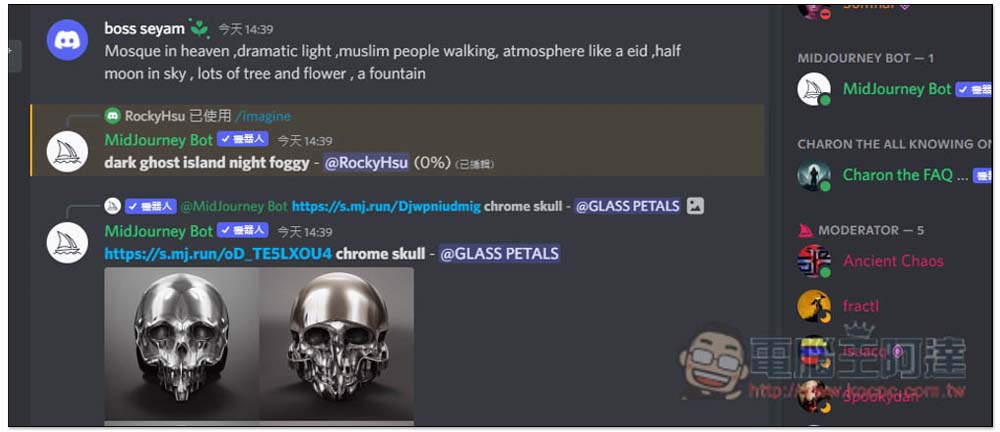
The picture will be updated at any time, and it will be completed when it reaches 100%:
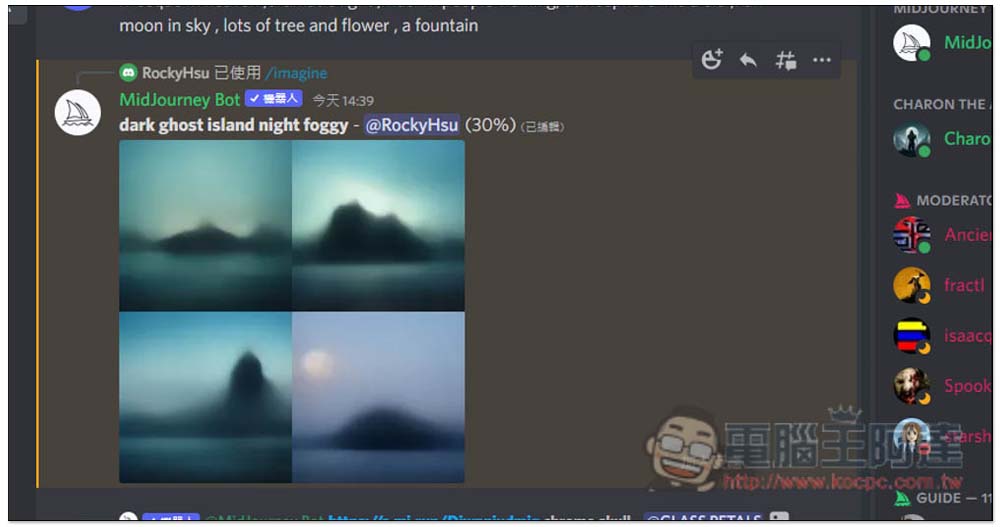
Like this, there will be four pictures every time it comes out. Below there are U1, U2, U3, U4 and V1, V2, V3, V4 functions. In the digital part, the upper left is 1, the upper right is 2, the lower left is 3, and the lower right is 4. U is the abbreviation of Upscale. When you are satisfied with the picture, you can use this function to get a larger picture. V is the abbreviation of Variation, which will continue to extend and change based on the picture. The rightmost diagram shows the recalculation:
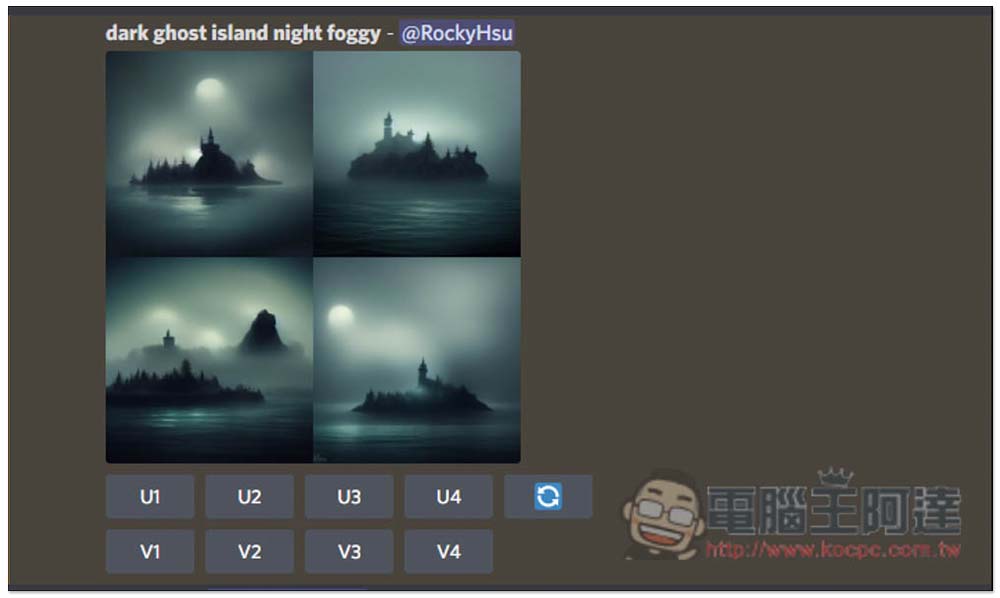
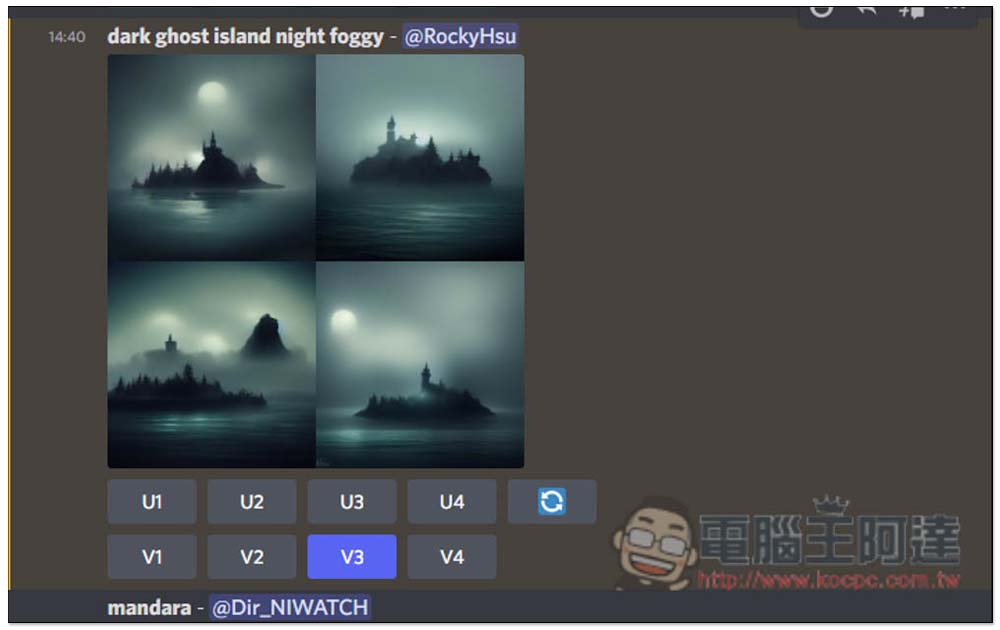
I choose V3, and it will extend the picture on the lower left and then go down and change it into four pictures:
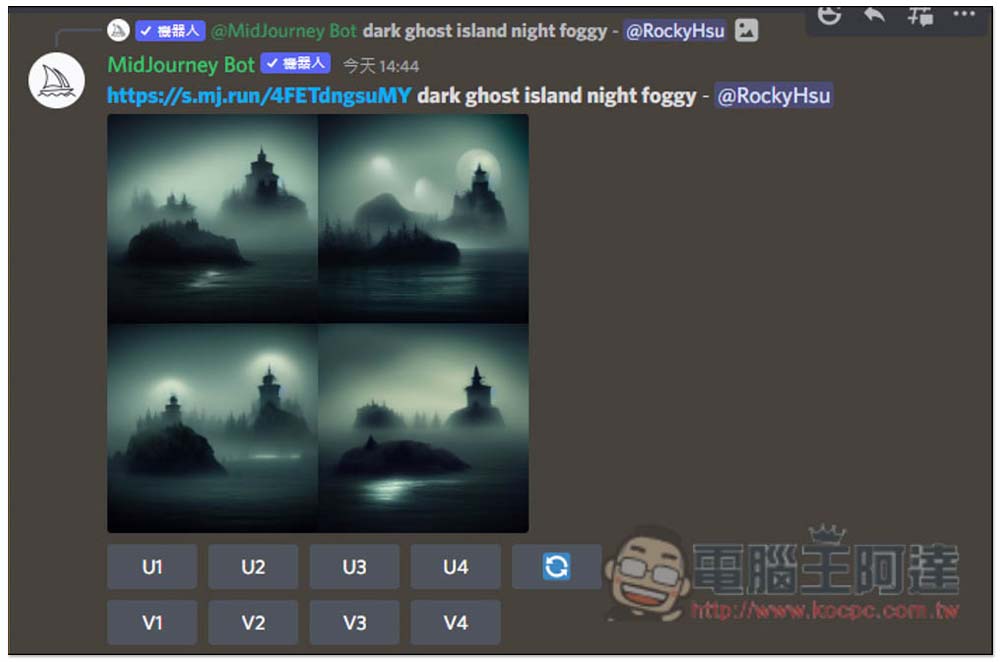
As shown in the figure below, when you find something you are satisfied with, press Ux:
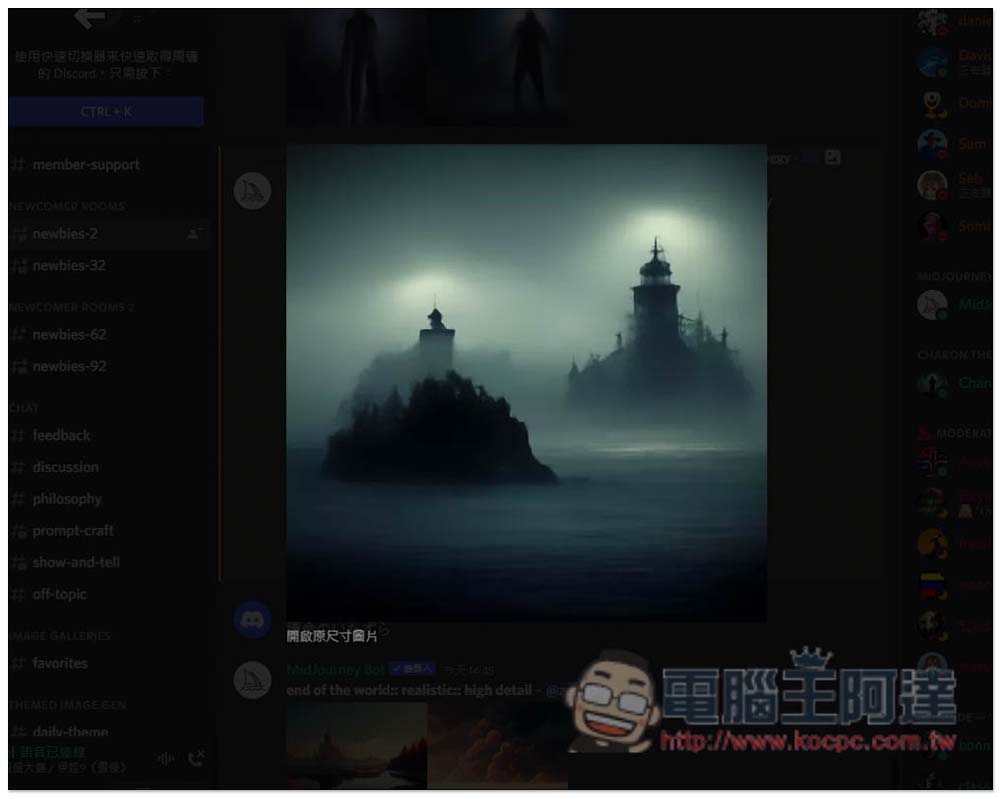
You can get a single large picture:
We also filmed how to use Midjourney Video tutorial on making AI pictures, interested friends are welcome to take a look:
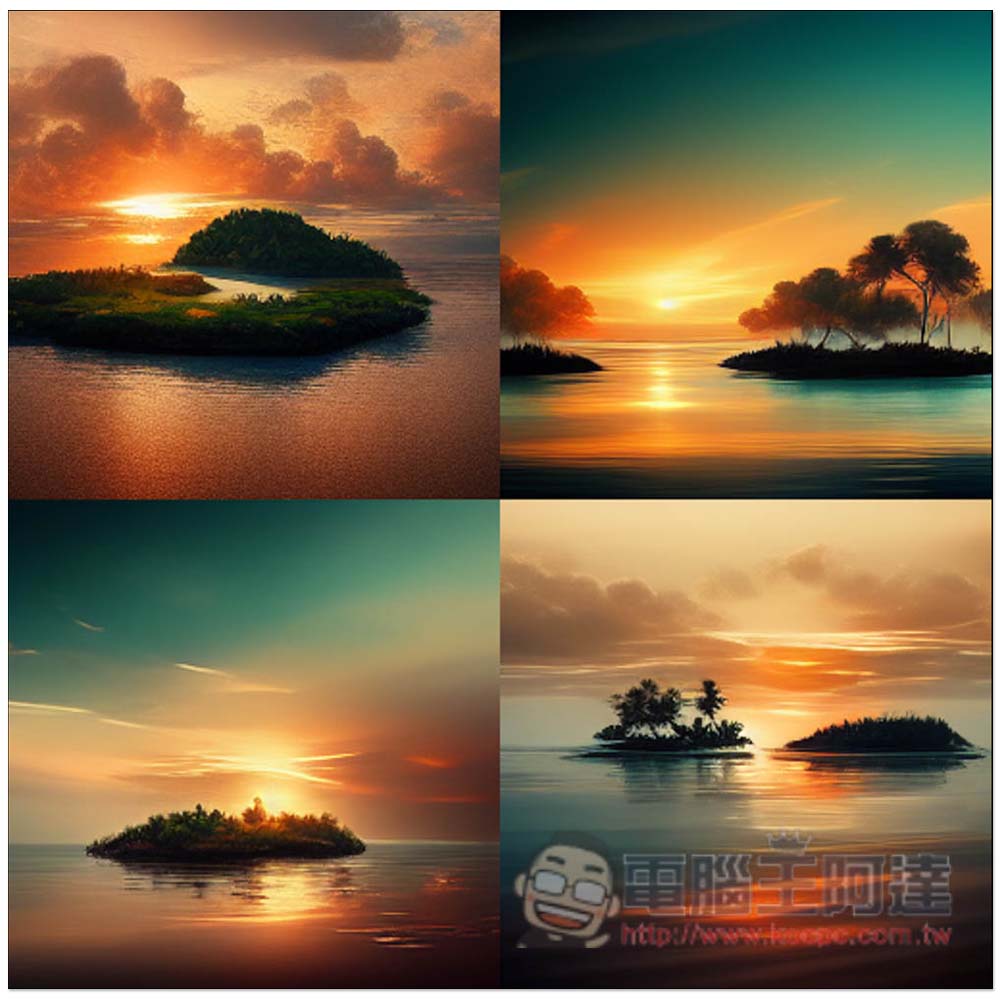
The following pictures are all calculated using this service. I remember the keywords are island, sunset, and nature:
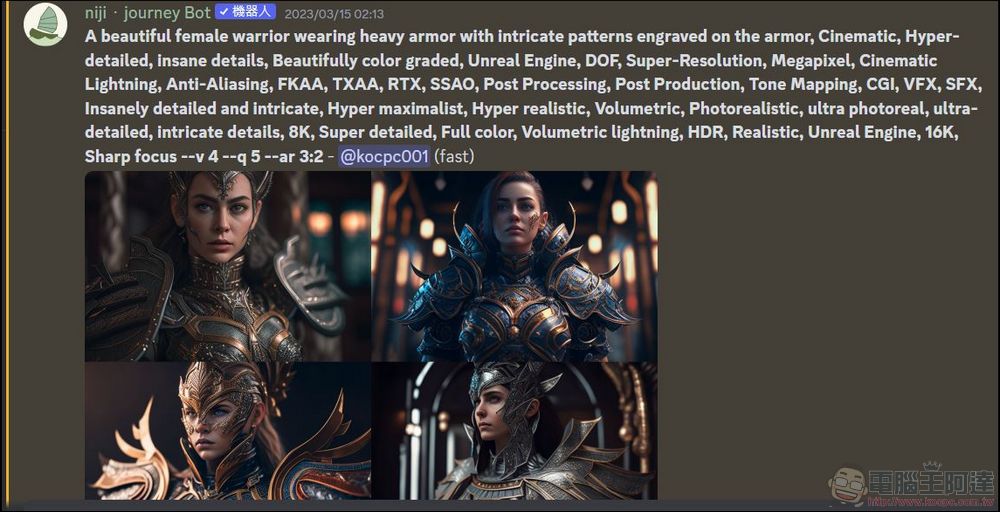
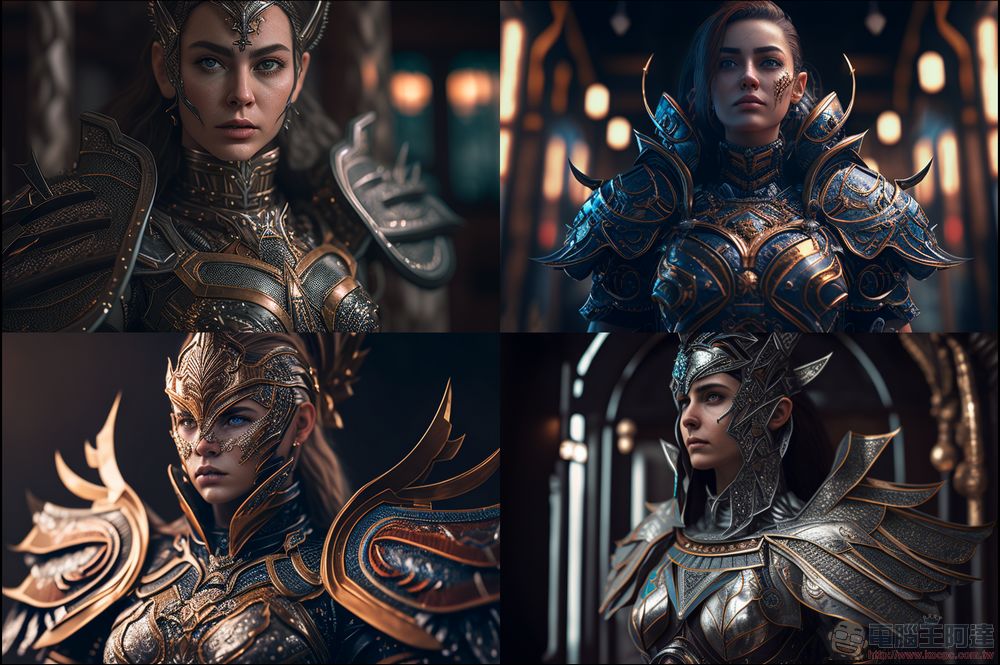
Fantasy characters can also be used, this keyword has A beautiful female warrior wearing heavy armor with intricate patterns engraved on the armor, Cinematic, Hyper-detailed, insane details, Beautifully color graded, Unreal Engine, DOF, Super-Resolution, Megapixel, Cinematic Lightning, Anti-Aliasing, FKAA, TXAA, RTX, SSAO, Post Processing, Post Production, Tone Mapping, CGI, VFX, SFX, Insanely detailed and intricate, Hyper maximalist, Hyper realistic, Volumetric, Photorealistic, ultra photoreal, ultra-detailed, intricate details, 8K, Super detailed, Full color, Volumetric lightning, HDR, Realistic, Unreal Engine, 16K, Sharp focus –v 4 –q 5 –ar 3:2:
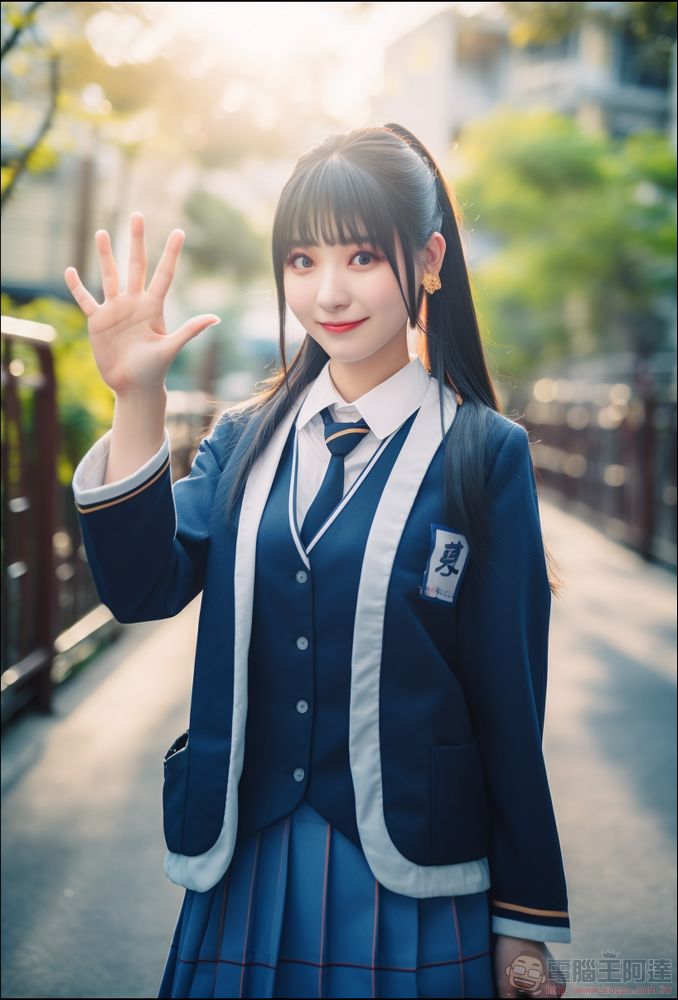
The latest version of the V5 model has great improvements in character fidelity and fingers! It is already close to the real thing. Just add “-v 5” after the spell (Prompt) to call the model:
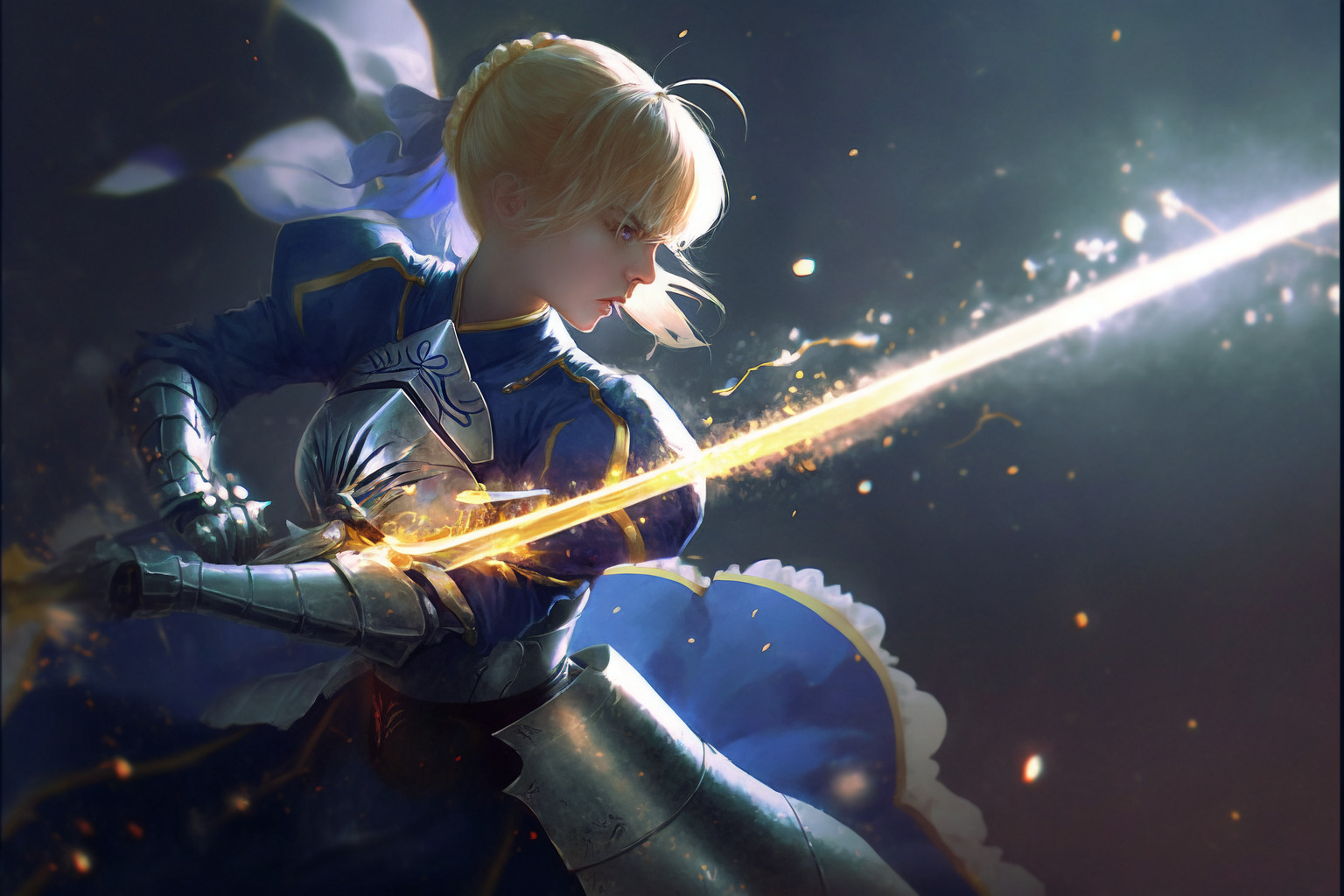
If you want to draw animations in a cartoon style, it is recommended to use another specialized AI “niji journey”, you can also draw a good picture by writing a narrative in English:
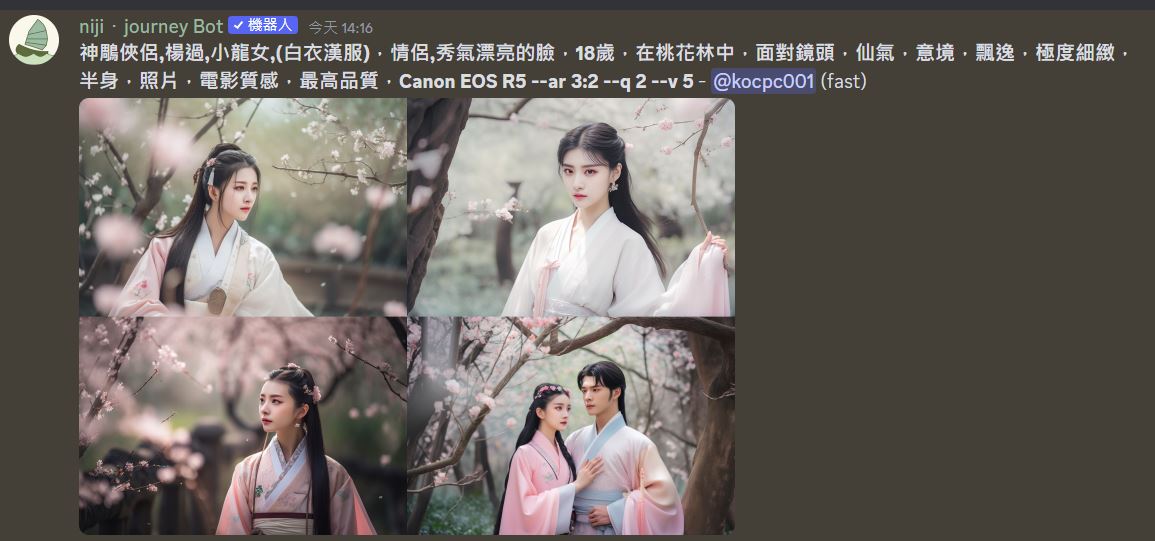
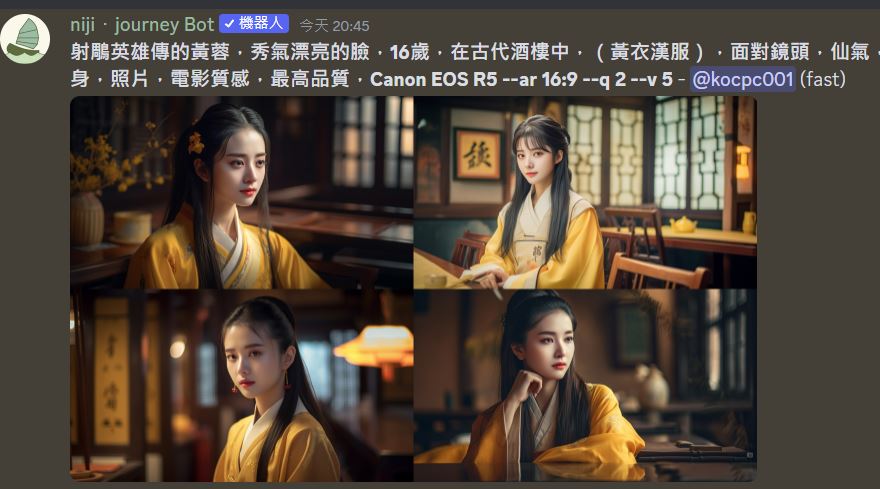
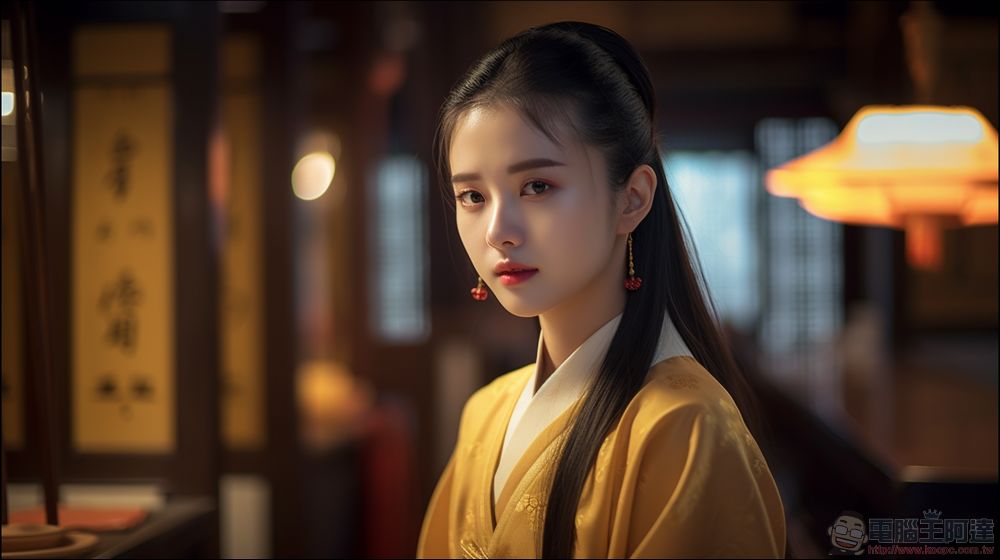
use nijijourney One advantage is that it supports Chinese narration. For example, the following content is drawn with Chinese spells. However, if you want to draw realistic characters, you need to add “-v 5” at the end, otherwise it will draw anime characters:
Source: KOCPC Chinese