


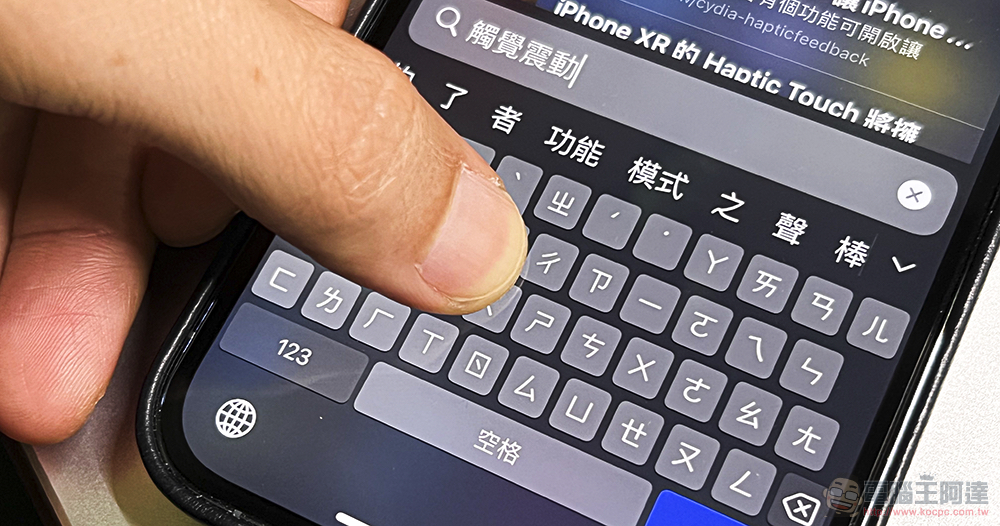
Although many people who read this article will say that this is another strong tribute to the functions of Android, but seriously speaking, there are too many cases of mutual tribute in current mobile systems. However, for functions with good user experience, I believe users of different systems will be very happy to accept them. With the launch of the iOS 16 Public Beta, the keyboard input vibration function that is very easy to use on Android systems is now available on the iPhone. Continue reading iOS 16 must-have features! Text that teaches you how to turn on the “keyboard feedback” function that vibrates for keyboard input.
▲Picture source:
iOS 16 must-have features! Teach you how to turn on the “keyboard feedback” function that vibrates for keyboard input
Speaking of Android, I personally like it very much, and I feel that it is really just a small “feeling (vibration)” that can improve the experience. When typing text on the keyboard, the phone can vibrate to make people feel more grounded… or should I say, the feeling of real touch. The virtual keyboard input, which originally had no tactile feel, can also feel a little bit real – really a little bit.
With this kind of habit, if you are a user who has switched from Android to iOS before, you should instantly feel that typing feels weird. But now it seems that iPhone users will also be able to enjoy a similar experience. If you have installed the latest beta version of iOS 16, you can now activate the new “Keyboard Feedback” feature through settings.
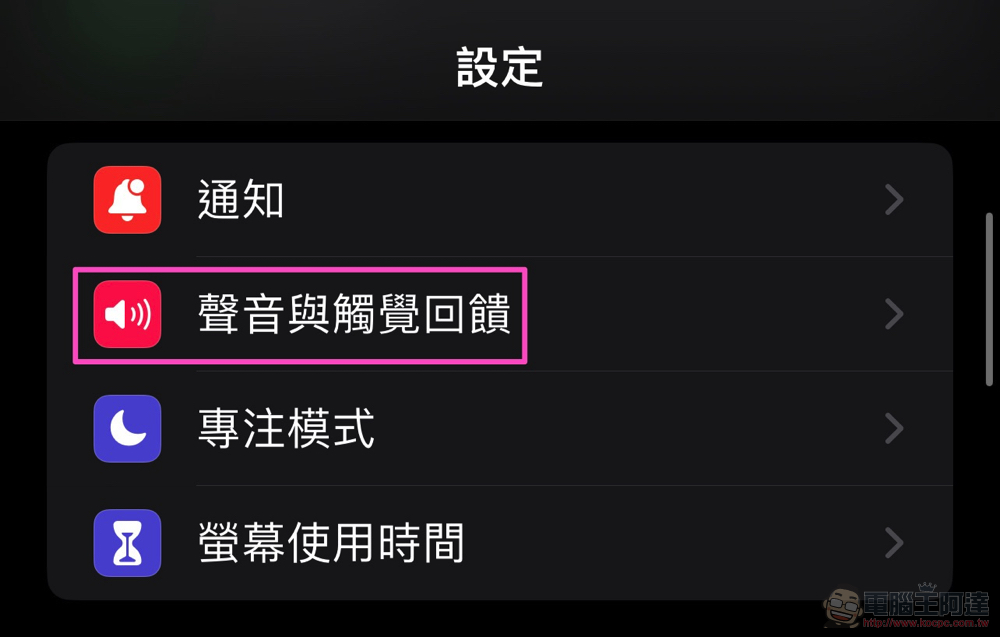
I have to say, although this is a feature that will be added later. However, using this function with the iPhone’s excellent tactile vibration system will still give people some different expectations. This feature can be found in “Sound and Haptic Feedback” in the iOS 16 system settings – not from the keyboard!
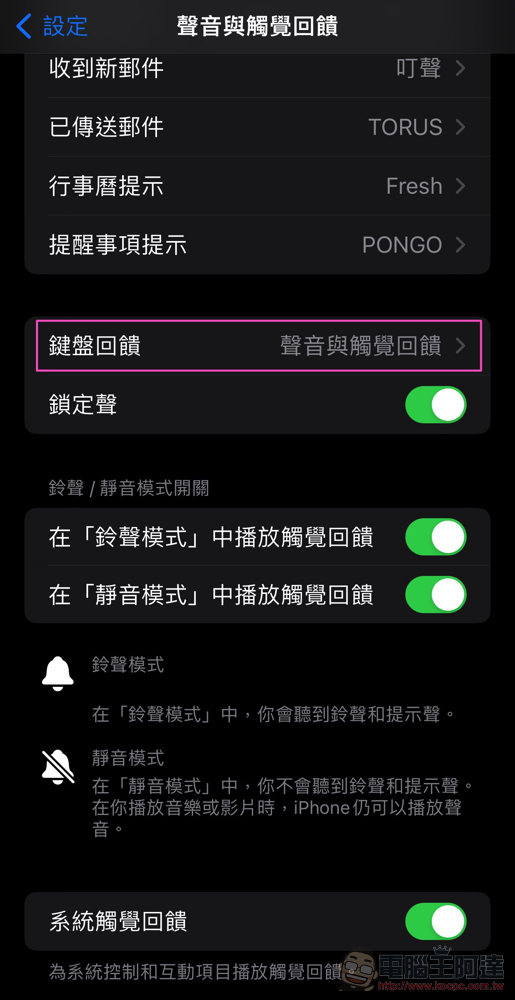
After clicking on “Sound and Tactile Feedback”, you can see the option of “Keyboard Feedback”. In this project, you can directly see what is checked in the current settings.
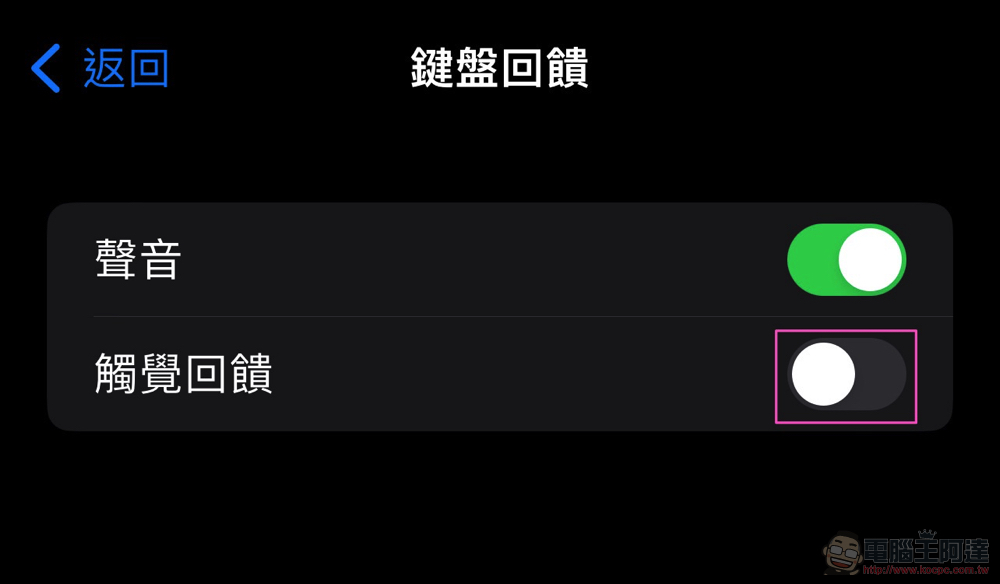
After clicking in, you can choose to turn on “haptic feedback”. In this way, you can feel the instant touch response brought by your phone when typing using the iPhone virtual keyboard.
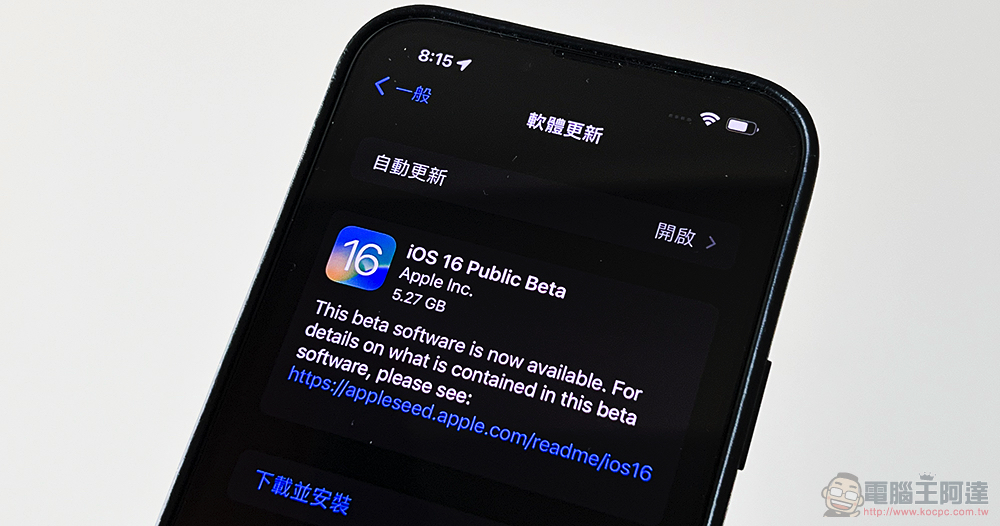
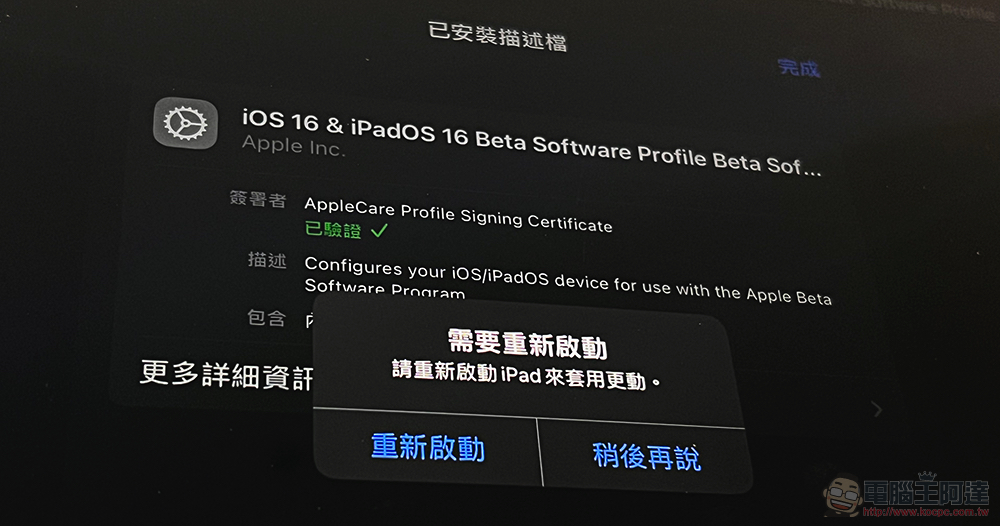
There are public beta versions of iOS 16, iPadOS 16, watchOS 9 and tvOS 16 (including HomePod, which can also upgrade the system), as well as the Public Beta version of macOS Ventura, which was easily absent from the first wave. It was launched on Apple’s official website in mid-July. Friends who want to install it only need to simply download the description file and then restart the computer to start downloading the update for testing.
Although this feature may make me want to upgrade to it more than the new lock screen. But be aware that even this is a more stable beta version than the initial test version. Seriously speaking, the conditions of each device system are different, and it is still a test version – if you think about it carefully, there is no guarantee that there will be no problem after the official version is updated! Therefore, it is recommended that if you want to try something new, it is better to install it with the mentality that something may go wrong. If you really want to rush, be sure to make a backup first. Or it’s not too late to wait for a more stable official version.
Further reading:
Source: KOCPC Chinese